Your cart is empty
Start Shopping Exterior
›
Exterior
›
 Bumper Diffuser/Guard
 Body Covers
 Window Garnishing
 Door Guards
 Roof Rails
 Side Beading
 Door Visor
 Mud Flap
 Wheel Cover
 Foot Rest
 Interior
›
Interior
›
 Door Scuff Sill Plates
 Window Sunshades & Film
 Armrest
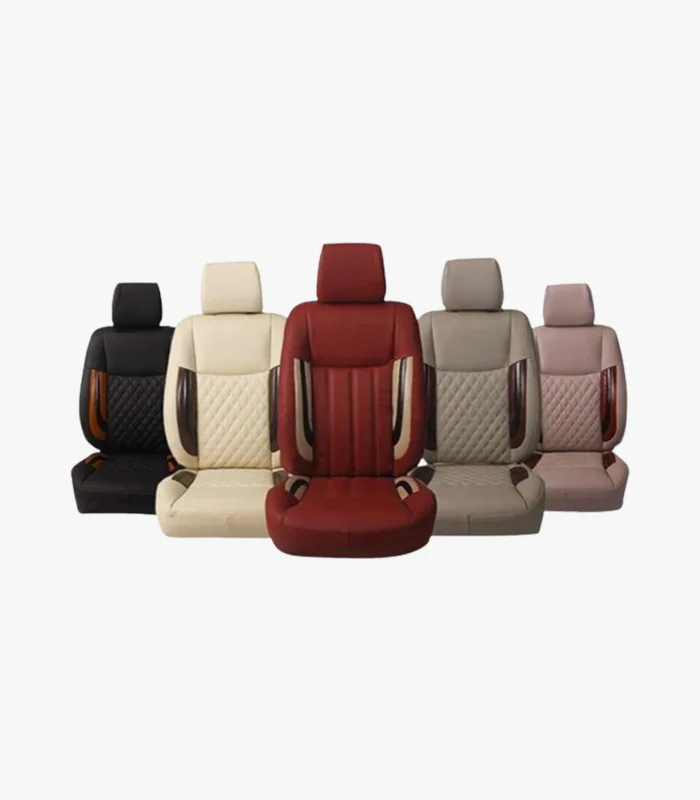 Seat Covers
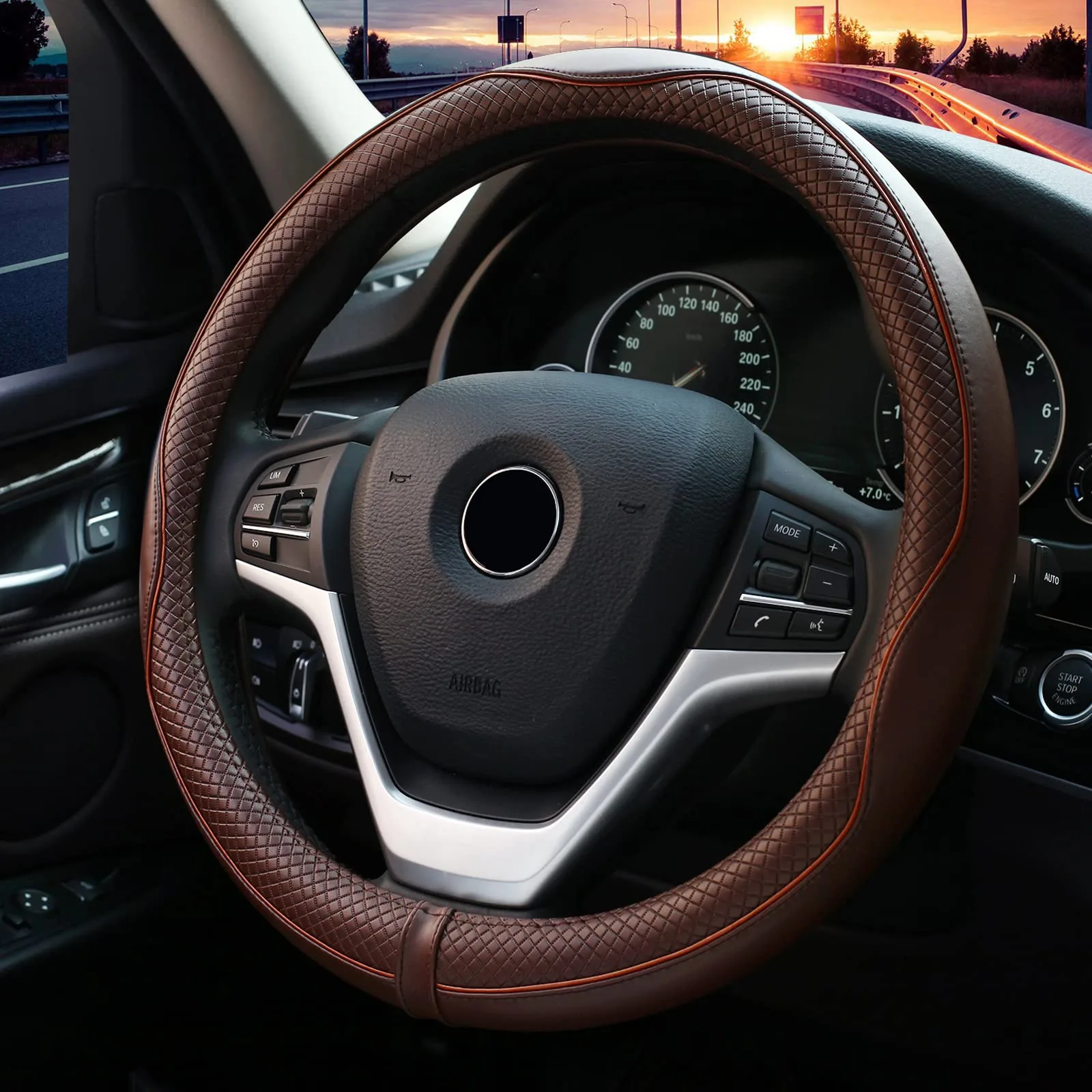 Steering Cover
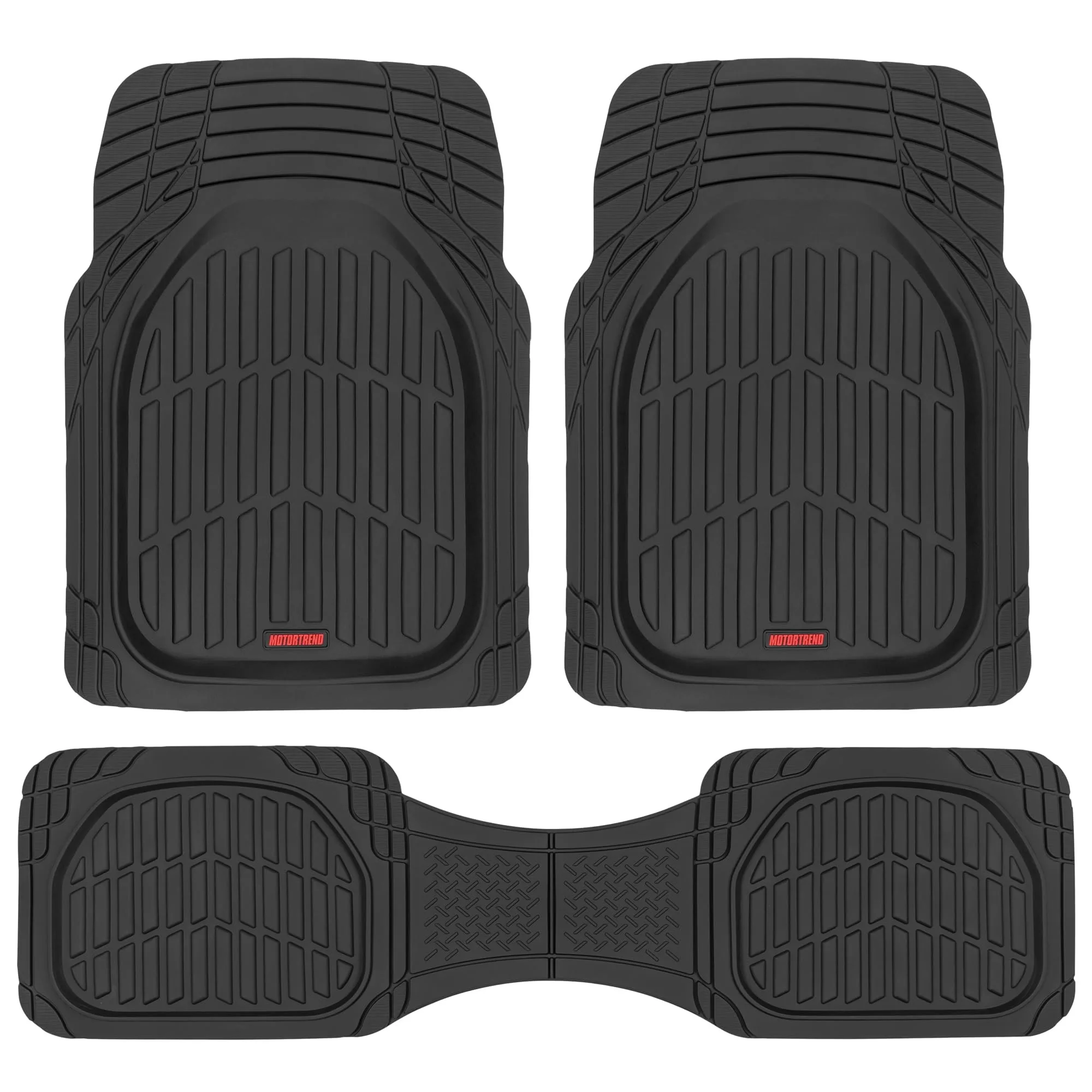 Floor Mats
 Dashboard Showpiece
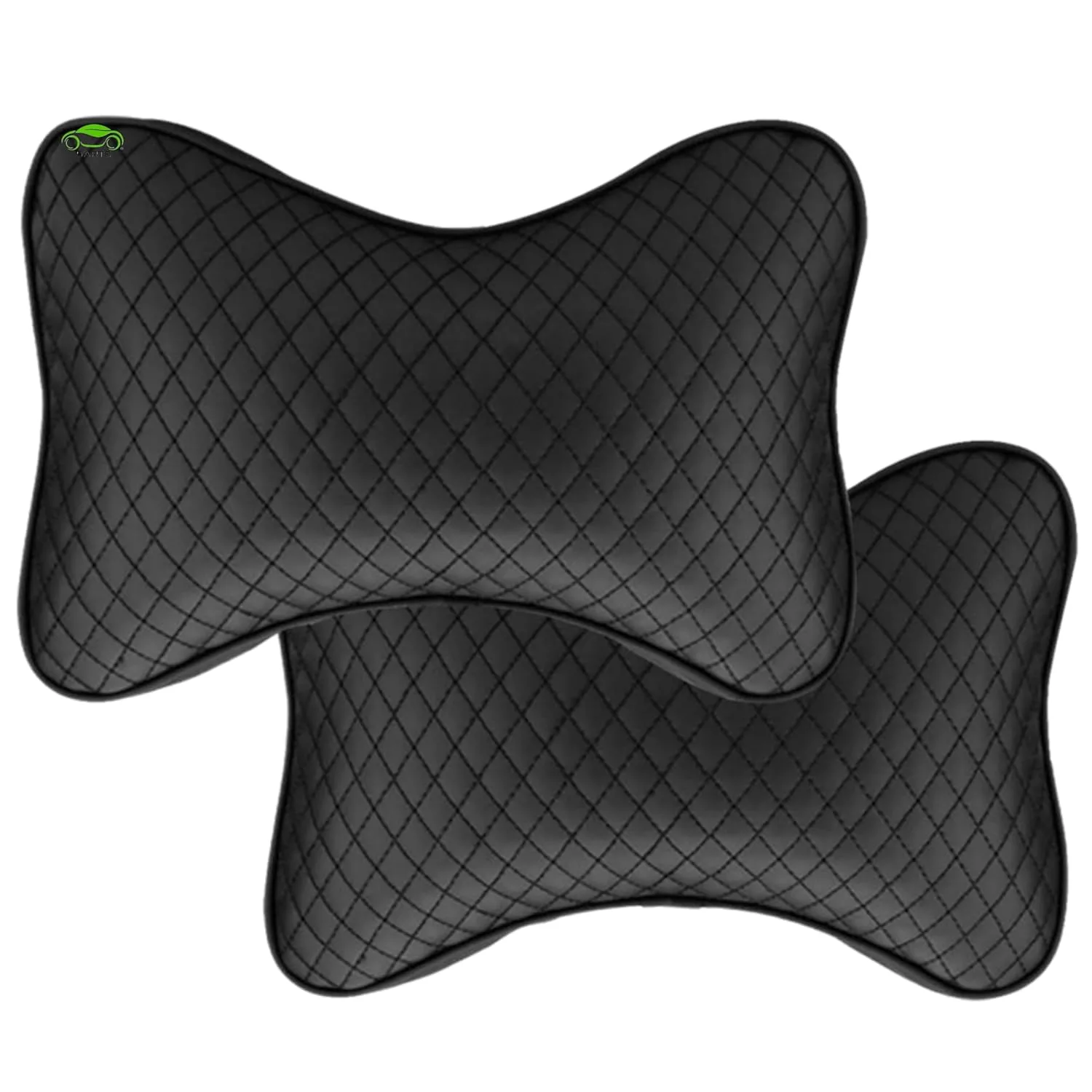 Seat & Neck Cushion
 Lighting
›
Lighting
›
 Utility
›
Utility
›
 All Chrome Items
 Mobile Holder
 Tyre Inflators
 Vacuum Cleaner
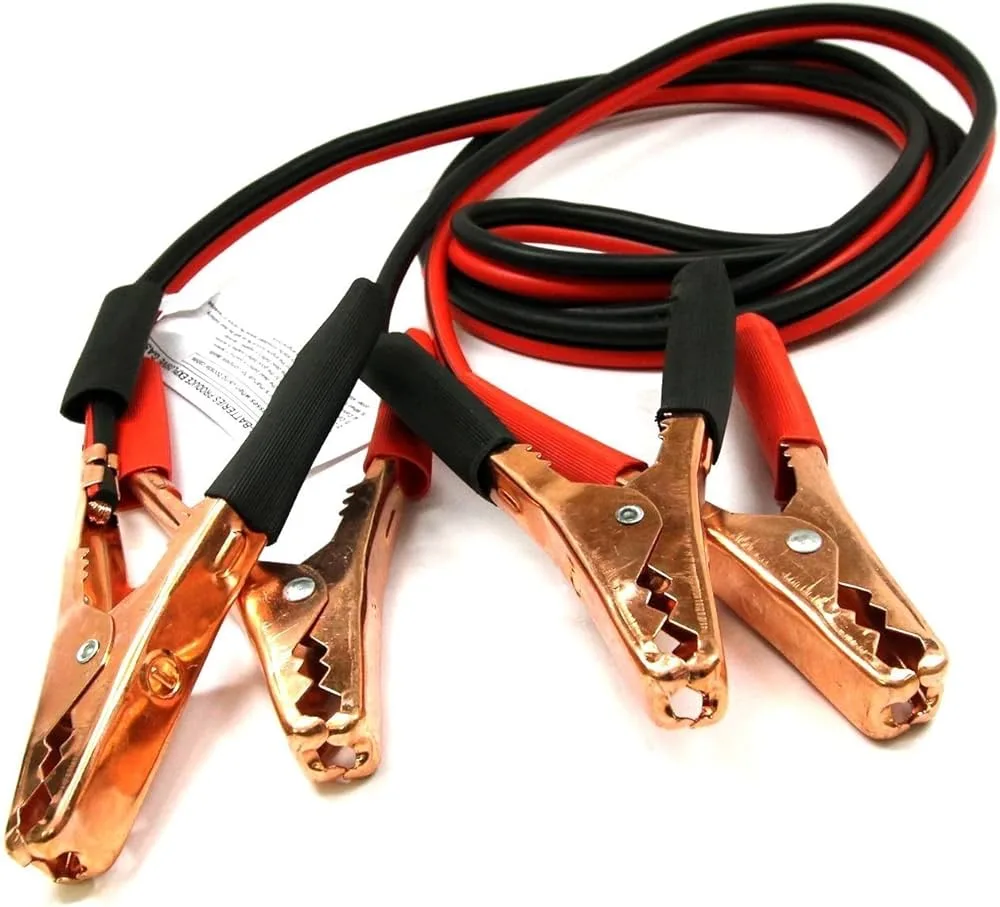 Jumper Cable
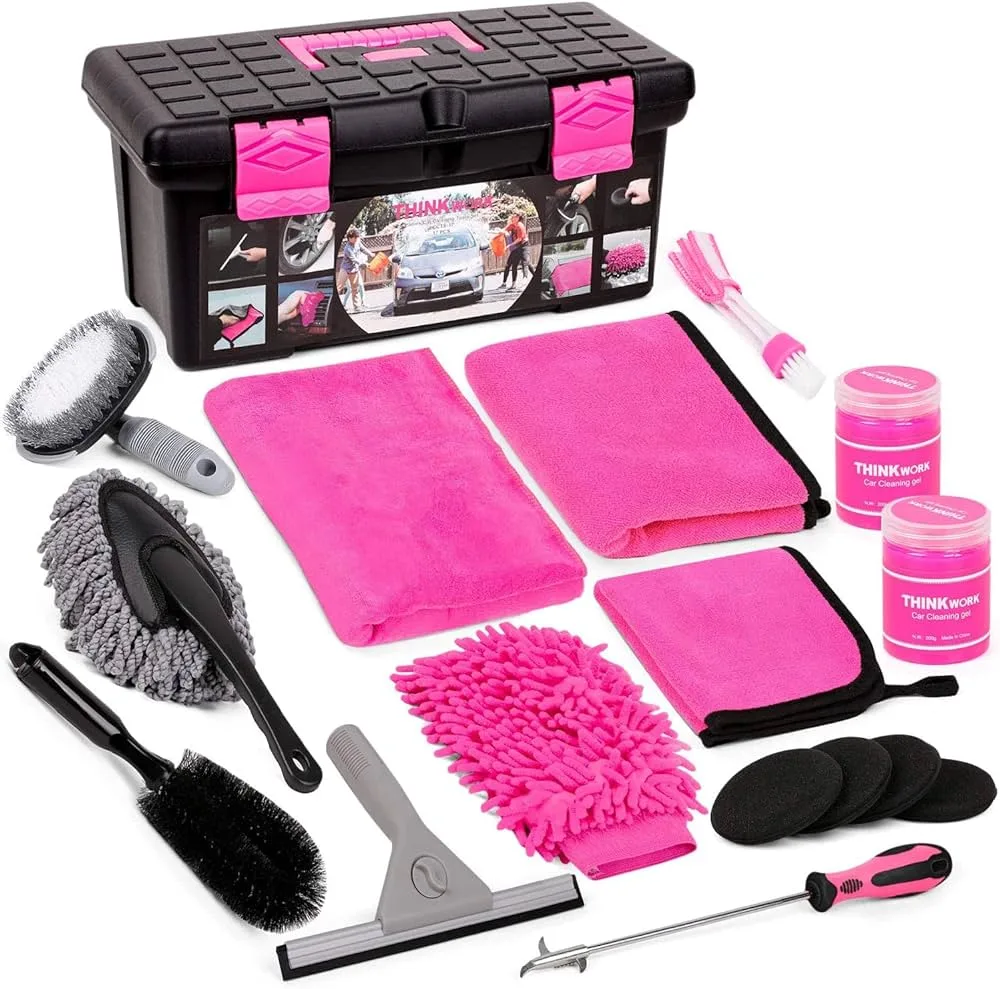 Cleaning Kit
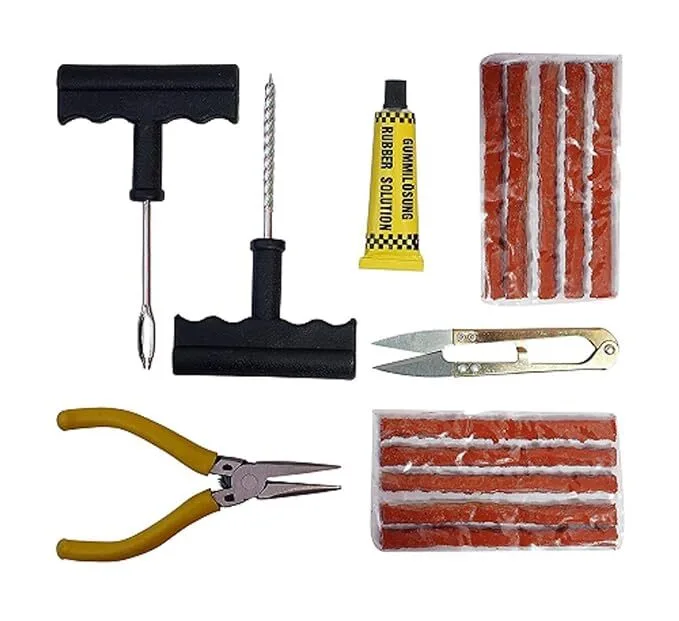 Tyre Puncture Kit
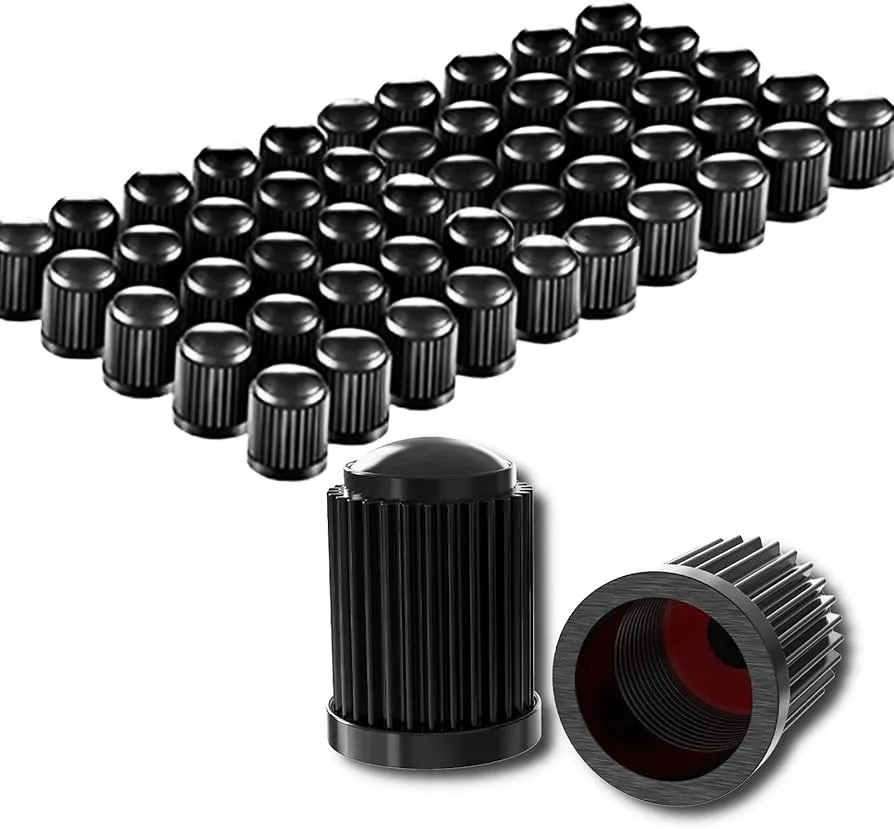 Tyre Valve Cap
 Car Fan
 Parcel Tray
 Electronic
›
Electronic
›
 Parts
›
Parts
›
 Fog Lights
 Headlights
 Tail Lights
 Steering Wheel Controls
 Sensor
 Horns
Horns
 Wiper Blade
 Front Grille
 Side Mirror
 Battery
 Car Care
›
Car Care
›
 Air Freshener & Perfume
 Gear knob
 Stickers & Decals
 Blind Spot Mirror
 Steering Knob
 Key Covers
 Polish & Scratch Remover
 Seat Utility Holder
 Cup Holder
 Dustbin
 Paper Napkin
 Shop By Car
›
Shop By Car
›
 Tata
›
Tata
›
 Maruti Suzuki
›
Maruti Suzuki
›
 Hyundai
›
Hyundai
›
 Toyota
›
Toyota
›
 Mahindra
›
Mahindra
›
 Honda
›
Honda
›
 Ford
›
Ford
›
 Nissan
›
Nissan
›
 Renault
›
Renault
›
 Skoda
›
Skoda
›
 Volkswagen
›
Volkswagen
›
 Morris Garages - MG
›
Morris Garages - MG
›
 KIA
›
KIA
›
 Jeep
›
Jeep
›
 Citroen
›
Citroen
›
 Datsun
›
Datsun
›
 Chevrolet
›
Chevrolet
›
 Isuzu
›
Isuzu
›
 Mitsubishi
›
Mitsubishi
›
 AUDI
›
AUDI
›
 BMW
›
BMW
›
 Mercedes
›
Mercedes
›
 Land Rover
›
Land Rover
›
 Jaguar
›
Jaguar
›
 Volvo
›
Volvo
›
 FIAT
›
FIAT
›
 Mini Cooper
›
Mini Cooper
›
 Porsche
›
Porsche
›
 Lexus
›
Citron
›
Fors
›
Morris Garages
›
MG
›
Lexus
›
Citron
›
Fors
›
Morris Garages
›
MG
›
 Nexon
Nexon
 Harrier
 Altroz
 Hexa
Hexa
 Safari
 Tiago
Tiago
 Punch
Punch
 Tigor
Tigor
 Sumo
Sumo
 Winger
 Bolt
Bolt
 Vista
Vista
 Manza
Manza
 Indica
 Indigo
 Nano
Nano
 Aria
Aria
 Safari Storme
 Zest
Zest
 NEXON EV Max
 NEXON EV Prime
 Tiago NRG
 Tigor EV
INDICA VISTA
Curvv
Sierra
Magic
Tigor EV
INDICA VISTA
Curvv
Sierra
Magic
 Ciaz
Ciaz
 S-Presso
 Eeco/Versa
 WagonR
 Brezza
 Swift
Swift
 Dzire
Dzire
 Baleno
 Ertiga
 Grand Vitara
 S-Cross
 Jimny
Jimny
 Celerio
 Ignis
Ignis
 Alto 800
 Alto K10
 XL6
XL6
 Omni
Omni
 SX4
SX4
 Gypsy
Gypsy
 Maruti 800
 Zen
Zen
 Esteem
 Zen Estilo
 Ritz
Ritz
 Fronx
Fronx
 A-Star
 Alto
Alto
 Invicto
Victoris
Wagon R
Invicto
Victoris
Wagon R
 i20
i20
 Aura
Aura
 Creta
Creta
 Elantra
 Getz
Getz
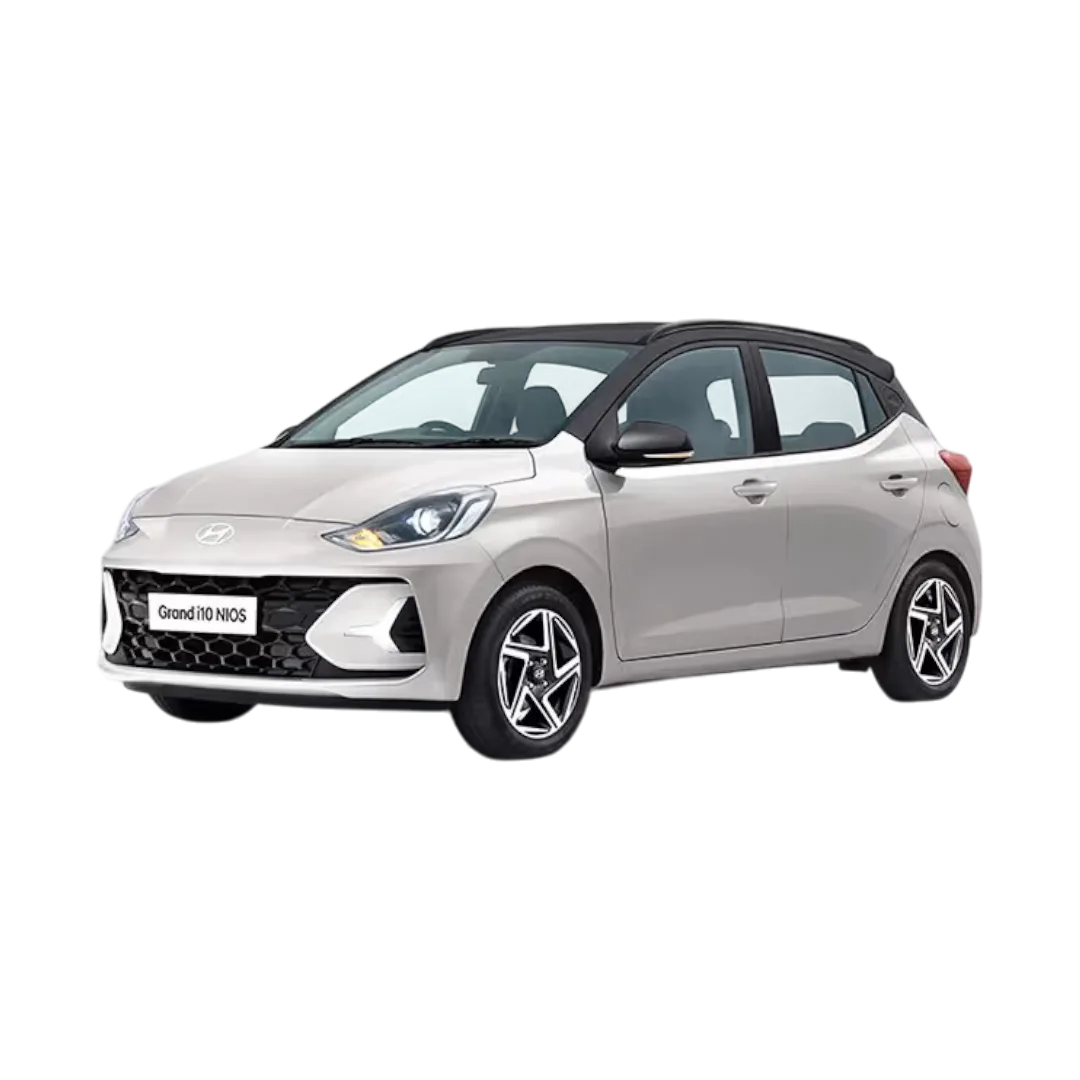 Grand i10 Nios
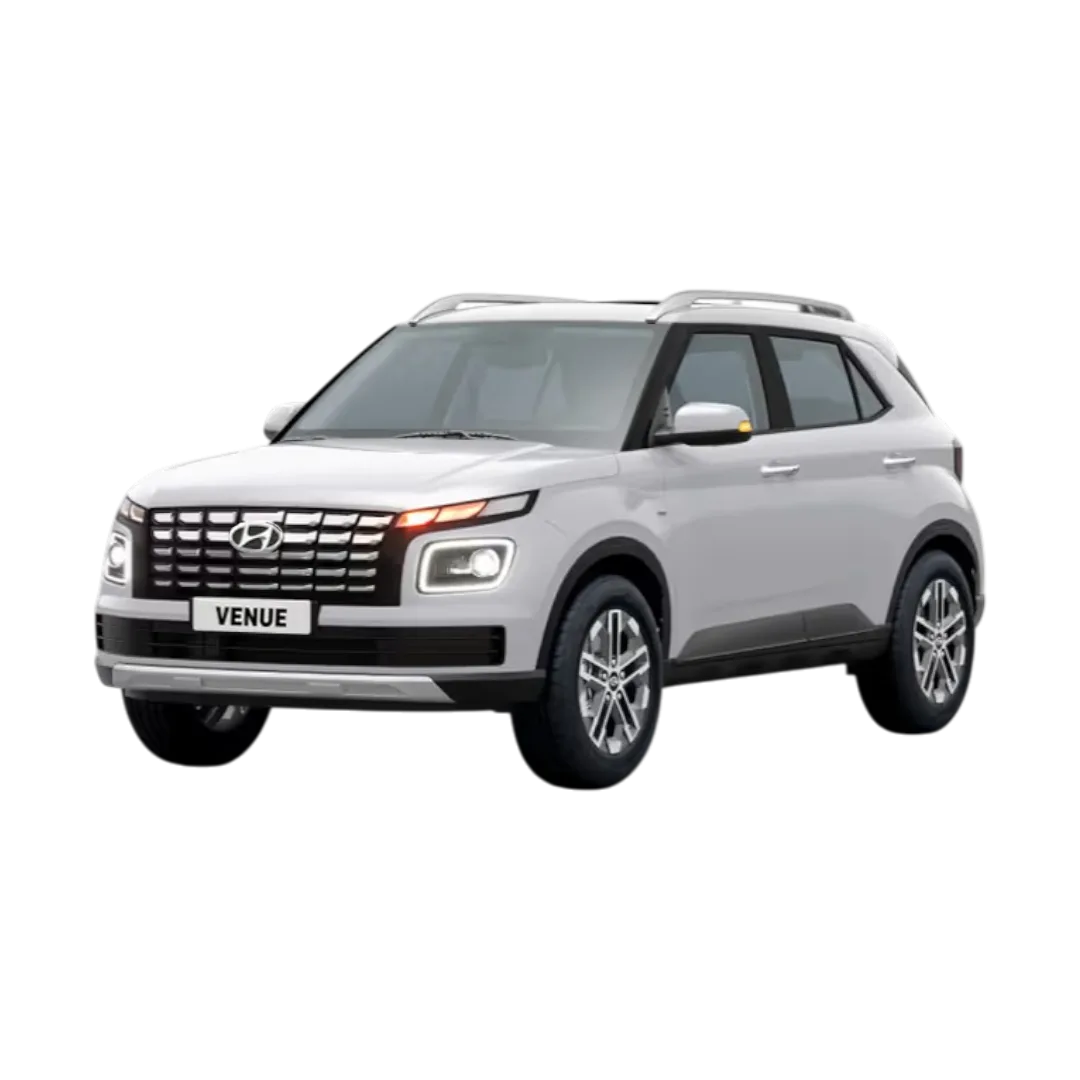 Venue
Venue
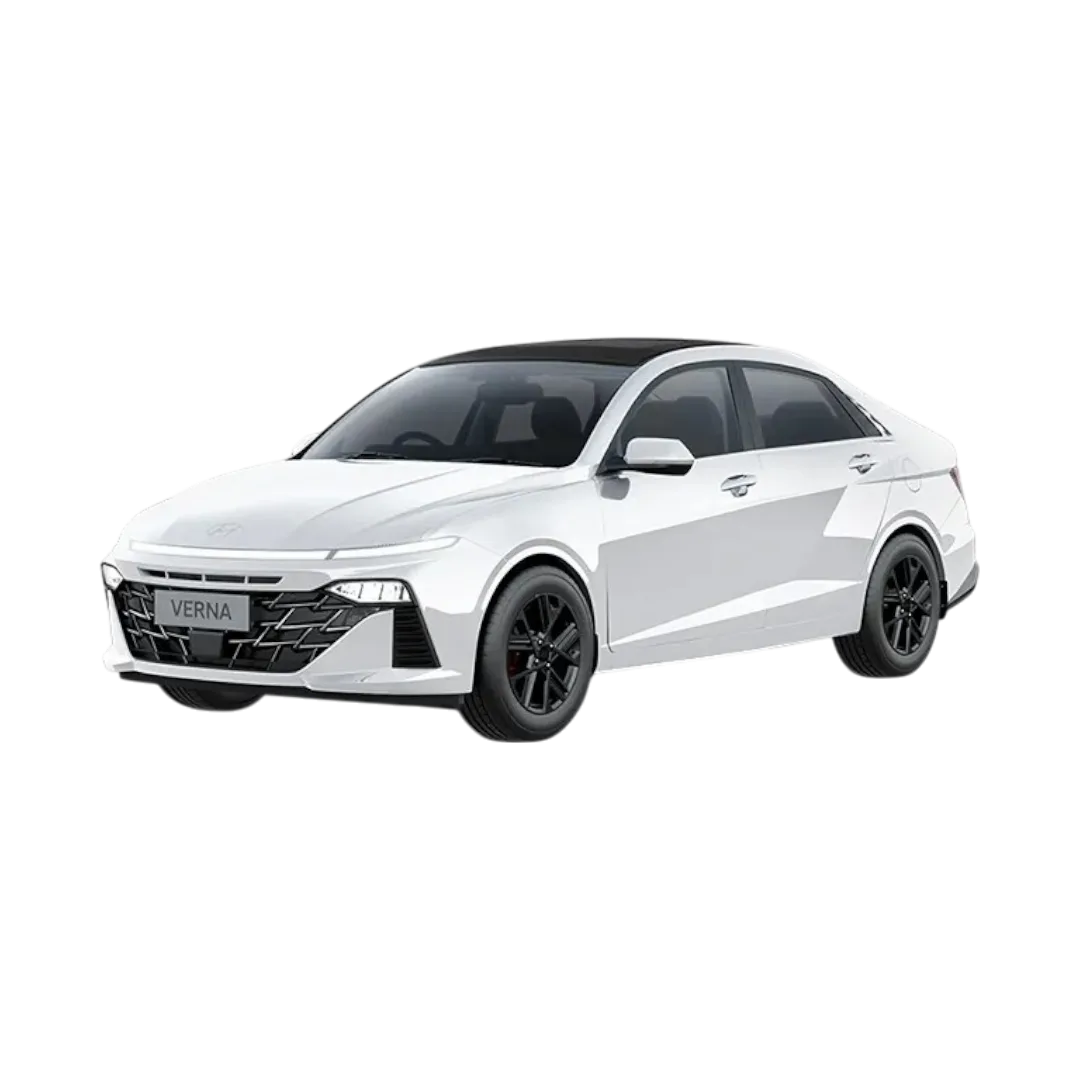 Verna
Verna
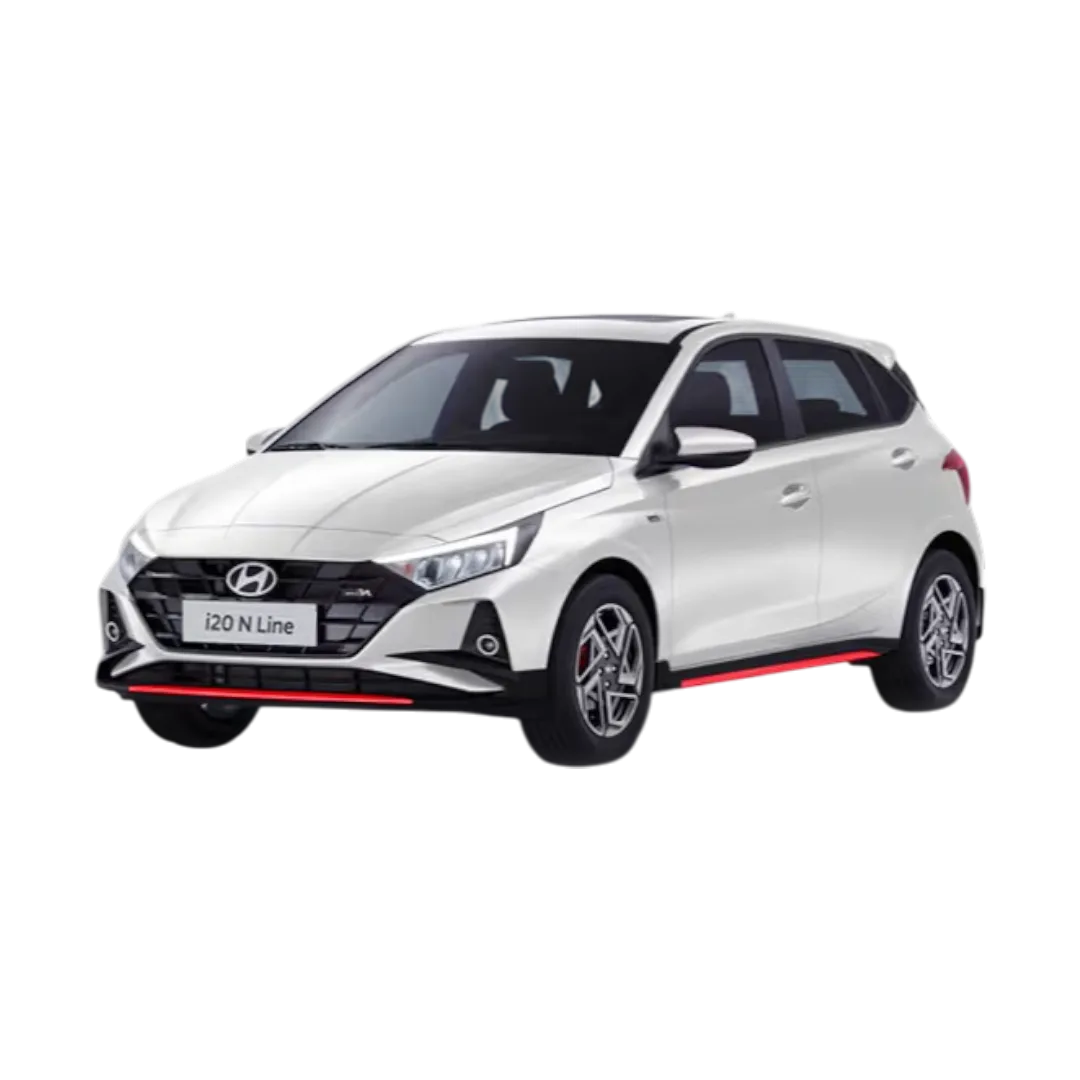 i20 N Line
 Venue N Line
 Alcazar
 Tucson
 Kona
Kona
 iONIQ 5
 Santro
 Santro Xing
 Accent
 Sonata
 Eon
Eon
 i10
i10
 Grand i10
 Xcent
Xcent
 Elite i20
 Verna Fluidic
 Santafe
 Exter
Sonata Fluidic
i20 Active
Exter
Sonata Fluidic
i20 Active
 Yaris
Yaris
 Urban Cruiser
 Camry
Camry
 Corolla
 Fortuner
 Urban Cruiser Hyryder
 Innova Crysta
 Innova Hycross
 Hilux
Hilux
 Fortuner Legender
 Vellfire
 Land Cruiser
 Glanza
 Etios
Etios
 Etios cross
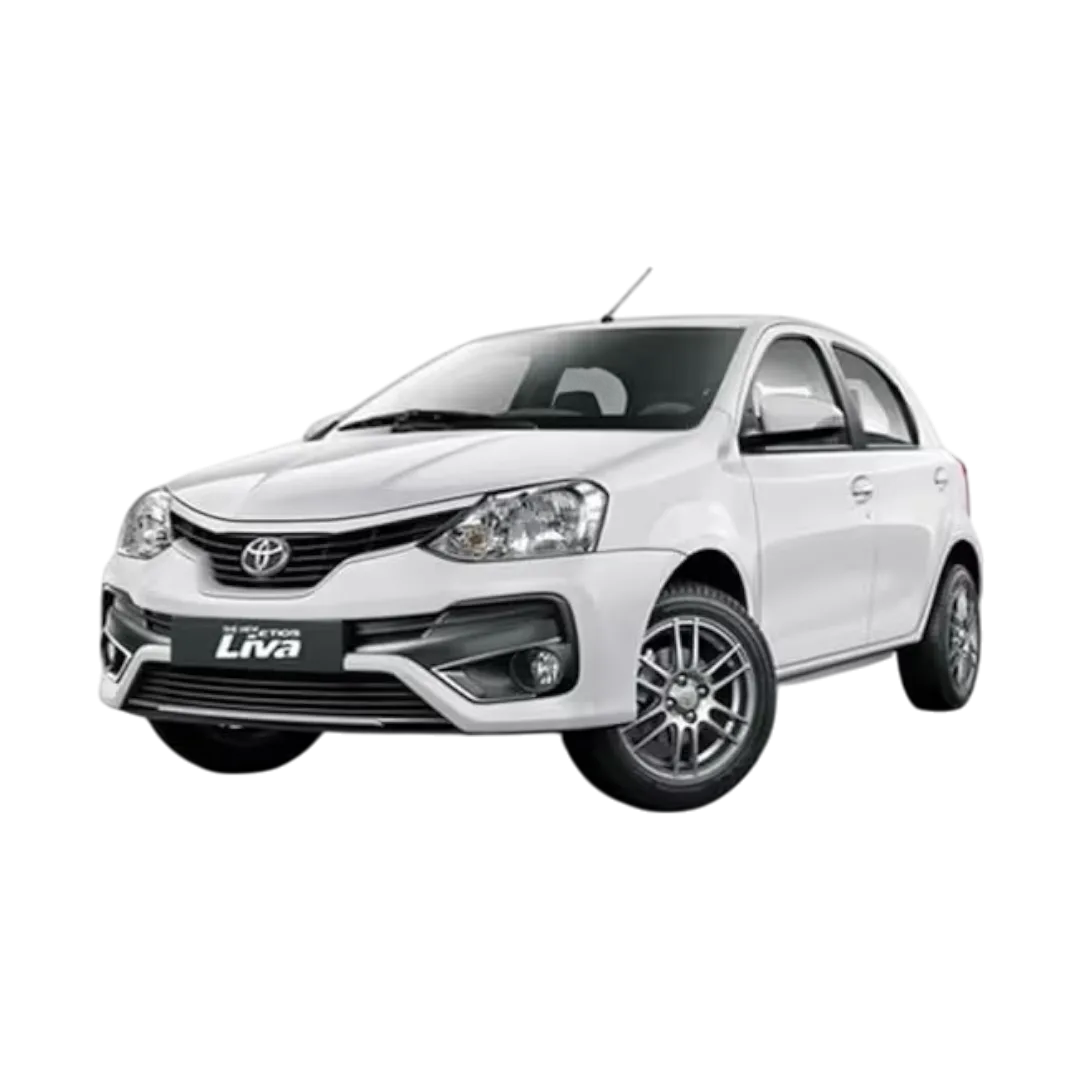 Etios Liva
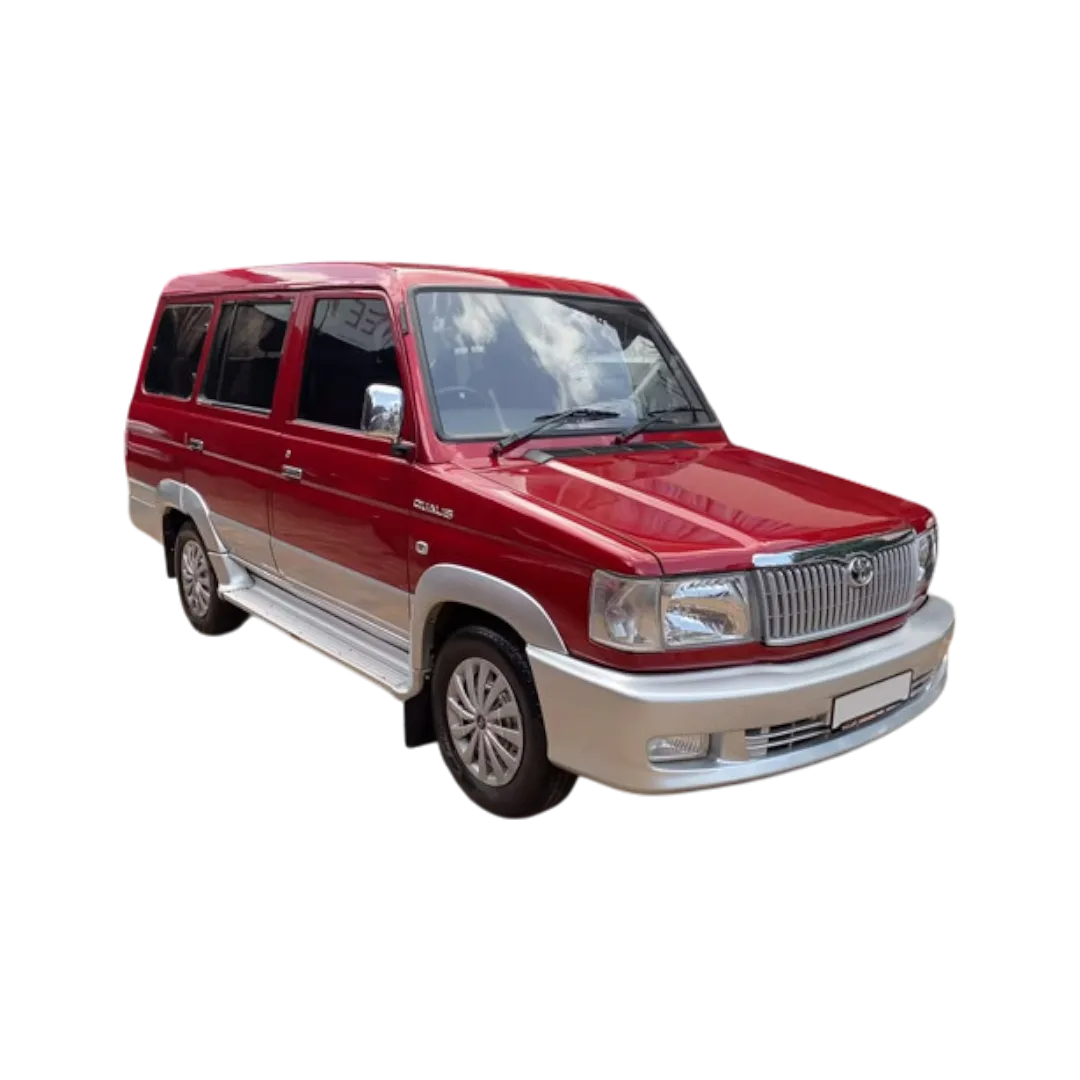 Qualis
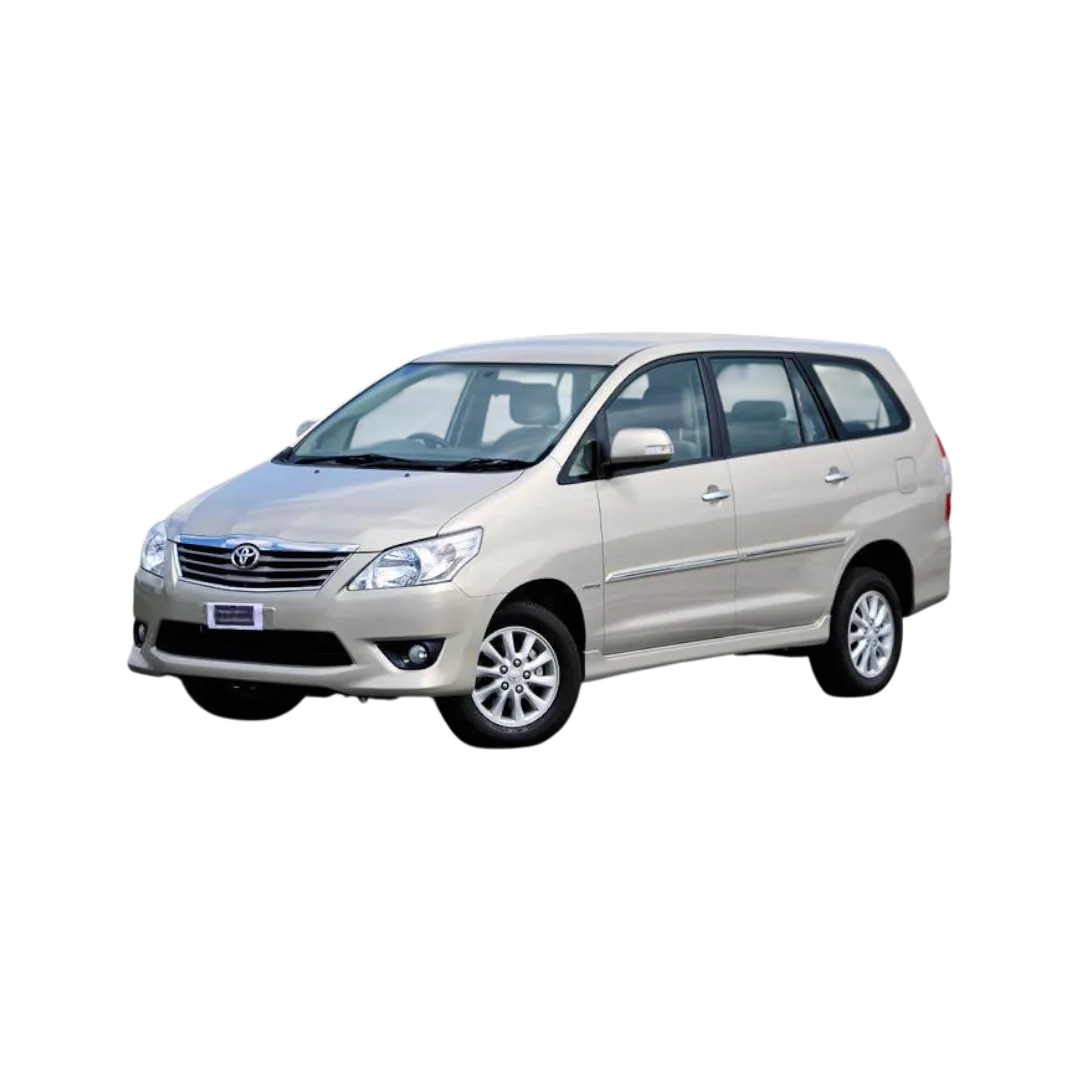 Innova
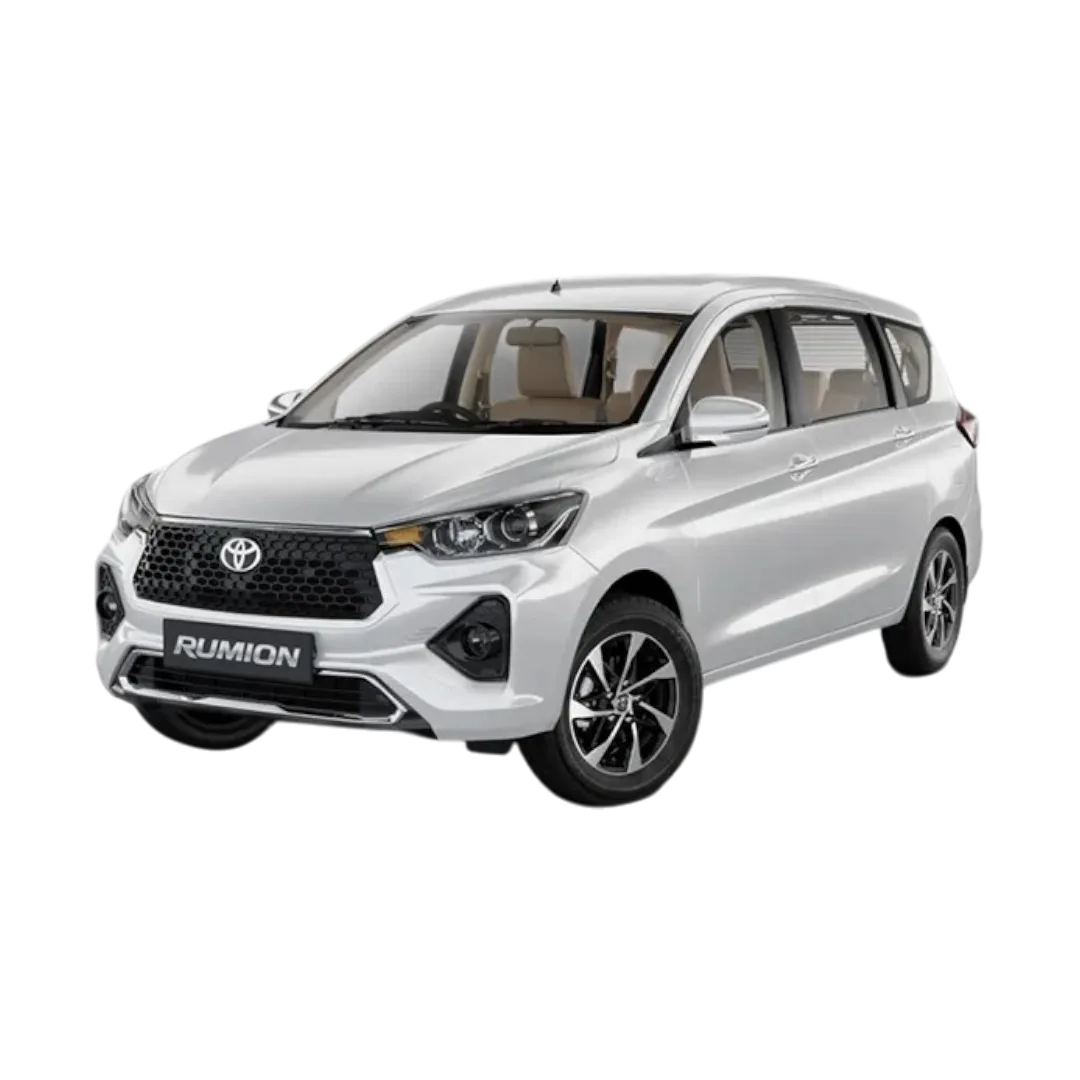 Rumion
Taisor
Corolla Altis
Hyryder
Rumion
Taisor
Corolla Altis
Hyryder
 Bolero
 Marazzo
 KUV100 NXT
 Scorpio
 Thar
Thar
 XUV 300
 Bolero Neo
 Verito
 Scorpio-N
 XUV 700
 Scorpio Classic
 XUV400
 Alturas
 Xylo
Xylo
 Quanto
 Logan
Logan
 XUV 500
 TUV 300
 XUV 3XO
 KUV 100
NuvoSport
XEV 9e
BE 6
Thar Roxx
E-Verito
XUV 7XO
TUV 100
BE6
Bolero Camper
Verito Vibe
XUV 400
KUV 100
NuvoSport
XEV 9e
BE 6
Thar Roxx
E-Verito
XUV 7XO
TUV 100
BE6
Bolero Camper
Verito Vibe
XUV 400
 Audi Q5
 Audi A4
 Audi Q7
 Audi Q3
 Audi A6
 Audi RS5
 E-Tron GT
 Audi Q8
 E-Tron
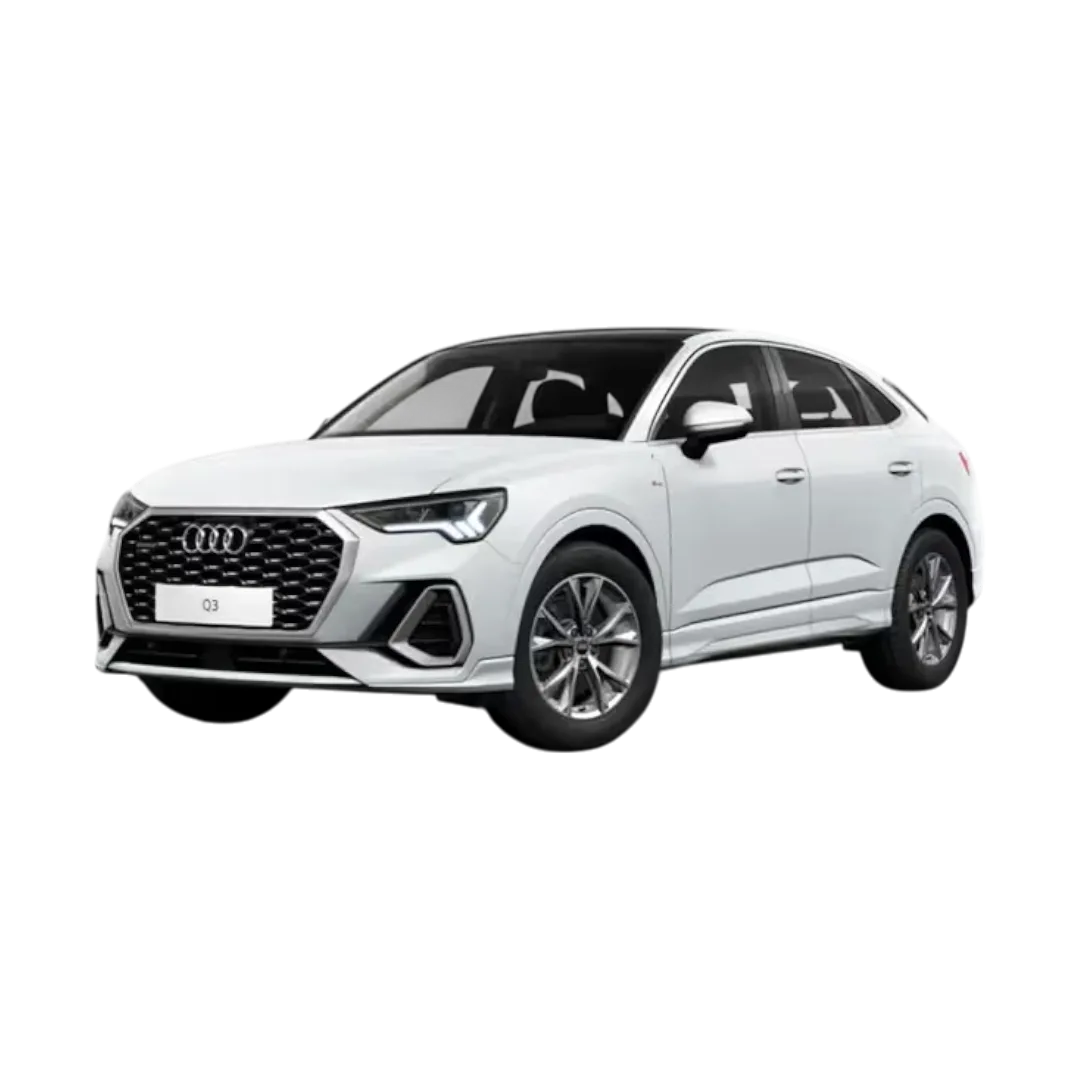 Q3 Sportback
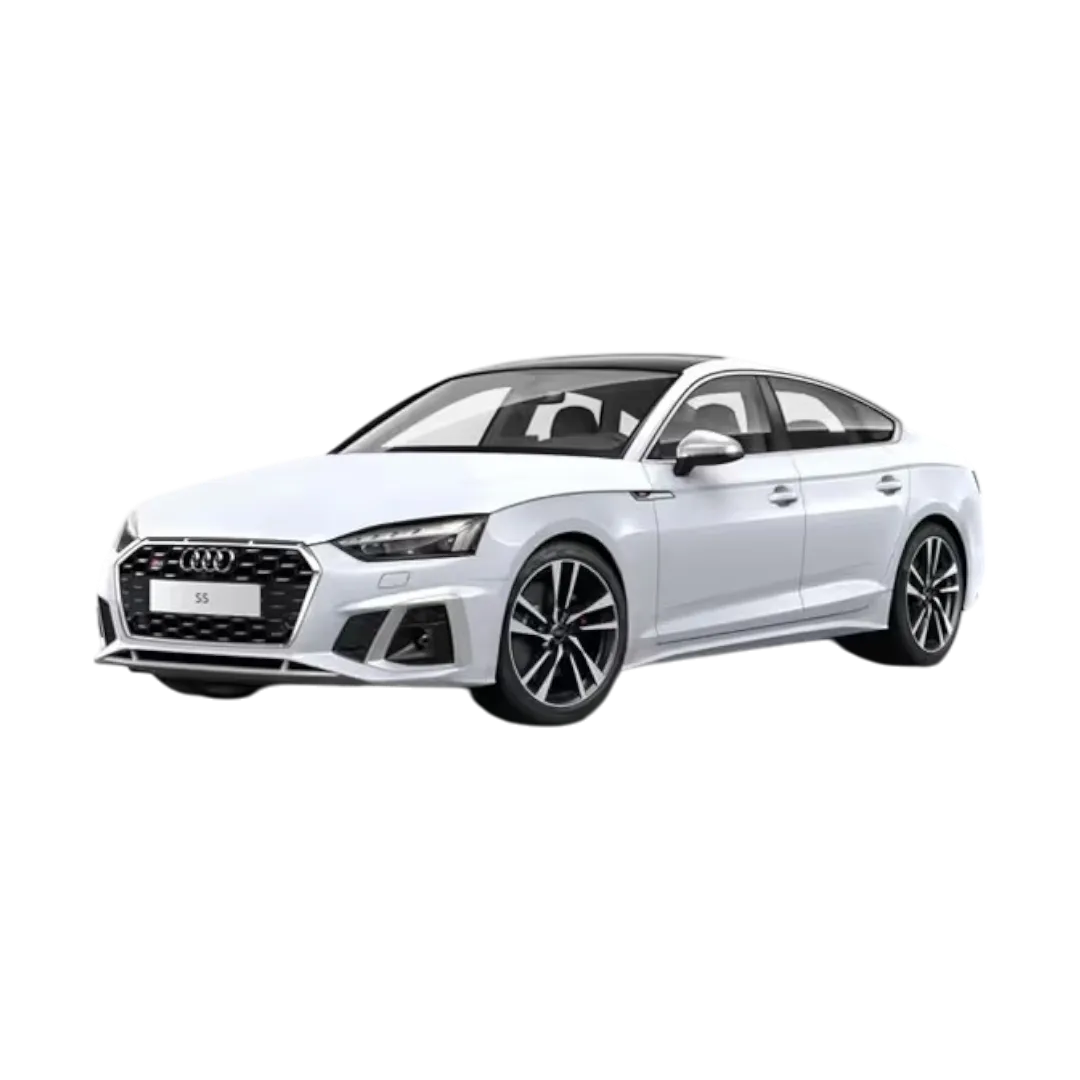 Audi S5 Sportback
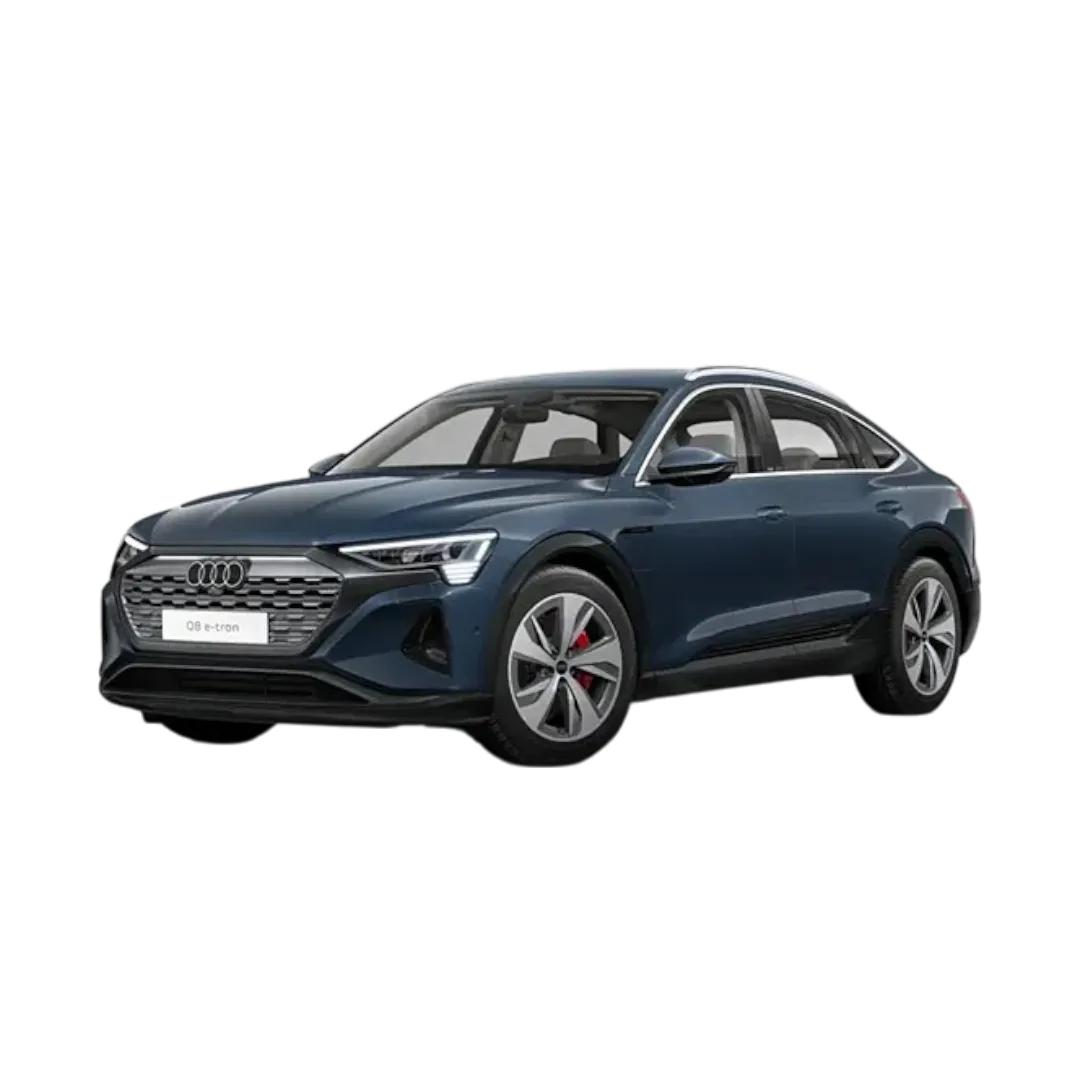 Q8 E-Tron
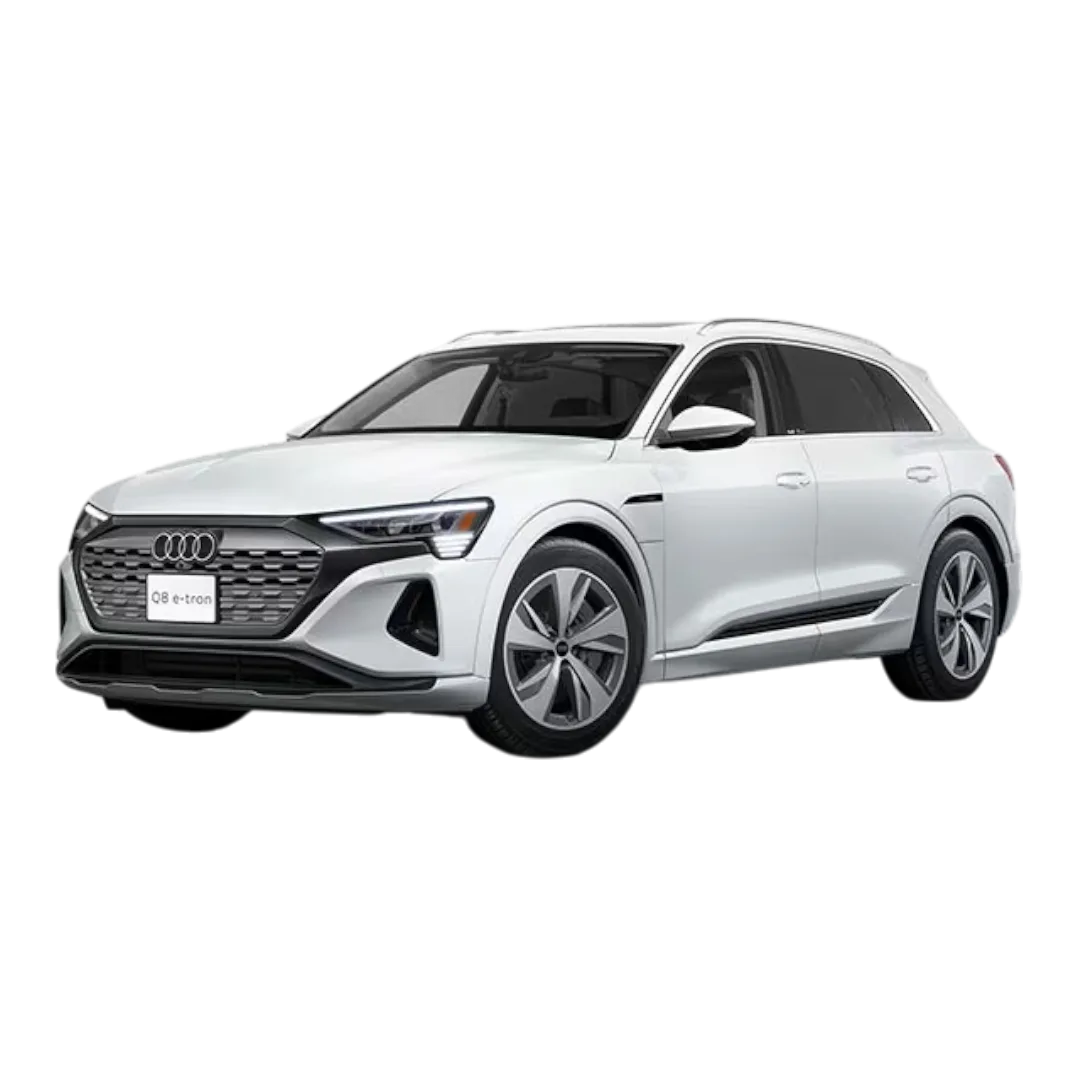 Q8 E-Tron Sportback
 Audi A8L
 Audi RS Q8
 Audi A3
 BMW X7
 BMW X1
 BMW X5
 BMW XM
 BMW Z4
 3 Series
 BMW X3
 BMW iX
 BMW i7
 BMW M2
 7 Series
 2 Series
 BMW i4
 5 Series
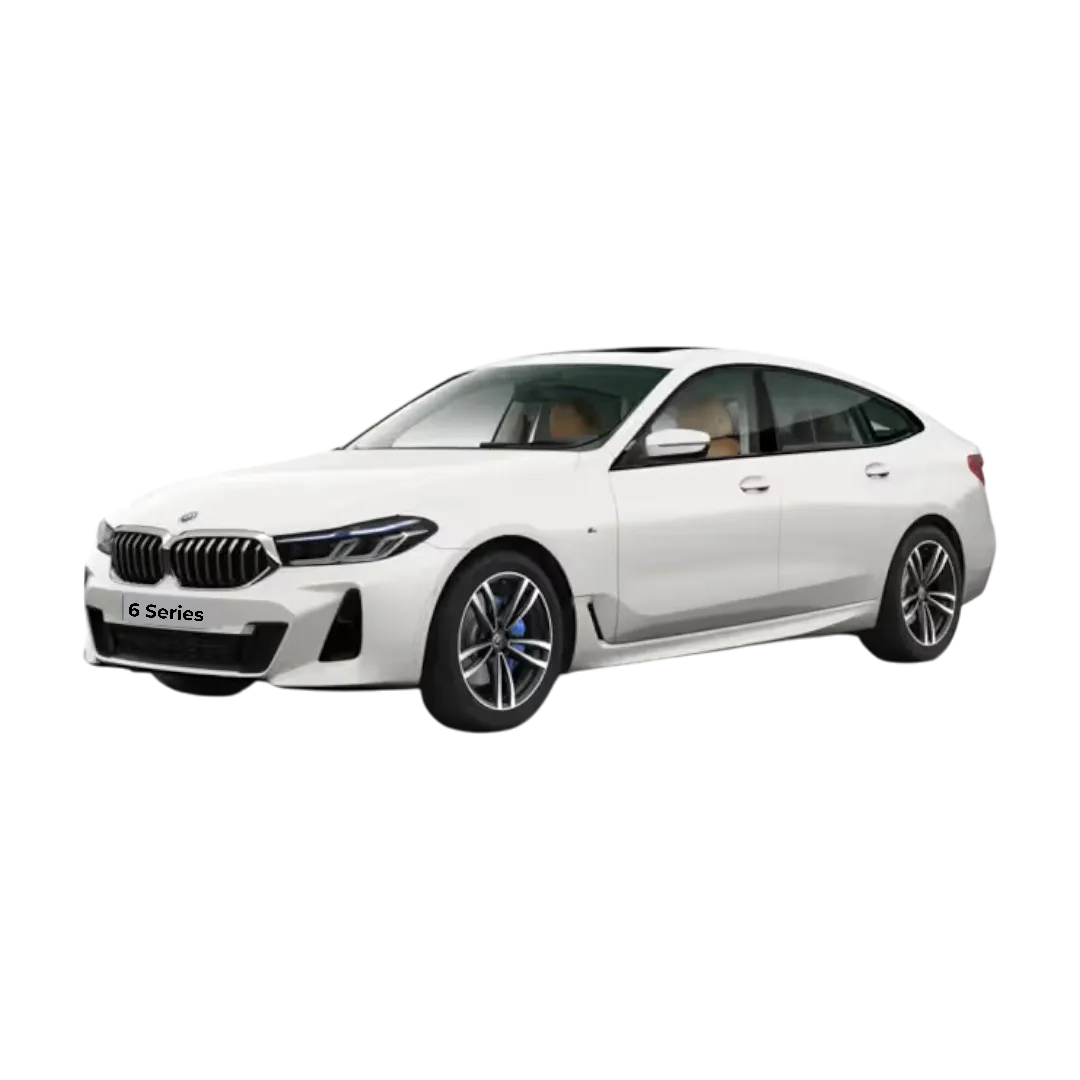 6 Series
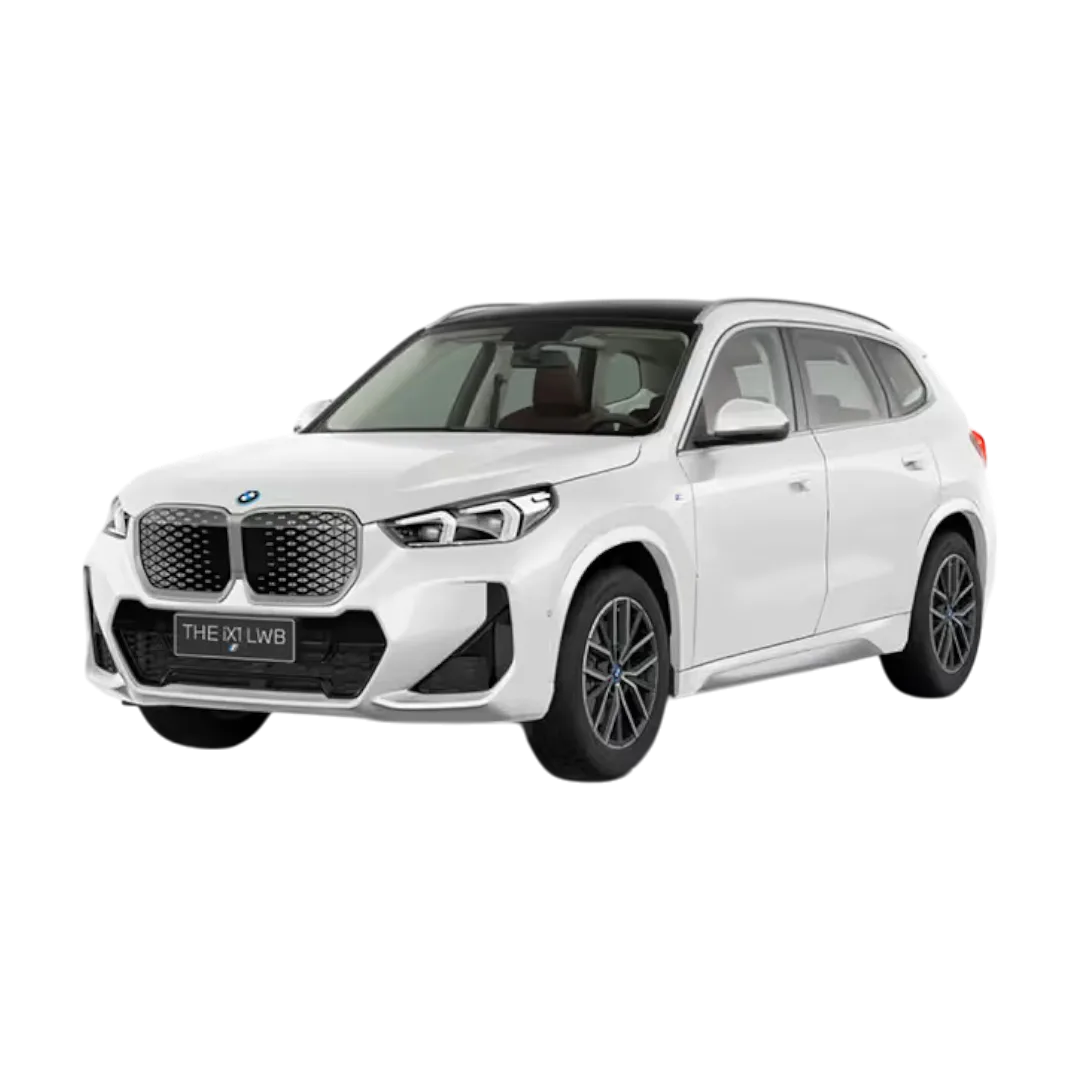 BMW ix1
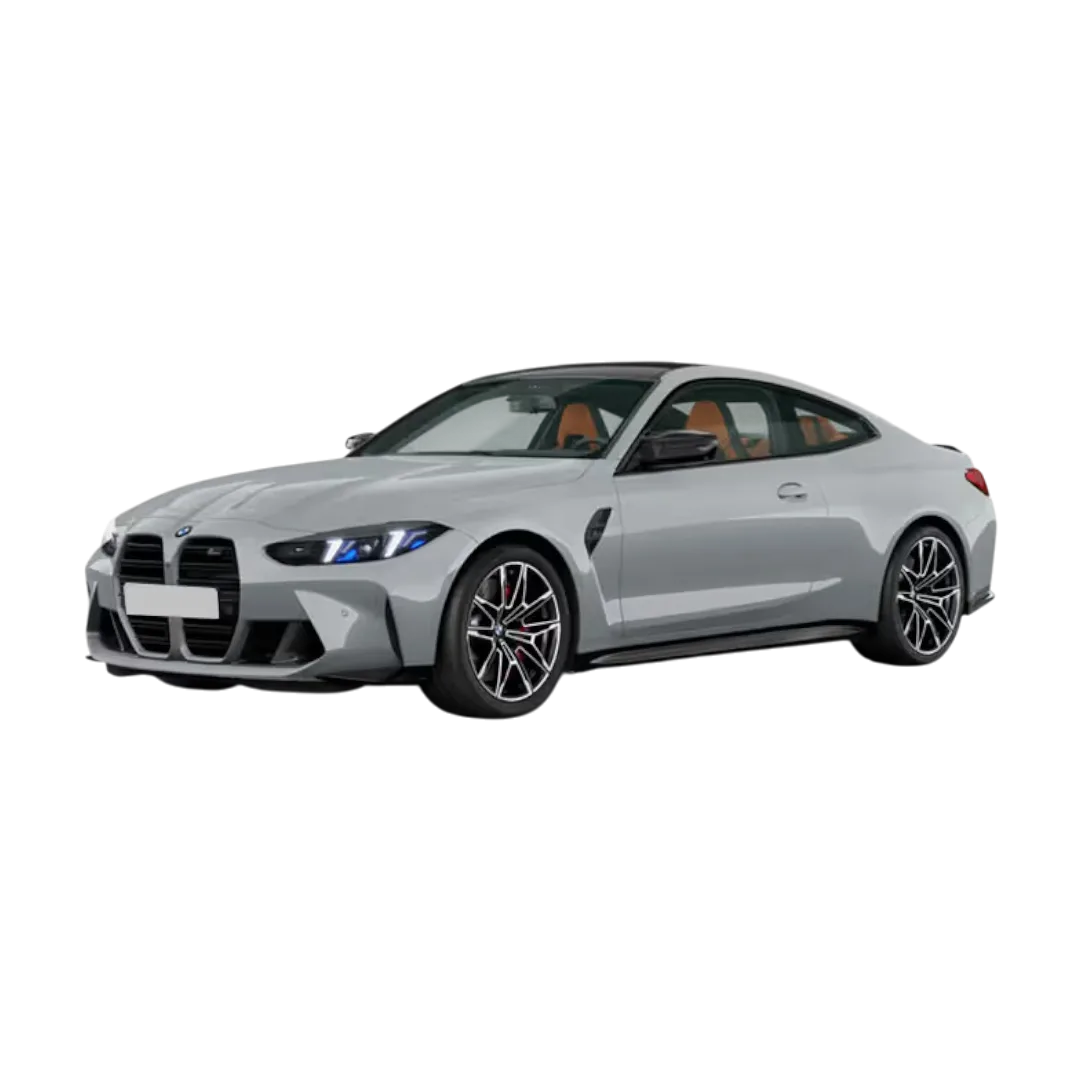 M4 Competition
 3 Series Gran Limousine
 M8 Coupe
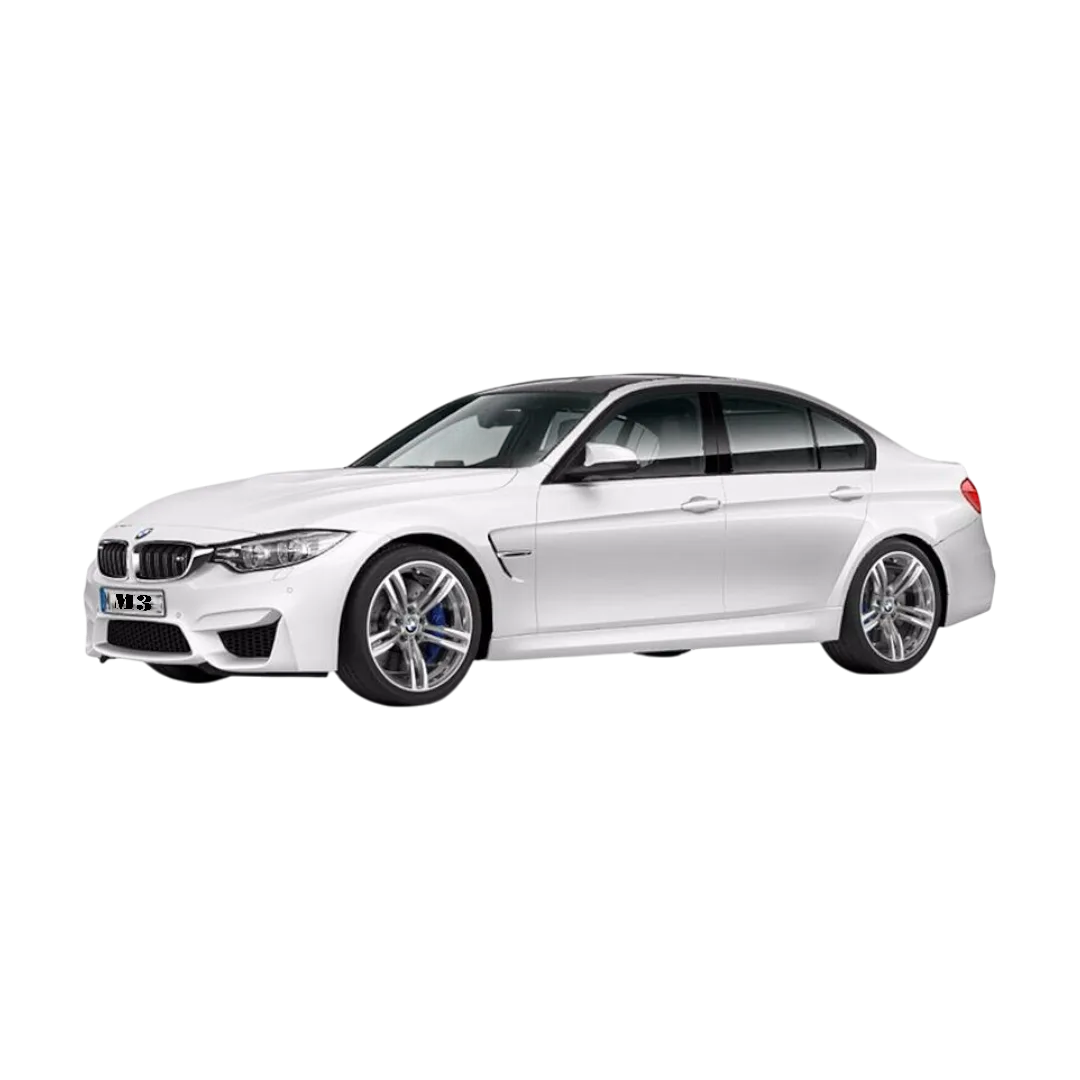 BMW M3
 BMW X6
 BMW i5
 BMW X4
 Mercedes Benz GLA
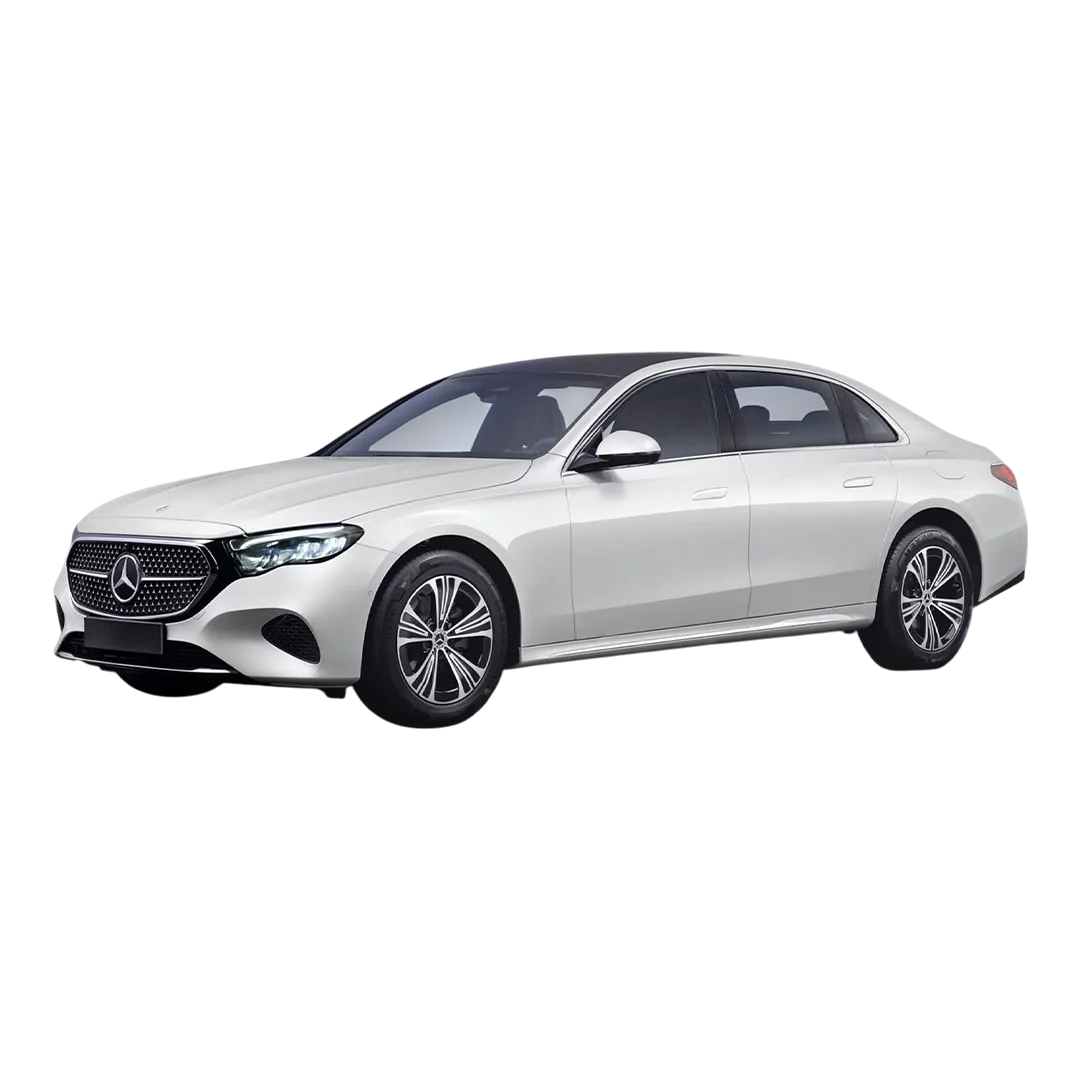 Mercedes E-Class
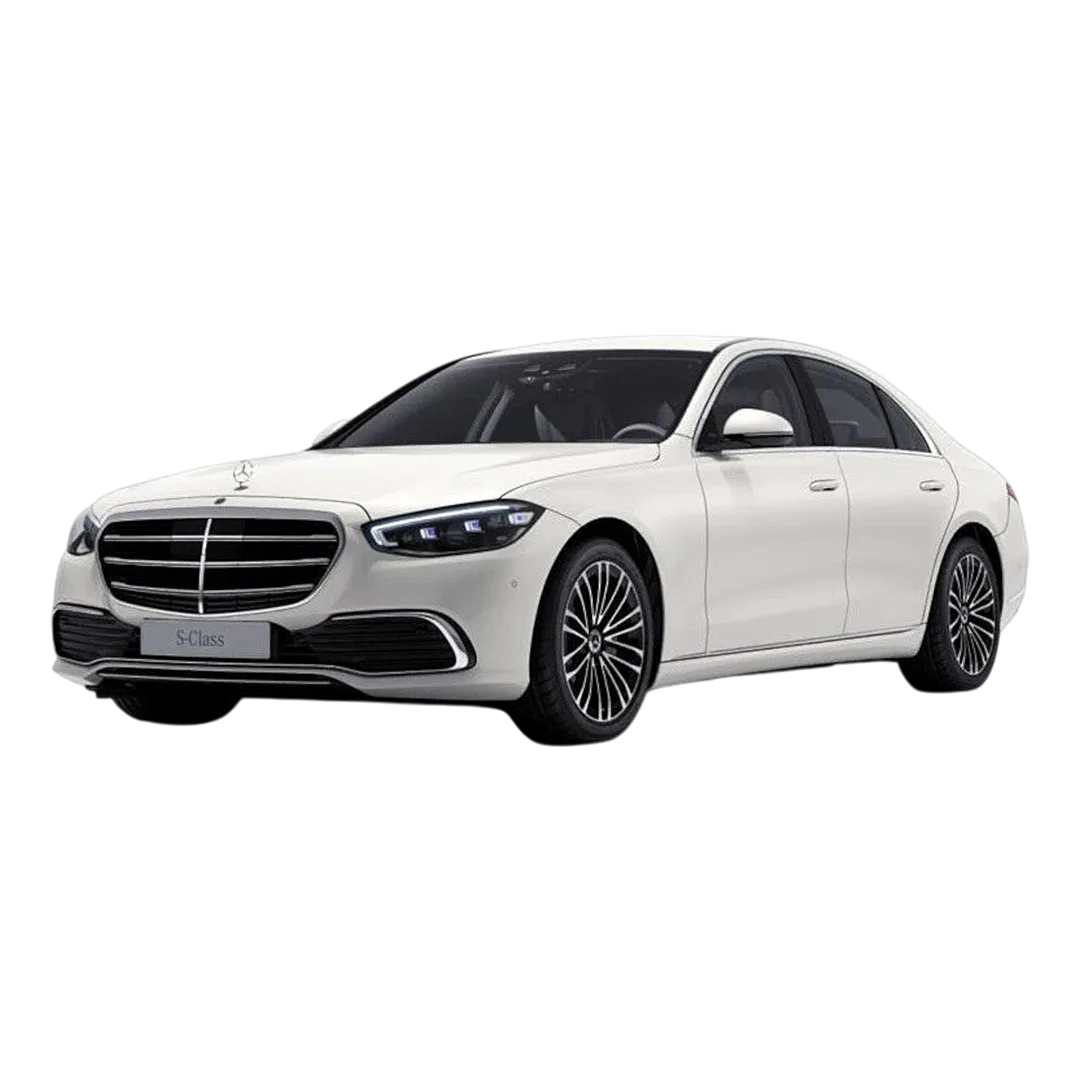 Mercedes S-Class
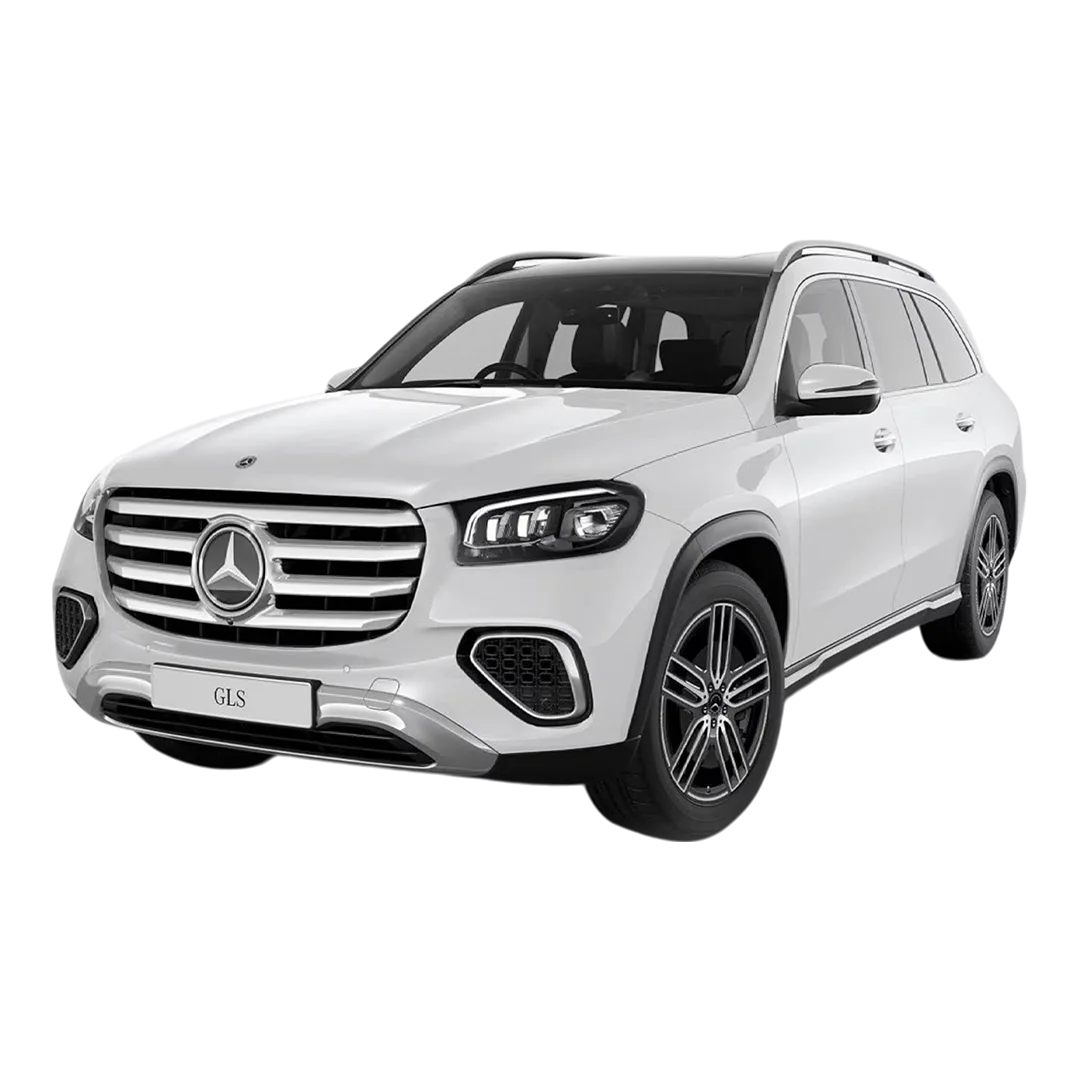 Mercedes Benz GLS
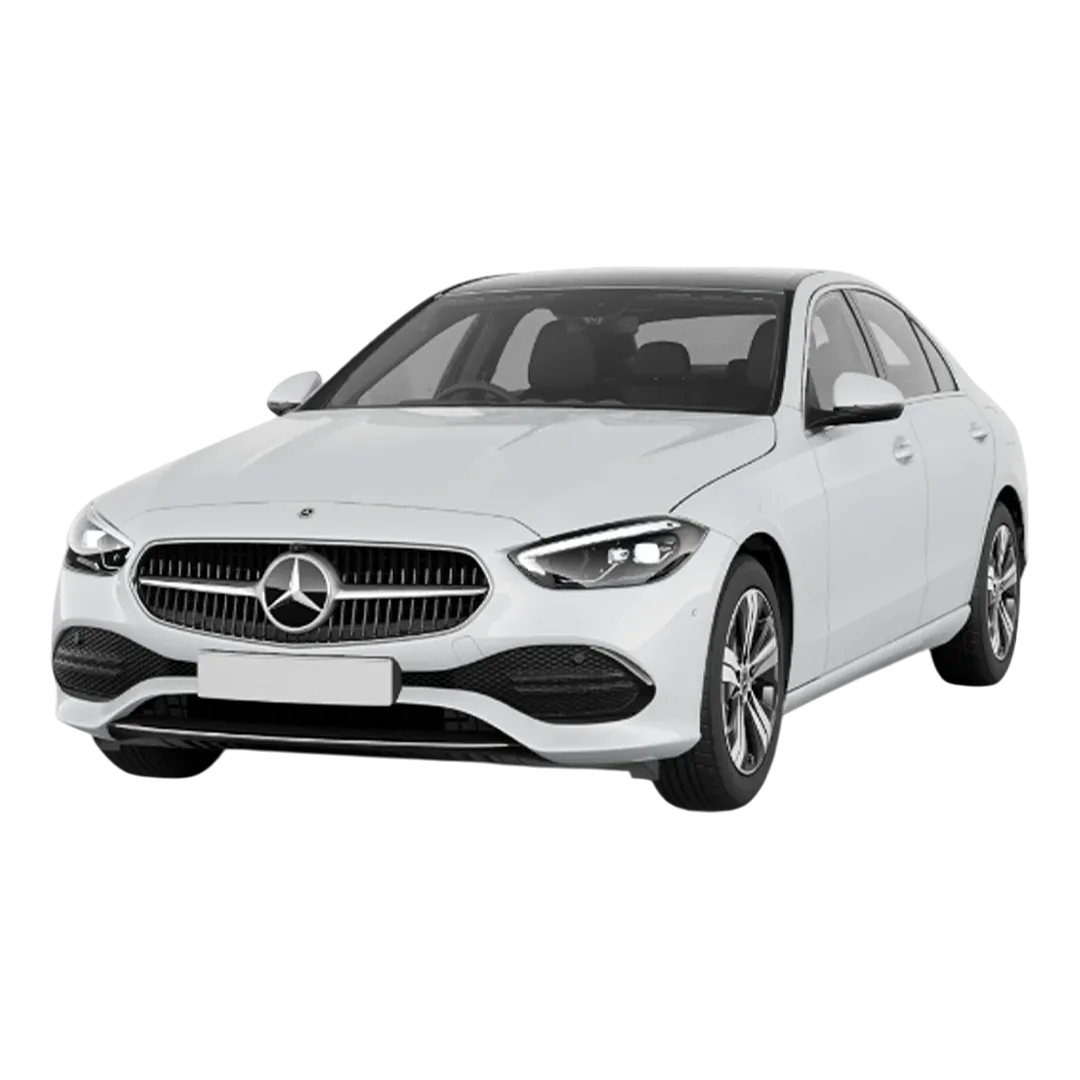 Mercedes Benz C-Class
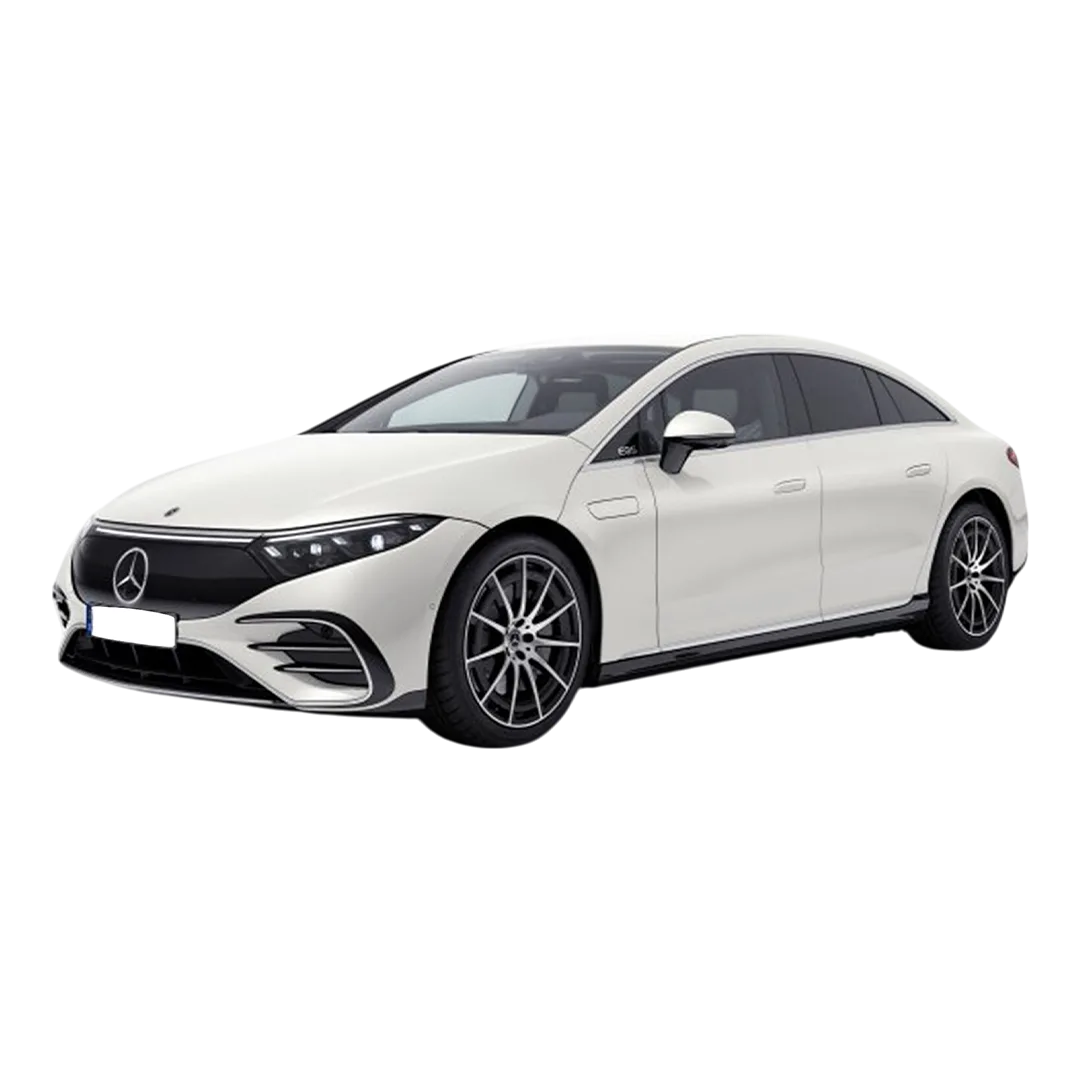 Mercedes Benz EQS
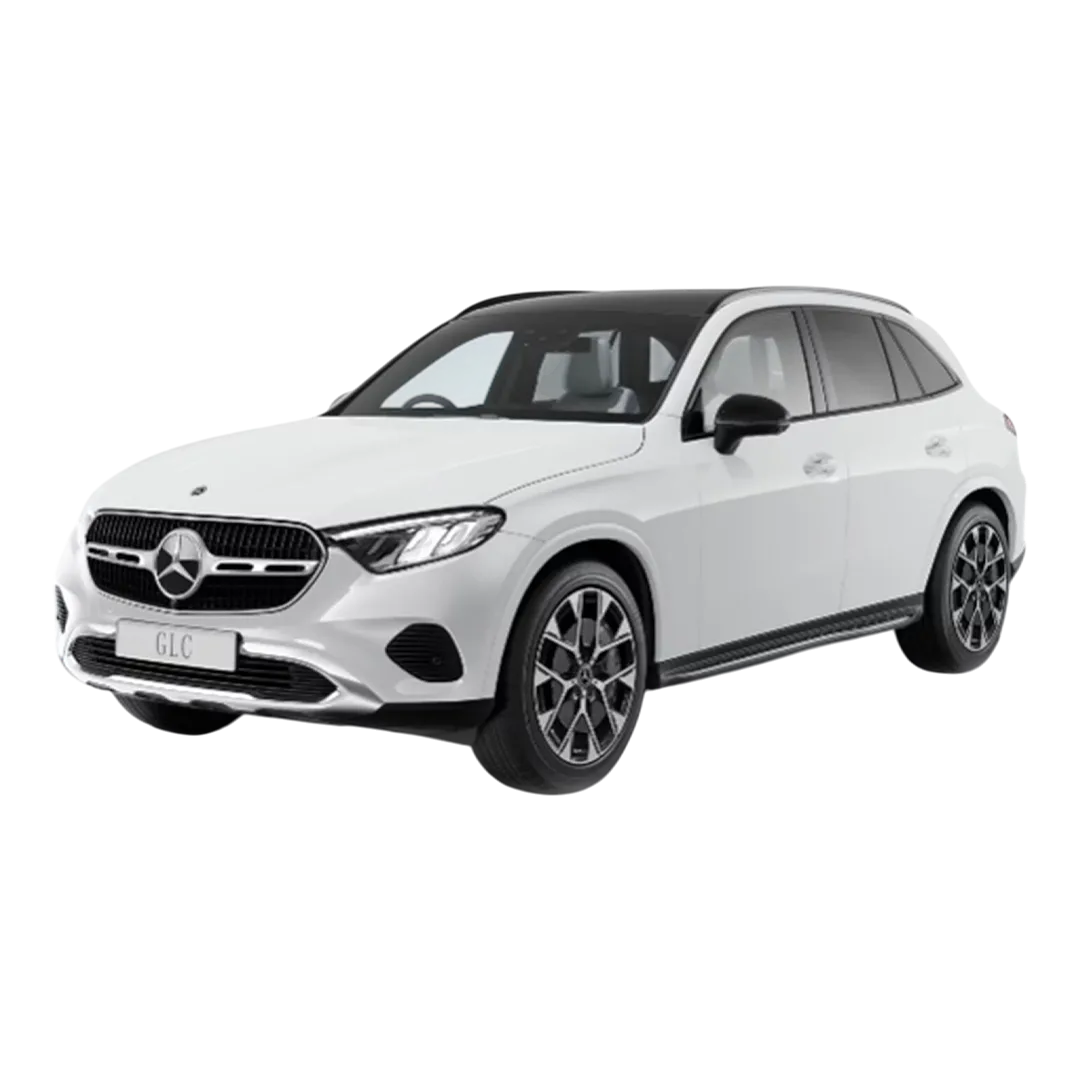 Mercedes Benz GLC
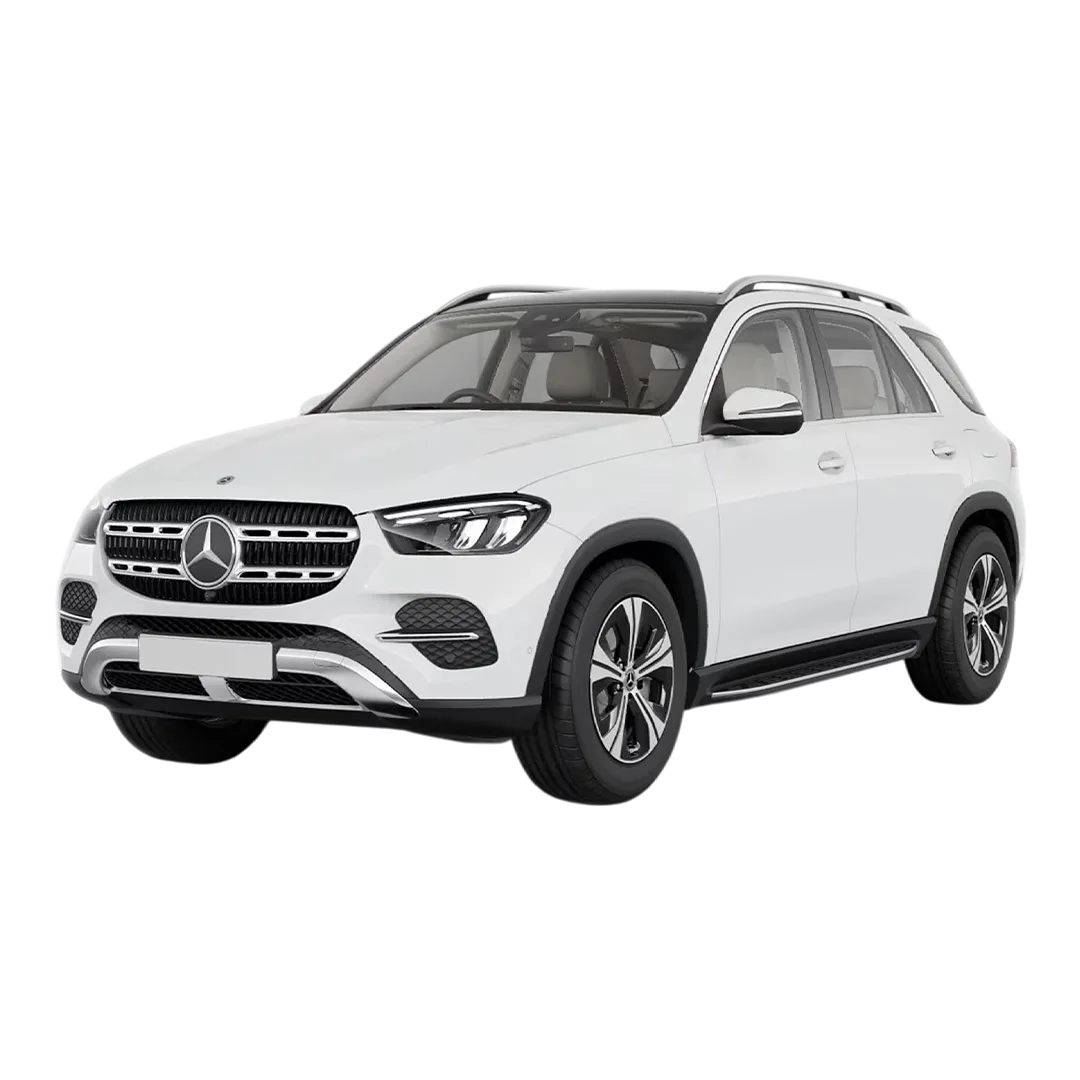 Mercedes Benz GLE
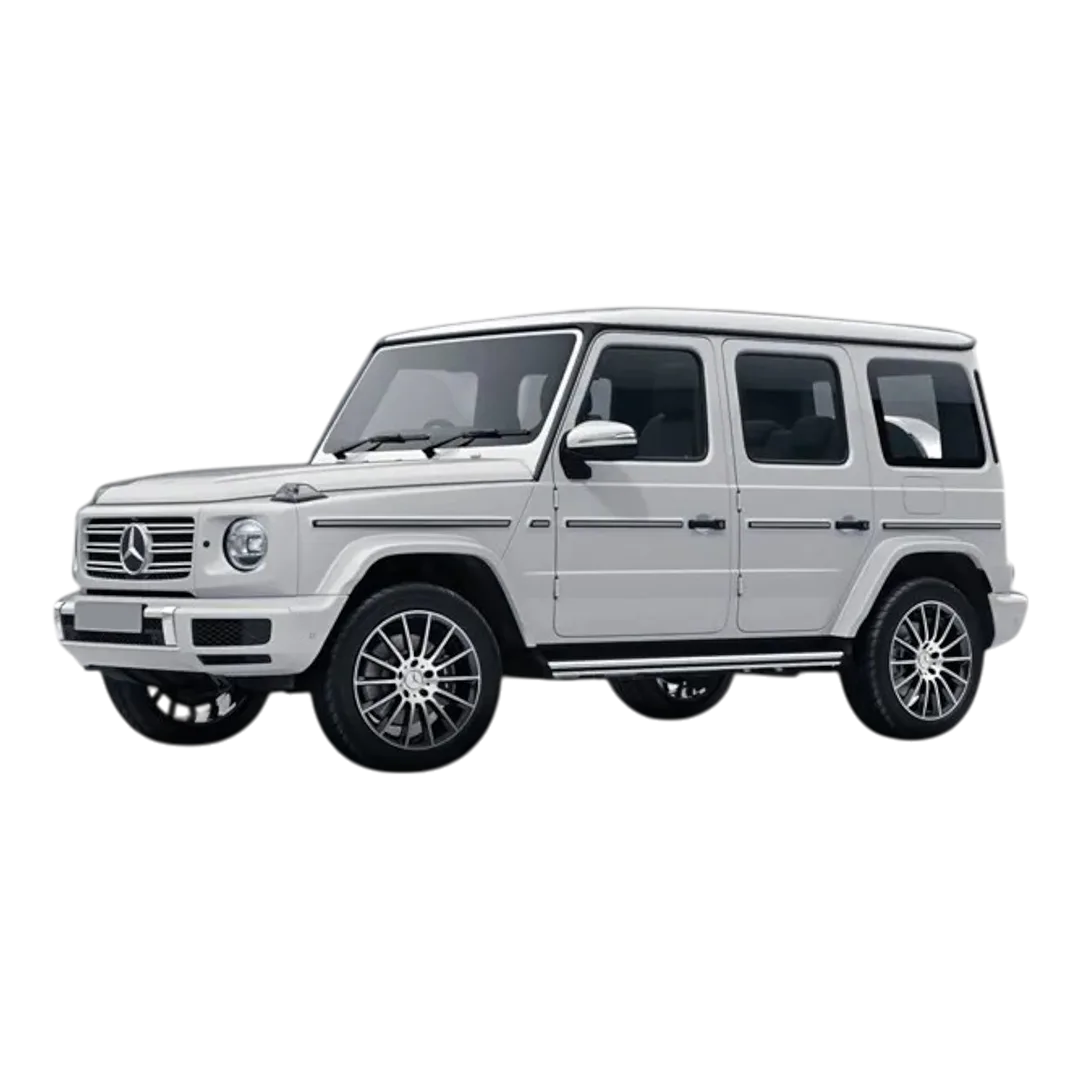 Mercedes Benz G-Class
 Mercedes Benz AMG SL
 Mercedes Benz MAYBACH S- Class
 Mercedes Benz EQE-SUV
 Mercedes Benz GLB
 Mercedes Benz AMG A 45 S
 Mercedes Benz AMG GLE S3
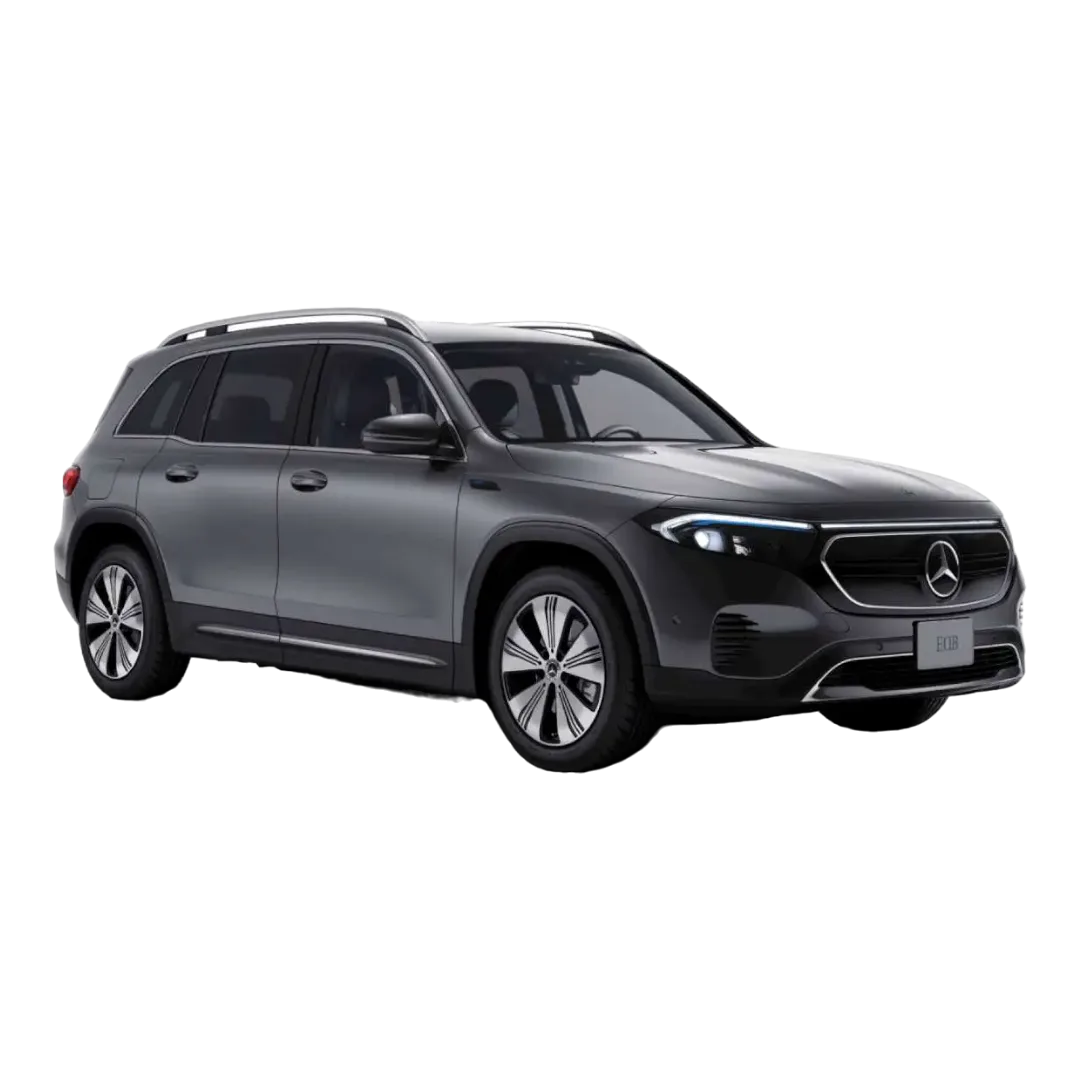 Mercedes Benz EQB
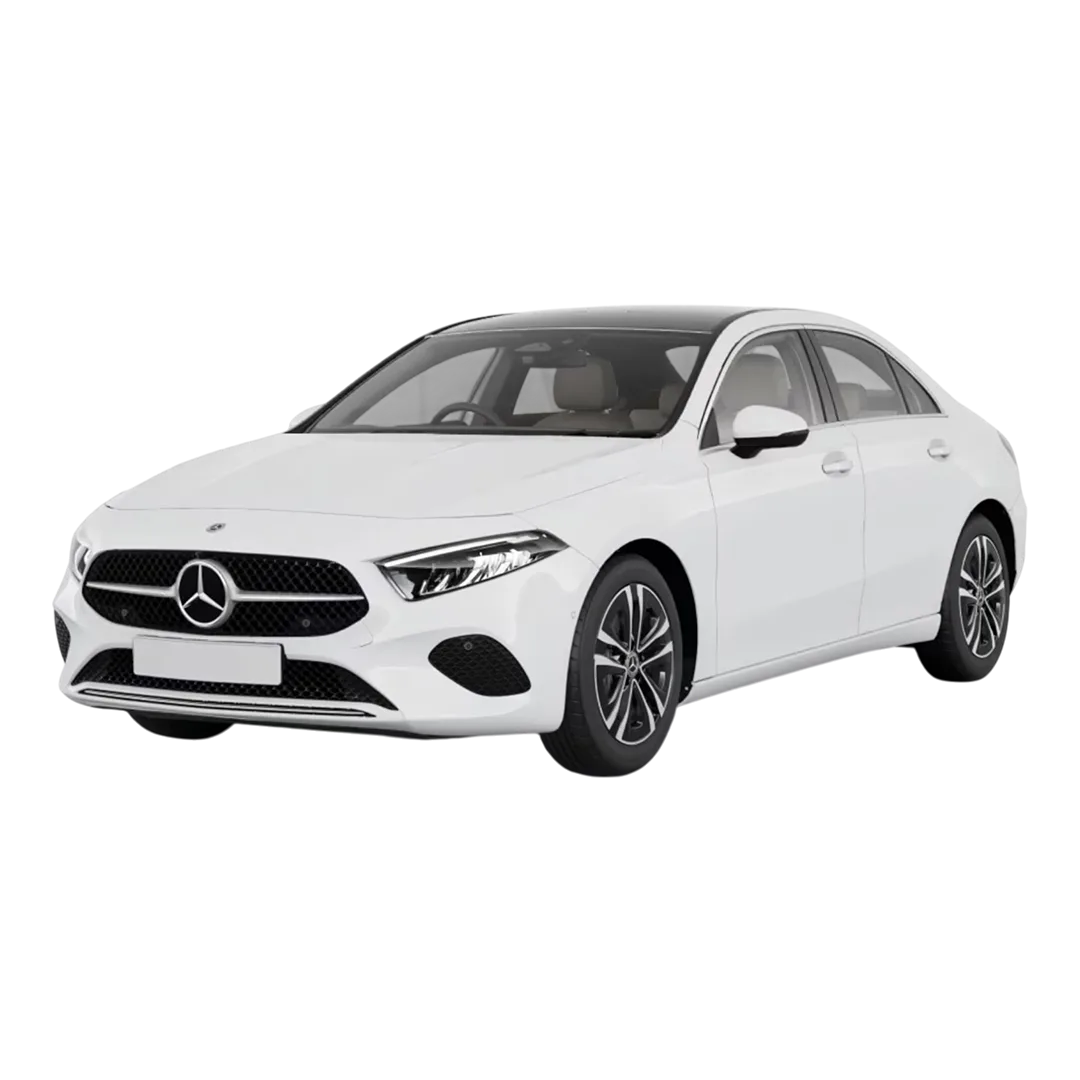 Mercedes Benz A Class limousine
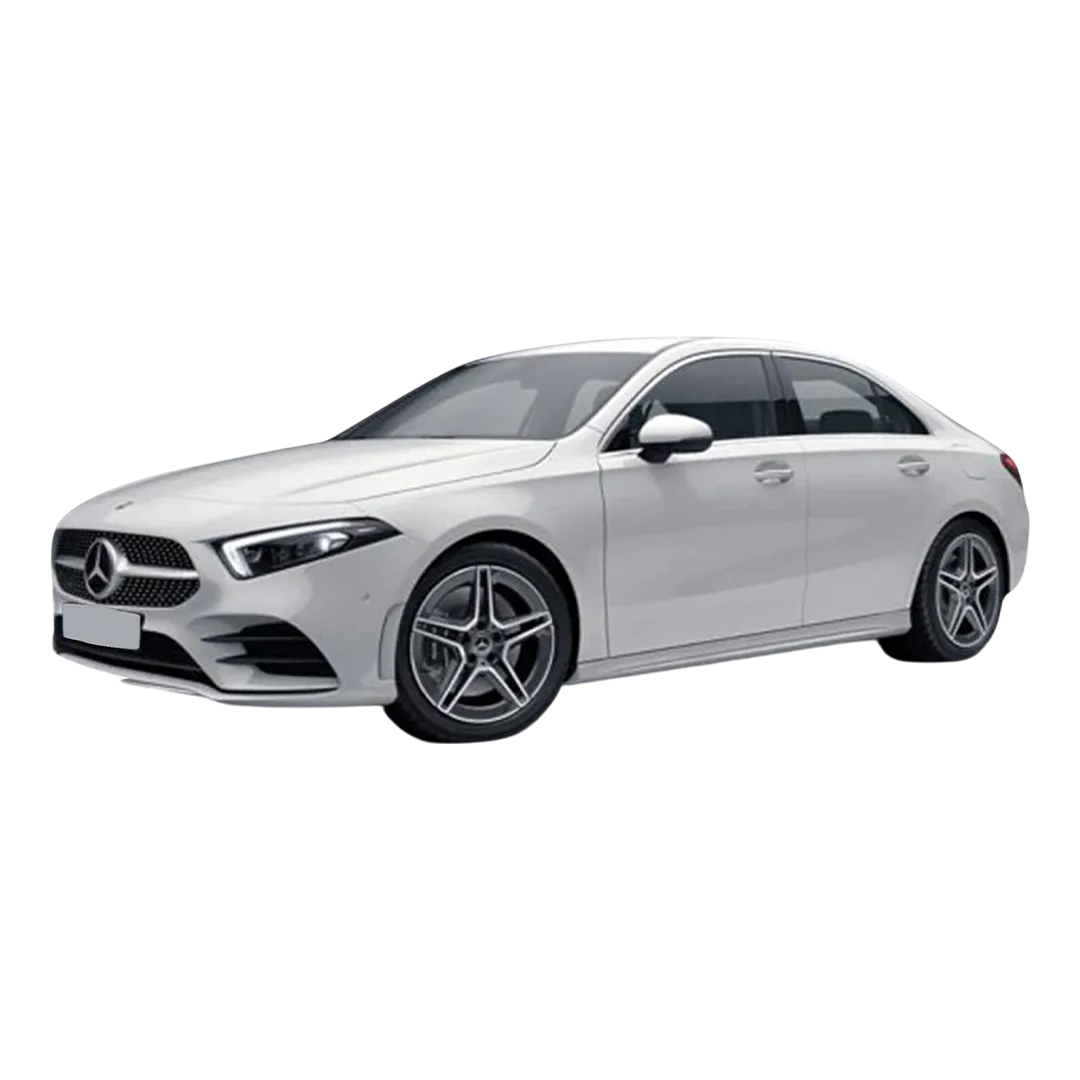 Mercedes Benz AMG A 35
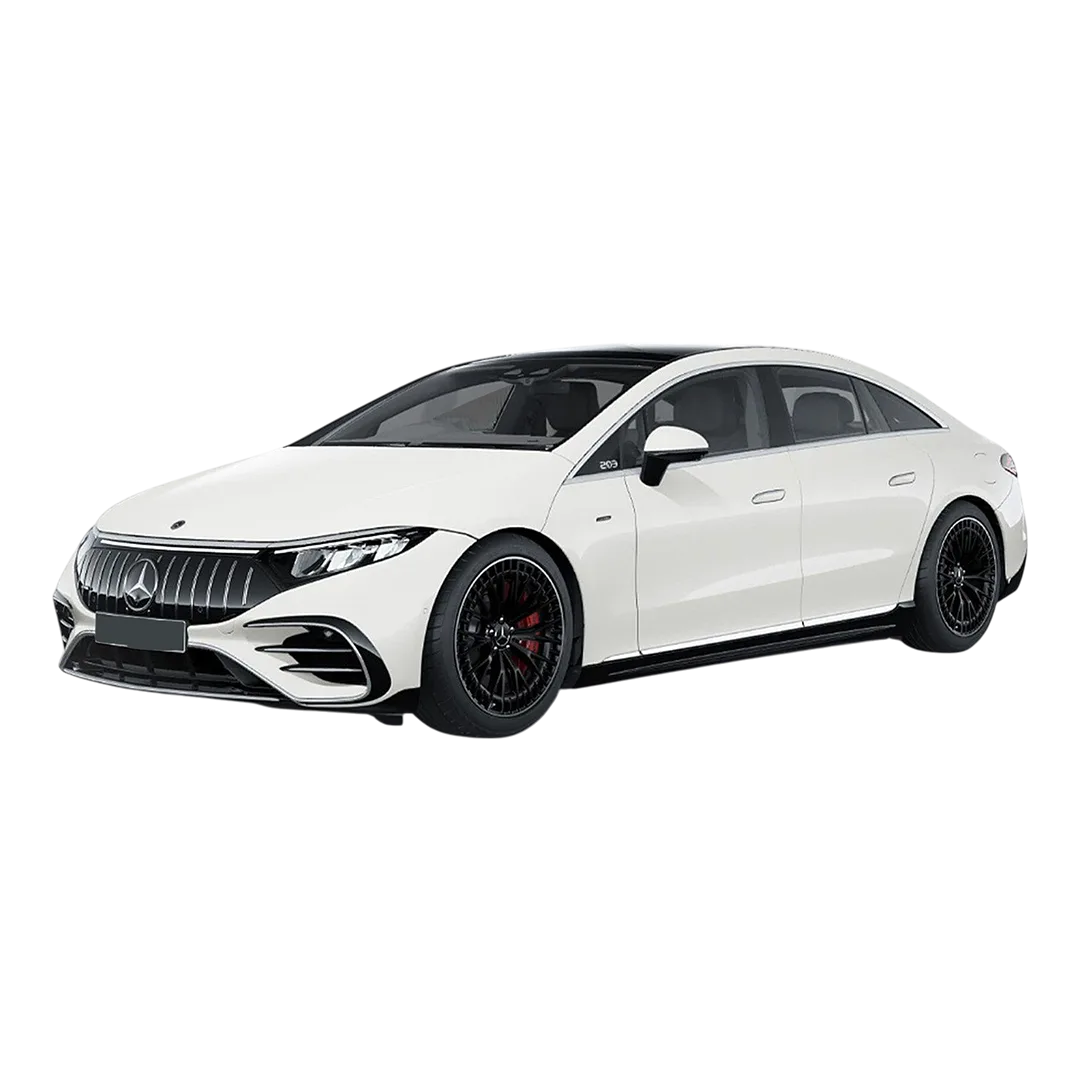 Mercedes-Benz AMG EQS
 Mercedes-Benz AMG E 53 Cabriolet
 Mercedes-Benz AMG GLA 35
 Mercedes-Benz GLC Coupe 2023
 Mercedes M-Class
R-Class
Mercedes M-Class
R-Class
 GLS 600
GLS 400
GLS 350
GLE 300
GLS 600
GLS 400
GLS 350
GLE 300
 GLE 400
GLE 250D
GLE 400
GLE 250D
 GLC 220D
GLC 300
GLC 220D
GLC 300
 GLC 43 Coupe
 GLA 220d
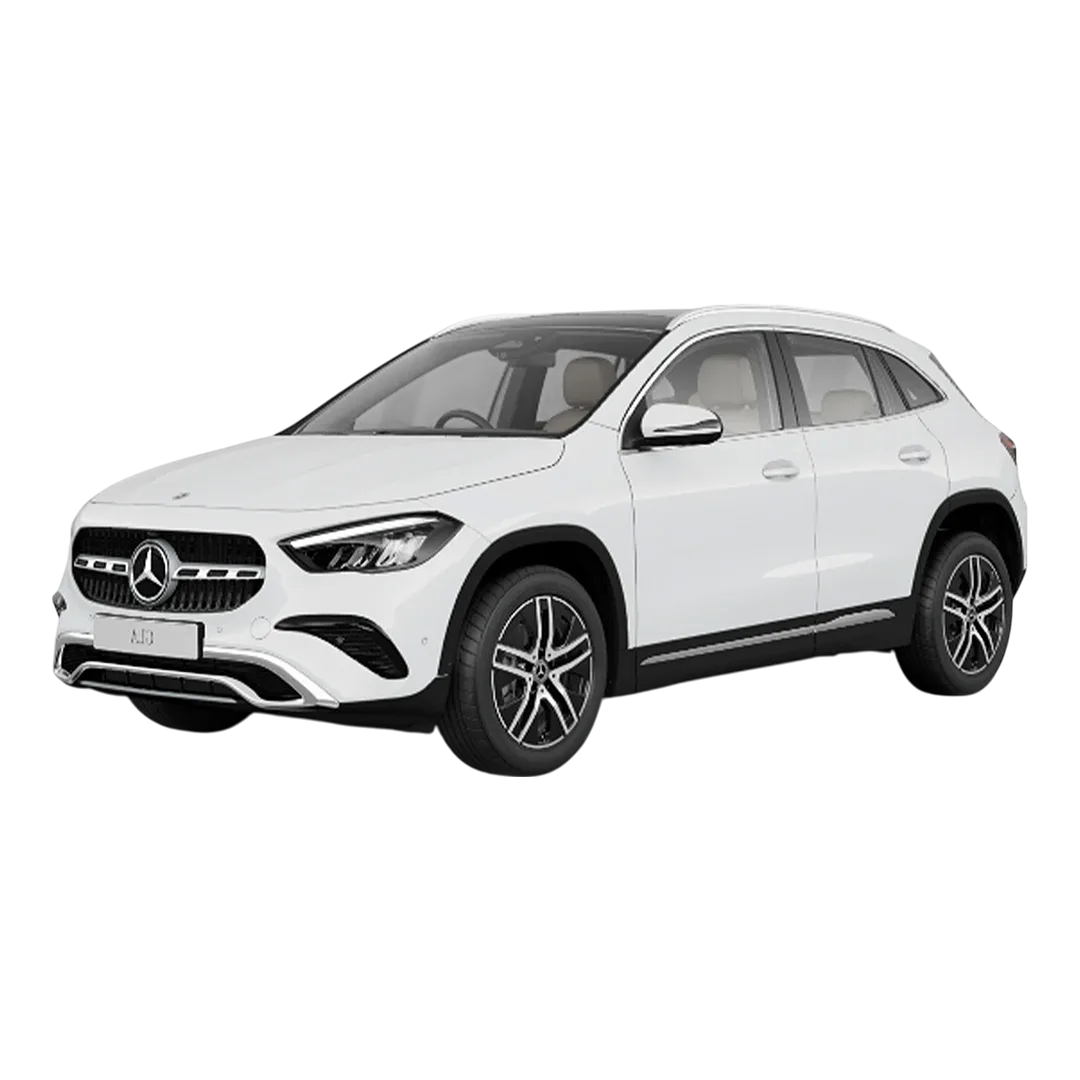 GLA-Class 200D
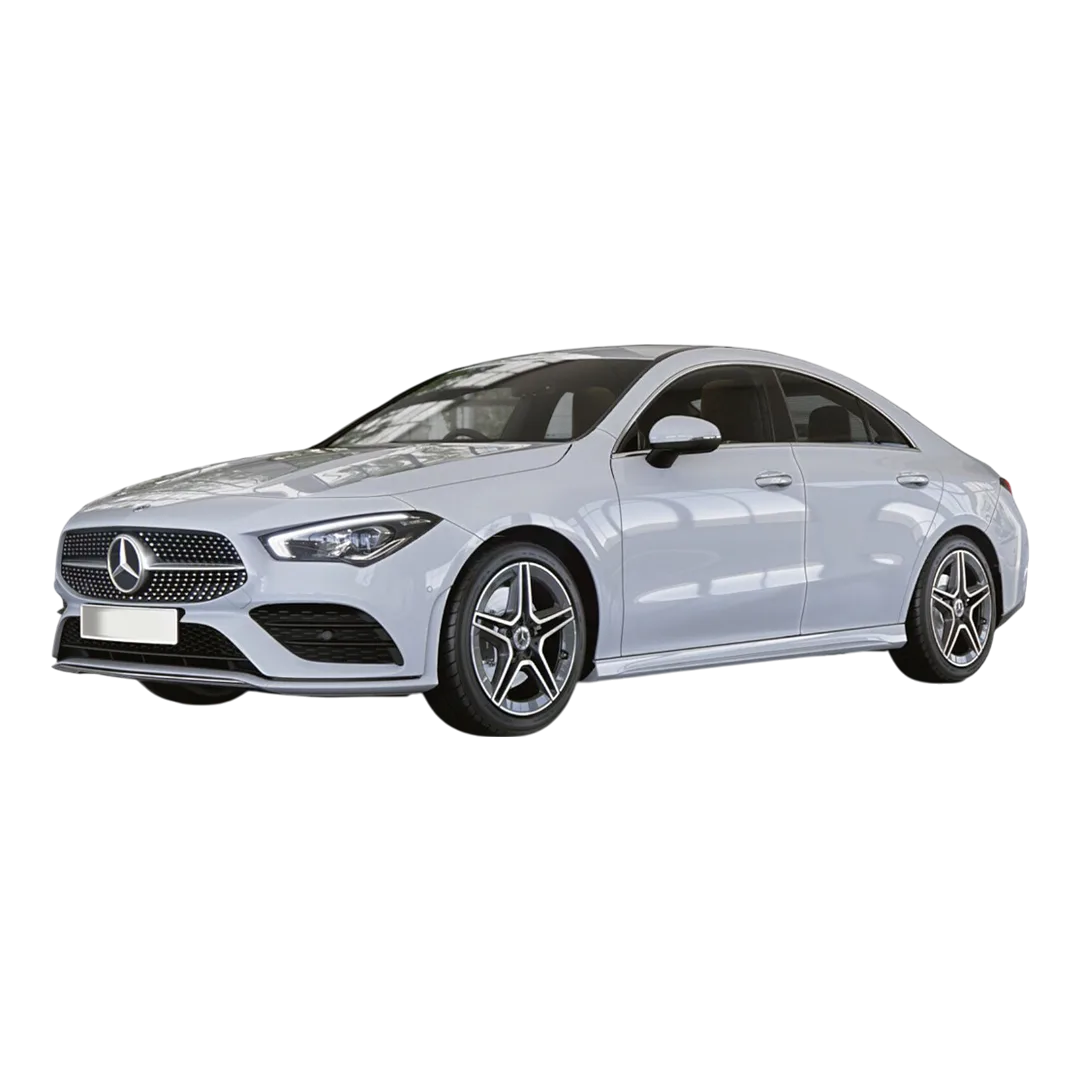 CLA 200
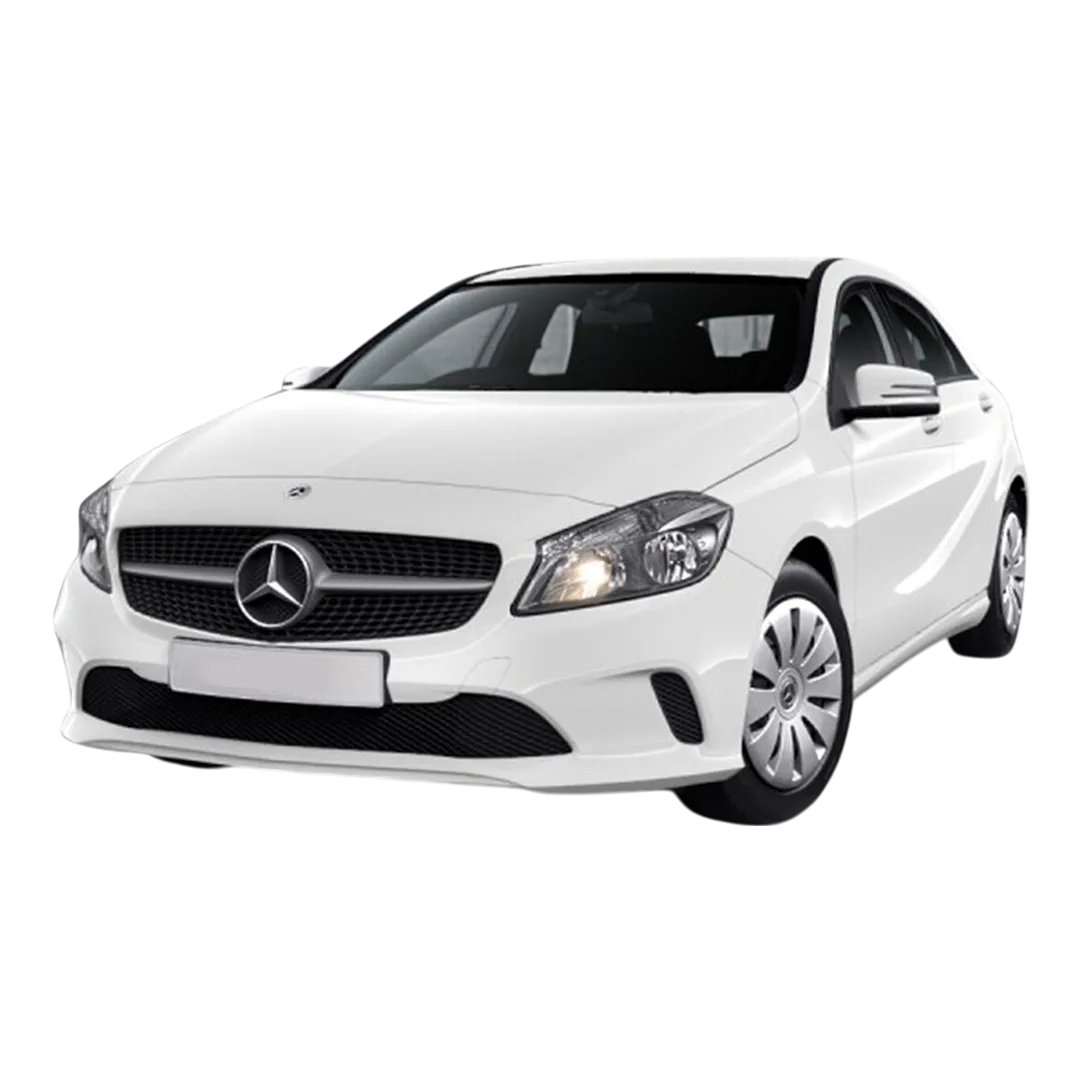 Benz A-Class A 180
M-Class ML 250
M-Class ML 350
Benz A-Class A 180
M-Class ML 250
M-Class ML 350
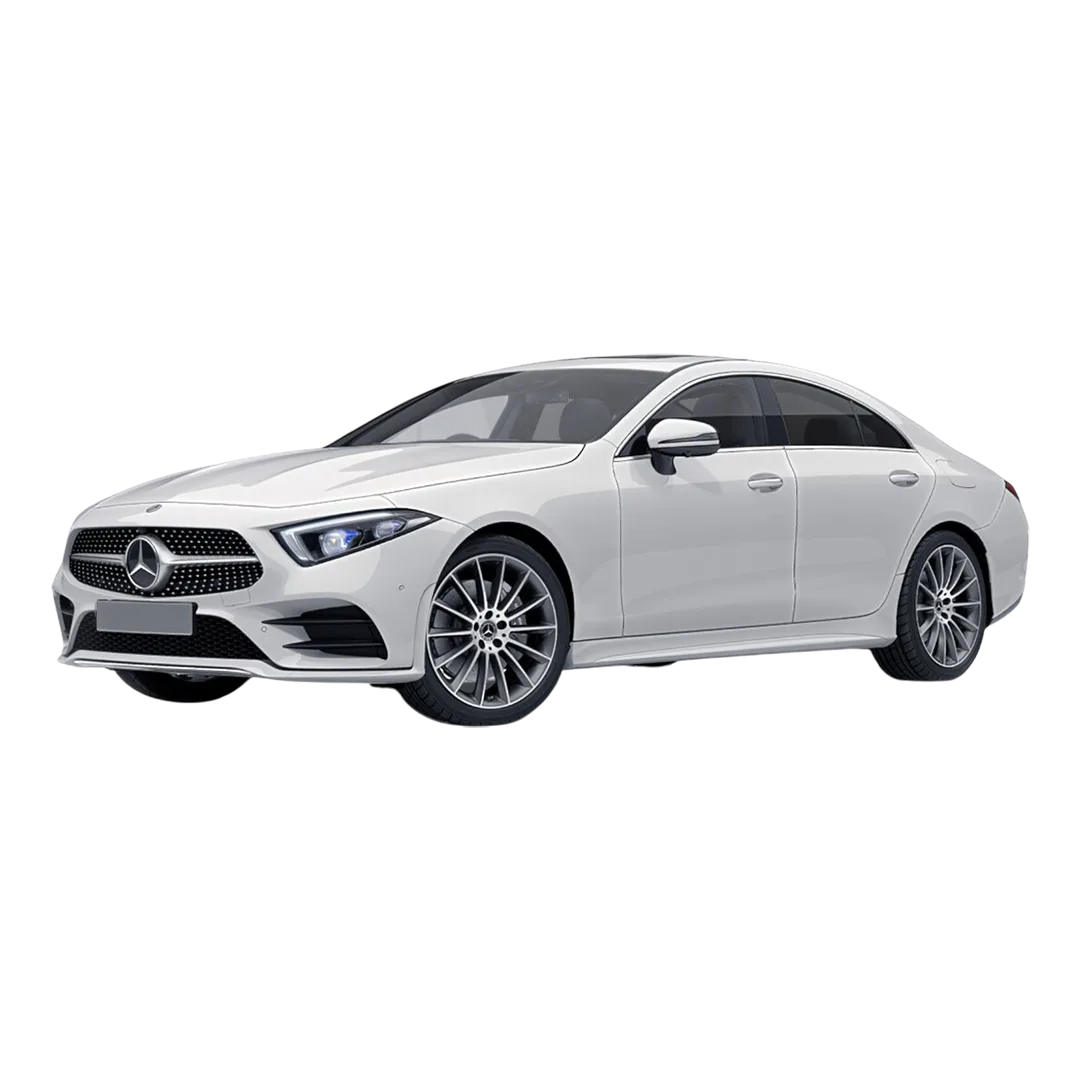 Benz CLS 300
 C-Class C250
C-Class C220
C-Class C200
C-Class C250
C-Class C220
C-Class C200
 Benz B - Class
Benz A - 200
Benz B - Class
Benz A - 200
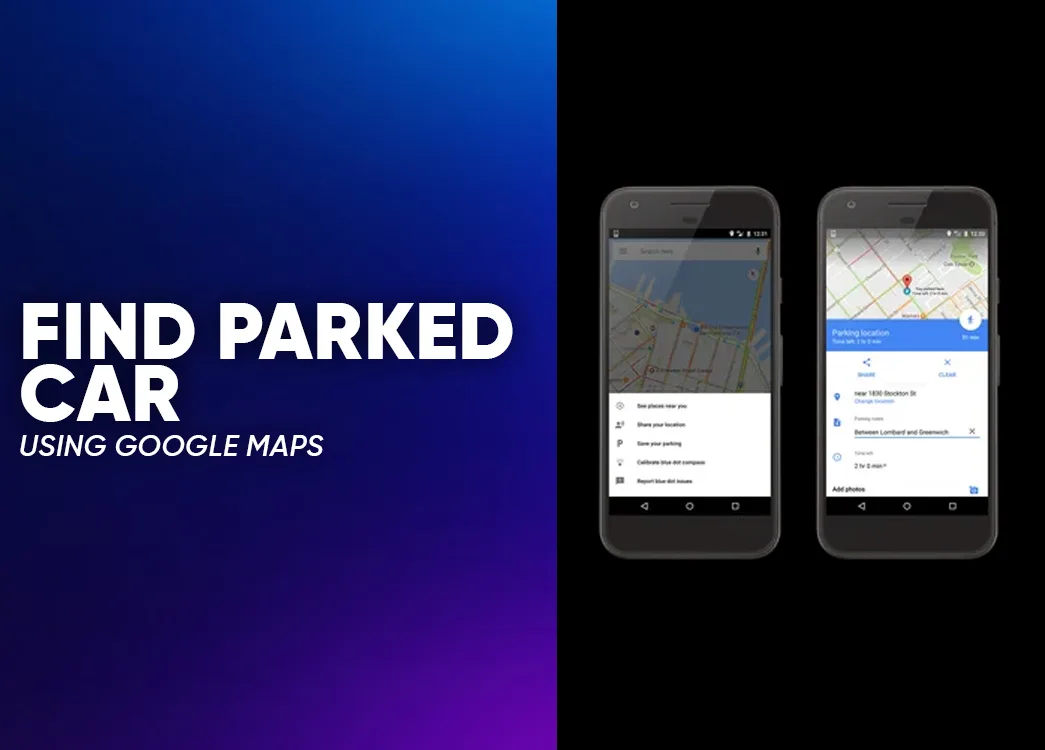
Parking a car sounds simple until you return later and suddenly everything looks the same. Every building, street corner, and parking row begins to blend together. Many drivers experience this at malls, airports, office complexes, and crowded city streets.
That is where Google Maps to remember where you parked your car becomes surprisingly useful. The feature is quiet and easy to miss, yet it works well when you need it. Instead of taking screenshots or sending yourself messages, you can simply save your parking location inside Google Maps.
The process takes only a few seconds. Later, when you return, the map guides you straight back to your vehicle. It works on both Android and iPhone devices, though a few labels look slightly different.
This guide gathers practical steps for using Google Maps to remember where you parked your car and explains how to save, locate, modify, or share your parking location.
Google Maps is mostly known for navigation and traffic updates. However, it also includes a built in parking location feature.
When you park your vehicle, the app can mark the exact place on the map. Later, you can reopen the app and get walking directions back to that location.
Benefits include:
| Feature | What It Does |
|---|---|
| Parking location saving | Marks the exact spot where your car is parked |
| Navigation support | Provides walking directions back to the vehicle |
| Temporary memory | Keeps the location saved for several hours |
| Easy sharing | Allows users to send the parking location to others |
This feature is particularly helpful in crowded areas such as malls, airports, stadium parking lots, and large city parking zones.
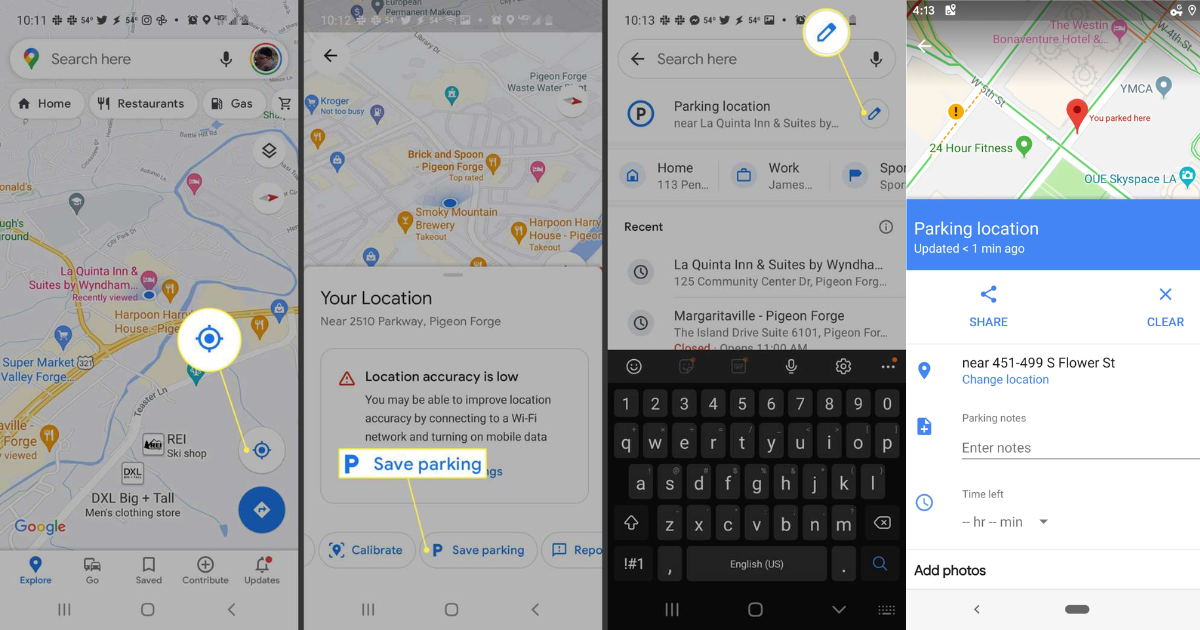
If you use an Android phone or tablet, saving your parking location is extremely quick.
Follow these steps:
Once you complete these steps, Google Maps to remember where you parked your car will automatically place a parking marker on the map.
The location usually stays saved for several hours even if you close the app.
When it is time to return to your vehicle, Google Maps can guide you back.
Follow these steps:
The app will show walking directions to the location where your car is parked.
This is one of the simplest ways to use Google Maps to remember where you parked your car in busy areas.
The process works almost the same on Apple devices, although the wording in the app may appear slightly different.
Follow these steps:
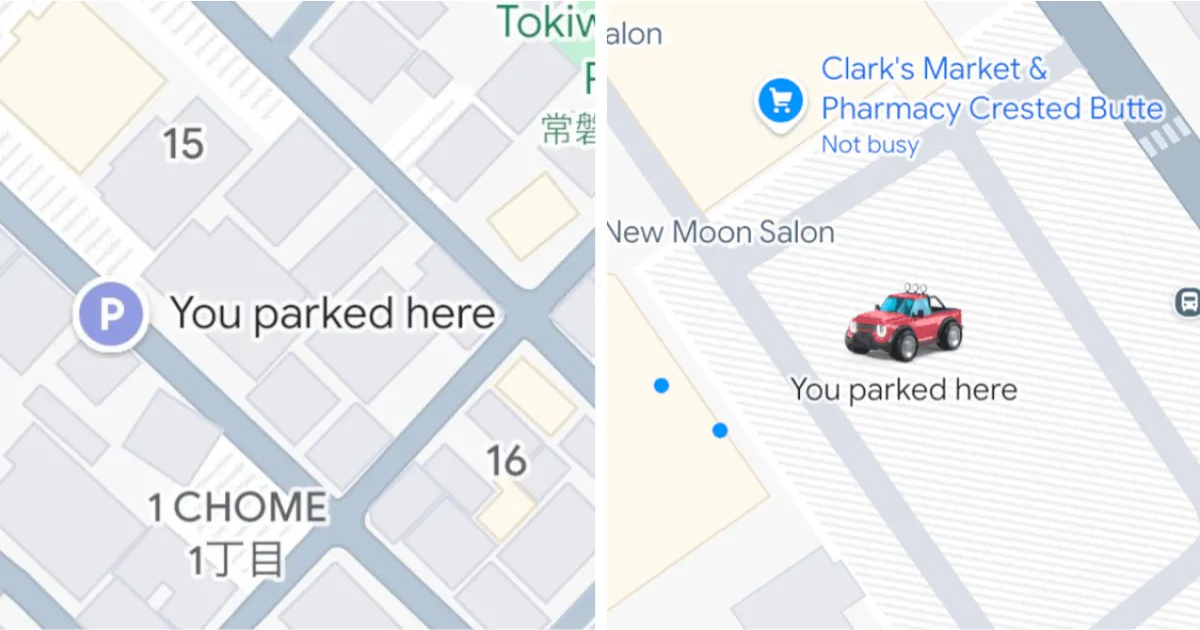
Once selected, a pin appears on the map showing where the vehicle is parked.
On iPhone and iPad devices, the saved location remains stored for up to 48 hours unless you delete it manually or begin driving again.
Once you have saved the parking location, finding it again is straightforward.
Follow these steps:
This makes Google Maps to remember where you parked your car very convenient in unfamiliar places.
Sometimes the map marker may not be perfectly accurate. You may park slightly away from the original pin.
Google Maps allows you to modify the saved location.
Follow these steps:
This small adjustment ensures your parking location remains precise.
Yes, iPhone and iPad users can share the saved parking location with others.
This can be useful when someone else needs to find your car.
Follow these steps:
Sharing the parking location adds another layer of convenience to Google Maps to remember where you parked your car.
In certain cities in the United States, Google Maps can show parking availability before you reach your destination.
This feature helps drivers plan where to park.
You can:
However, this feature is not available in every region.
It also does not reserve parking spaces, but it helps you see possible options before arriving.
At first glance, remembering a parking spot seems like something drivers should manage easily. But in large parking structures or busy city areas, it quickly becomes confusing.
Using Google Maps to remember where you parked your car is a simple yet effective solution. It removes guesswork and saves time. The steps are quick, the feature works across Android and iPhone devices, and it requires no additional apps.
For everyday drivers, especially those navigating crowded urban spaces, this small Google Maps feature can make a noticeable difference.
Google Maps saves your parking location when you tap the blue location dot and select the option to save parking. A pin appears on the map marking your vehicle location.
On Android devices the parking location typically remains saved for several hours. On iPhone and iPad it can remain saved for up to 48 hours unless cleared or replaced.
Yes. Open Google Maps, search for the saved parking location, and tap Directions to receive walking navigation back to the vehicle.
Yes. On iPhone or iPad you can tap the parking pin and select Change location to move the marker to the correct spot.
Yes. Open the saved parking location in Google Maps and tap Clear at the bottom of the screen to remove it.
Yes. iPhone and iPad users can tap the saved parking pin and choose Share to send the location through messaging apps or other services.
In some US cities Google Maps displays nearby parking garages, public lots, and designated parking areas. However, the feature does not reserve a parking space.