Your cart is empty
Start Shopping Exterior
›
Exterior
›
 Bumper Diffuser/Guard
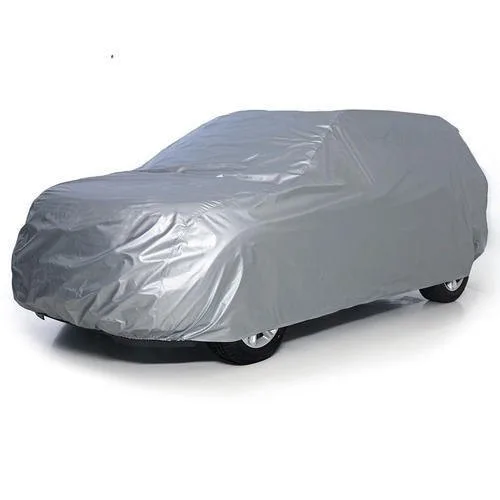 Body Covers
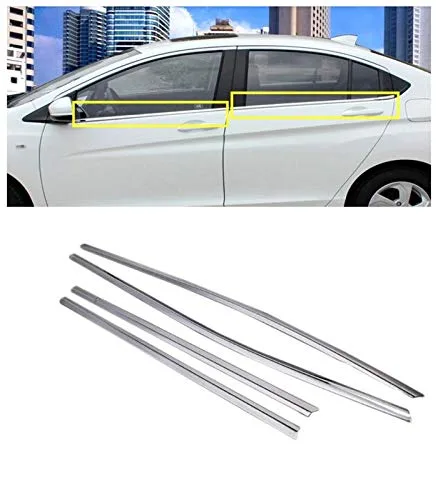 Window Garnishing
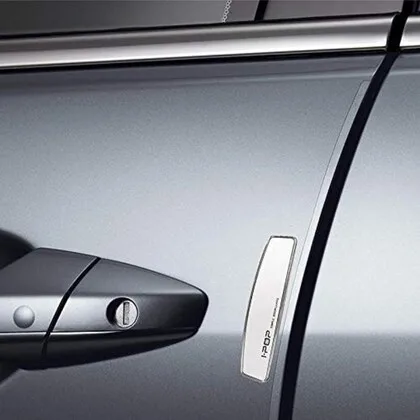 Door Guards
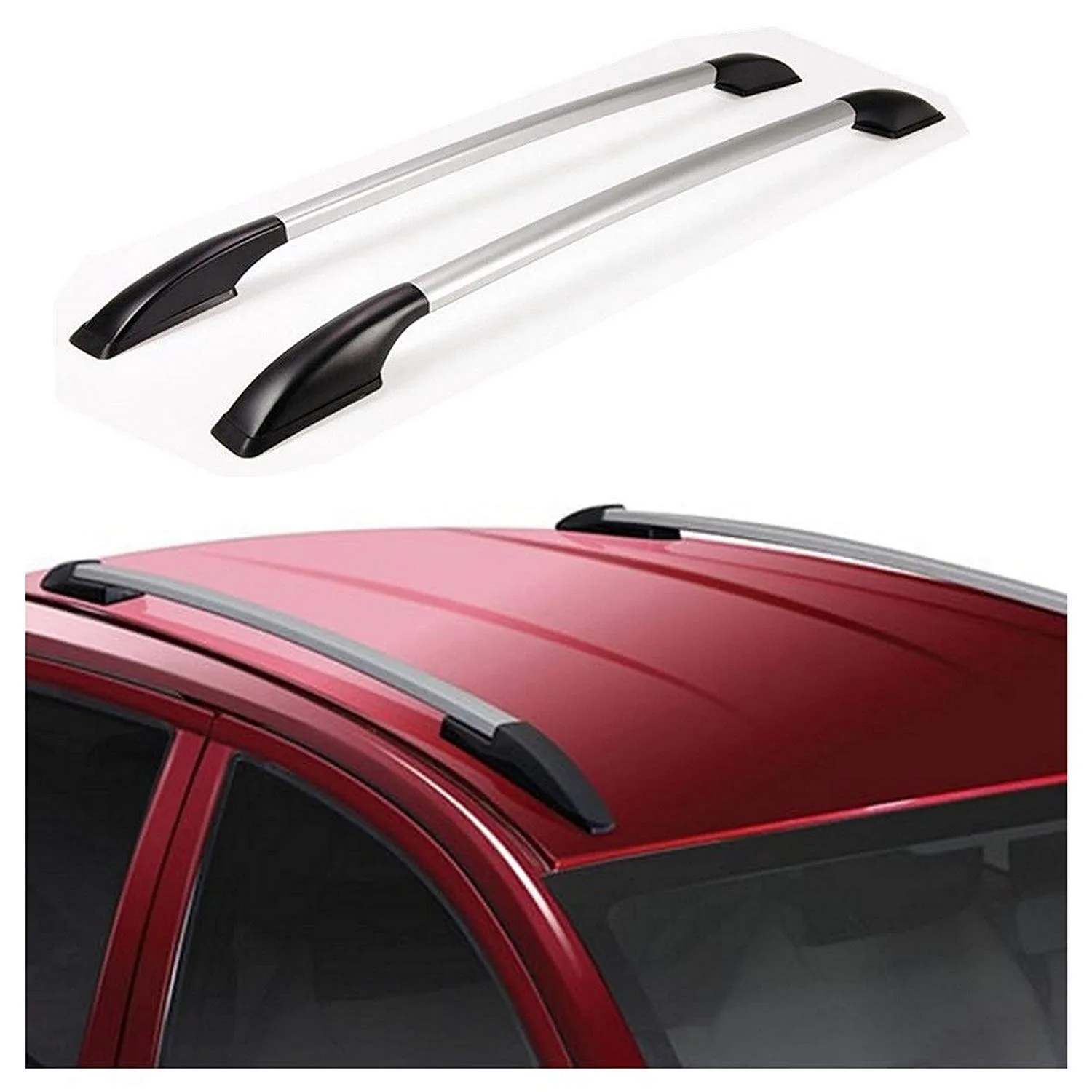 Roof Rails
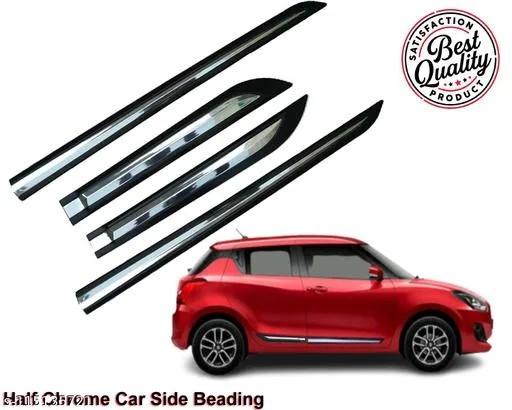 Side Beading
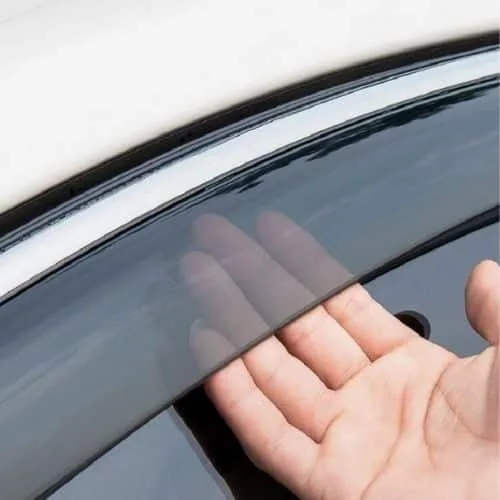 Door Visor
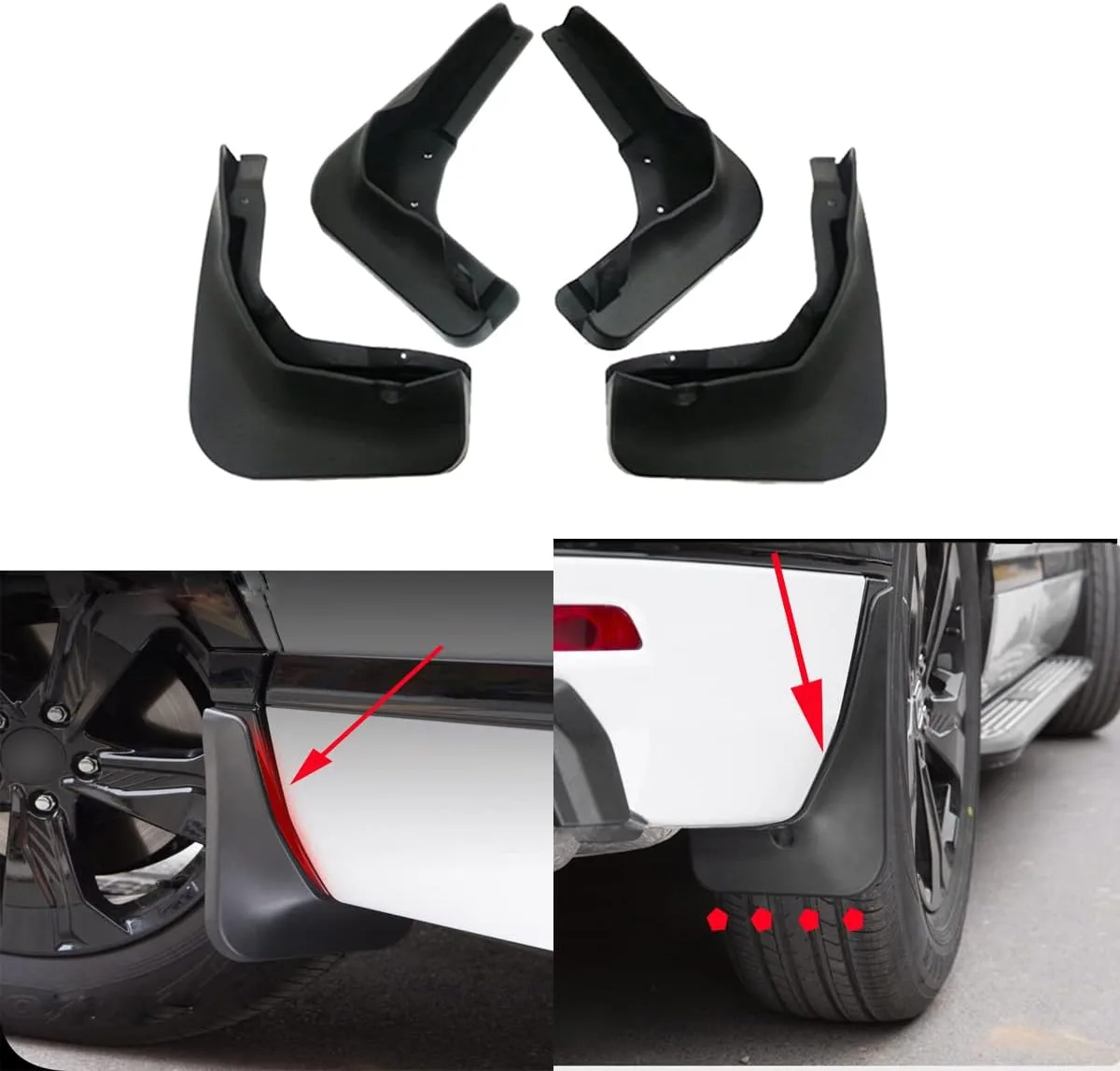 Mud Flap
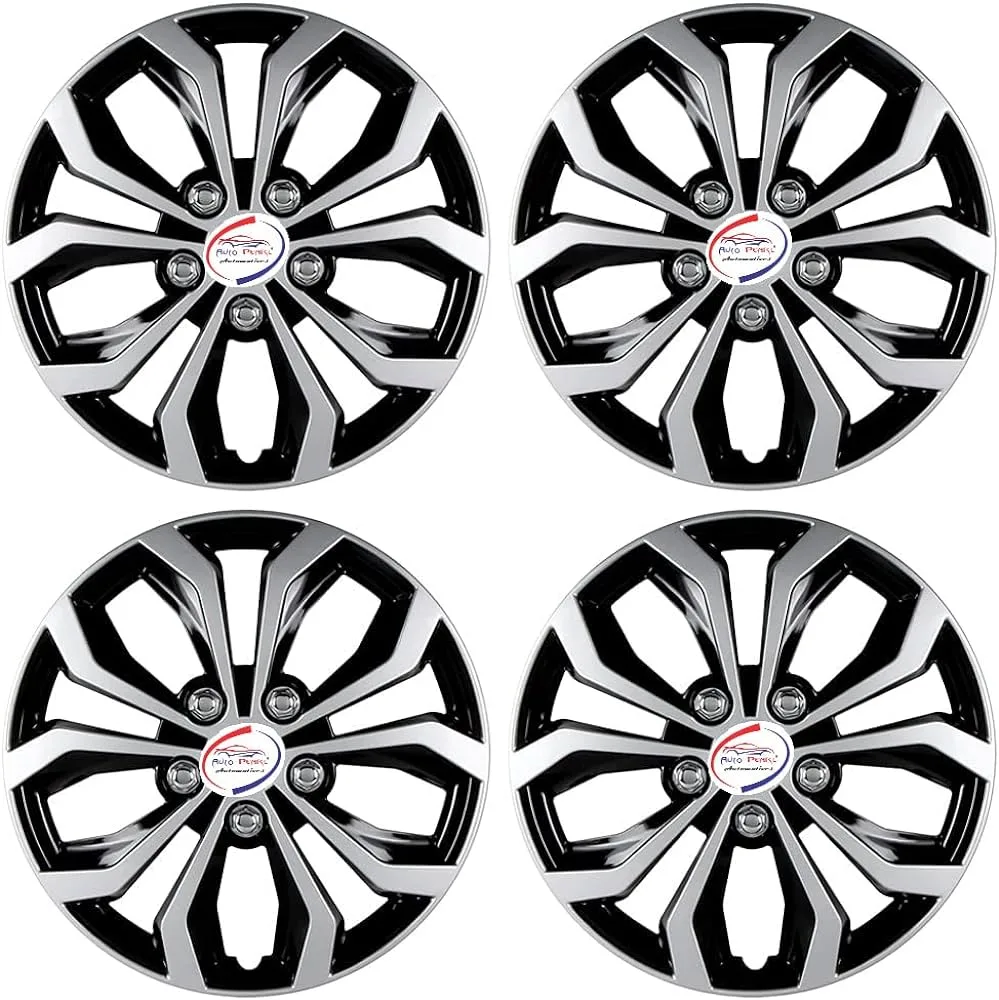 Wheel Cover
 Foot Rest
 Interior
›
Interior
›
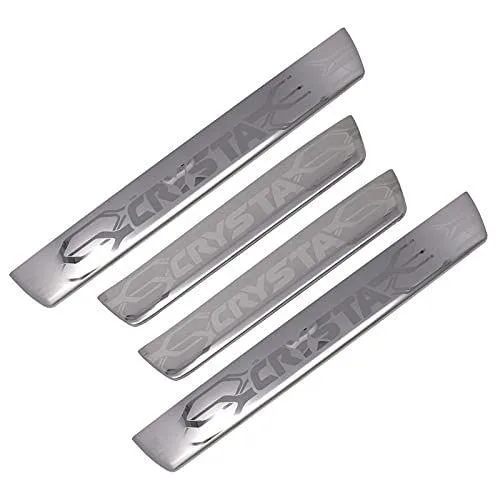 Door Scuff Sill Plates
 Window Sunshades & Film
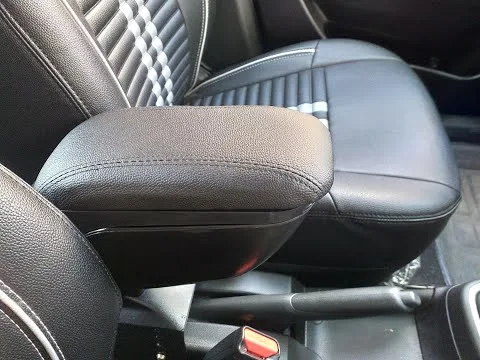 Armrest
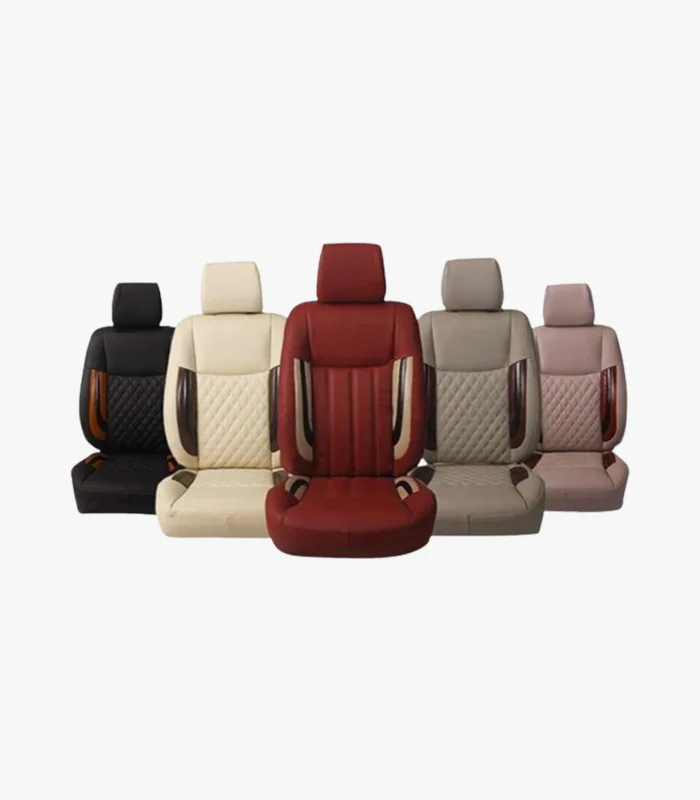 Seat Covers
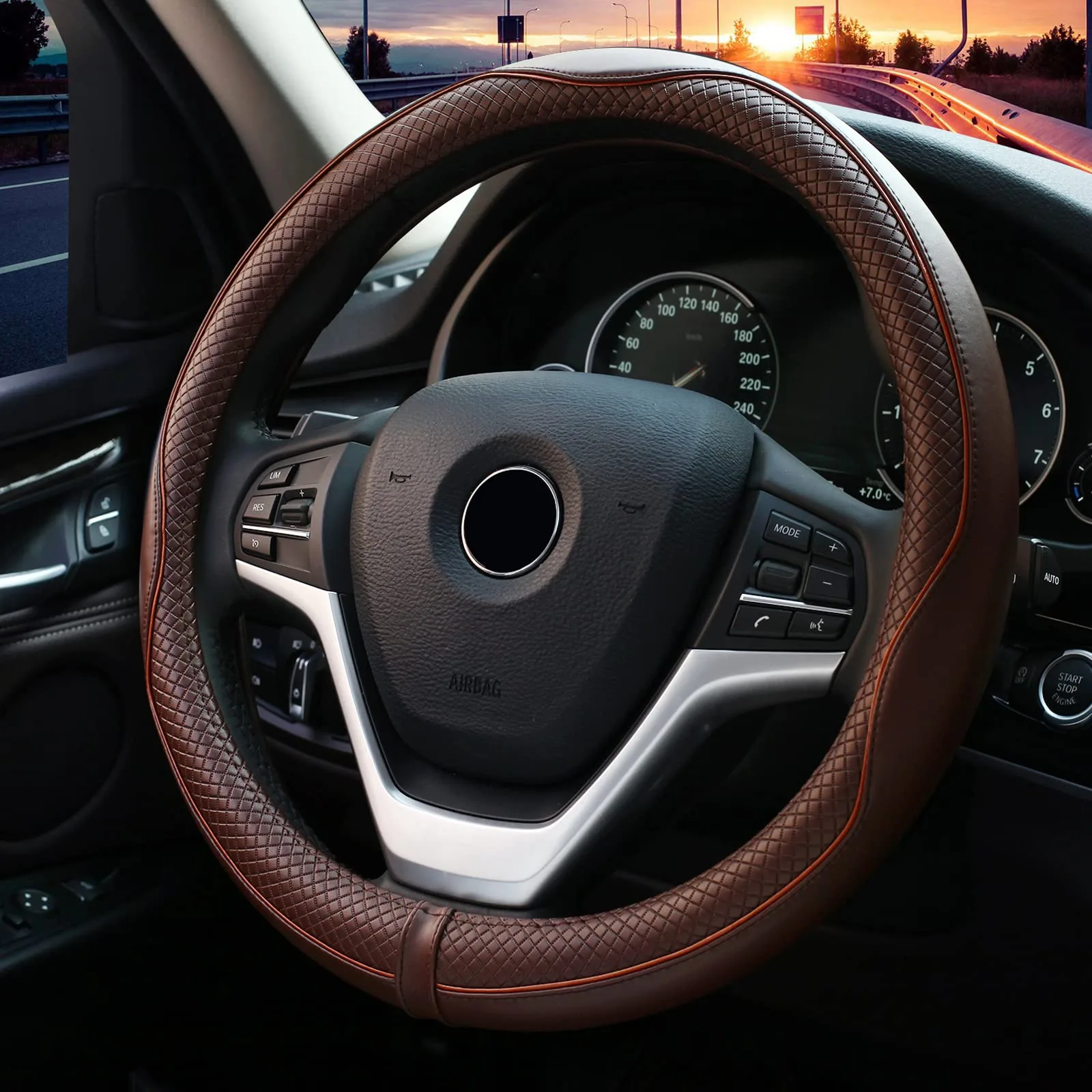 Steering Cover
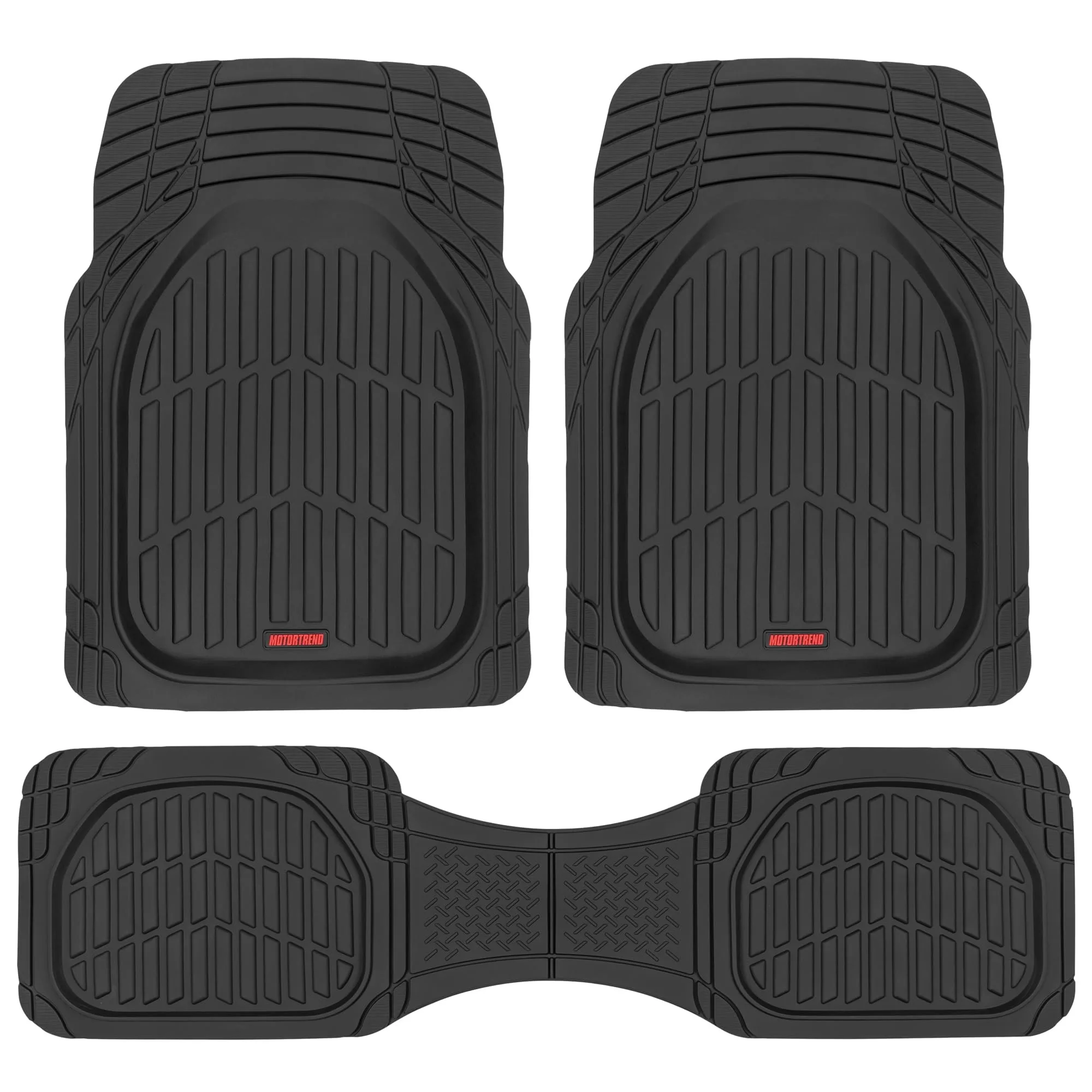 Floor Mats
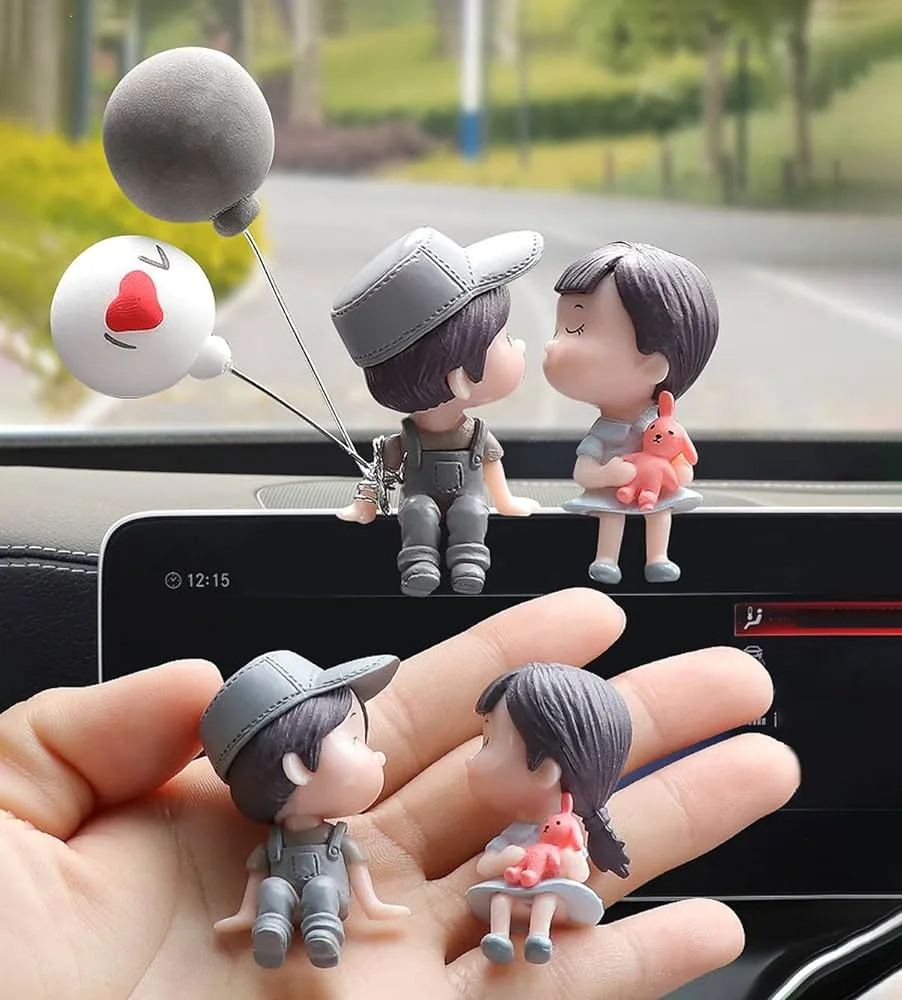 Dashboard Showpiece
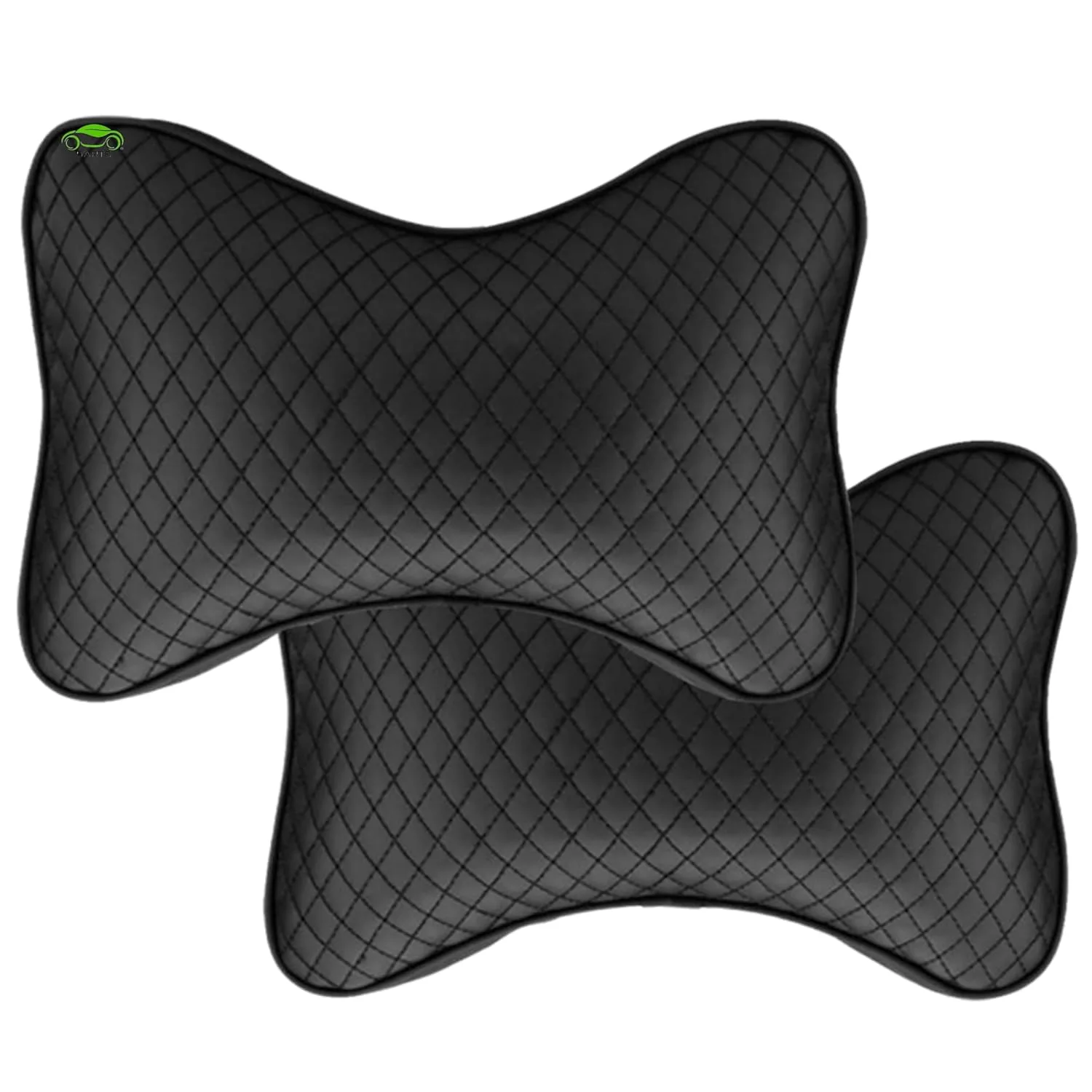 Seat & Neck Cushion
 Lighting
›
Lighting
›
 Utility
›
Utility
›
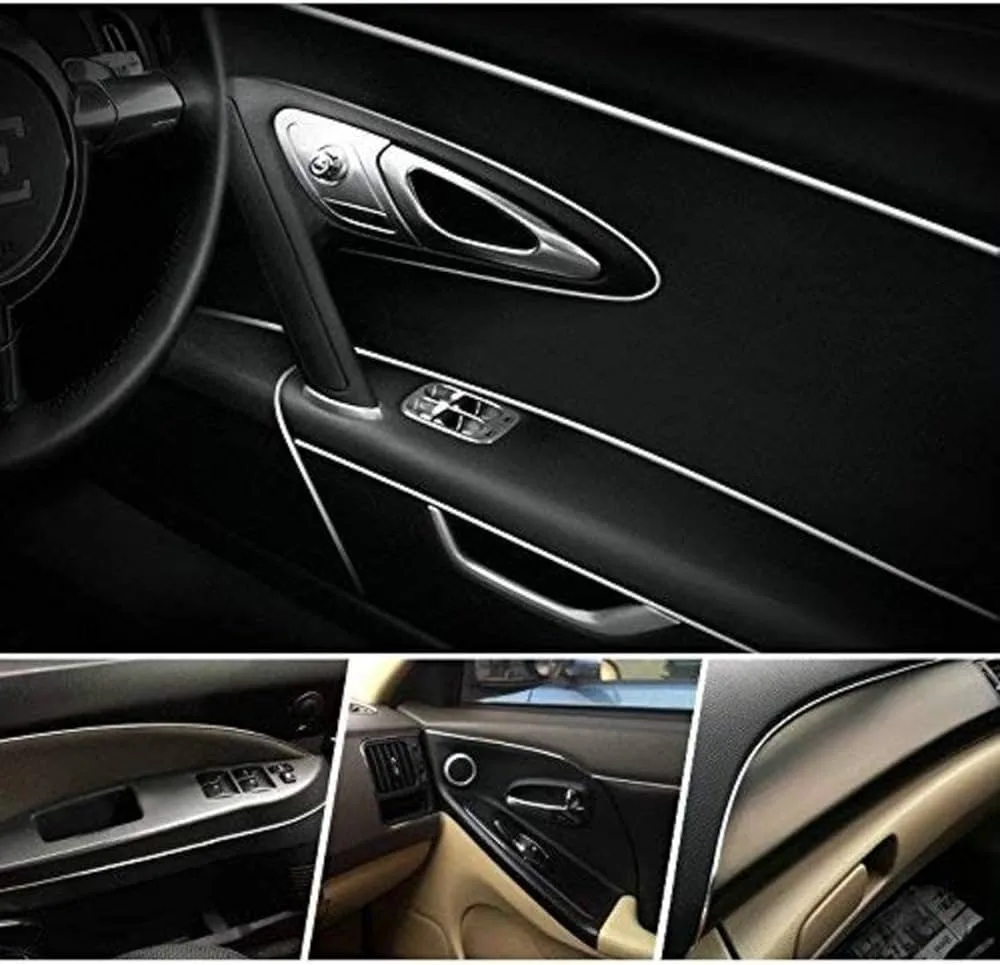 All Chrome Items
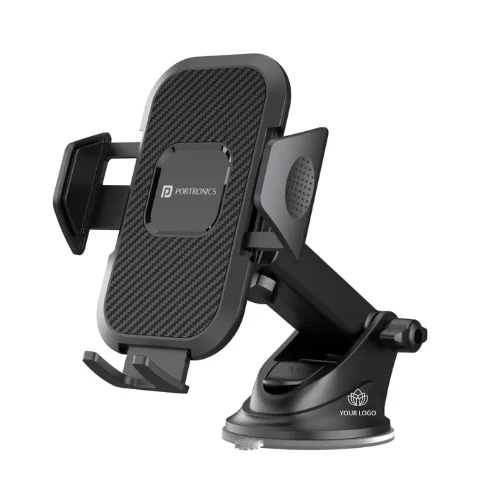 Mobile Holder
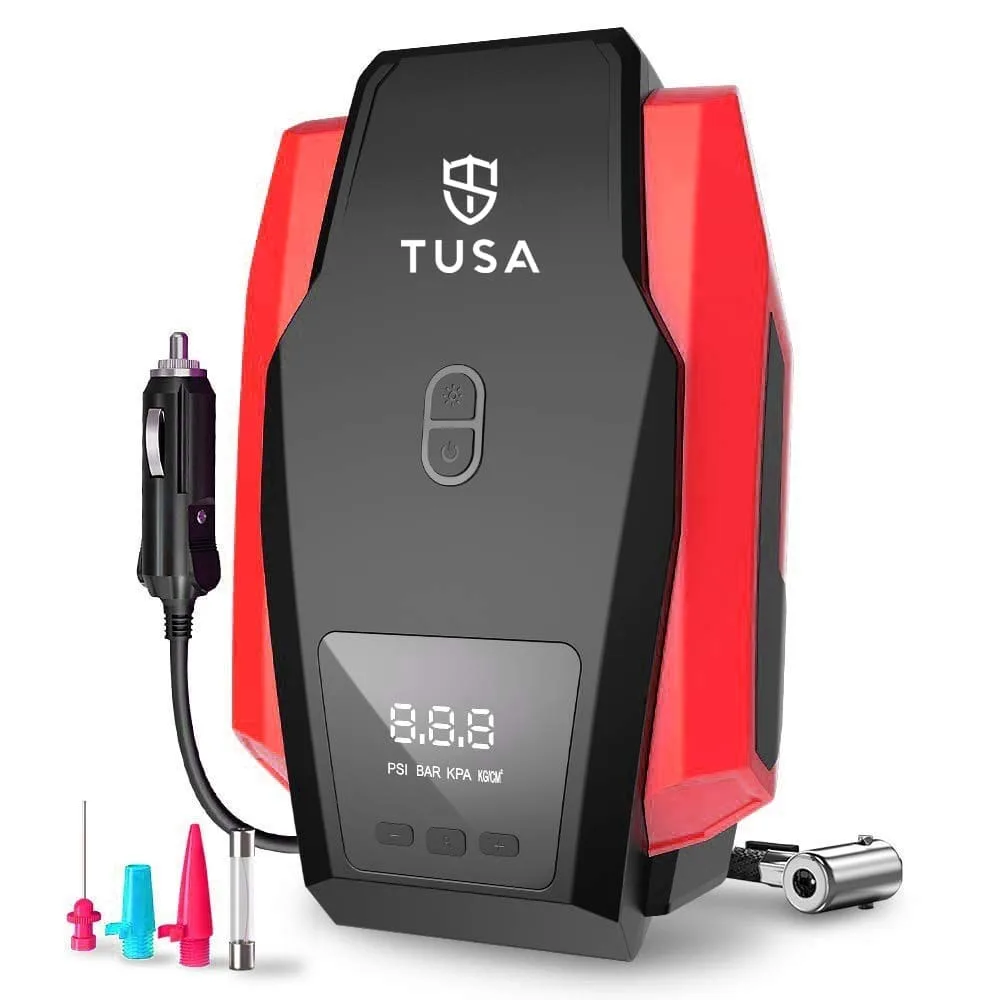 Tyre Inflators
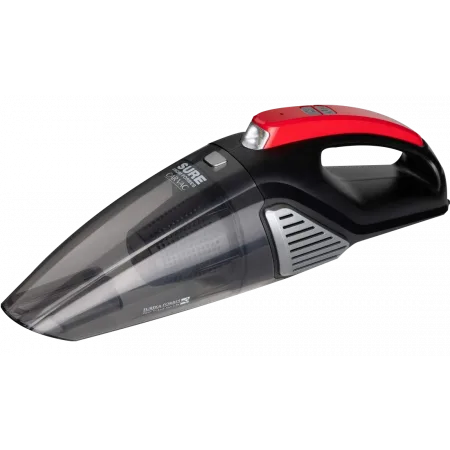 Vacuum Cleaner
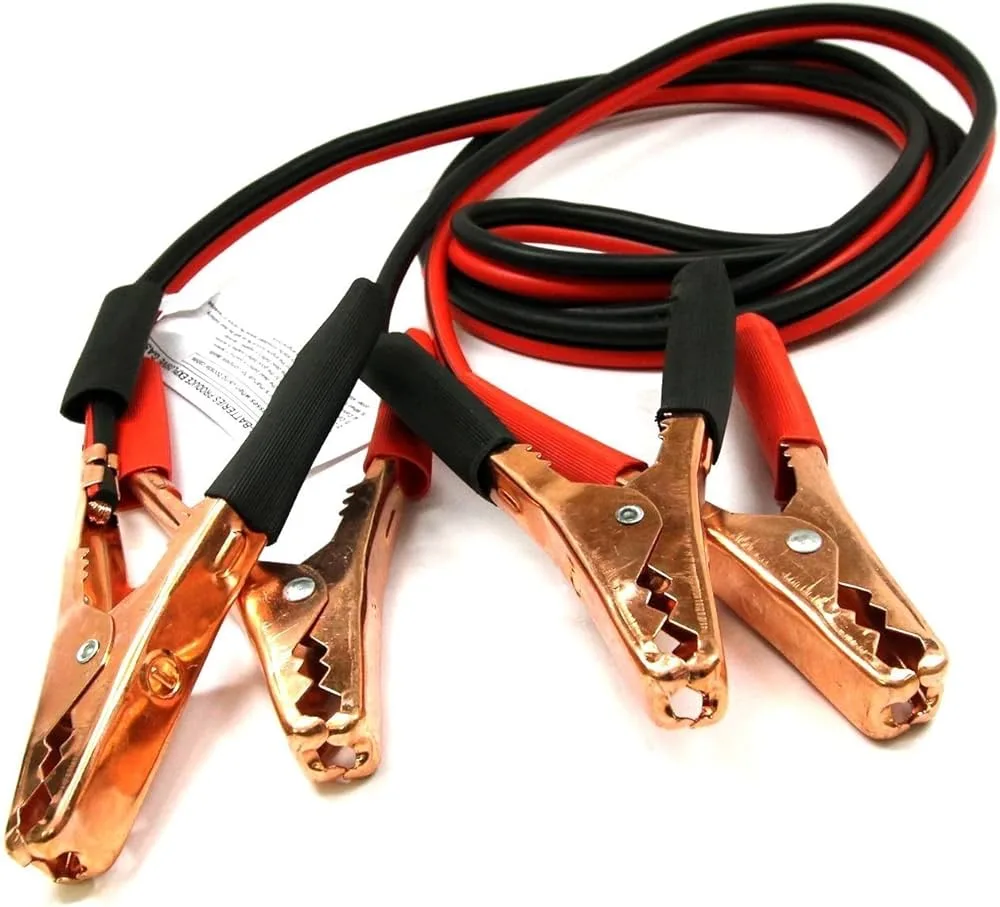 Jumper Cable
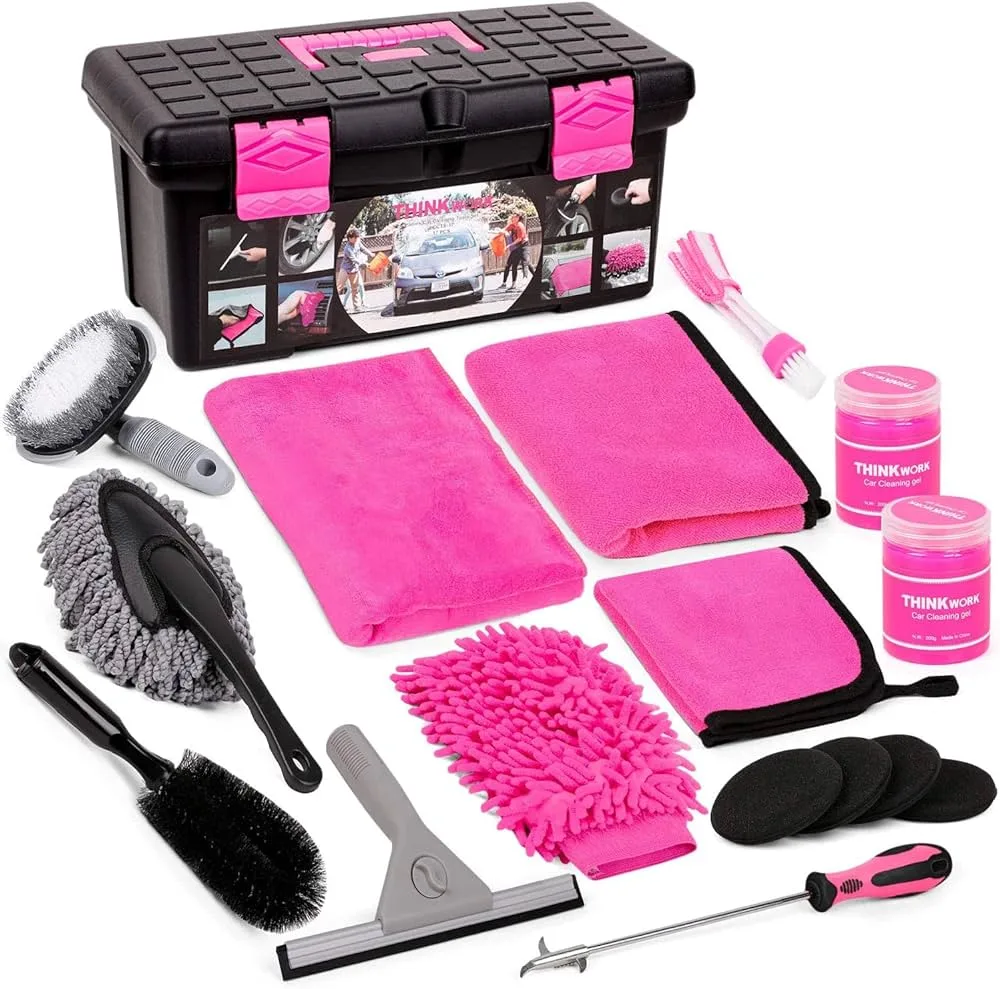 Cleaning Kit
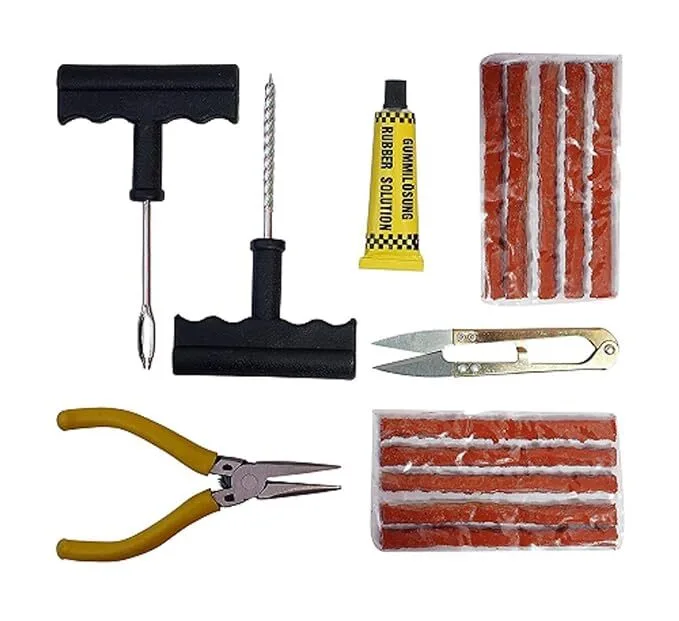 Tyre Puncture Kit
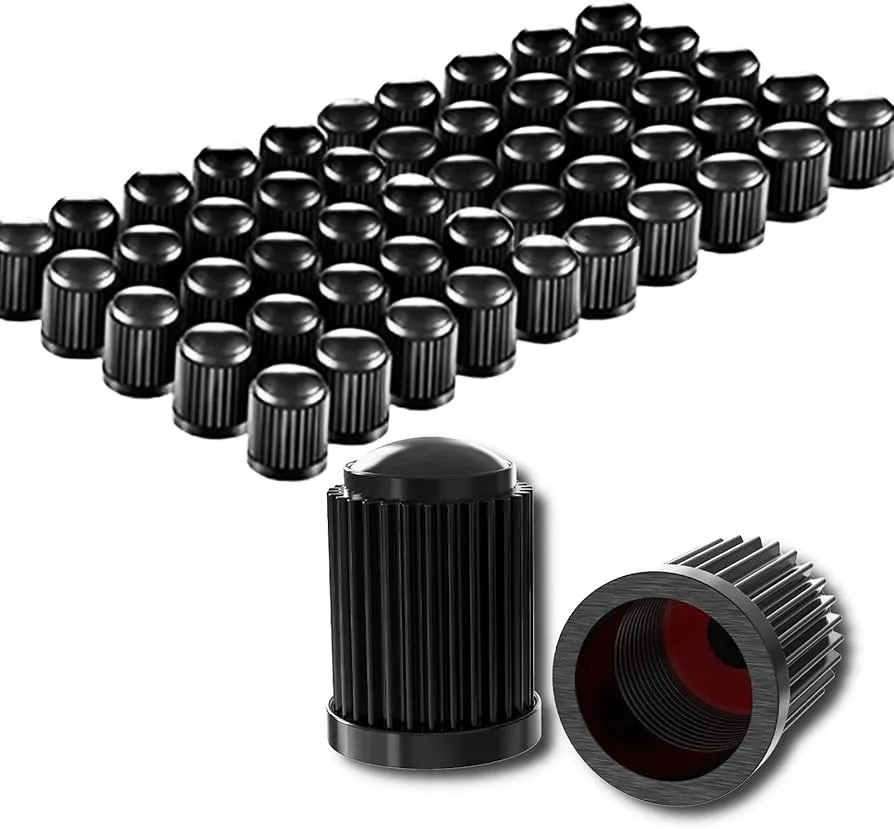 Tyre Valve Cap
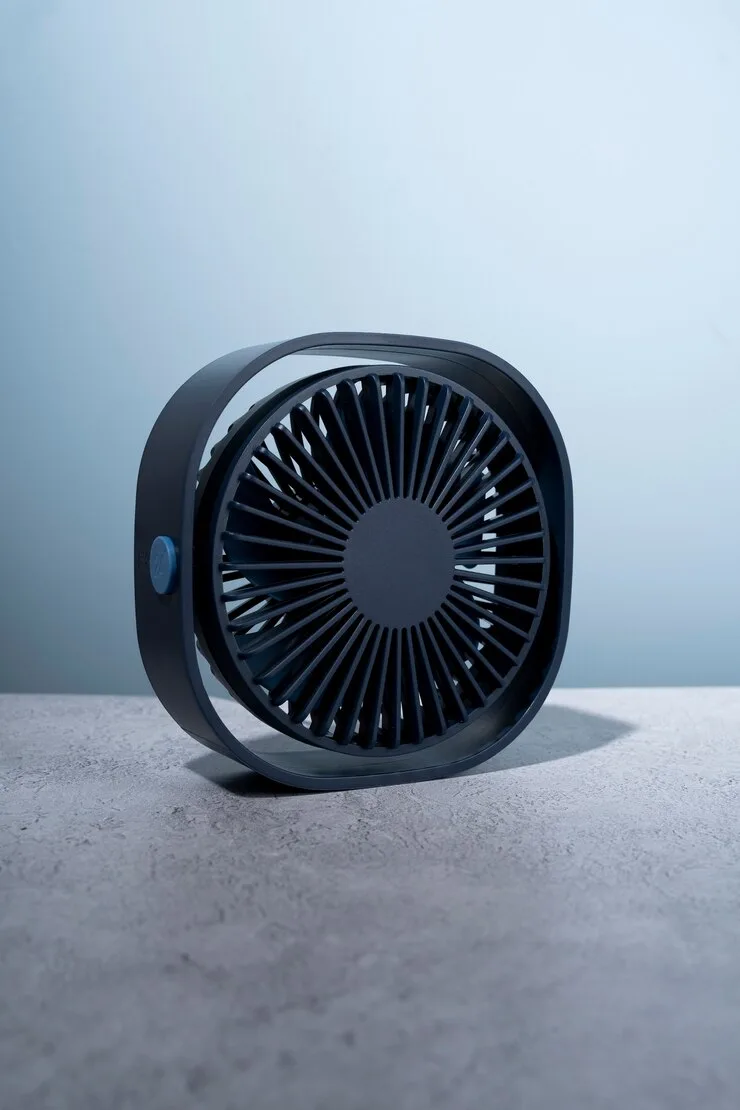 Car Fan
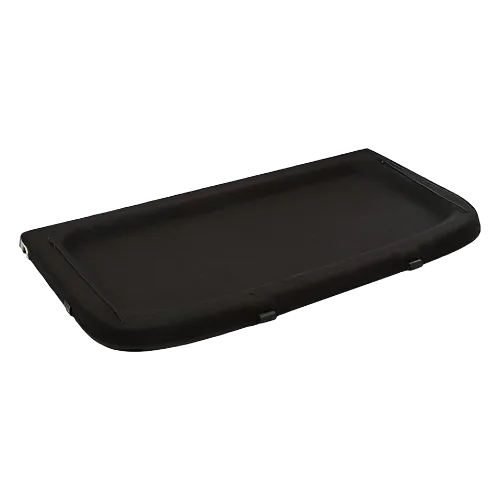 Parcel Tray
 Electronic
›
Electronic
›
 Parts
›
Parts
›
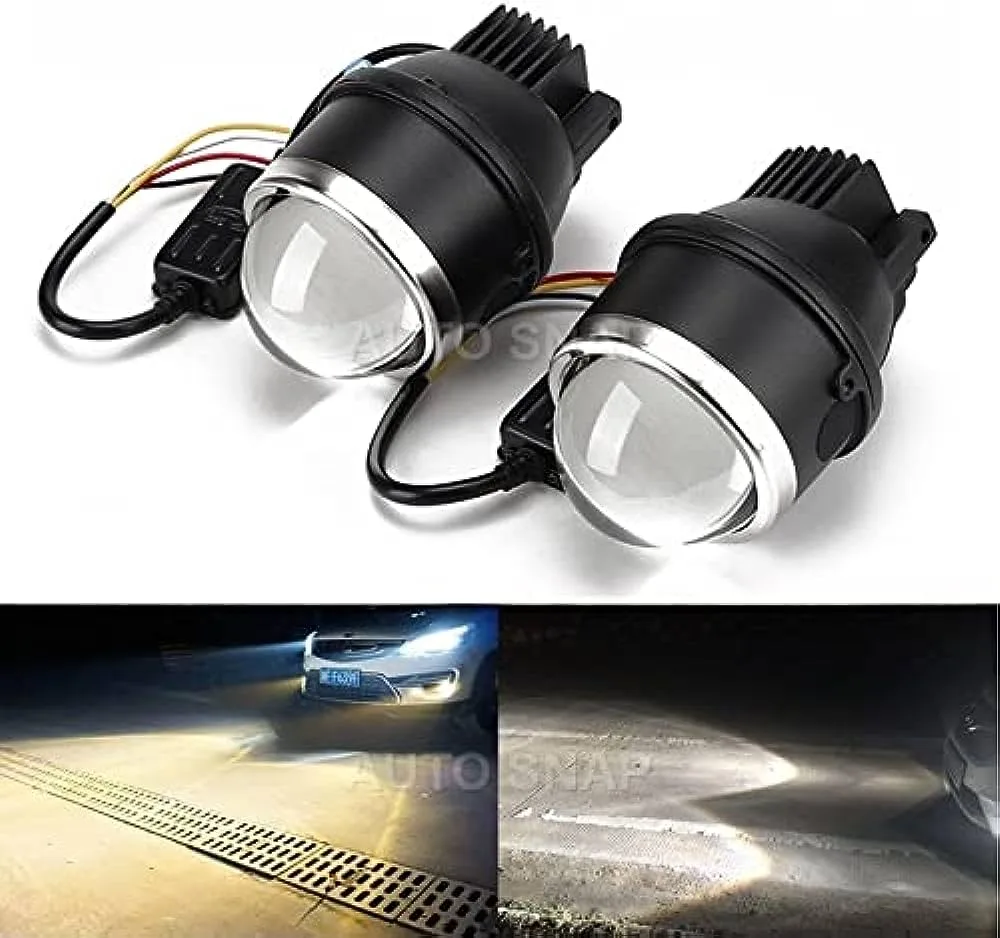 Fog Lights
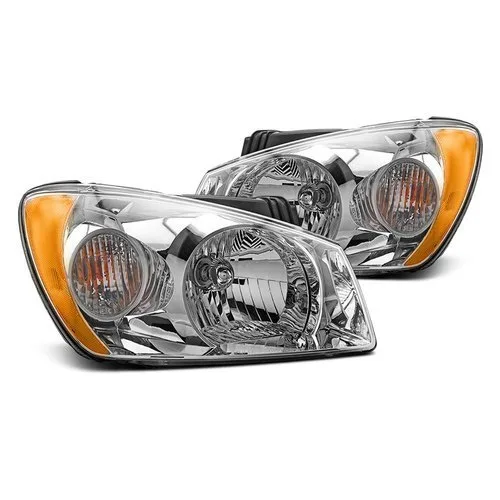 Headlights
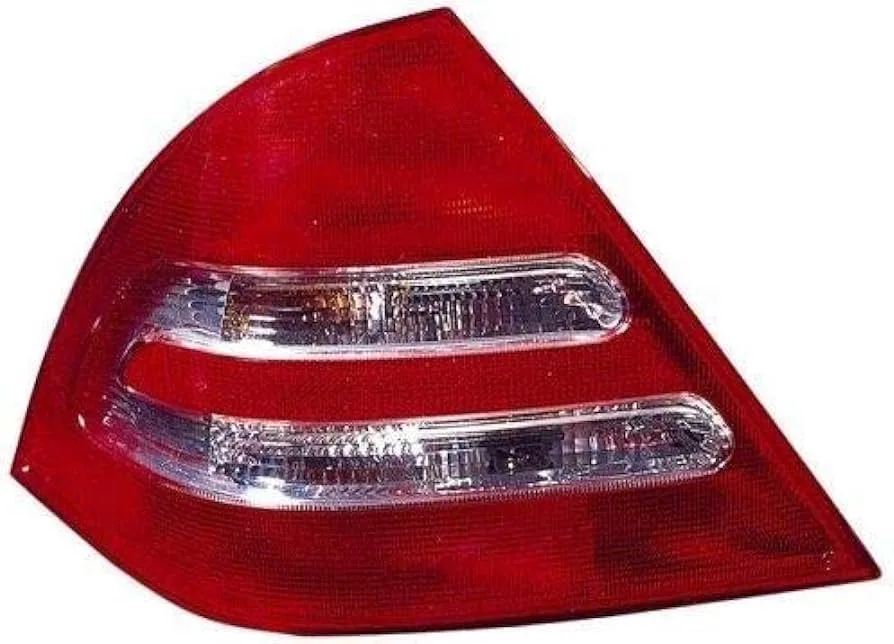 Tail Lights
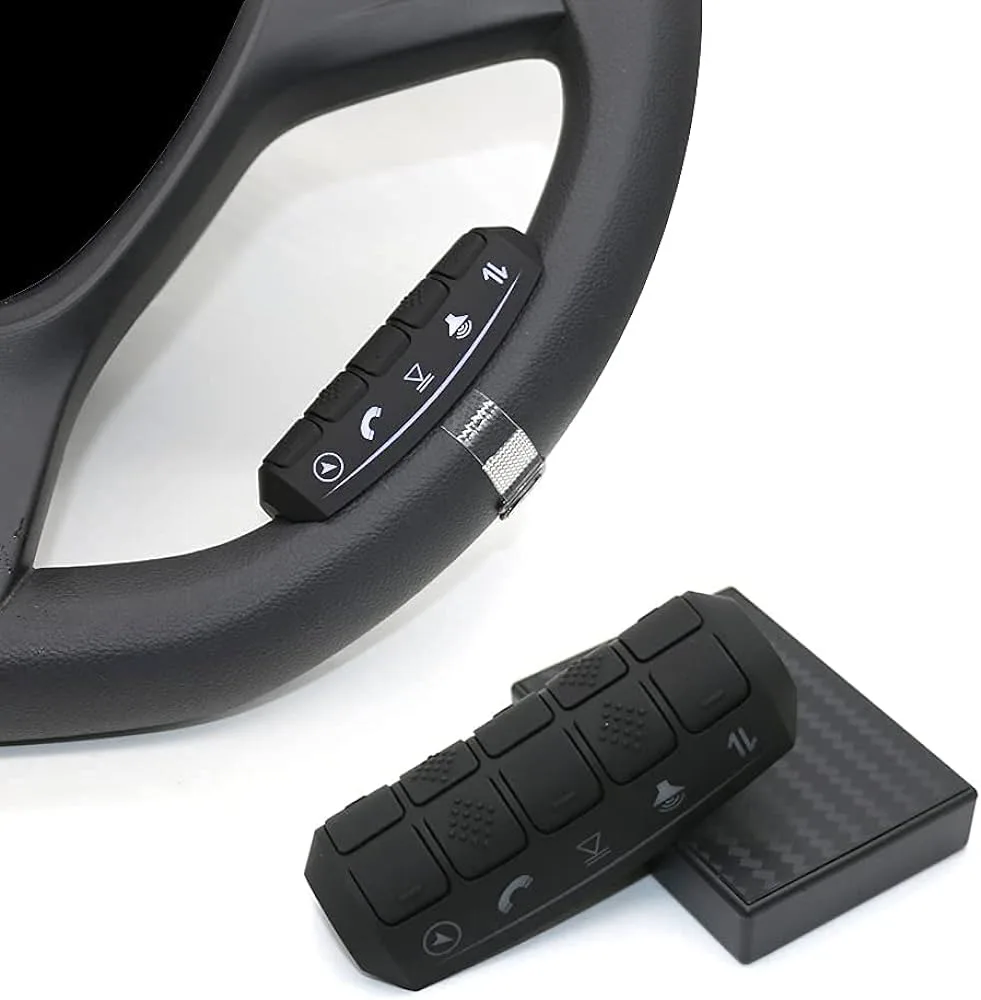 Steering Wheel Controls
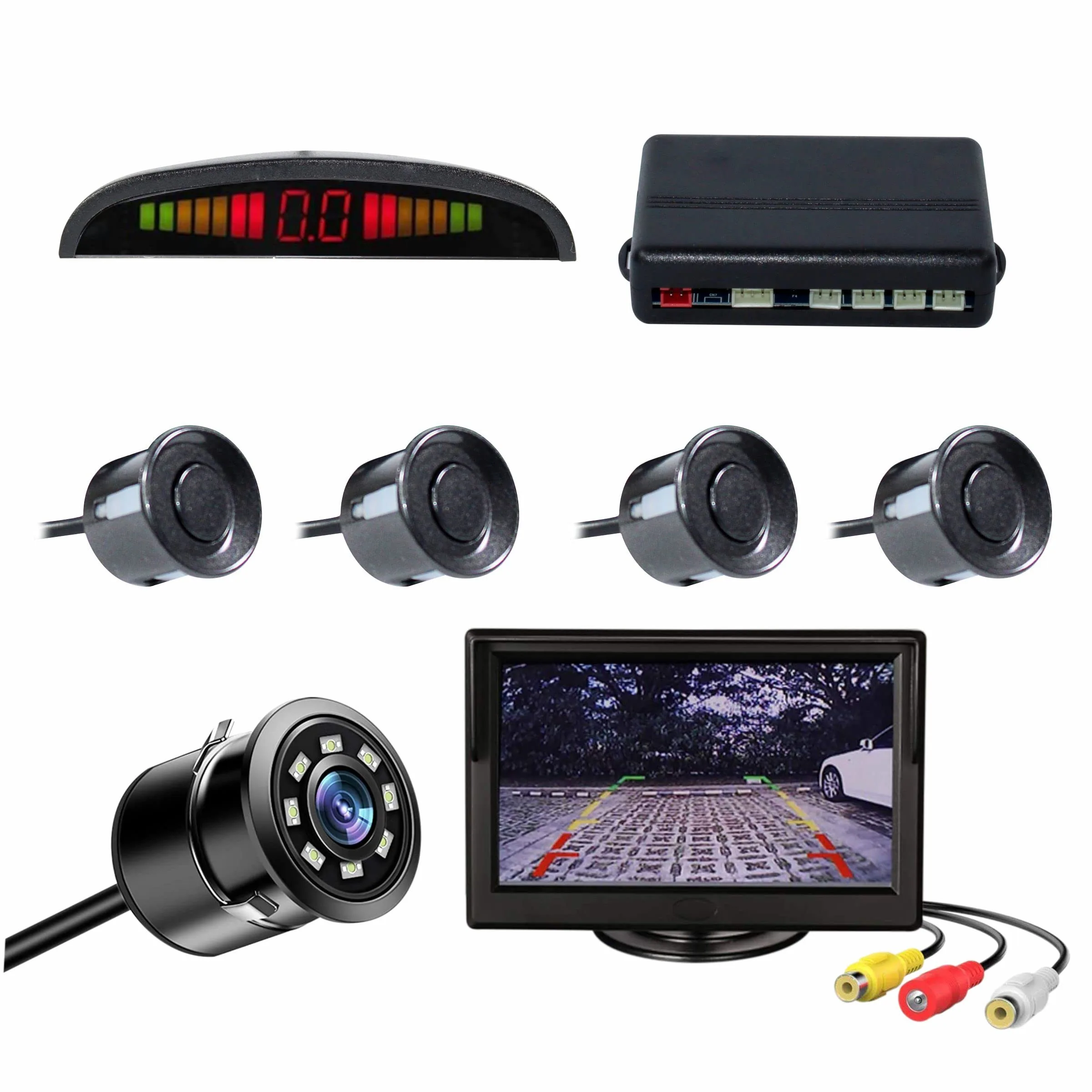 Sensor
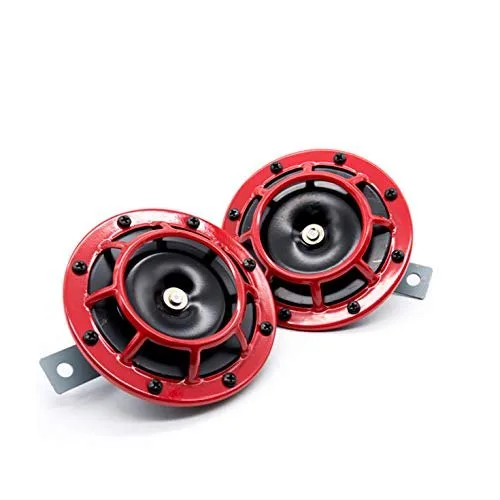 Horns
Horns
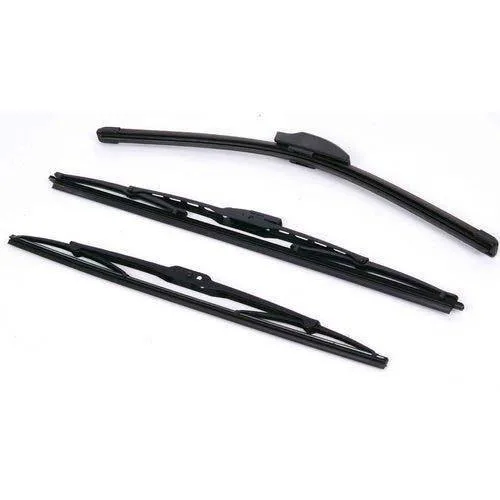 Wiper Blade
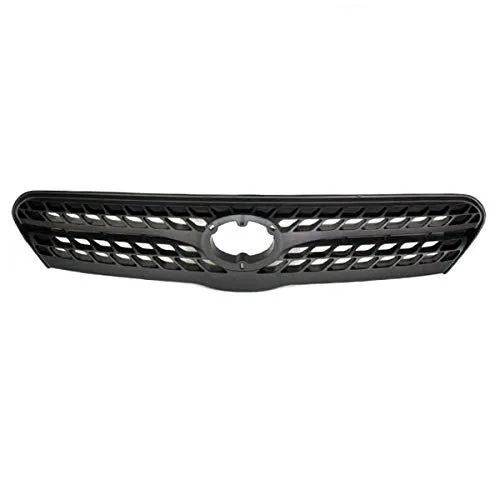 Front Grille
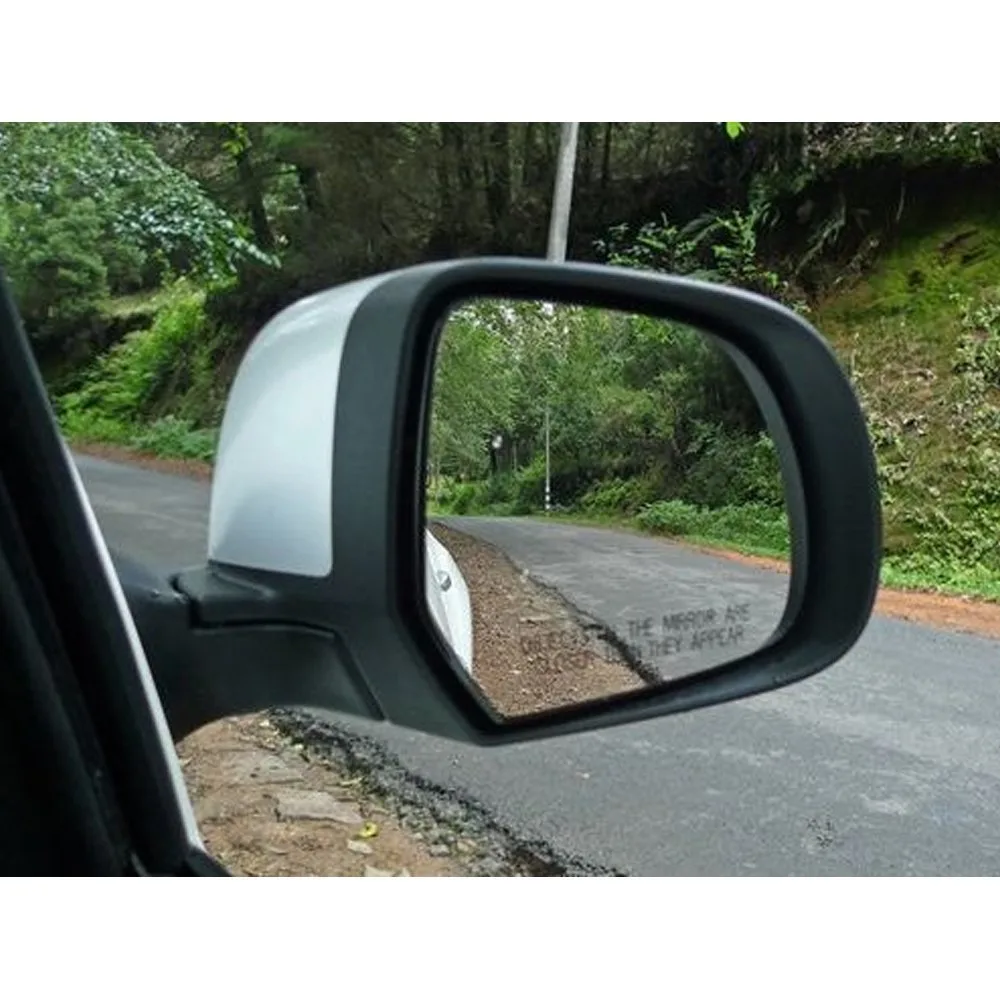 Side Mirror
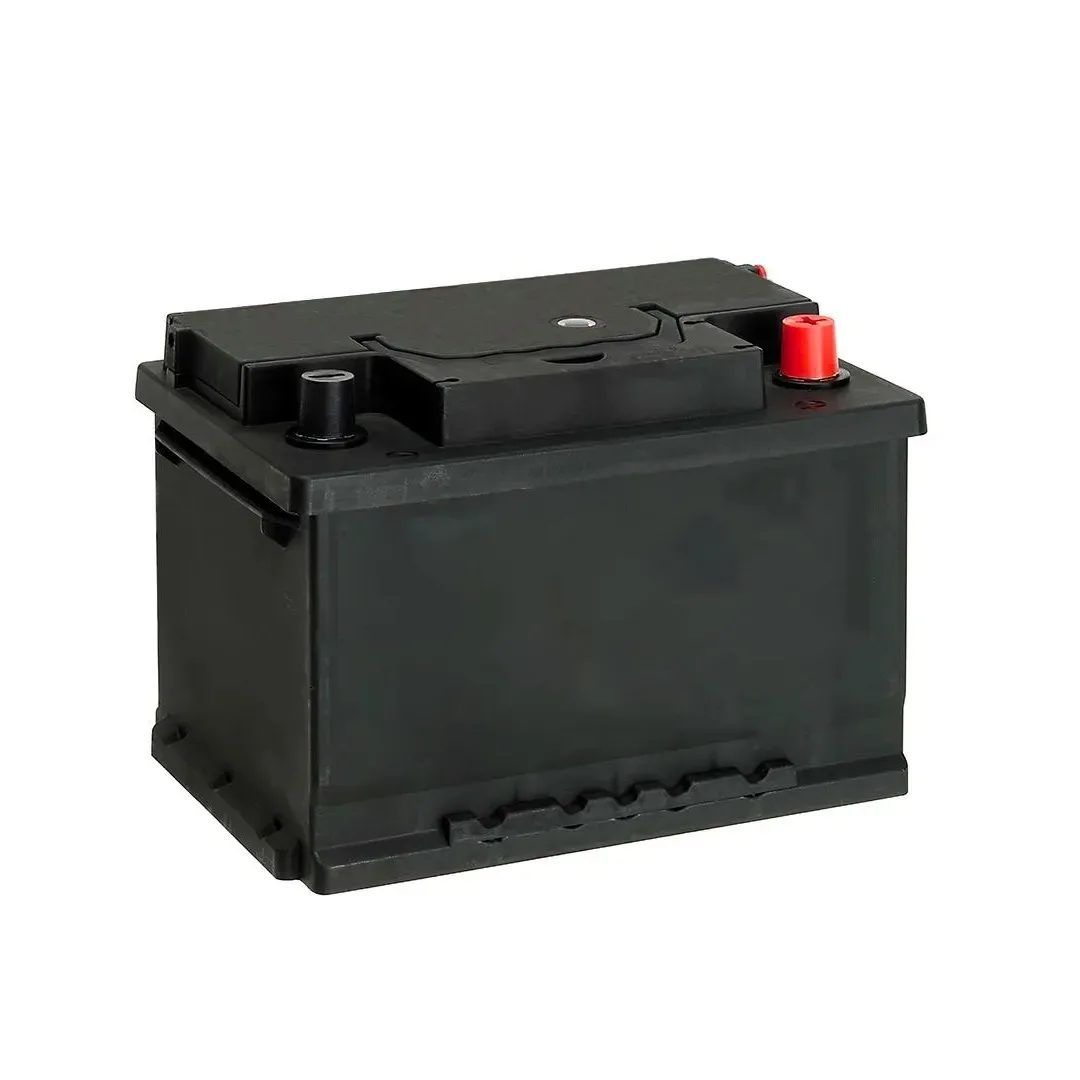 Battery
 Car Care
›
Car Care
›
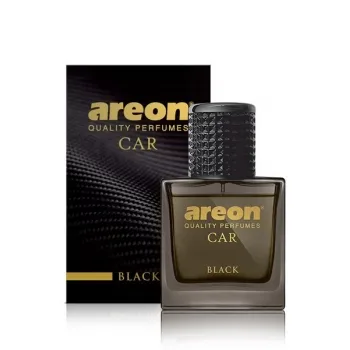 Air Freshener & Perfume
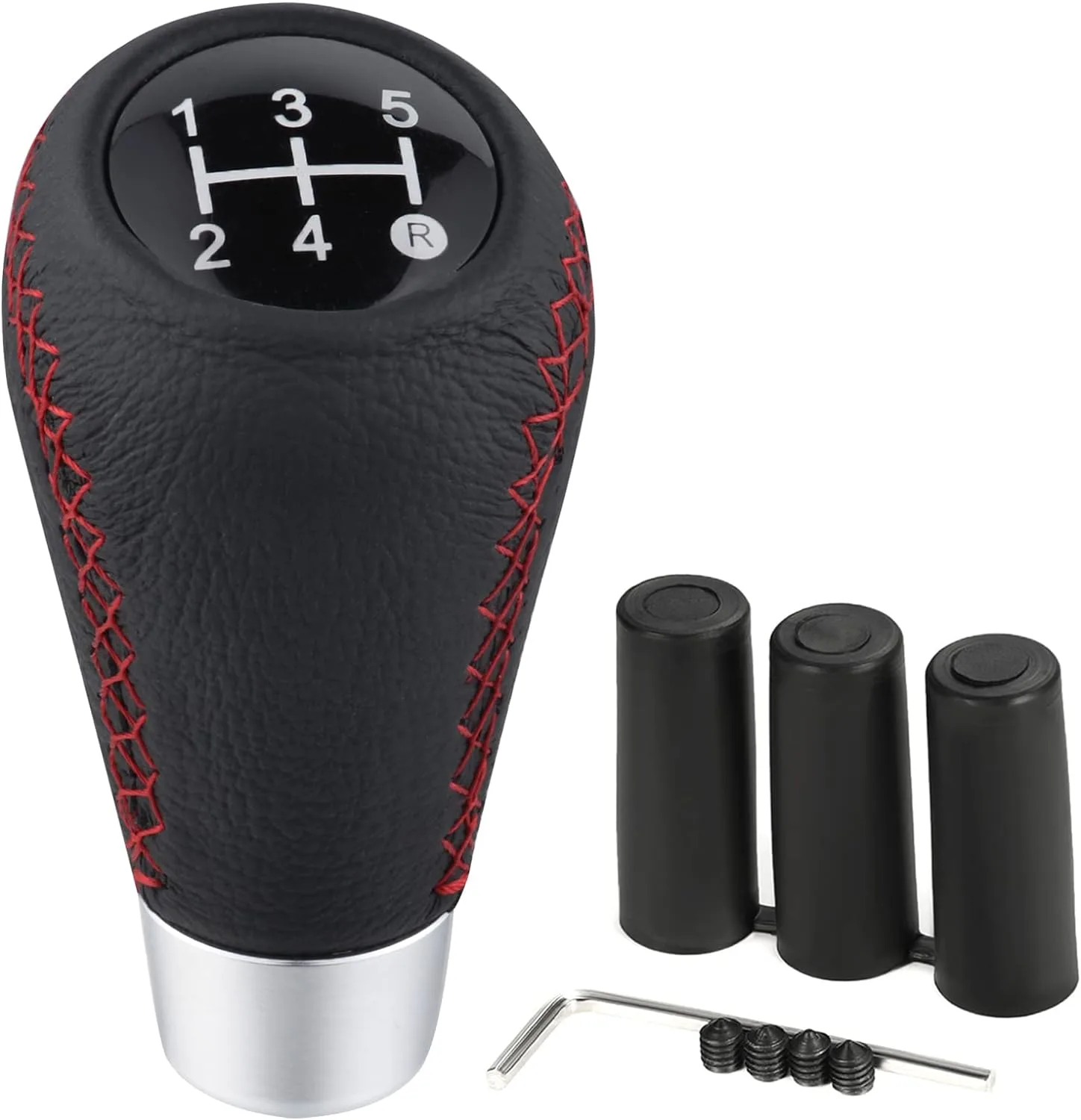 Gear knob
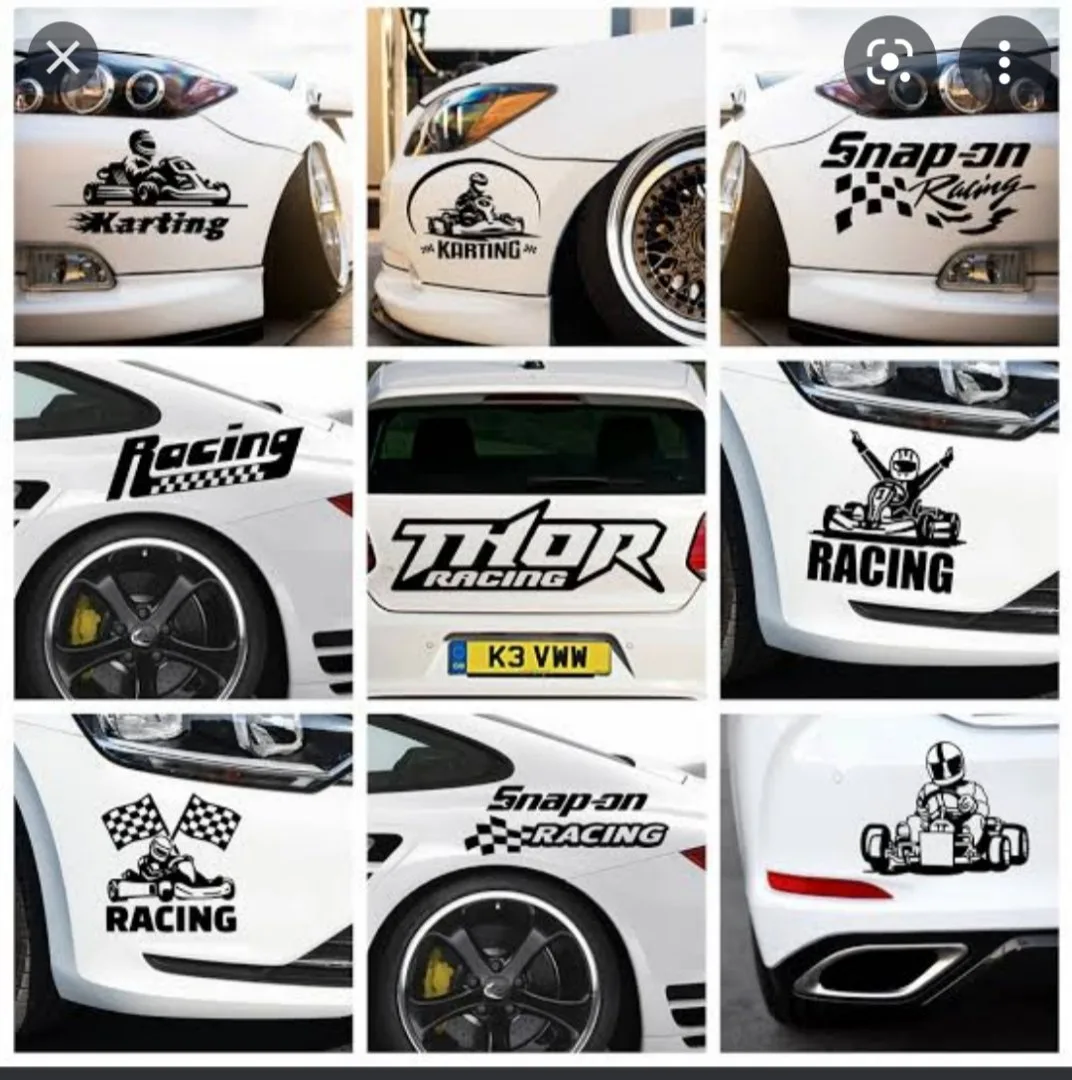 Stickers & Decals
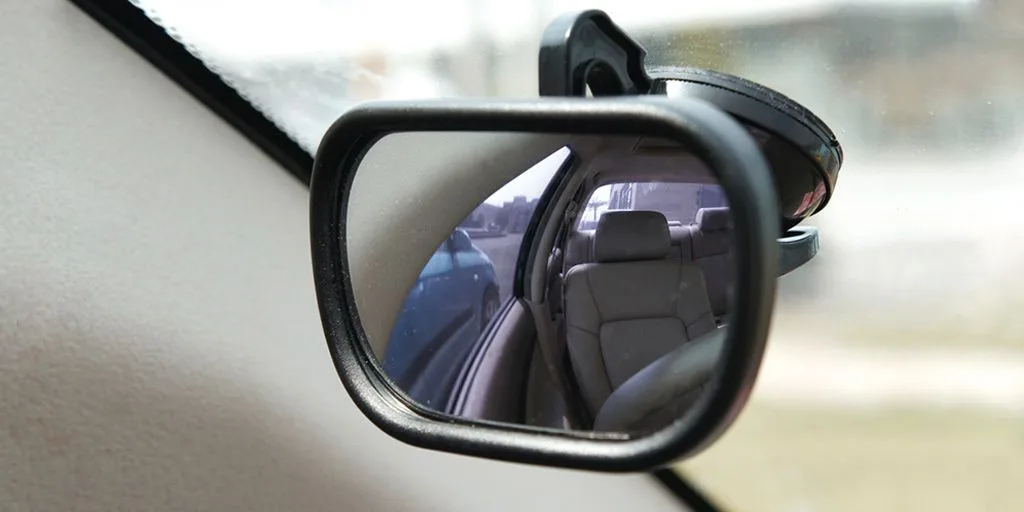 Blind Spot Mirror
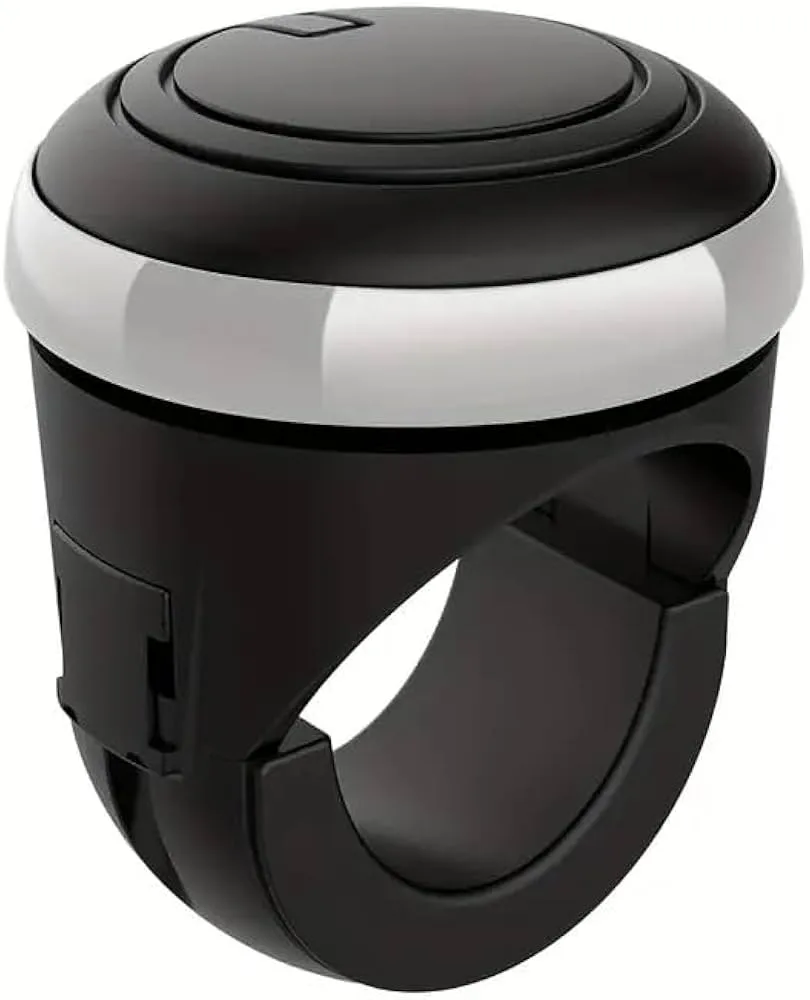 Steering Knob
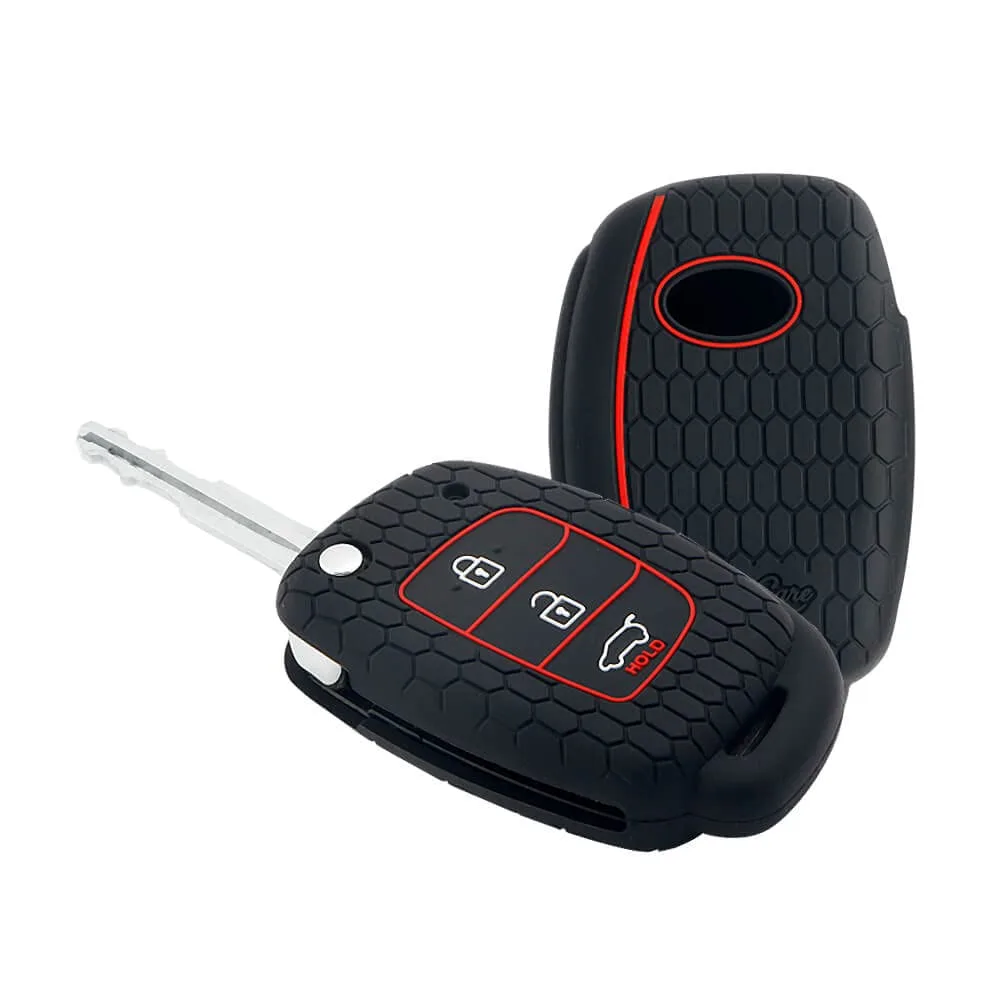 Key Covers
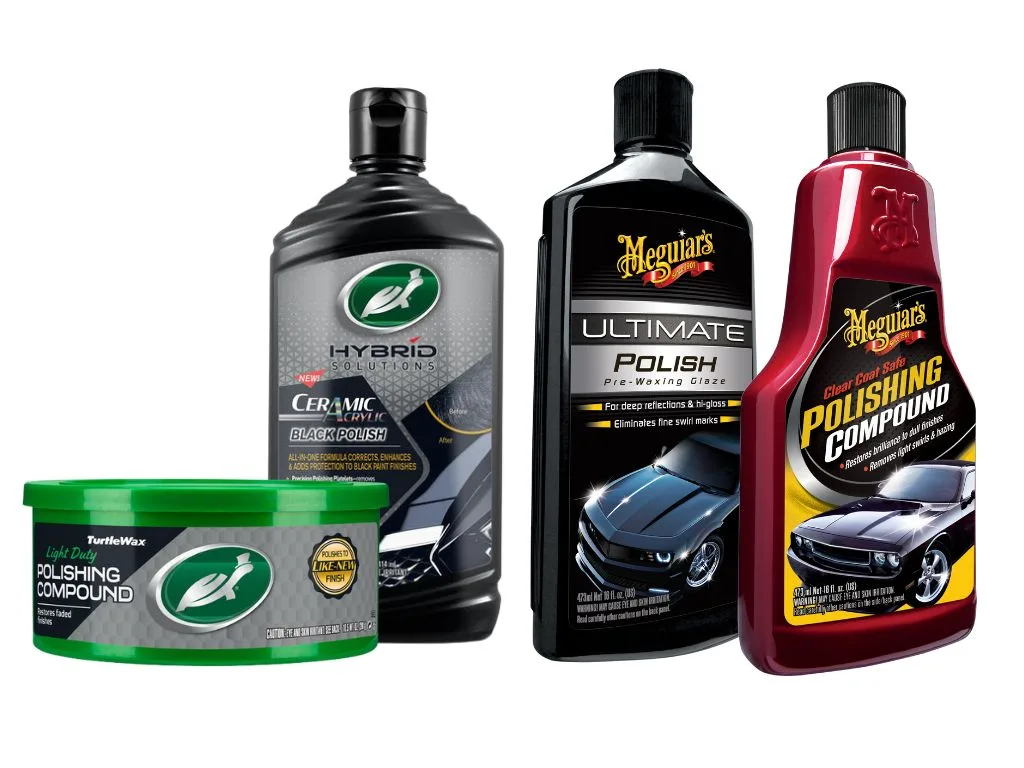 Polish & Scratch Remover
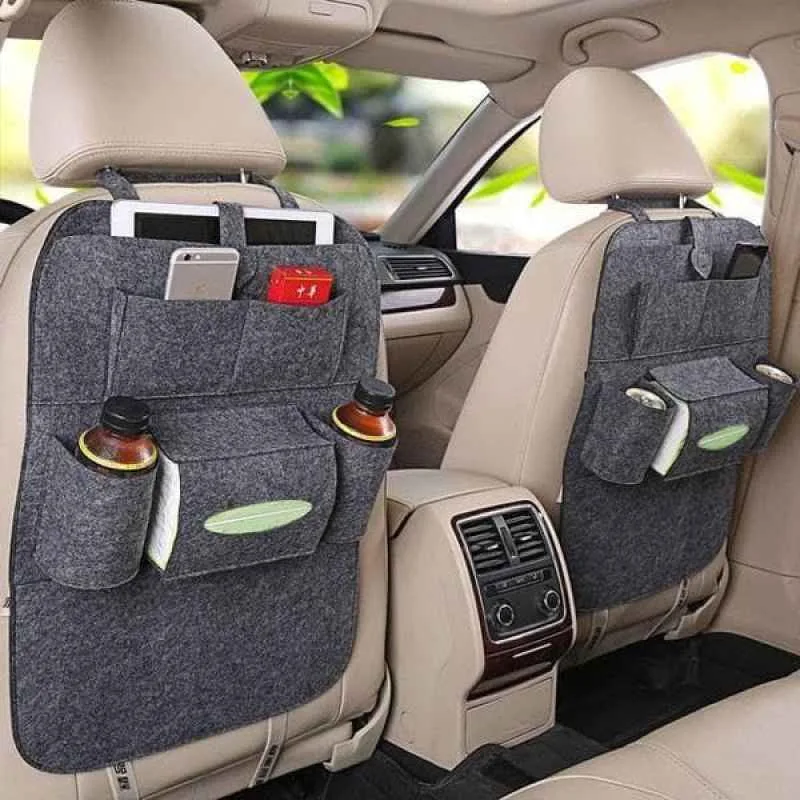 Seat Utility Holder
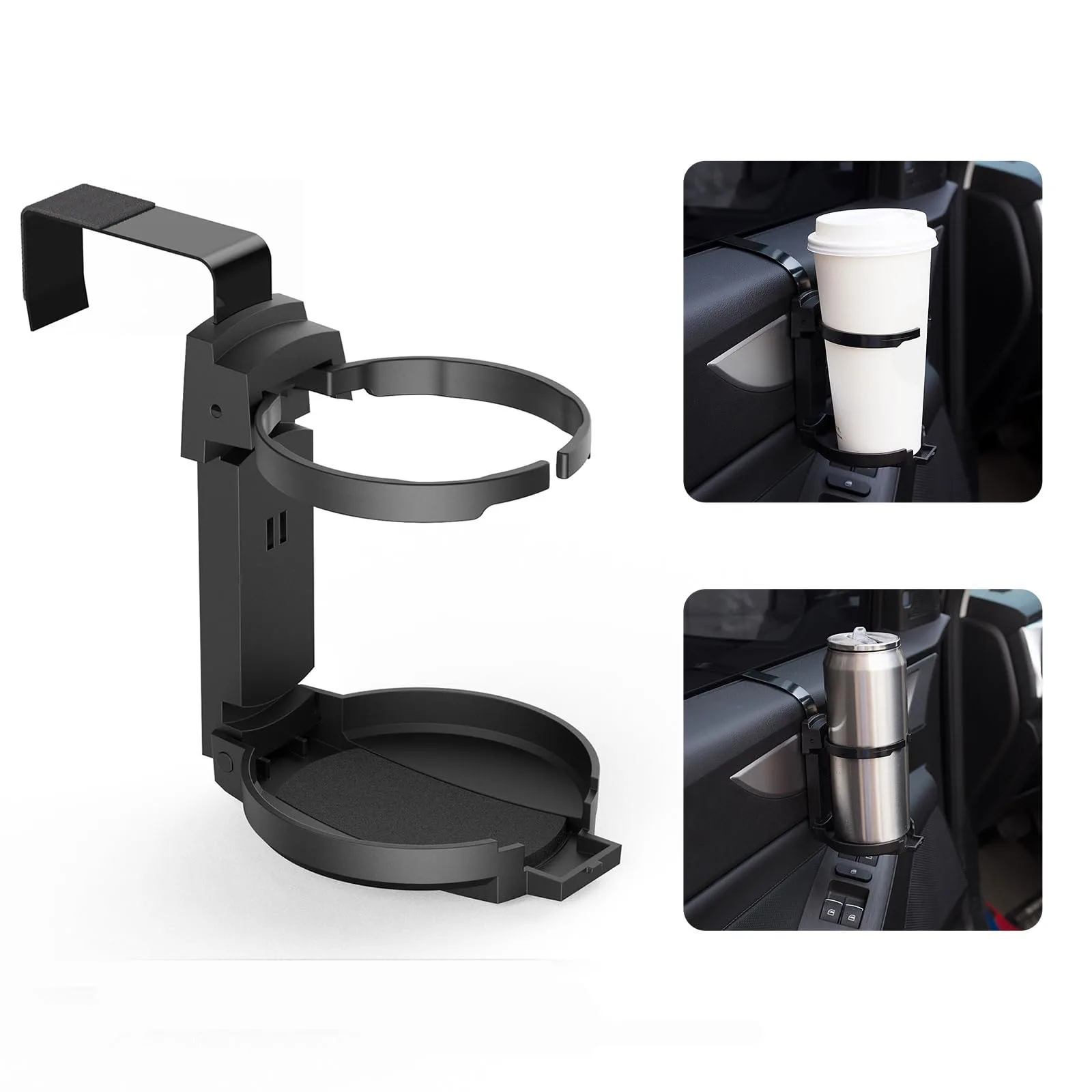 Cup Holder
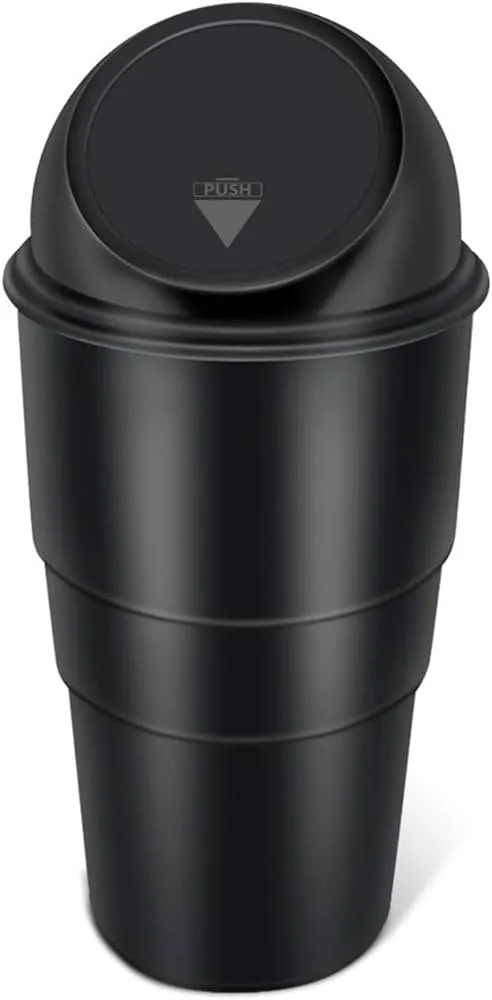 Dustbin
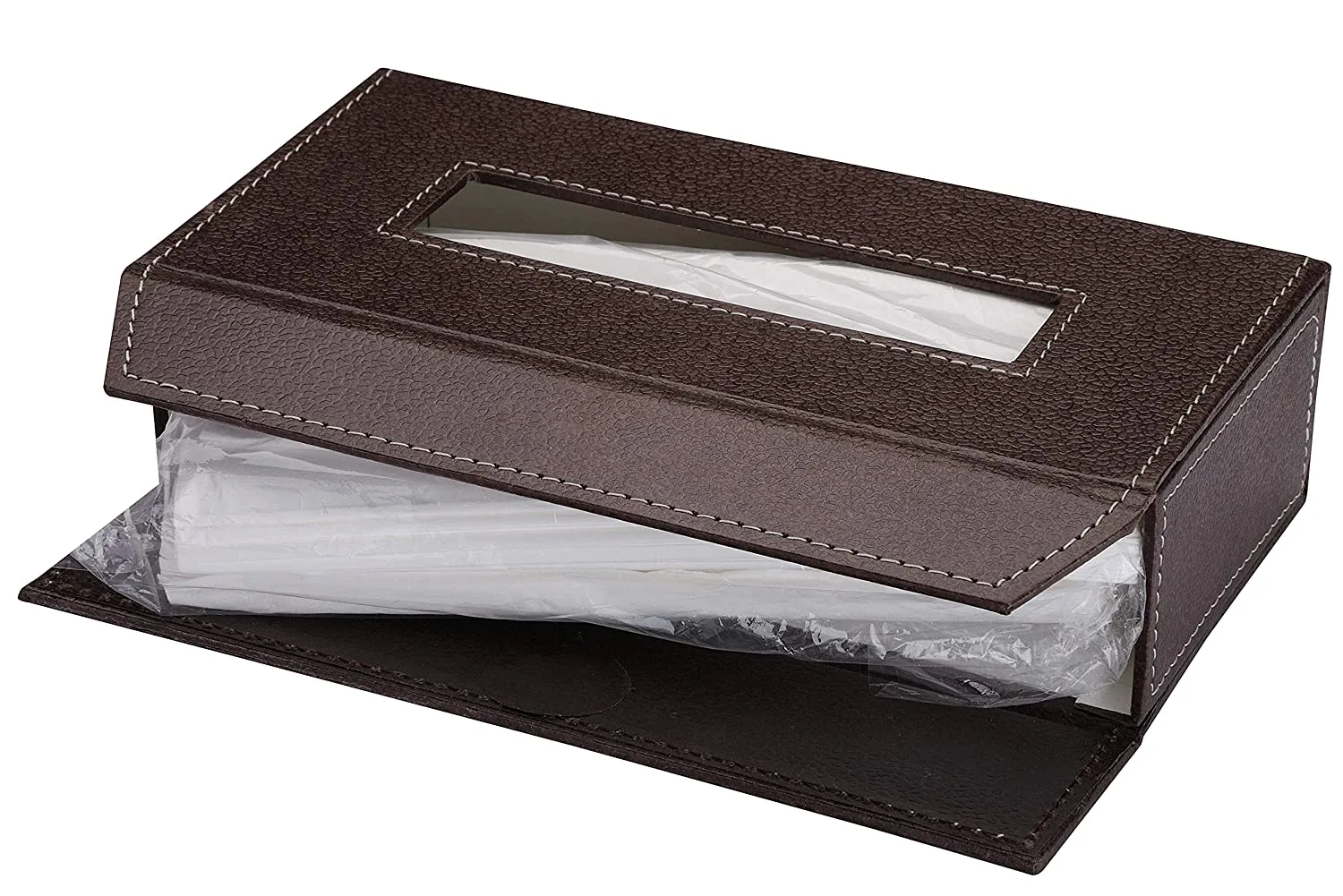 Paper Napkin
 Shop By Car
›
Shop By Car
›
 Tata
›
Tata
›
 Maruti Suzuki
›
Maruti Suzuki
›
 Hyundai
›
Hyundai
›
 Toyota
›
Toyota
›
 Mahindra
›
Mahindra
›
 Honda
›
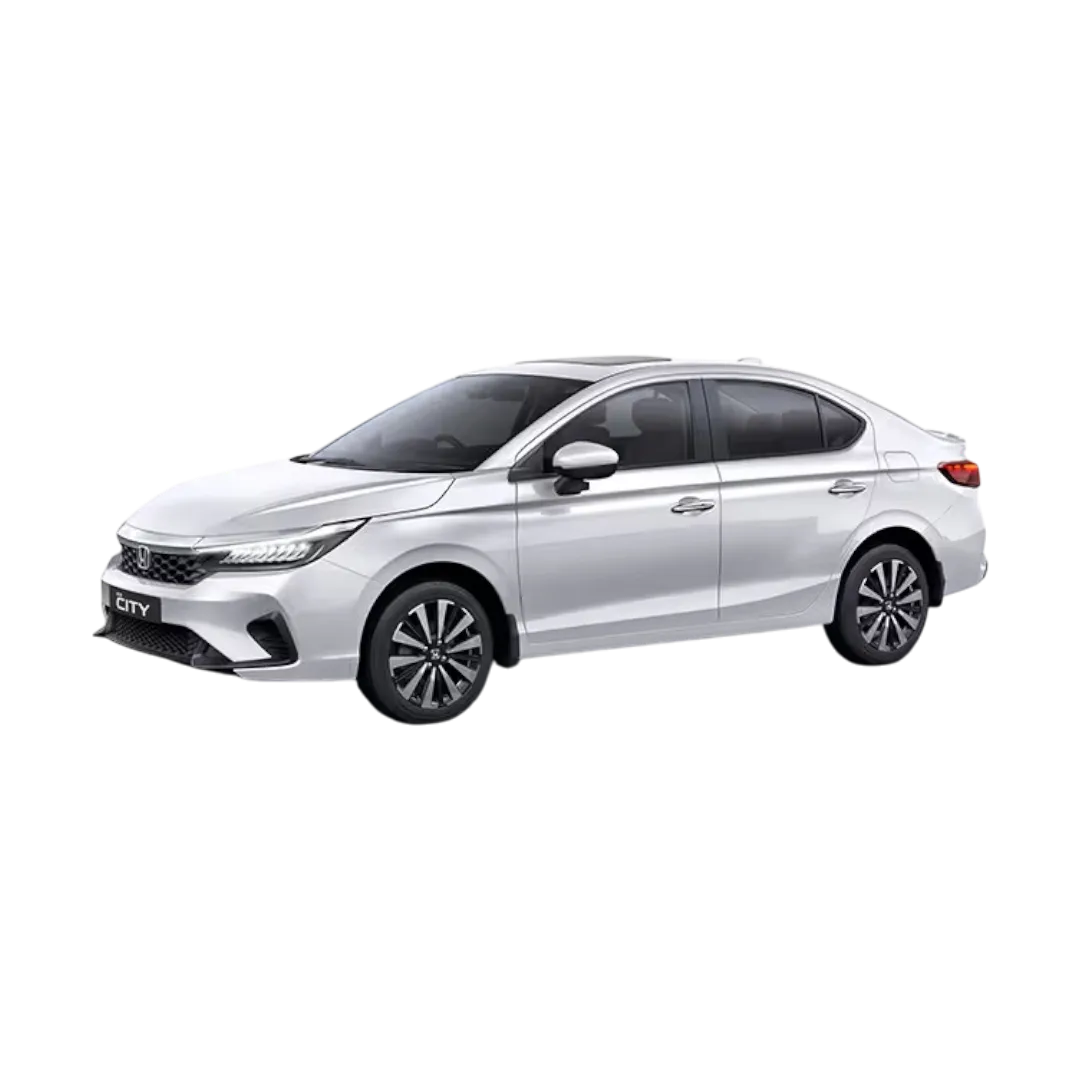
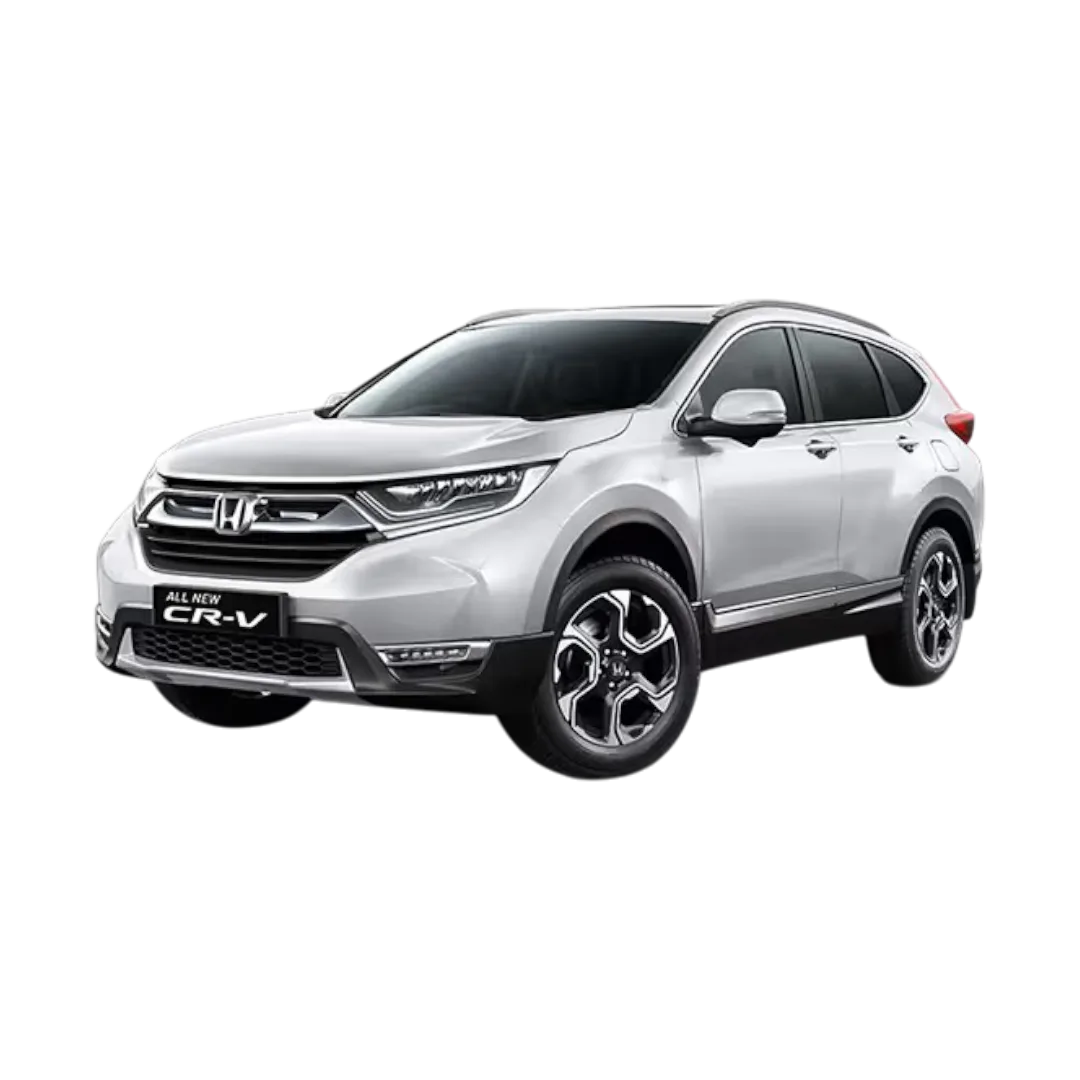
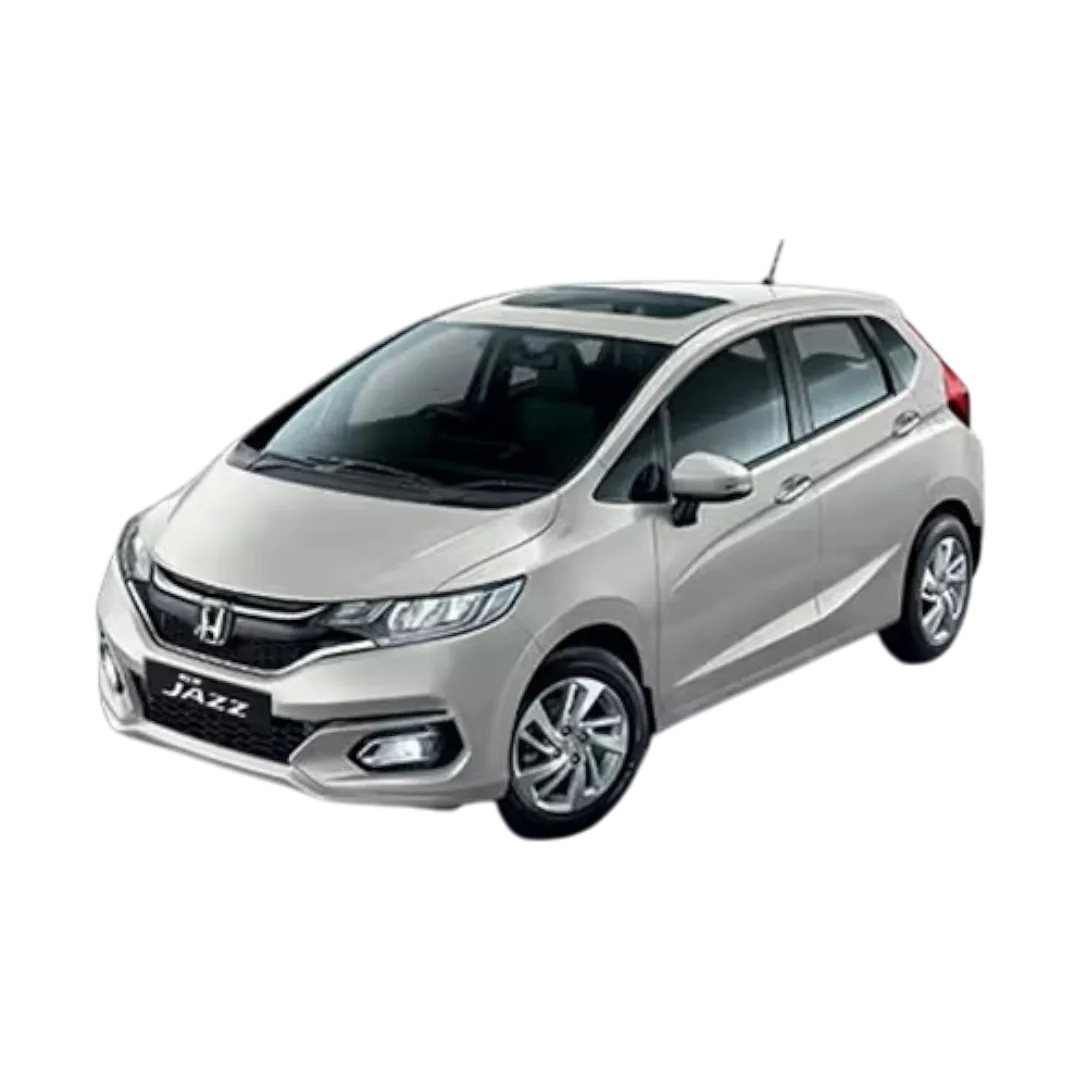
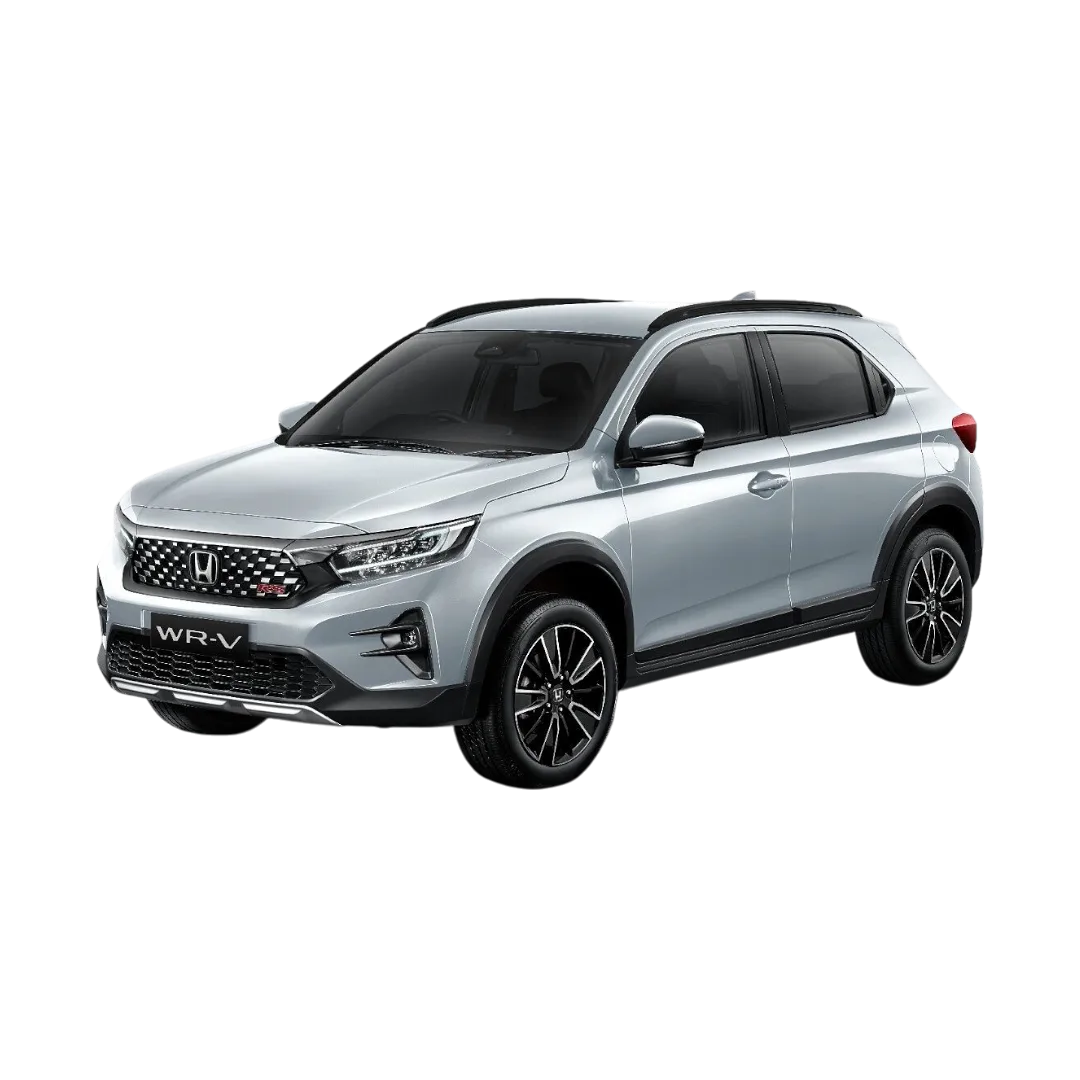
Honda
›
 Ford
›
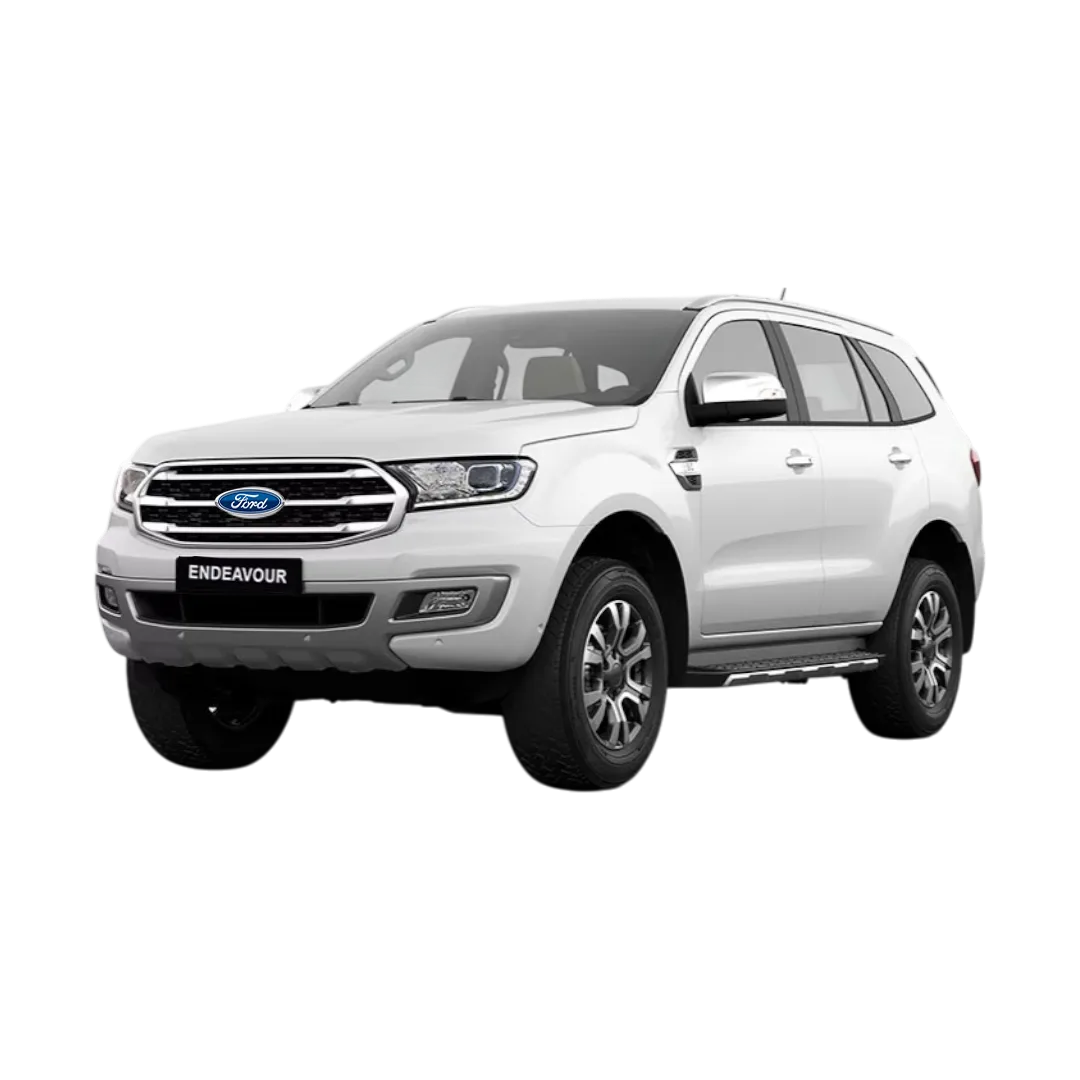
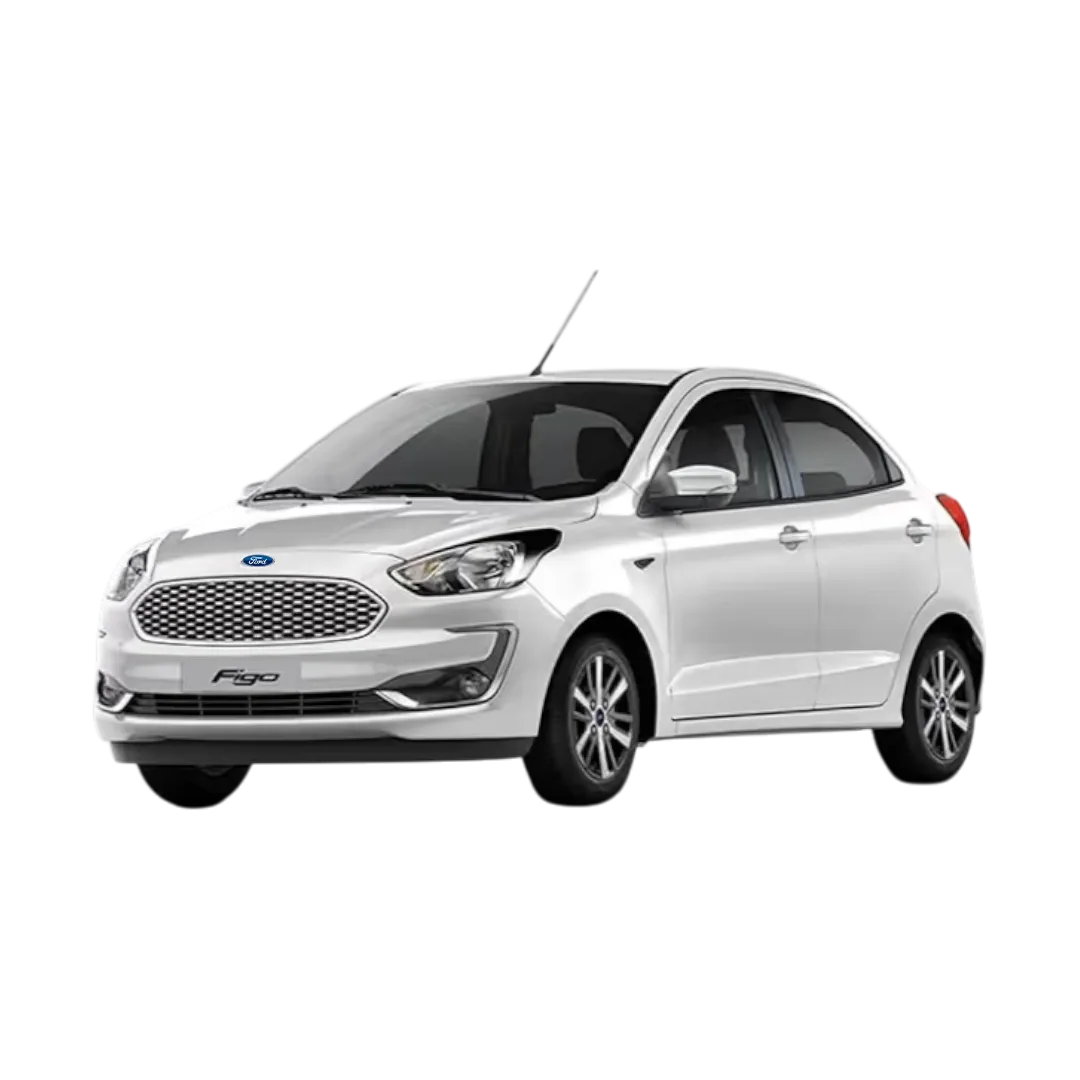
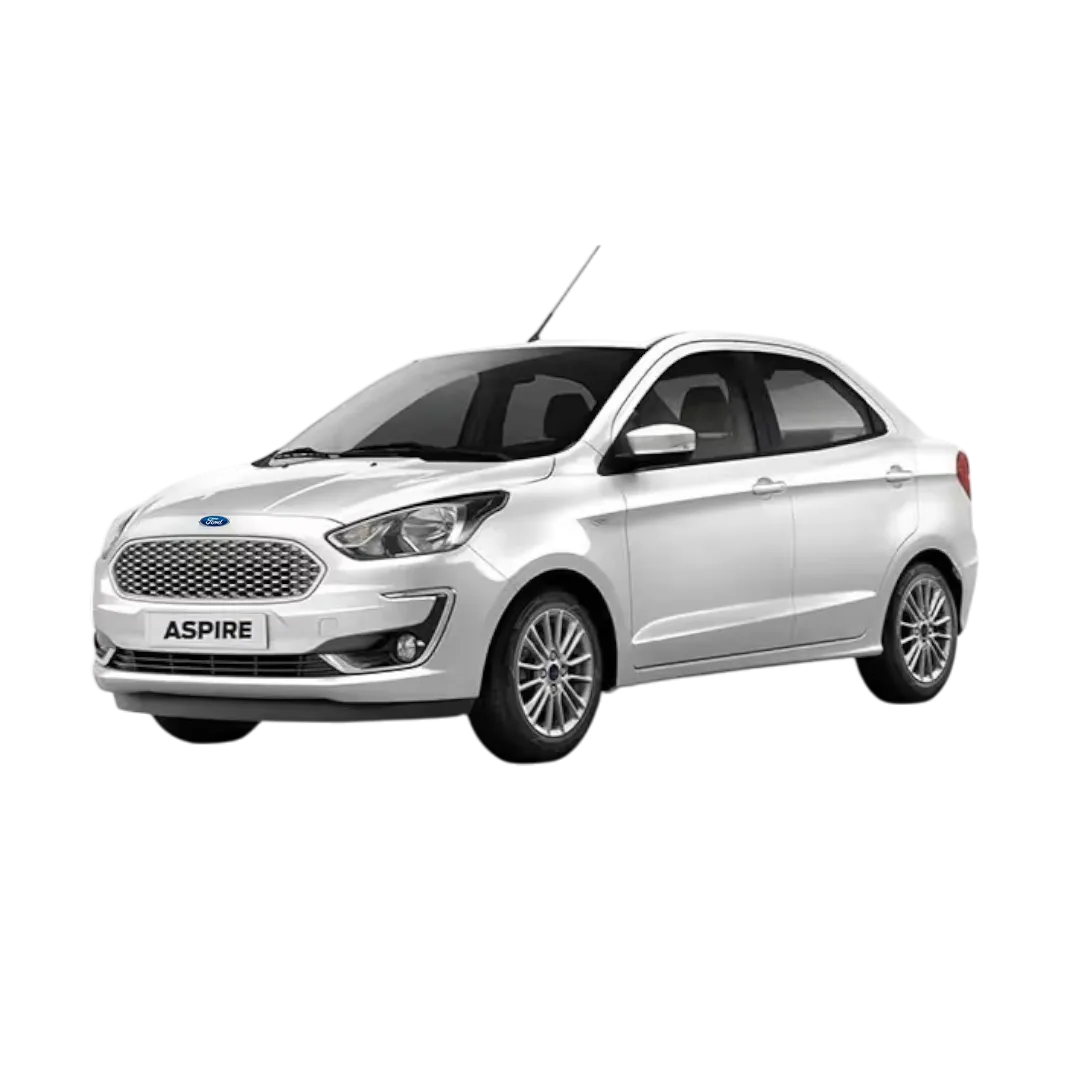
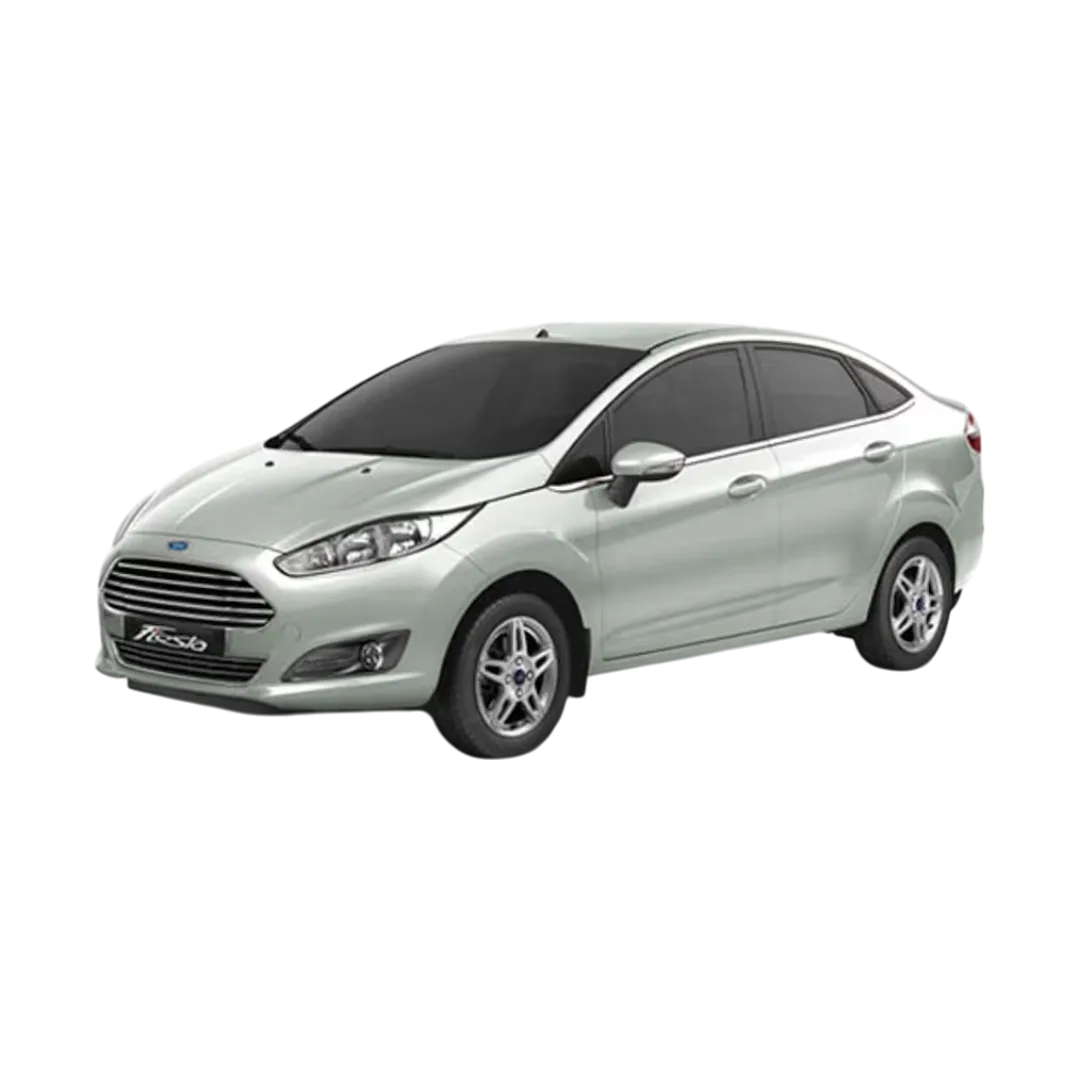
Ford
›
 Nissan
›
Nissan
›
 Renault
›
Renault
›
 Skoda
›
Skoda
›
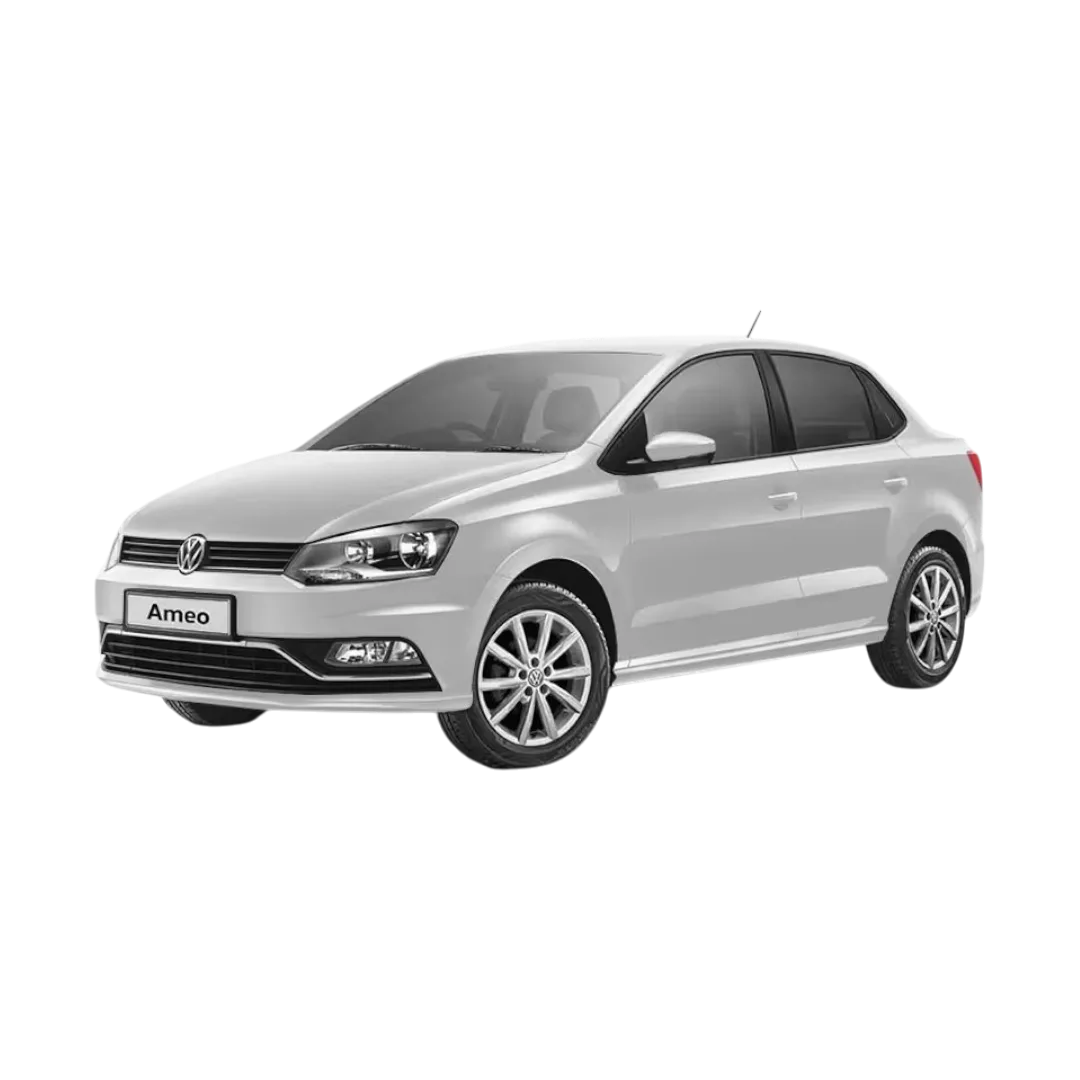
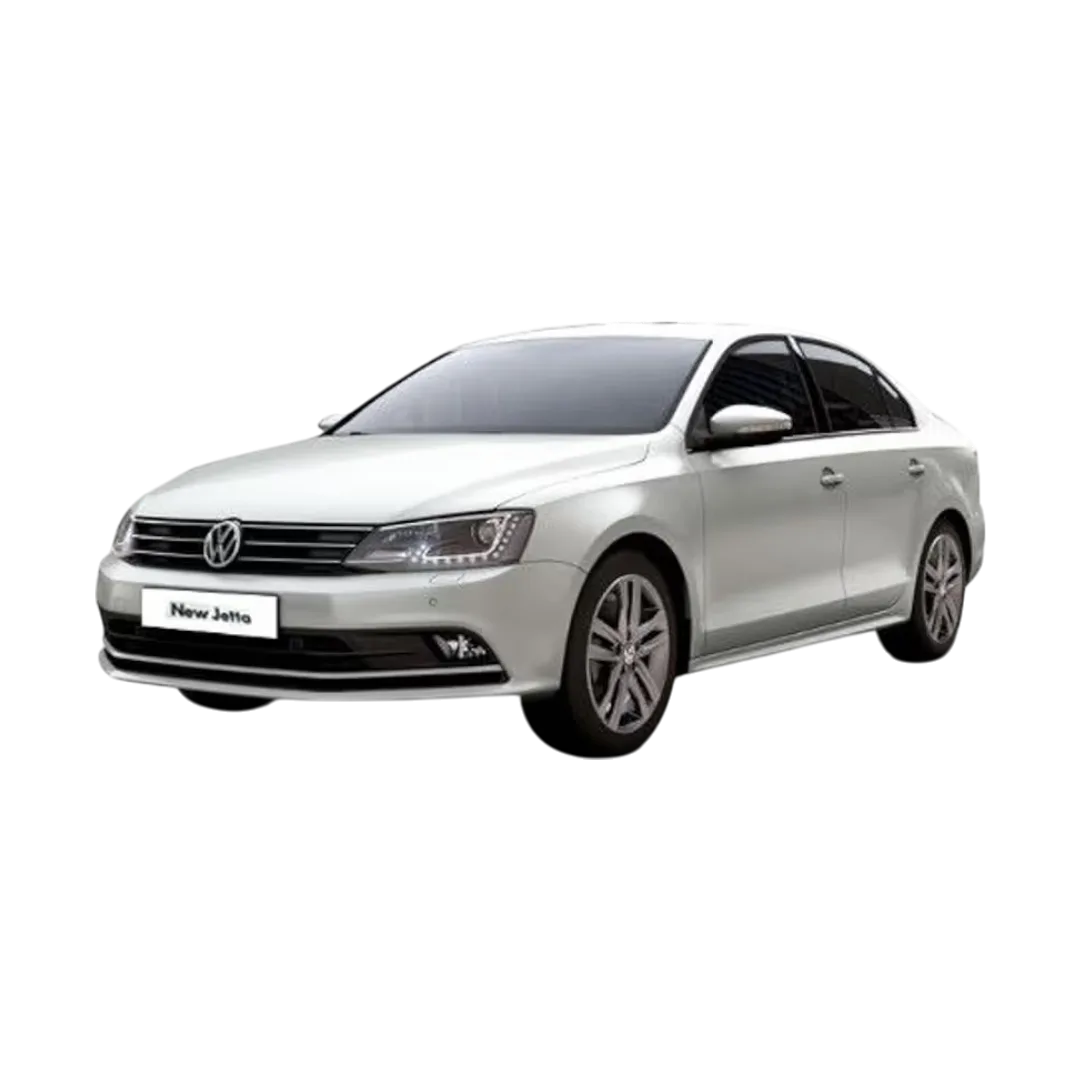
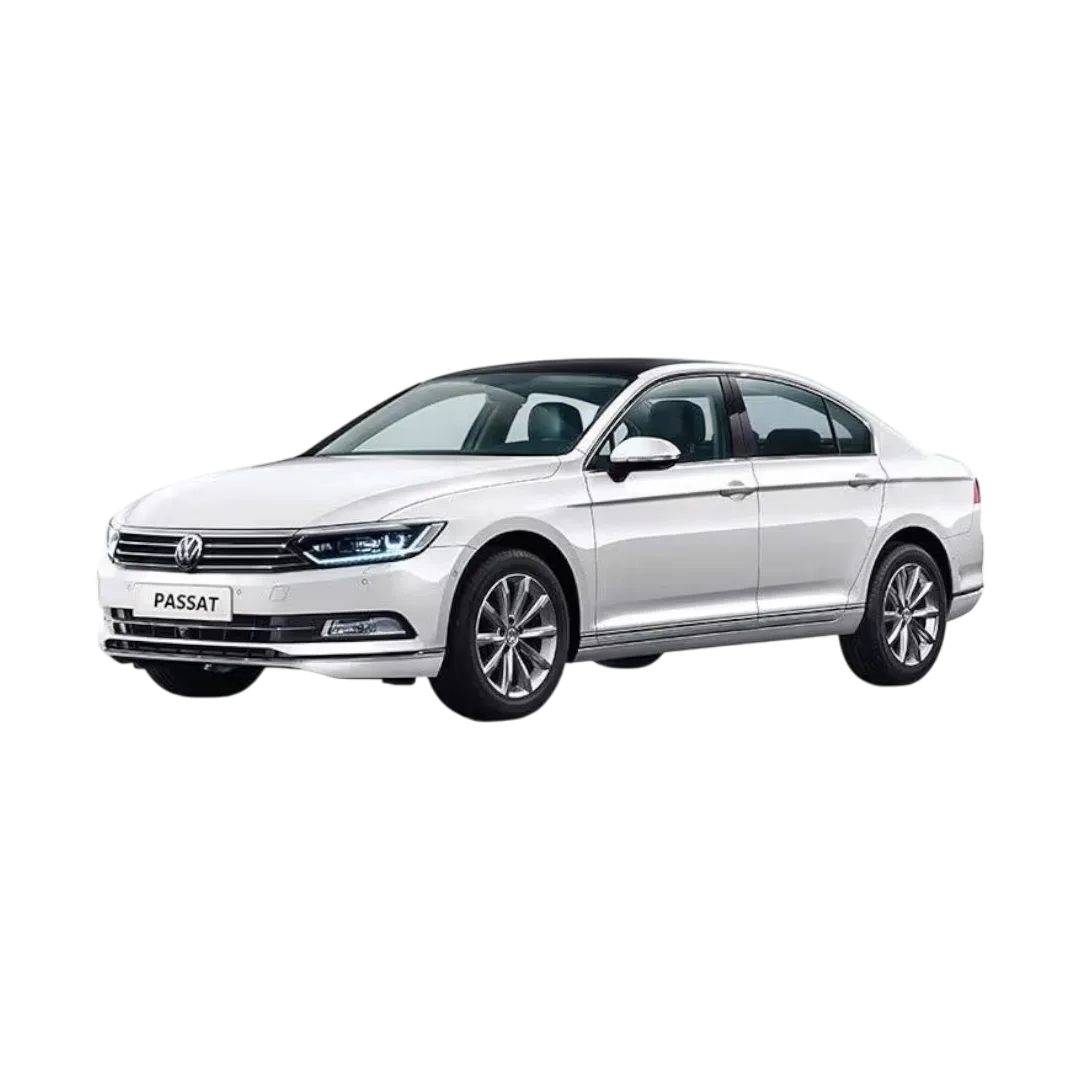
 Volkswagen
›
Volkswagen
›
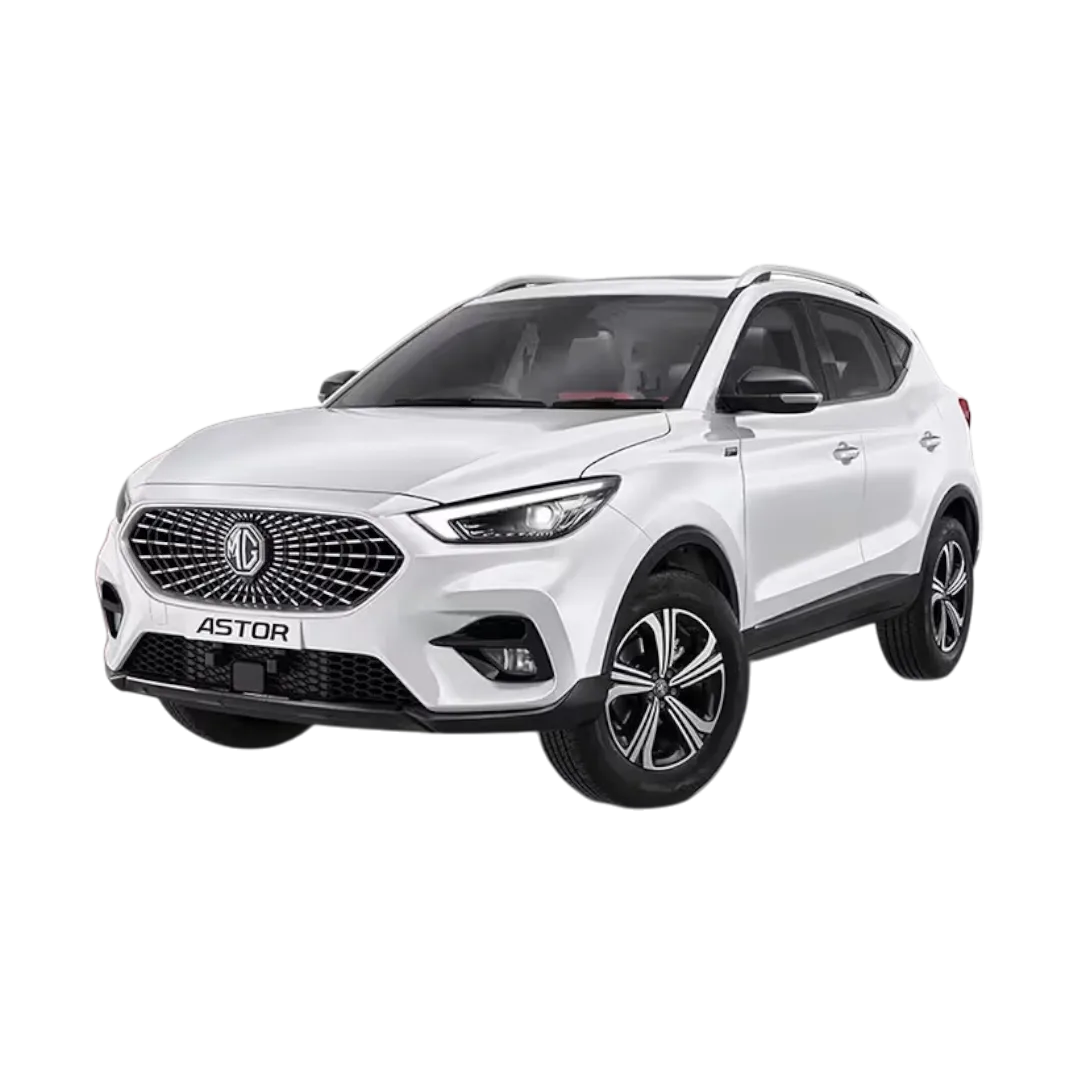
 Morris Garages - MG
›
Morris Garages - MG
›
 KIA
›
KIA
›
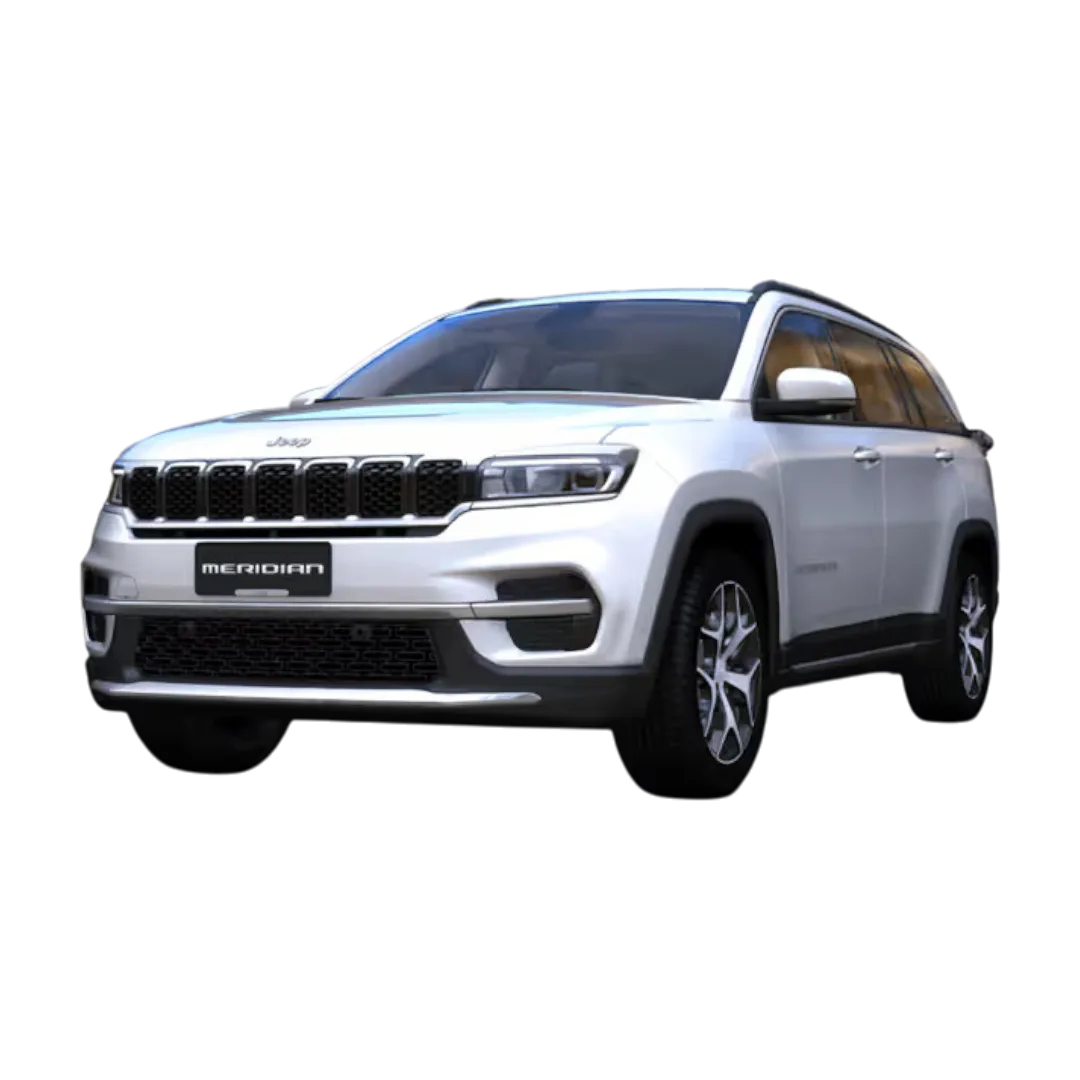
 Jeep
›
Jeep
›
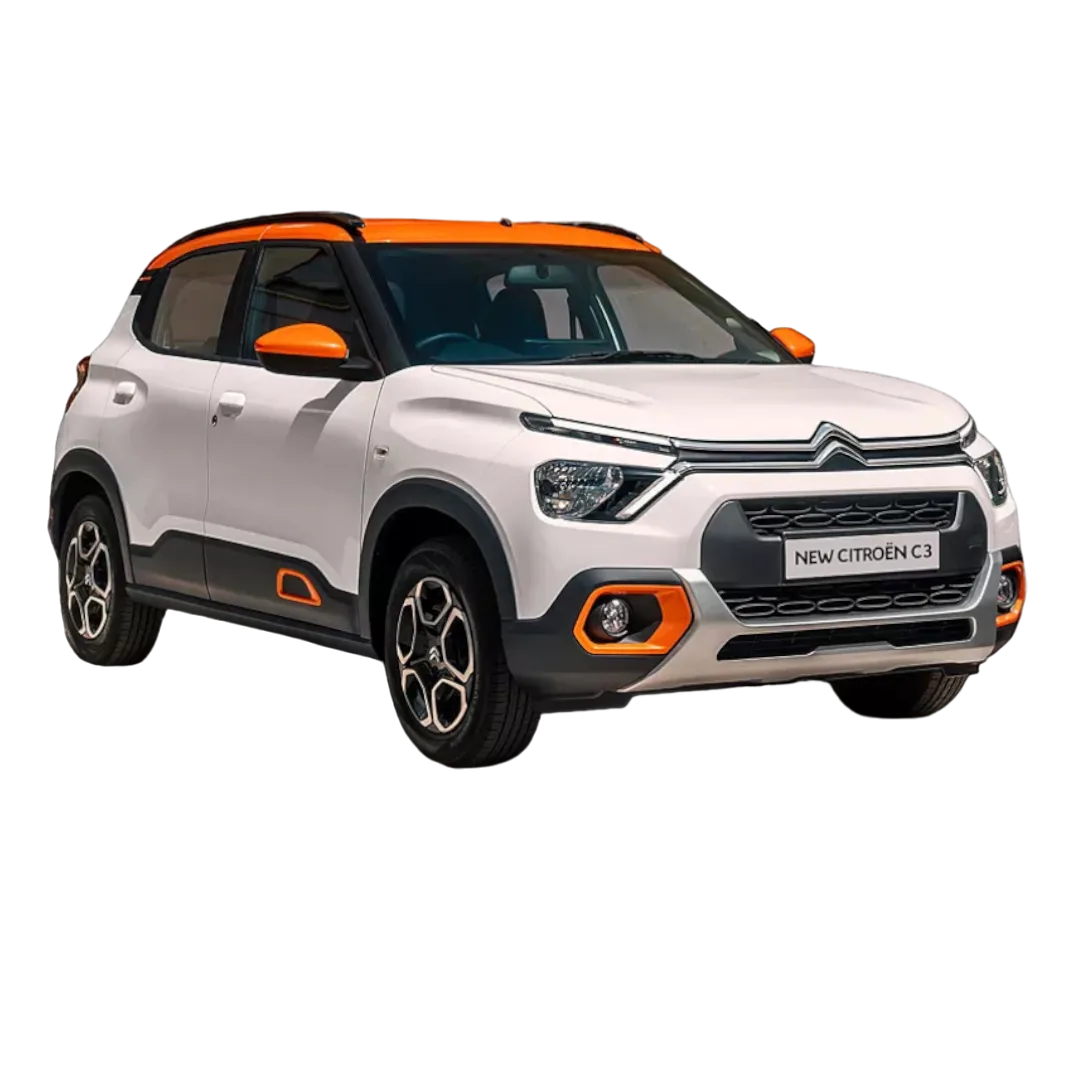
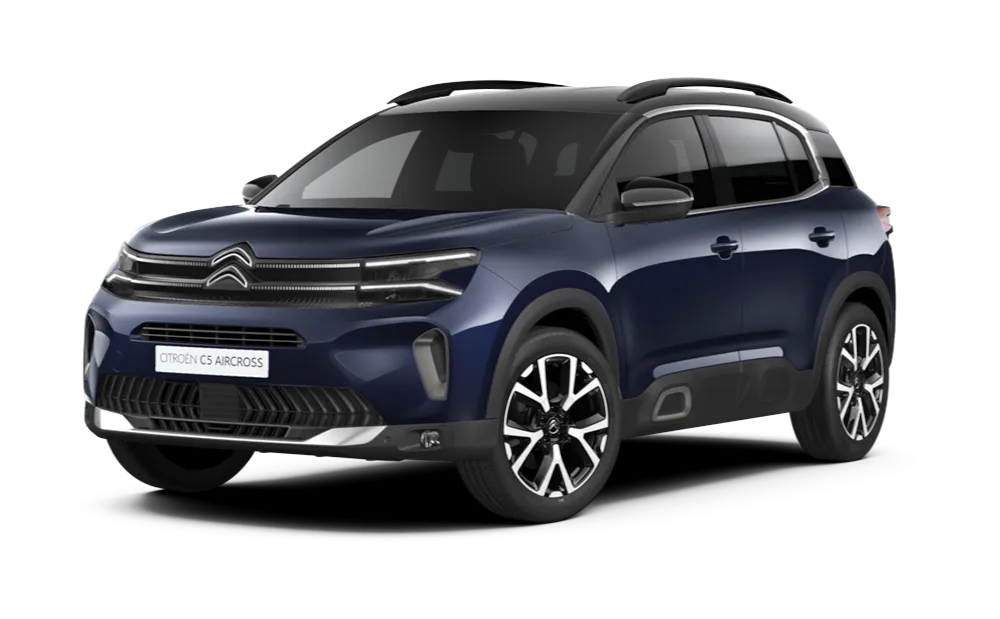
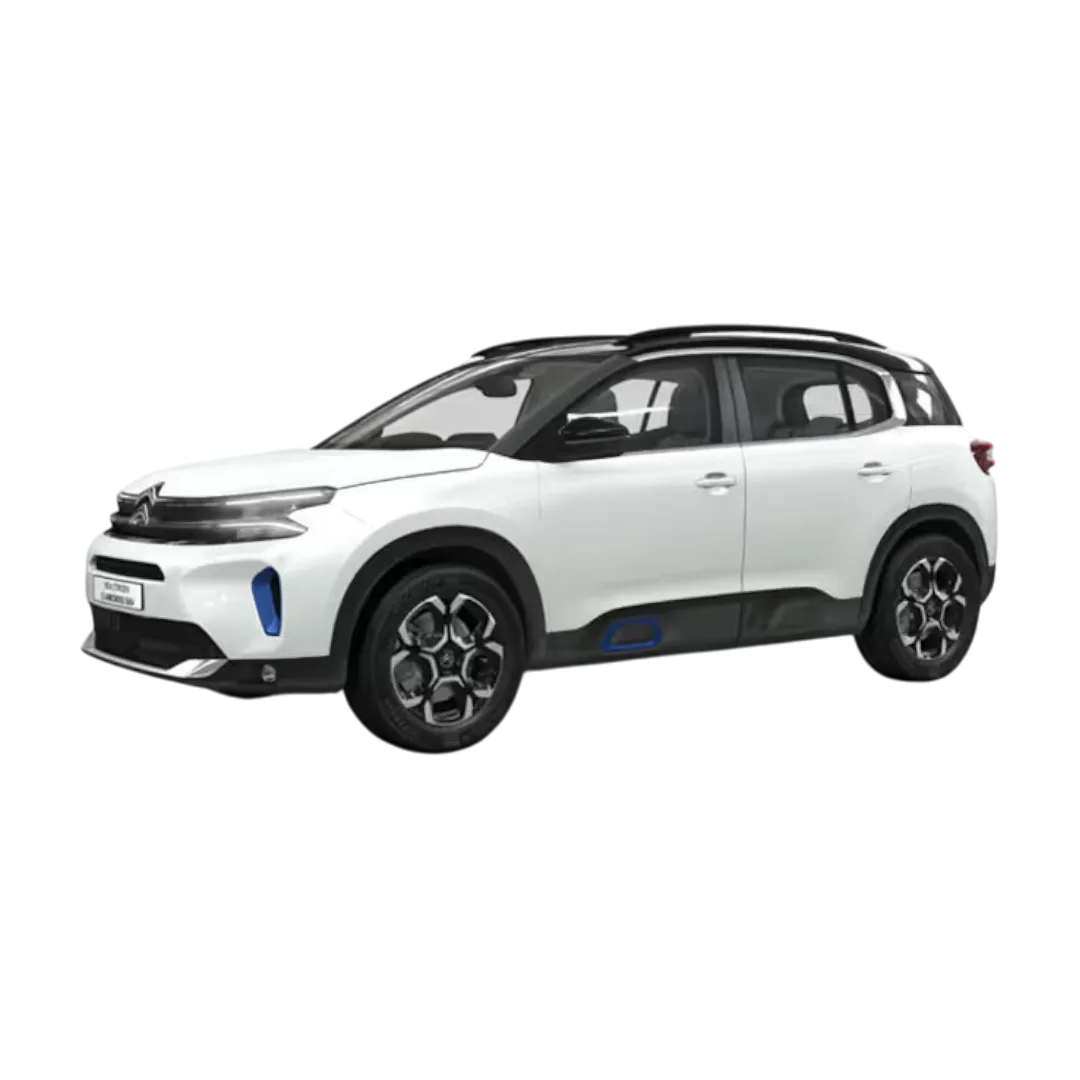
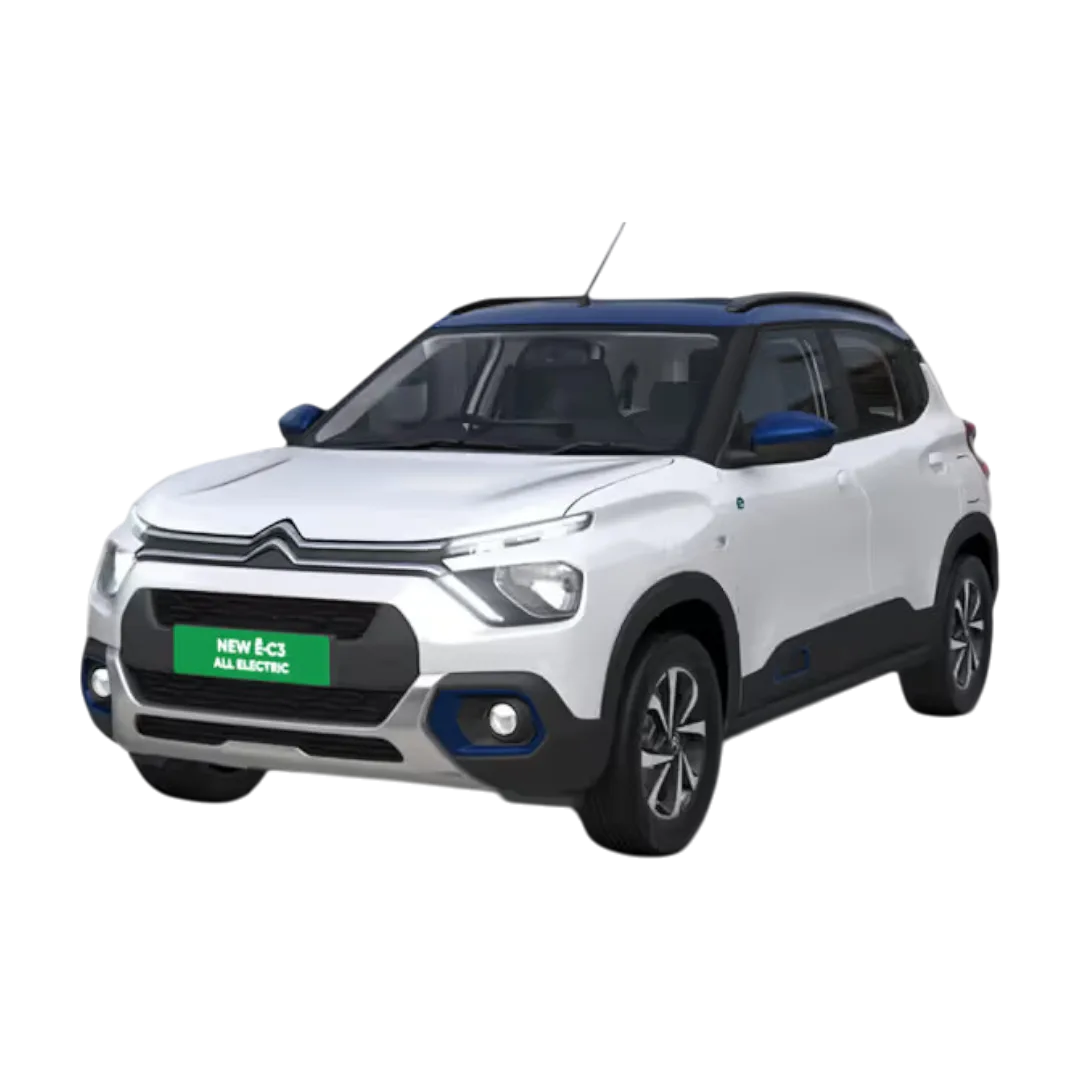
 Citroen
›
Citroen
›
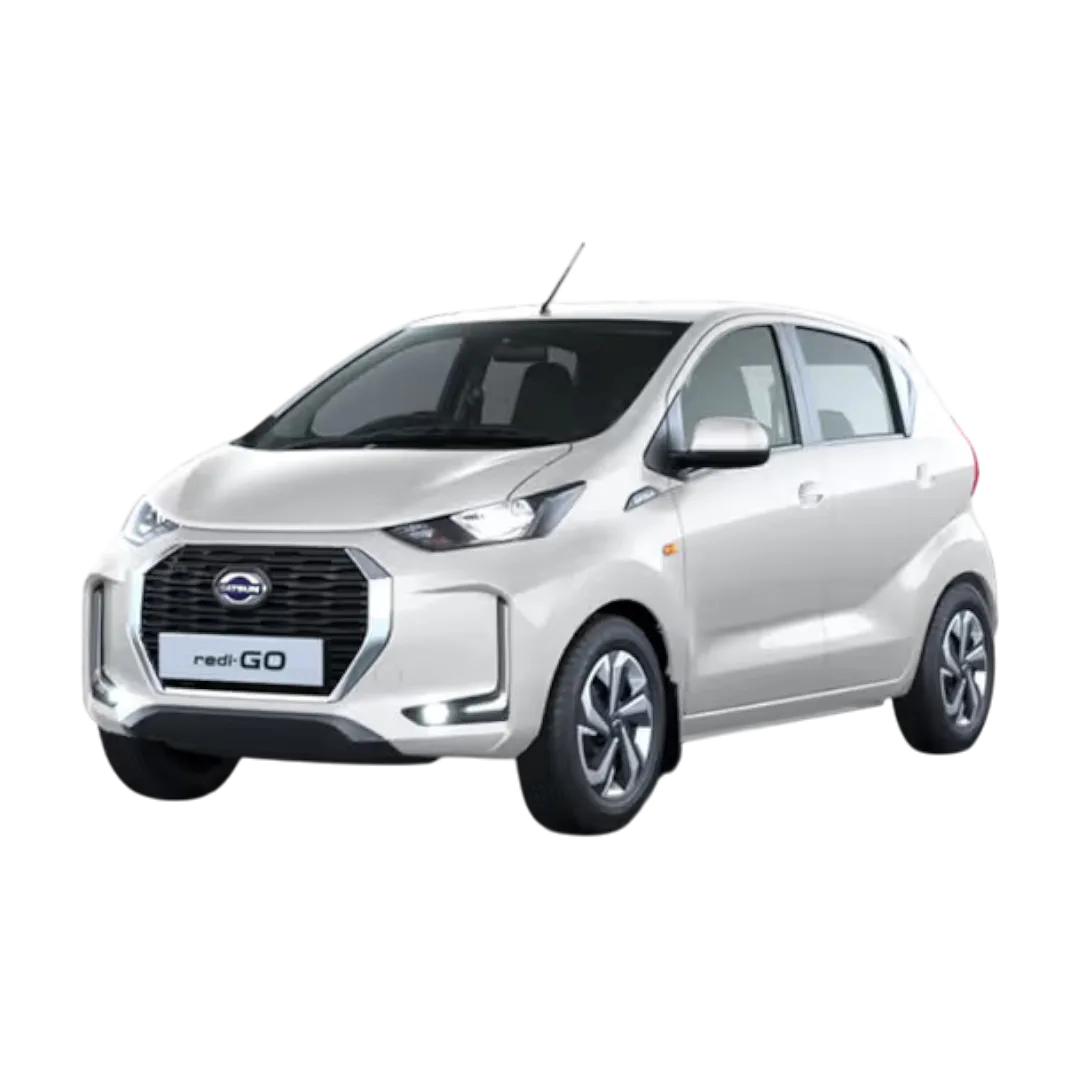
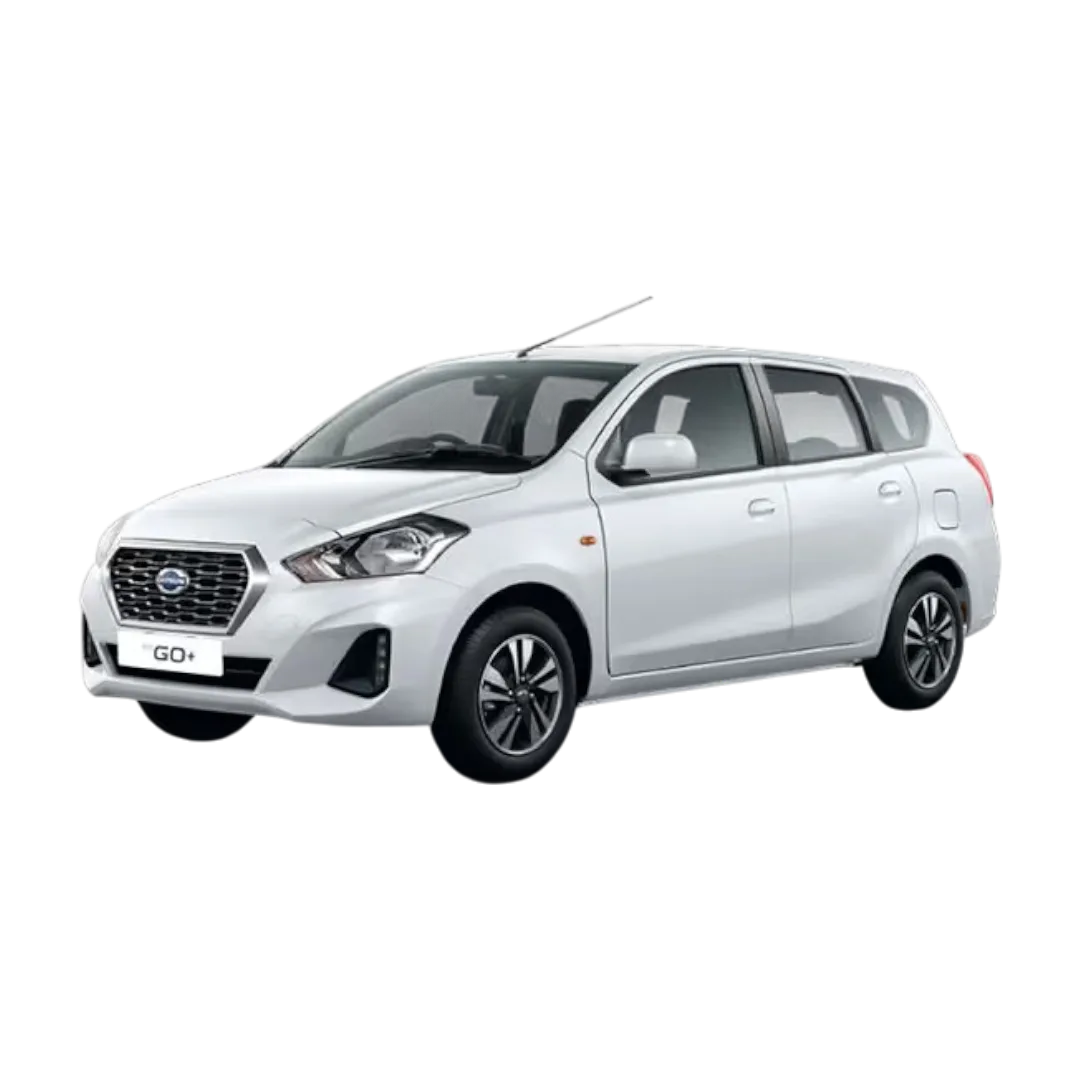
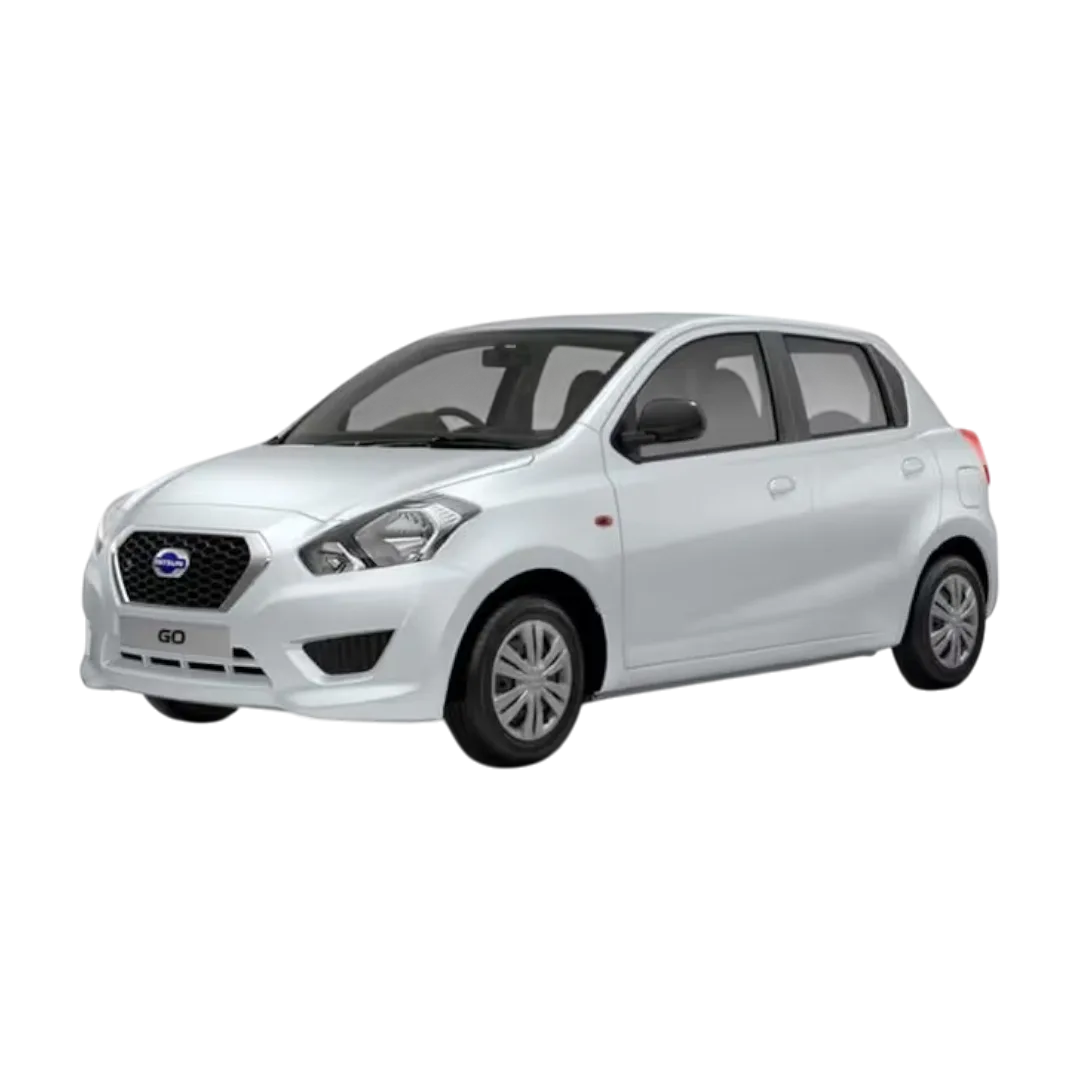
 Datsun
›
Datsun
›
 Chevrolet
›
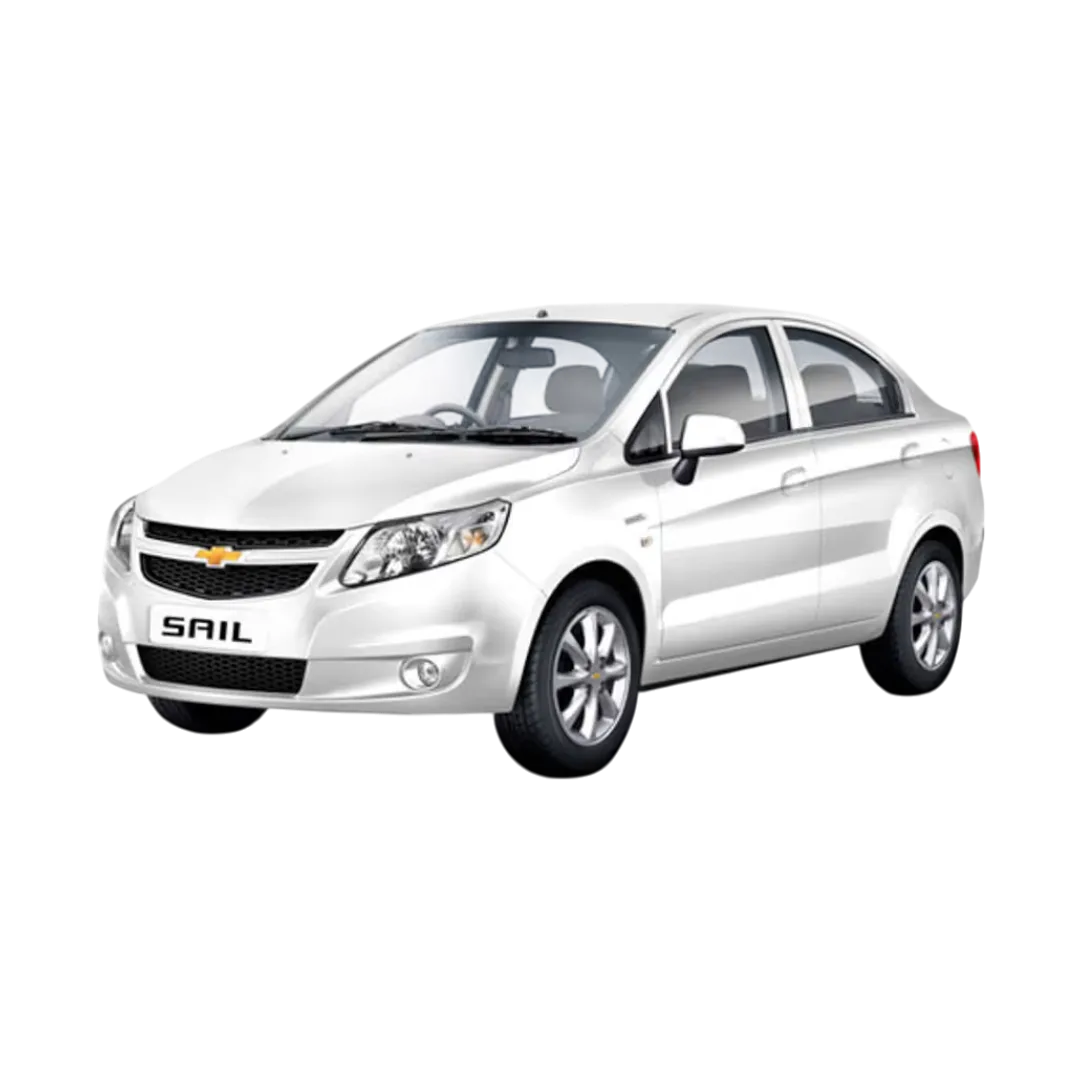
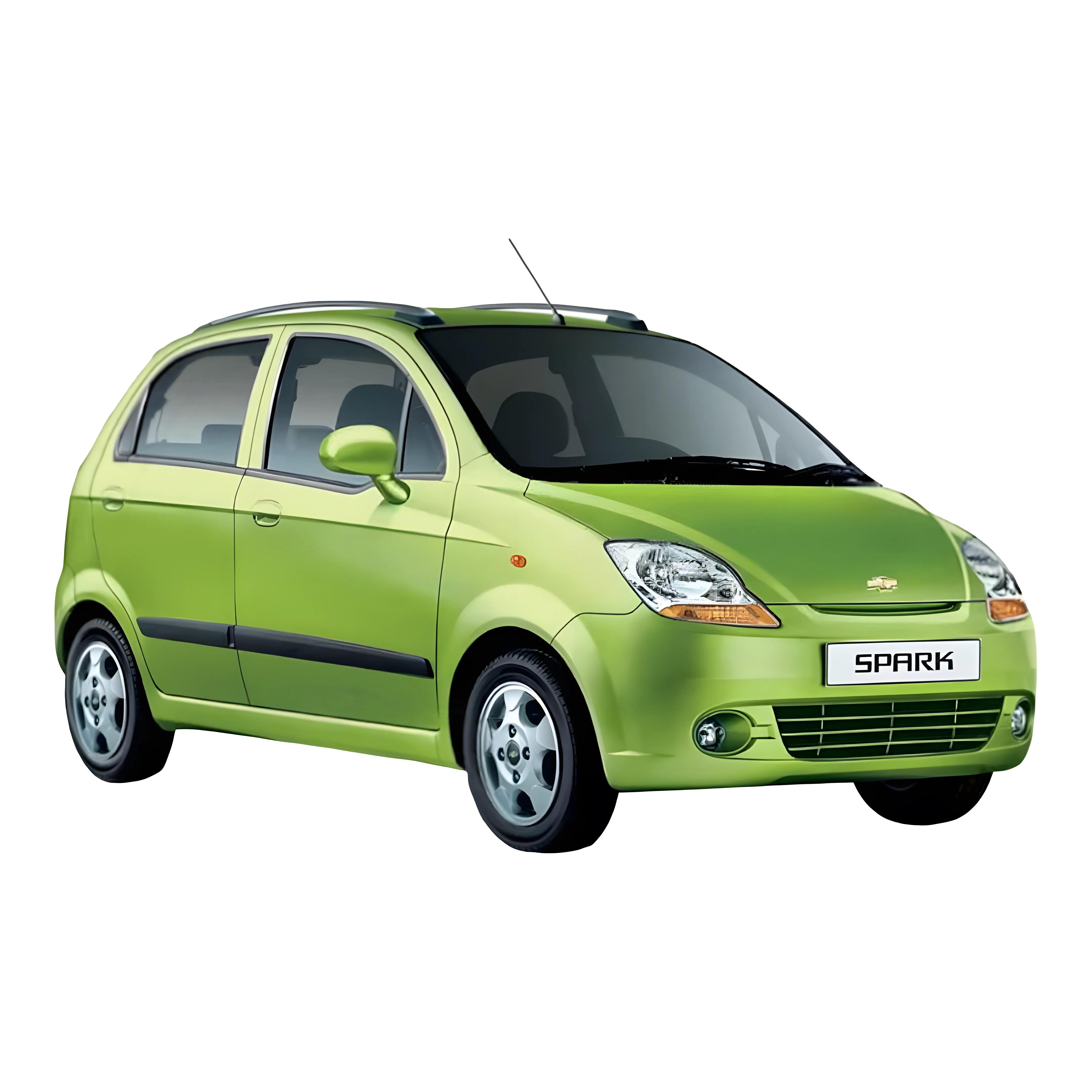
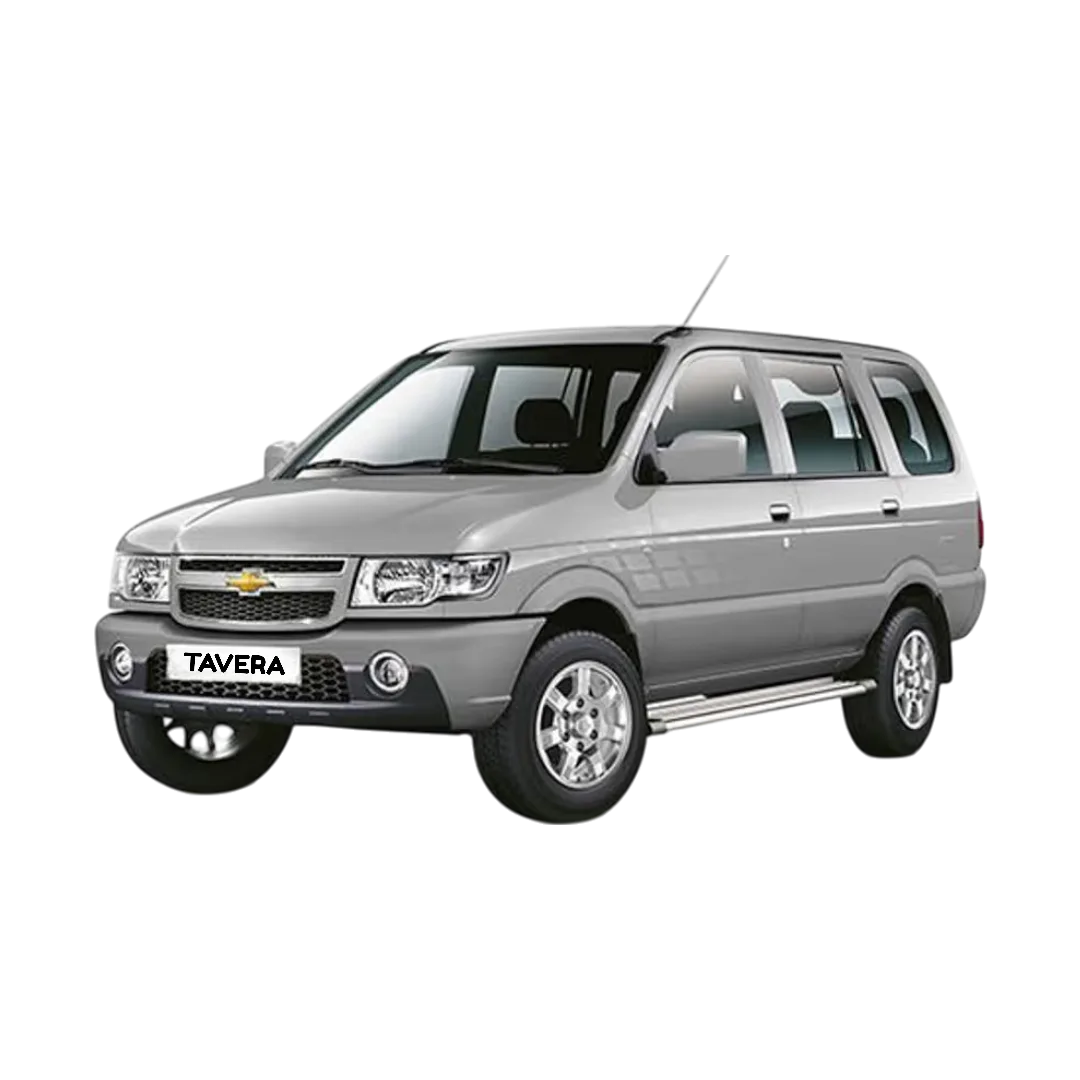
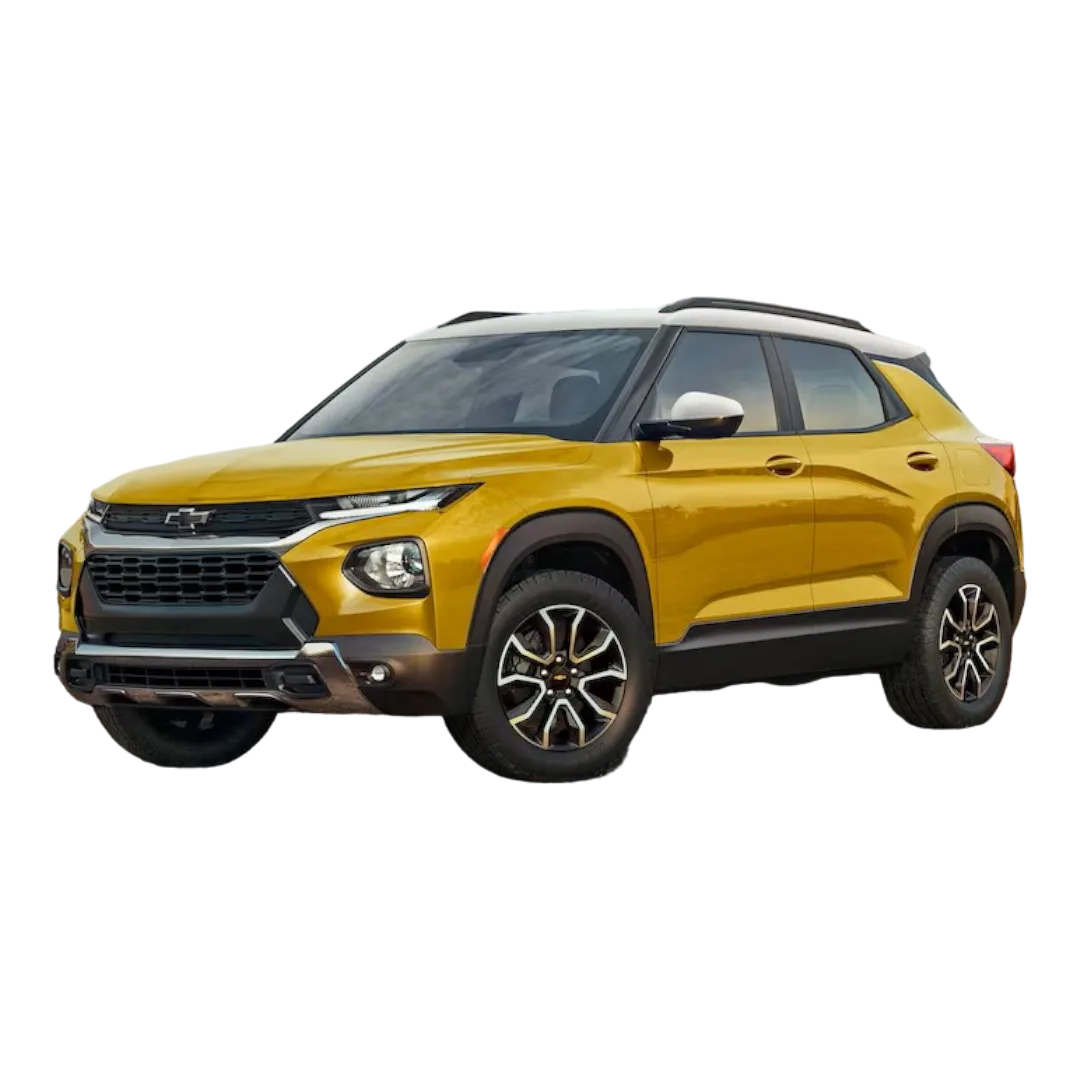
Chevrolet
›
 Isuzu
›
Isuzu
›
 Mitsubishi
›
Mitsubishi
›
 AUDI
›
AUDI
›
 BMW
›
BMW
›
 Mercedes
›
Mercedes
›
 Land Rover
›
Land Rover
›
 Jaguar
›
Jaguar
›
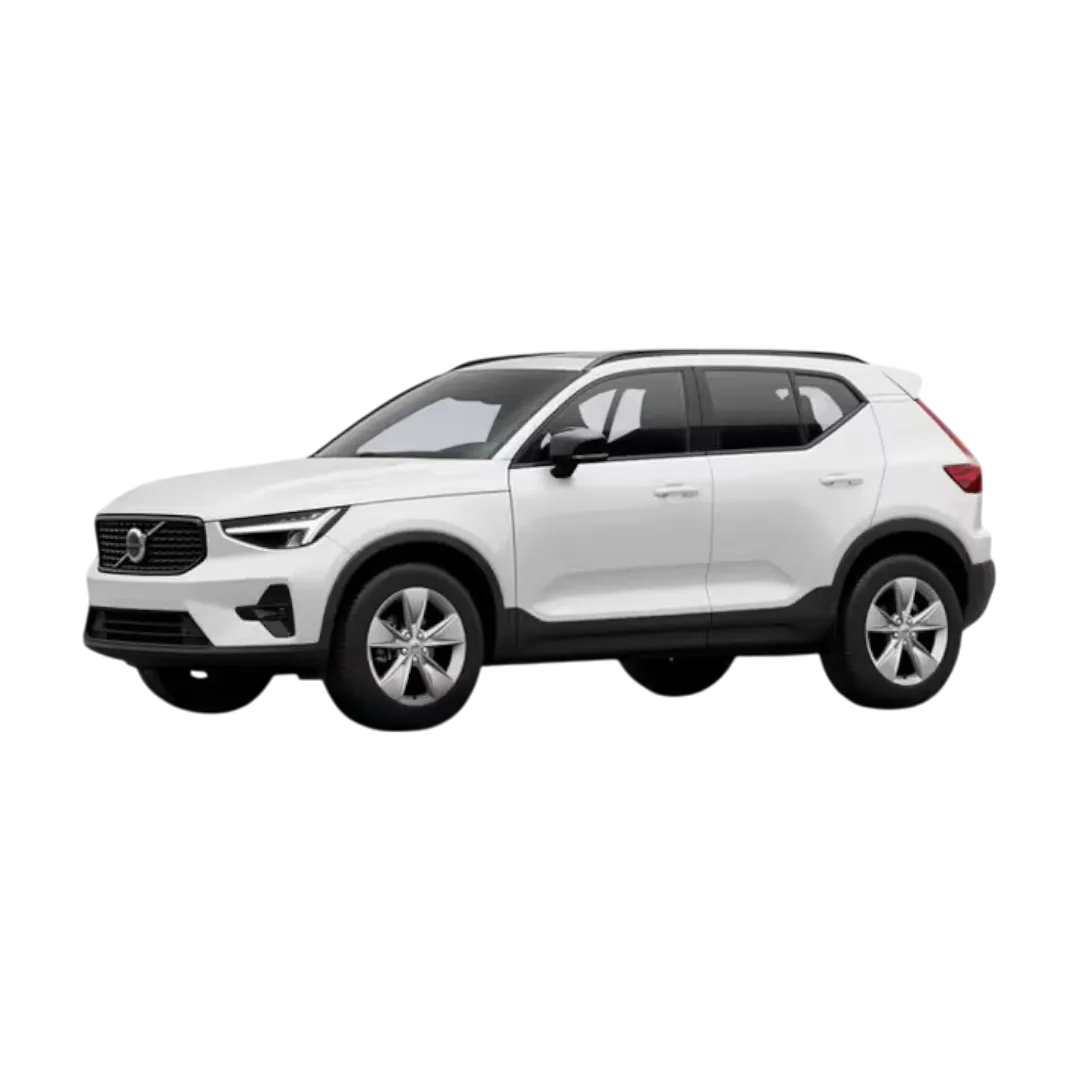
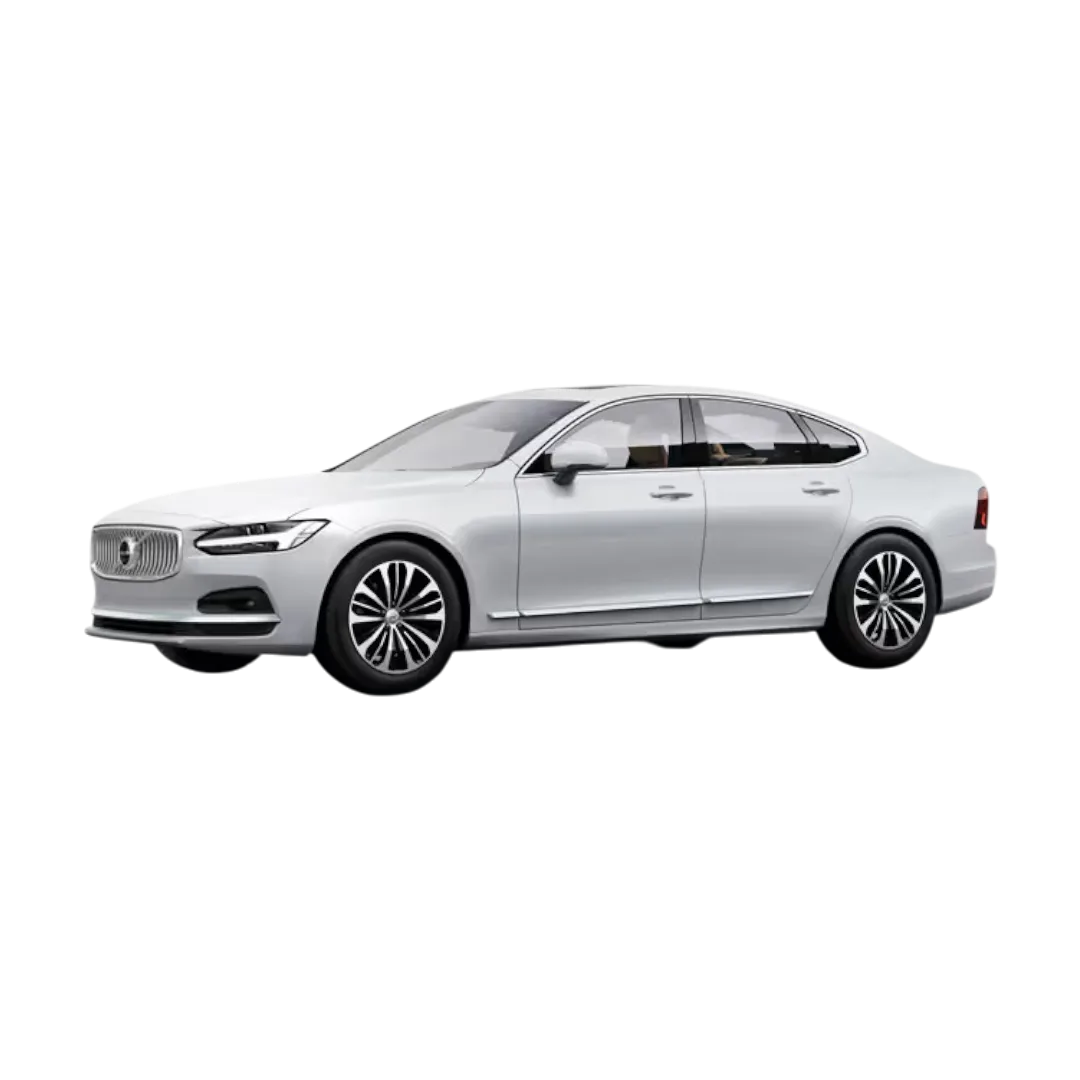
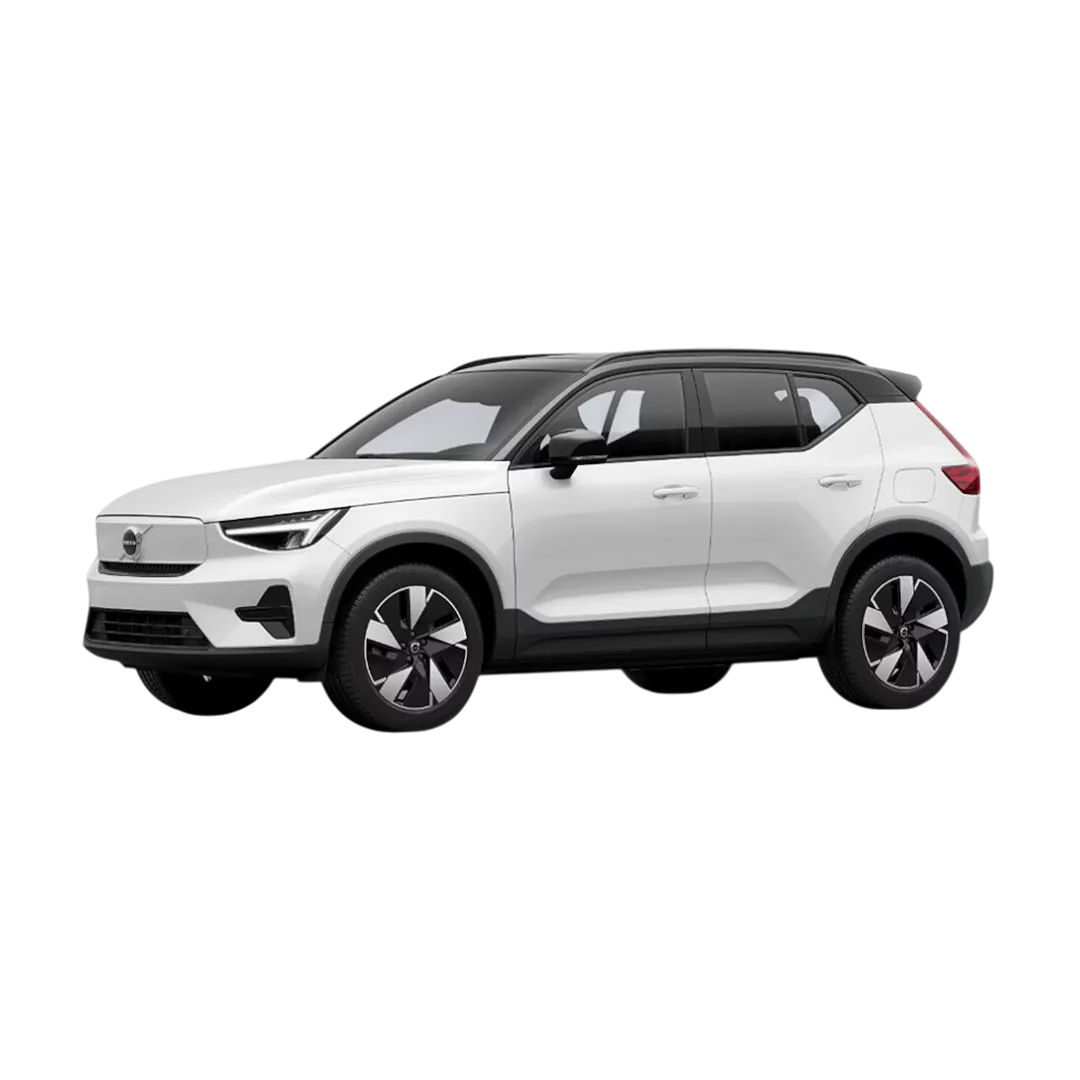
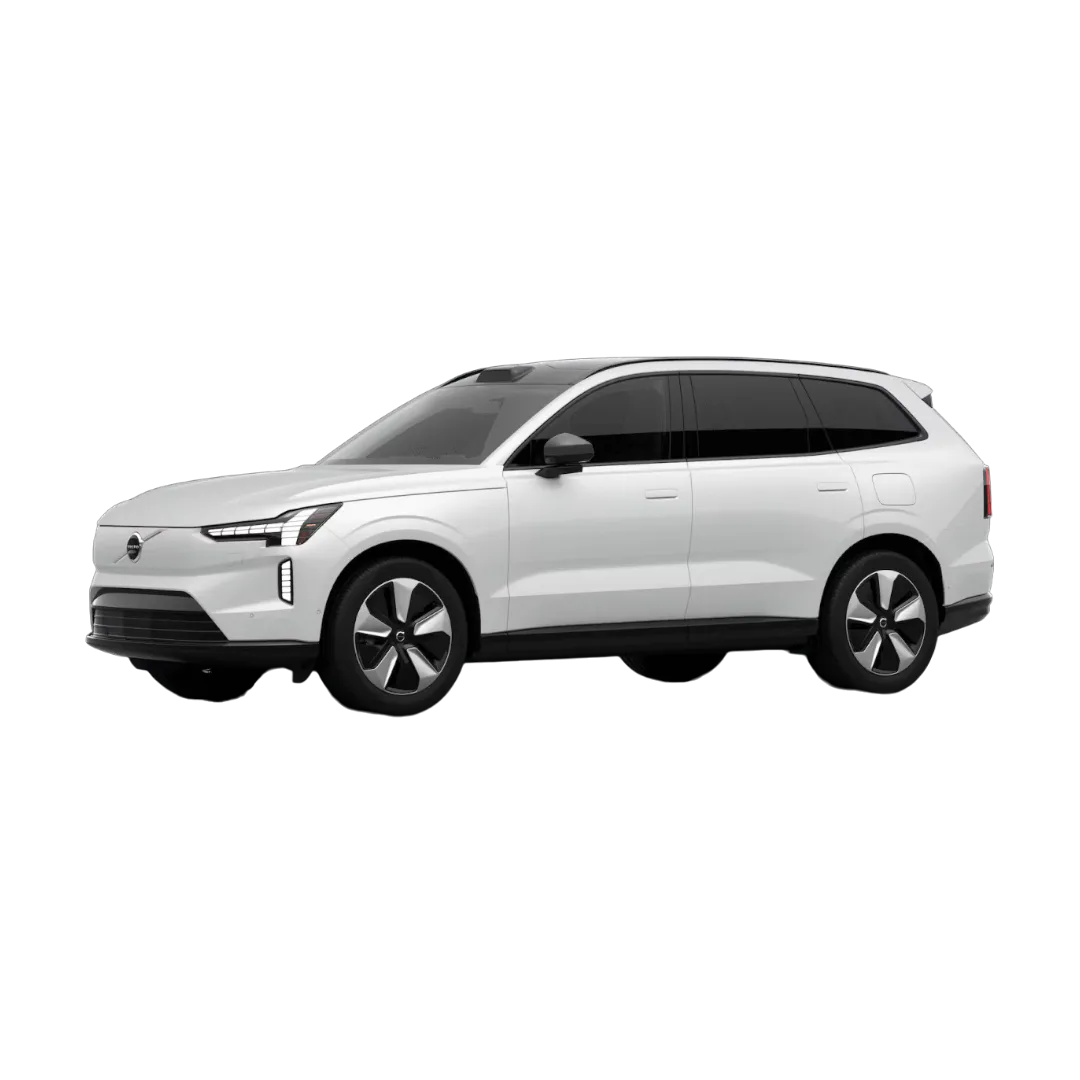
 Volvo
›
Volvo
›
 FIAT
›
FIAT
›
 Mini Cooper
›
Mini Cooper
›
 Porsche
›
Porsche
›
 Lexus
›
Citron
›
Fors
›
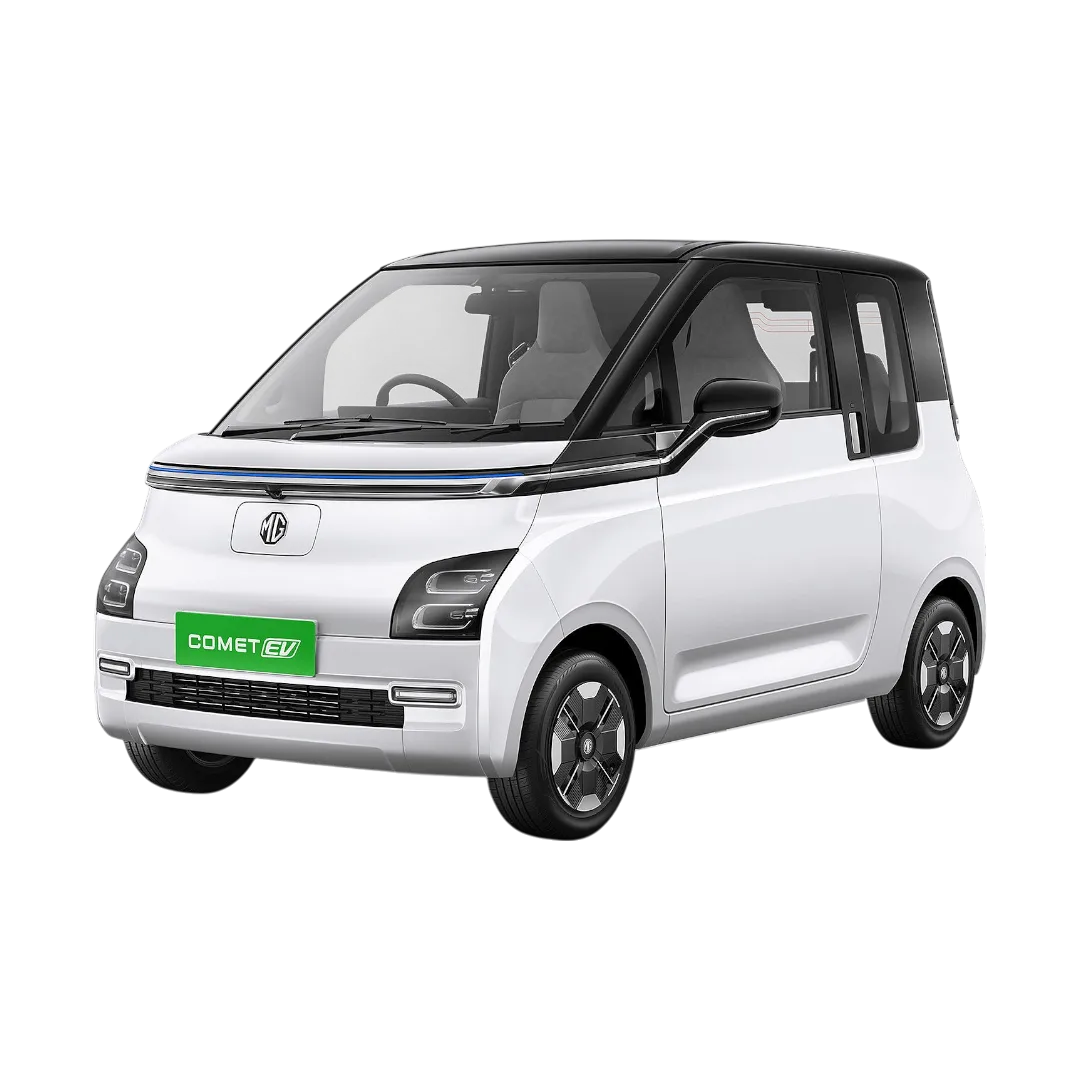
Morris Garages
›
MG
›
Lexus
›
Citron
›
Fors
›
Morris Garages
›
MG
›
 Nexon
Nexon
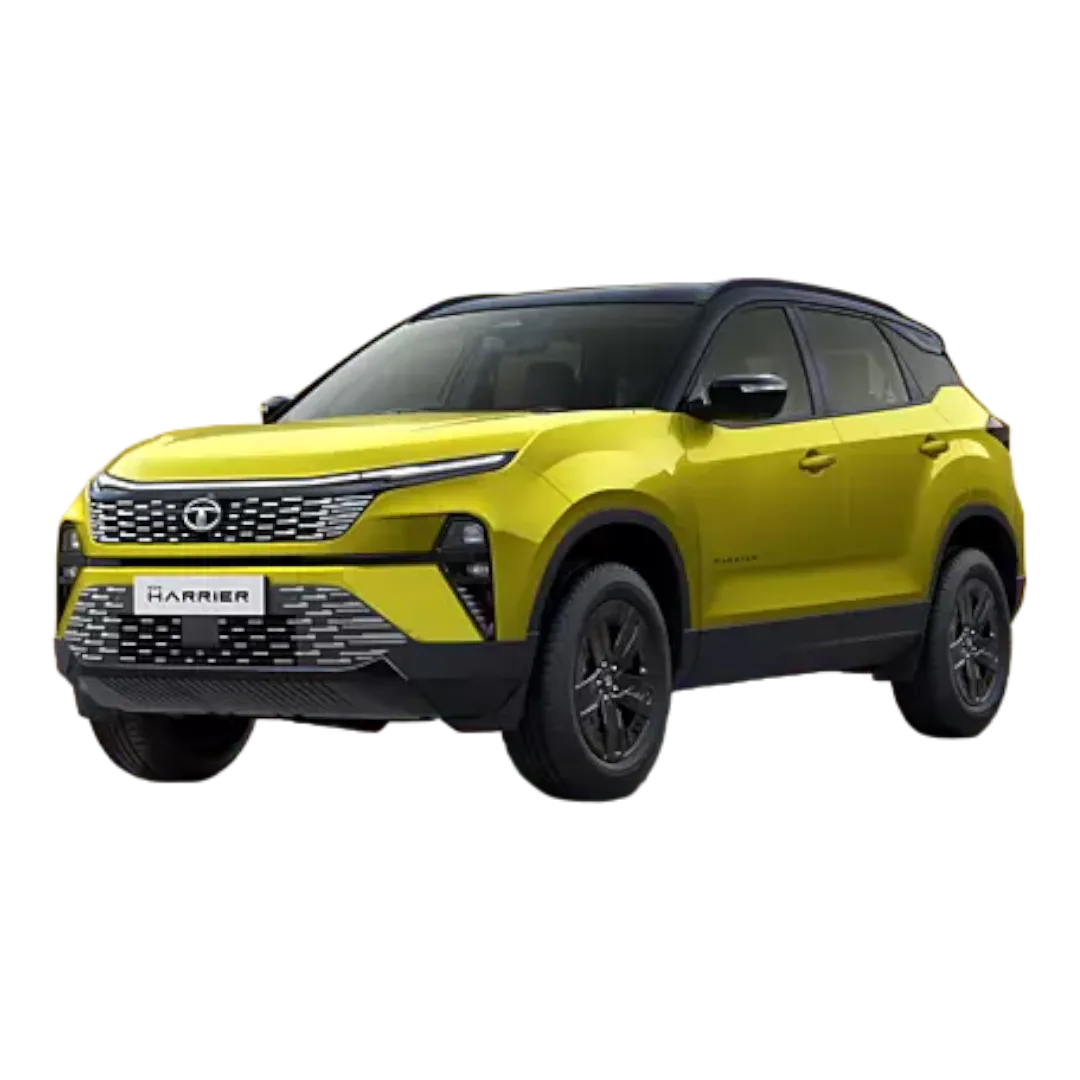 Harrier
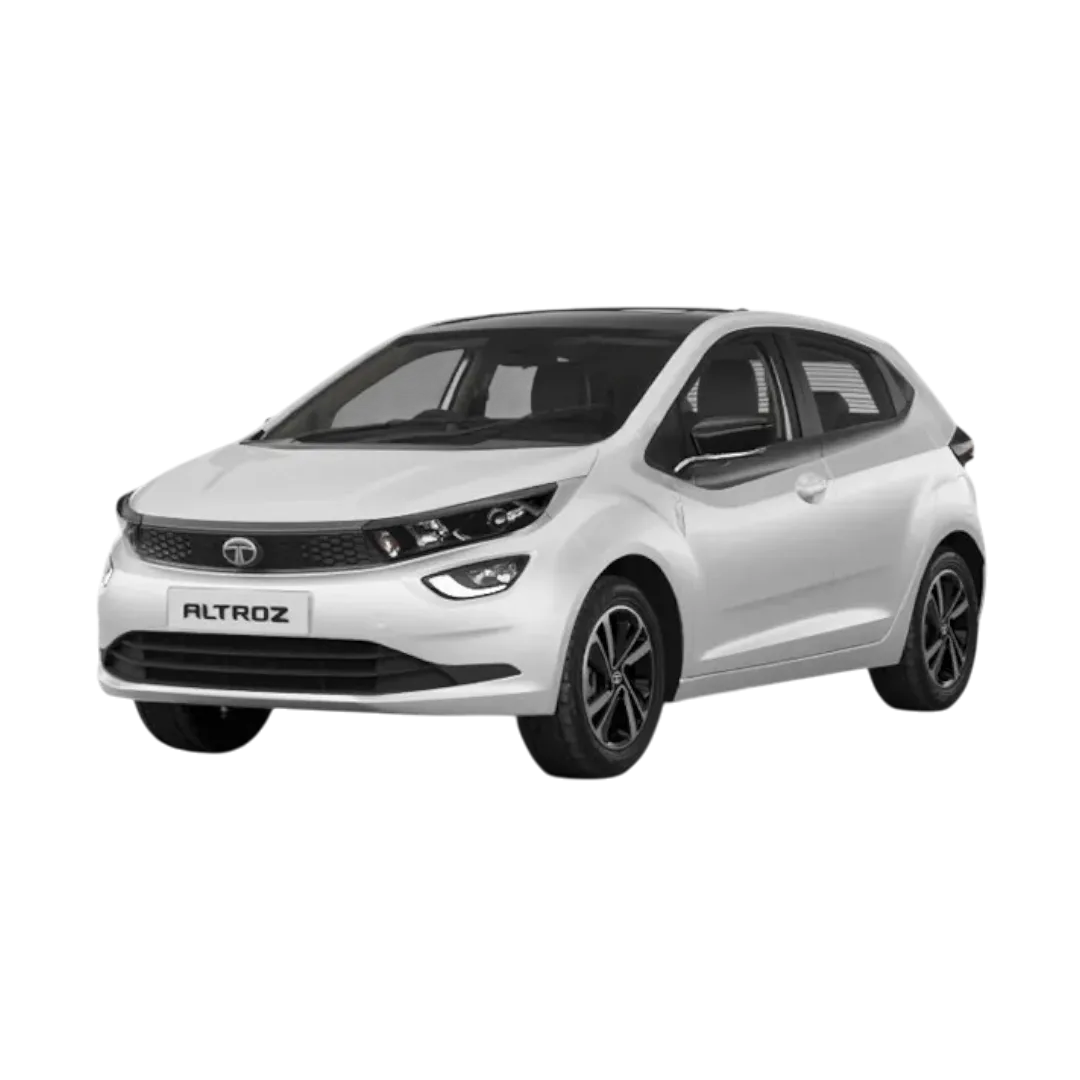 Altroz
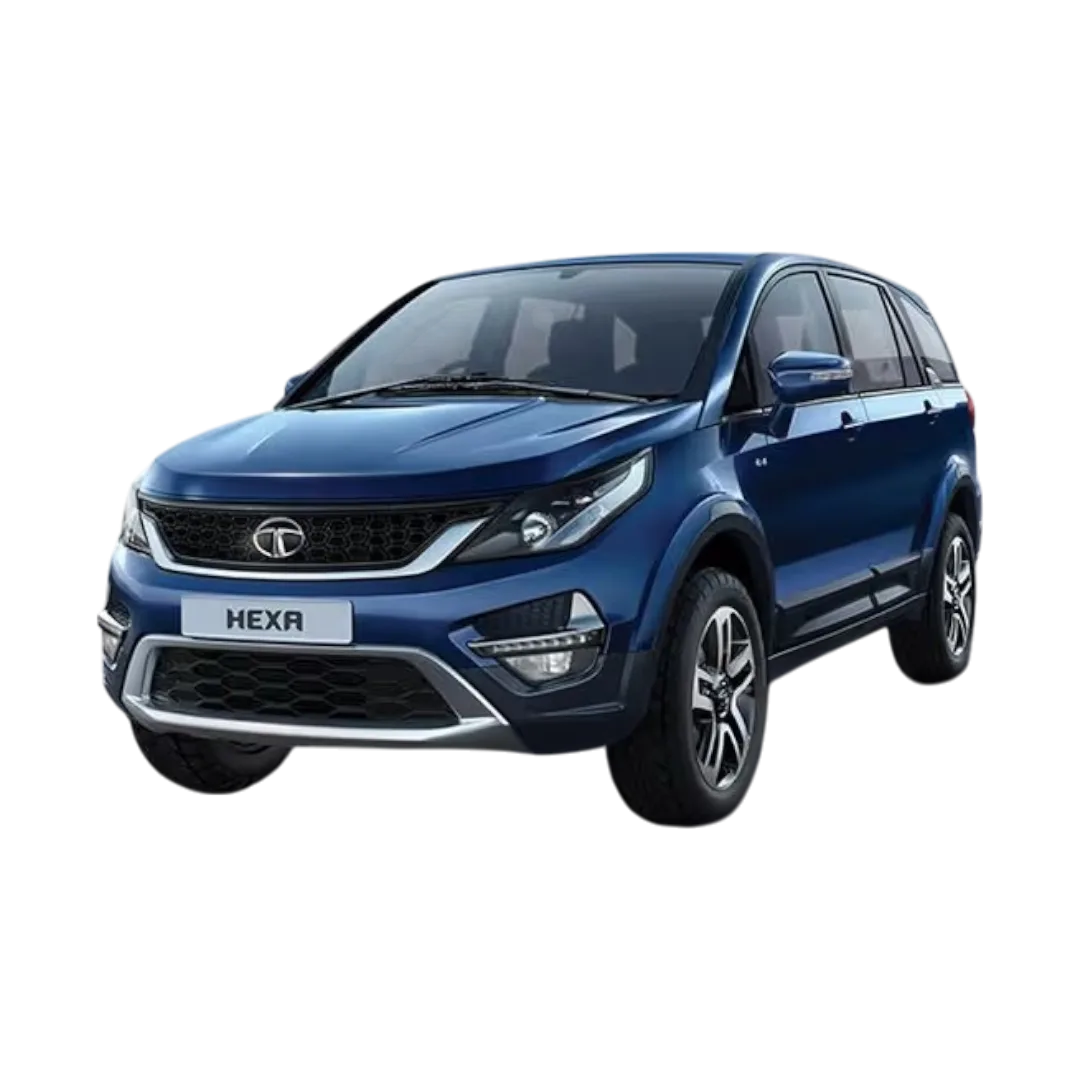 Hexa
Hexa
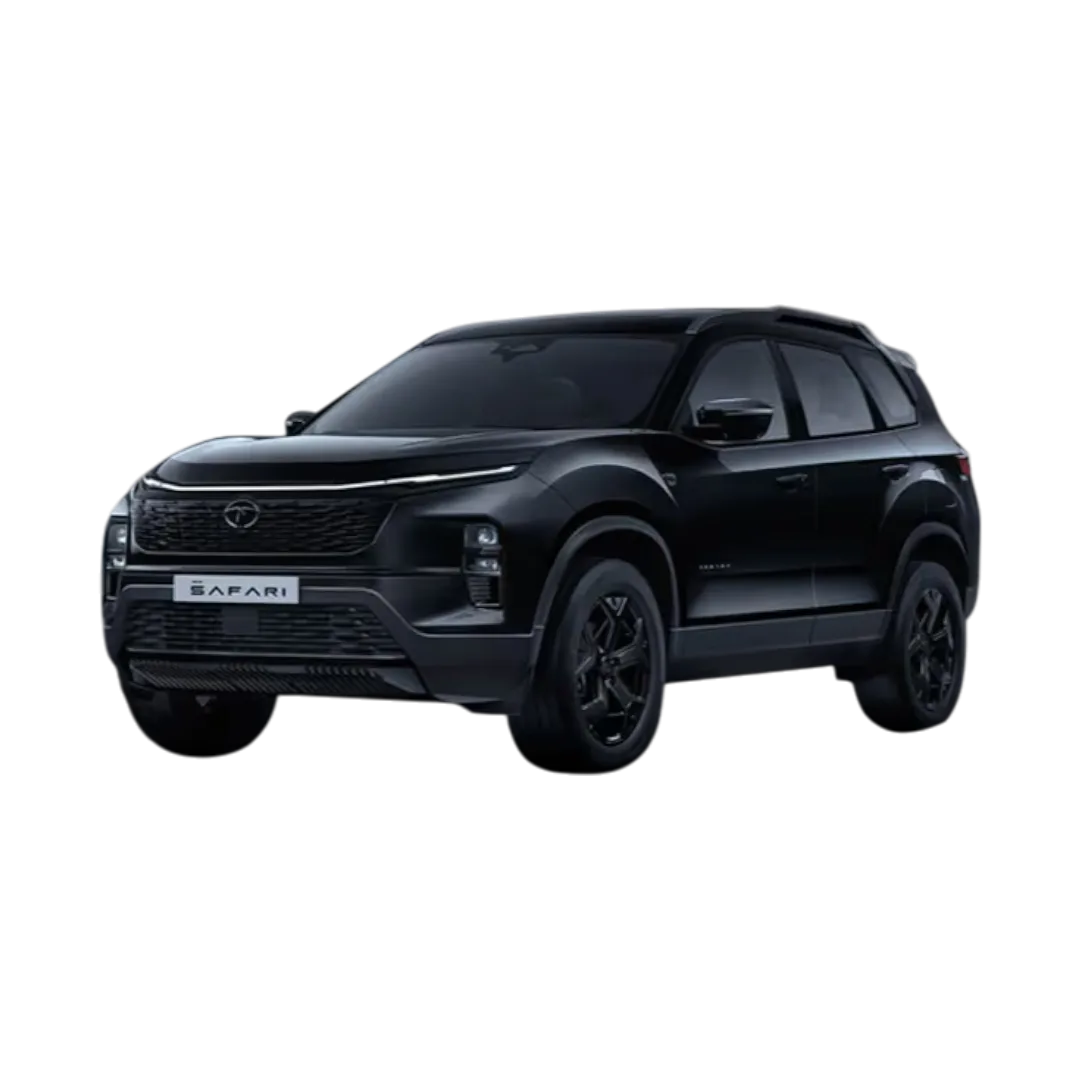 Safari
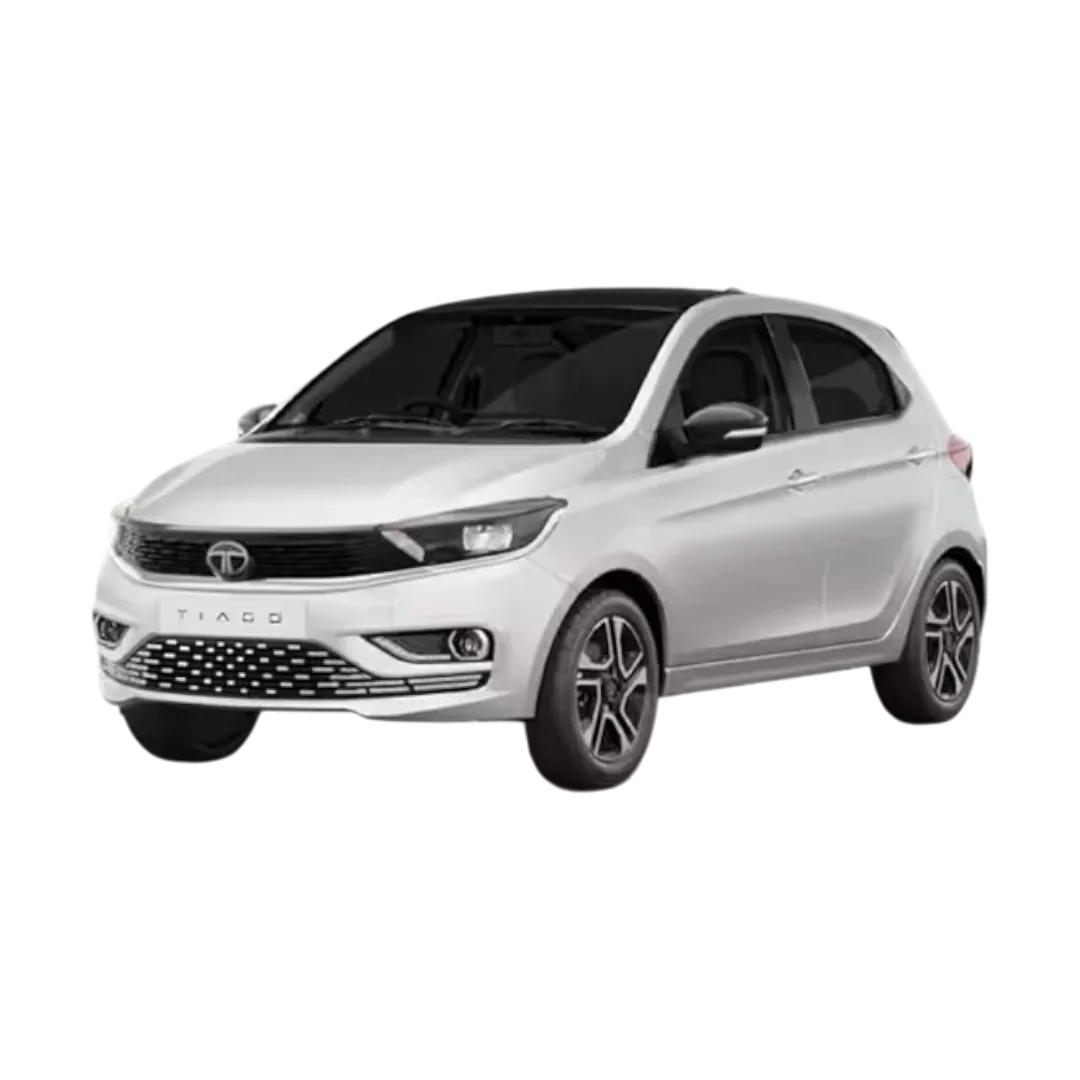 Tiago
Tiago
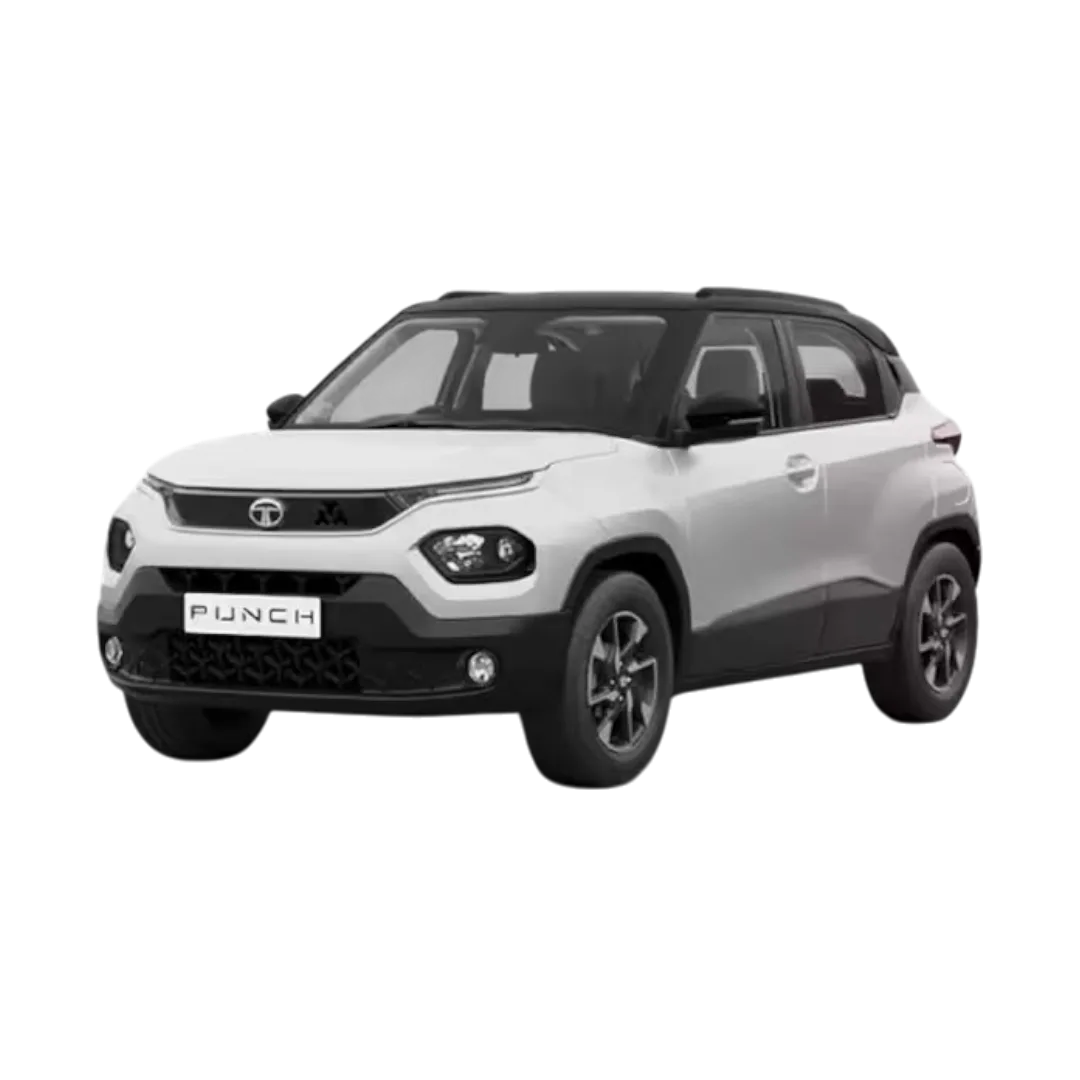 Punch
Punch
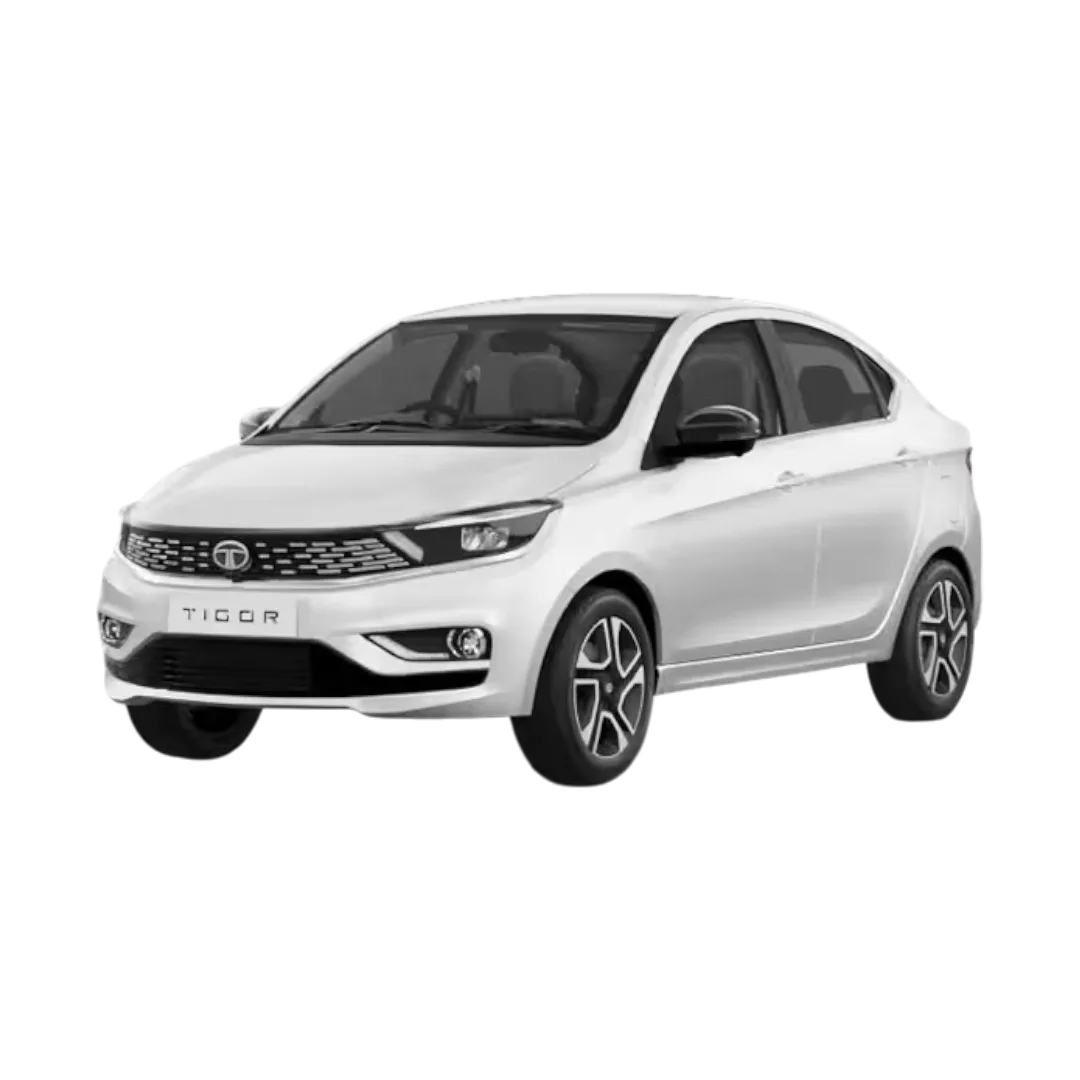 Tigor
Tigor
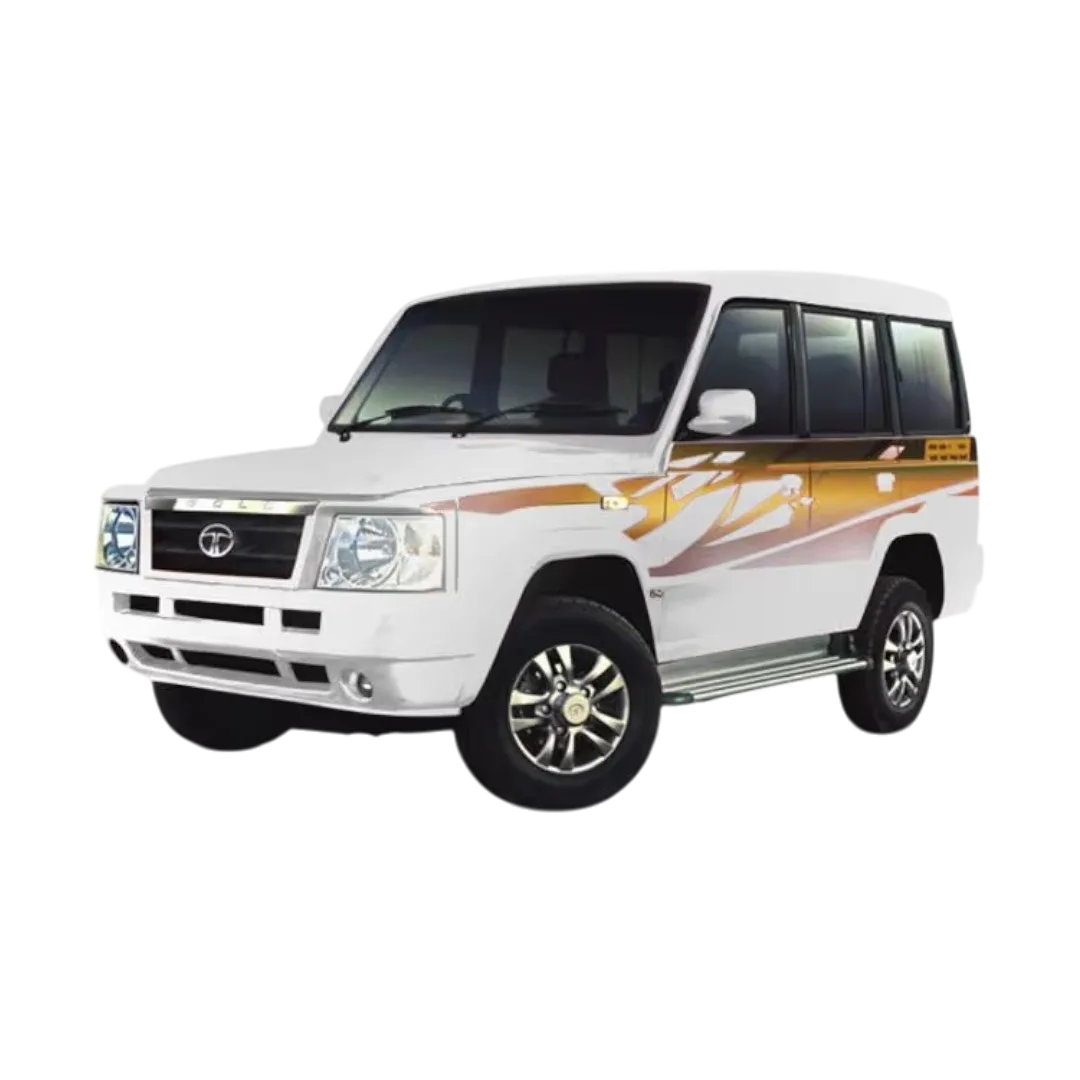 Sumo
Sumo
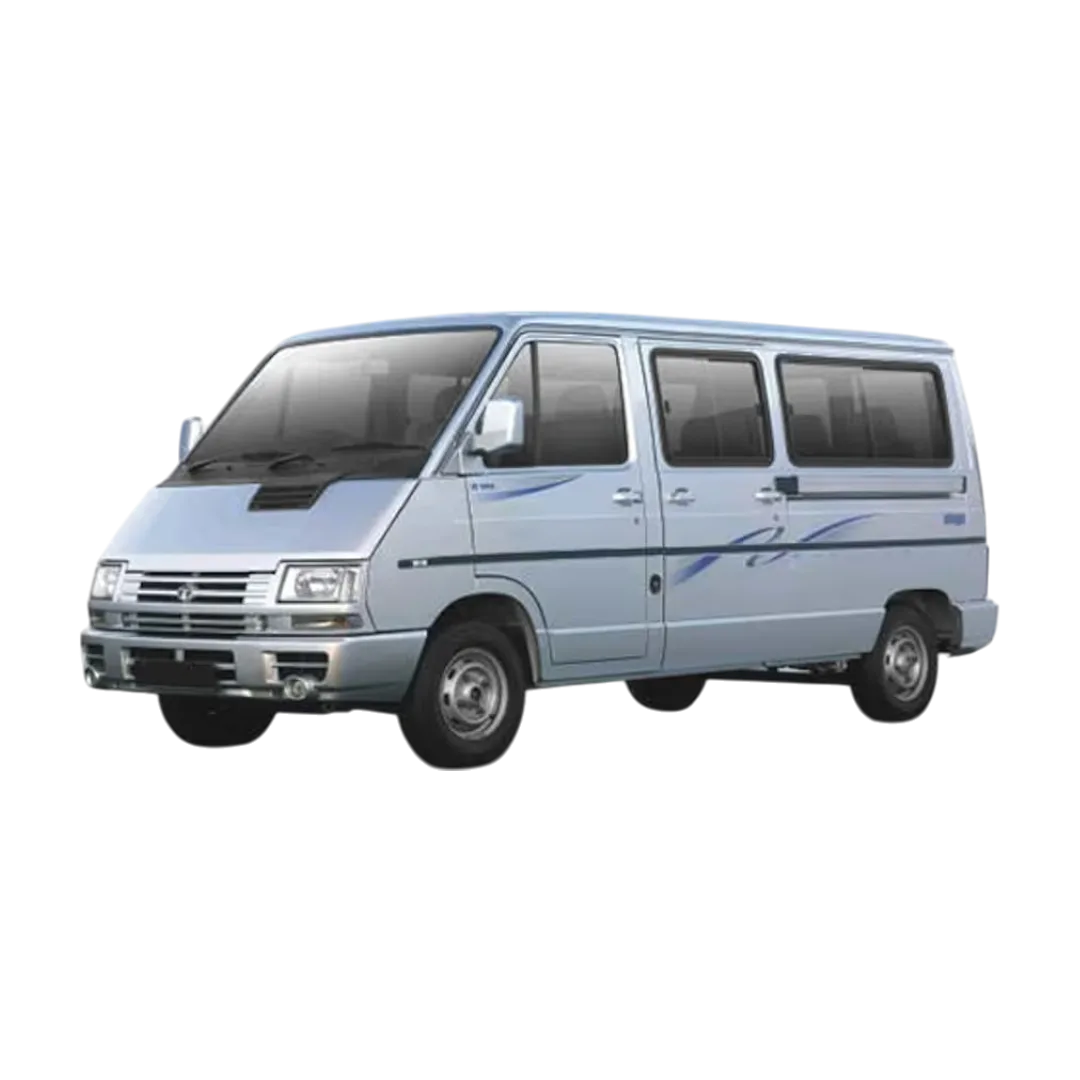 Winger
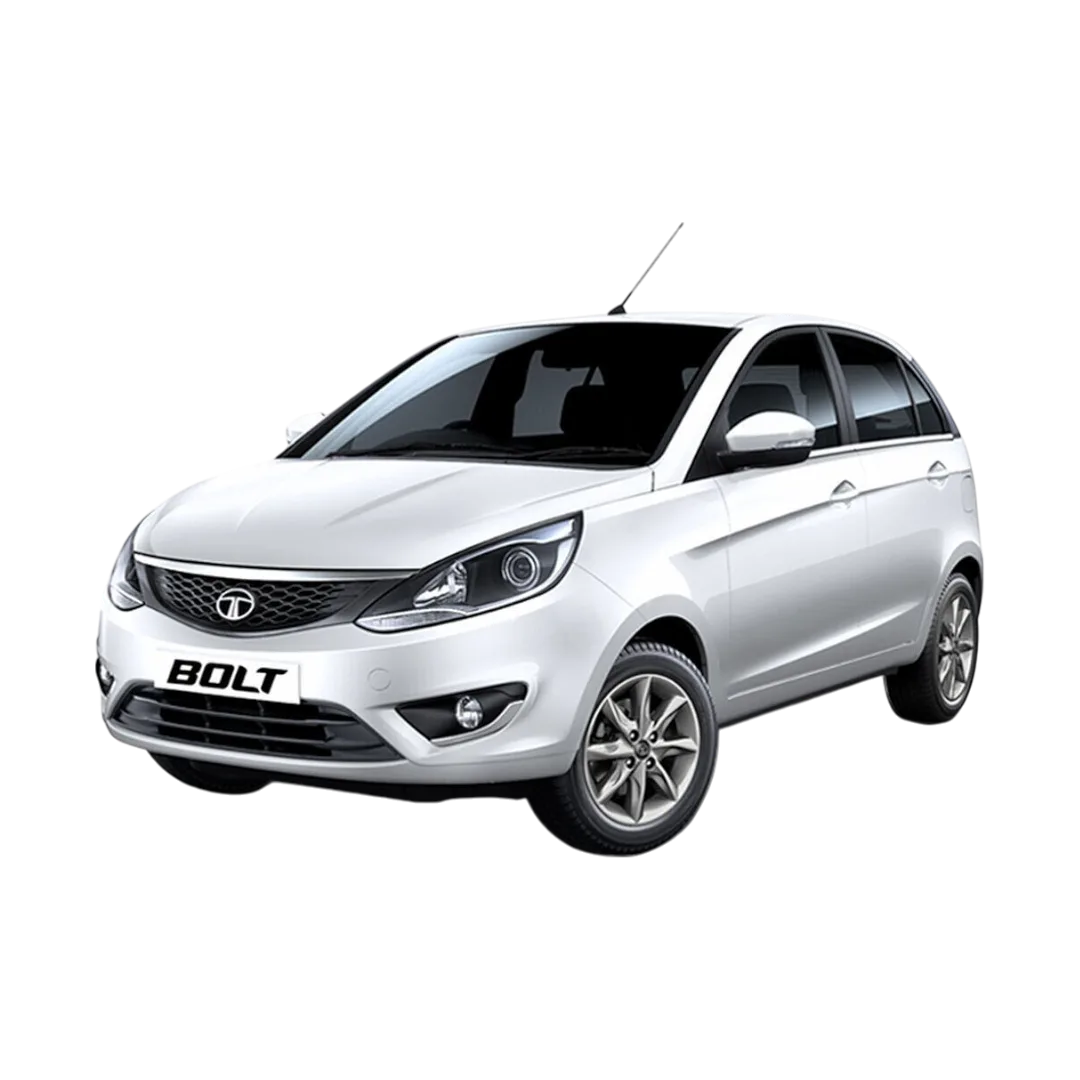 Bolt
Bolt
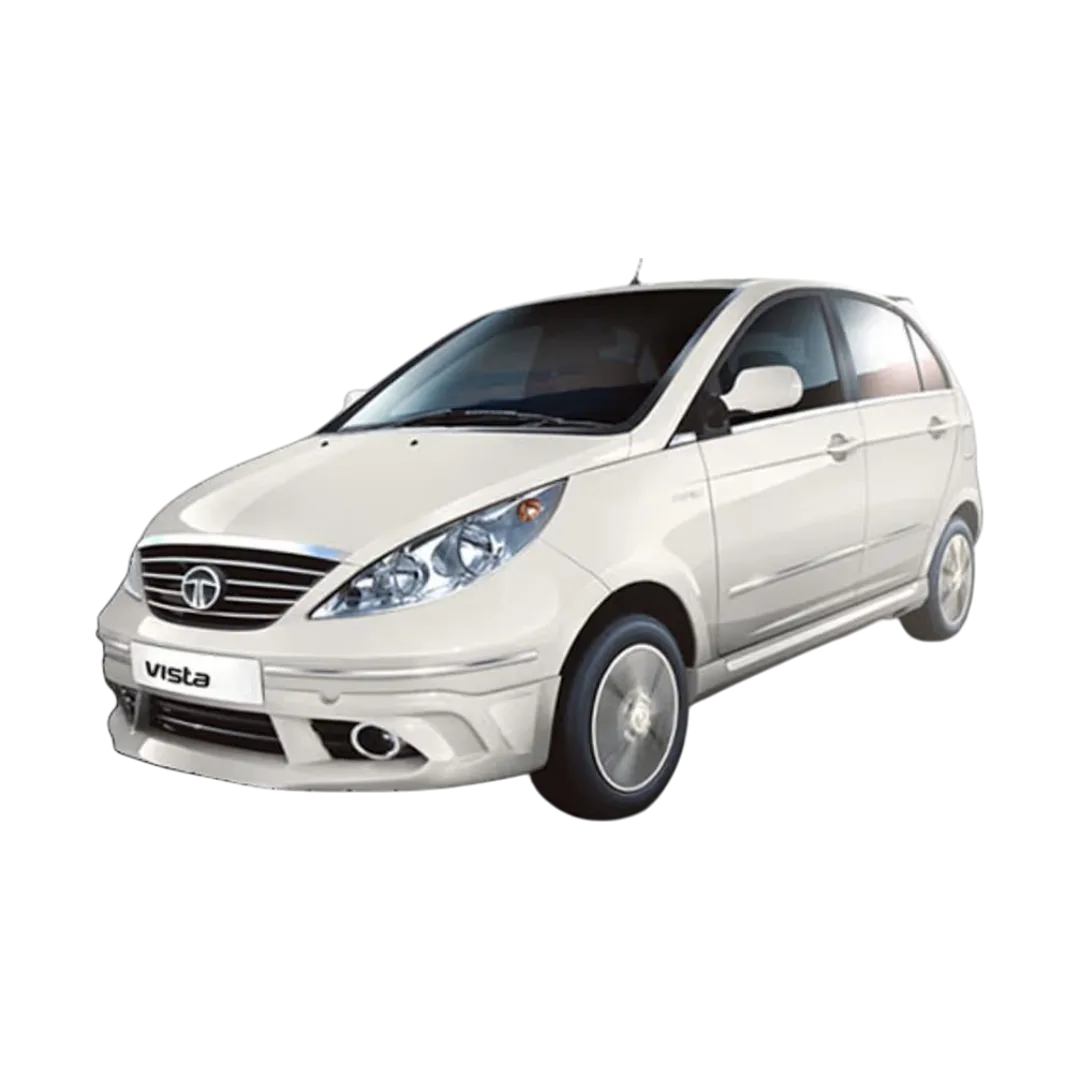 Vista
Vista
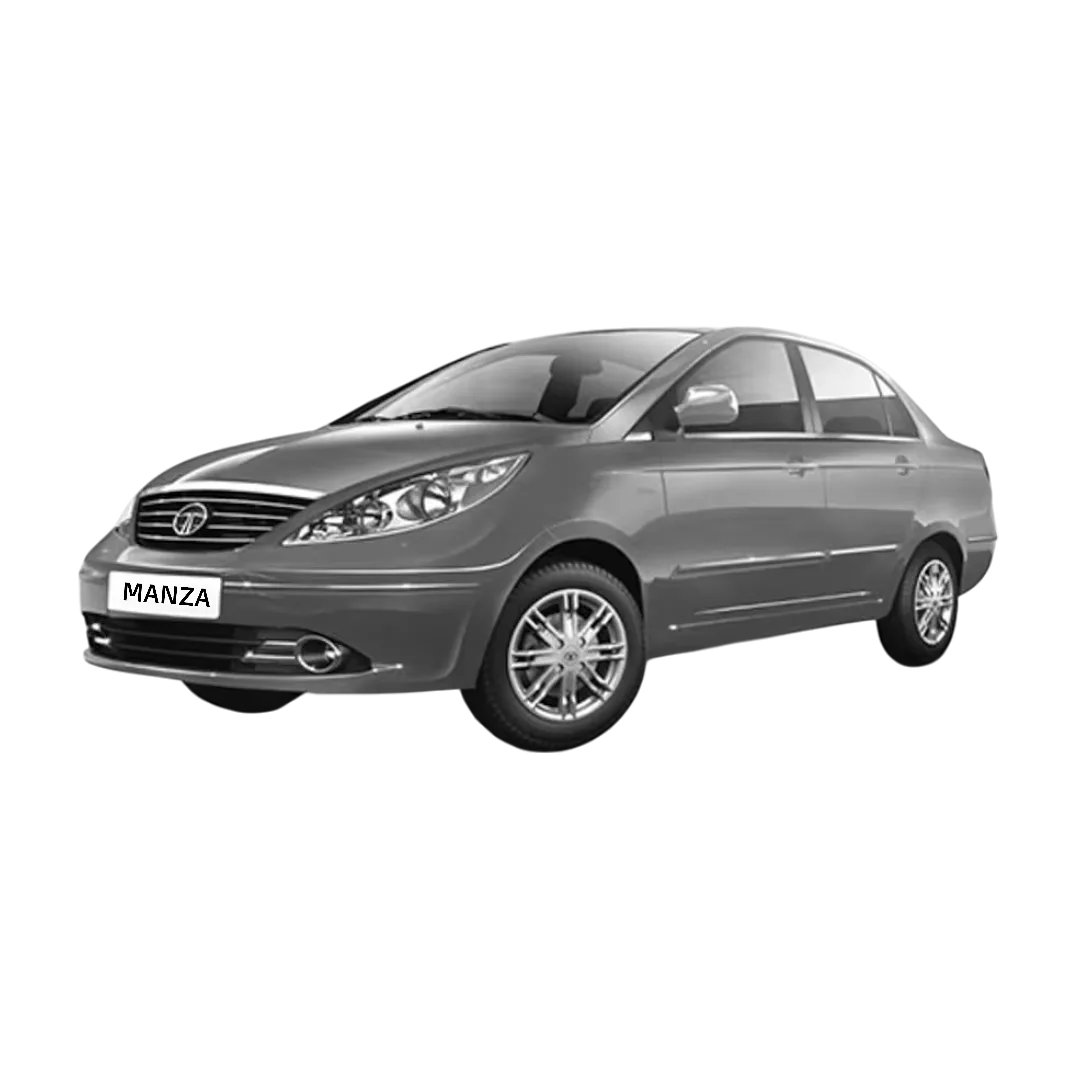 Manza
Manza
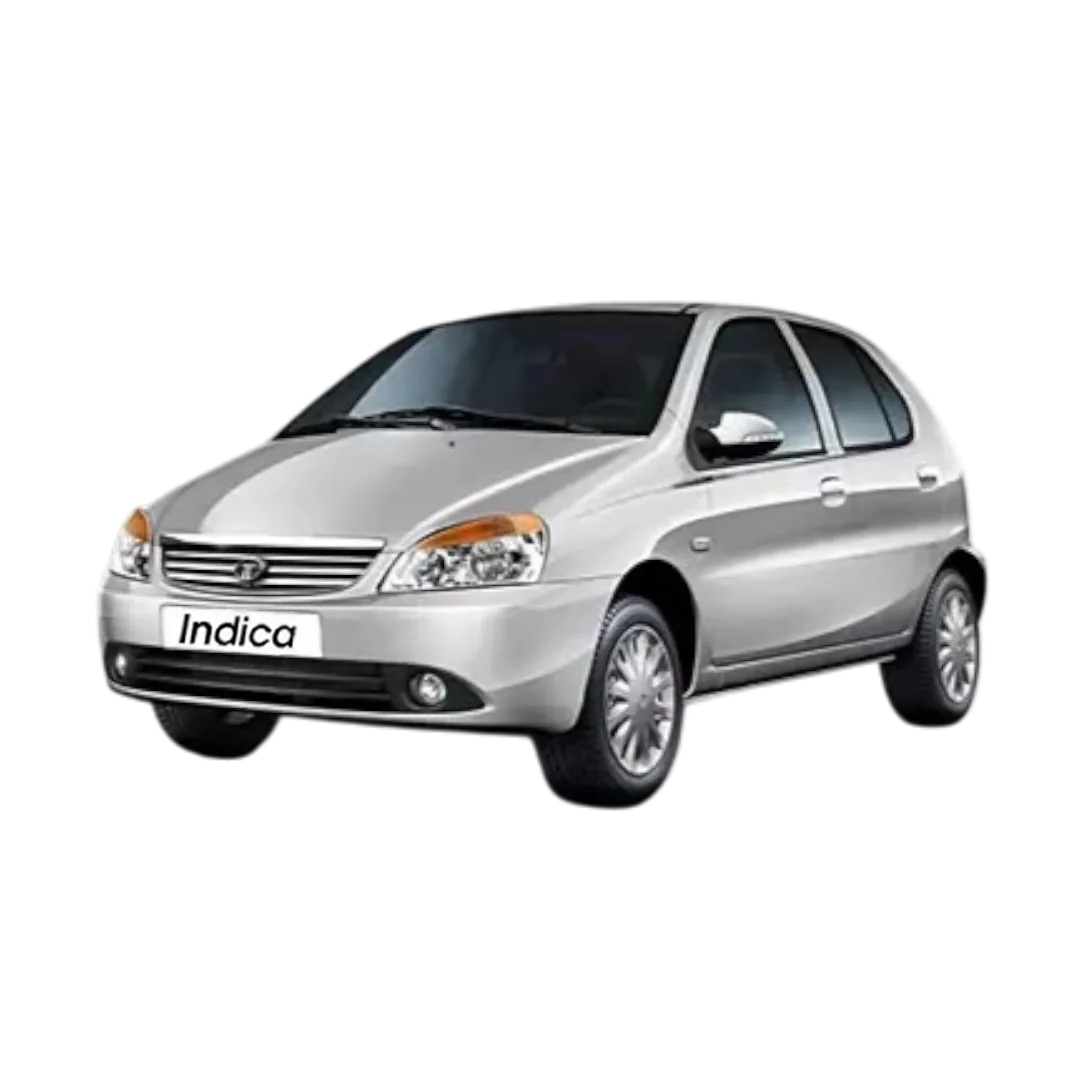 Indica
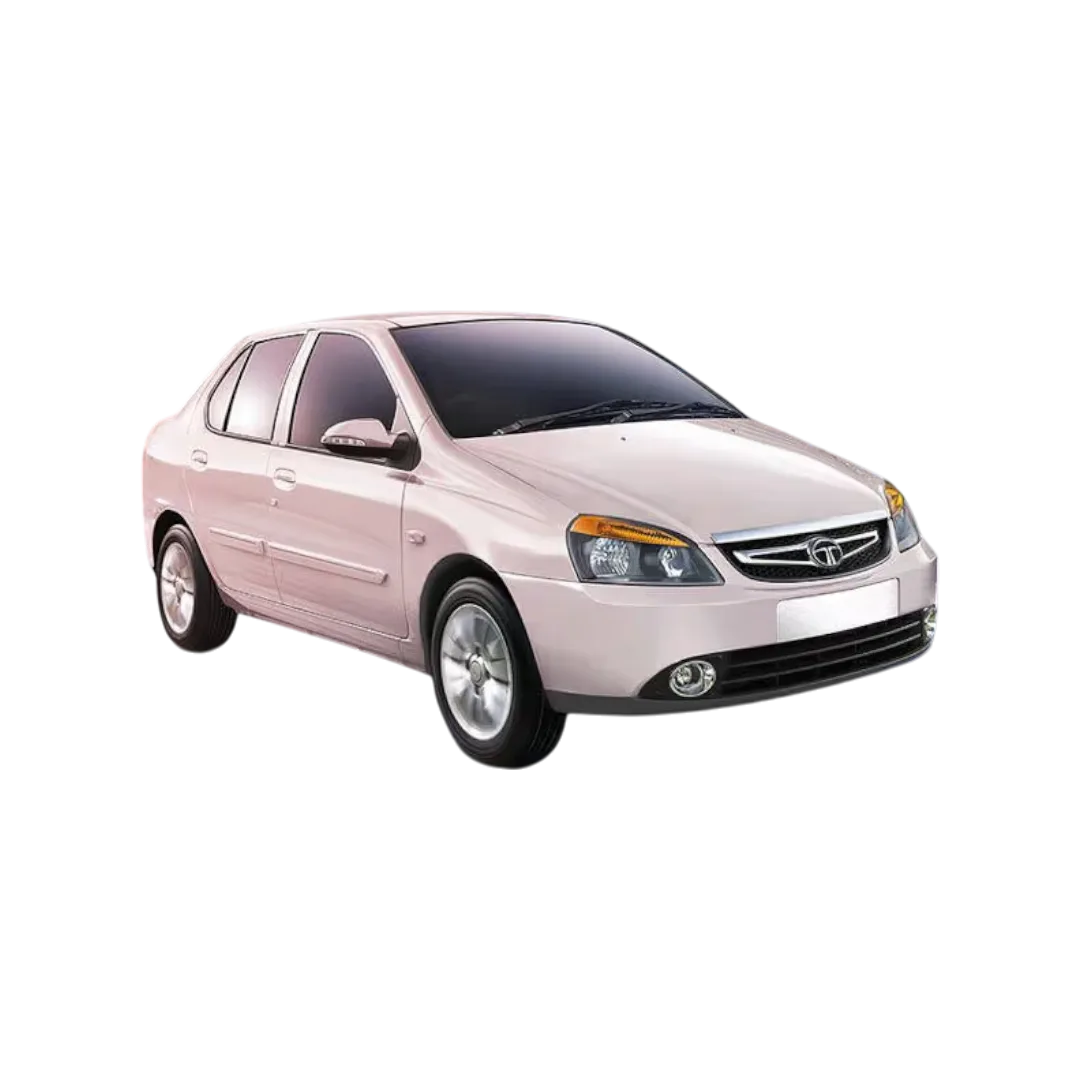 Indigo
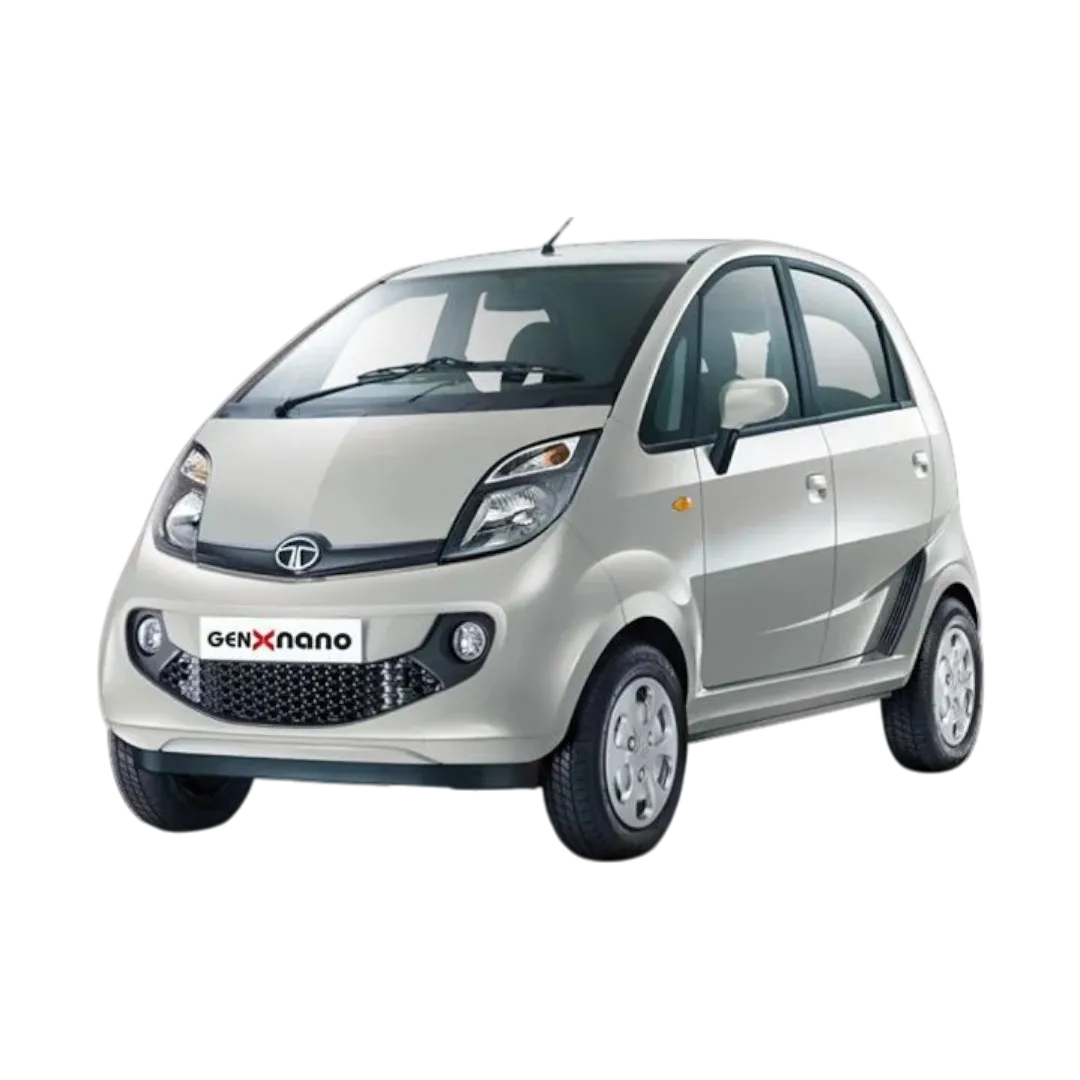 Nano
Nano
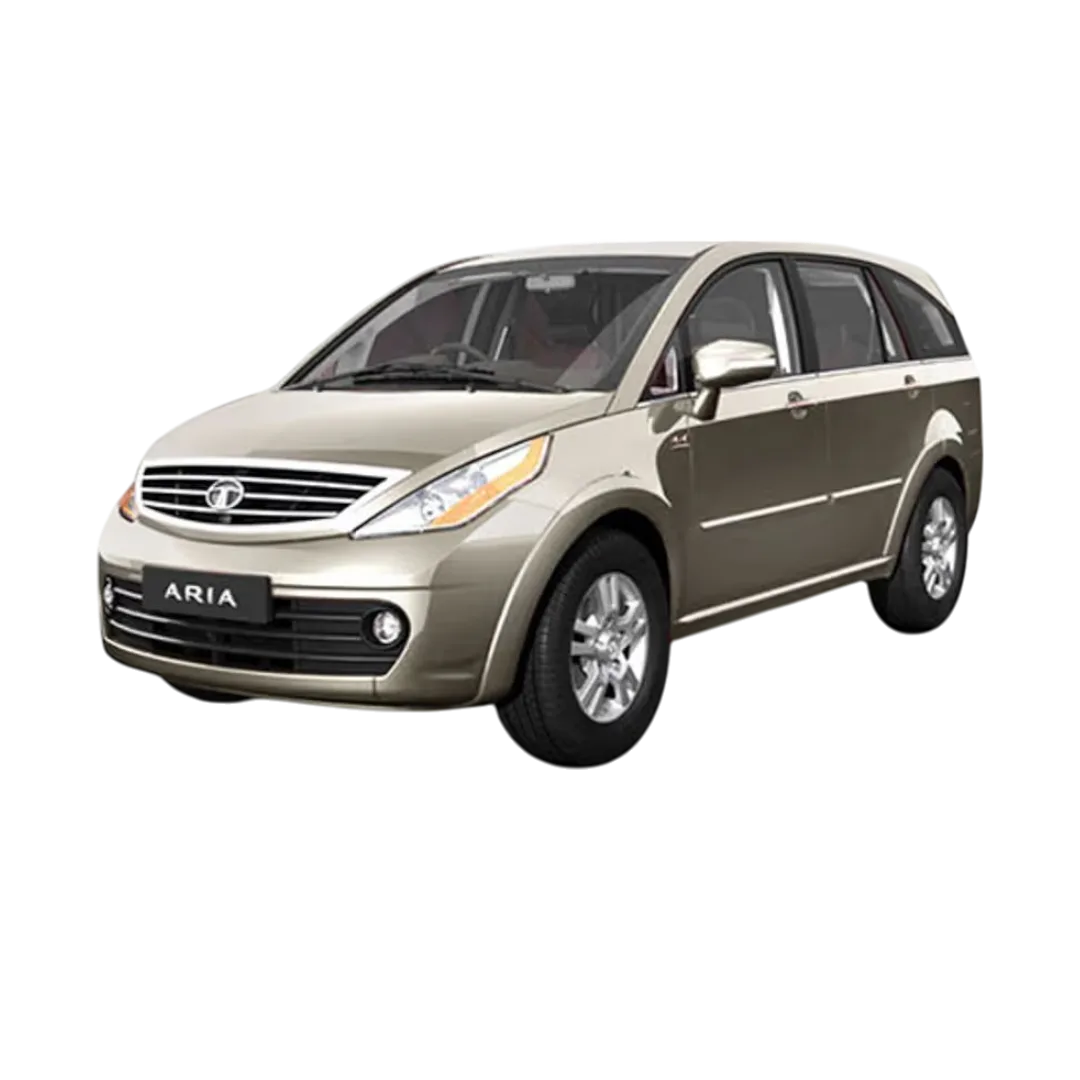 Aria
Aria
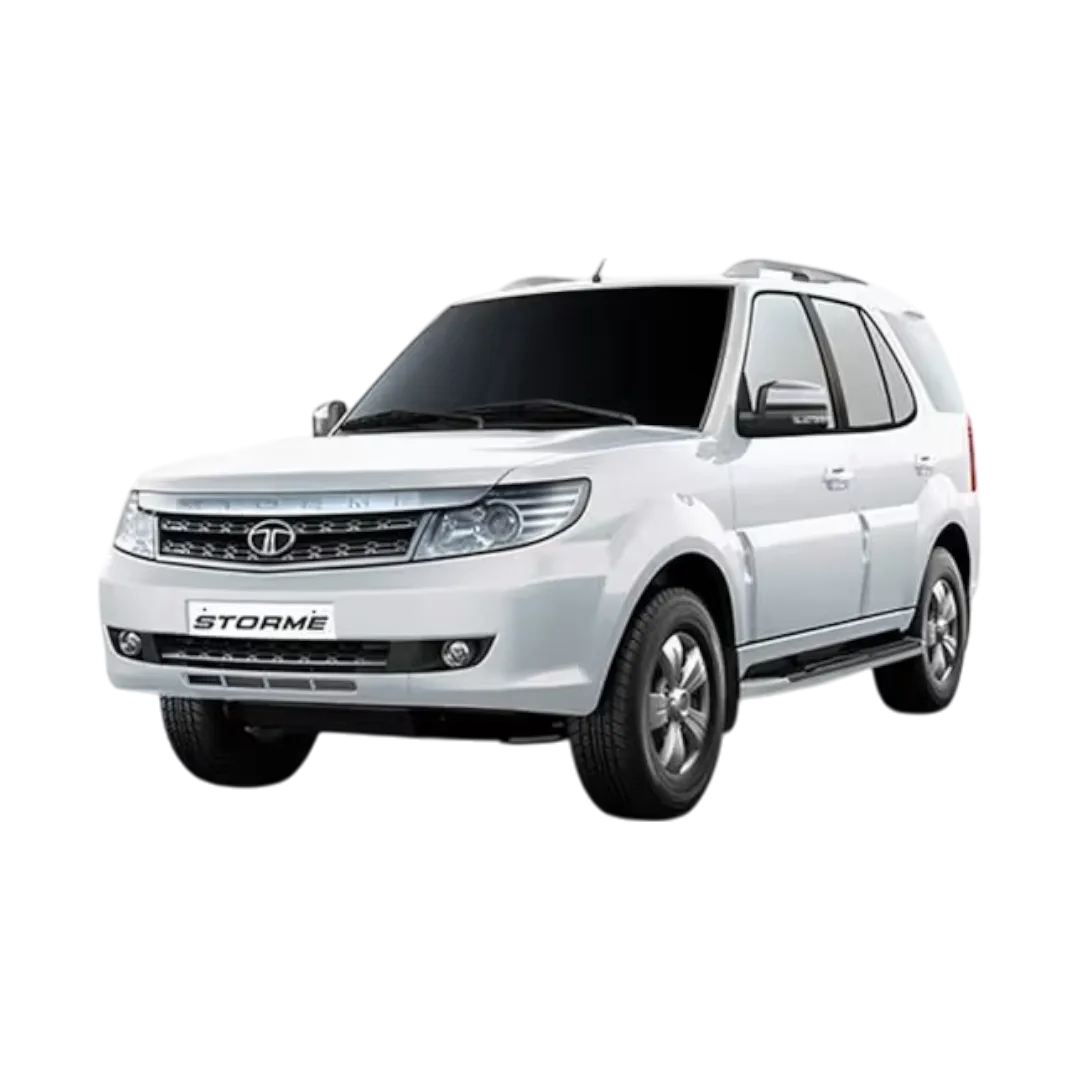 Safari Storme
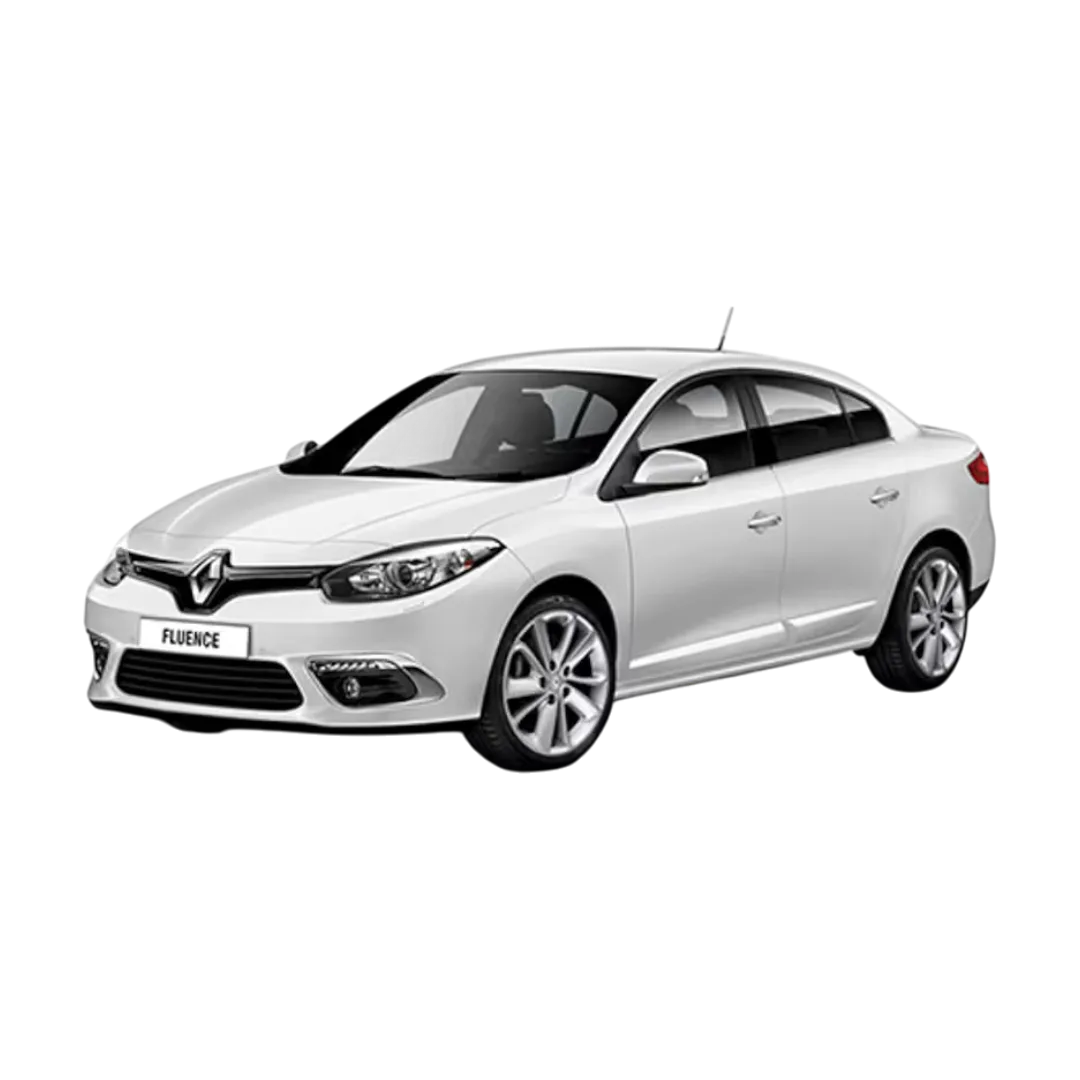
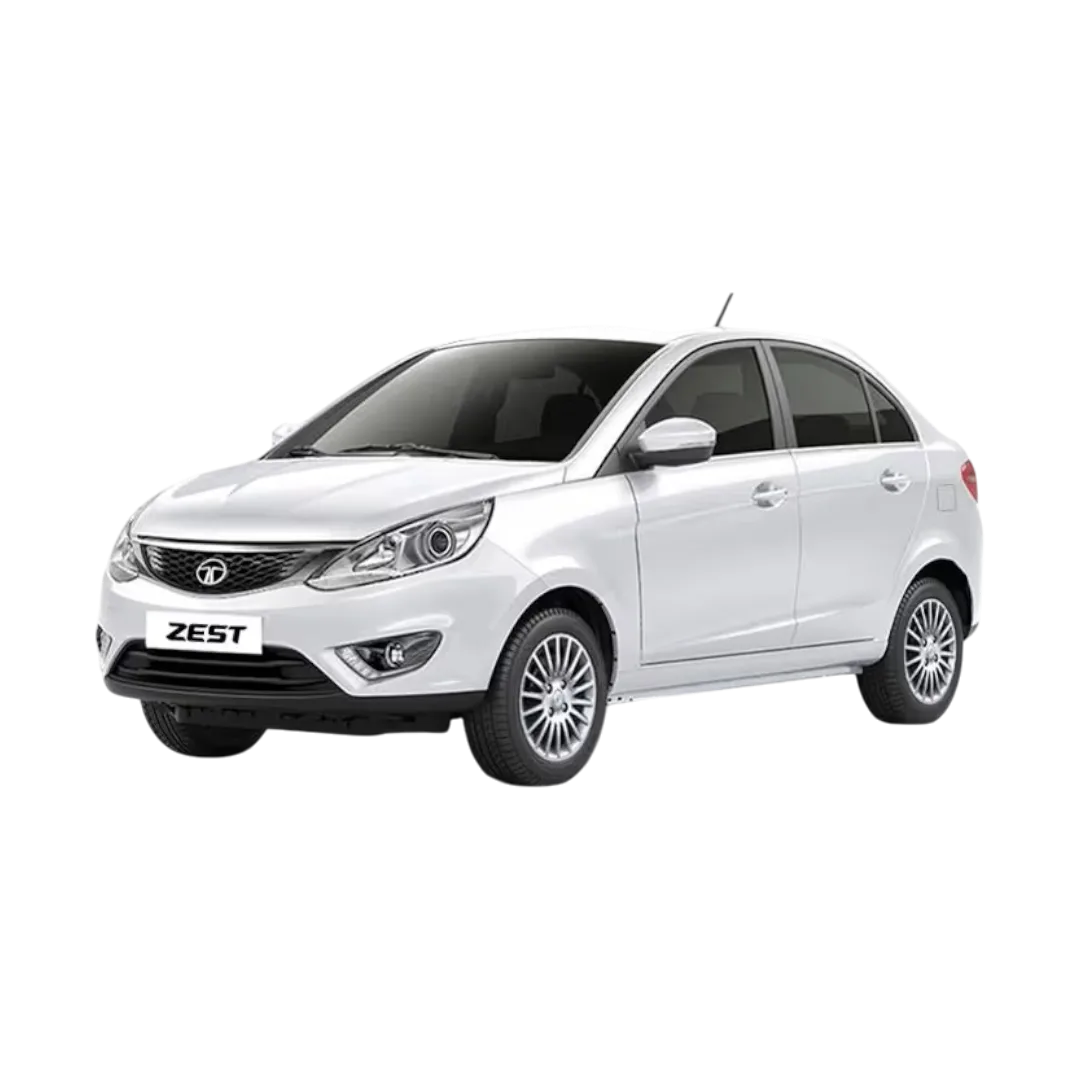 Zest
Zest
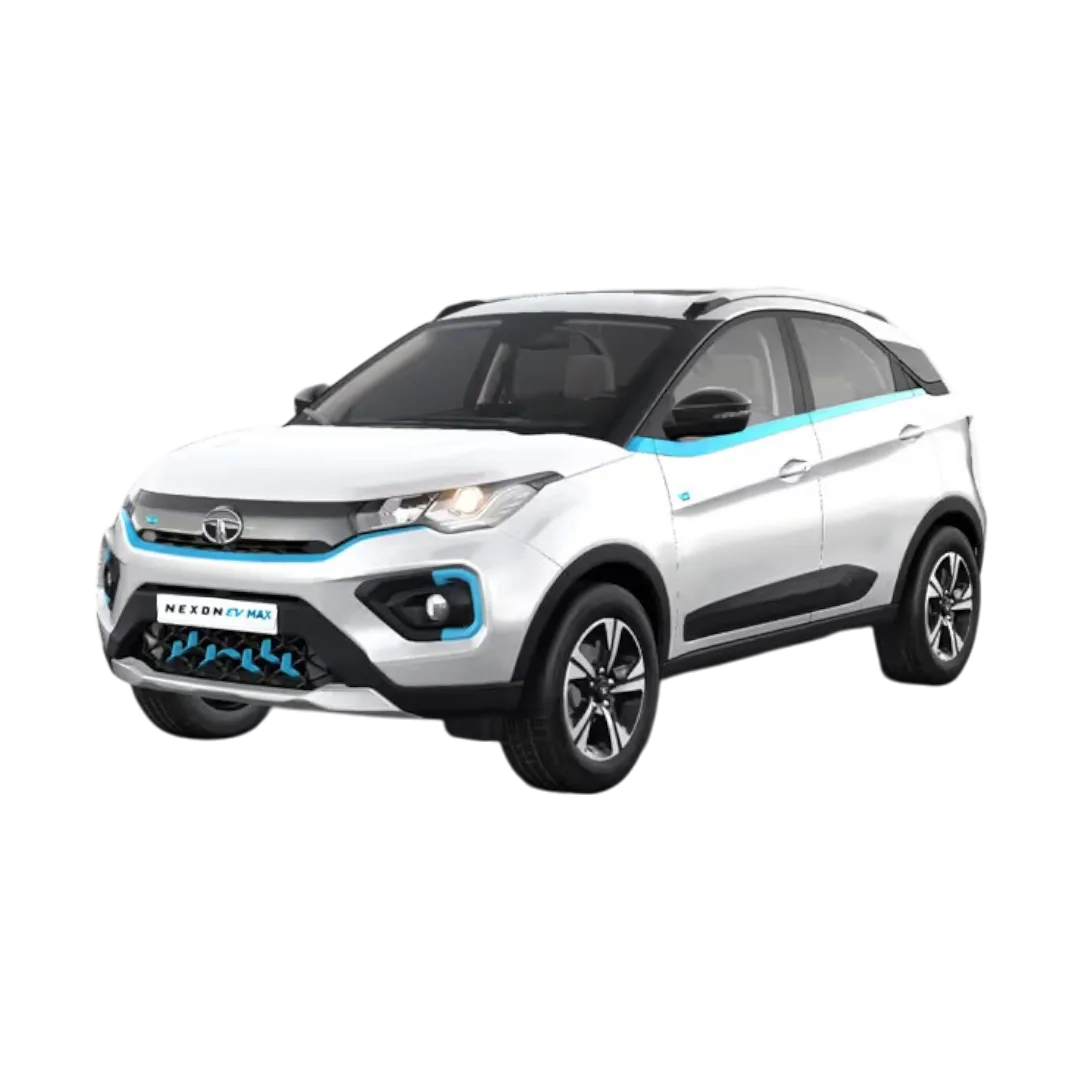 NEXON EV Max
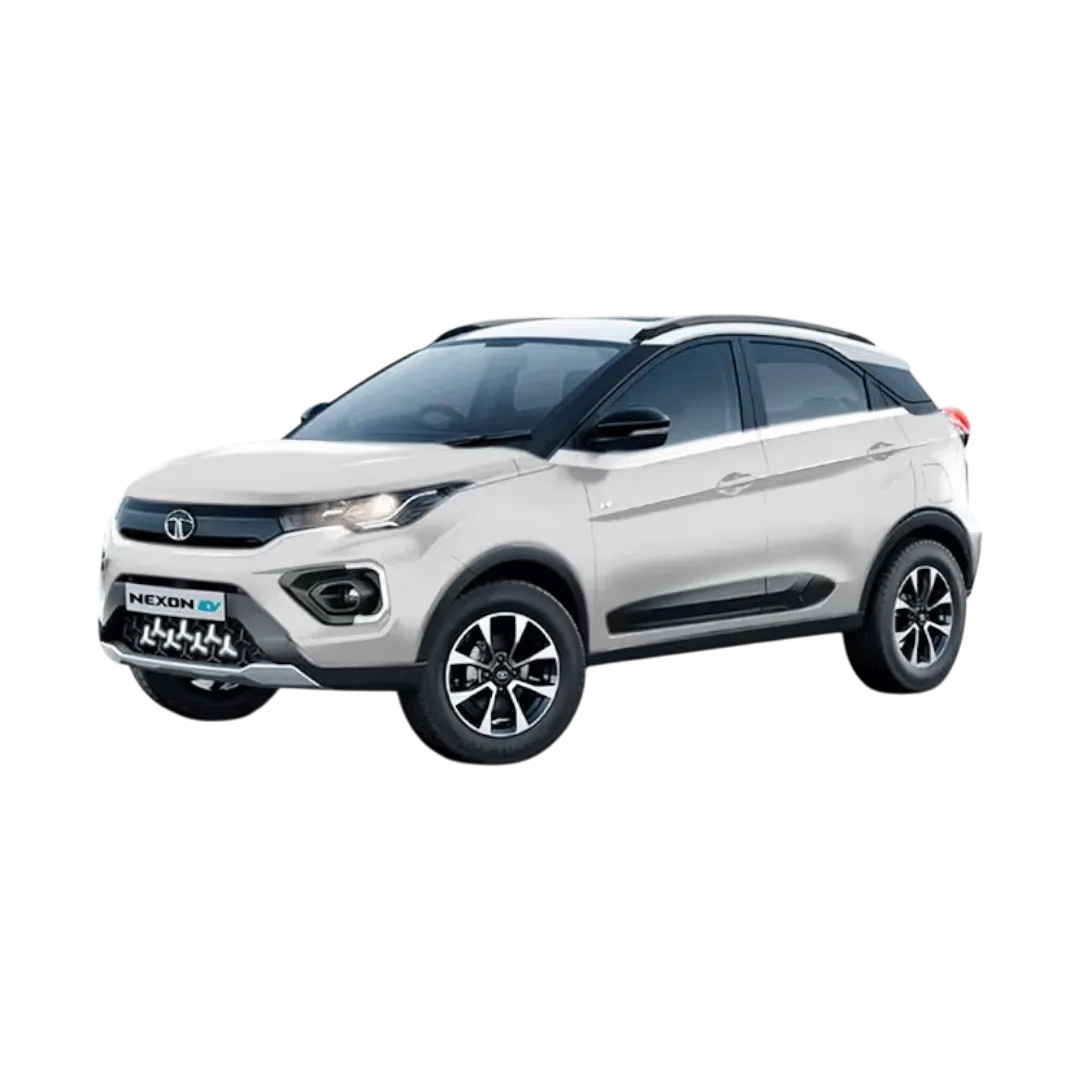 NEXON EV Prime
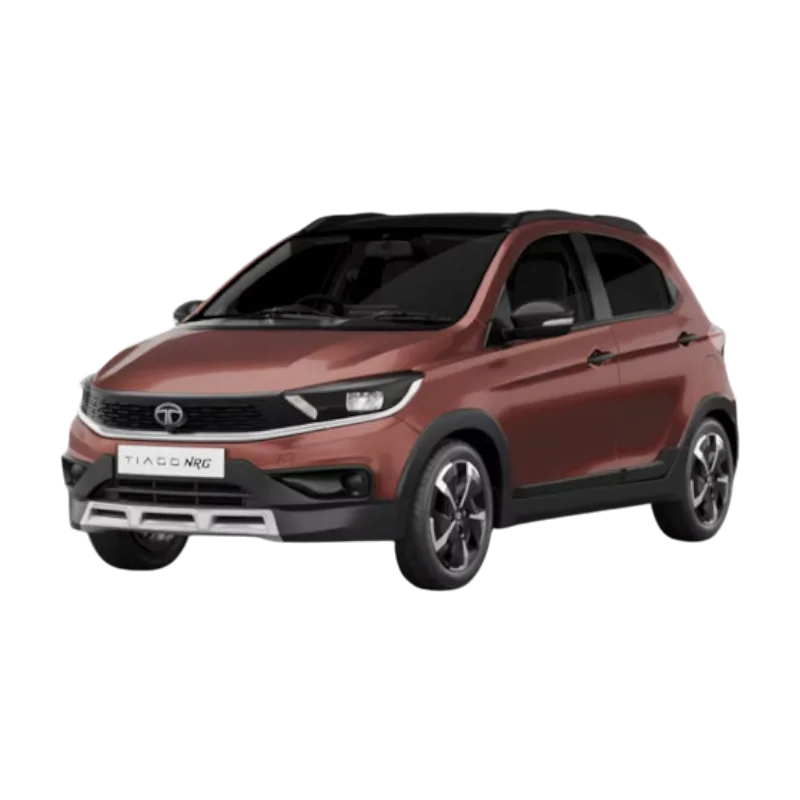 Tiago NRG
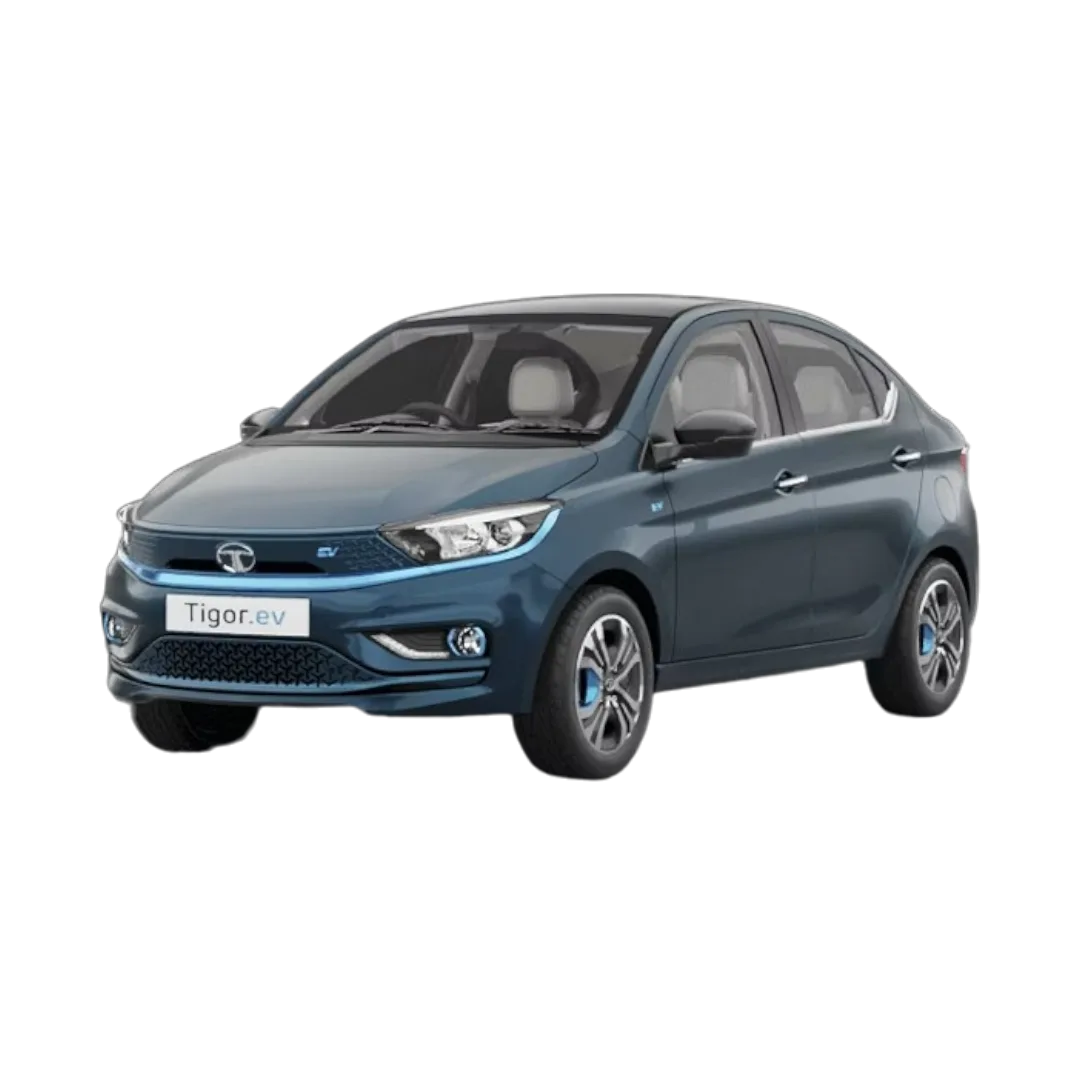 Tigor EV
INDICA VISTA
Curvv
Sierra
Magic
Tigor EV
INDICA VISTA
Curvv
Sierra
Magic
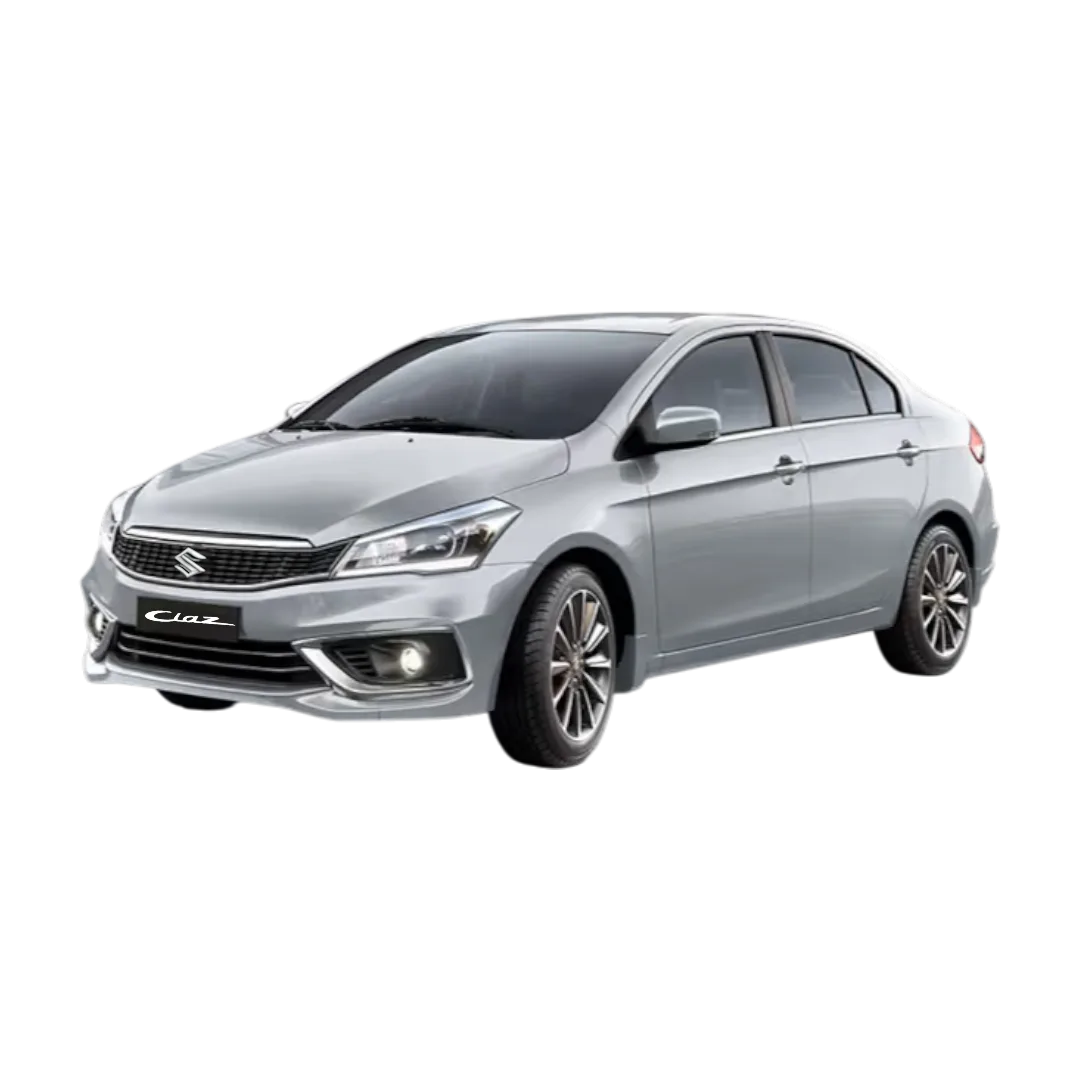 Ciaz
Ciaz
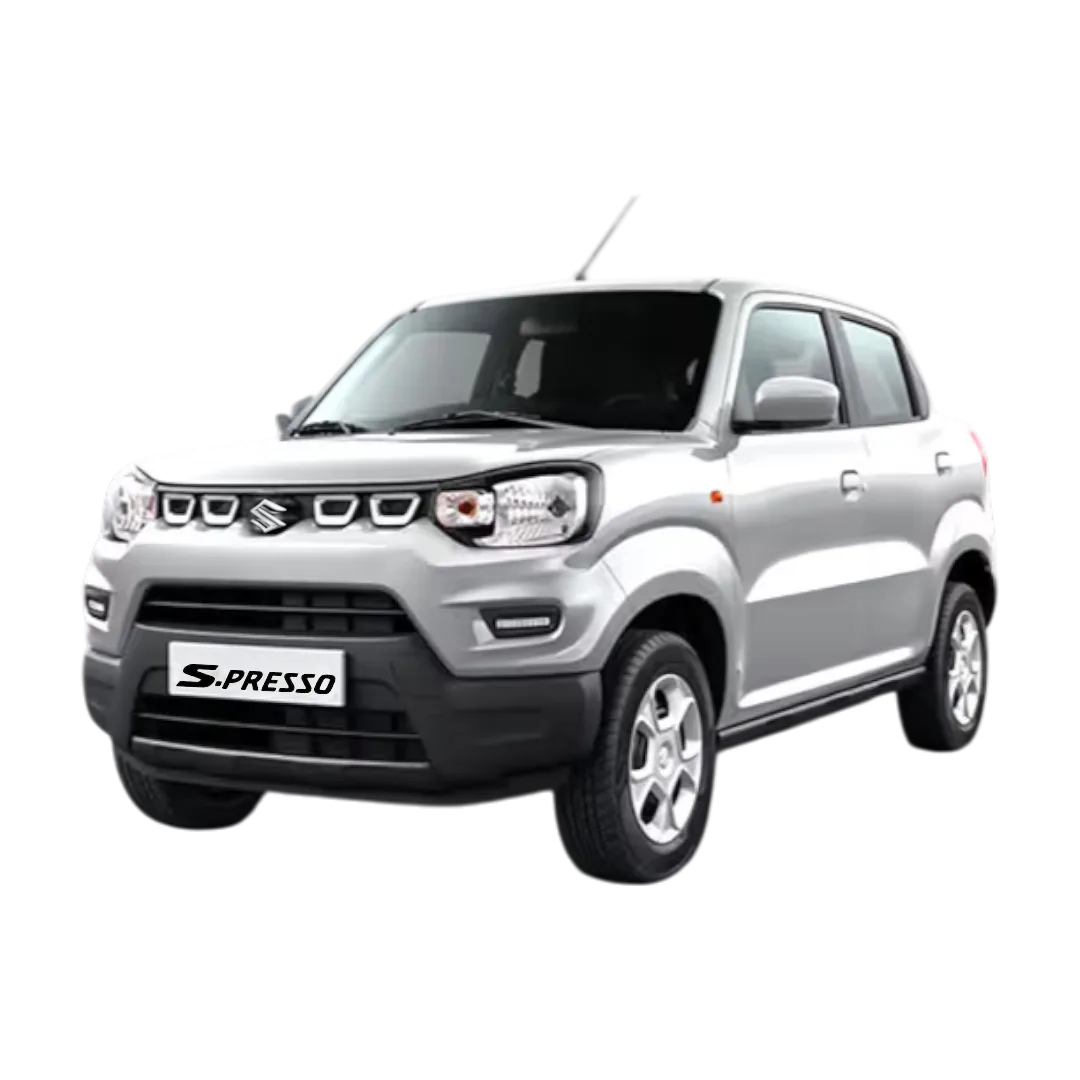 S-Presso
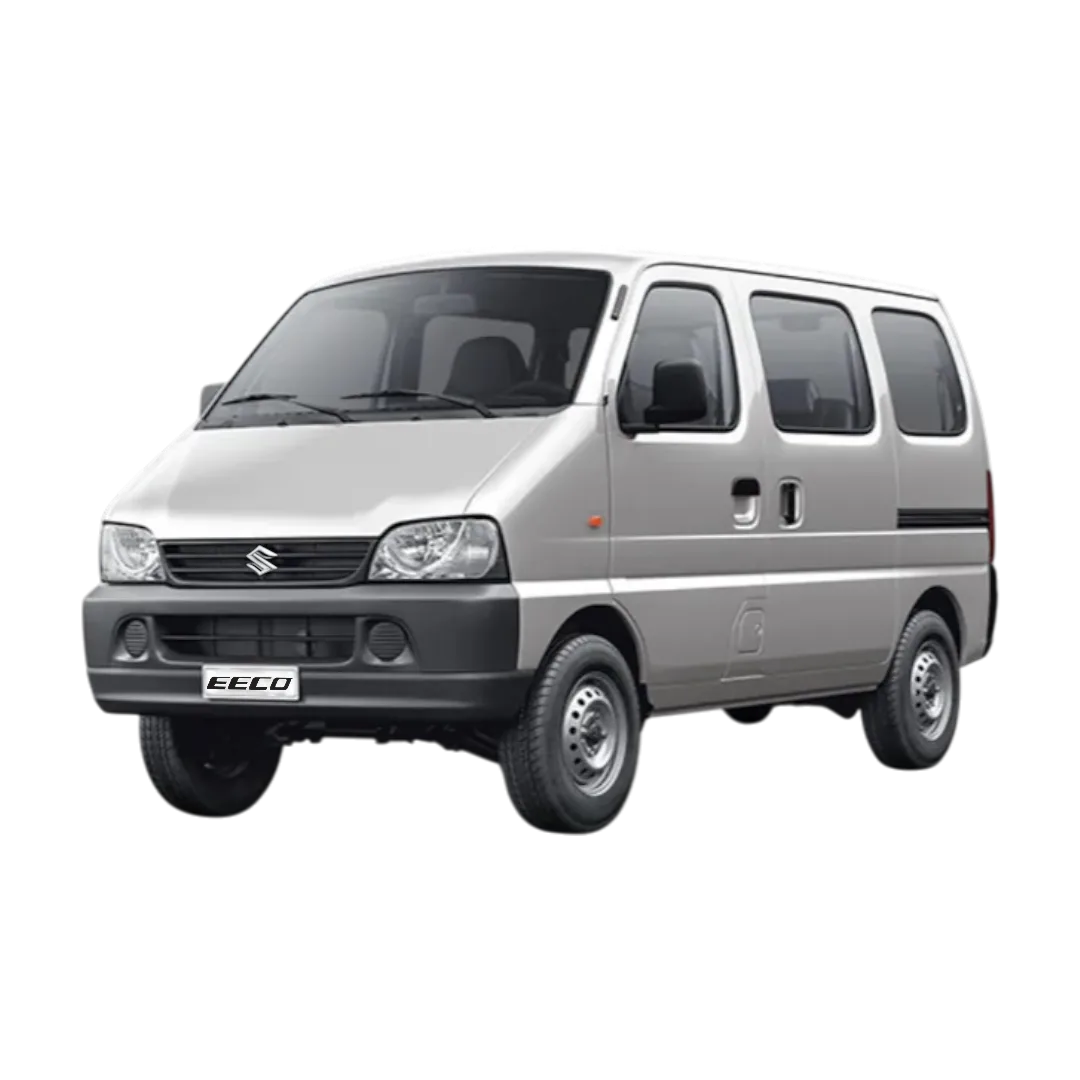 Eeco/Versa
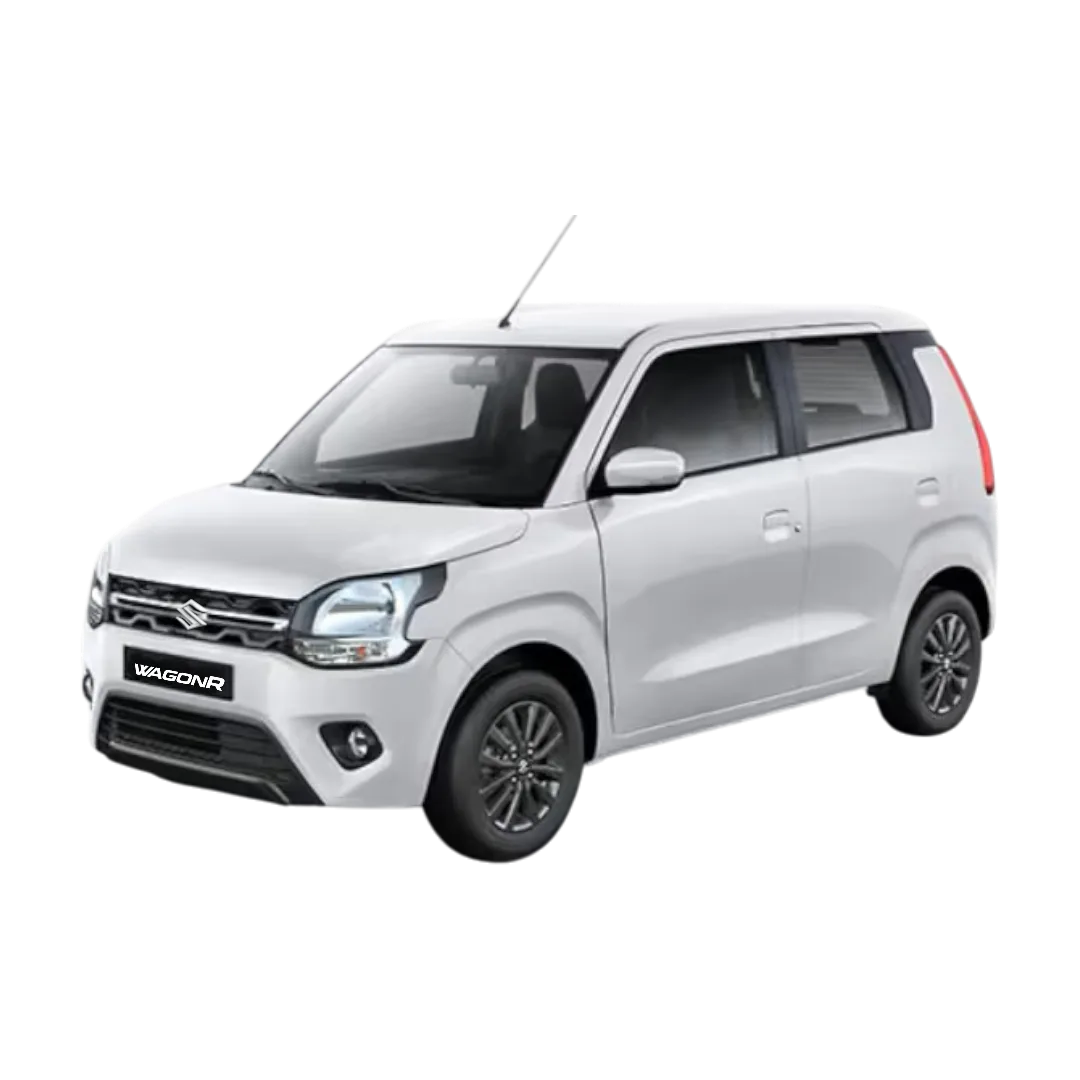 WagonR
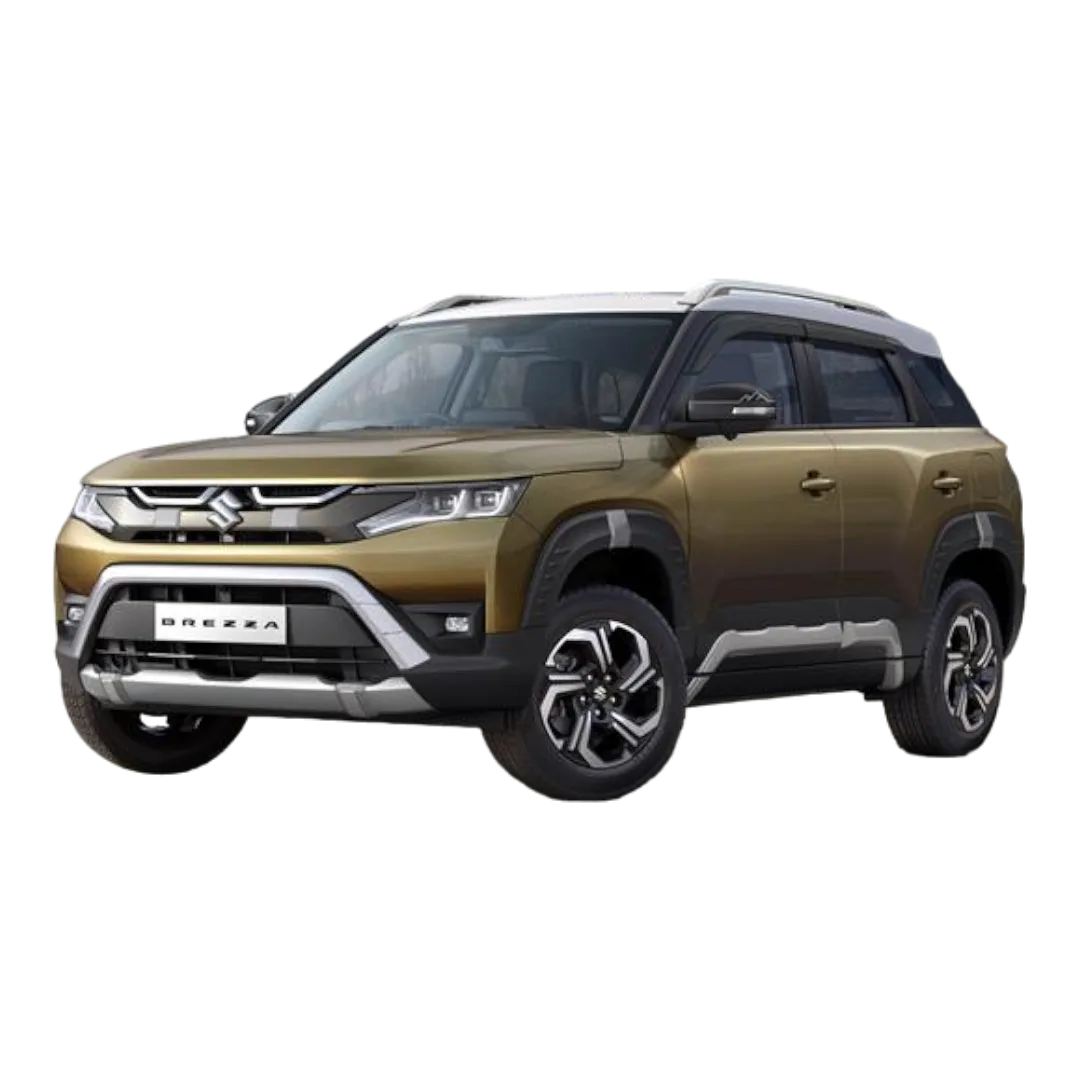 Brezza
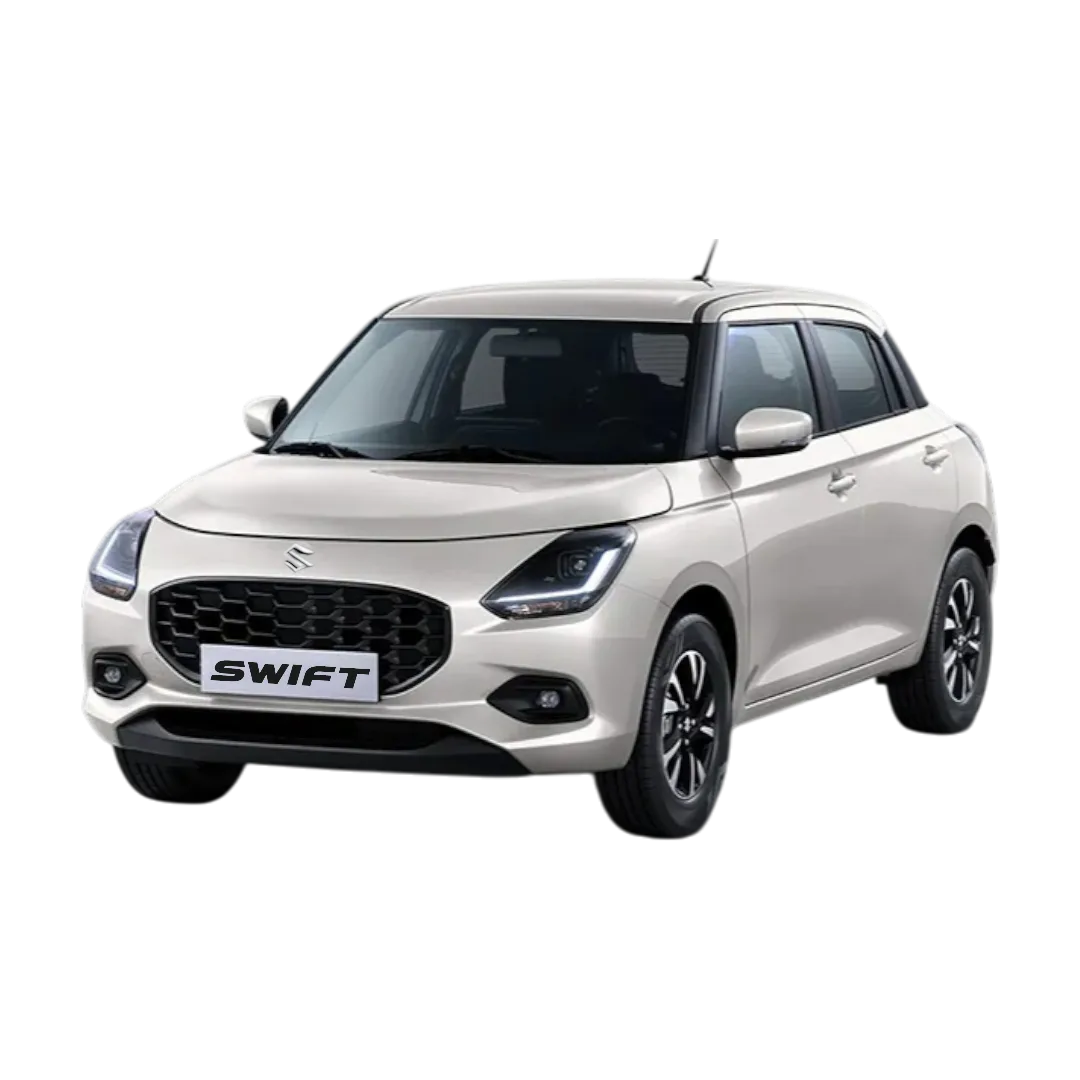 Swift
Swift
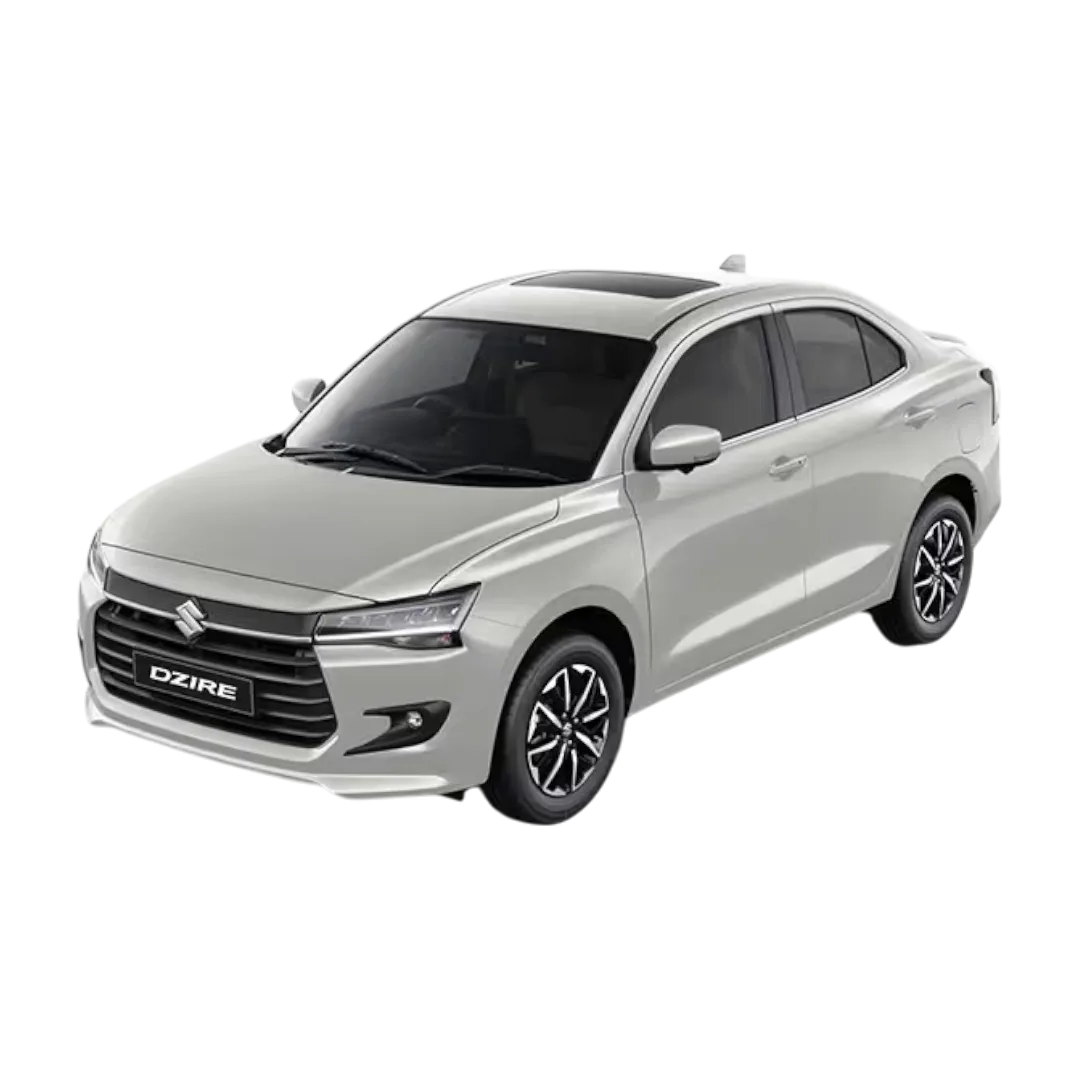 Dzire
Dzire
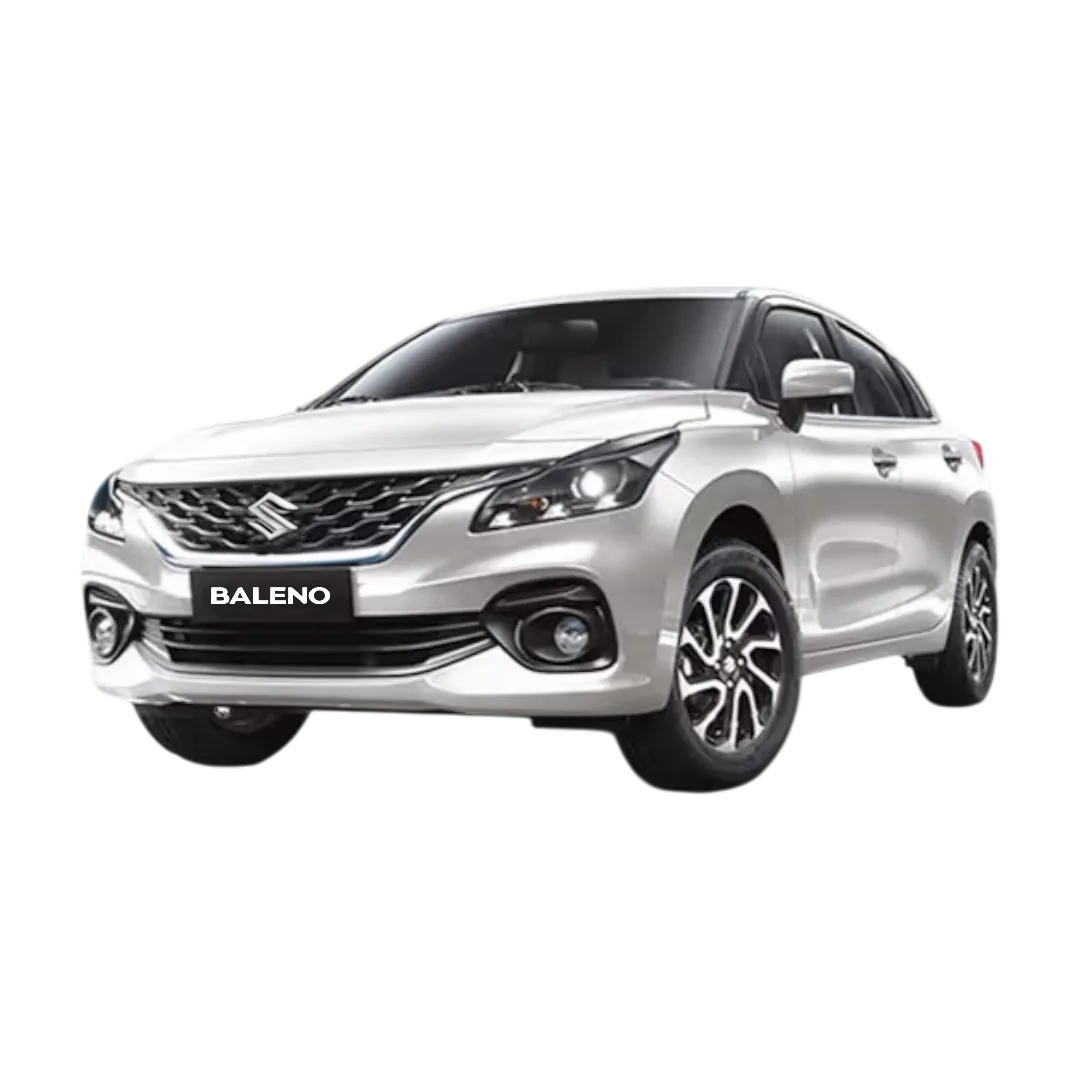 Baleno
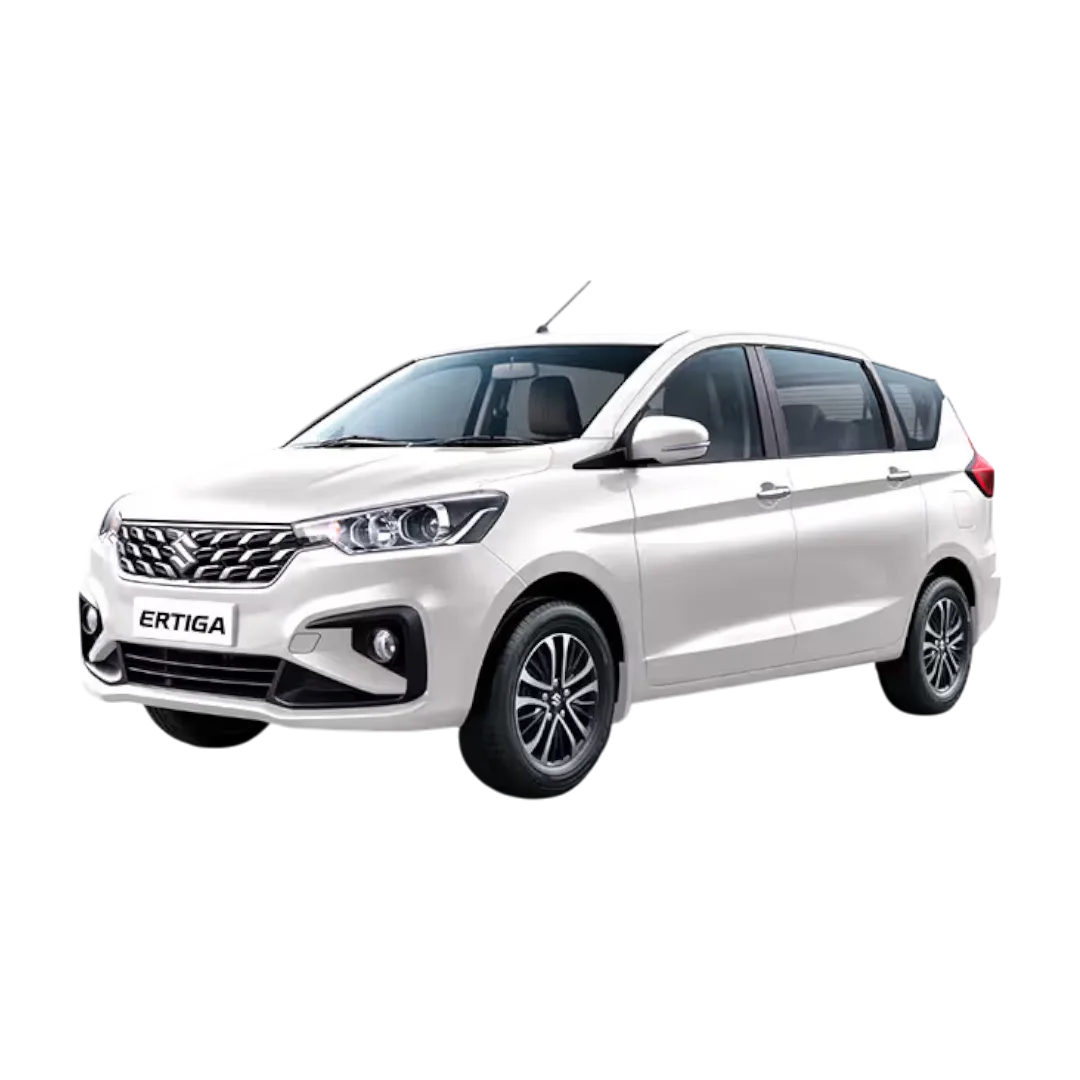 Ertiga
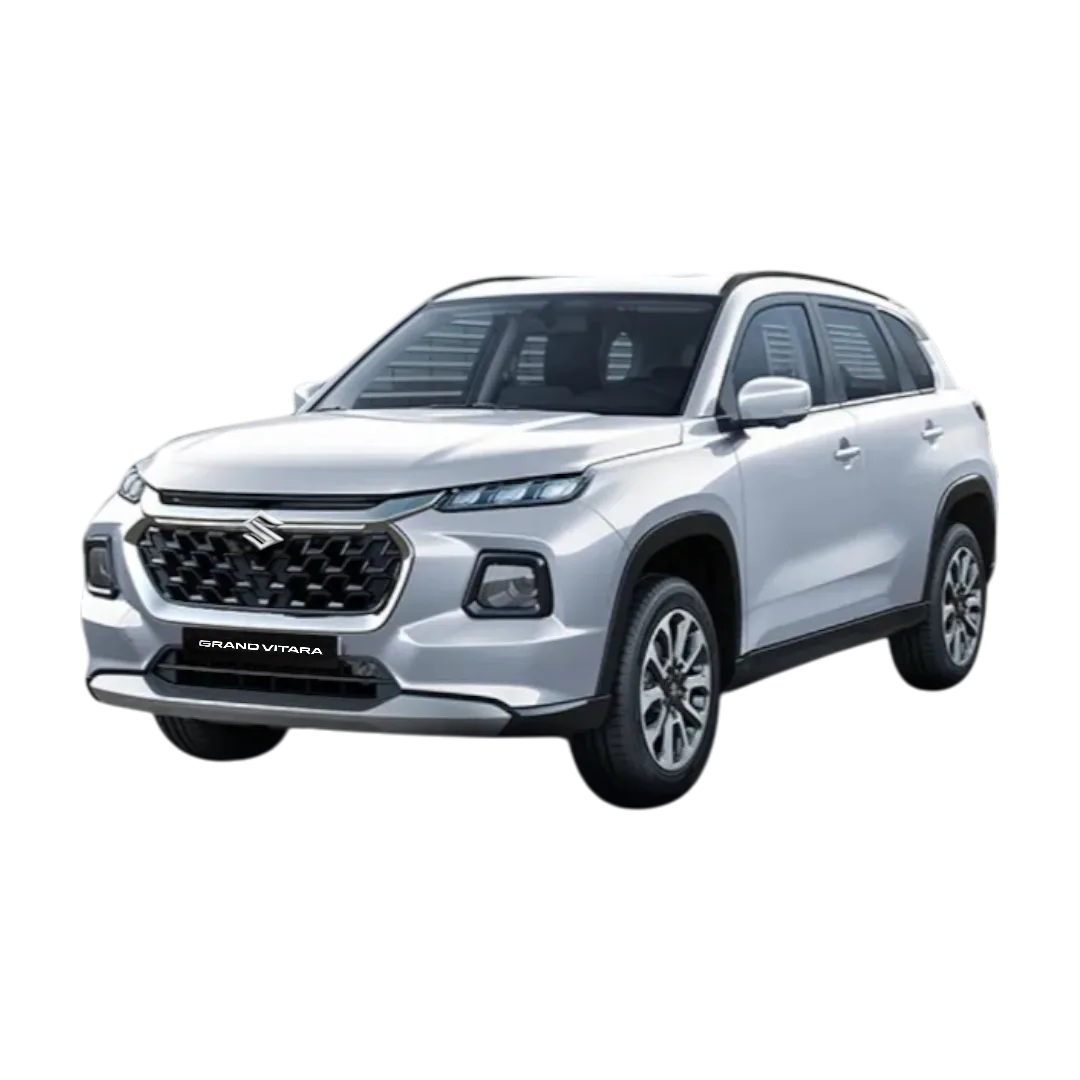 Grand Vitara
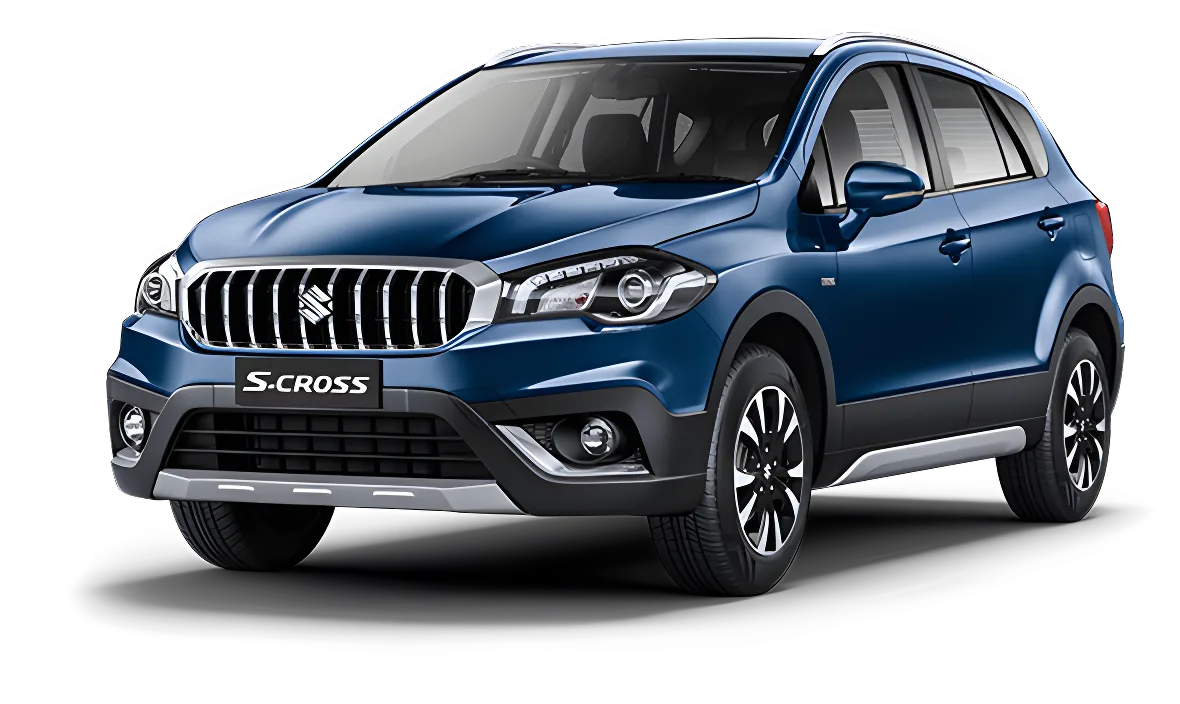 S-Cross
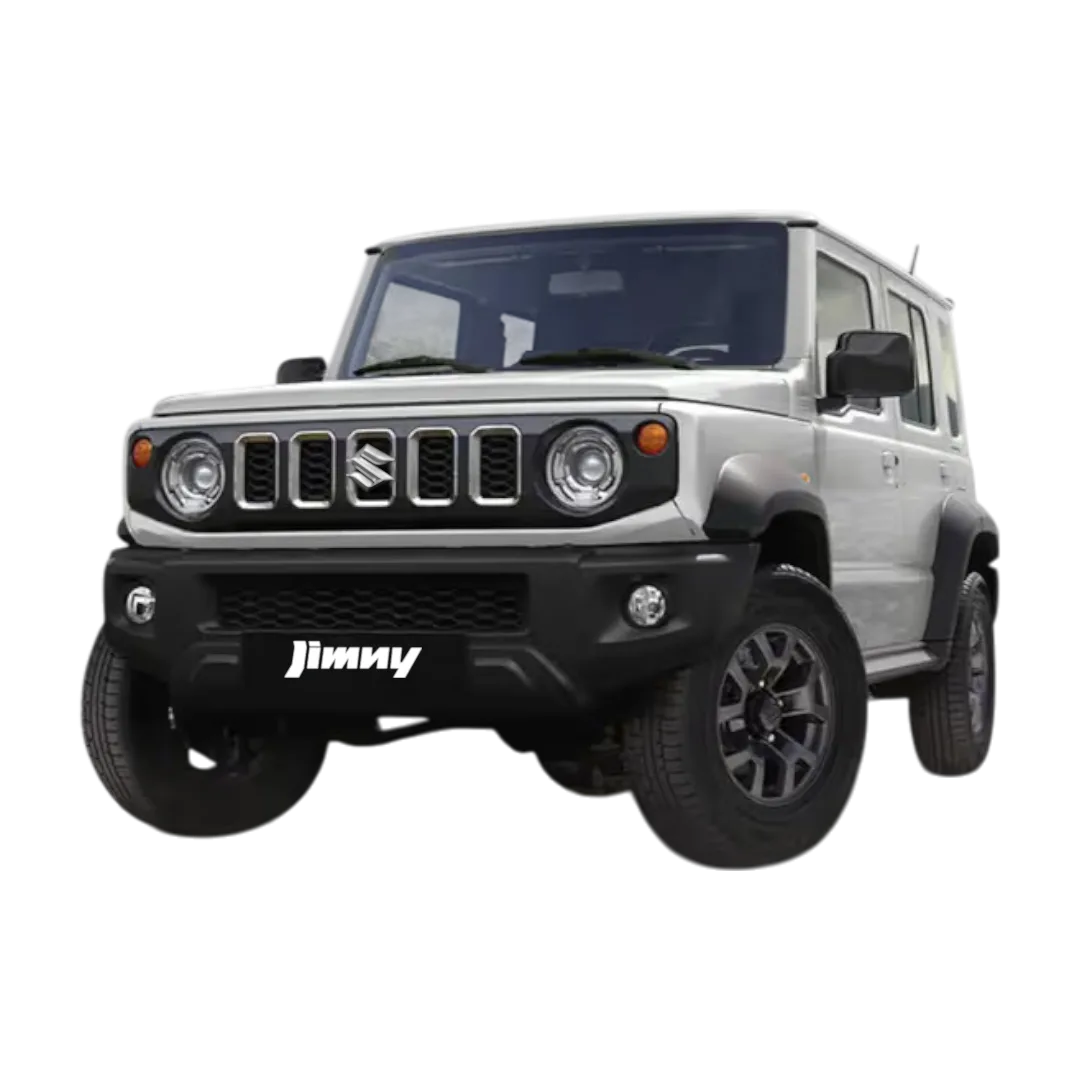 Jimny
Jimny
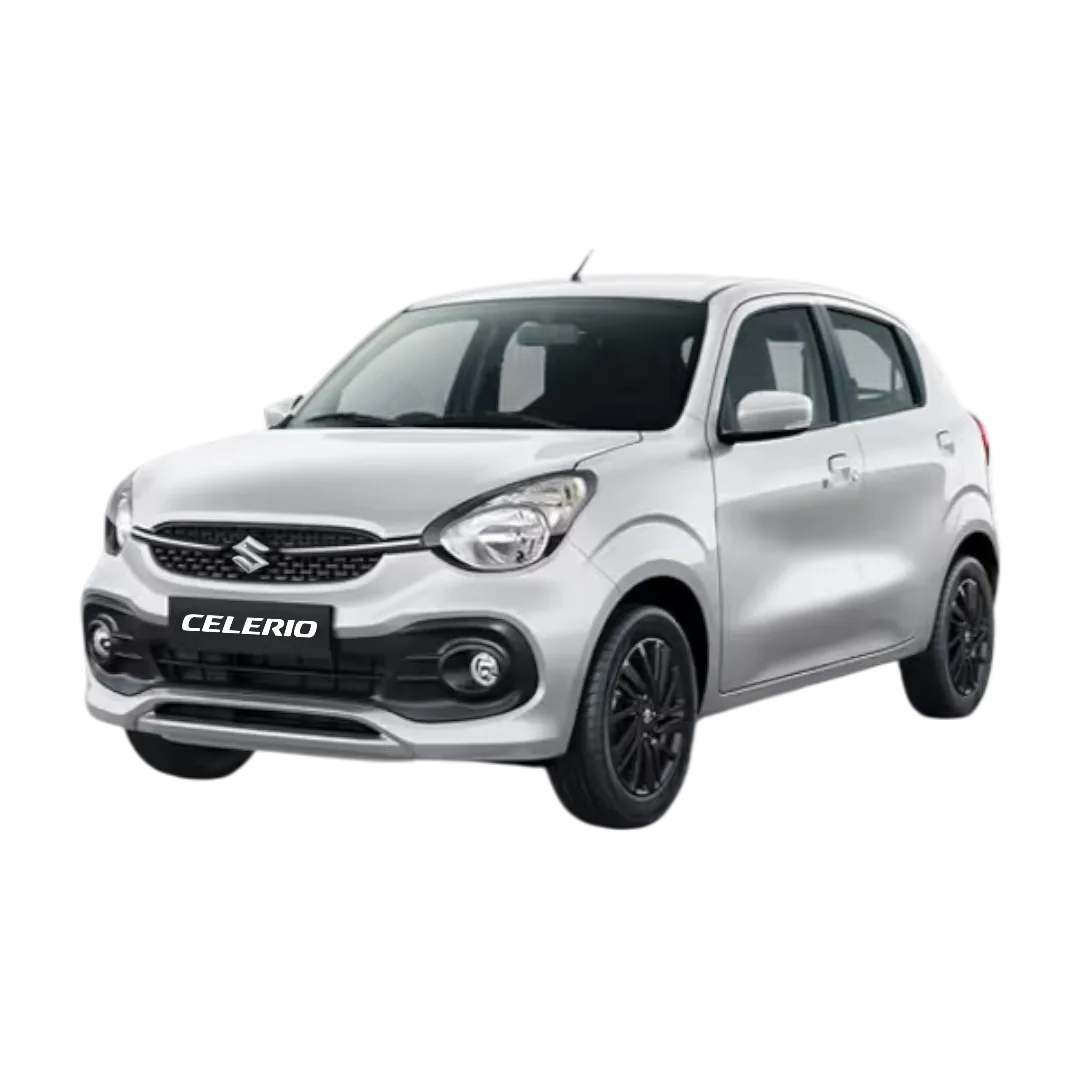 Celerio
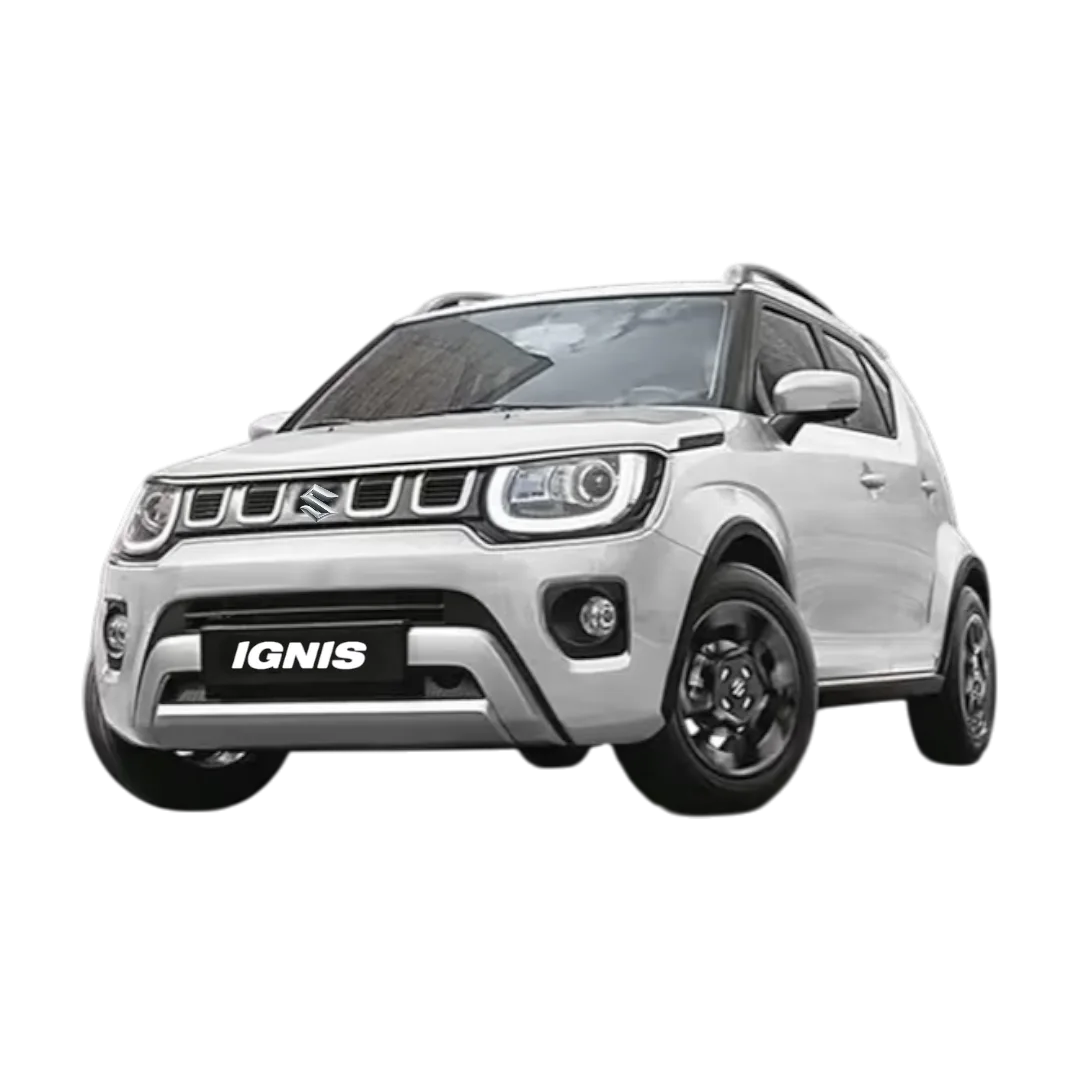 Ignis
Ignis
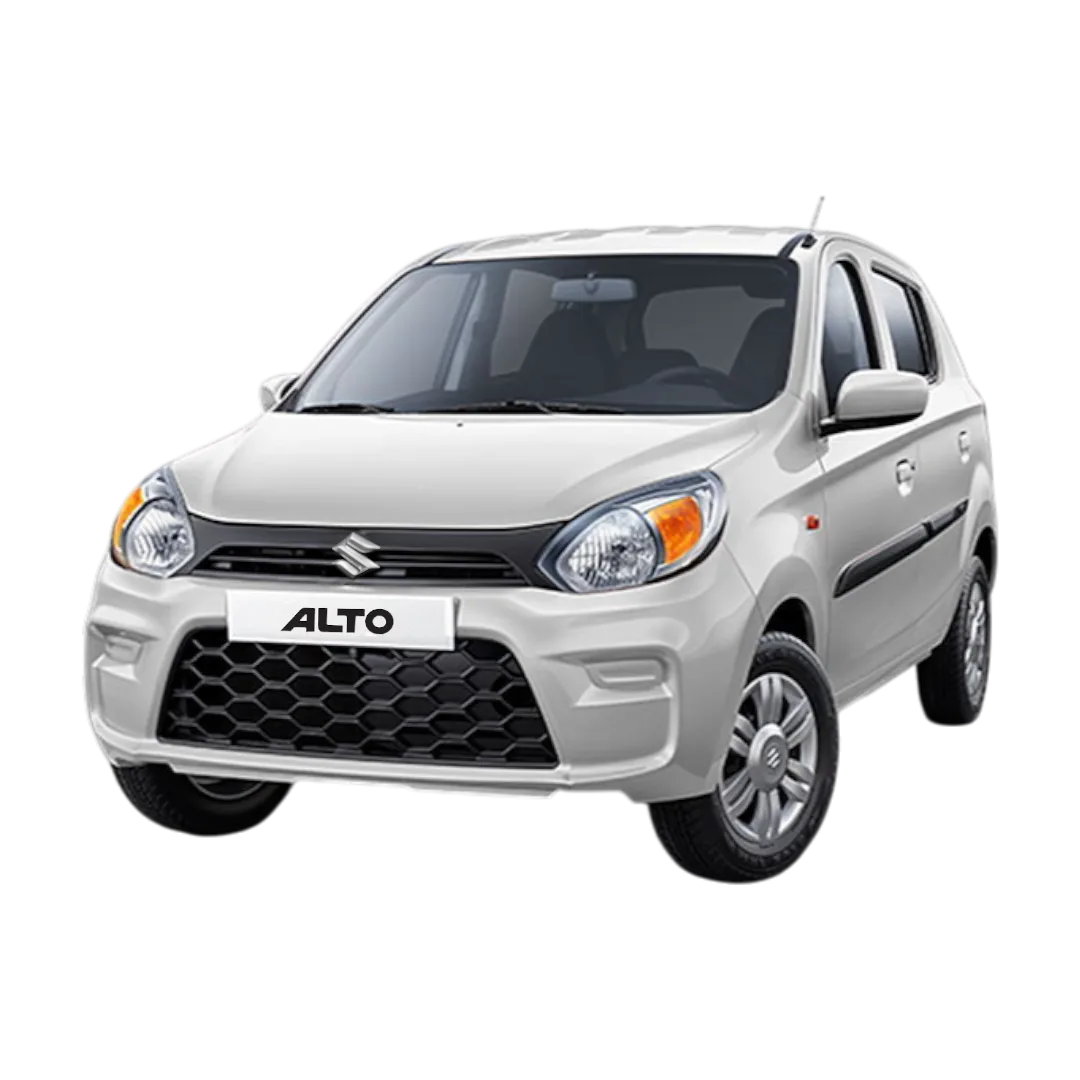 Alto 800
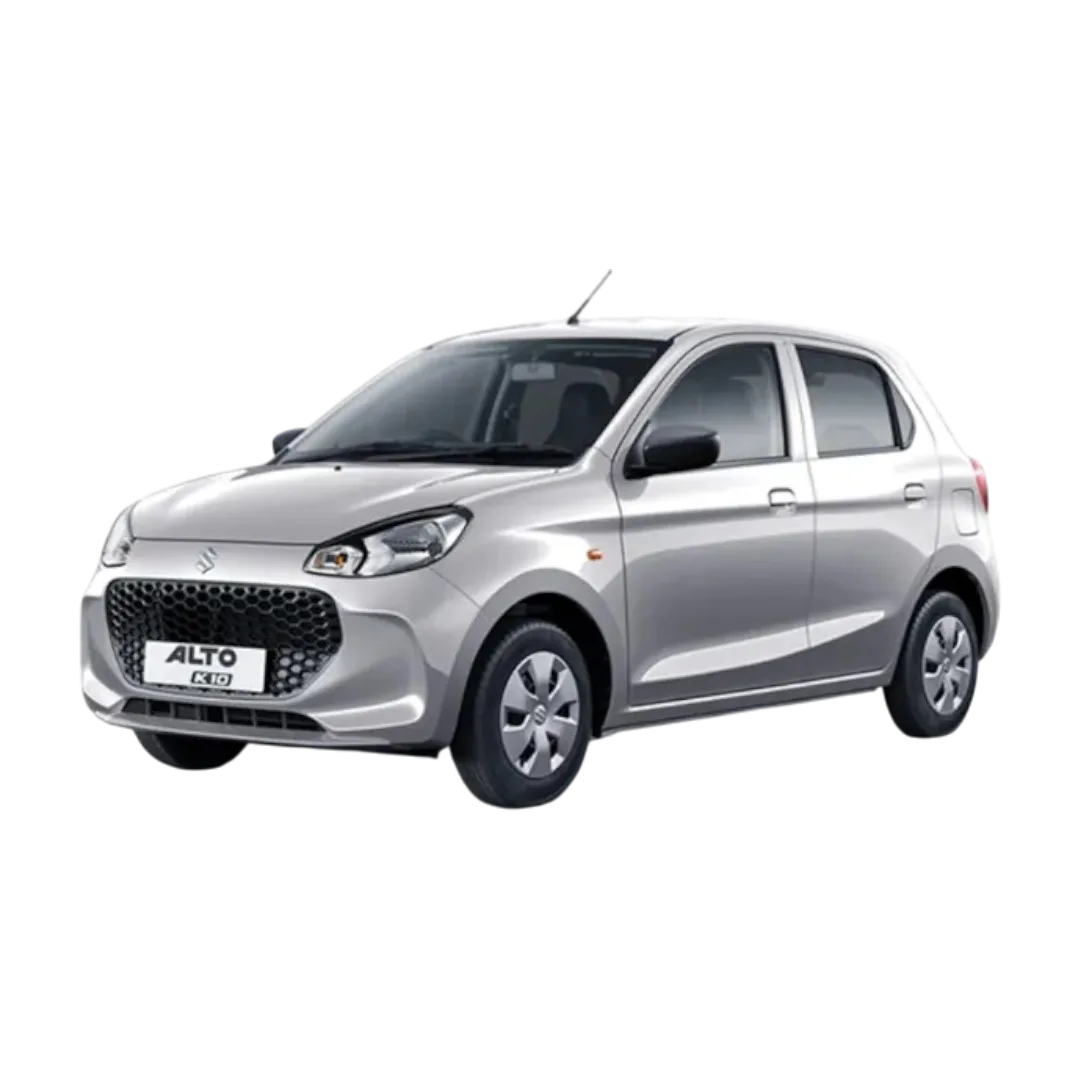 Alto K10
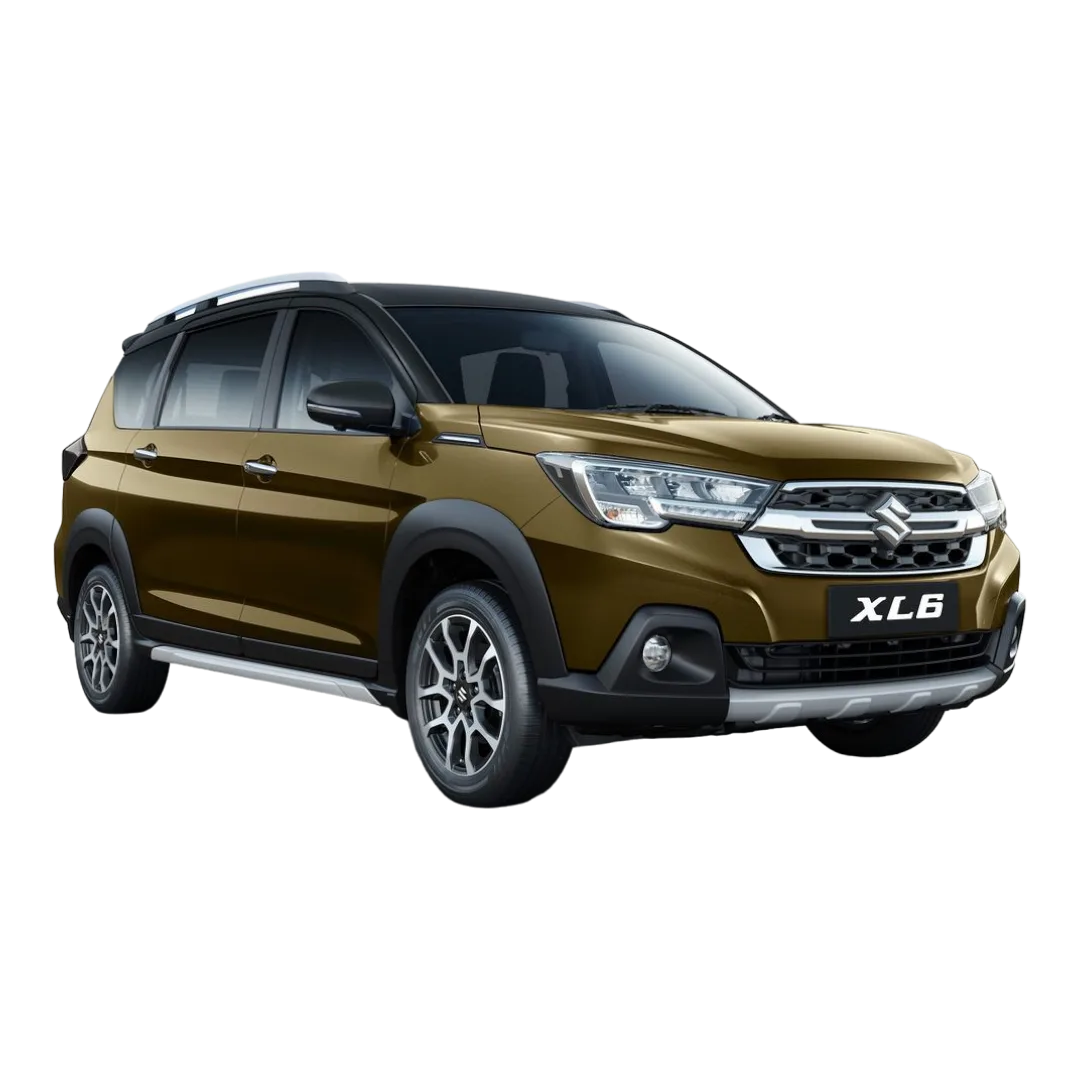 XL6
XL6
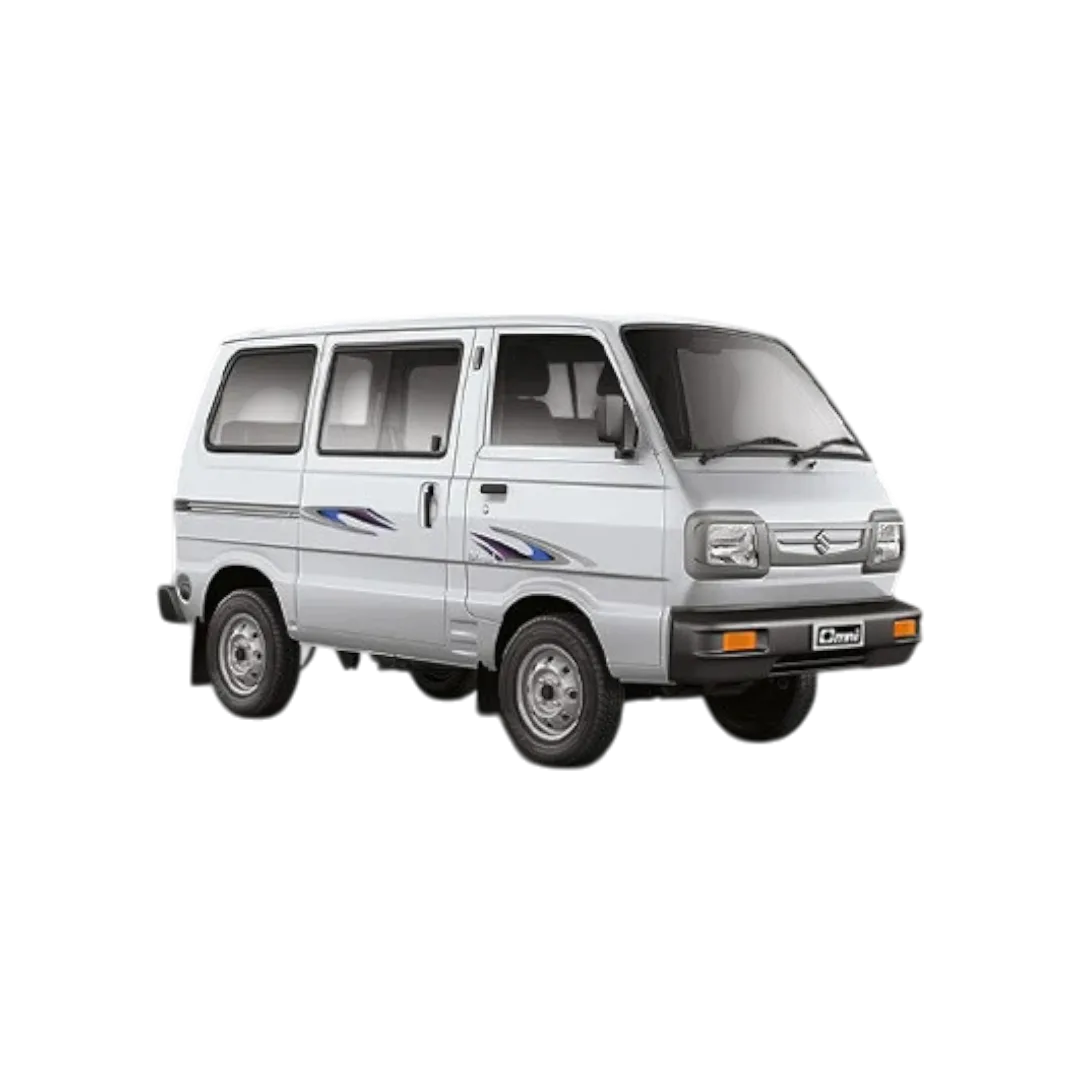 Omni
Omni
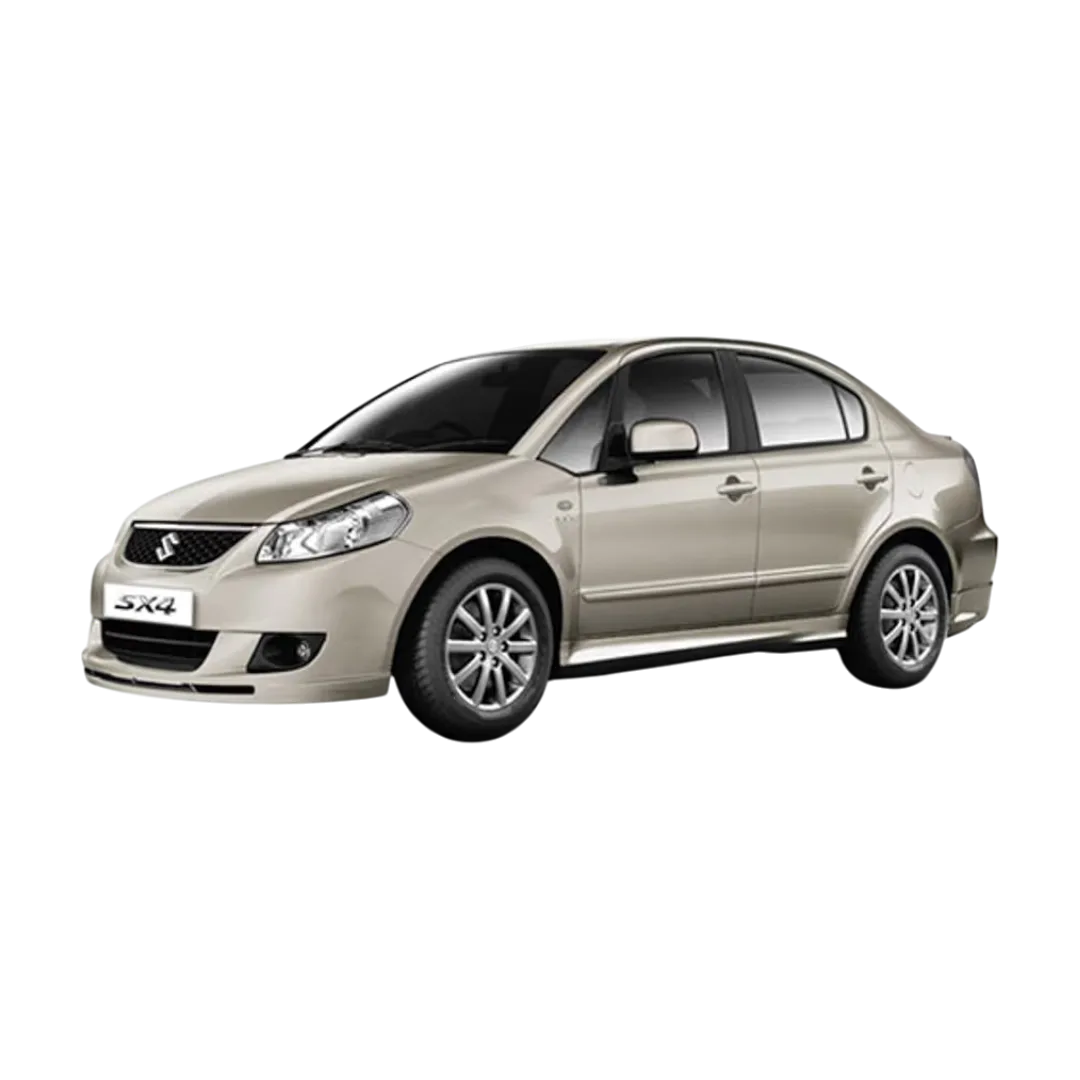 SX4
SX4
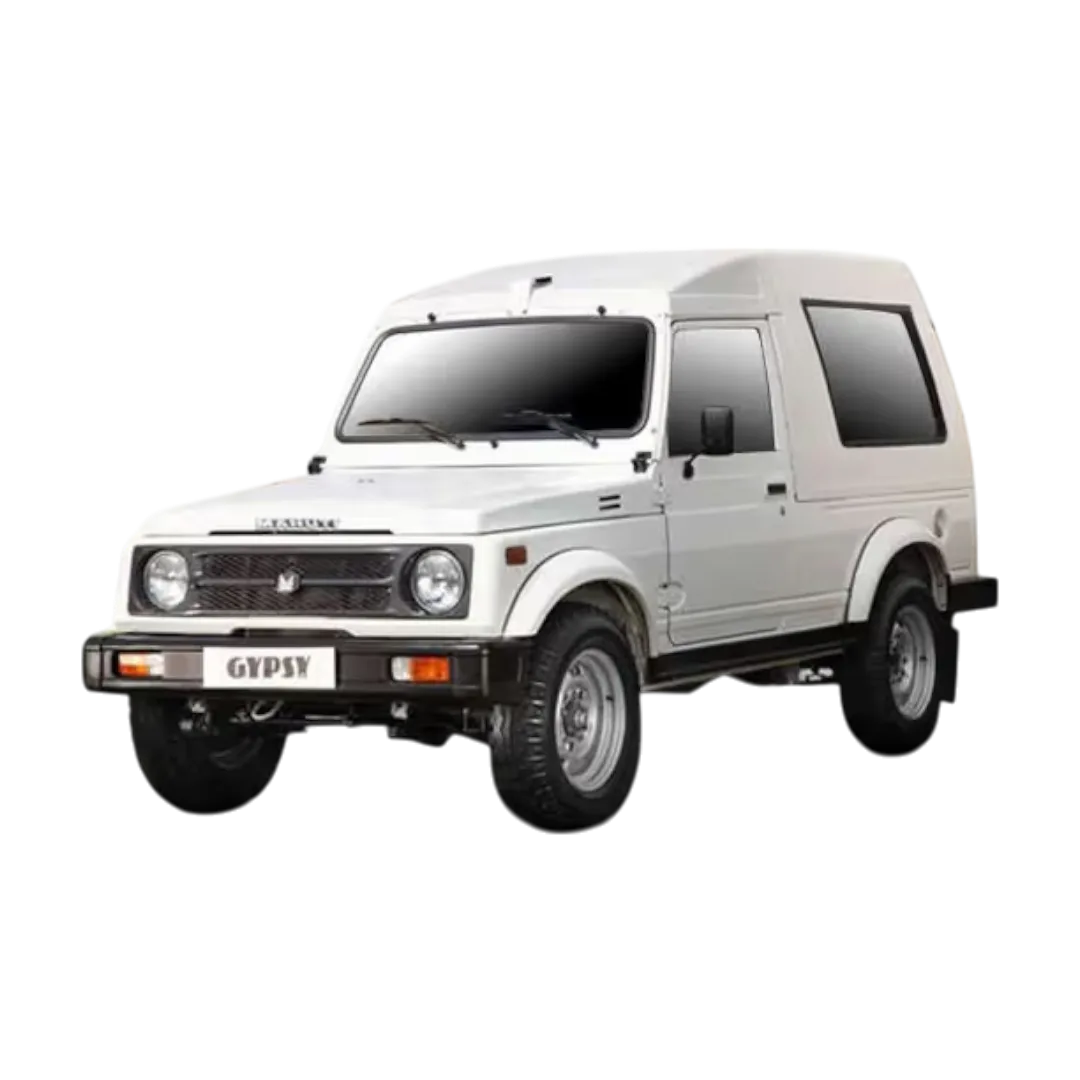 Gypsy
Gypsy
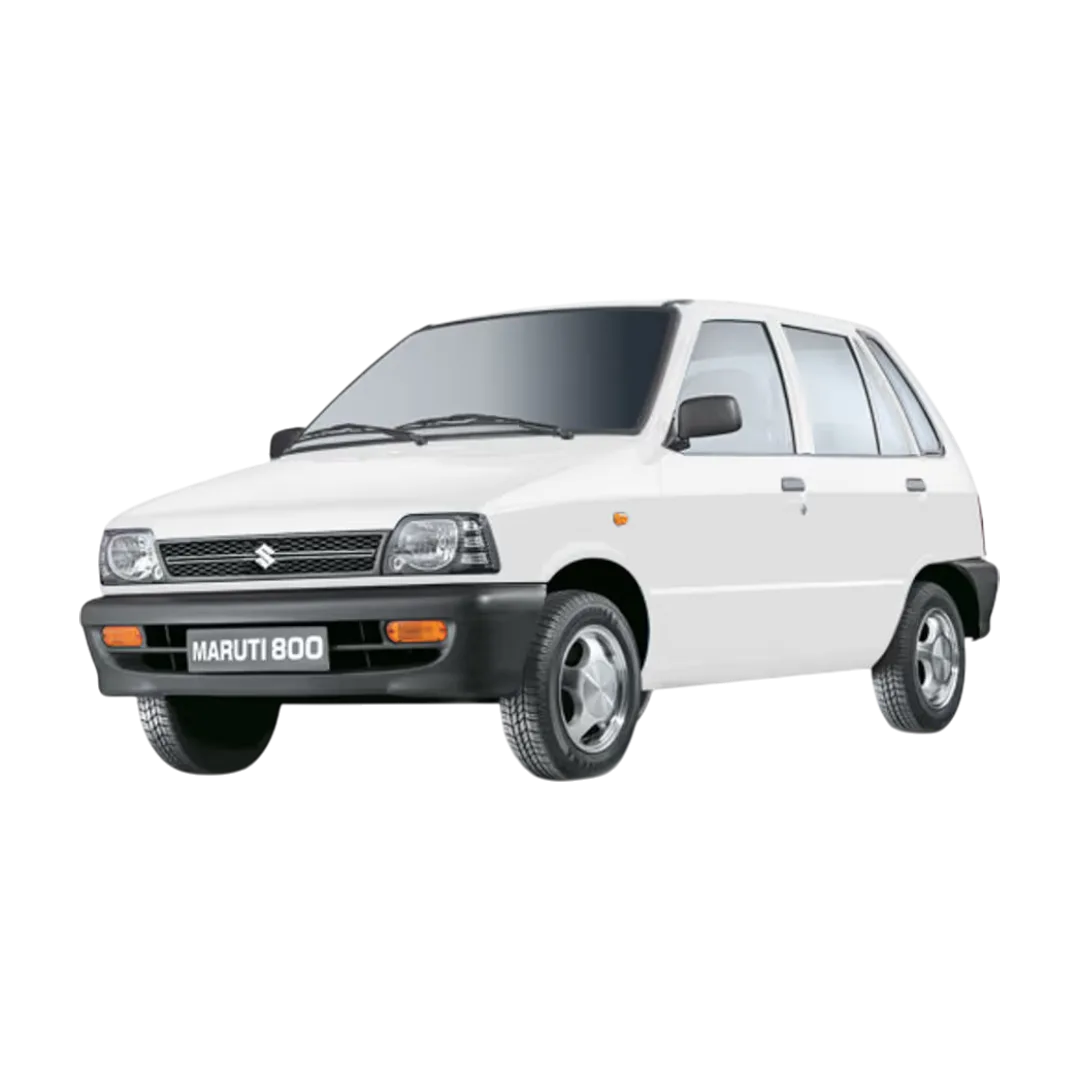 Maruti 800
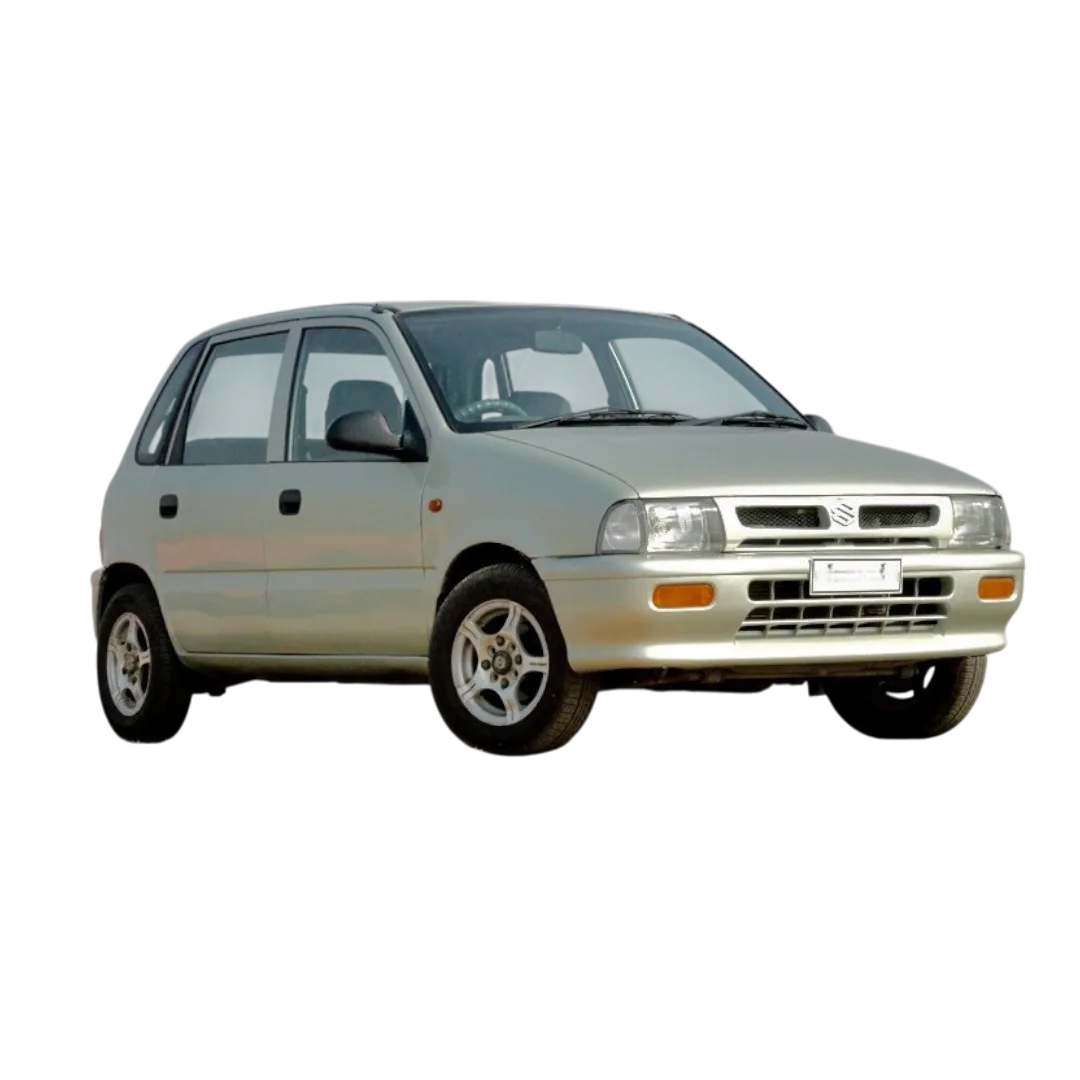 Zen
Zen
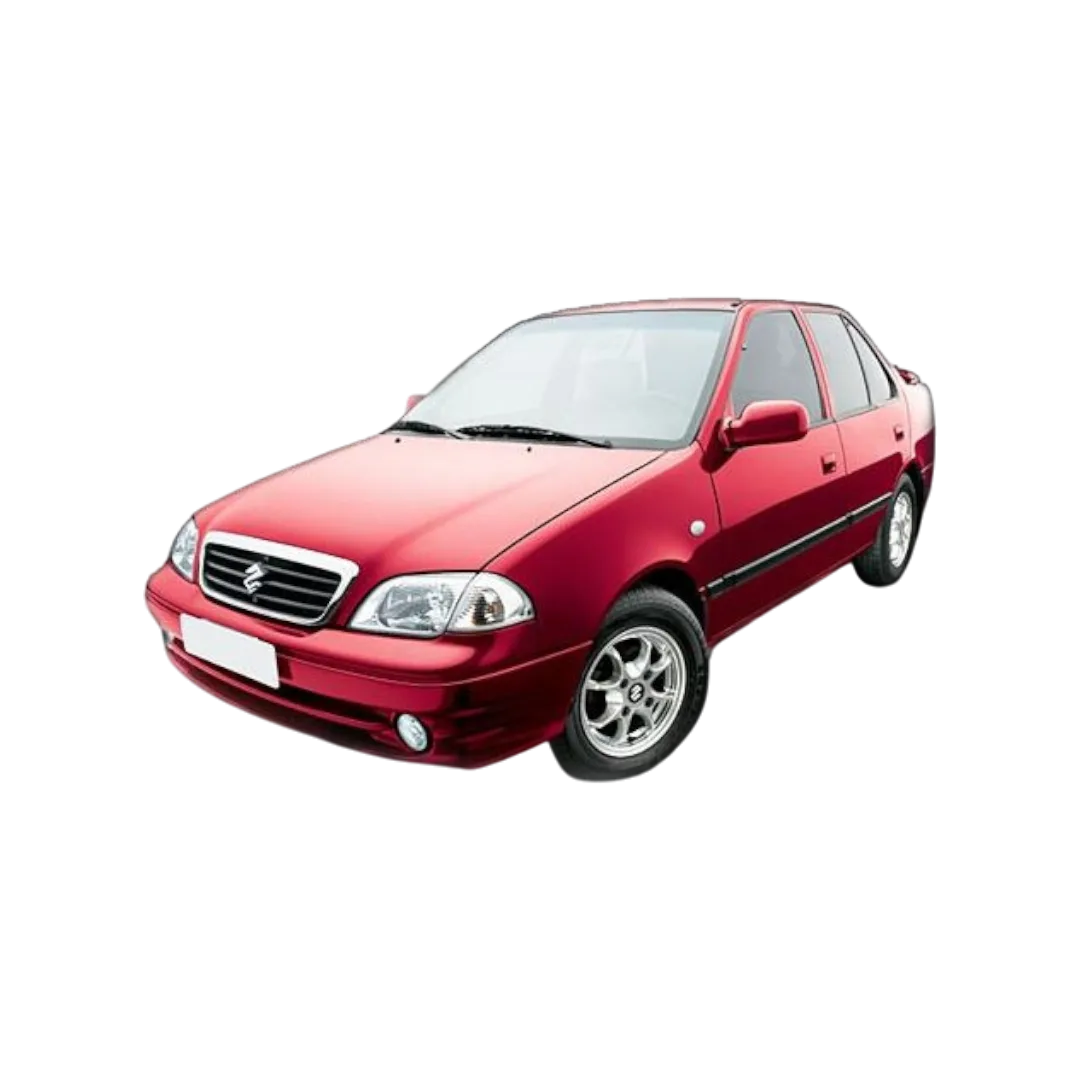 Esteem
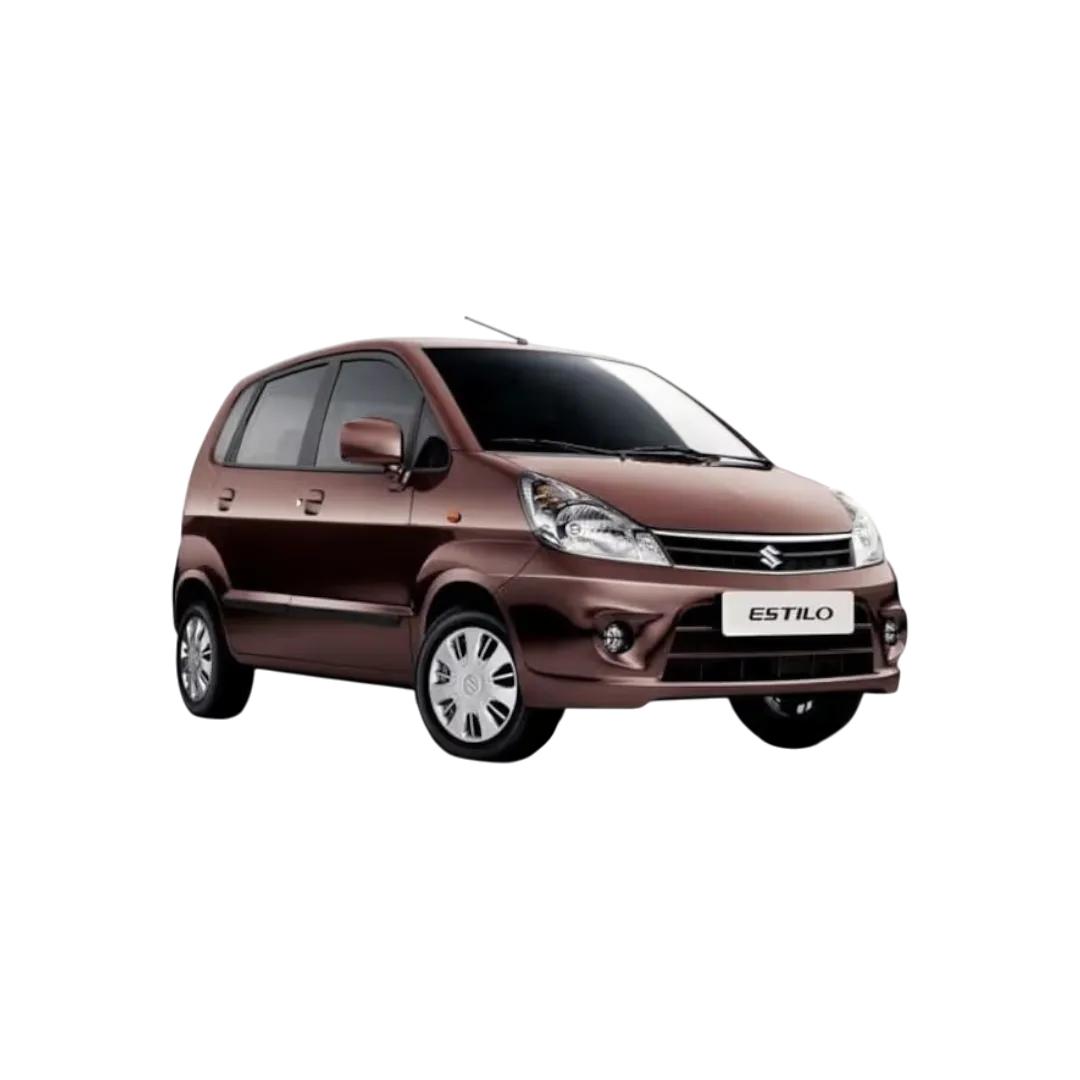 Zen Estilo
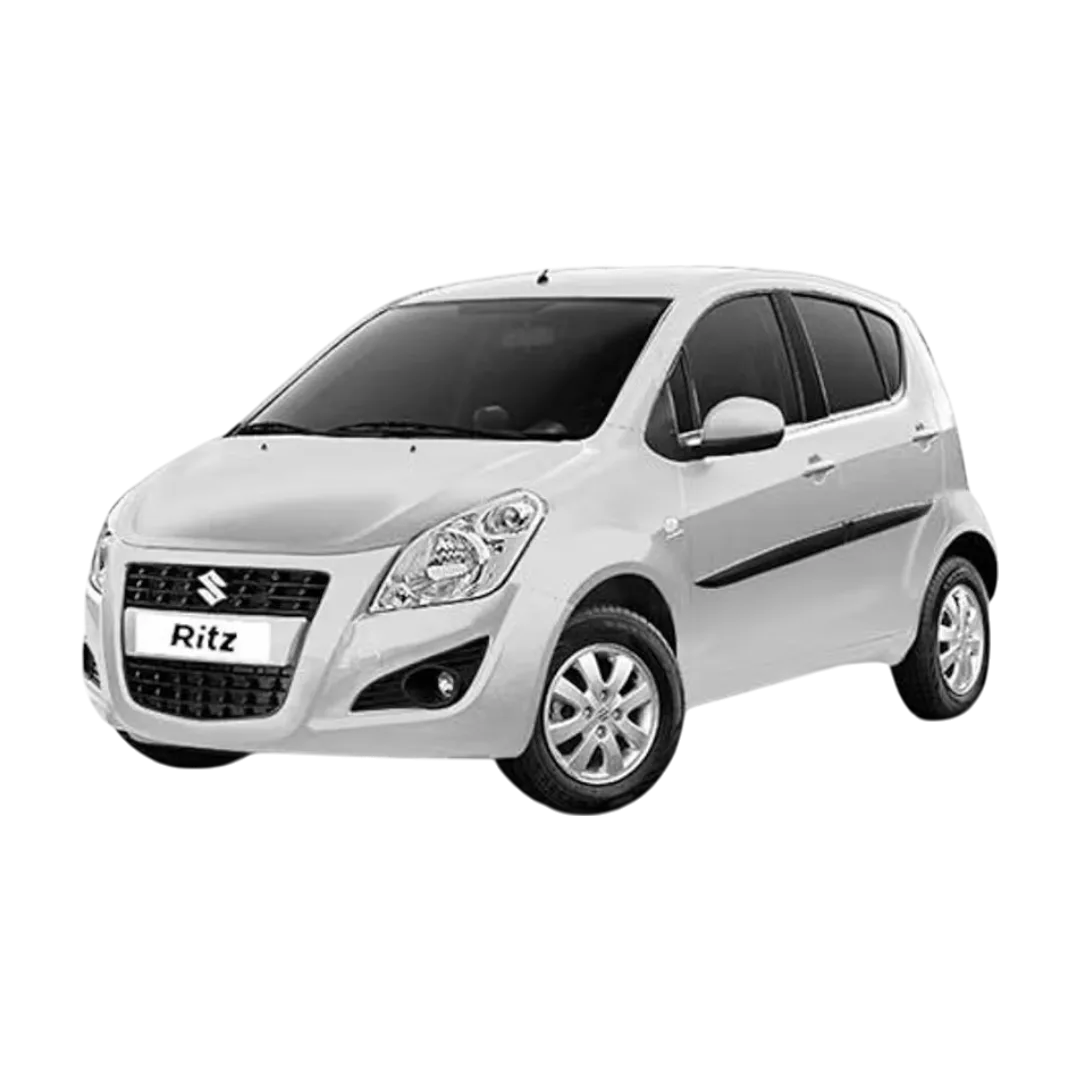 Ritz
Ritz
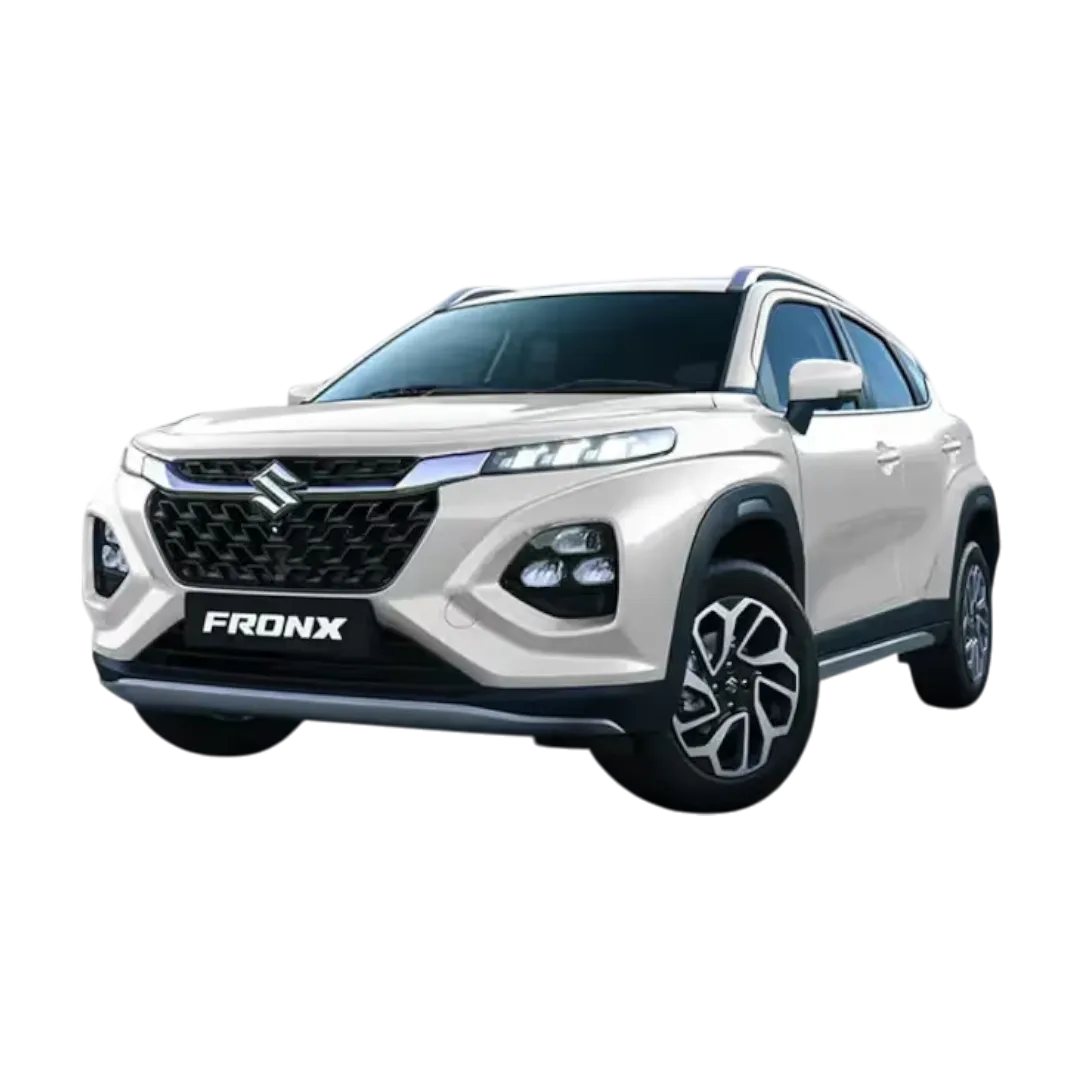 Fronx
Fronx
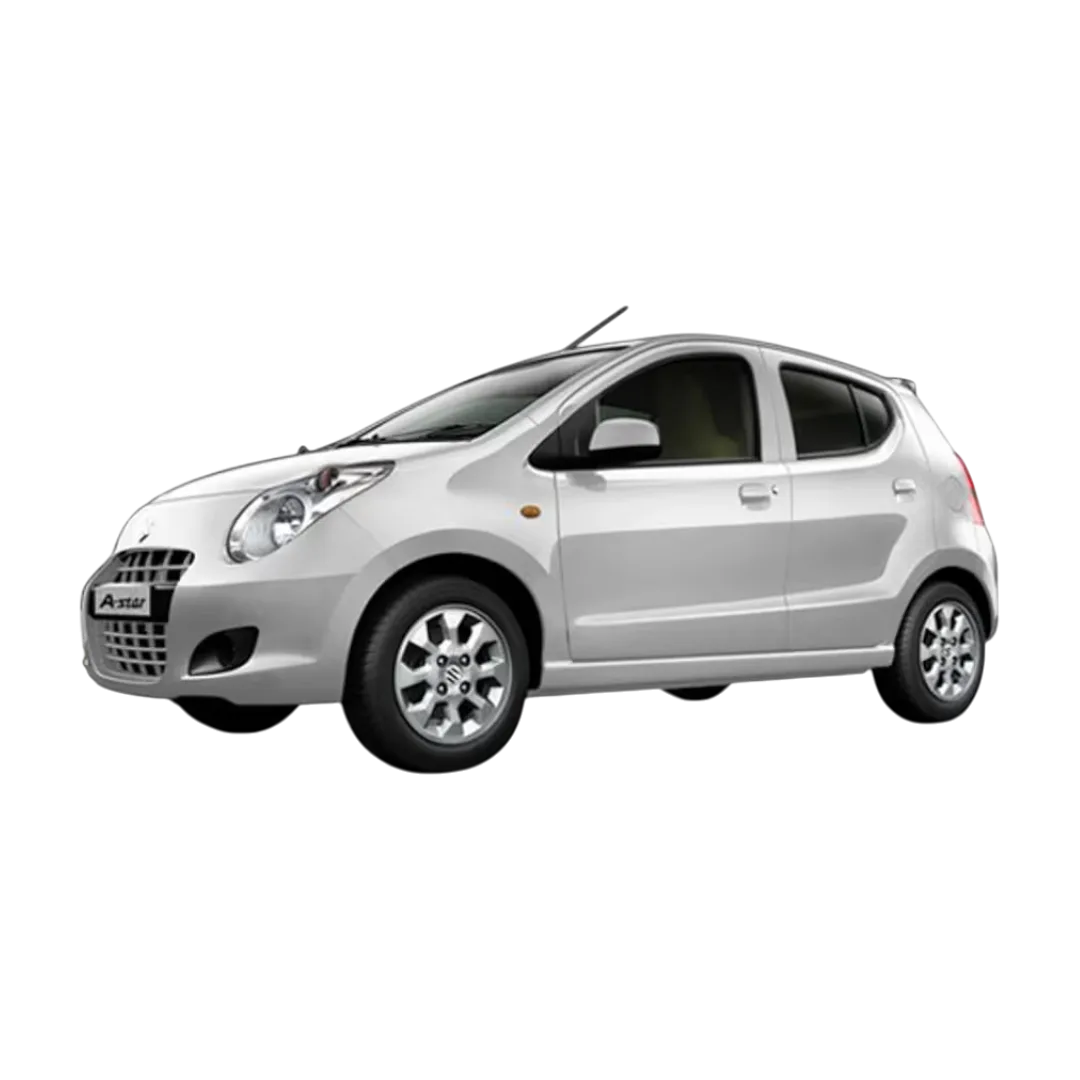 A-Star
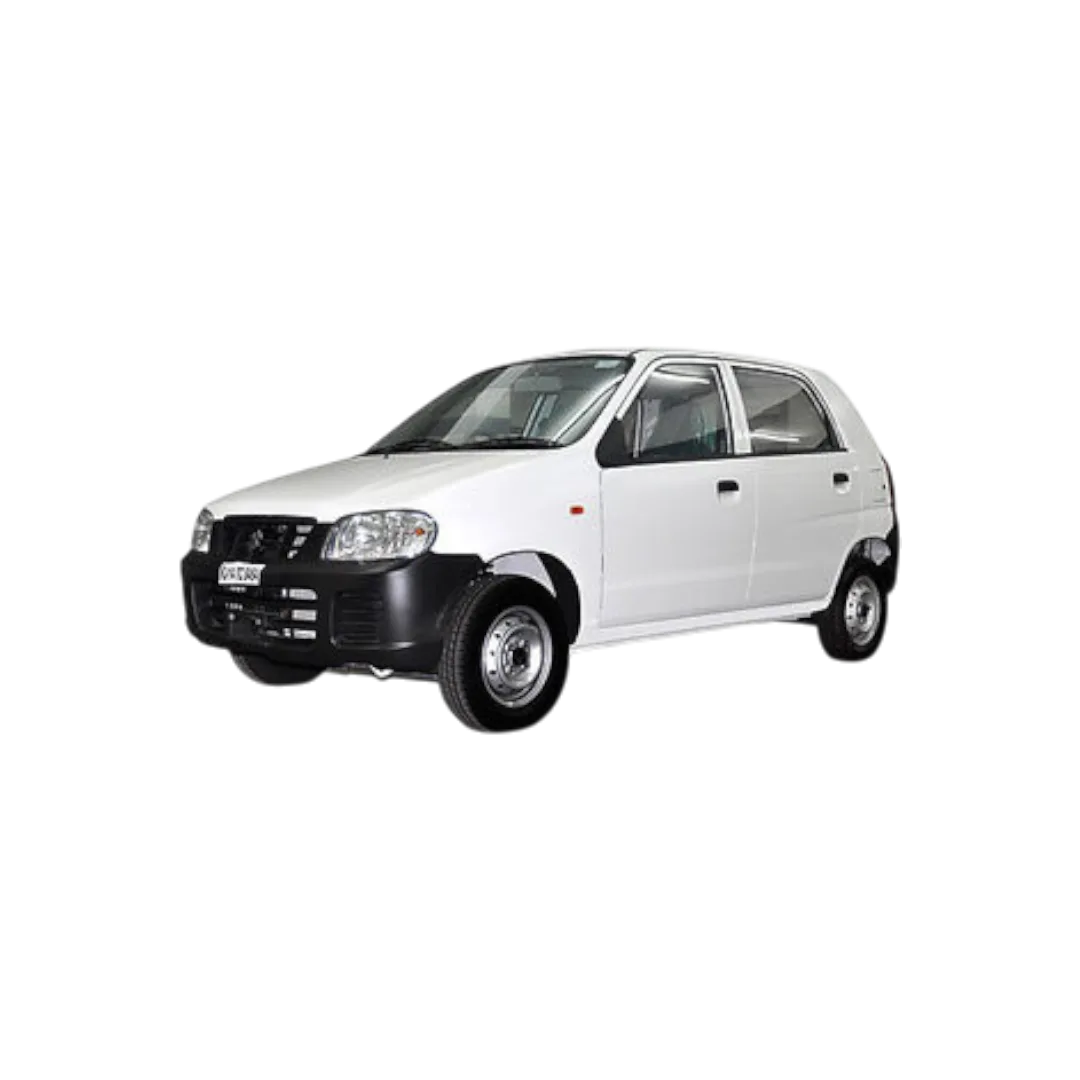 Alto
Alto
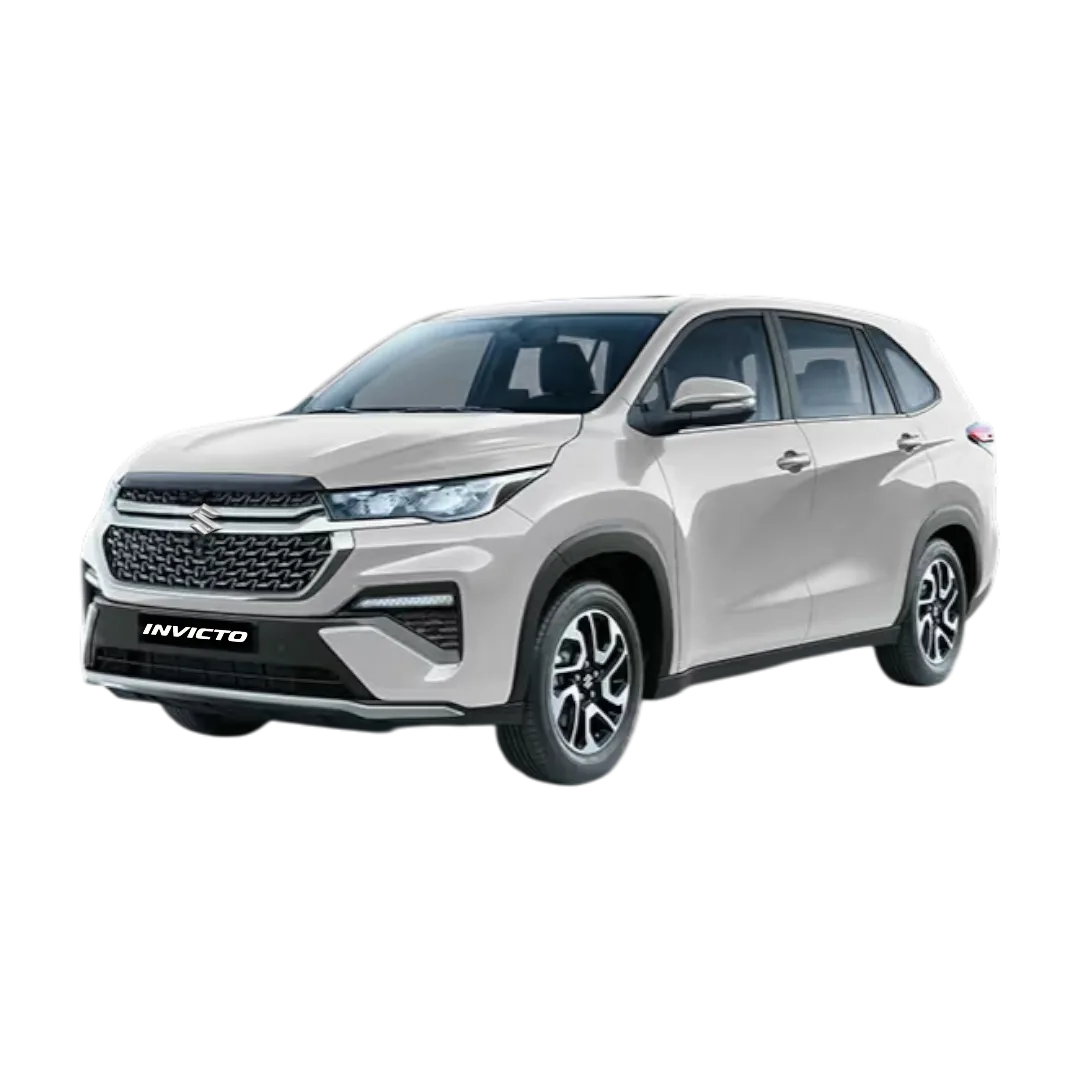 Invicto
Victoris
Wagon R
Invicto
Victoris
Wagon R
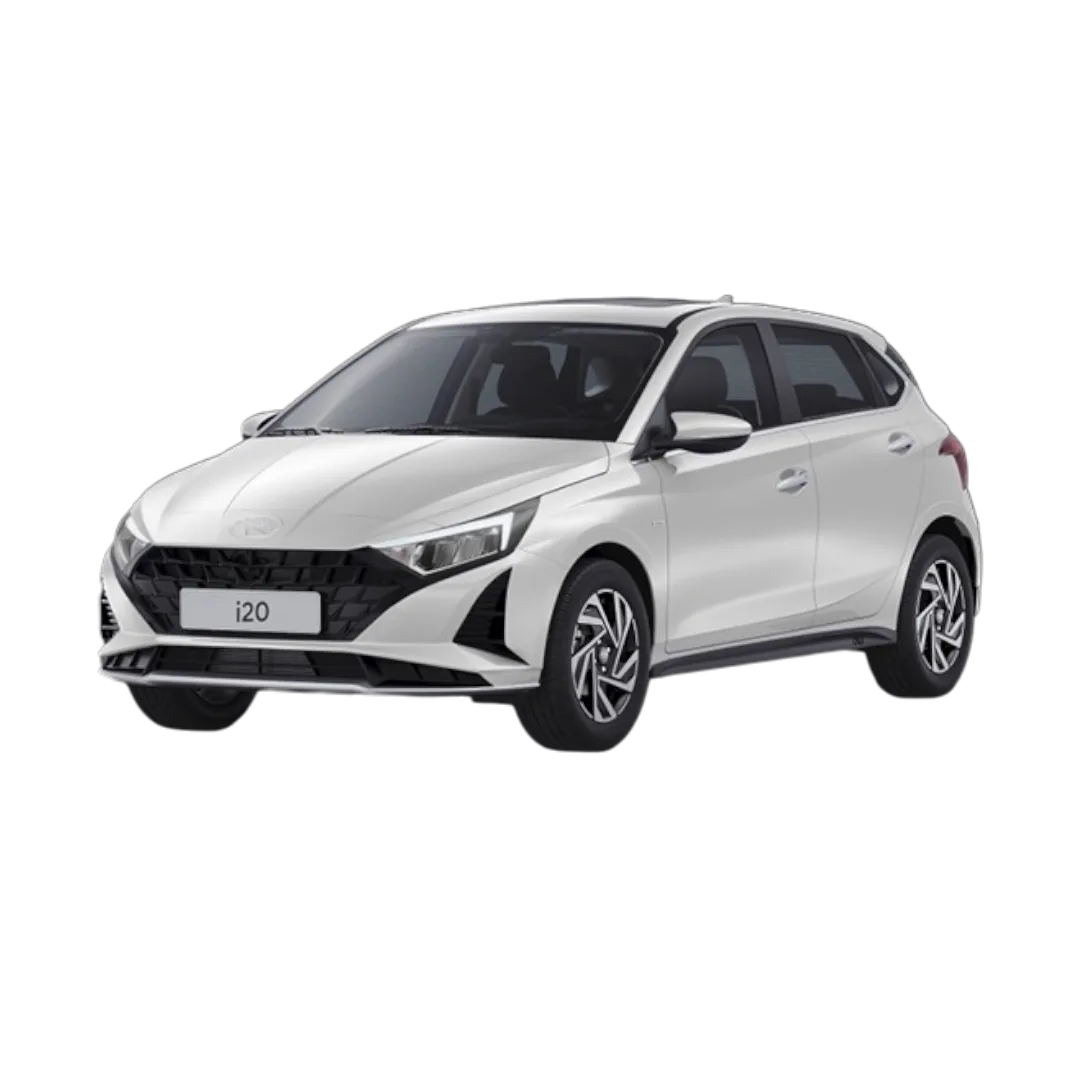 i20
i20
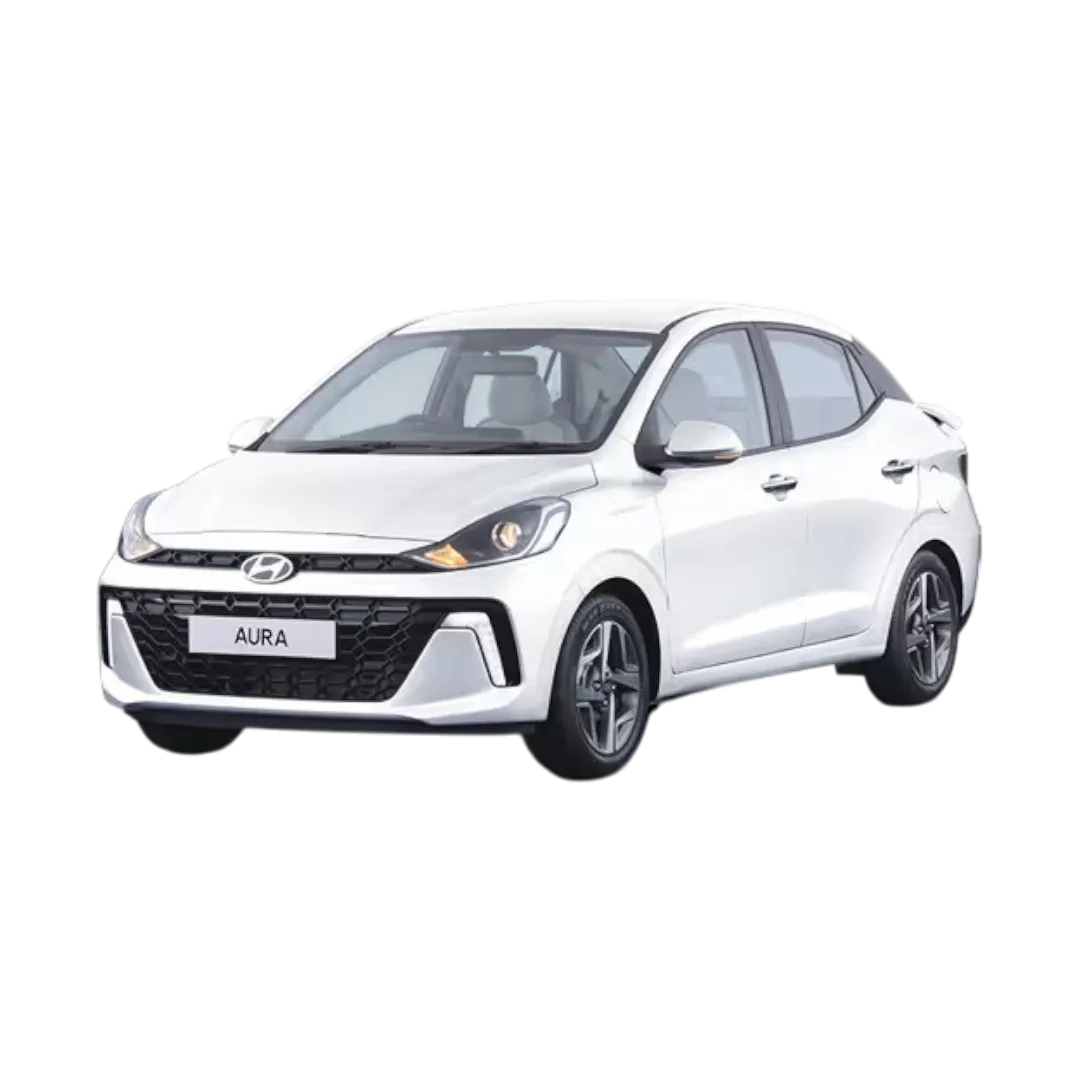 Aura
Aura
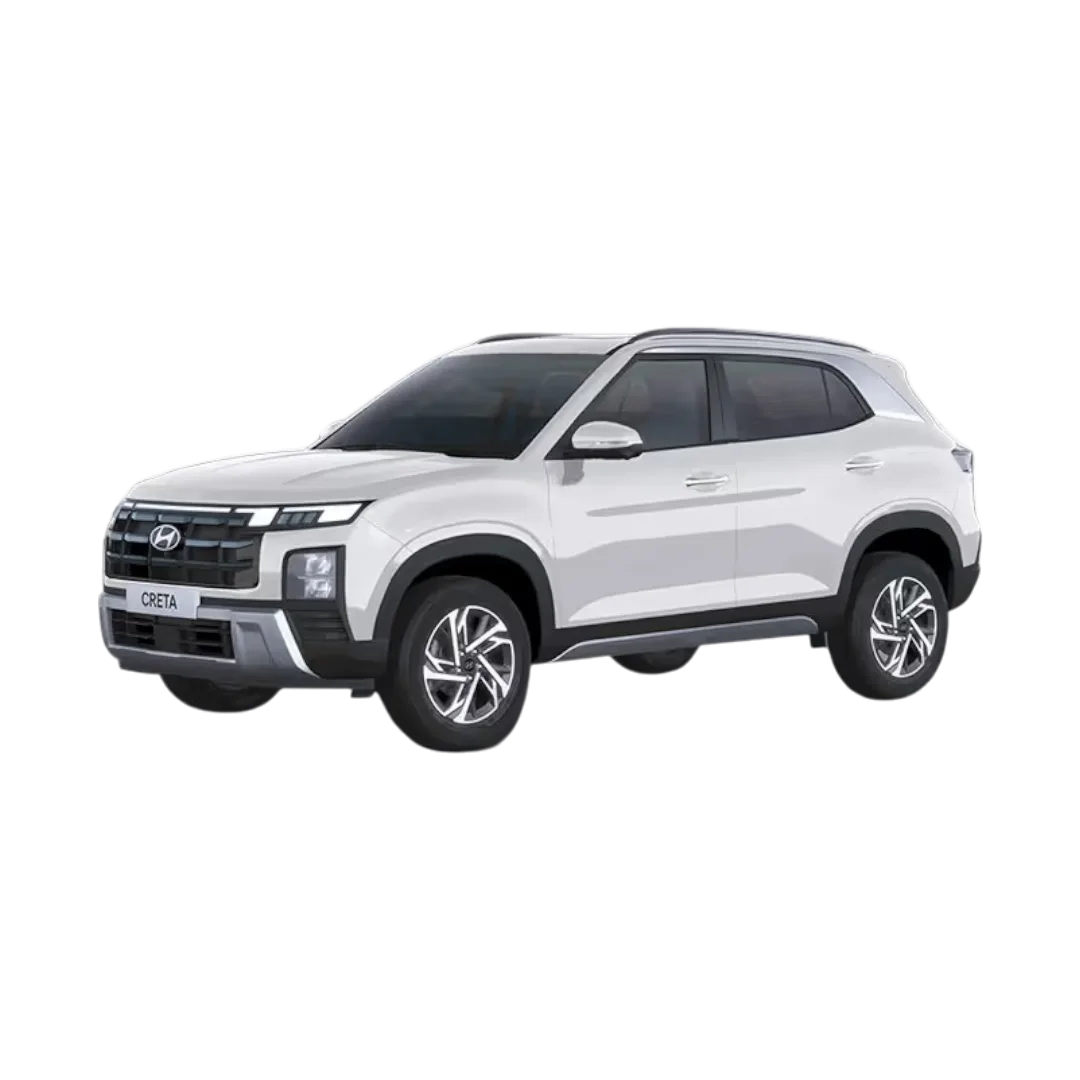 Creta
Creta
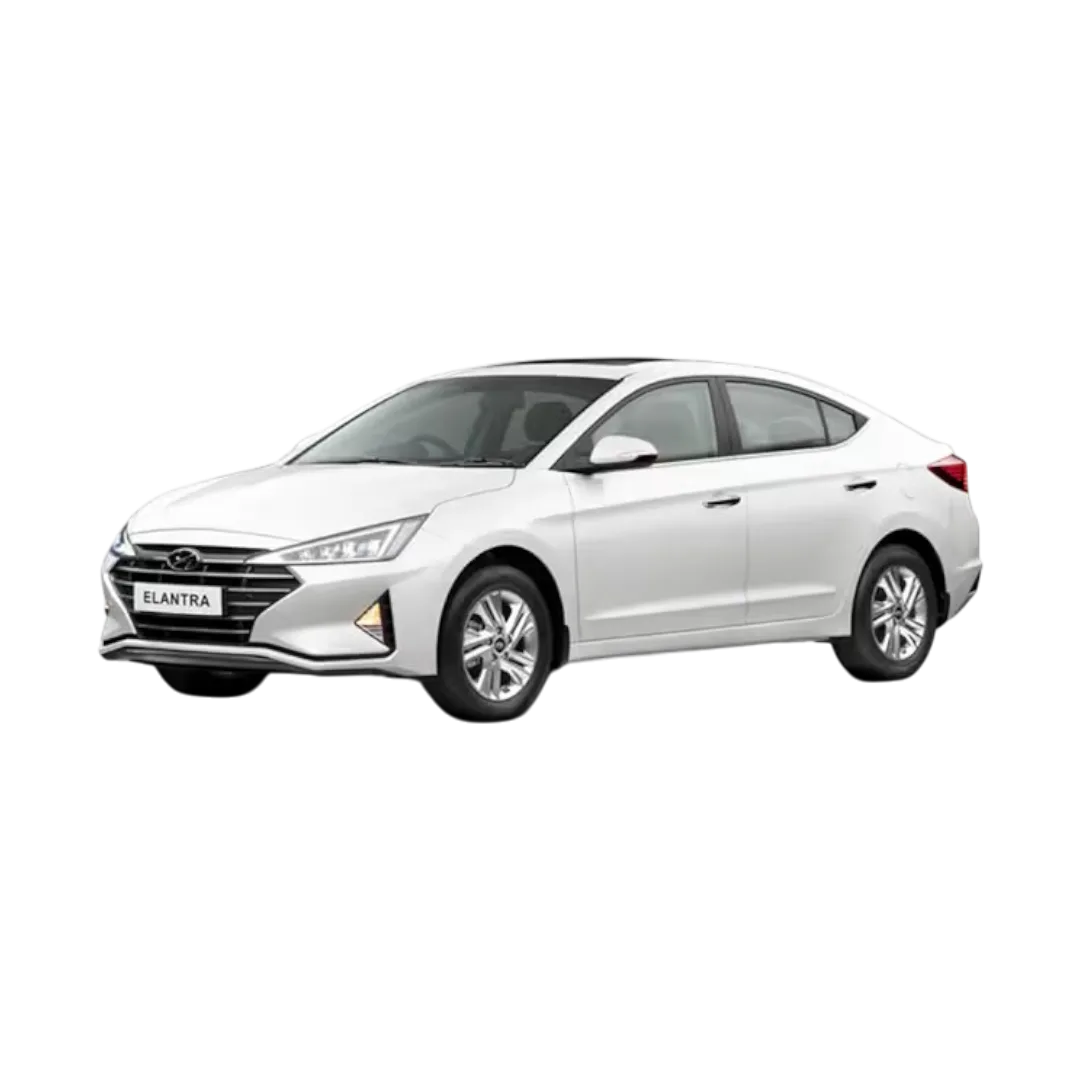 Elantra
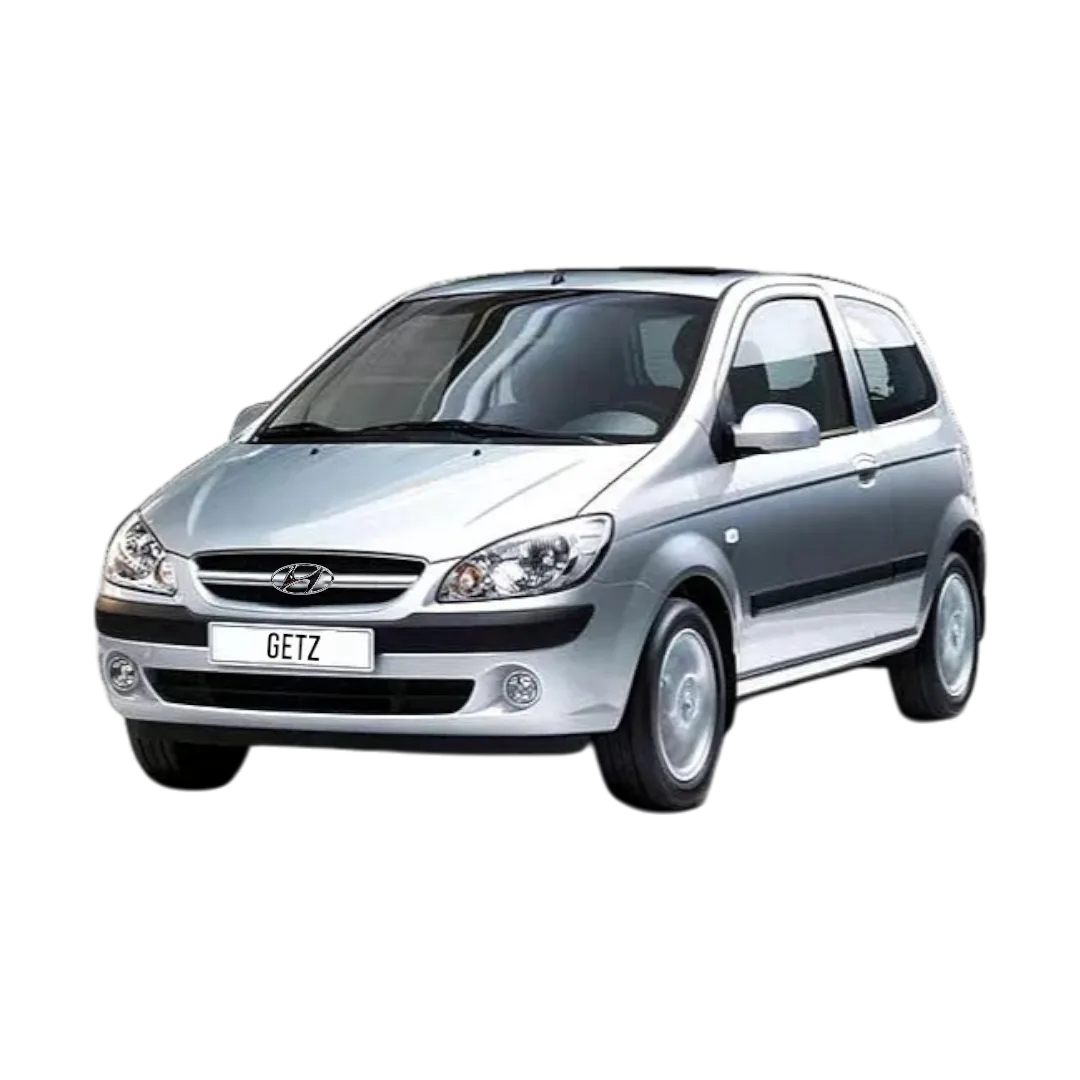 Getz
Getz
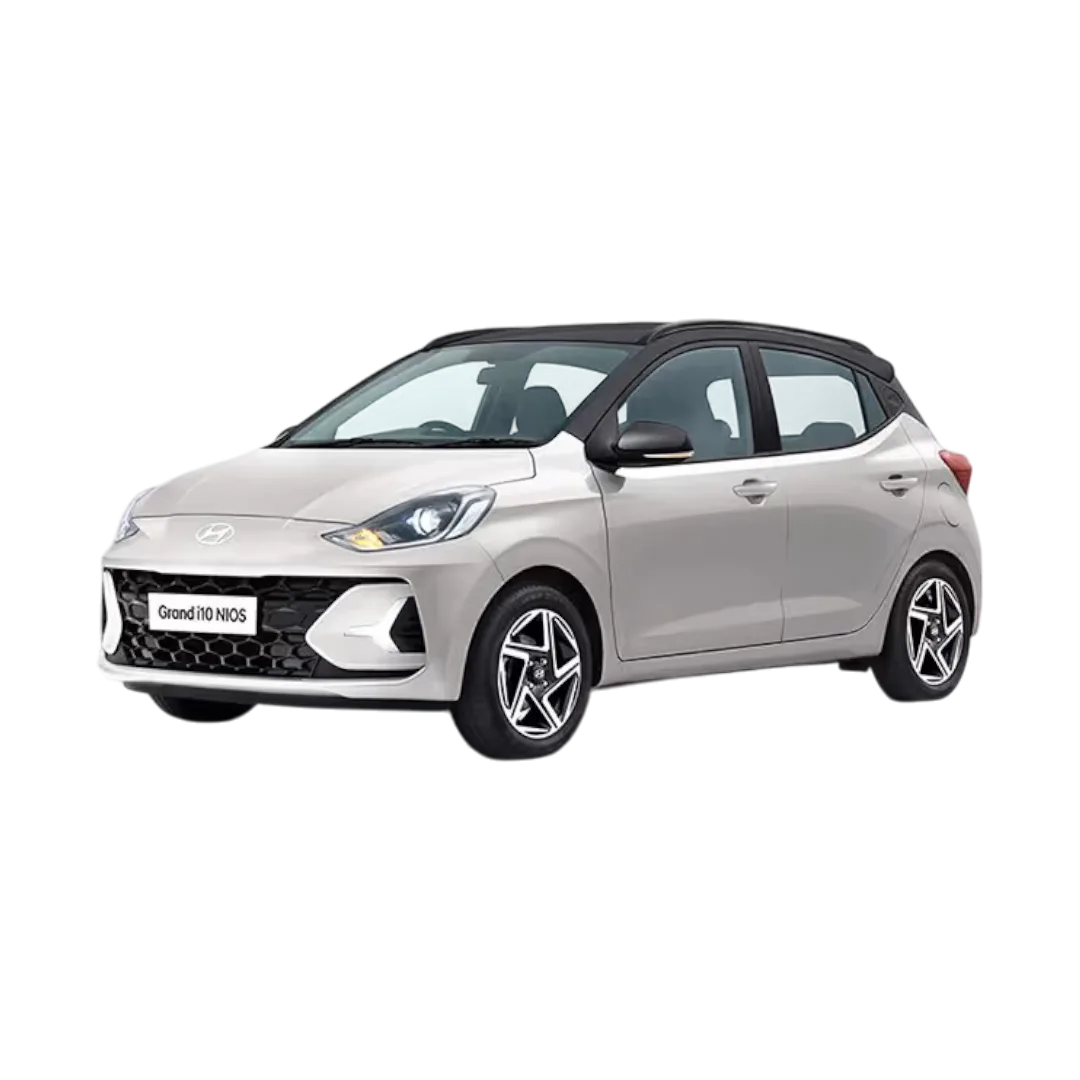 Grand i10 Nios
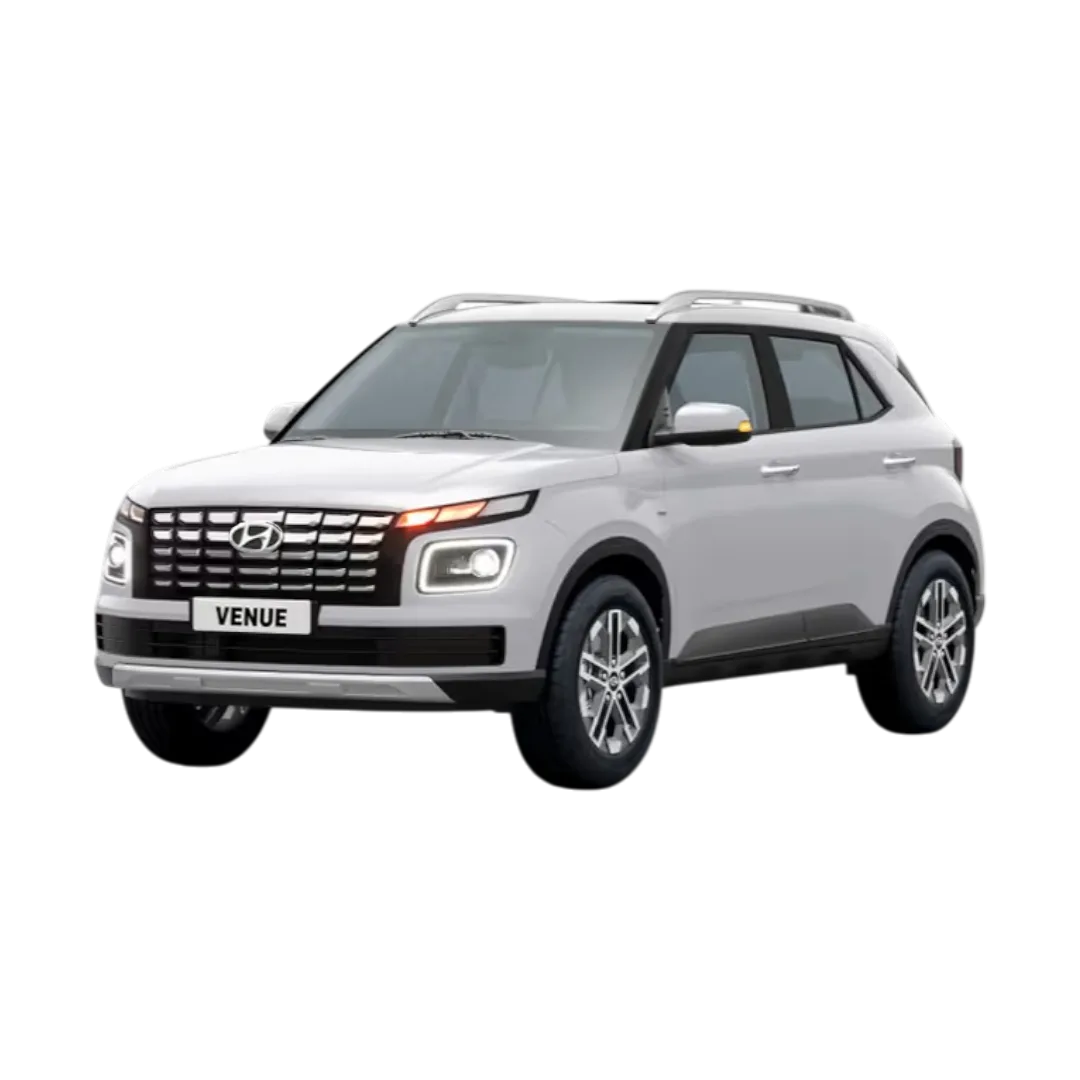 Venue
Venue
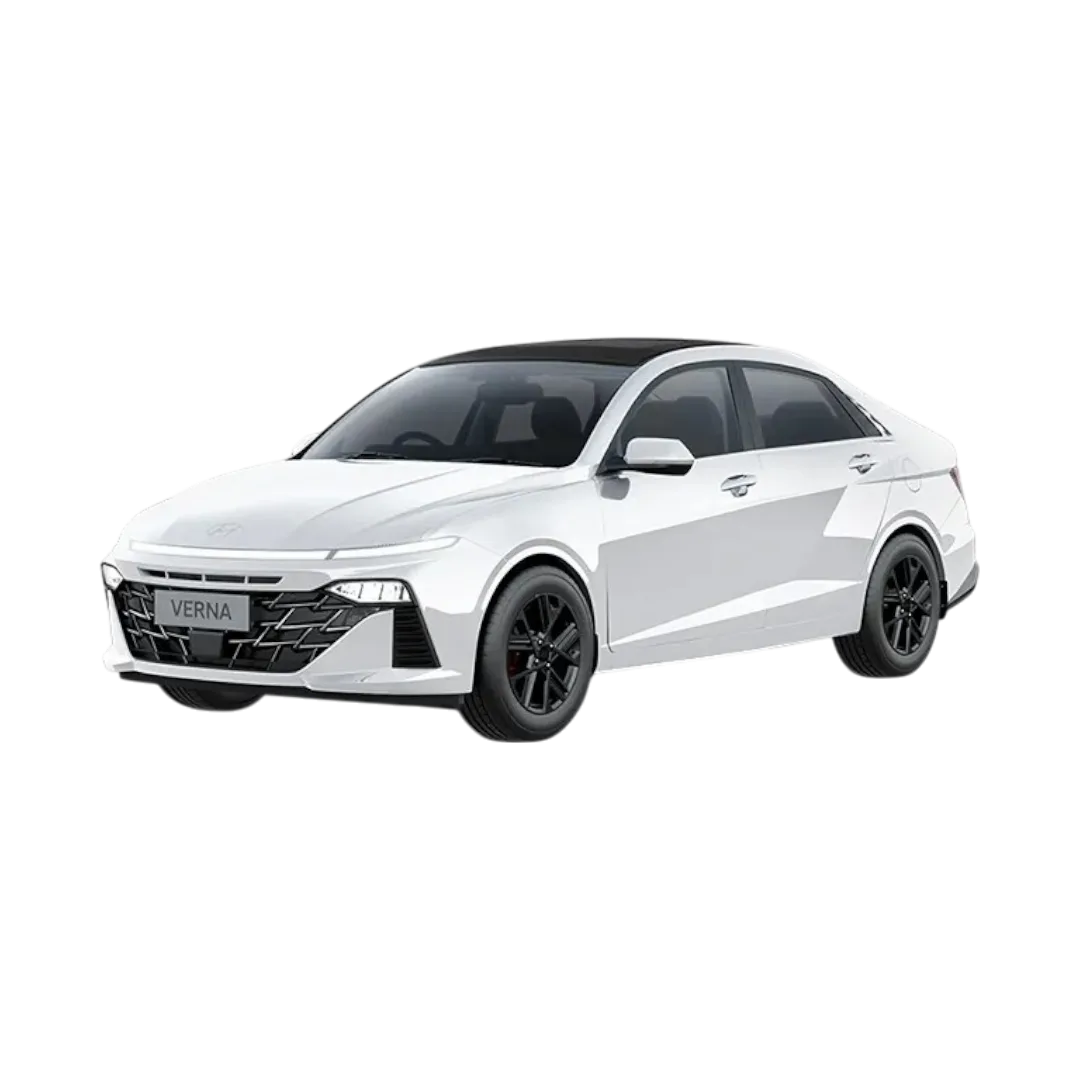 Verna
Verna
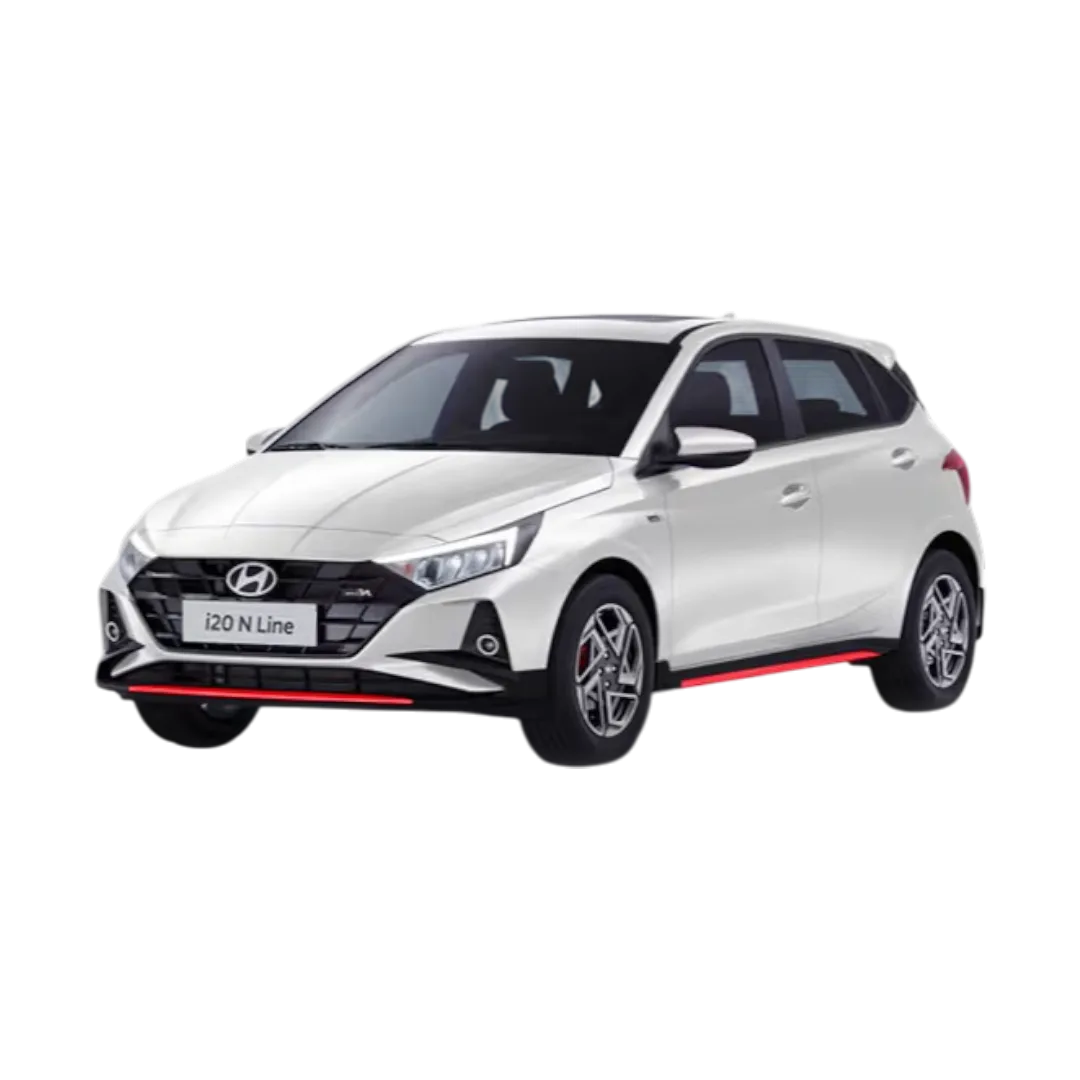 i20 N Line
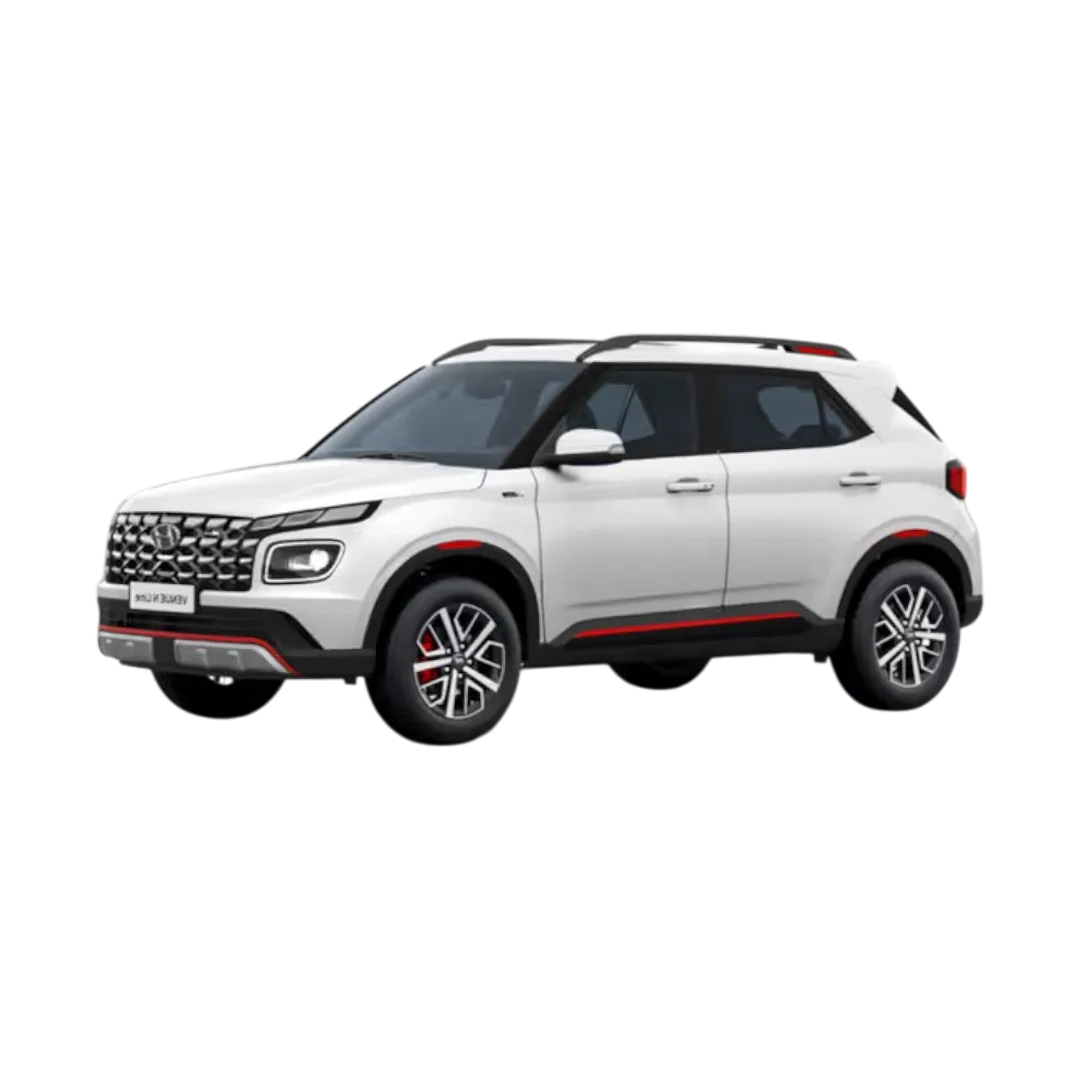 Venue N Line
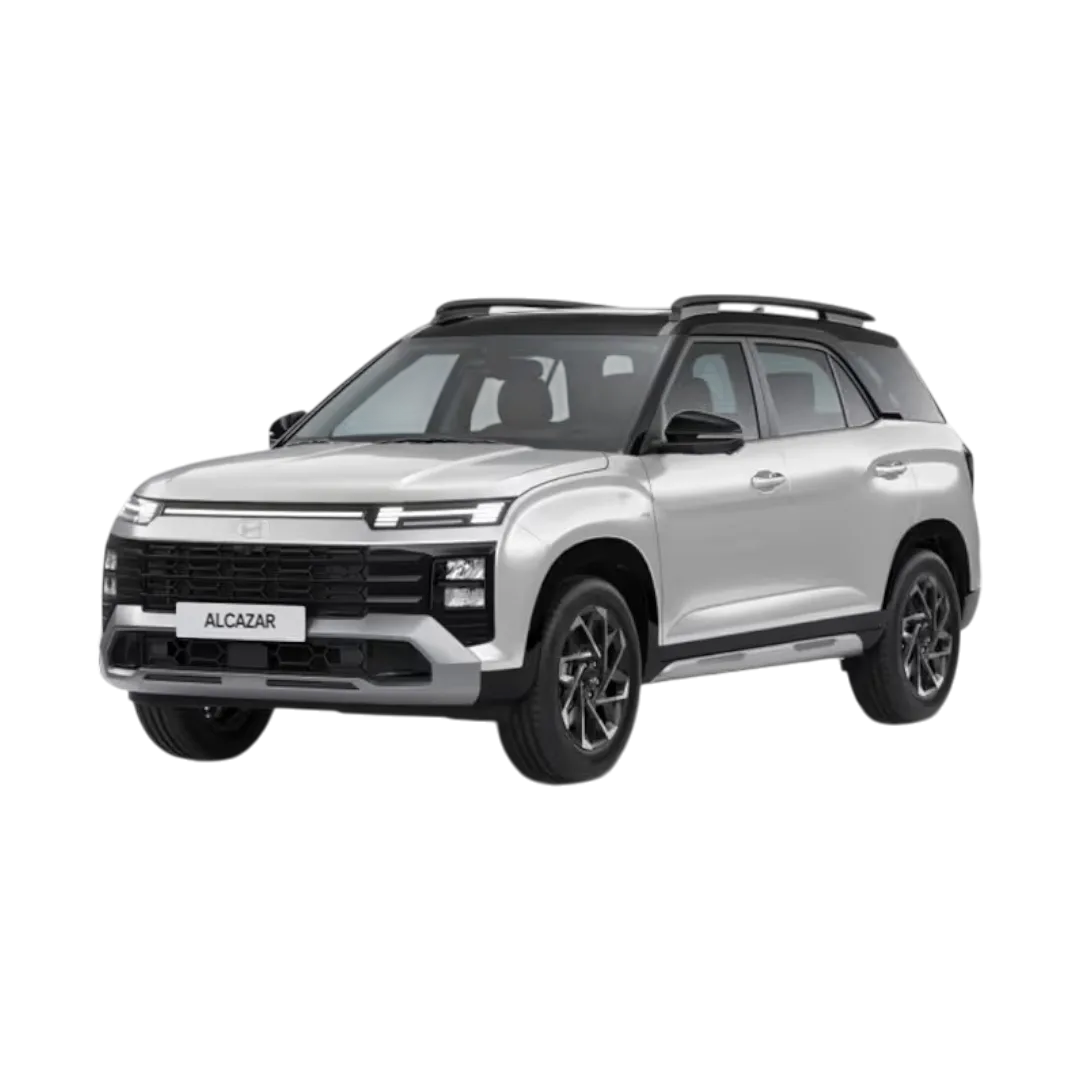 Alcazar
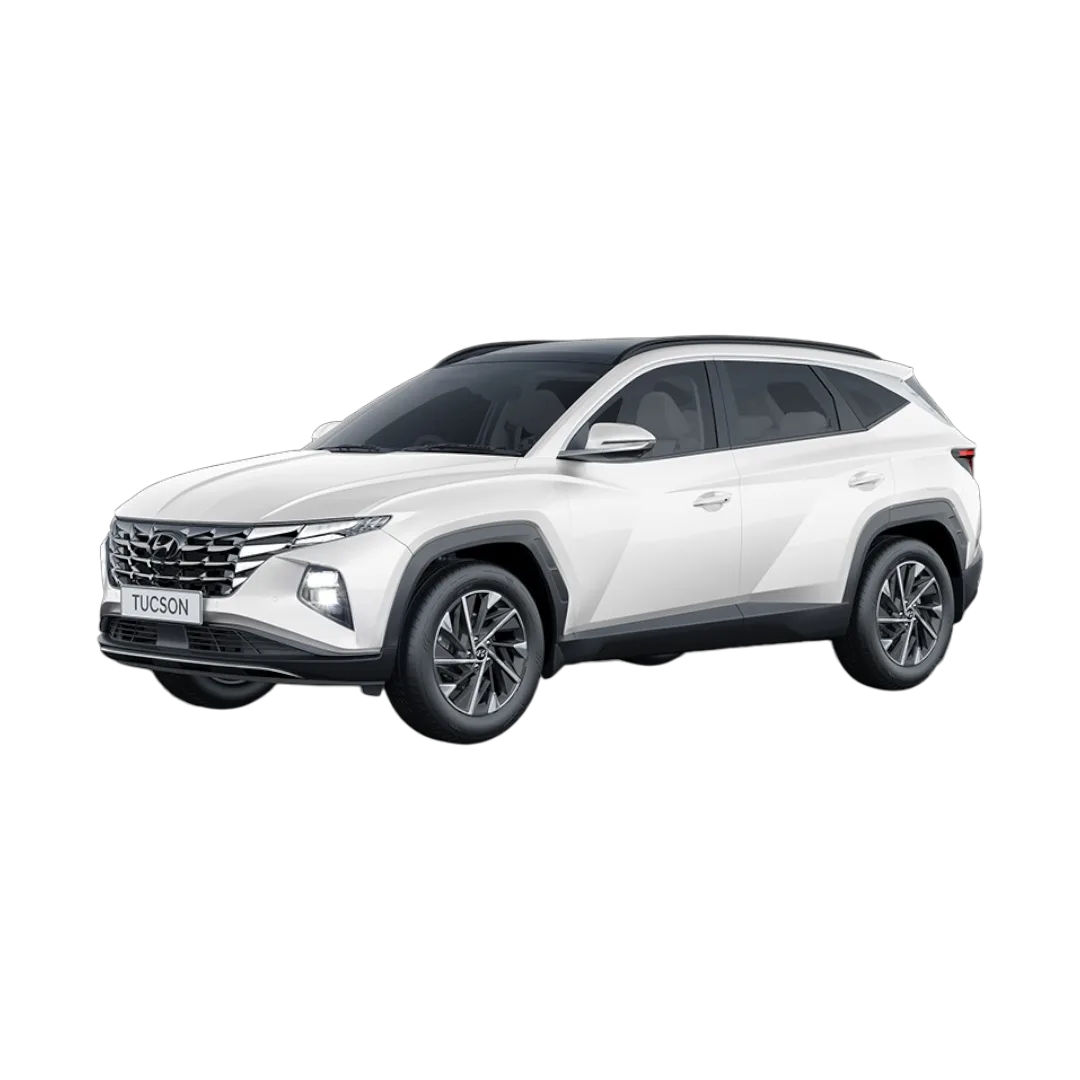 Tucson
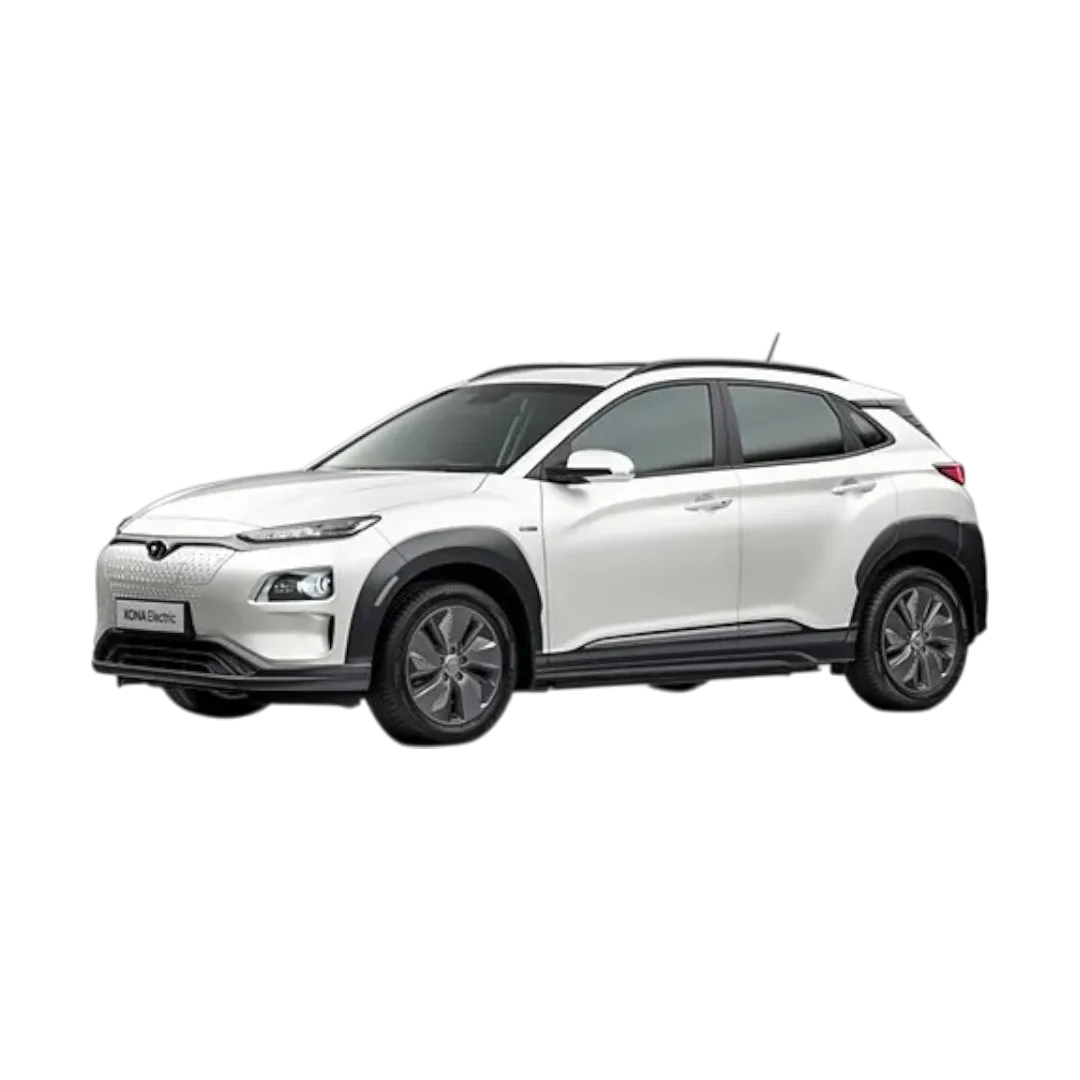 Kona
Kona
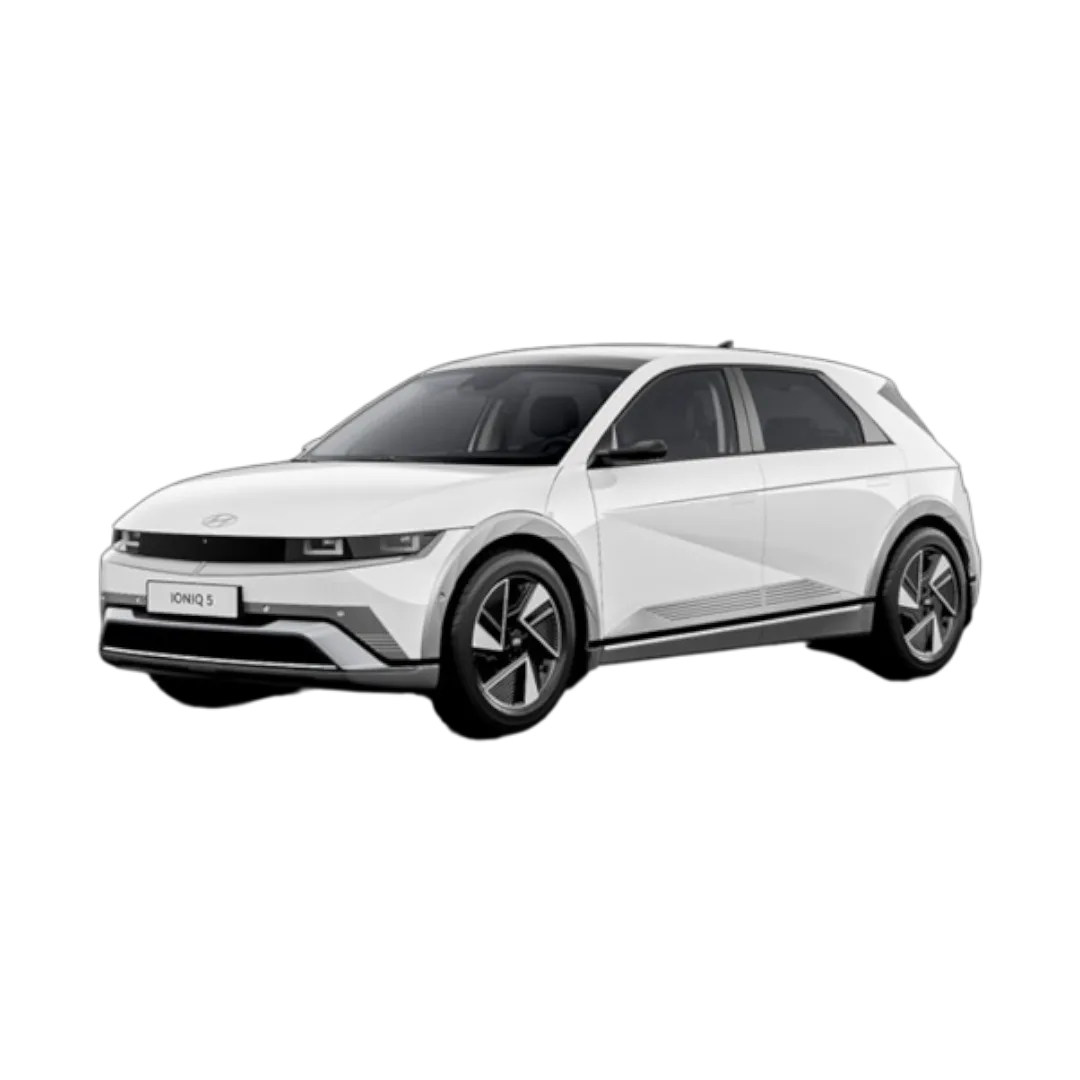 iONIQ 5
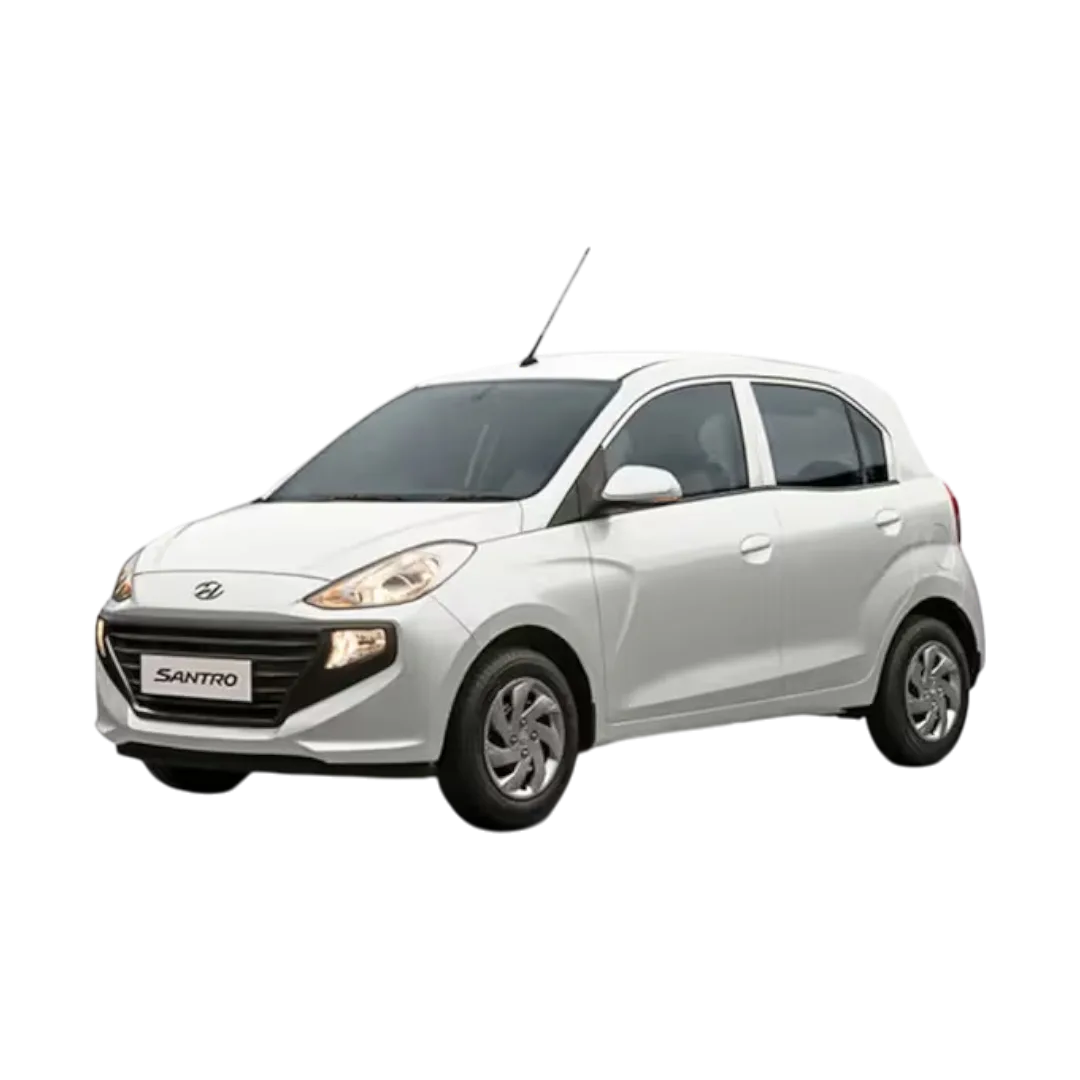 Santro
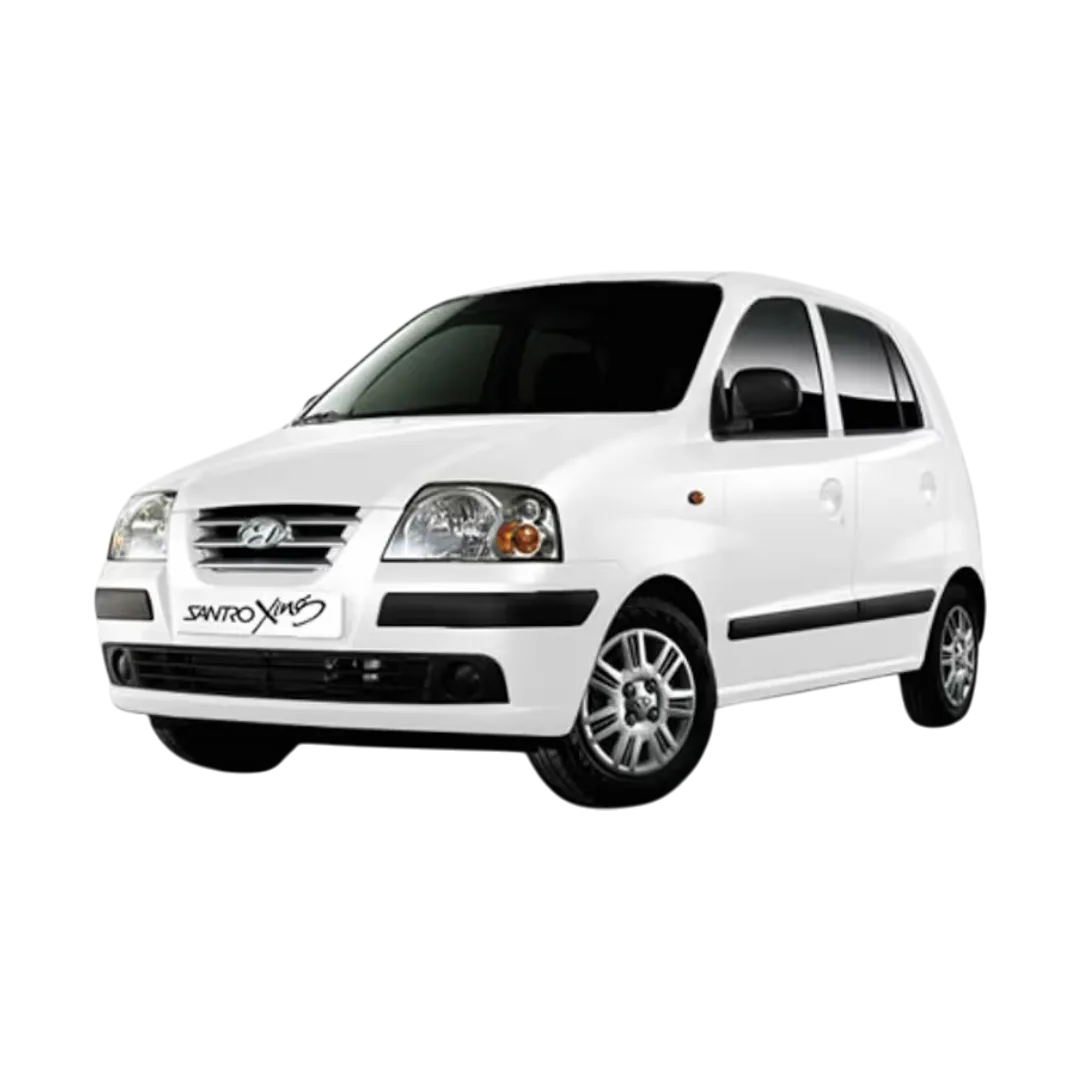 Santro Xing
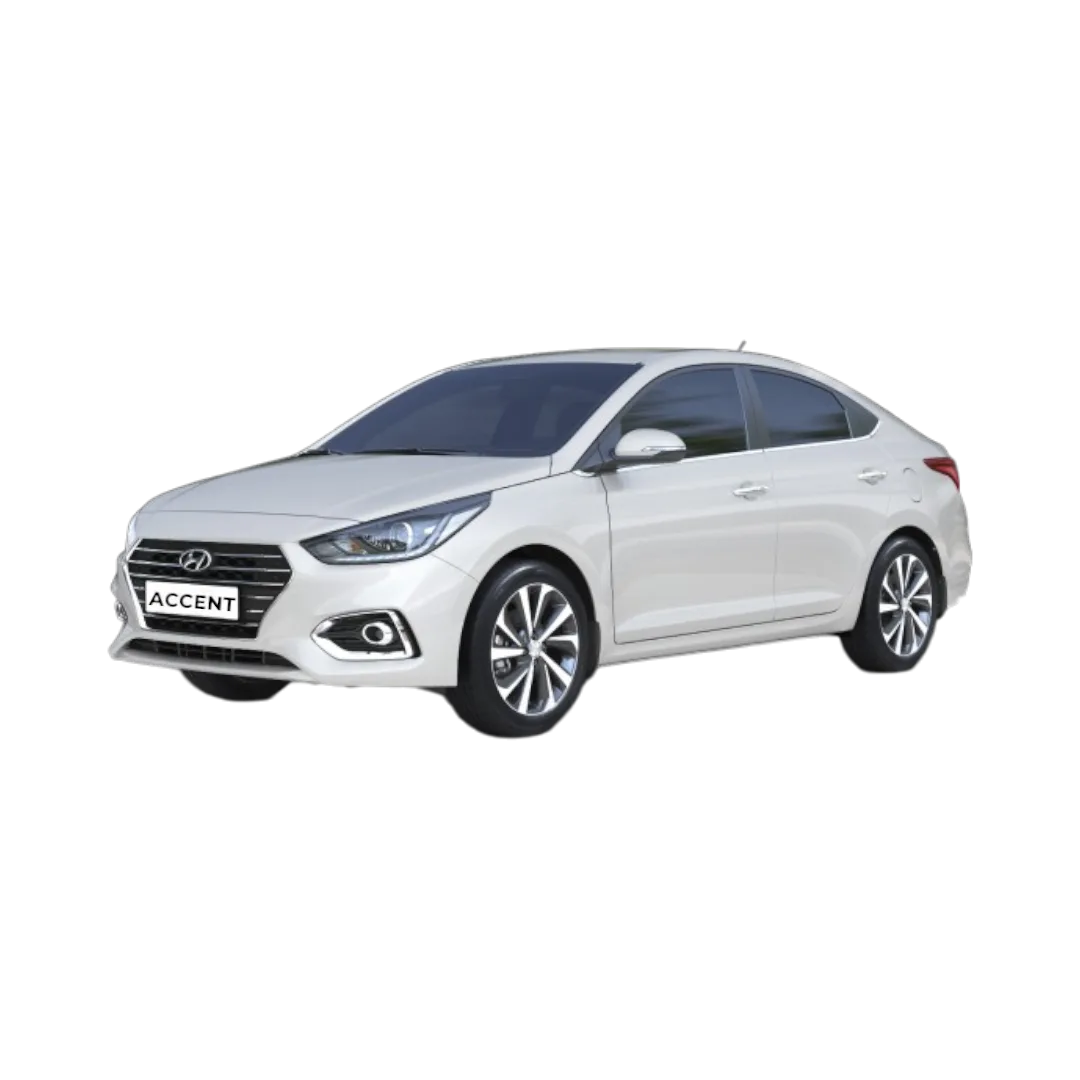 Accent
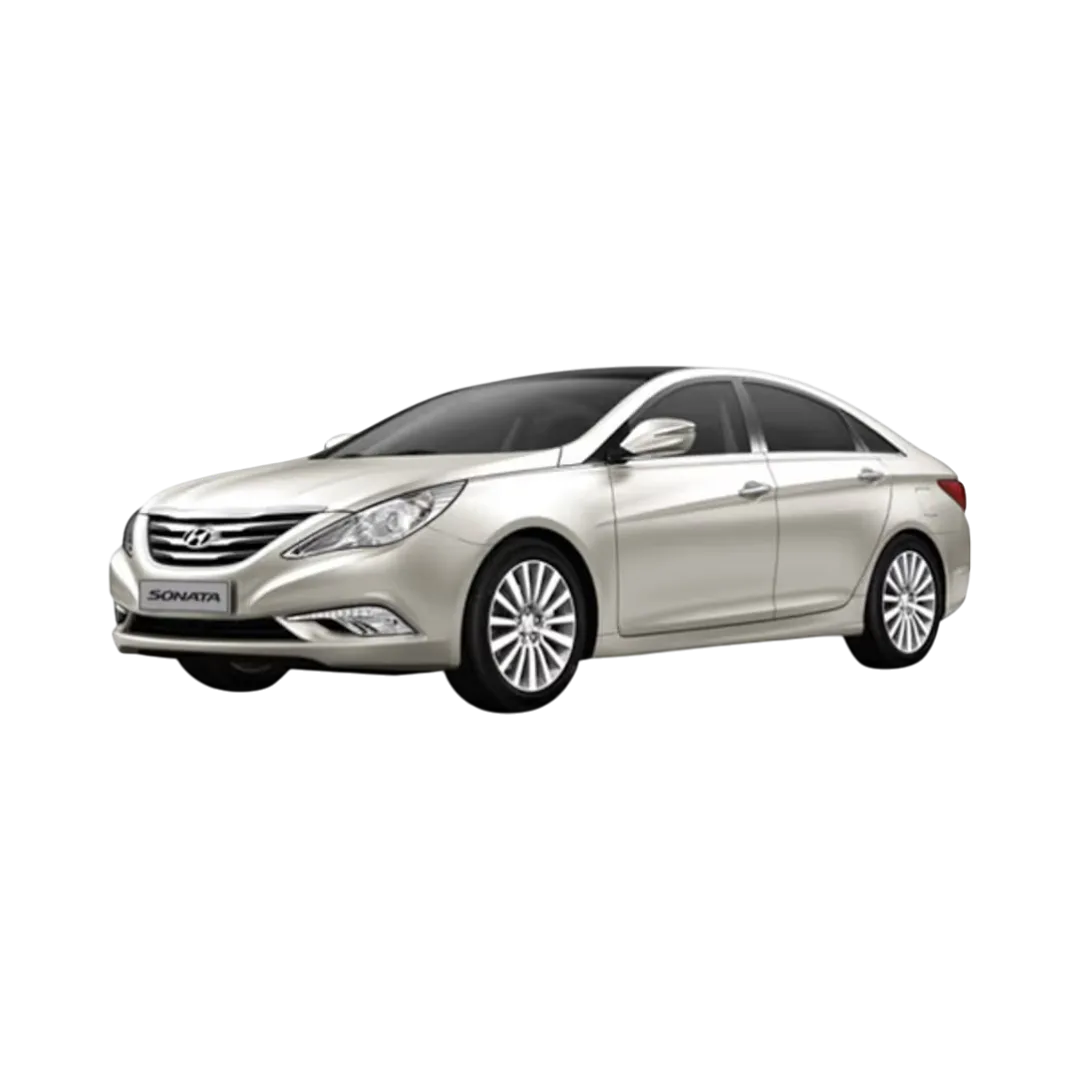 Sonata
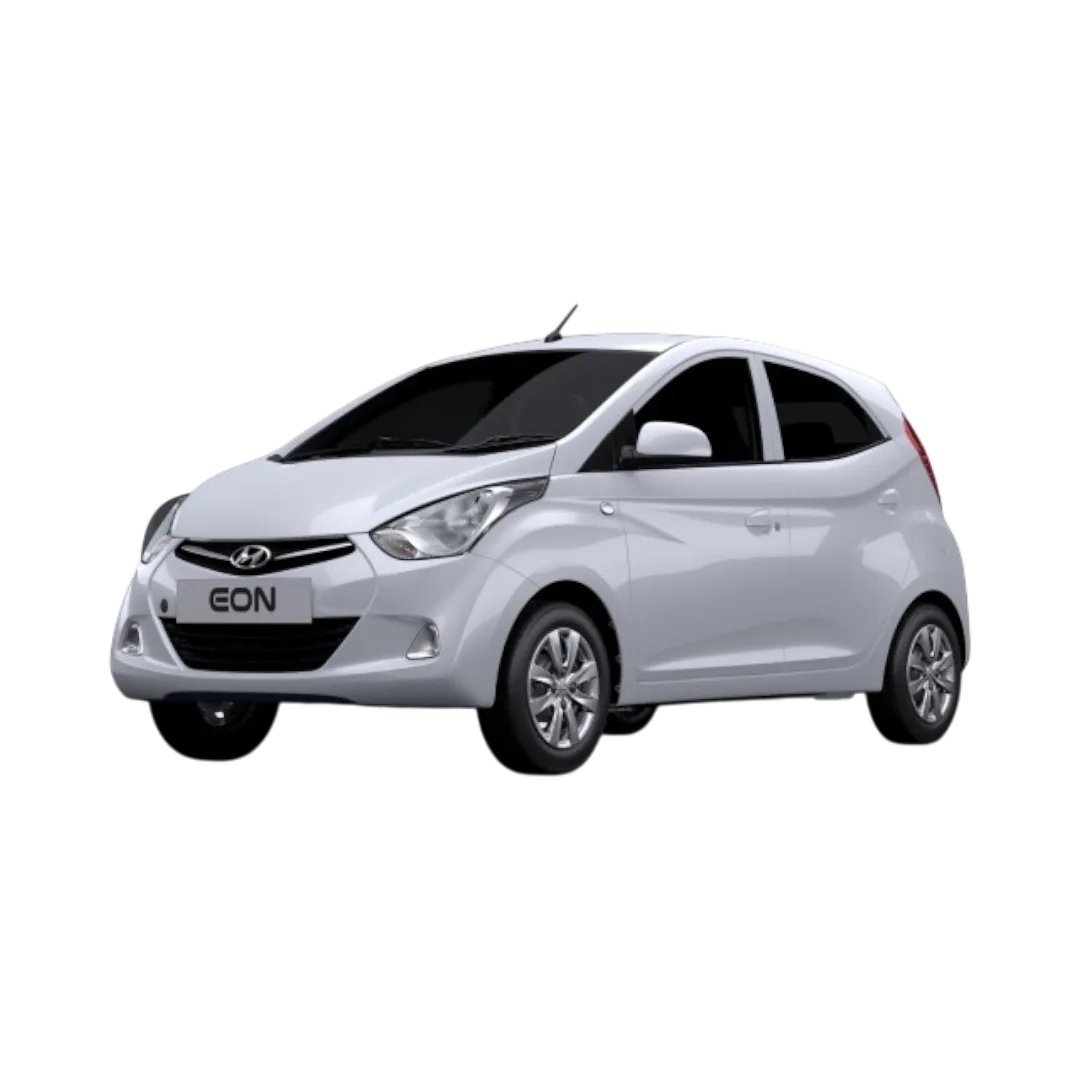 Eon
Eon
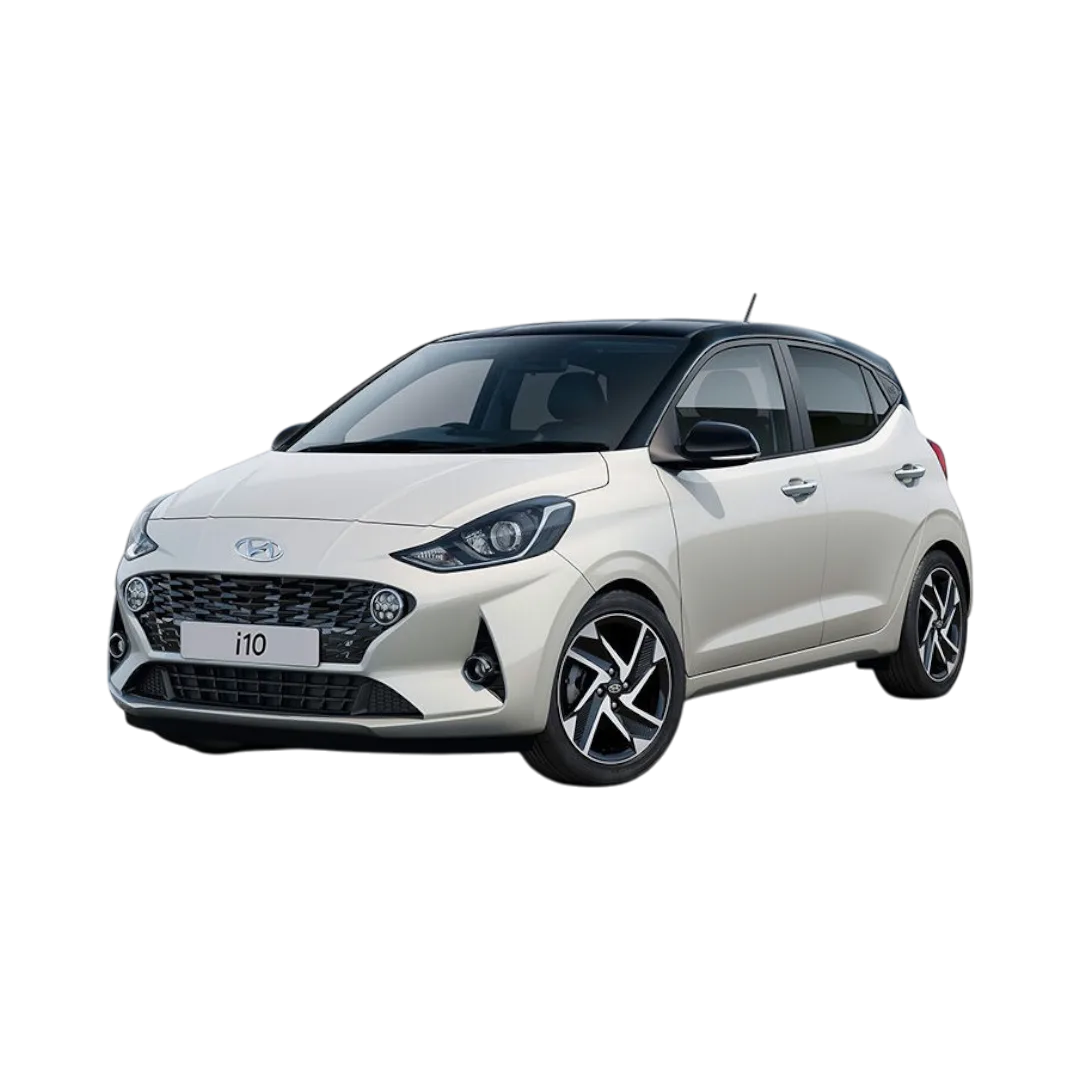 i10
i10
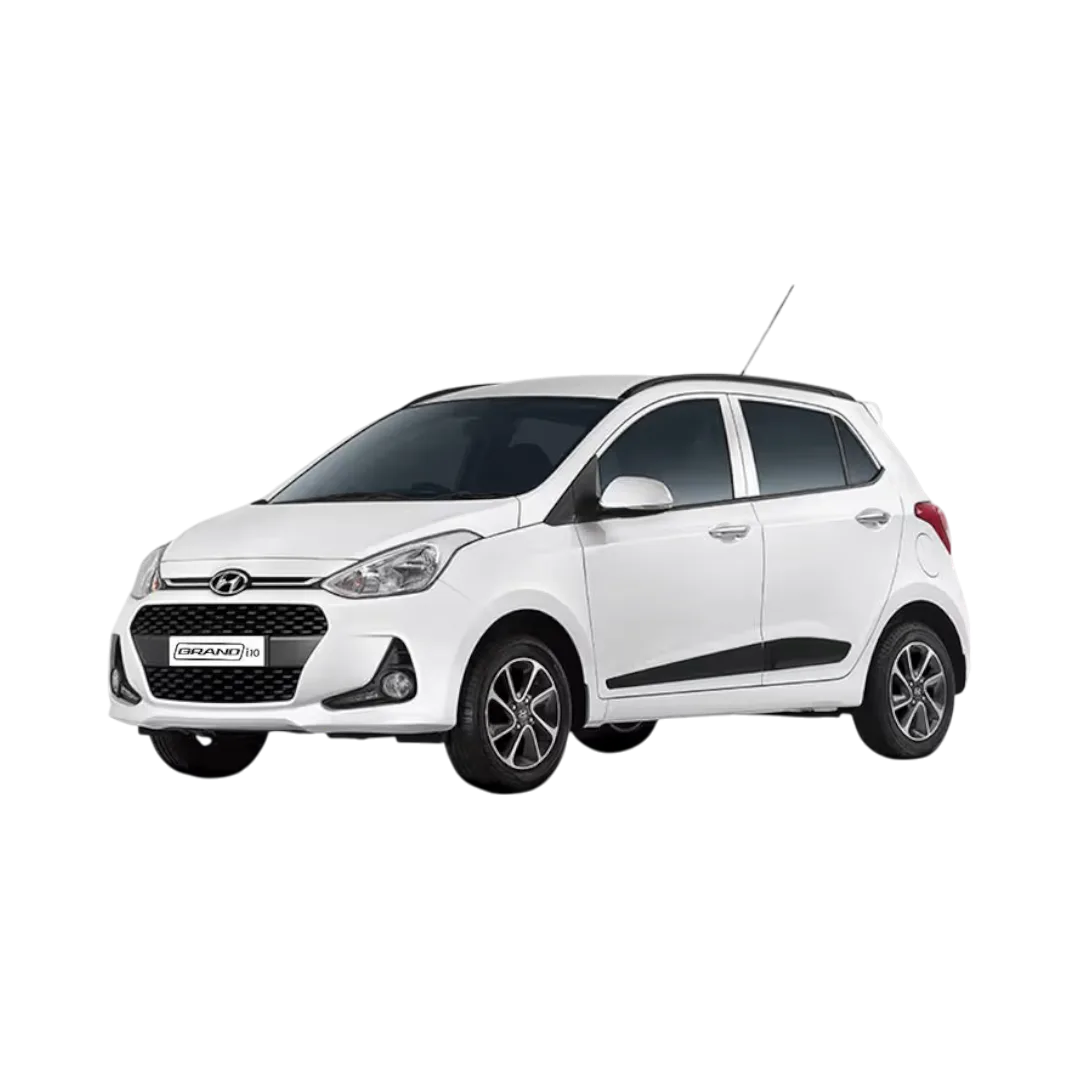 Grand i10
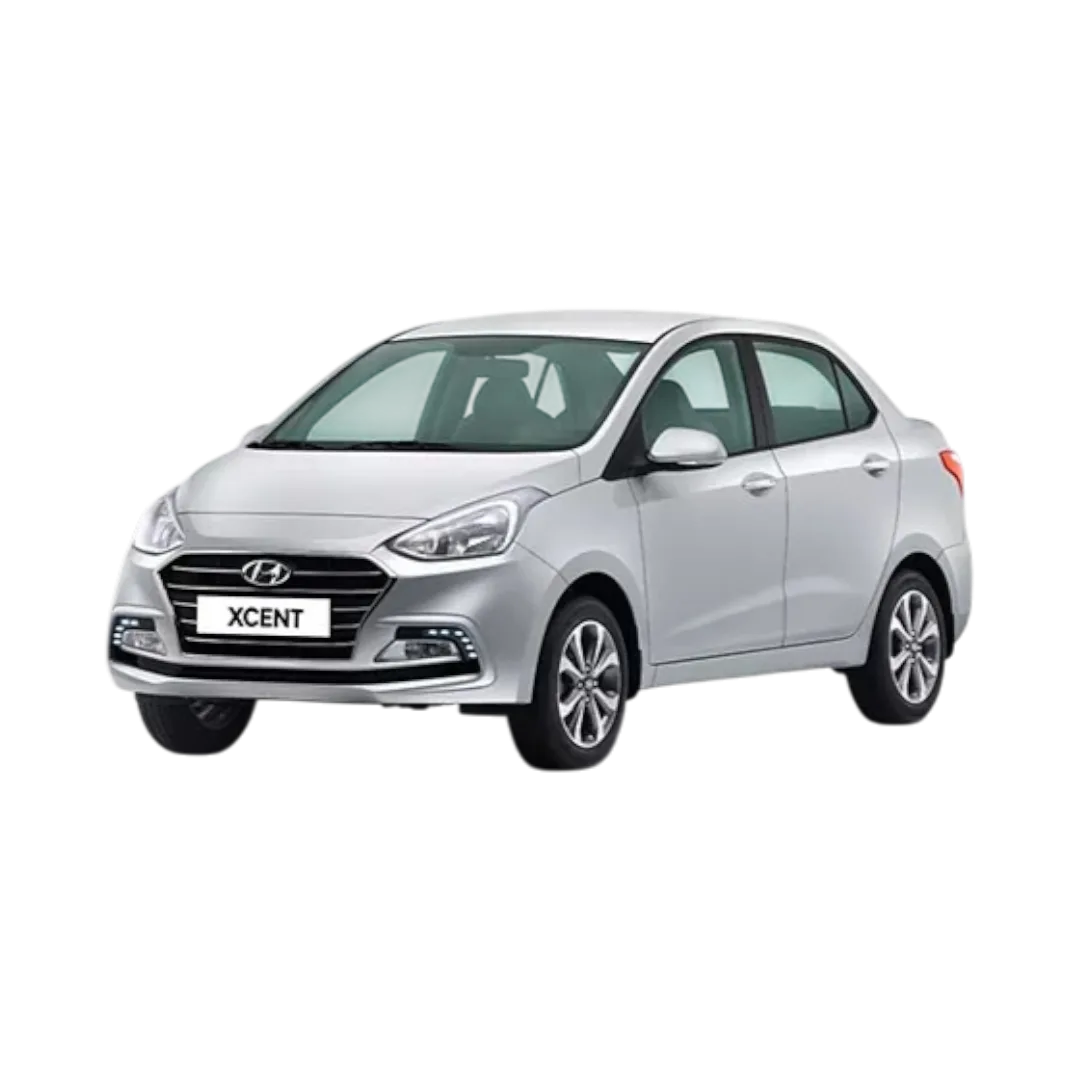 Xcent
Xcent
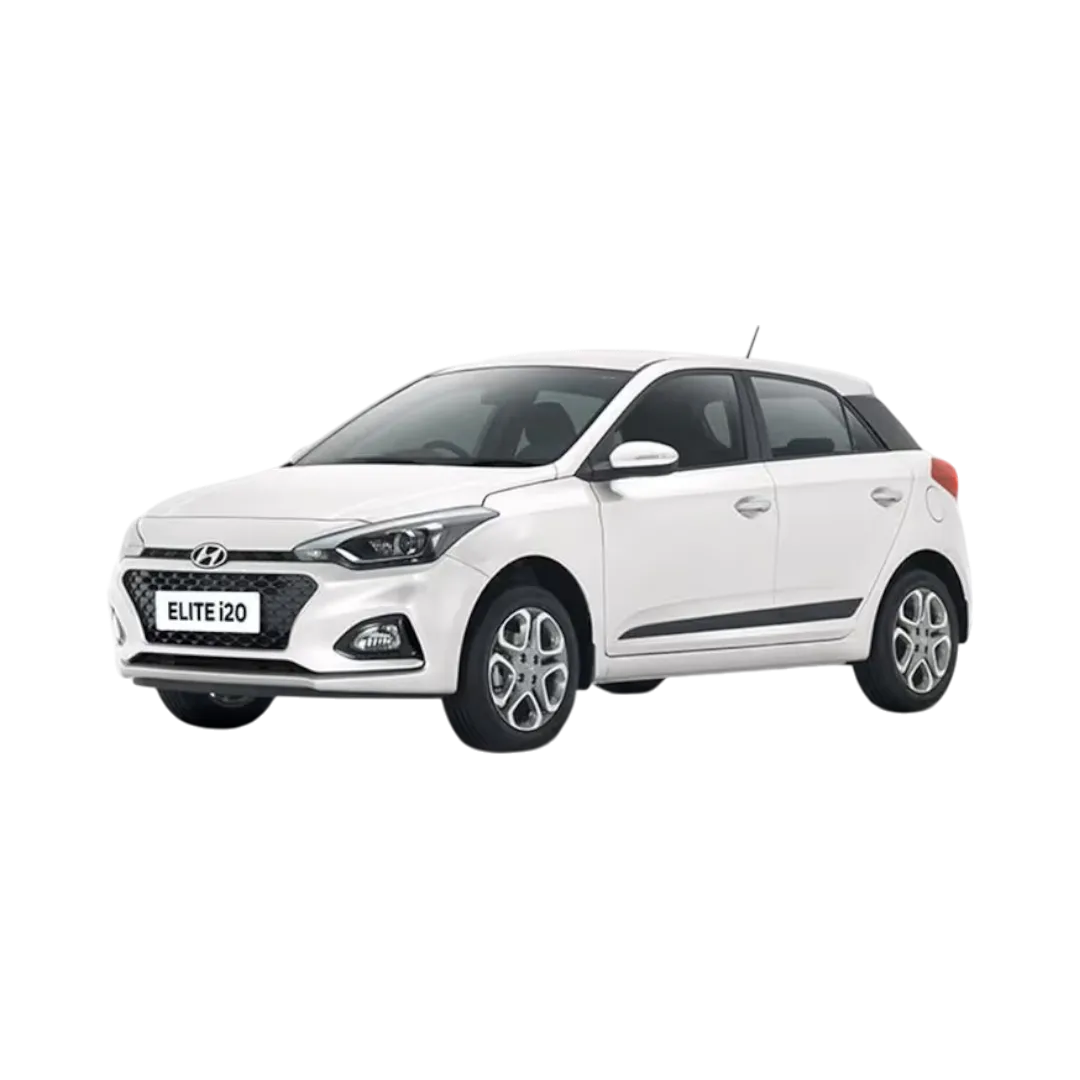 Elite i20
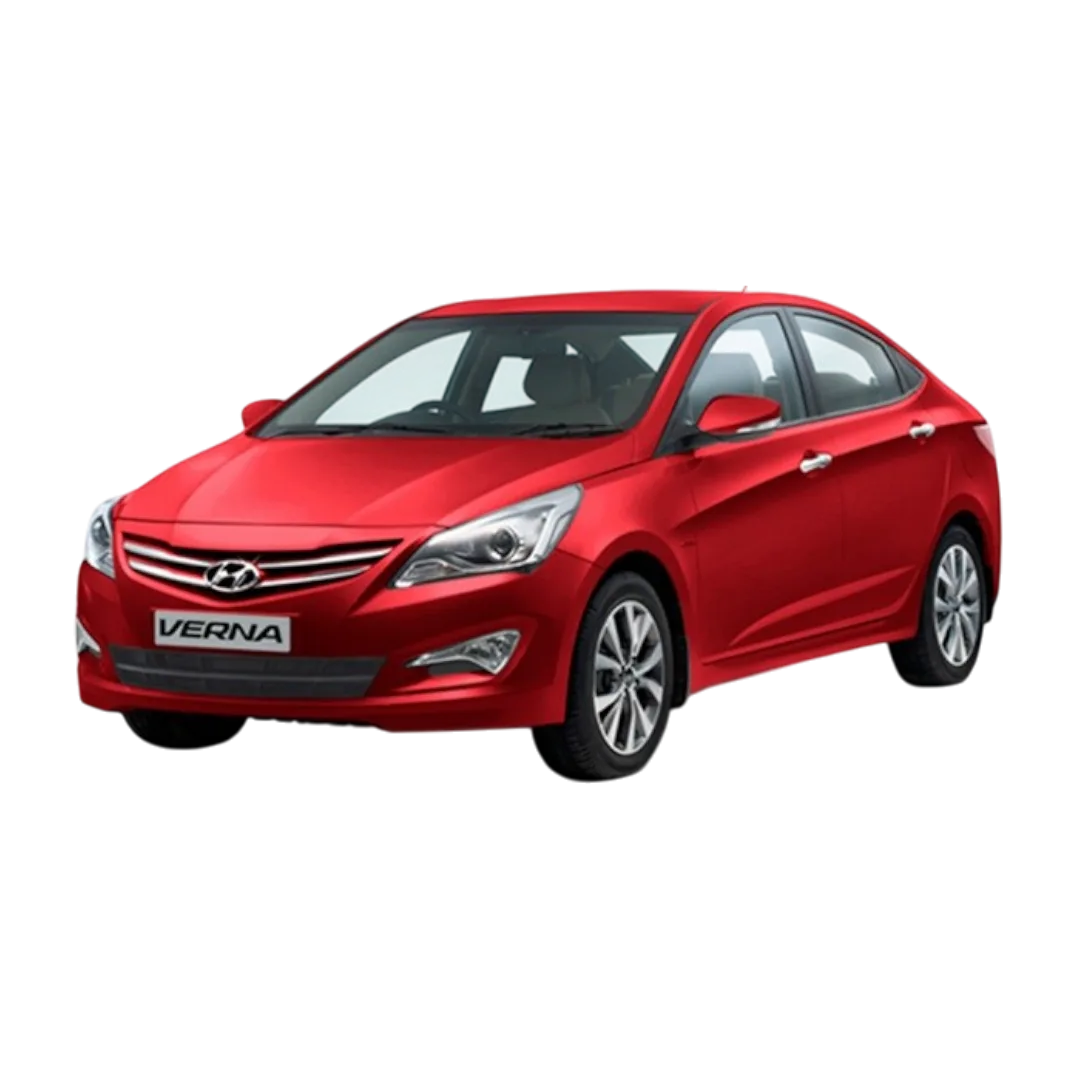 Verna Fluidic
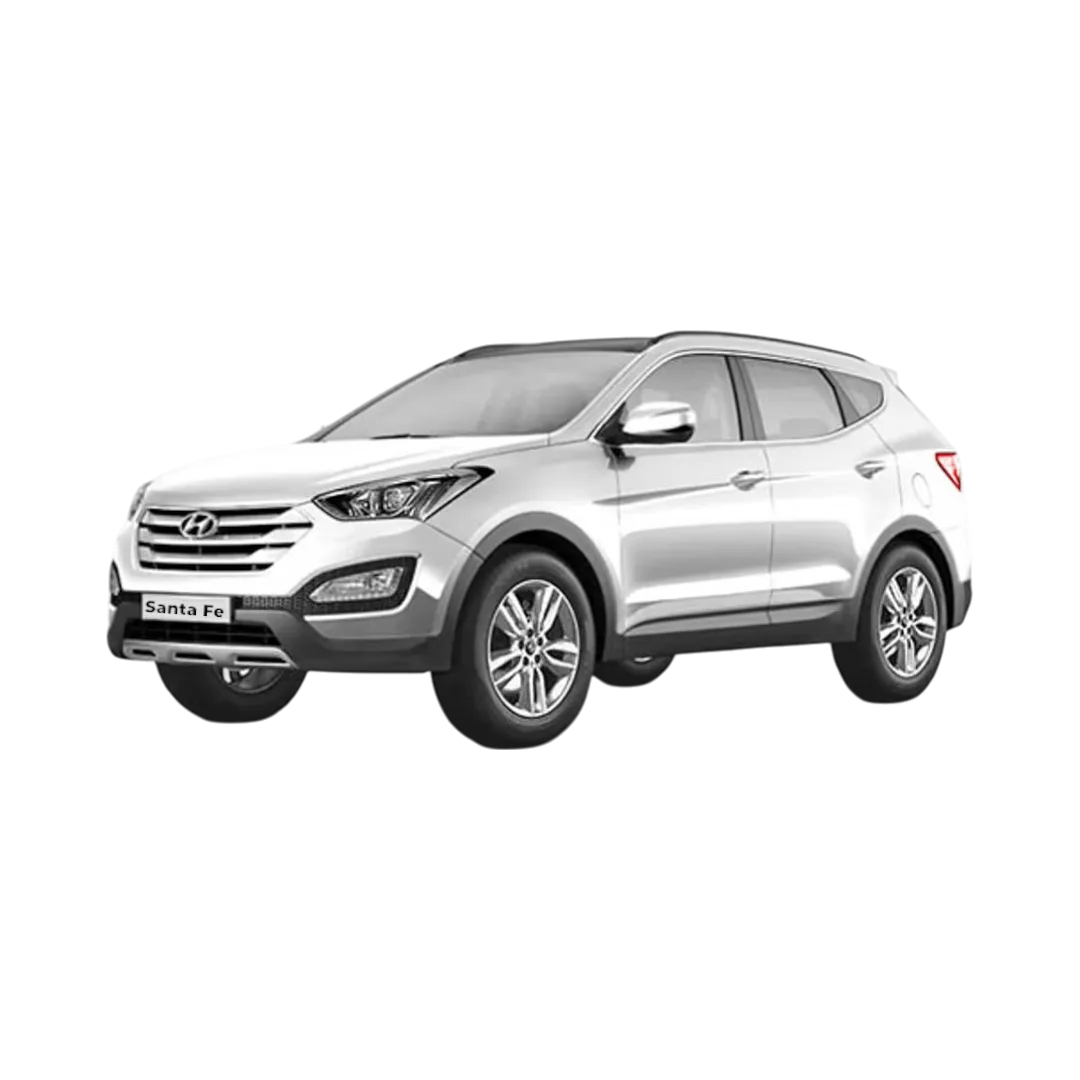 Santafe
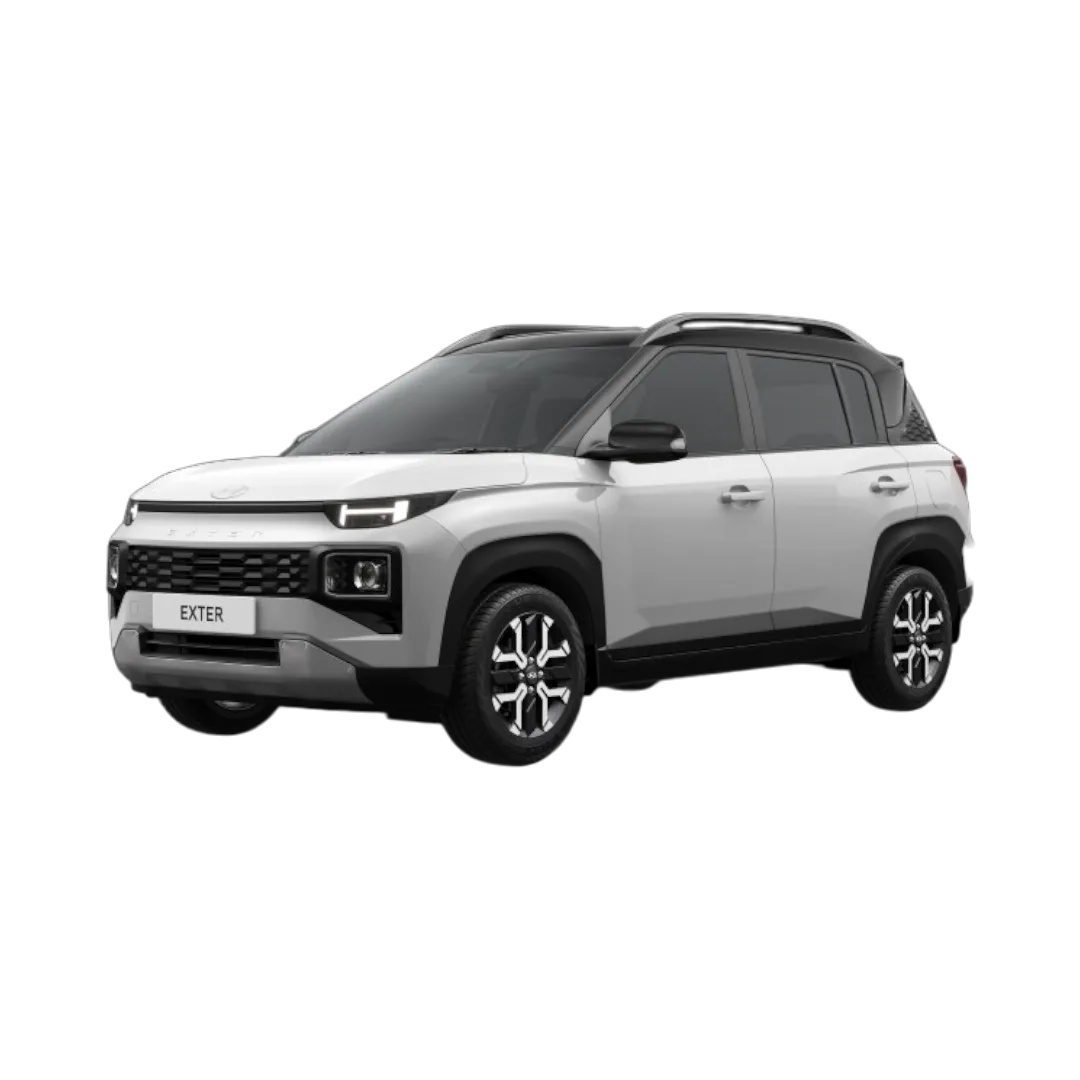 Exter
Sonata Fluidic
i20 Active
Exter
Sonata Fluidic
i20 Active
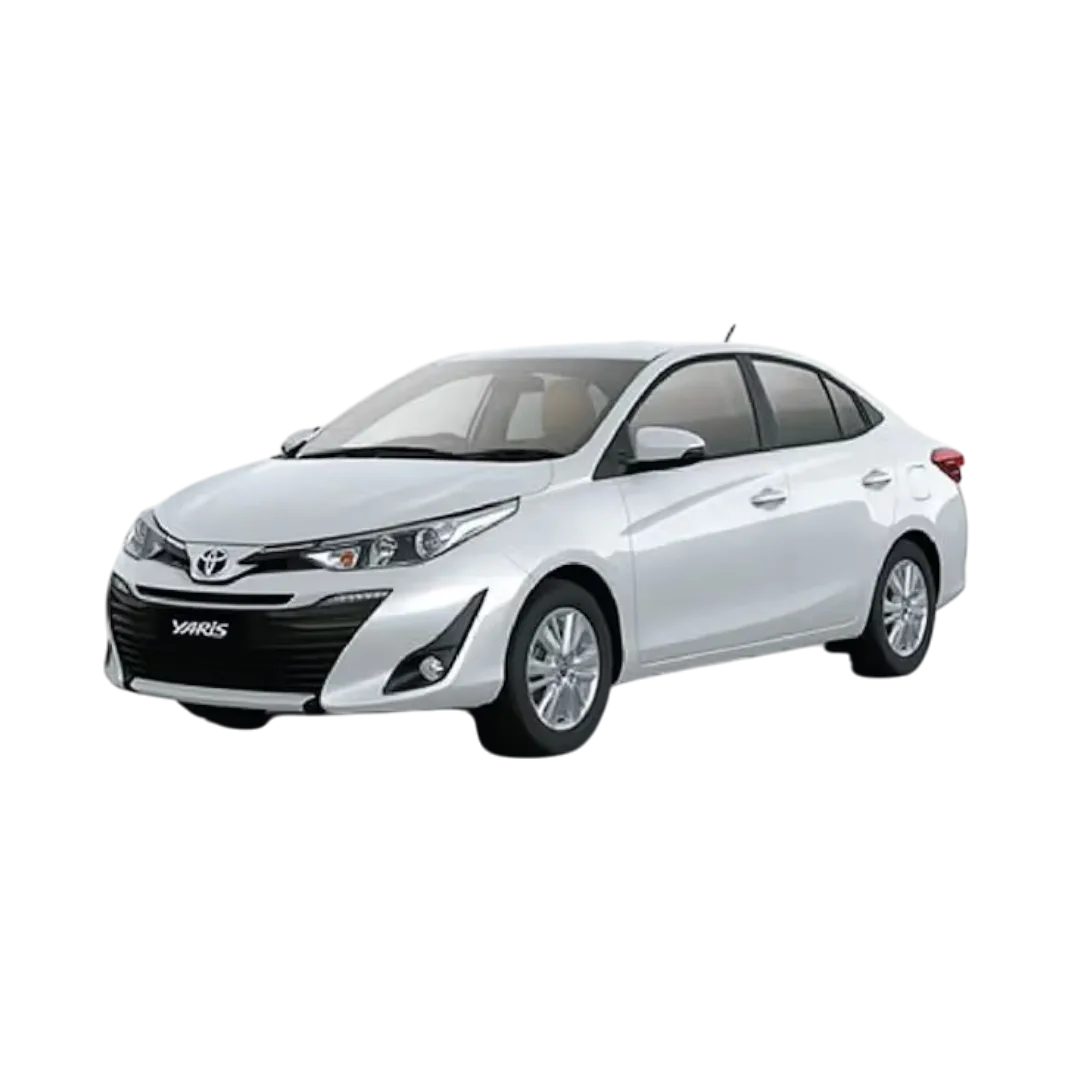 Yaris
Yaris
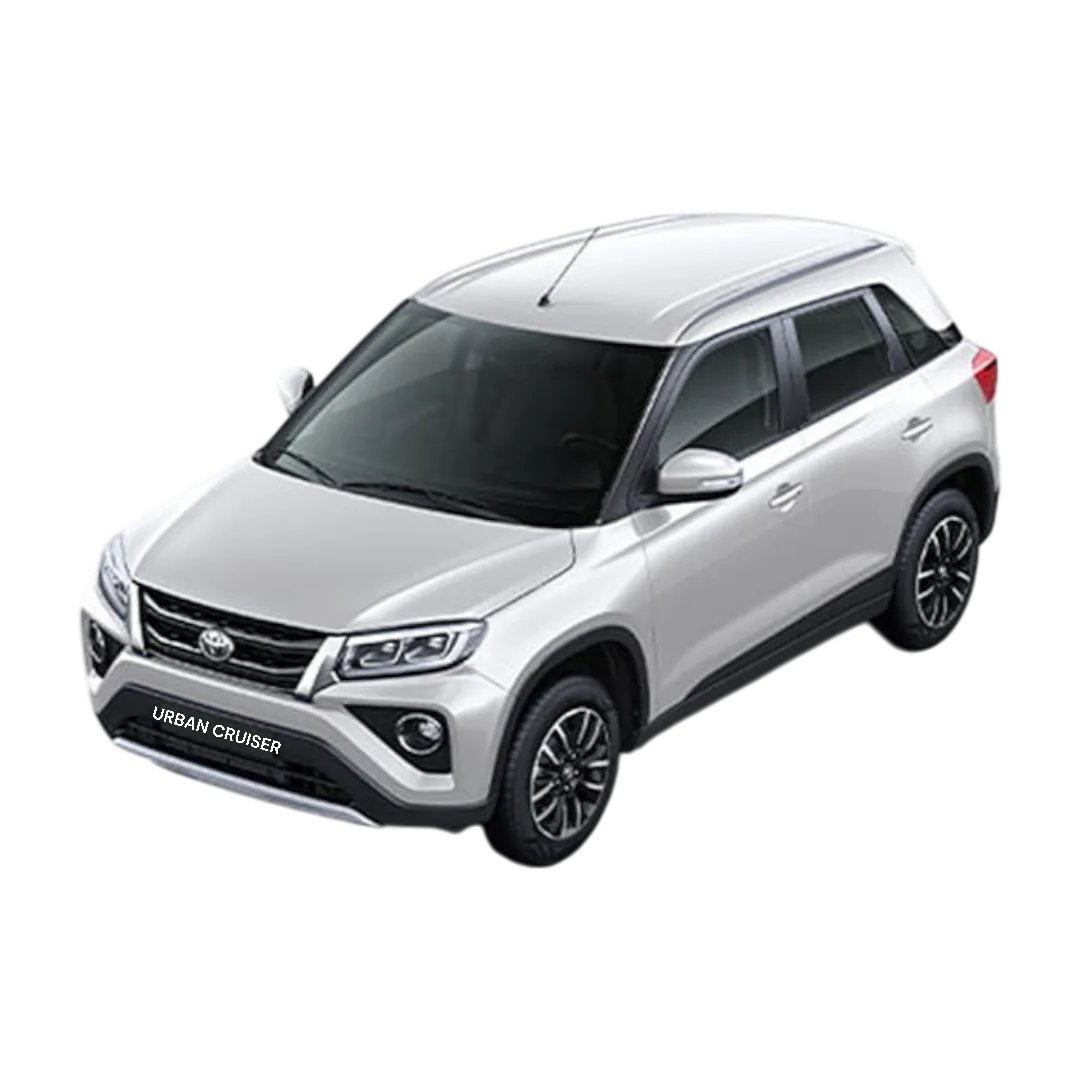 Urban Cruiser
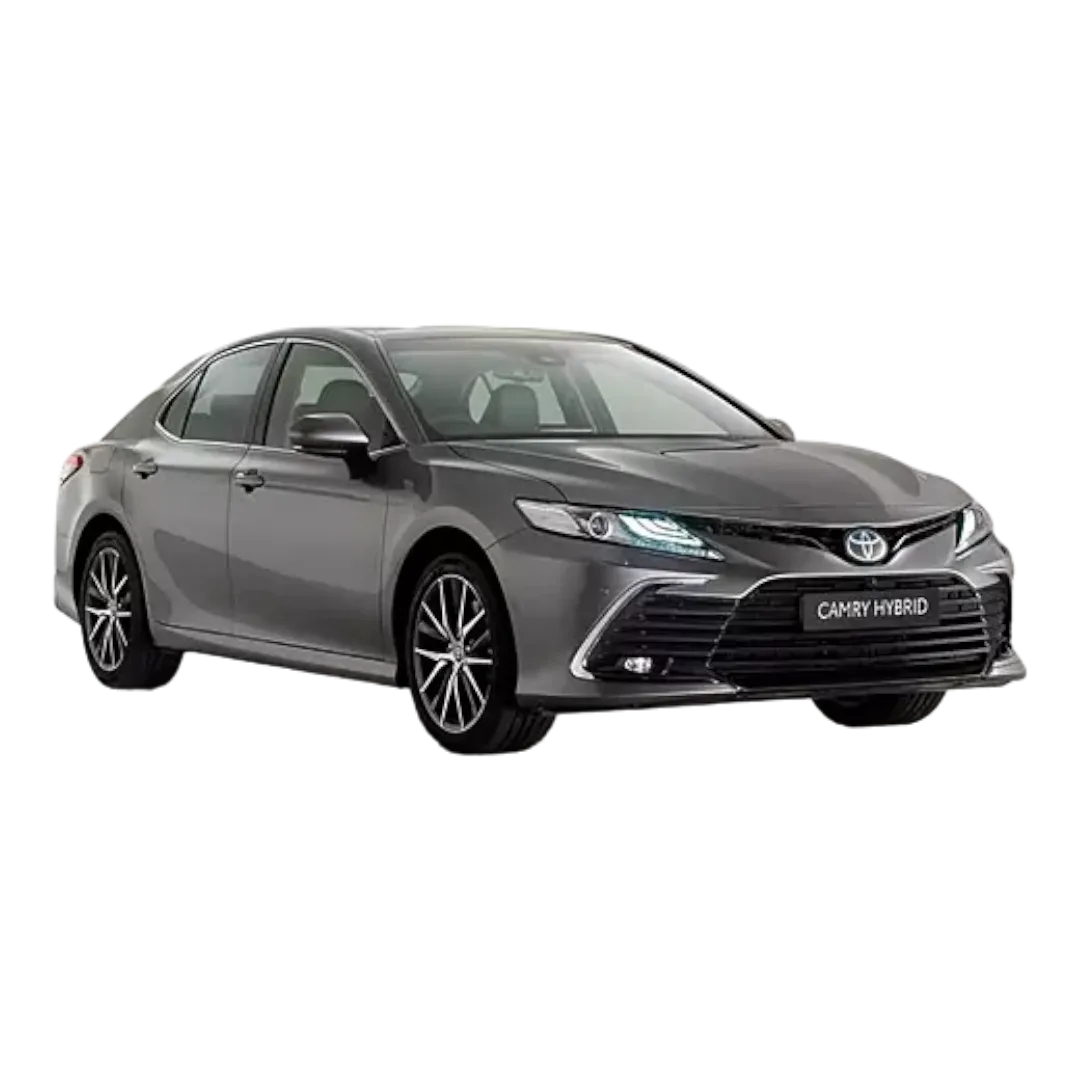 Camry
Camry
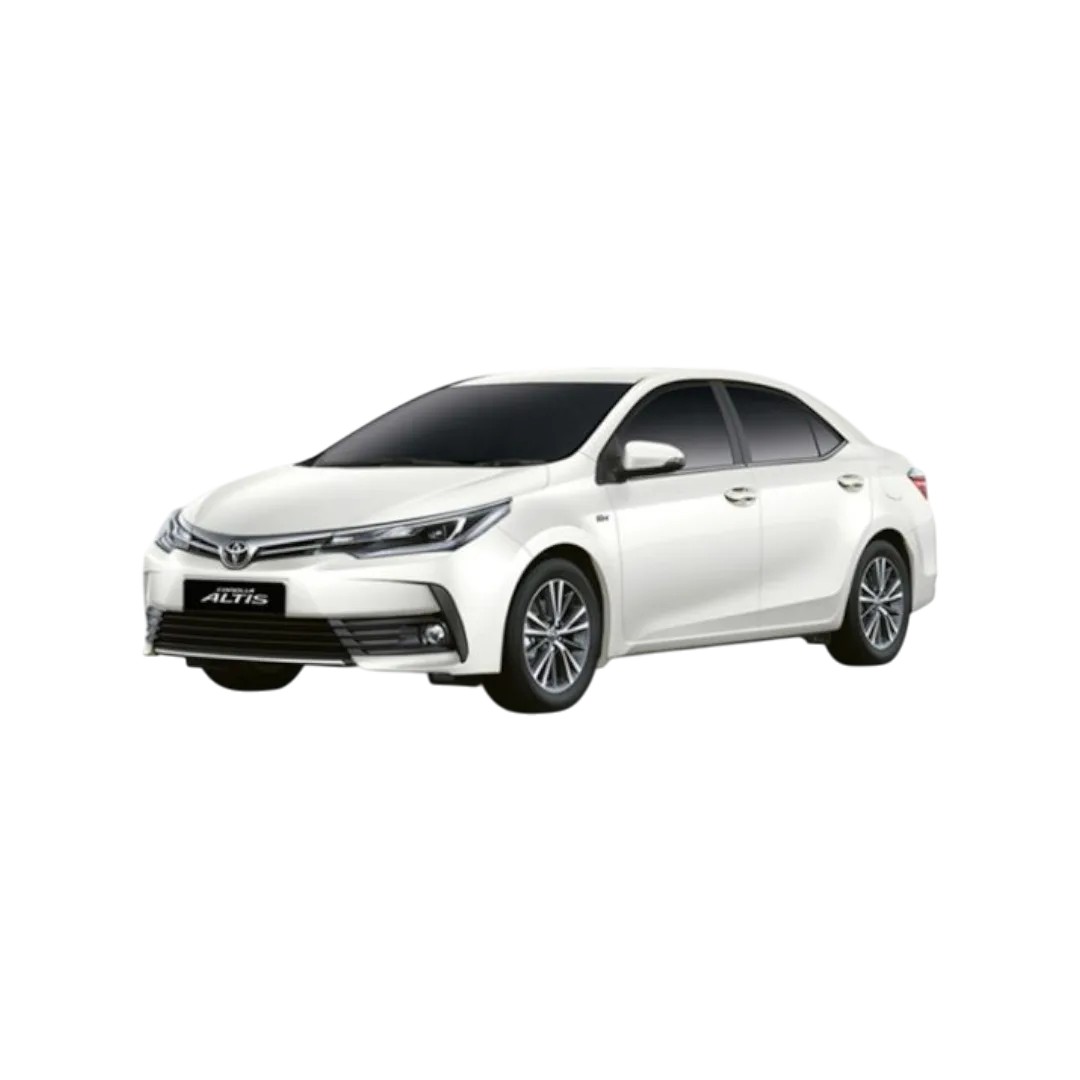 Corolla
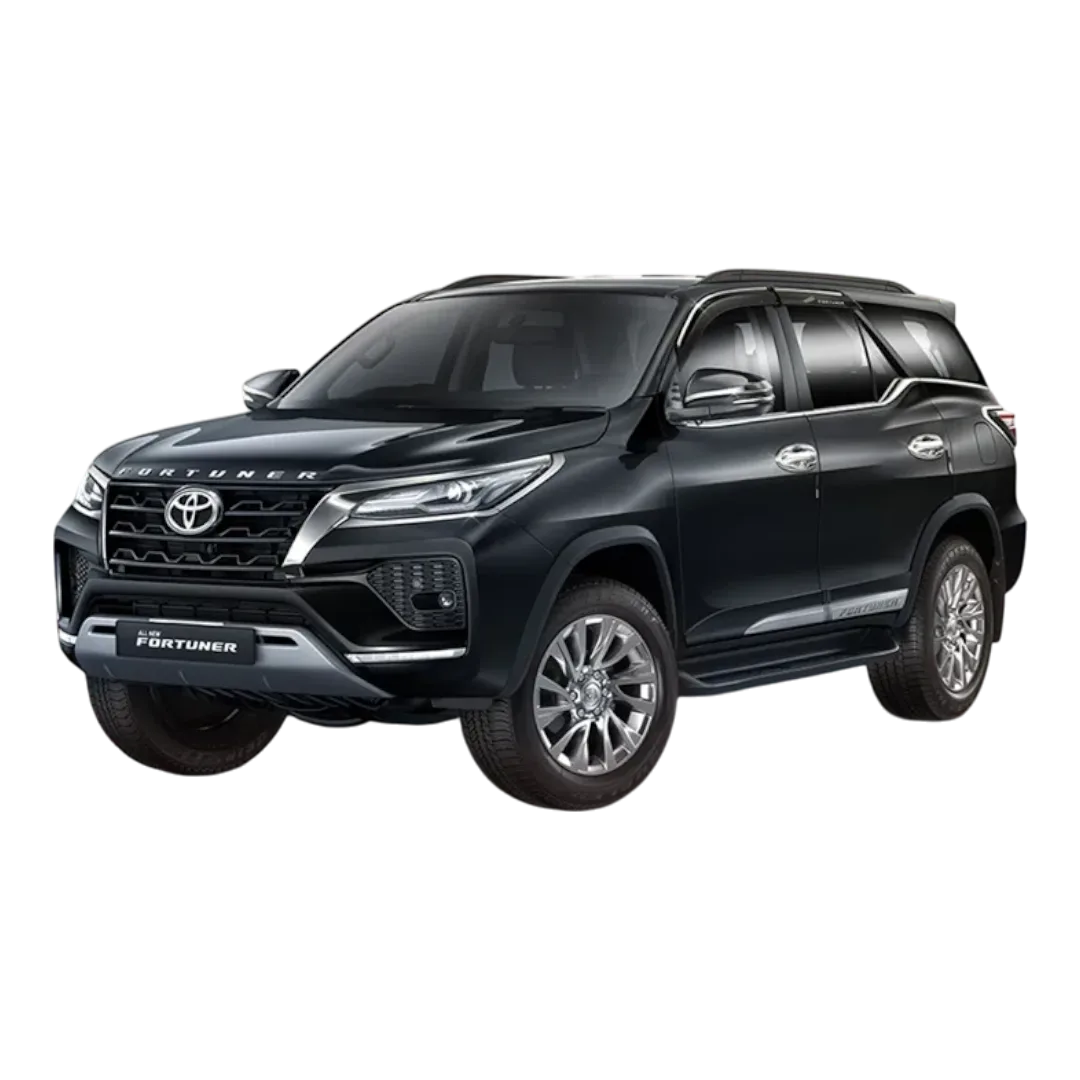 Fortuner
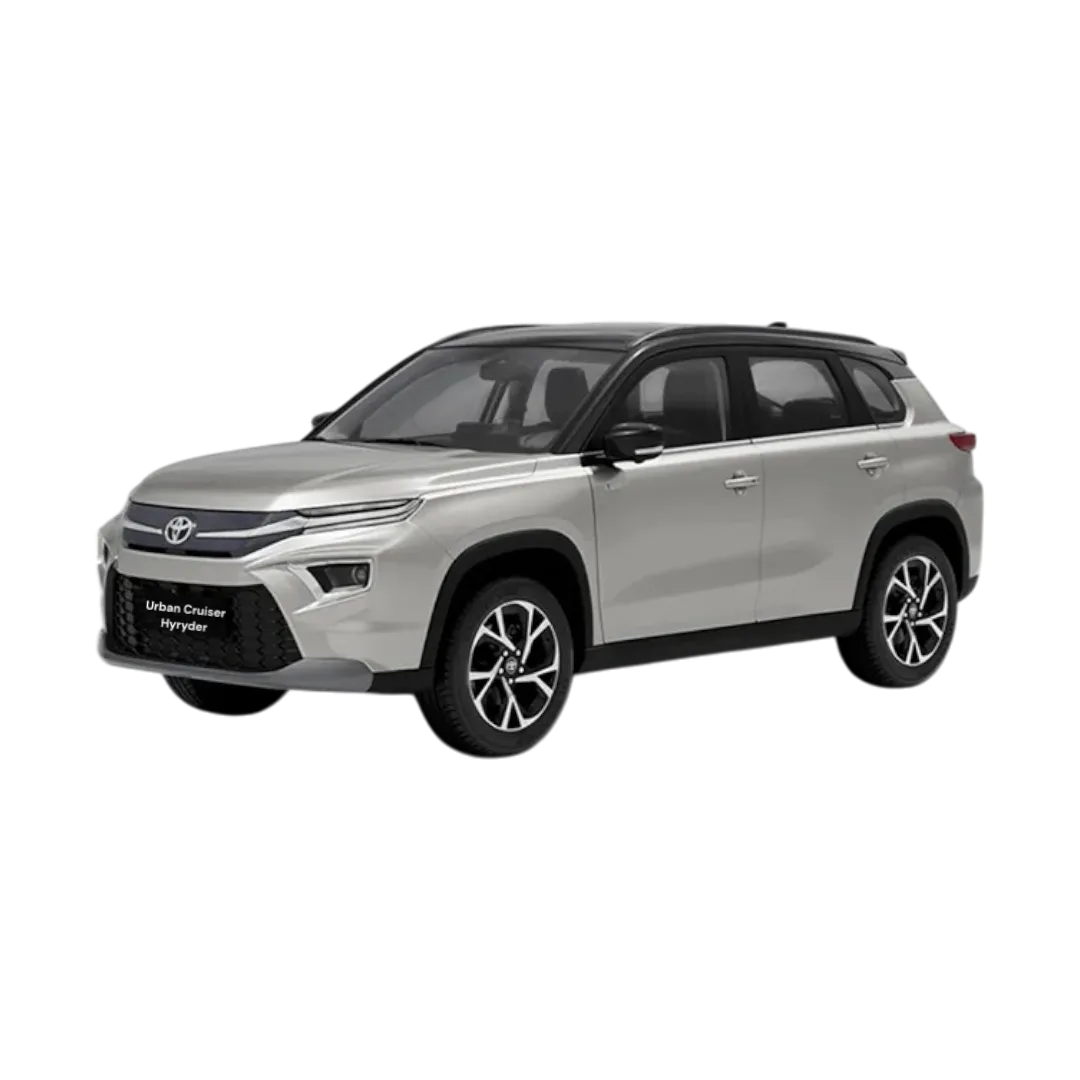 Urban Cruiser Hyryder
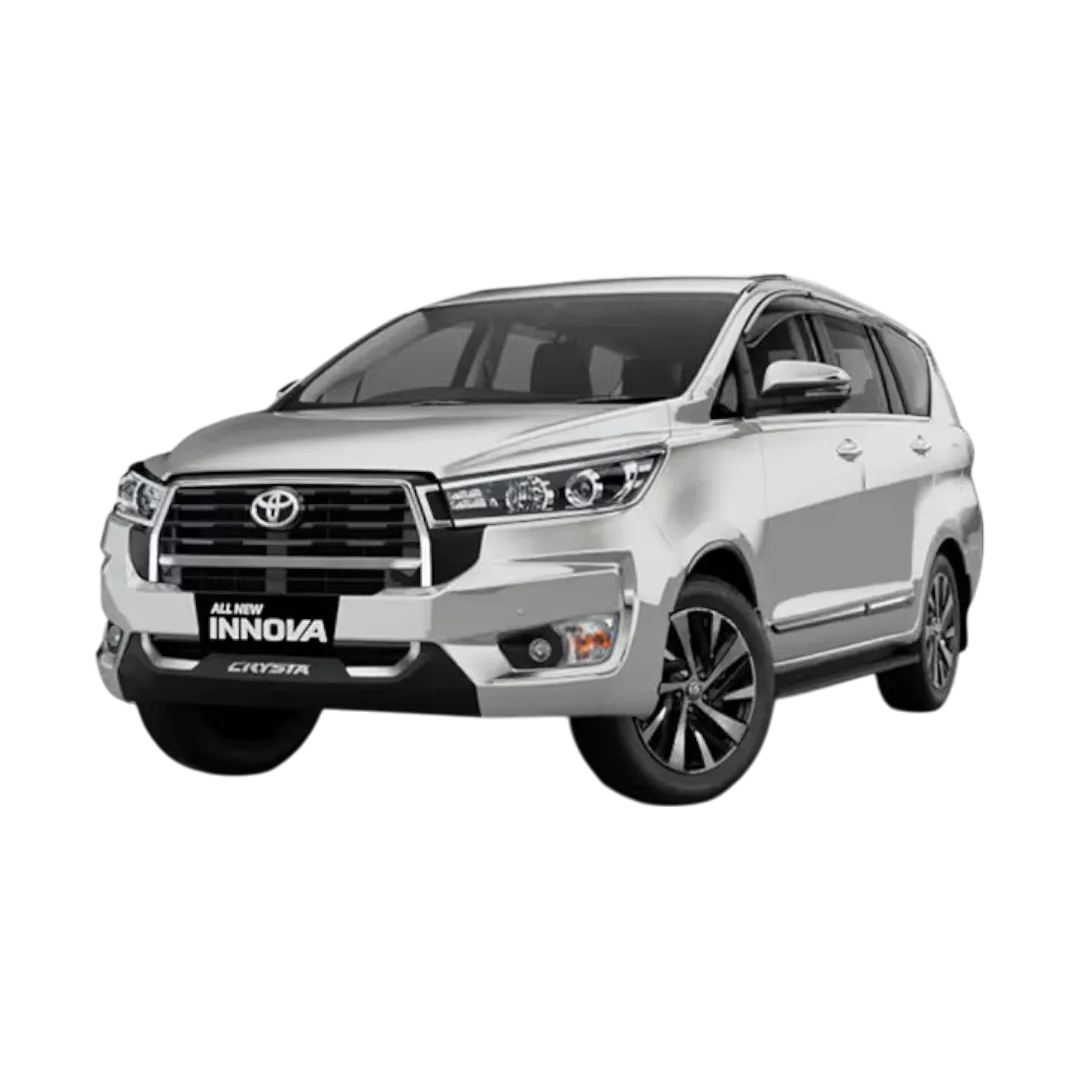 Innova Crysta
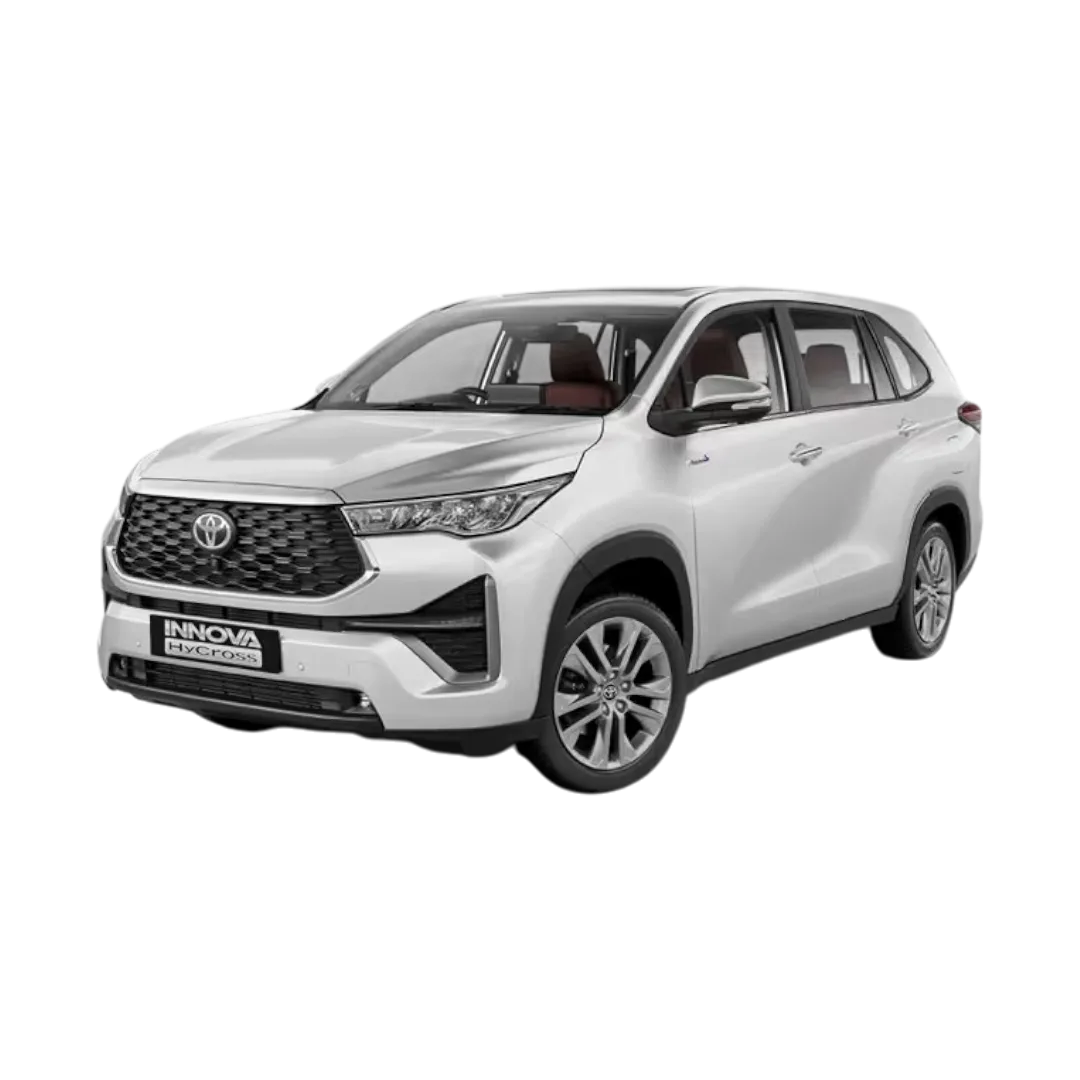 Innova Hycross
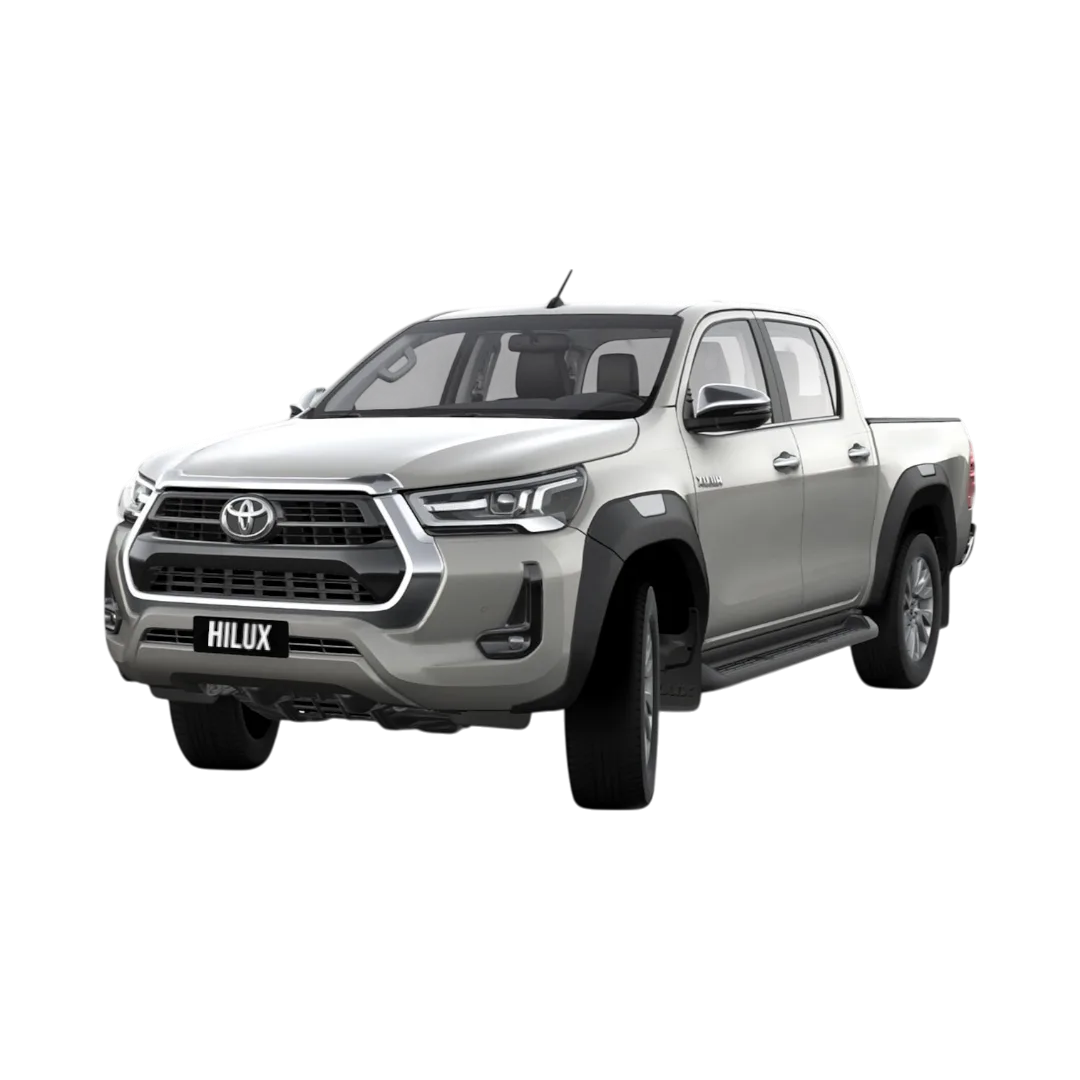 Hilux
Hilux
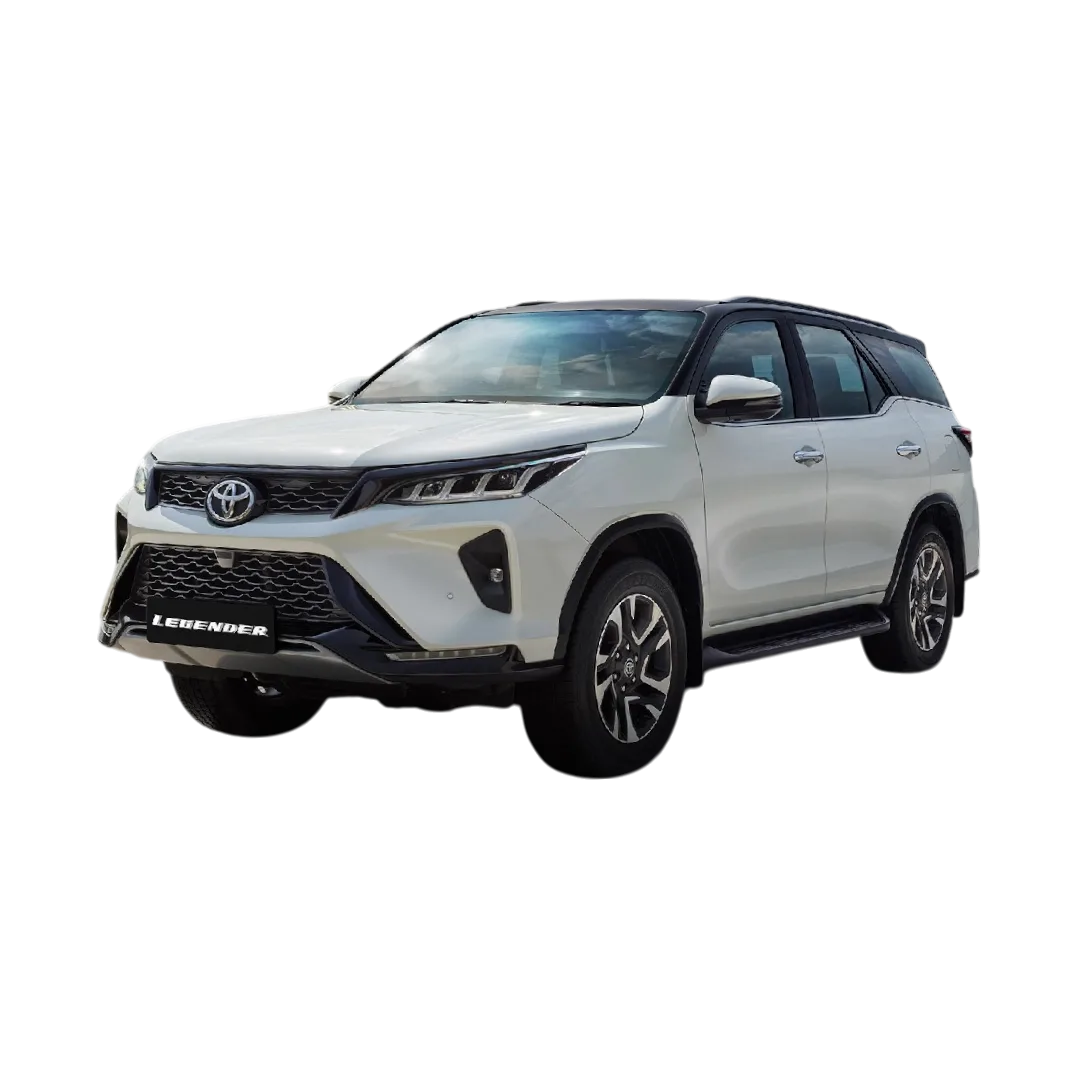 Fortuner Legender
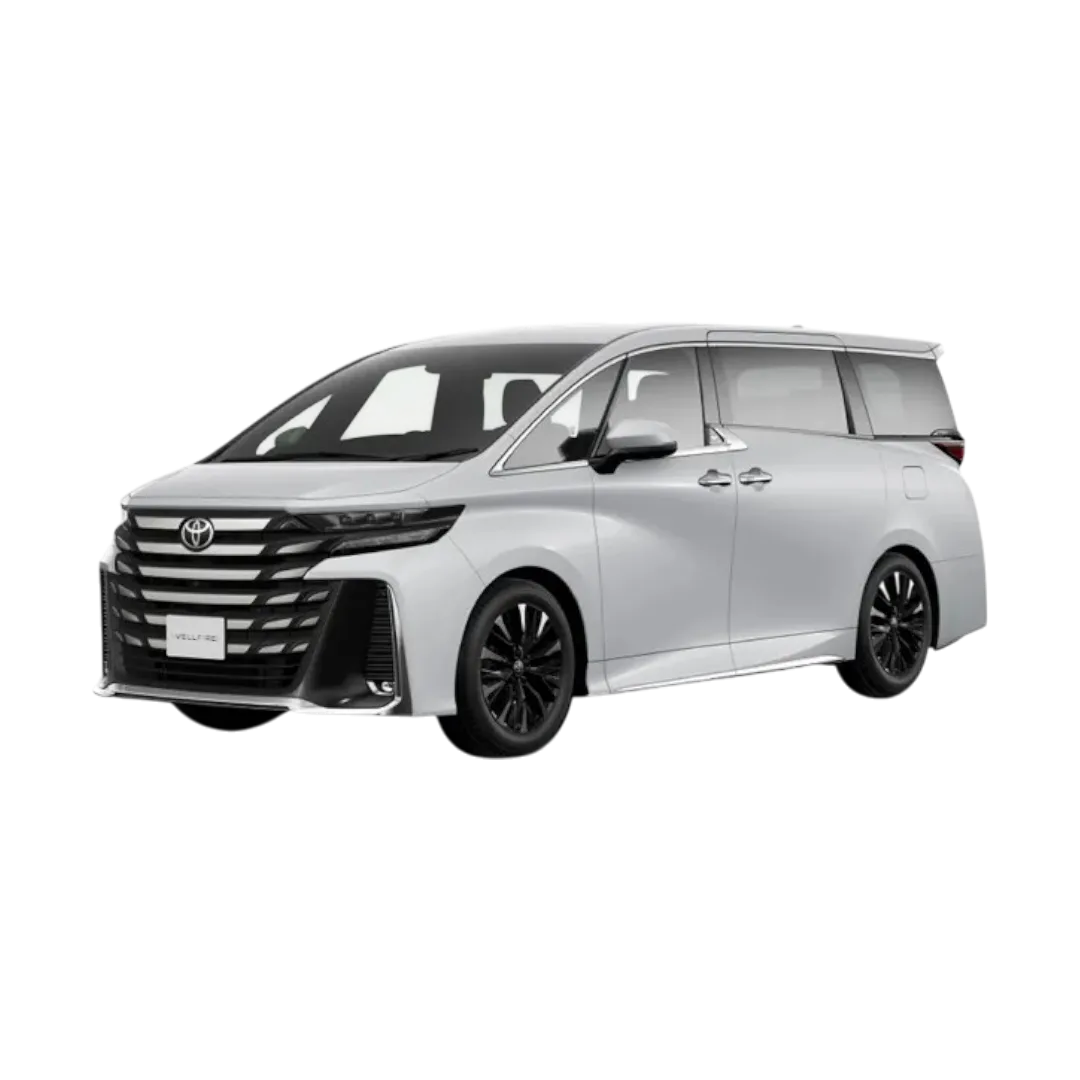 Vellfire
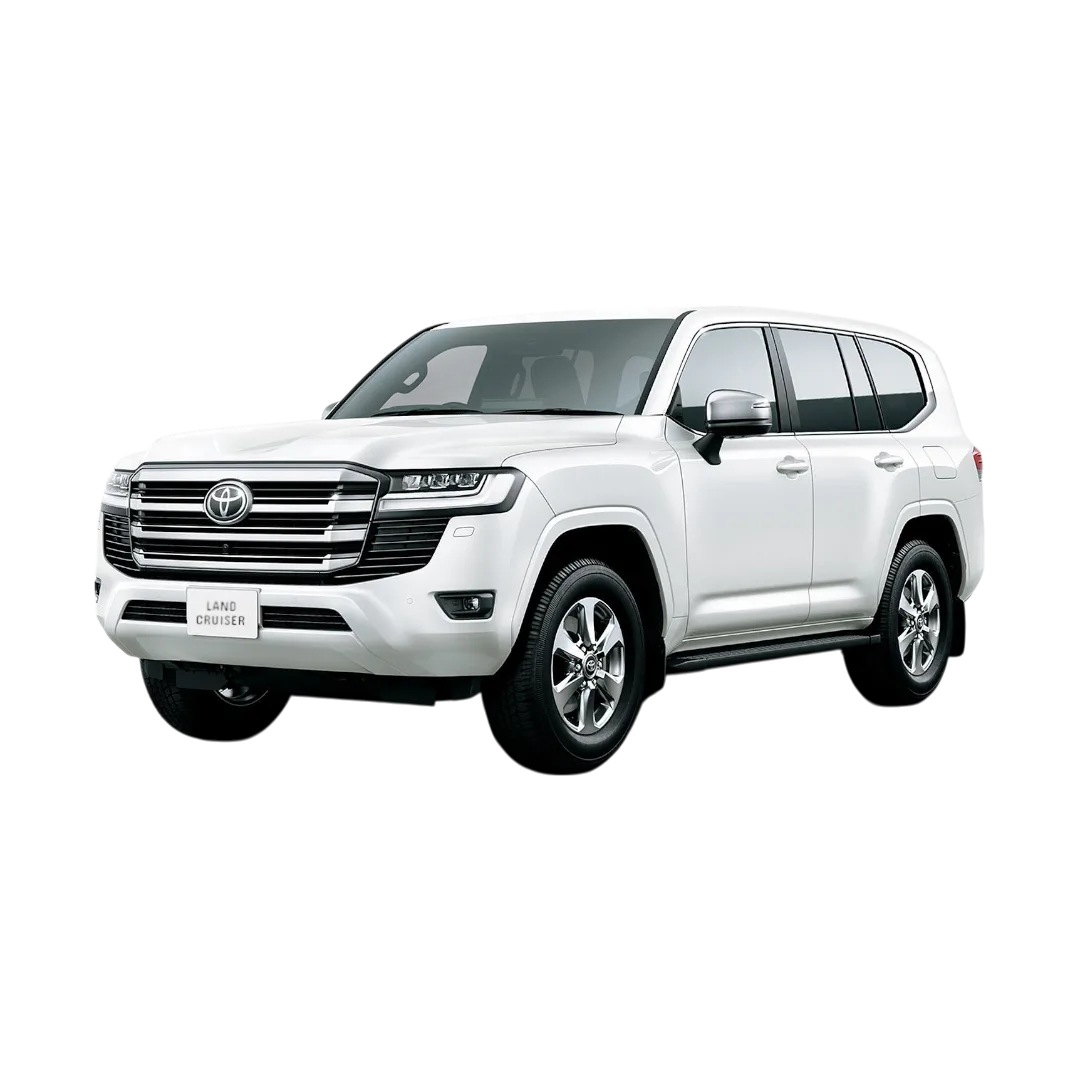 Land Cruiser
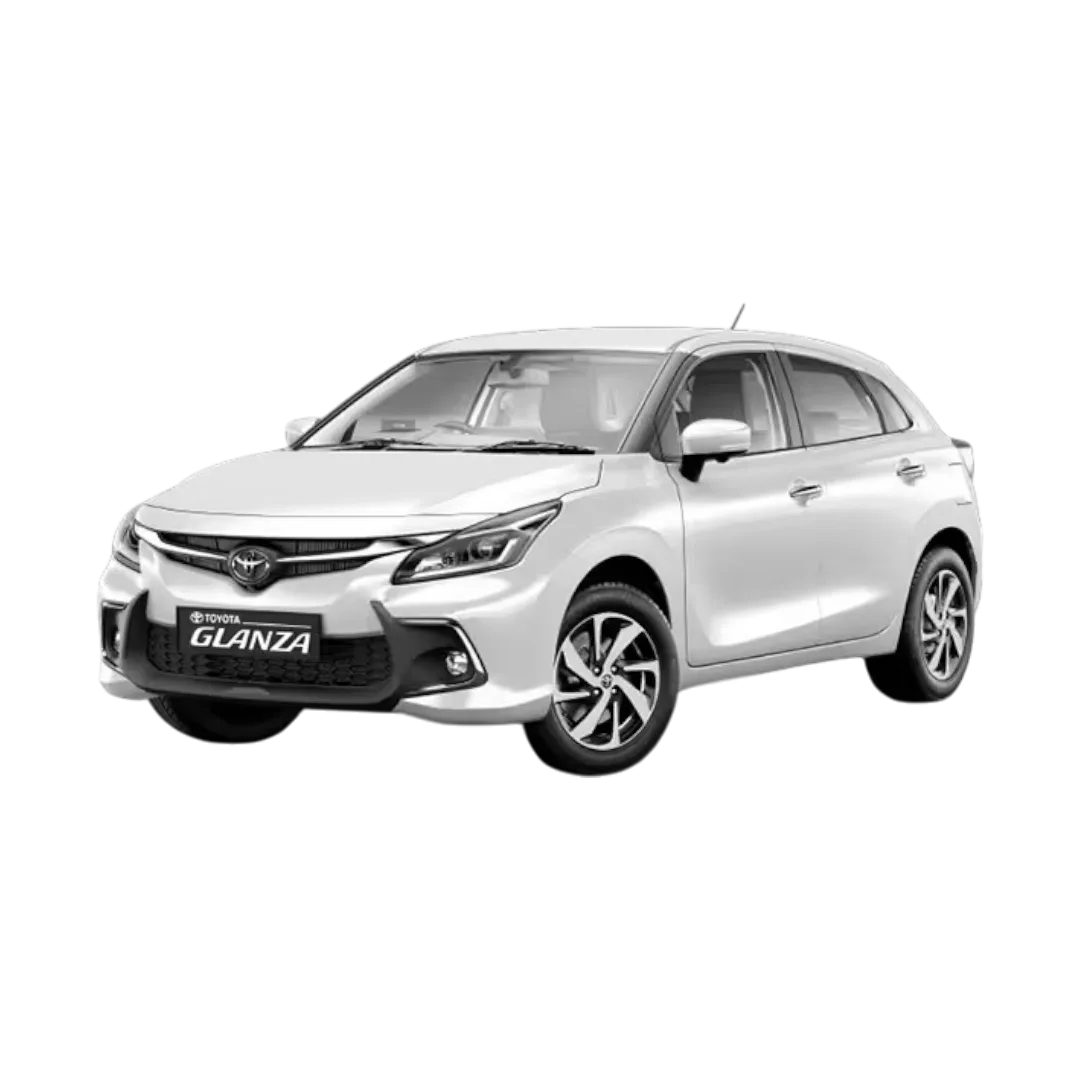 Glanza
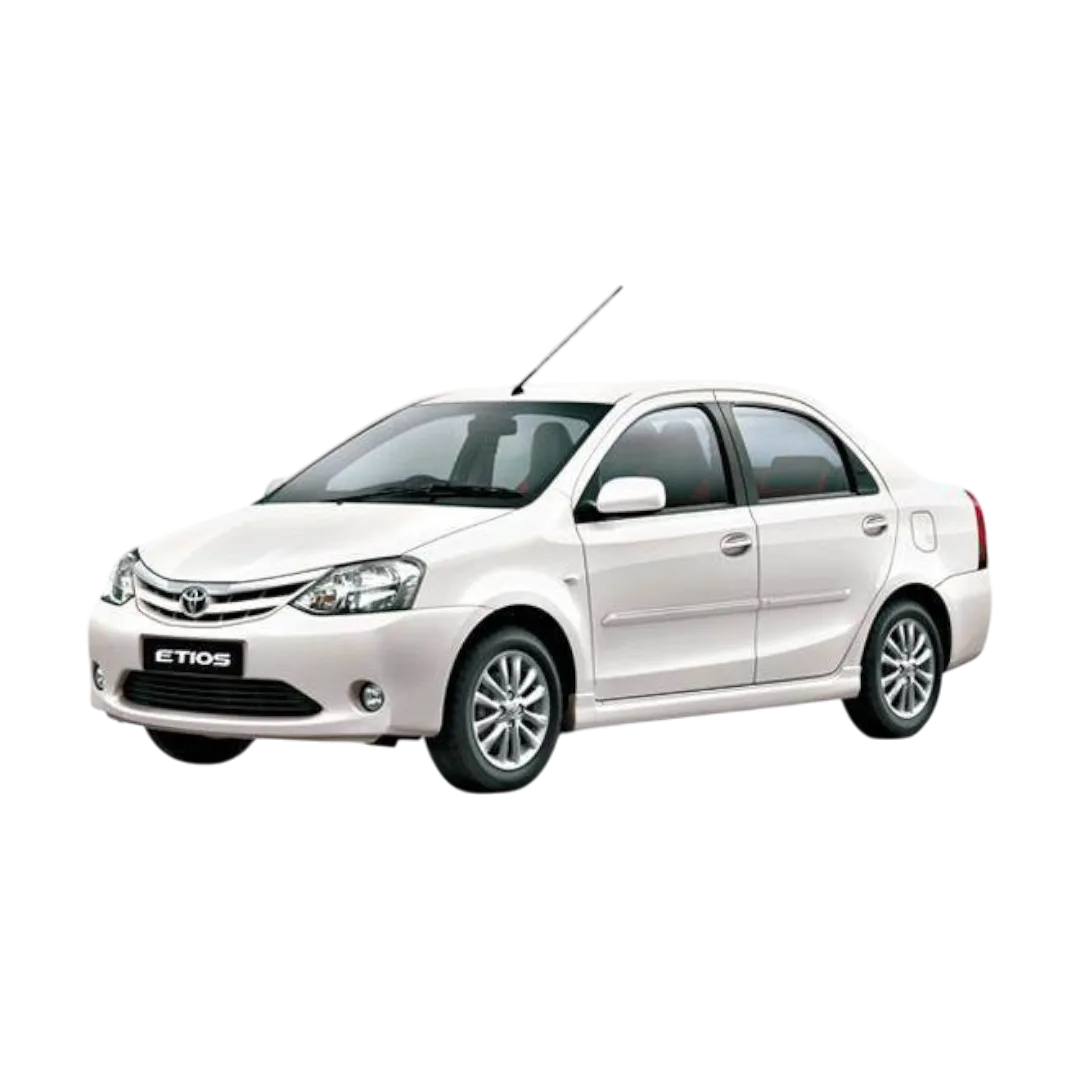 Etios
Etios
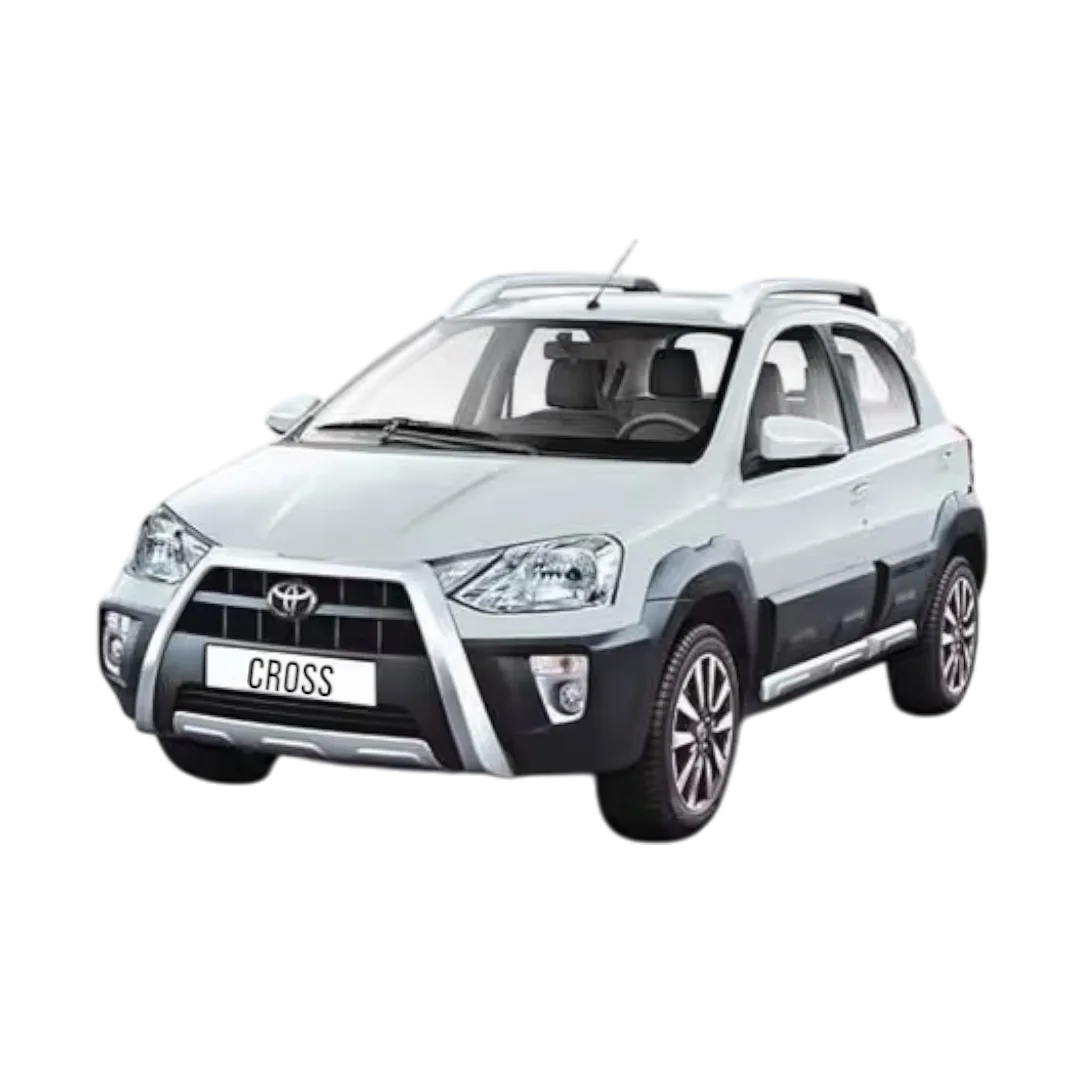 Etios cross
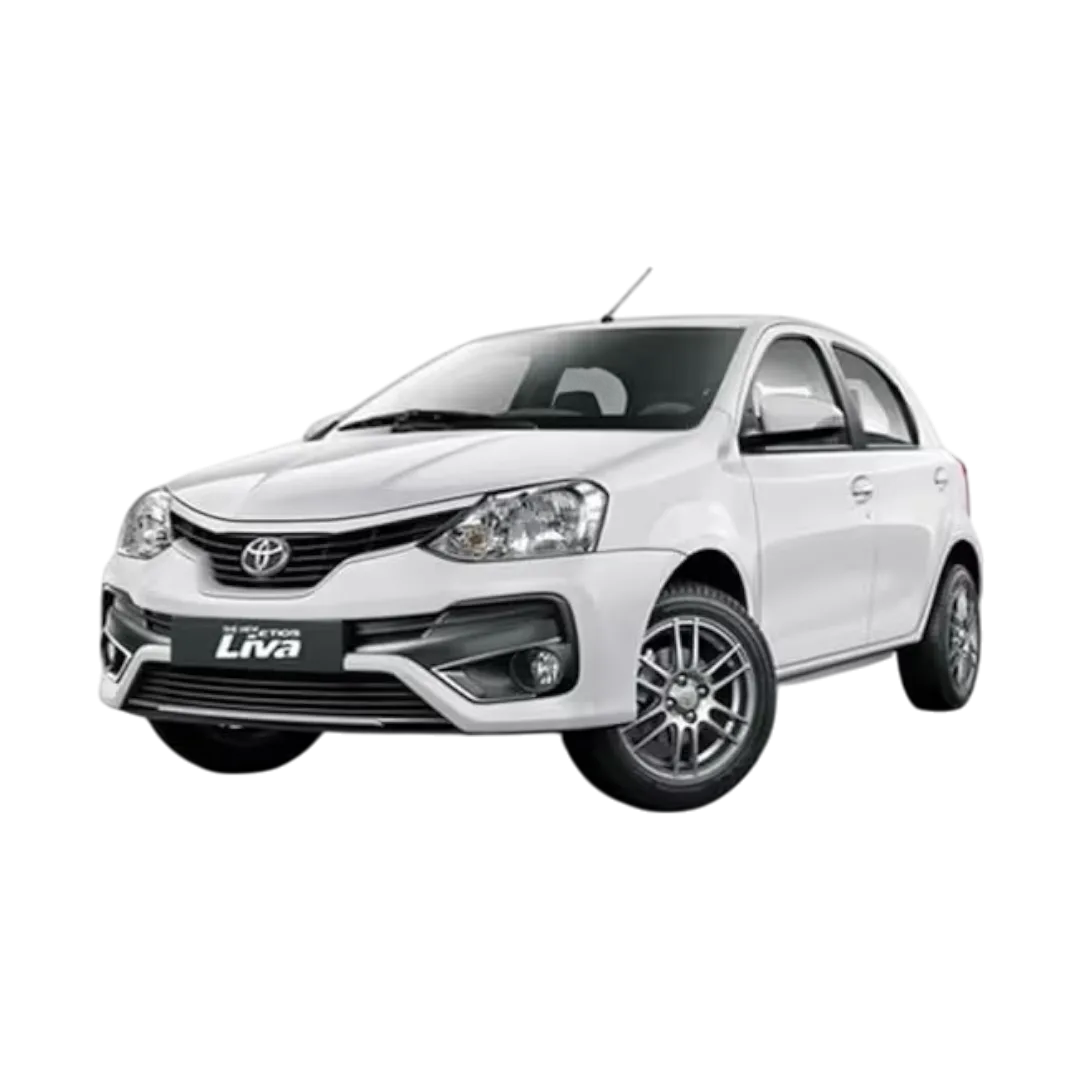 Etios Liva
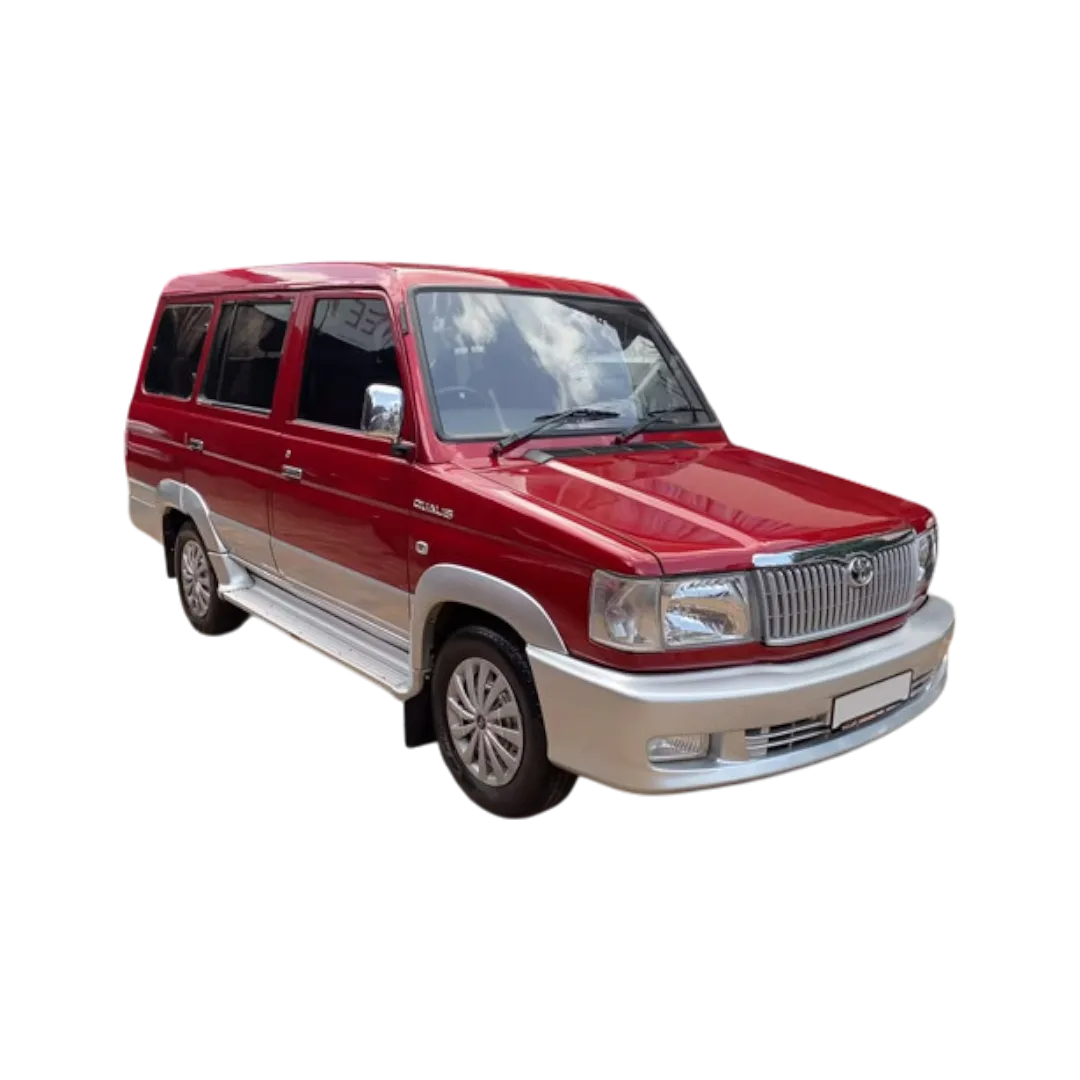 Qualis
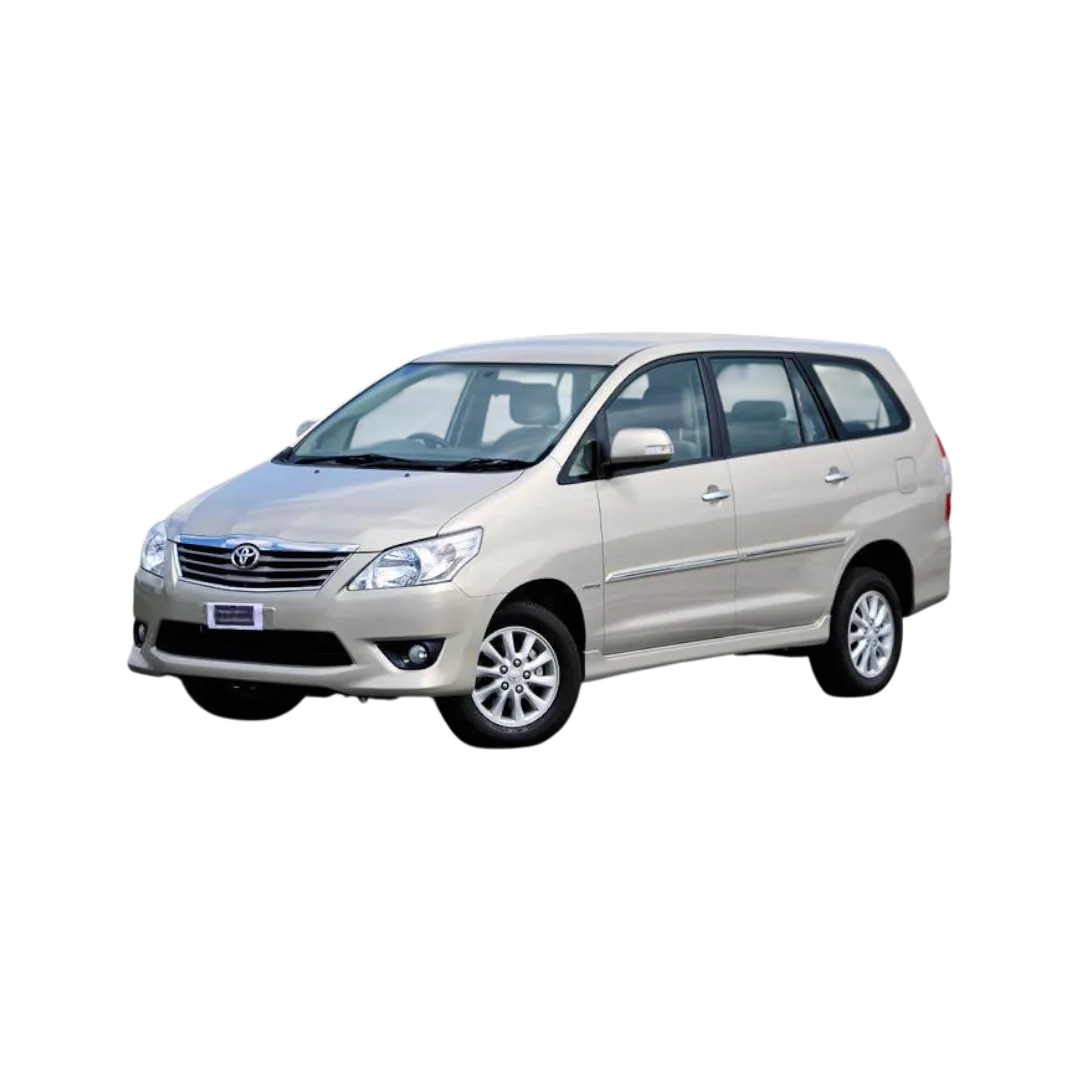 Innova
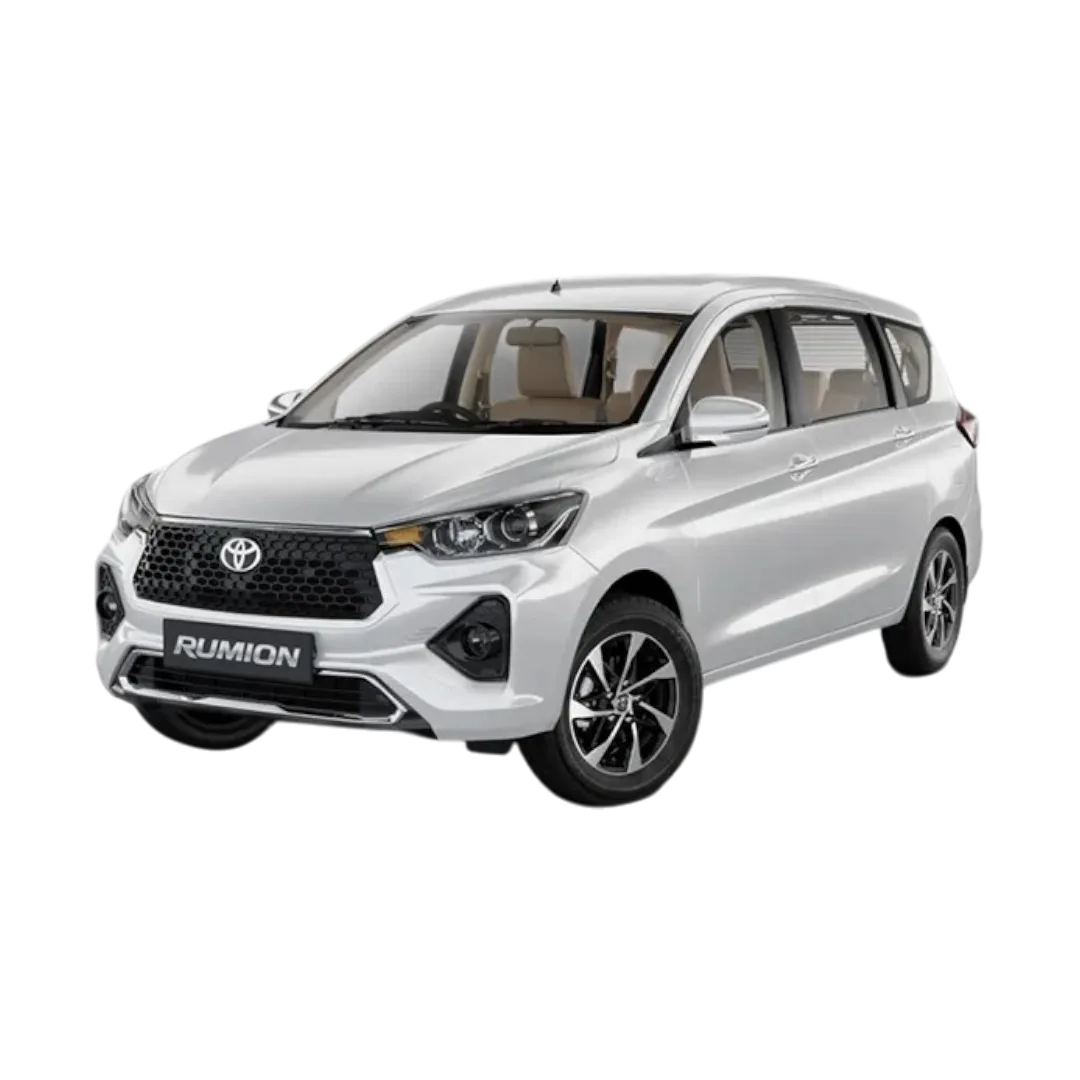 Rumion
Taisor
Corolla Altis
Hyryder
Rumion
Taisor
Corolla Altis
Hyryder
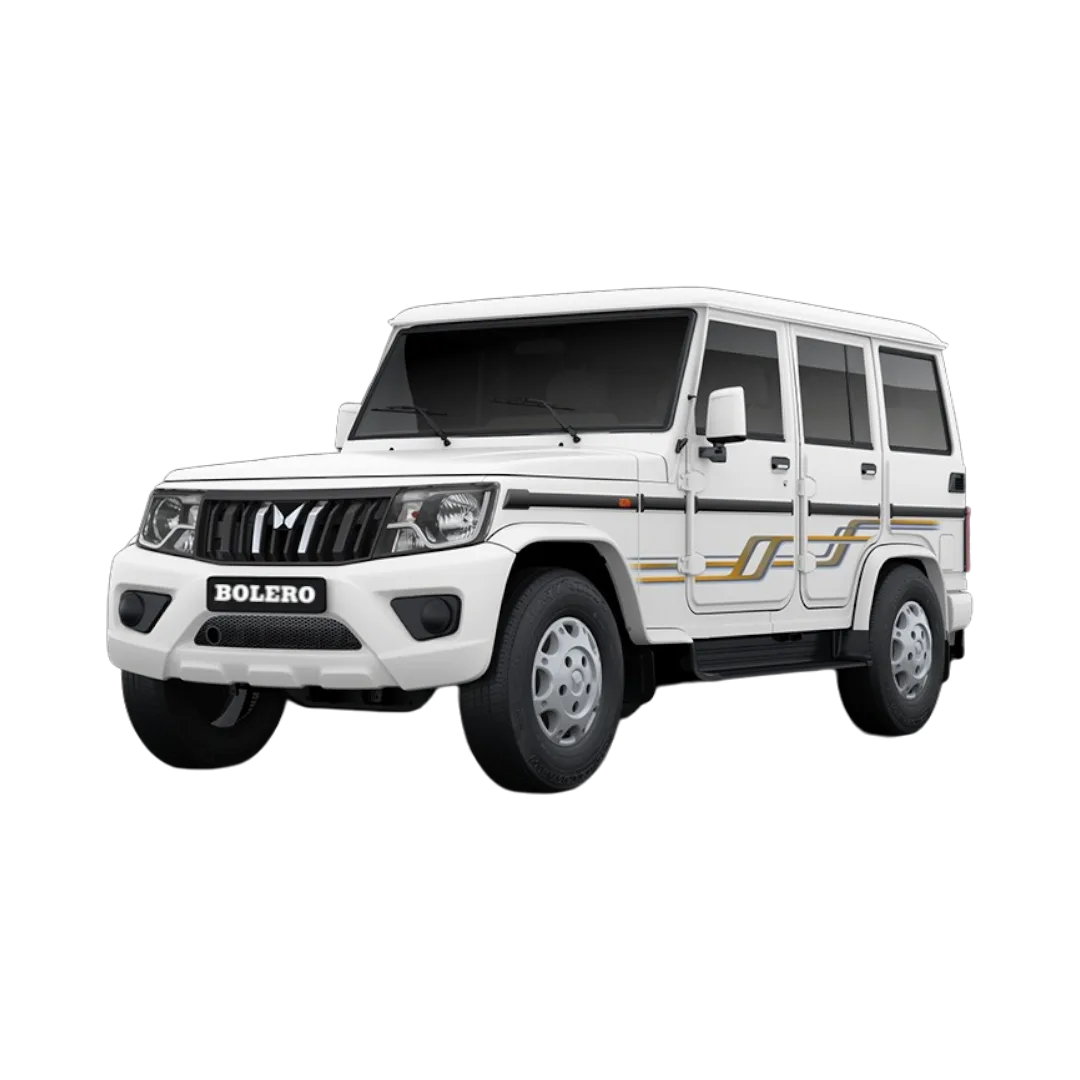 Bolero
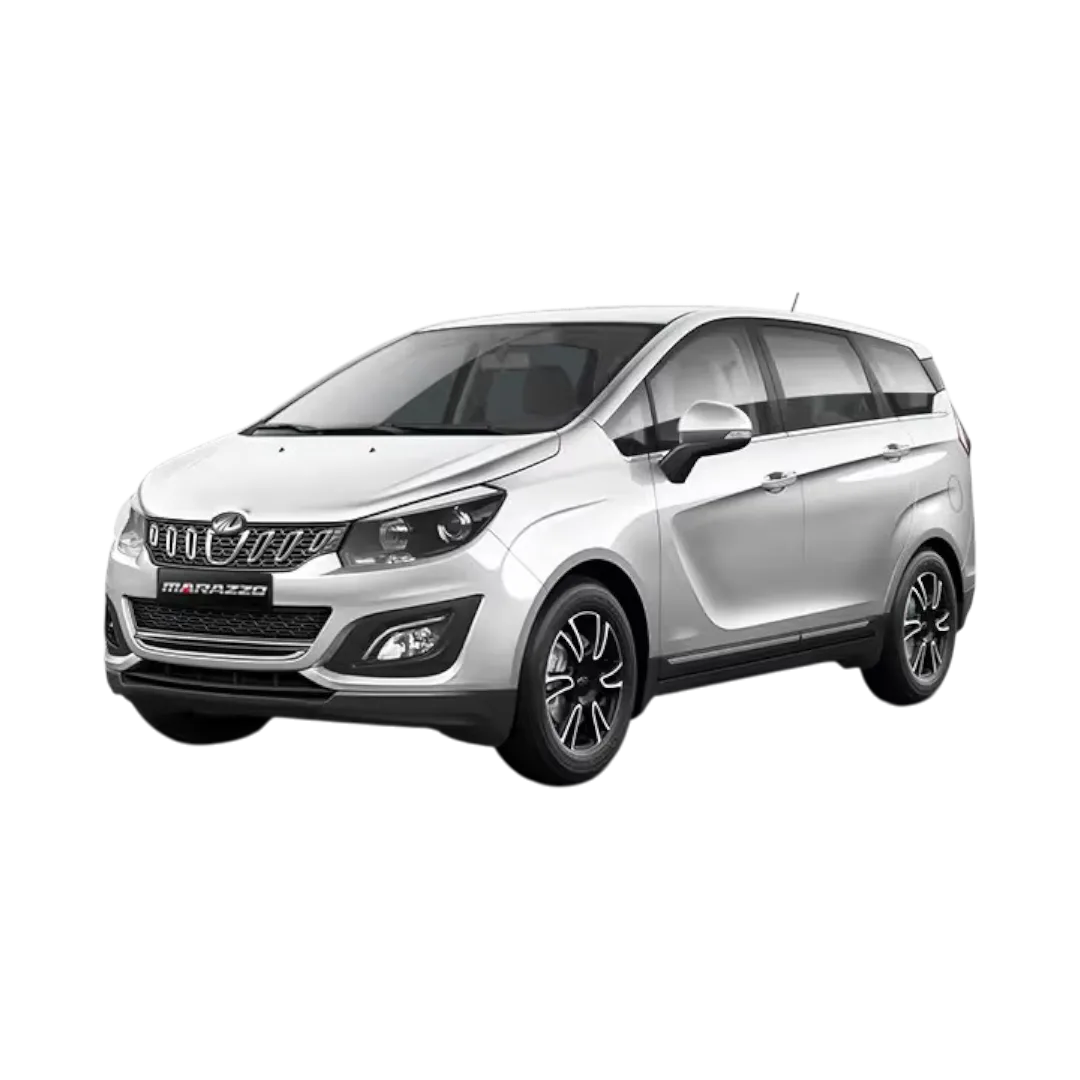 Marazzo
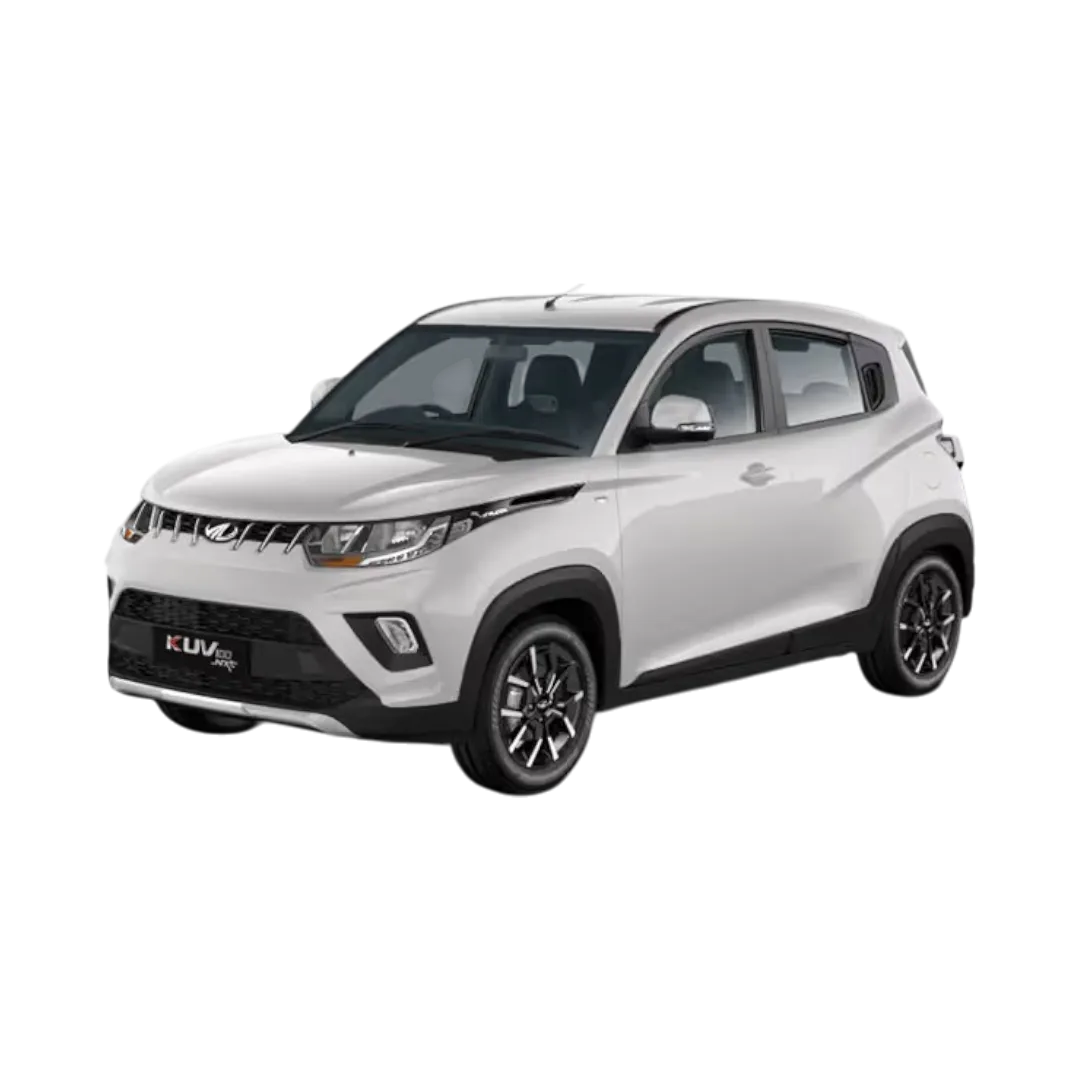 KUV100 NXT
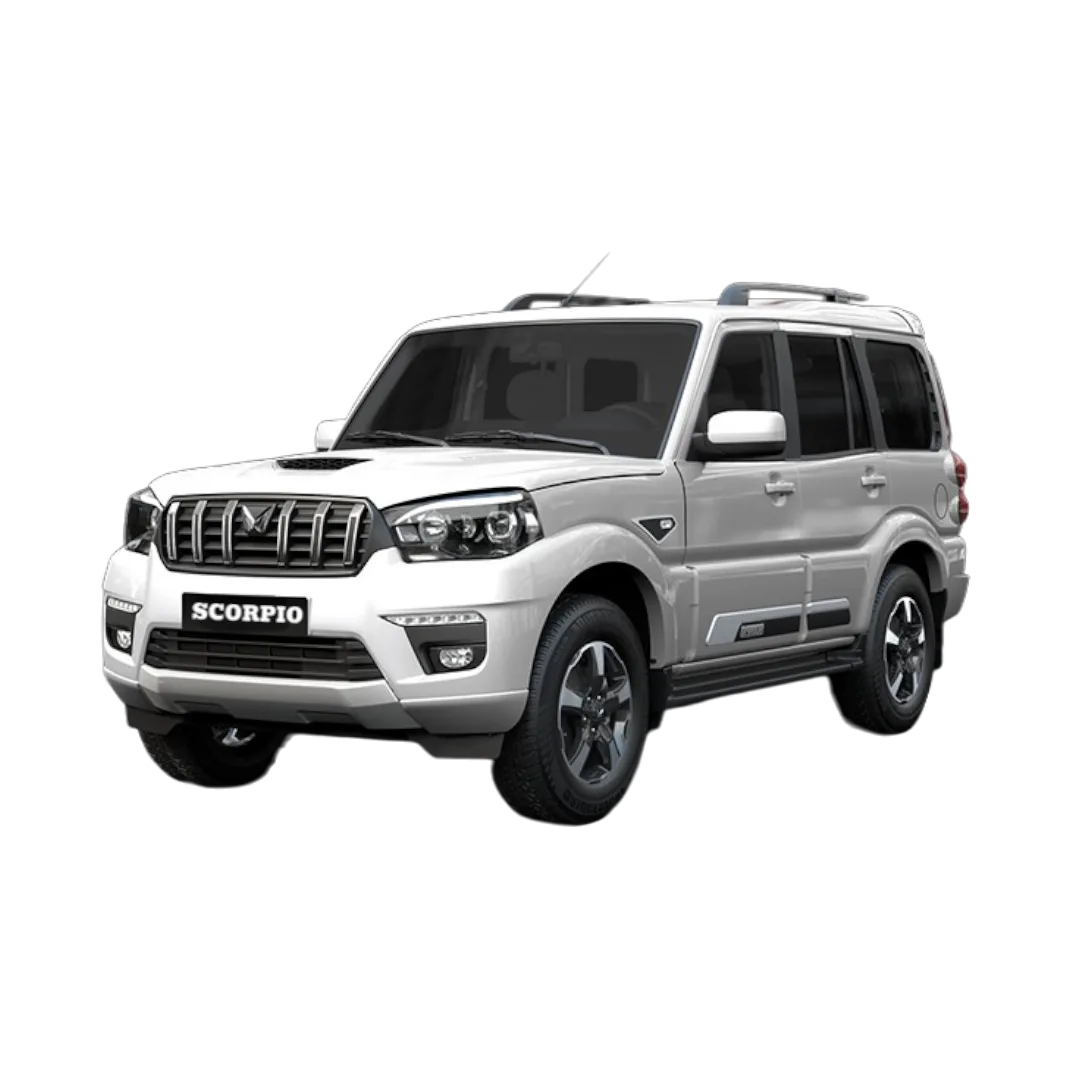 Scorpio
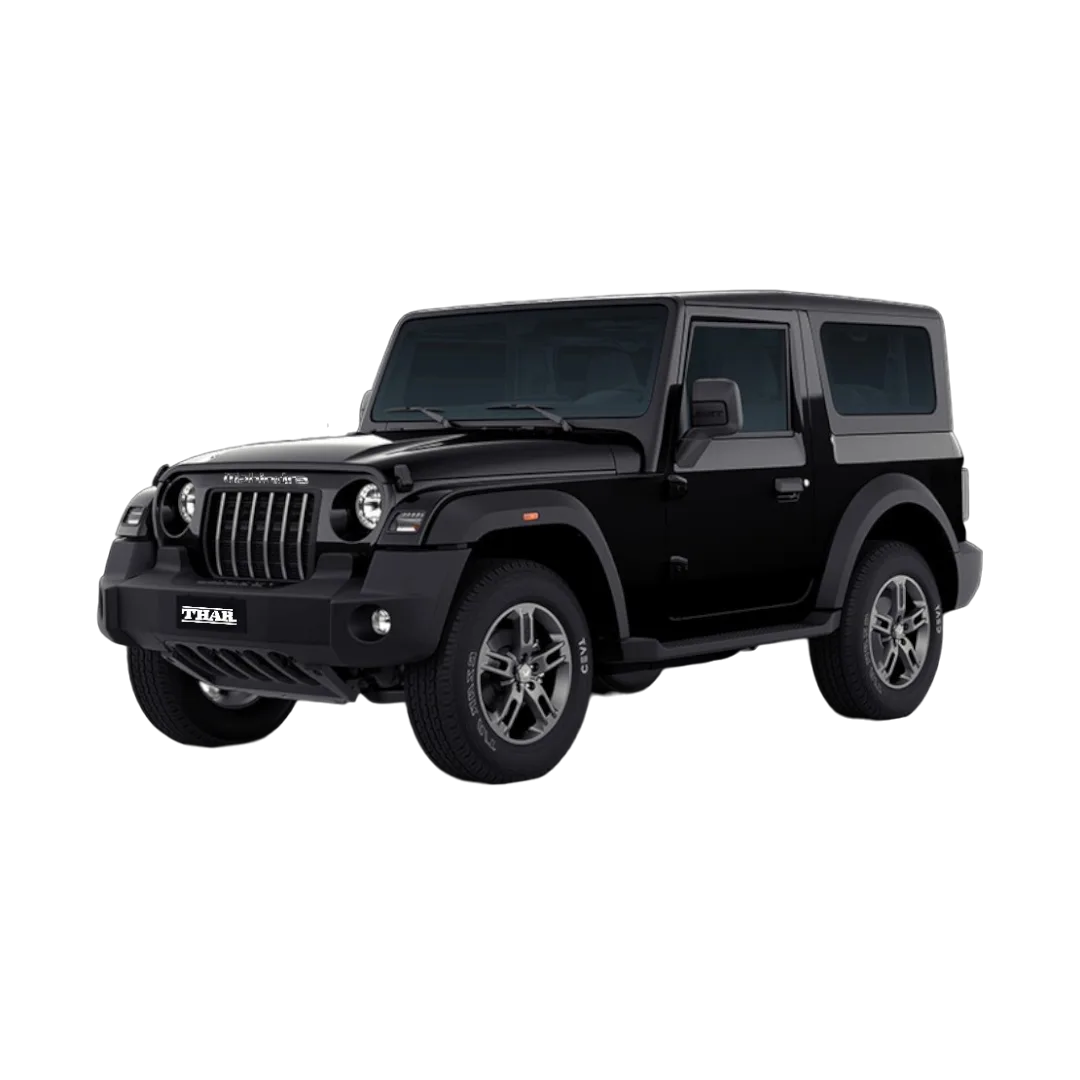 Thar
Thar
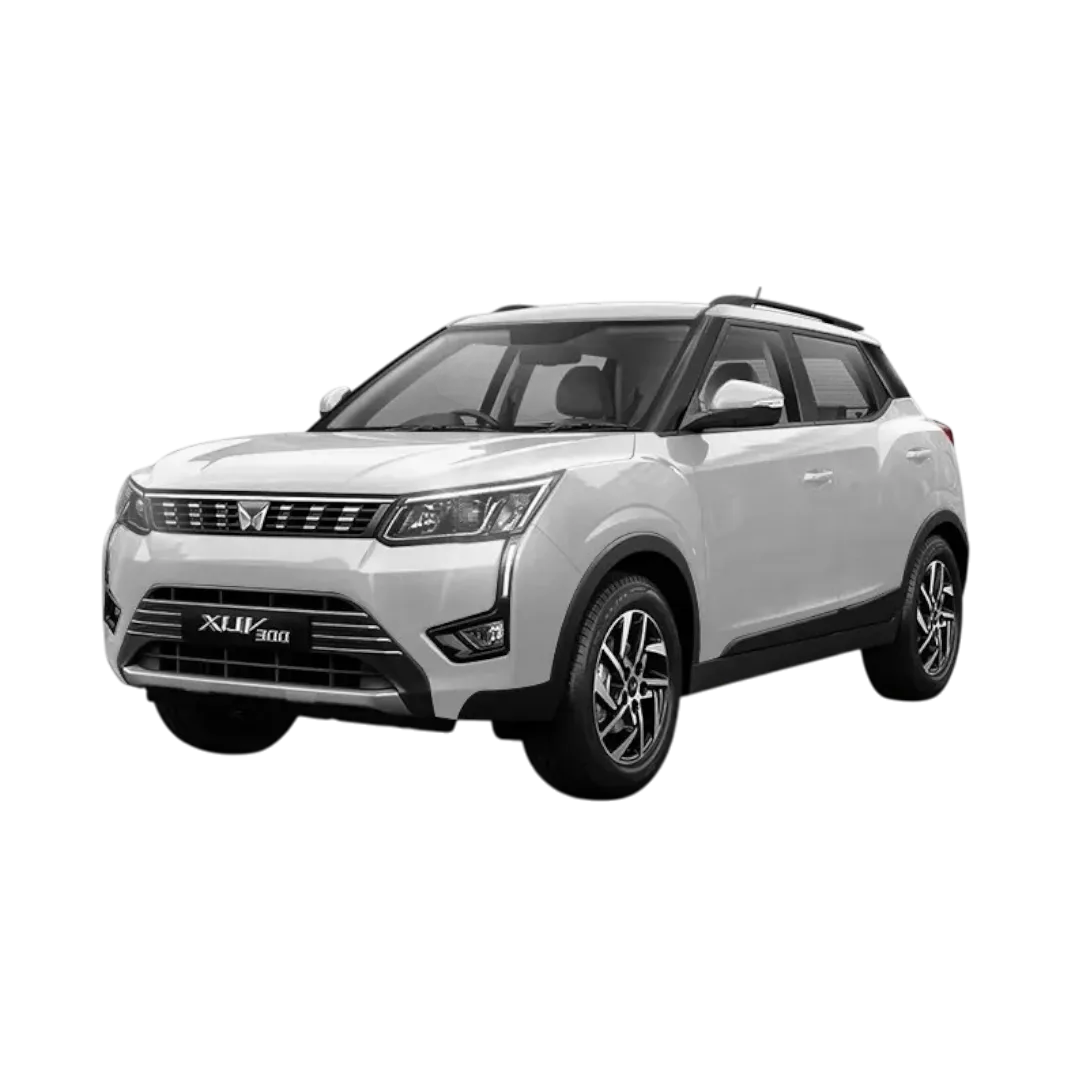 XUV 300
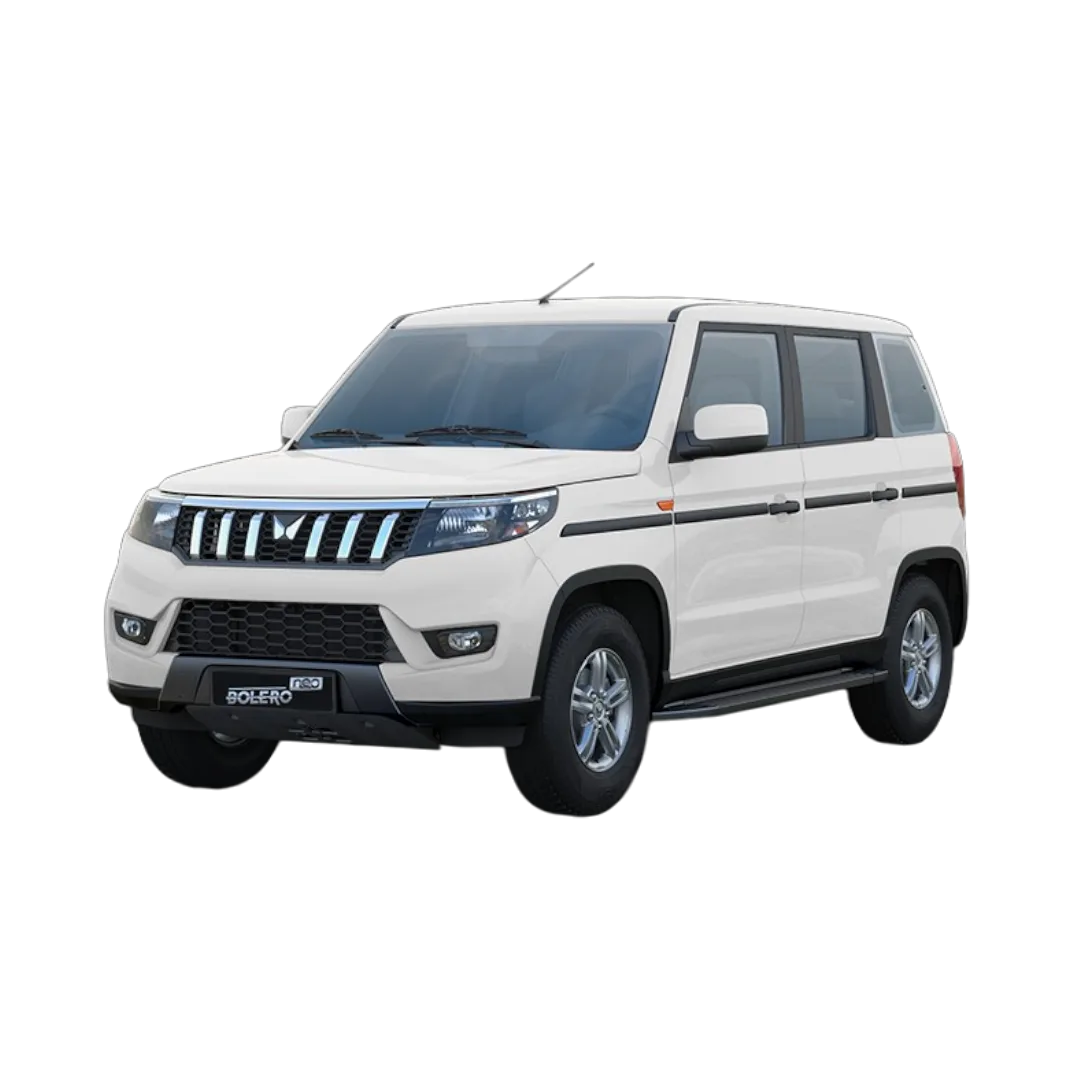 Bolero Neo
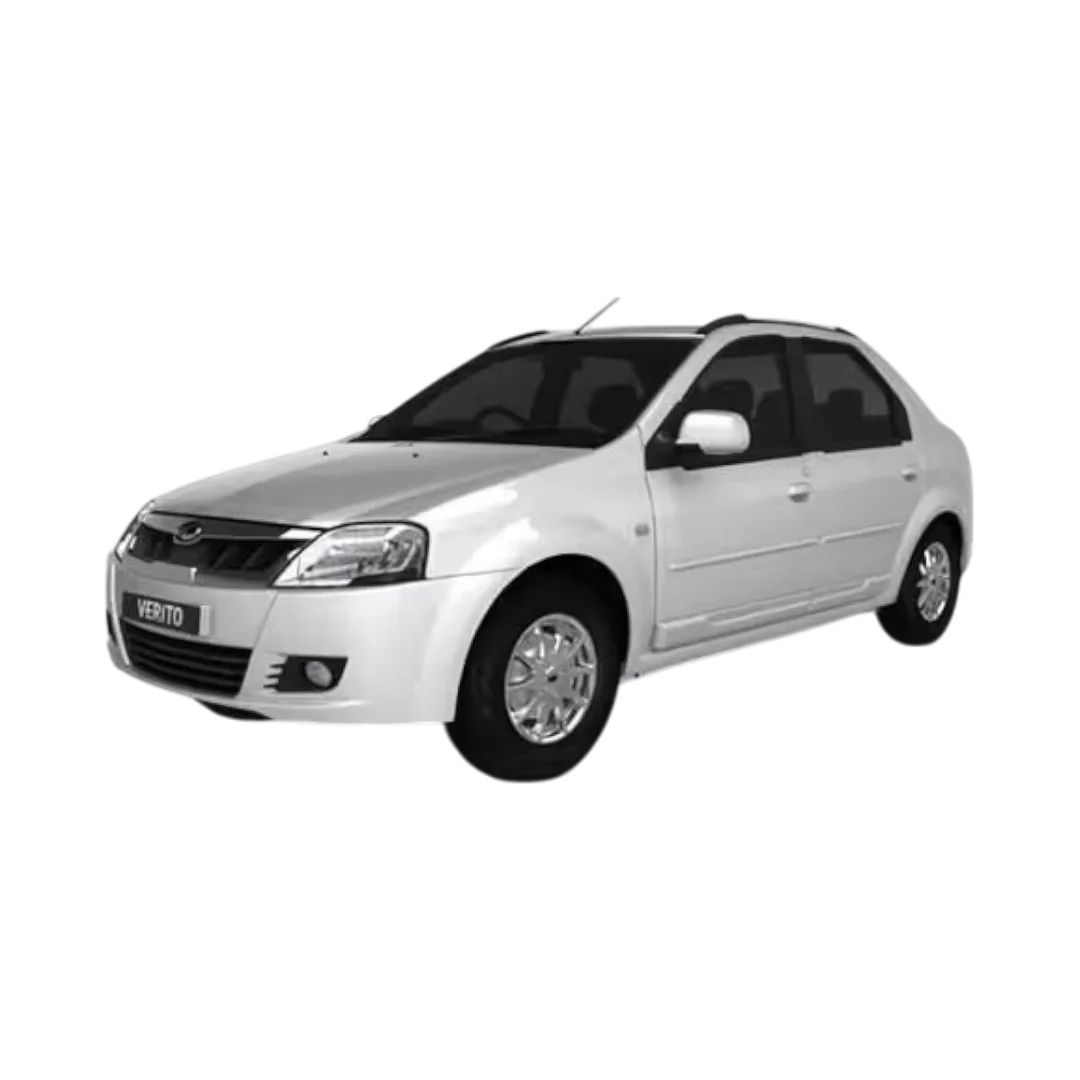 Verito
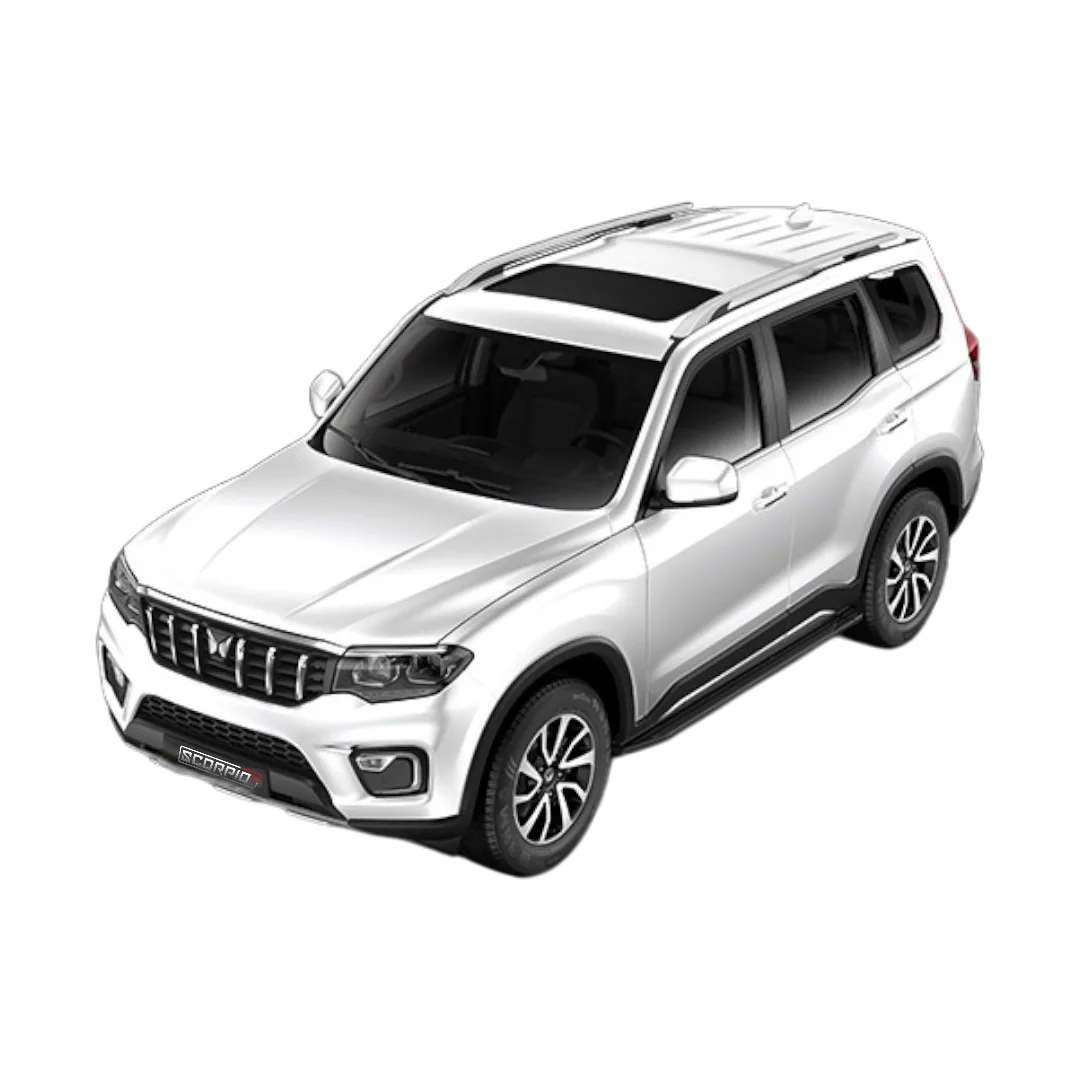 Scorpio-N
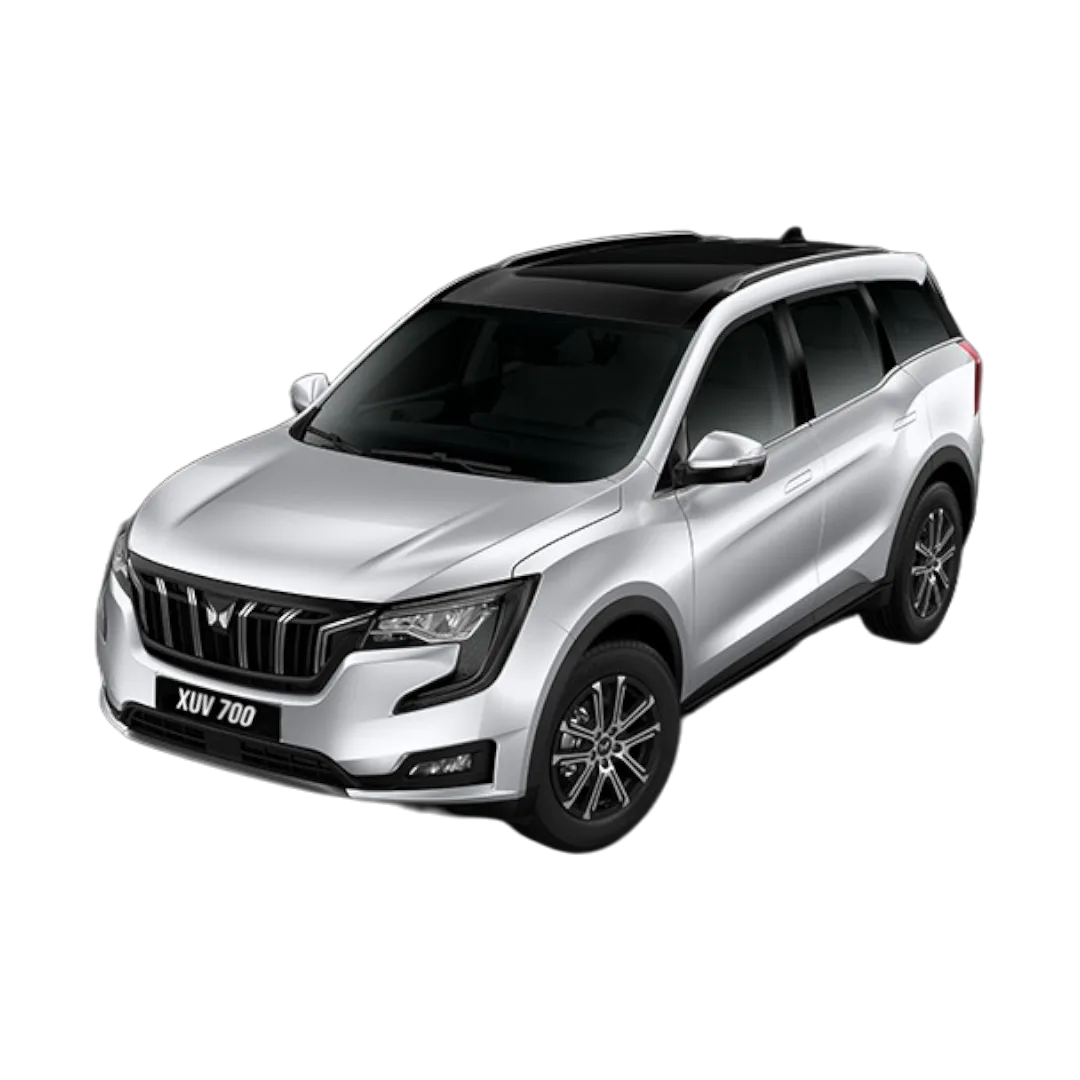 XUV 700
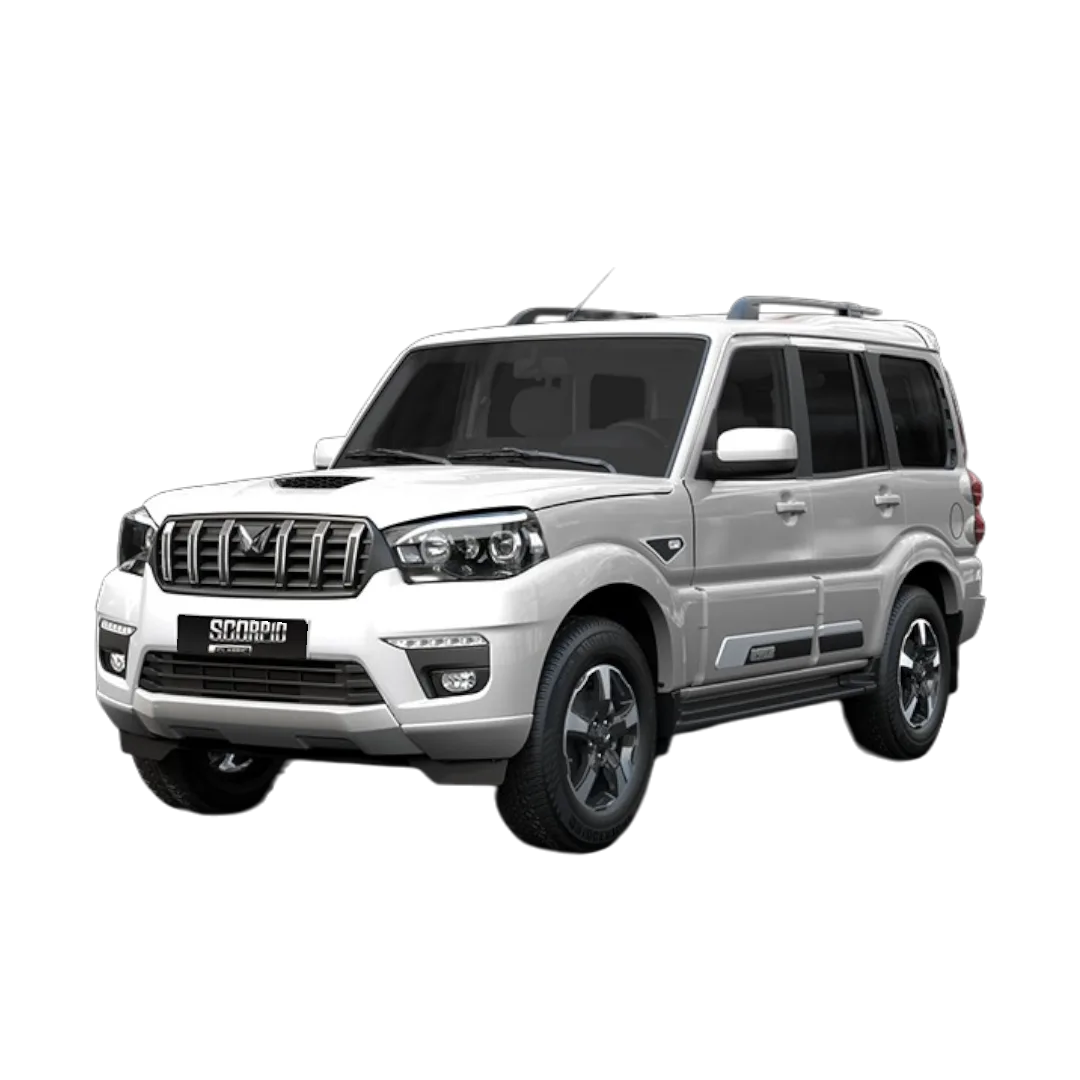 Scorpio Classic
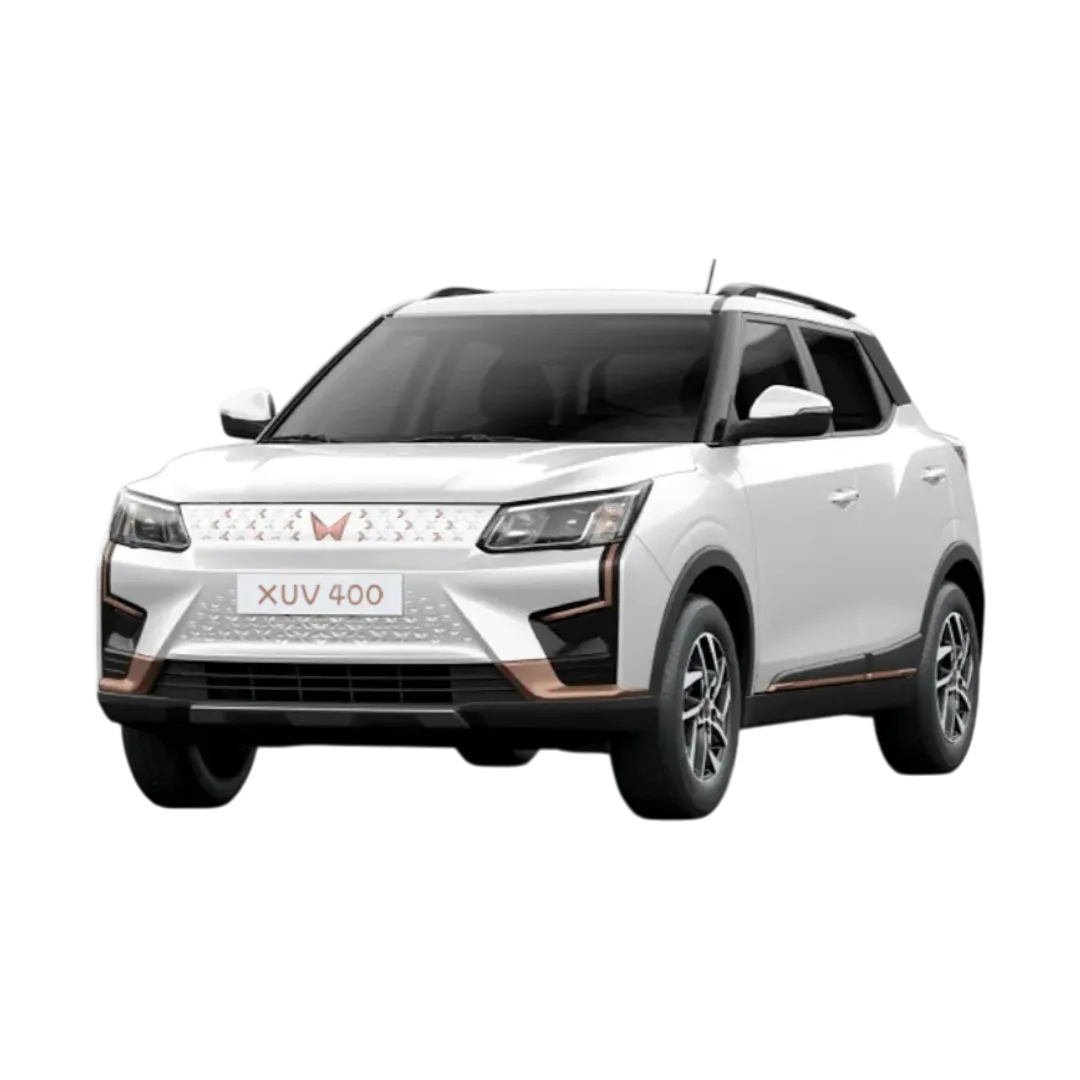 XUV400
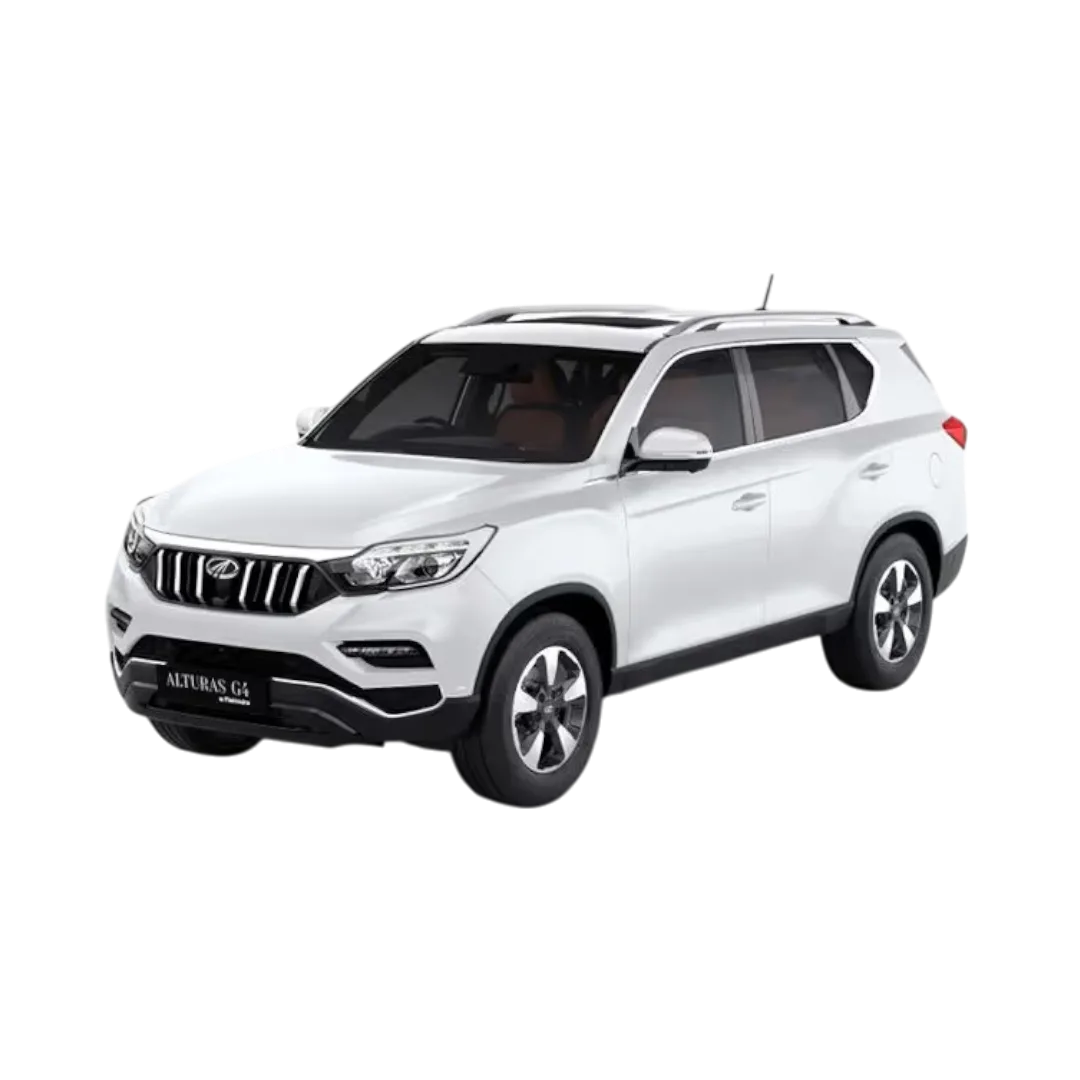 Alturas
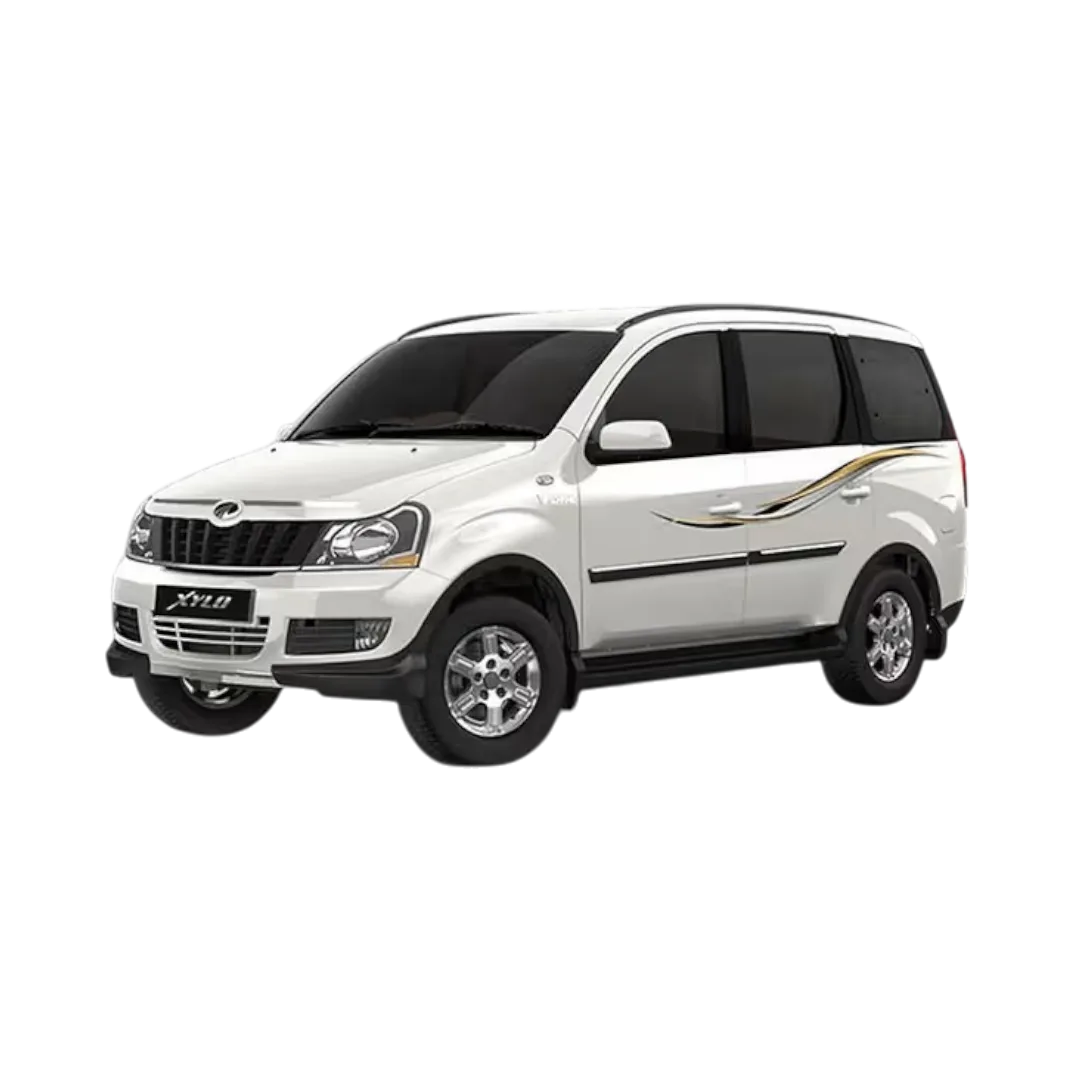 Xylo
Xylo
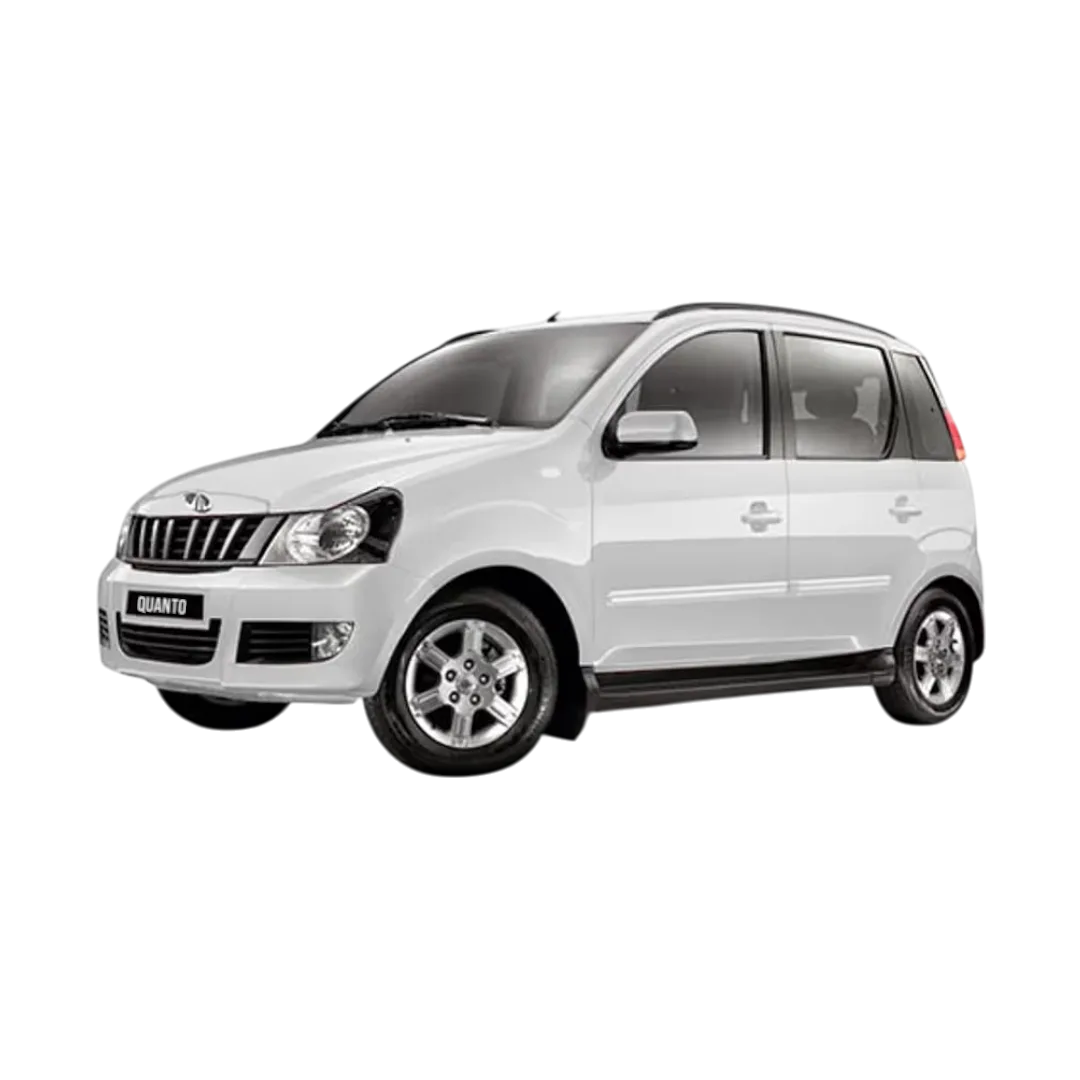 Quanto
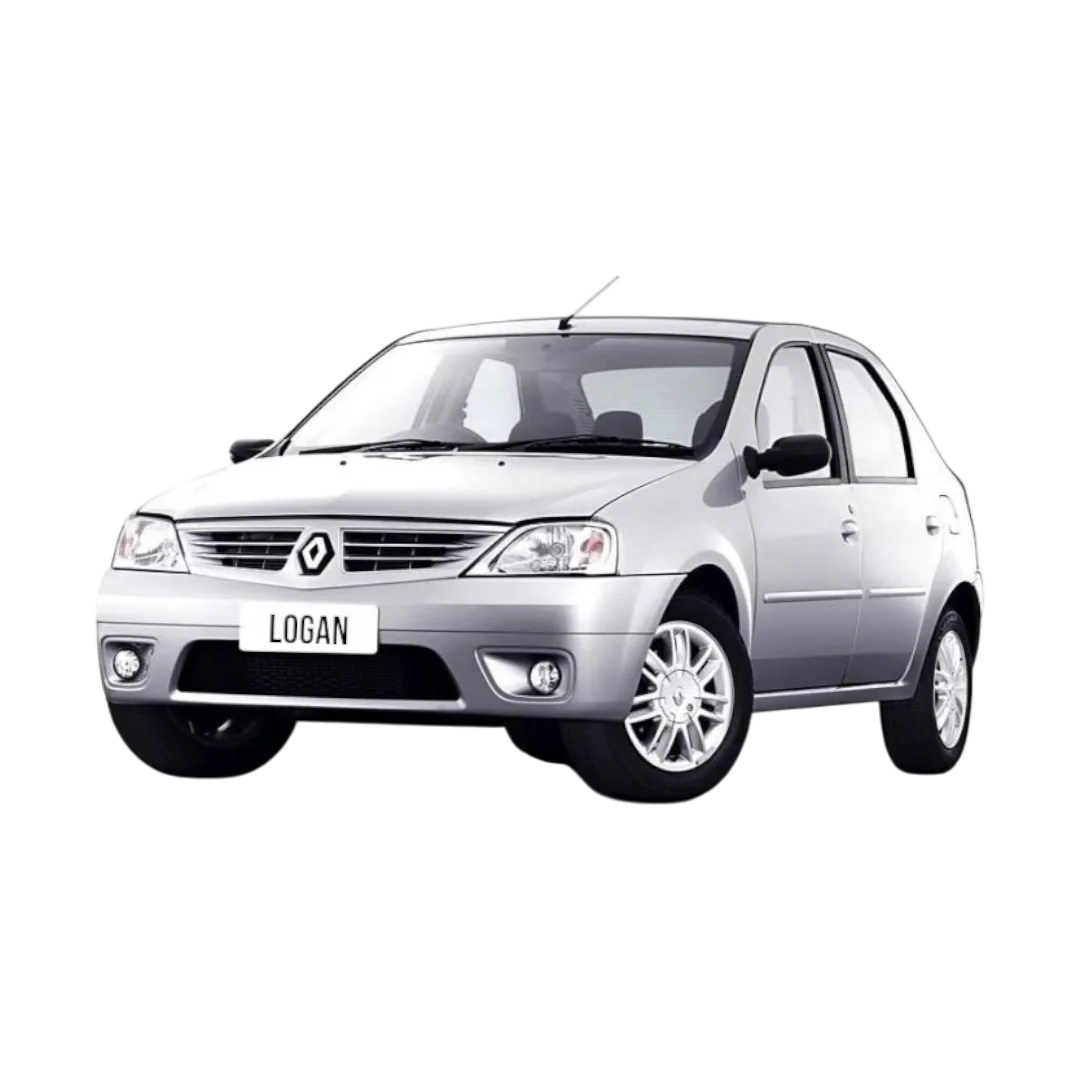 Logan
Logan
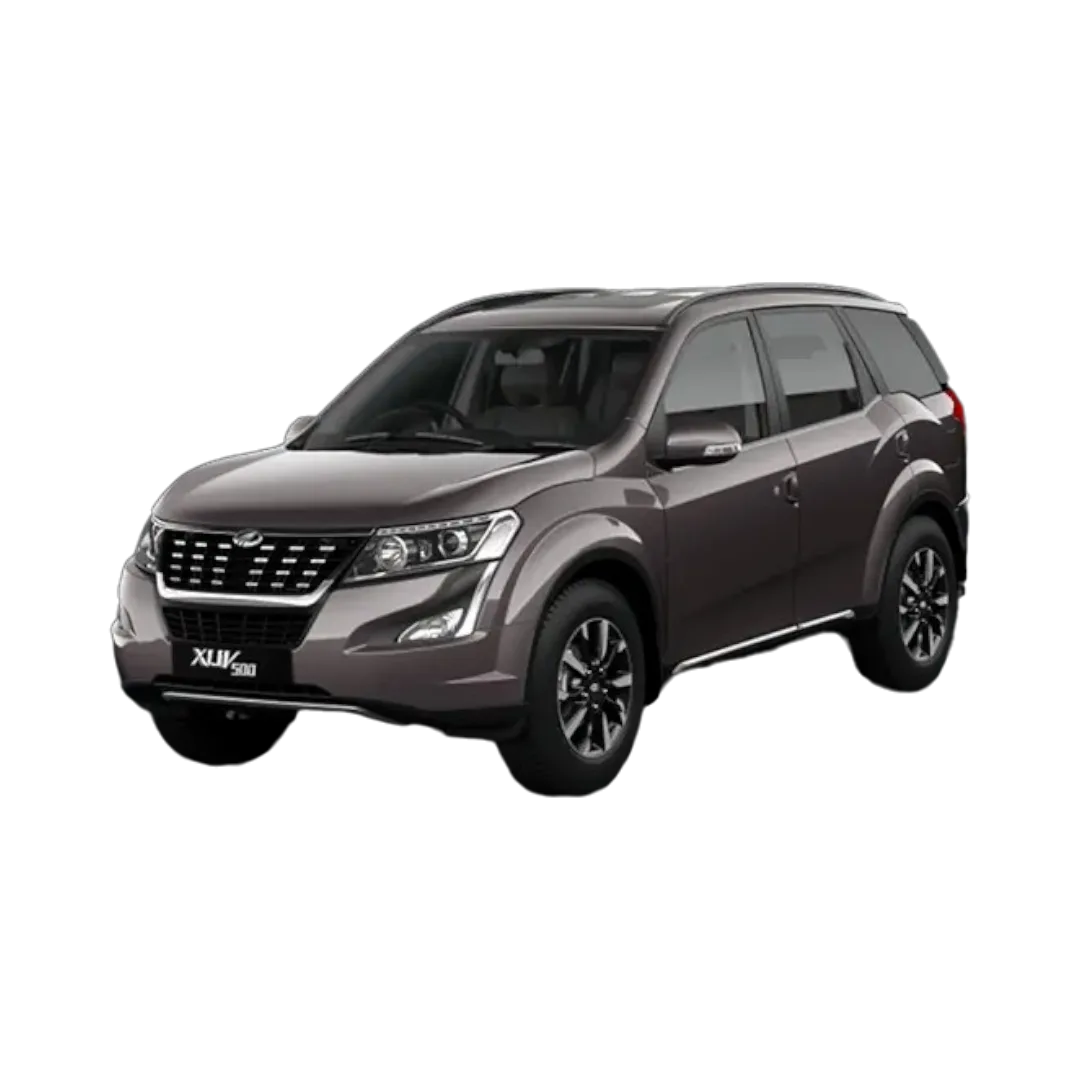 XUV 500
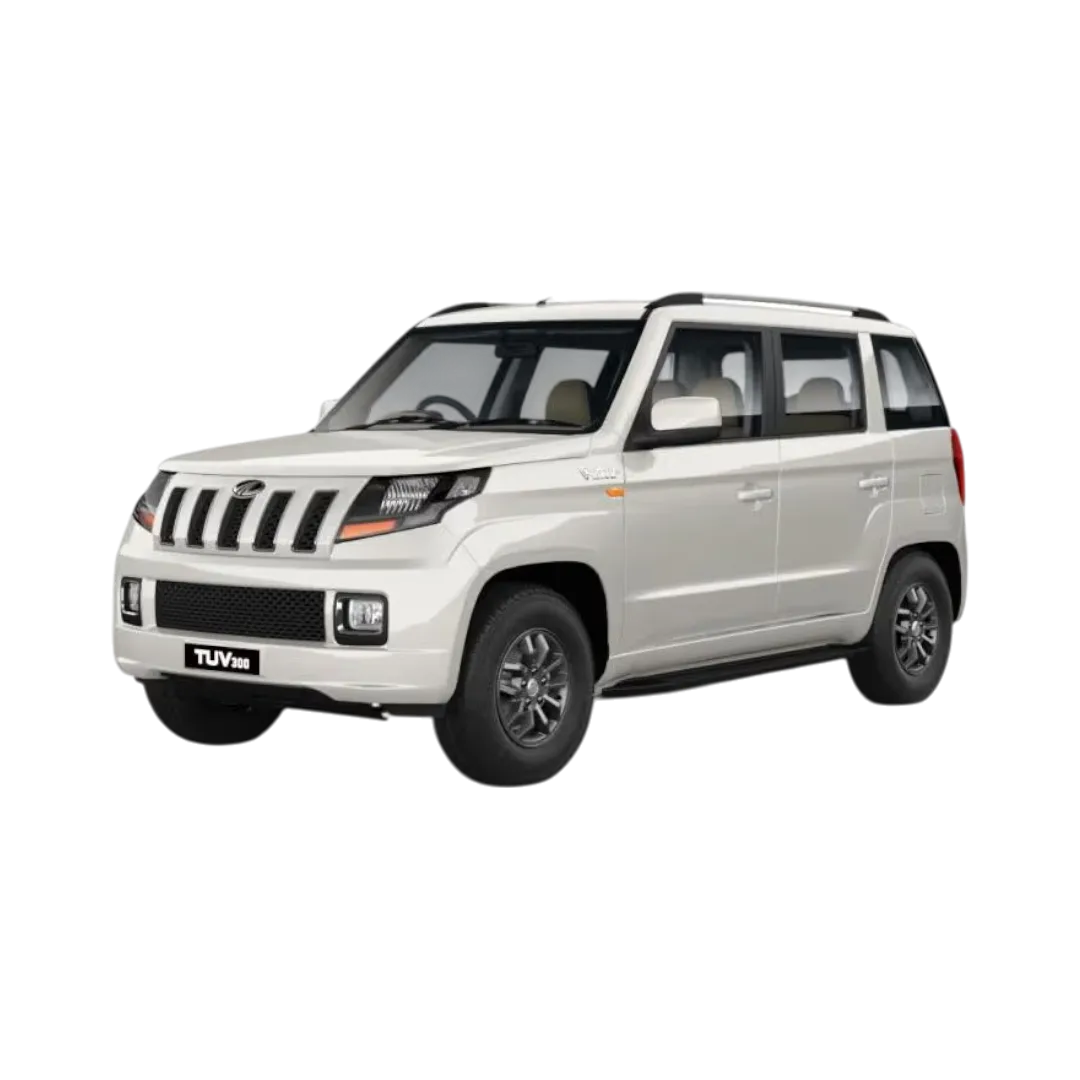 TUV 300
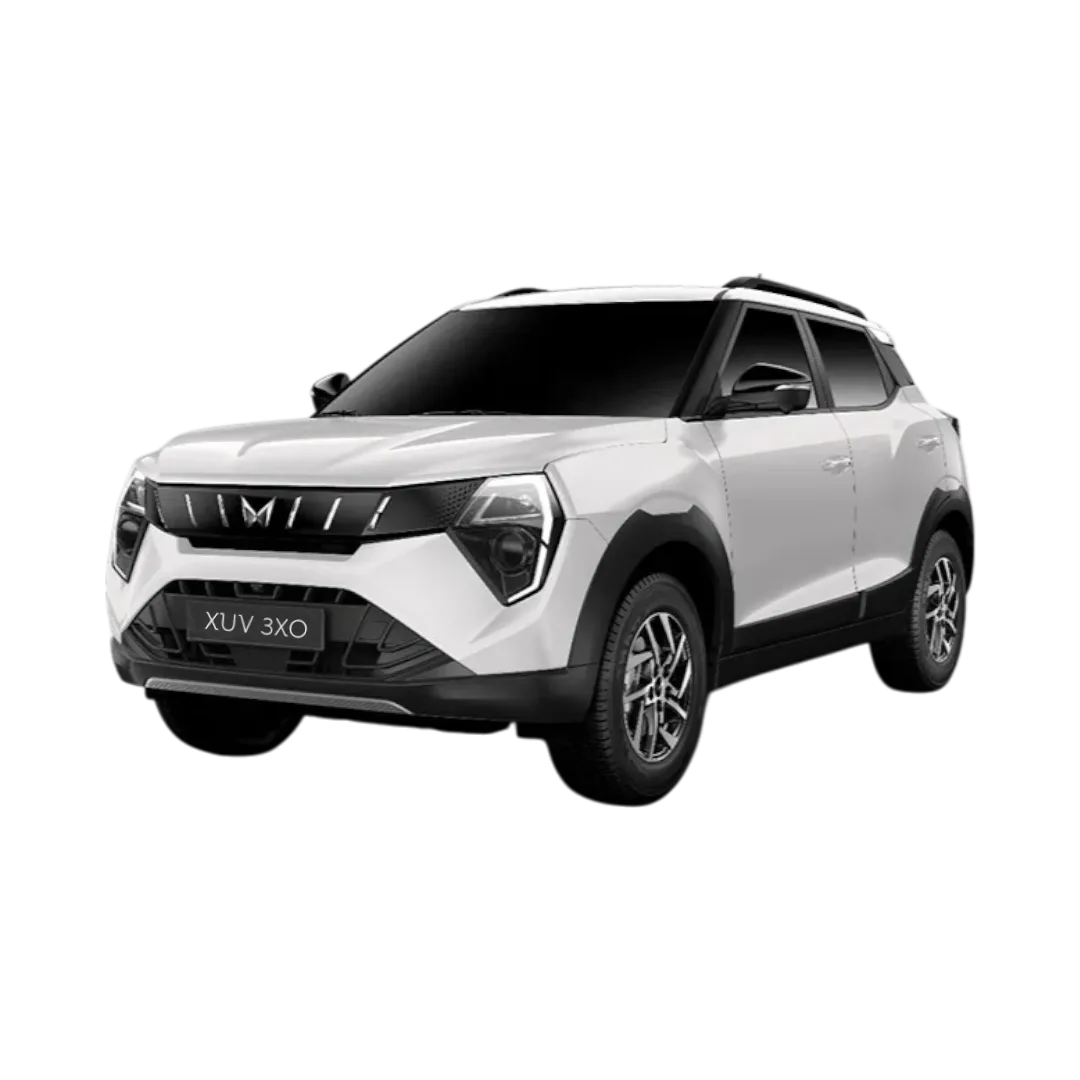 XUV 3XO
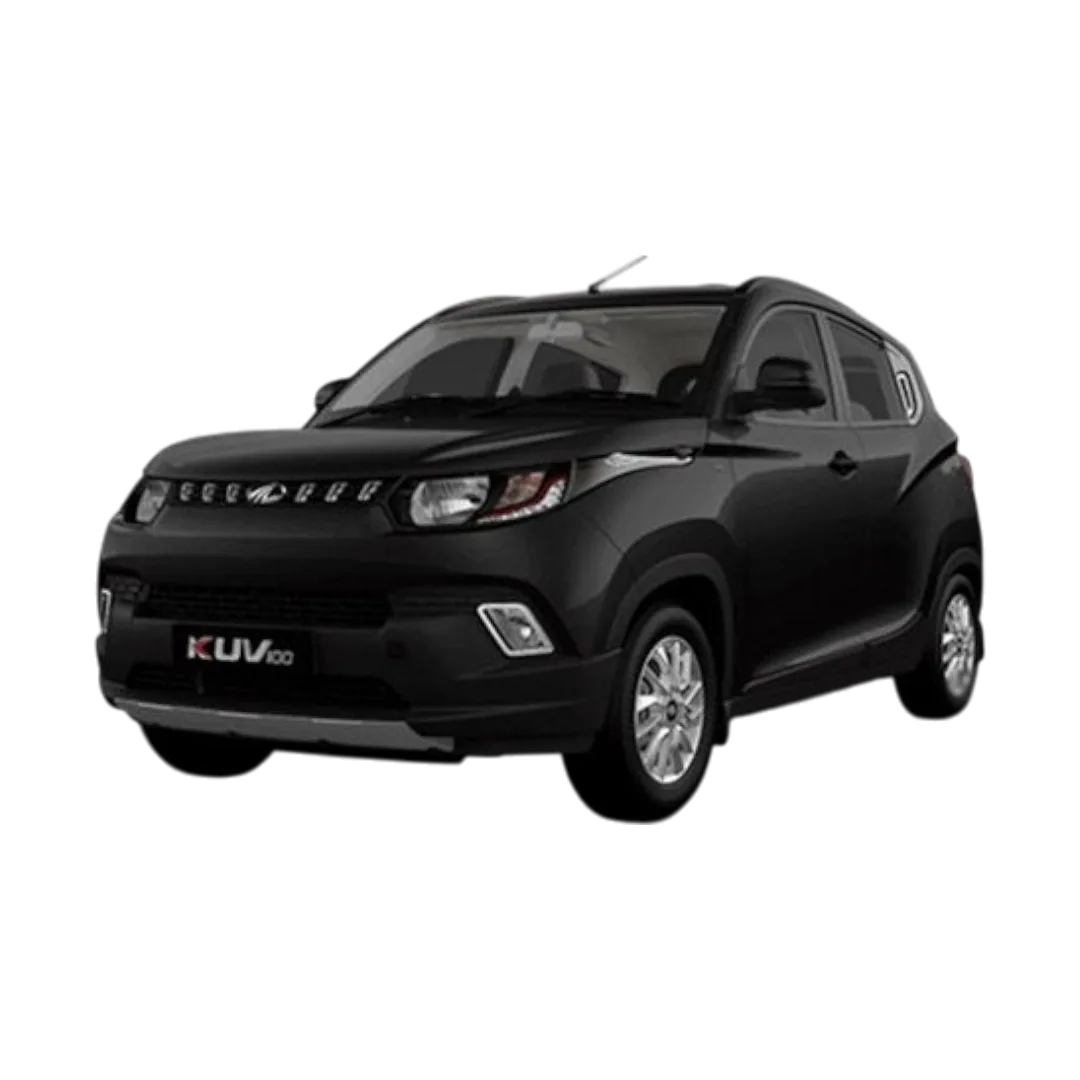 KUV 100
NuvoSport
XEV 9e
BE 6
Thar Roxx
E-Verito
XUV 7XO
TUV 100
BE6
Bolero Camper
Verito Vibe
XUV 400
KUV 100
NuvoSport
XEV 9e
BE 6
Thar Roxx
E-Verito
XUV 7XO
TUV 100
BE6
Bolero Camper
Verito Vibe
XUV 400
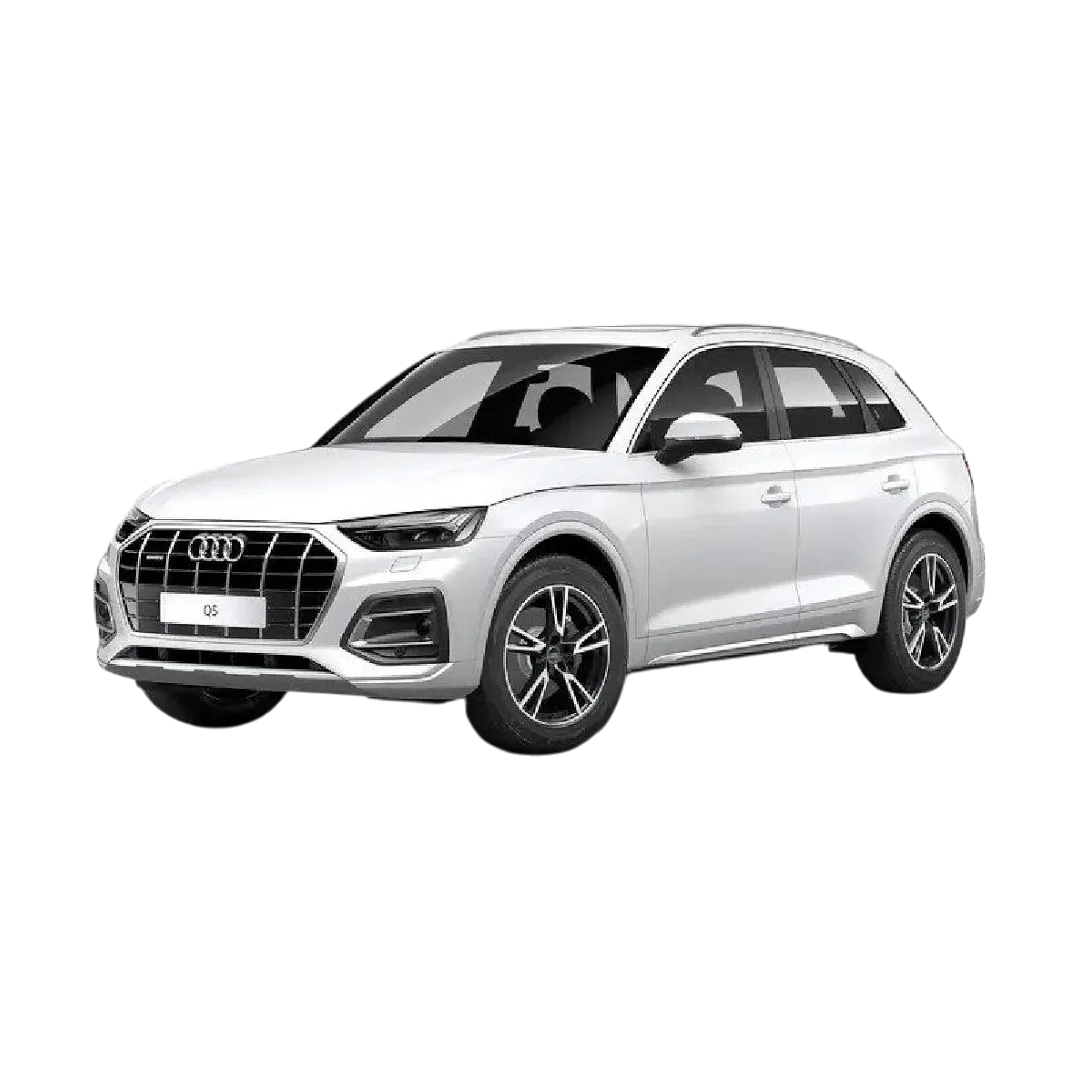 Audi Q5
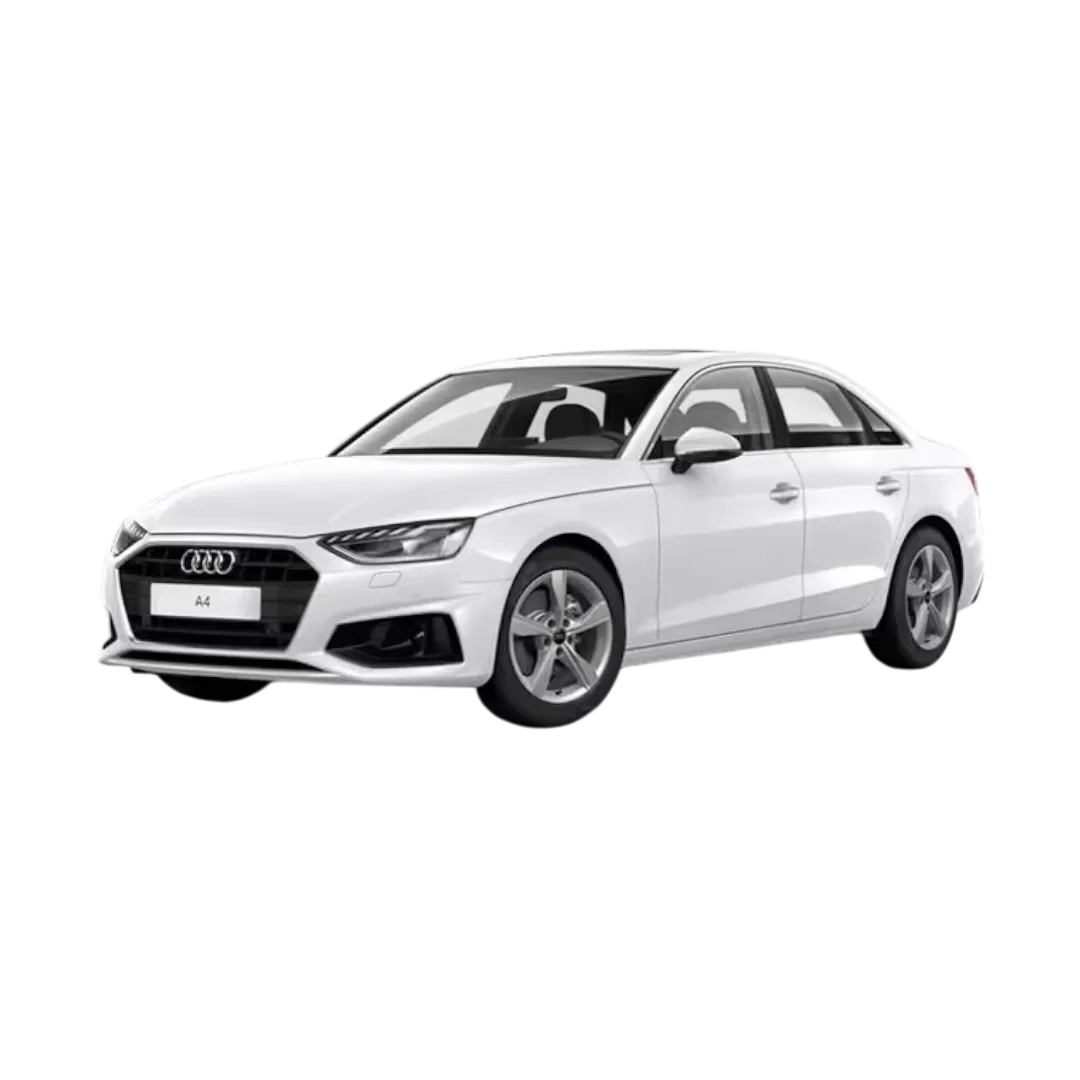 Audi A4
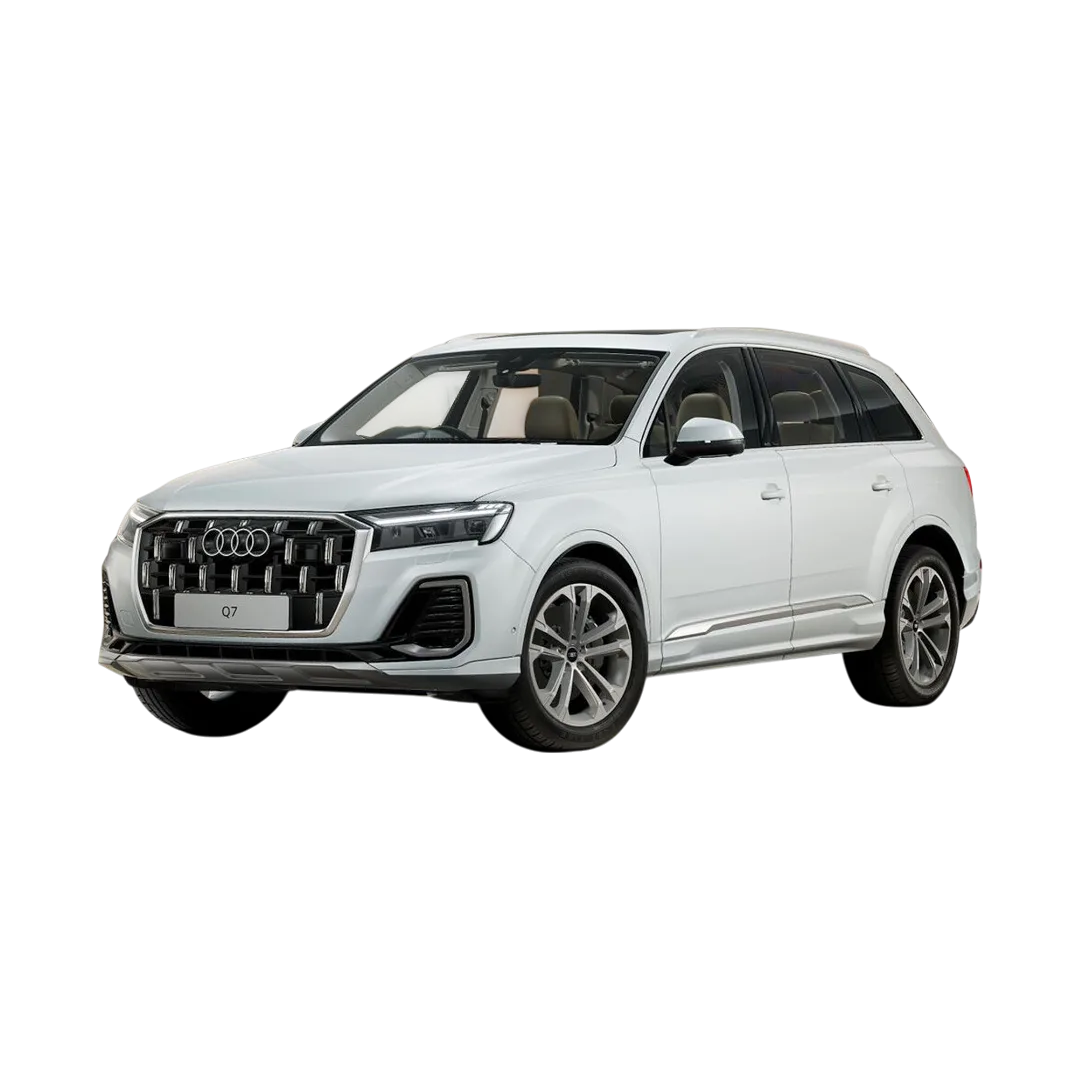 Audi Q7
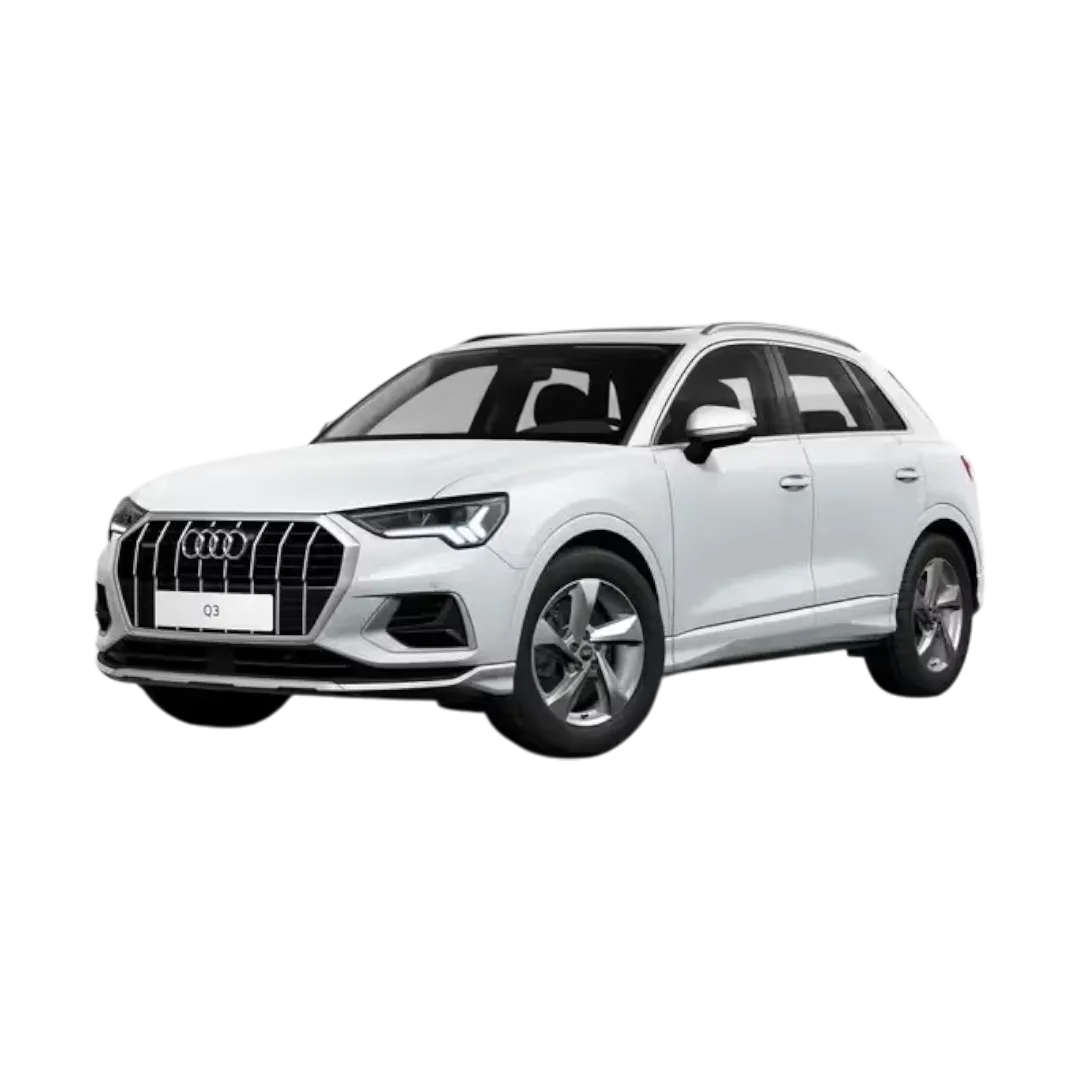 Audi Q3
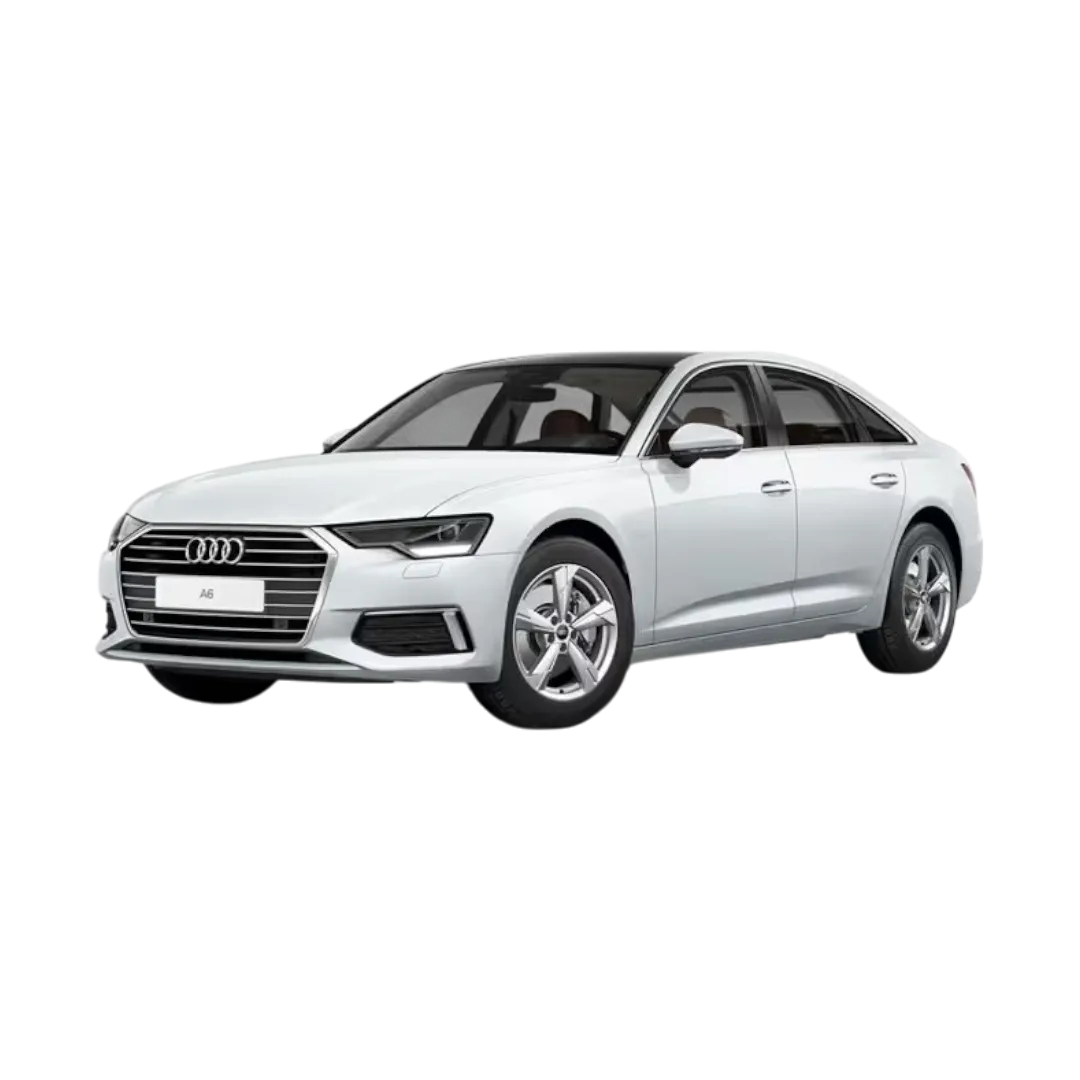 Audi A6
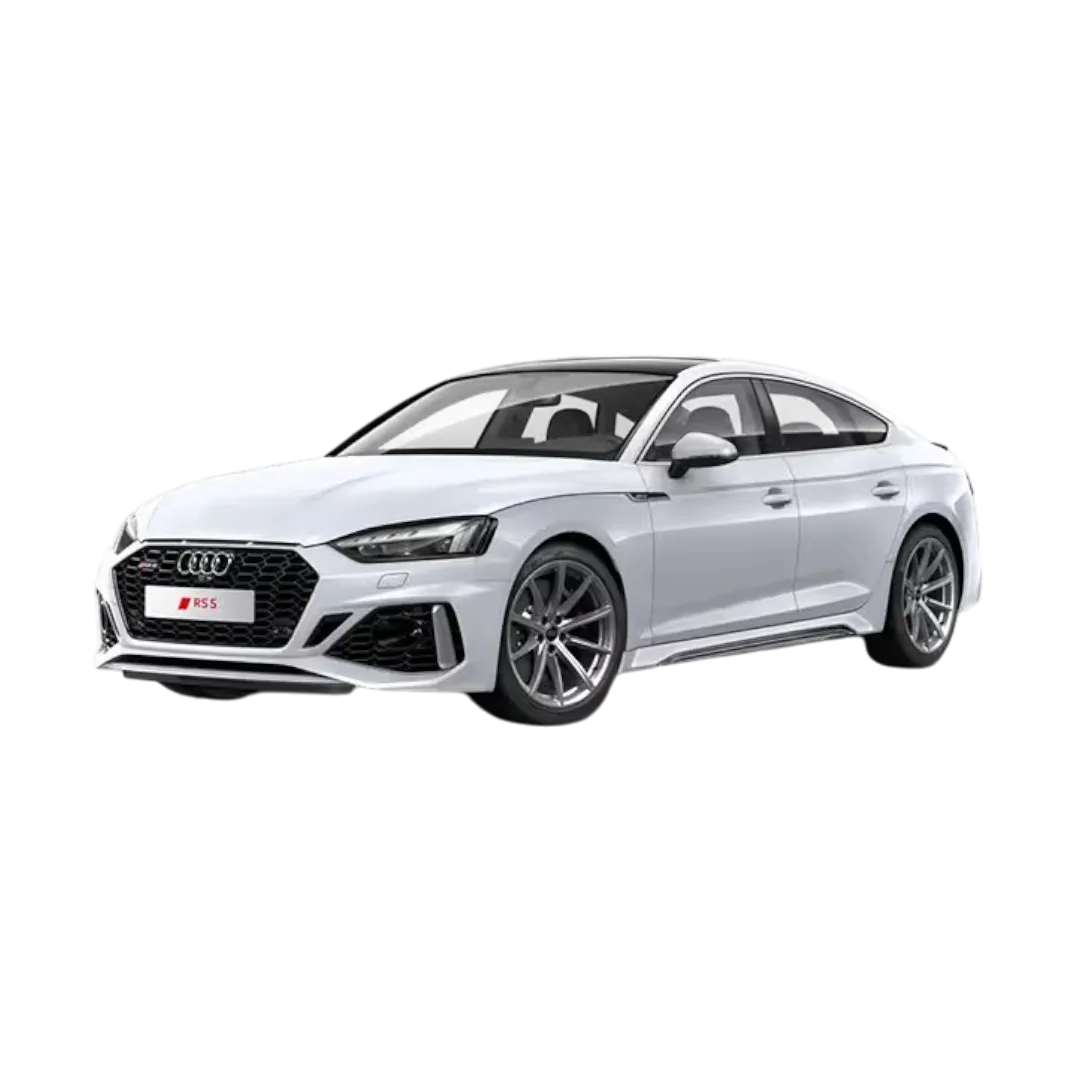 Audi RS5
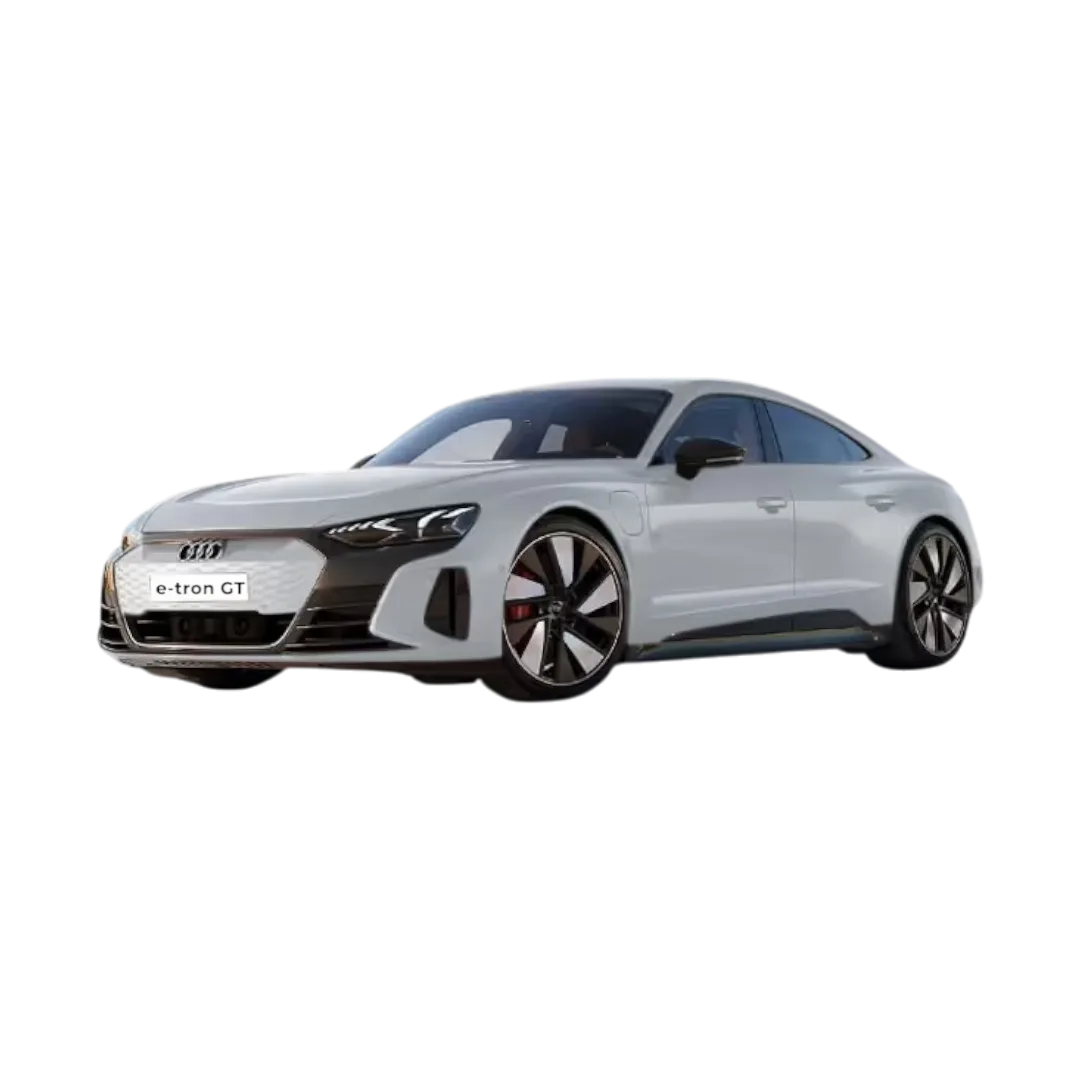 E-Tron GT
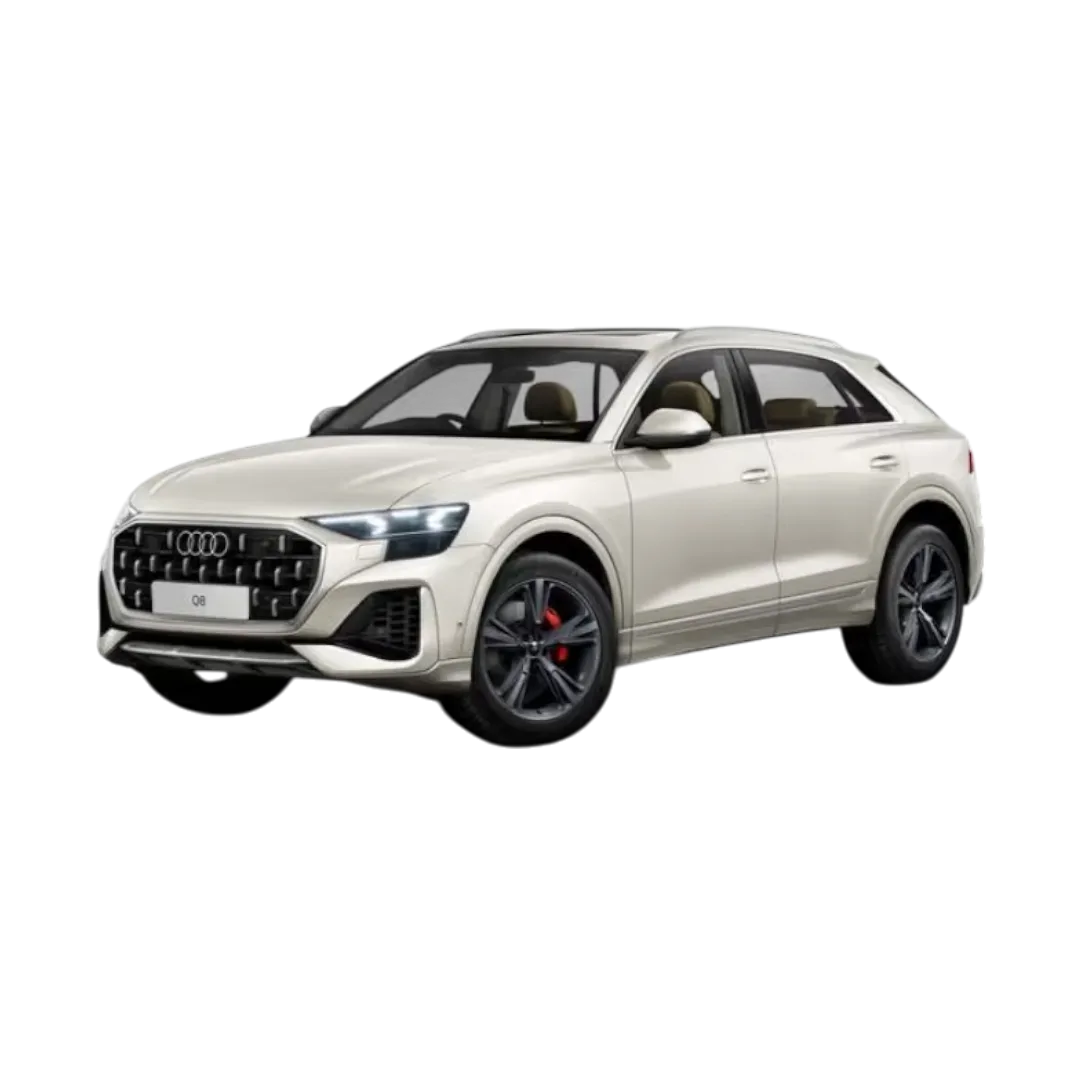 Audi Q8
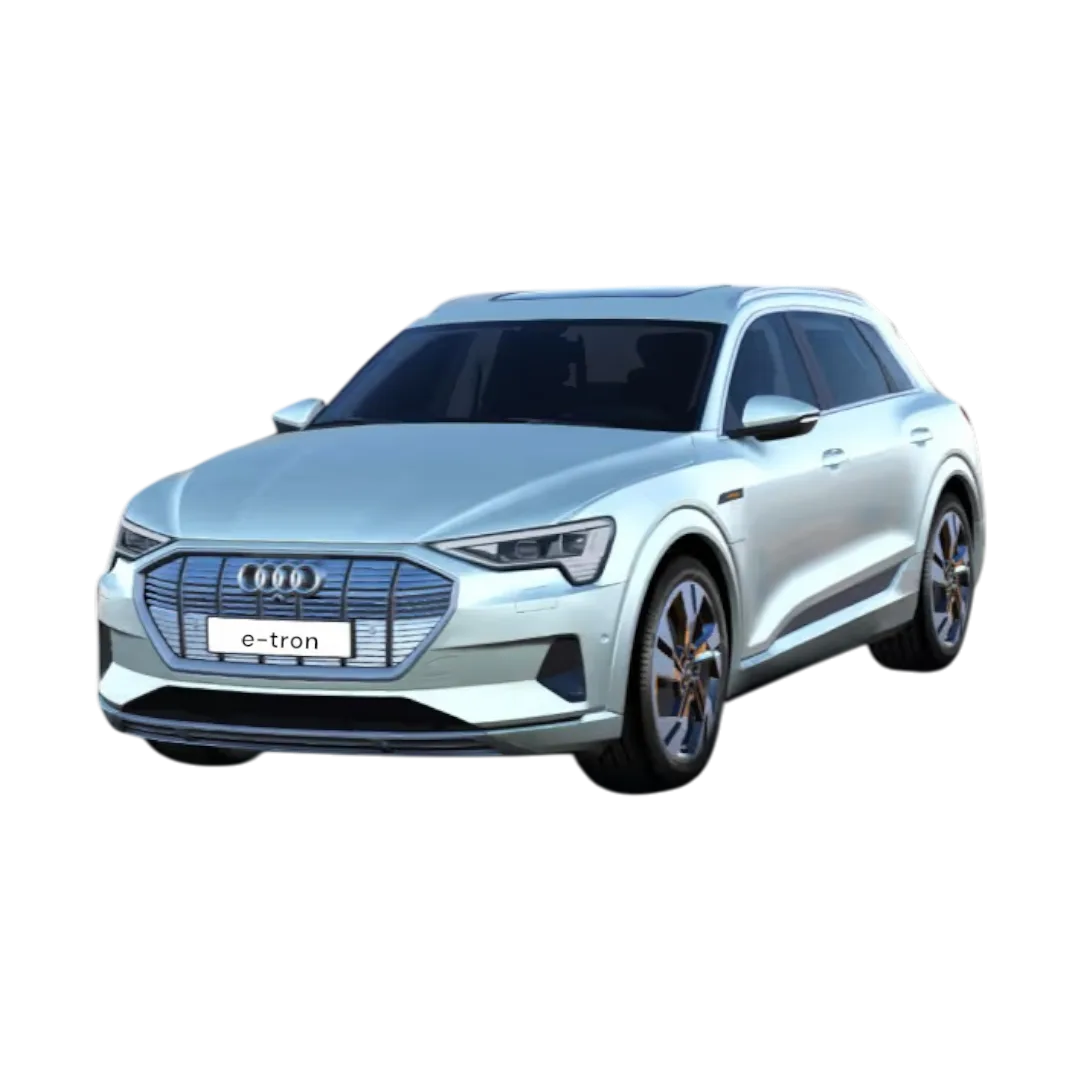 E-Tron
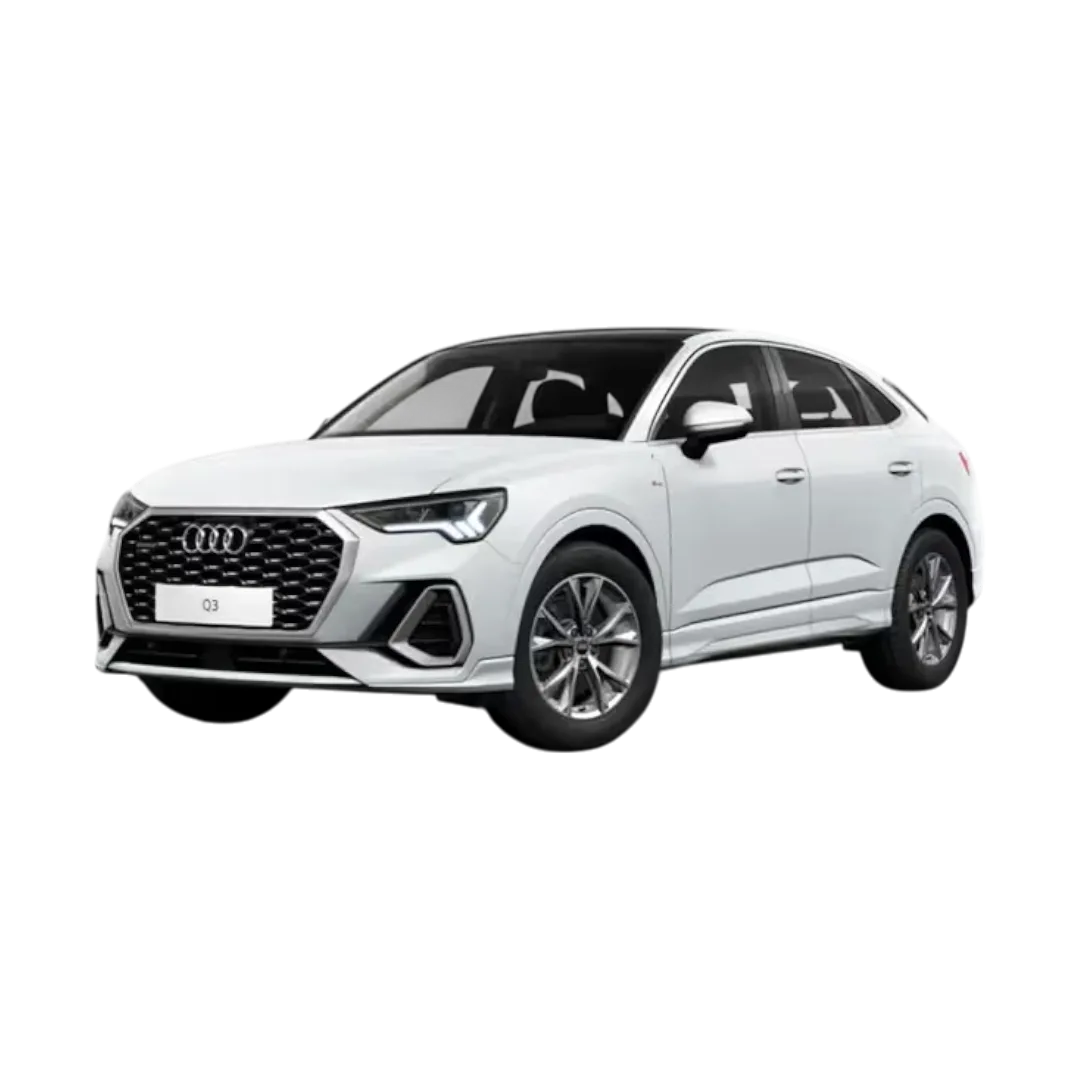 Q3 Sportback
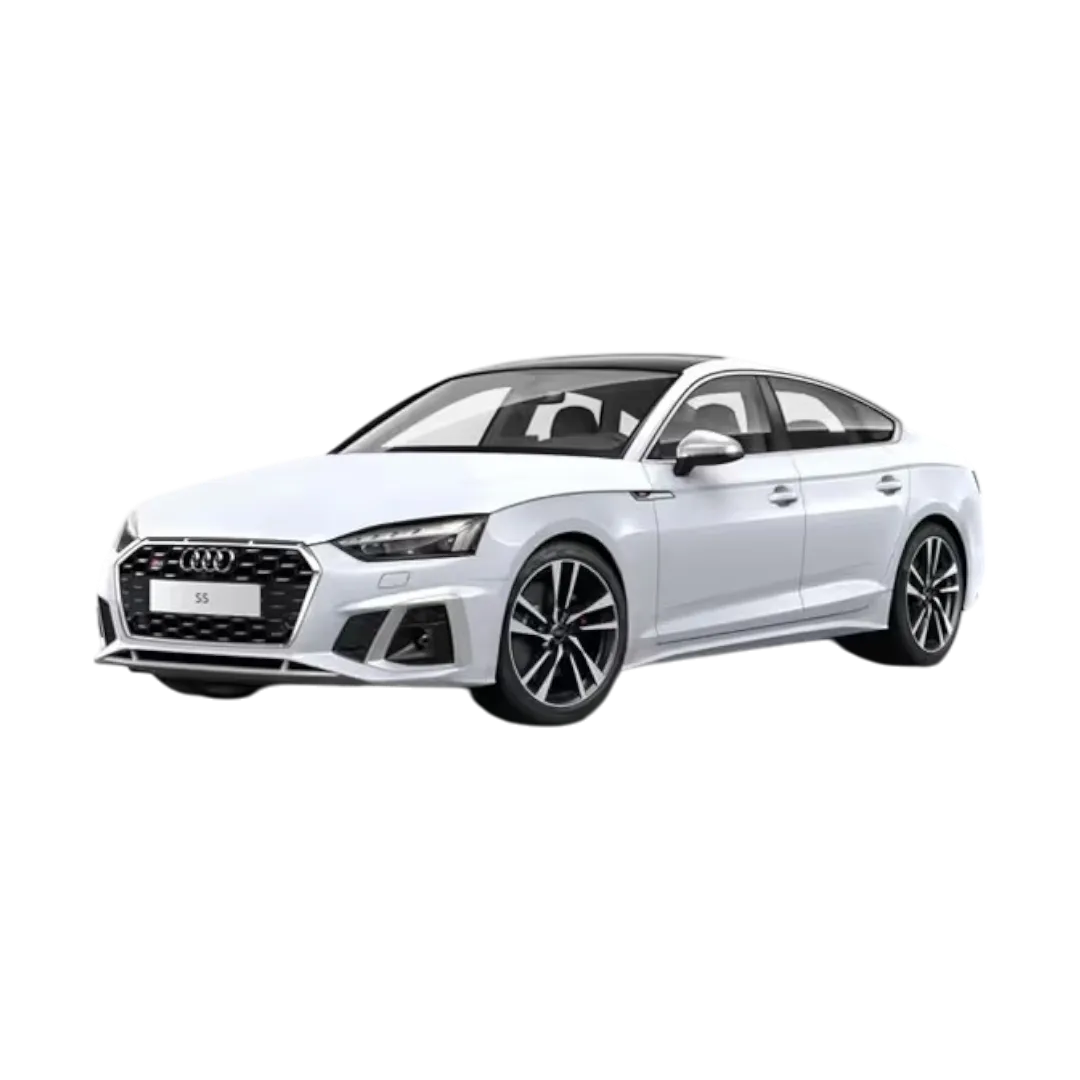 Audi S5 Sportback
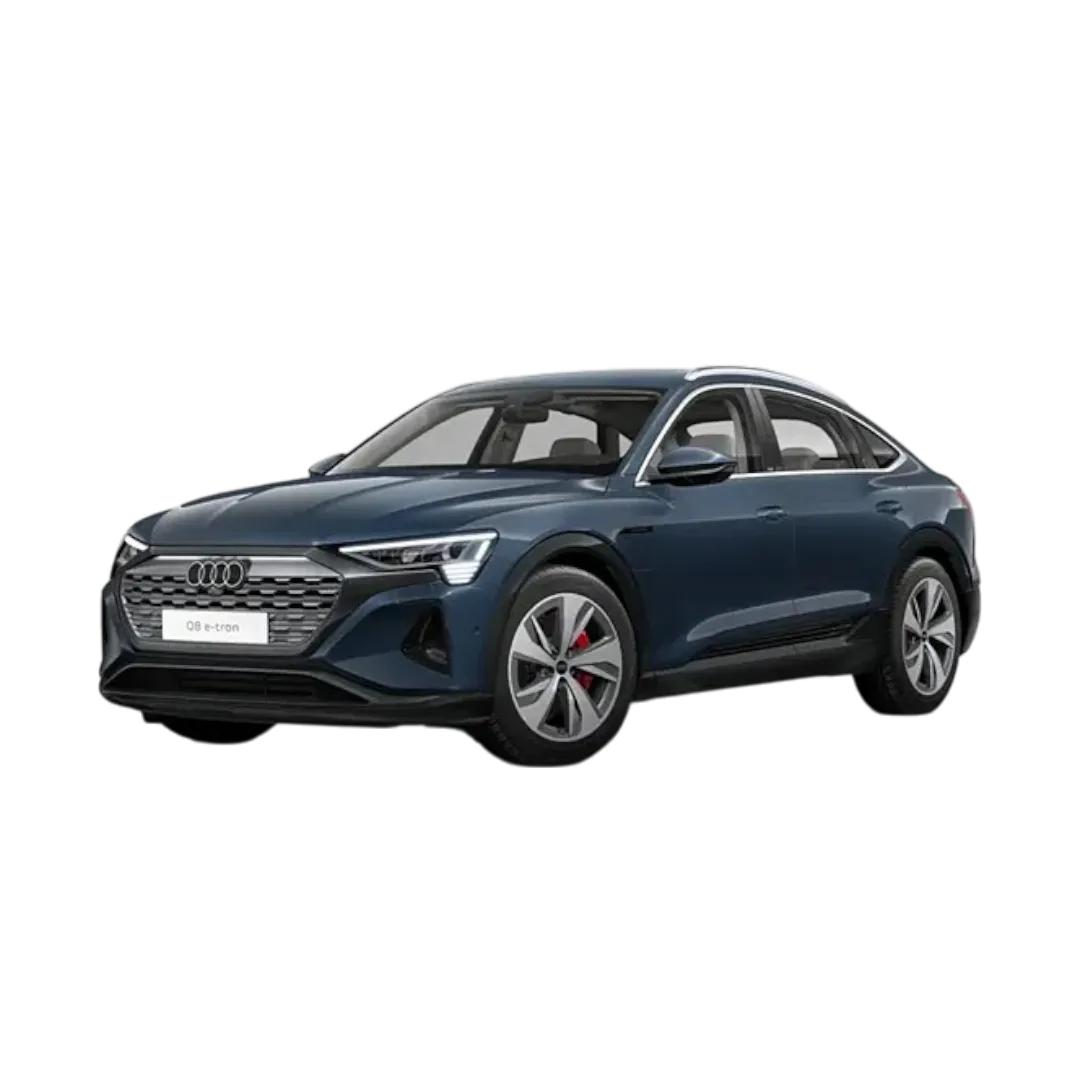 Q8 E-Tron
 Q8 E-Tron Sportback
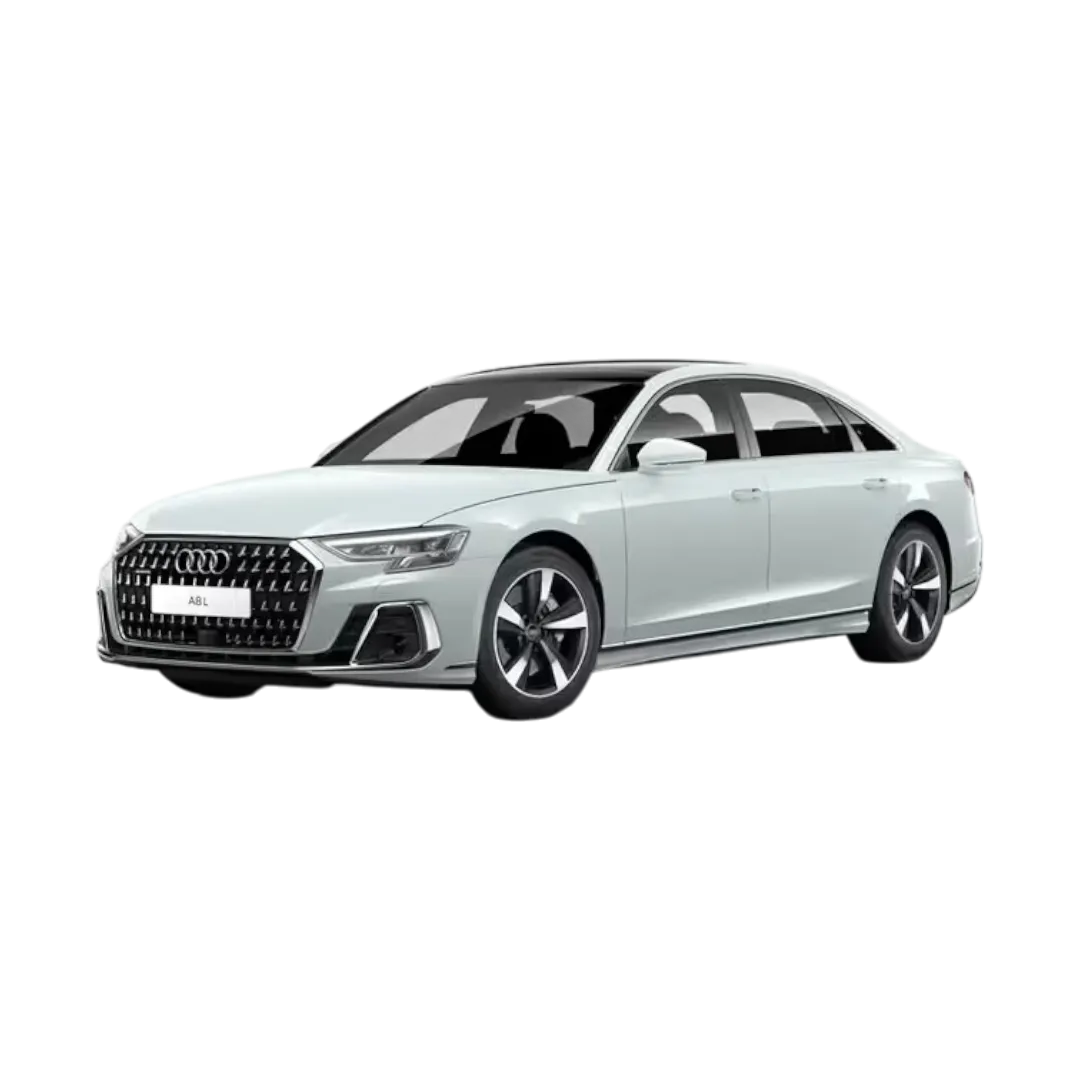 Audi A8L
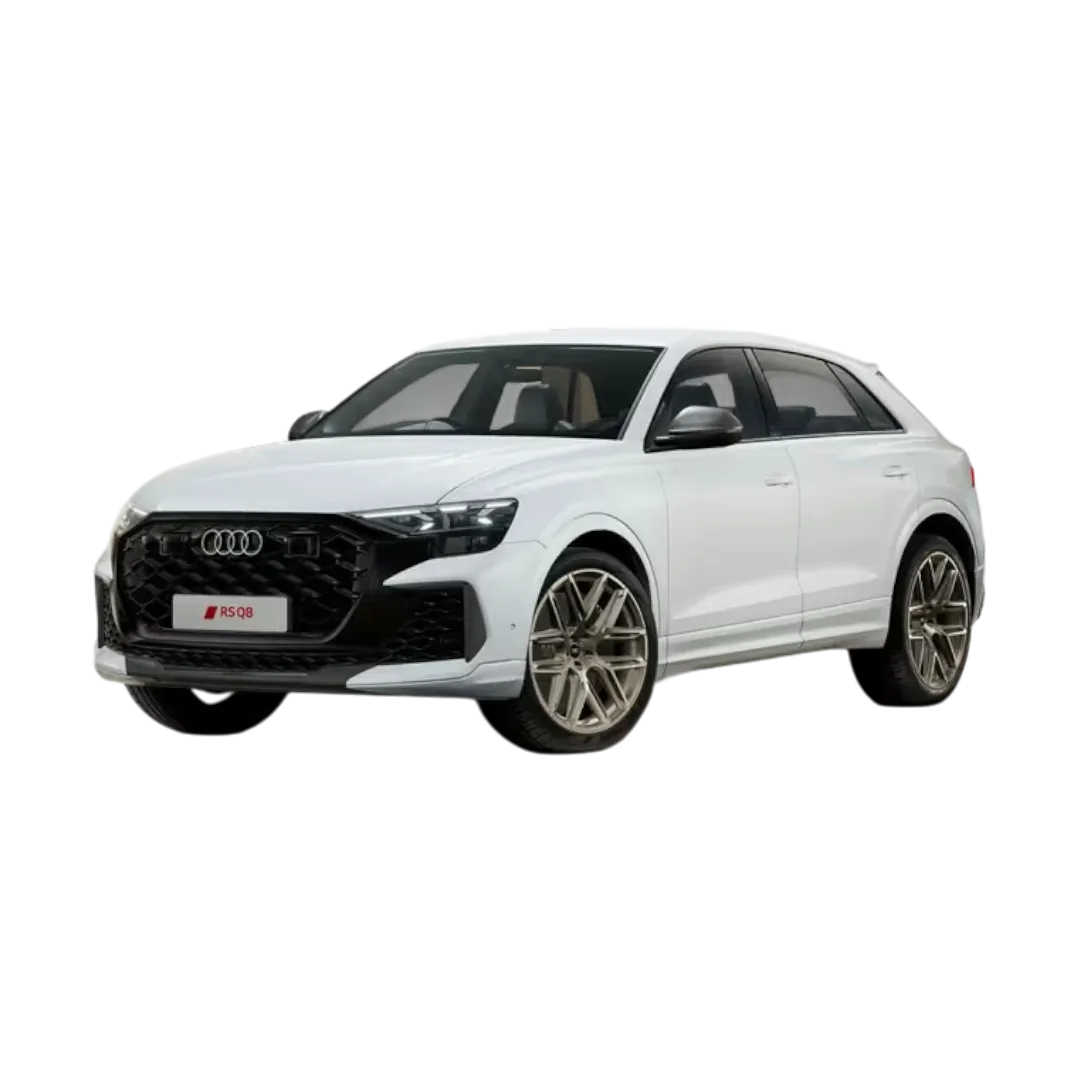 Audi RS Q8
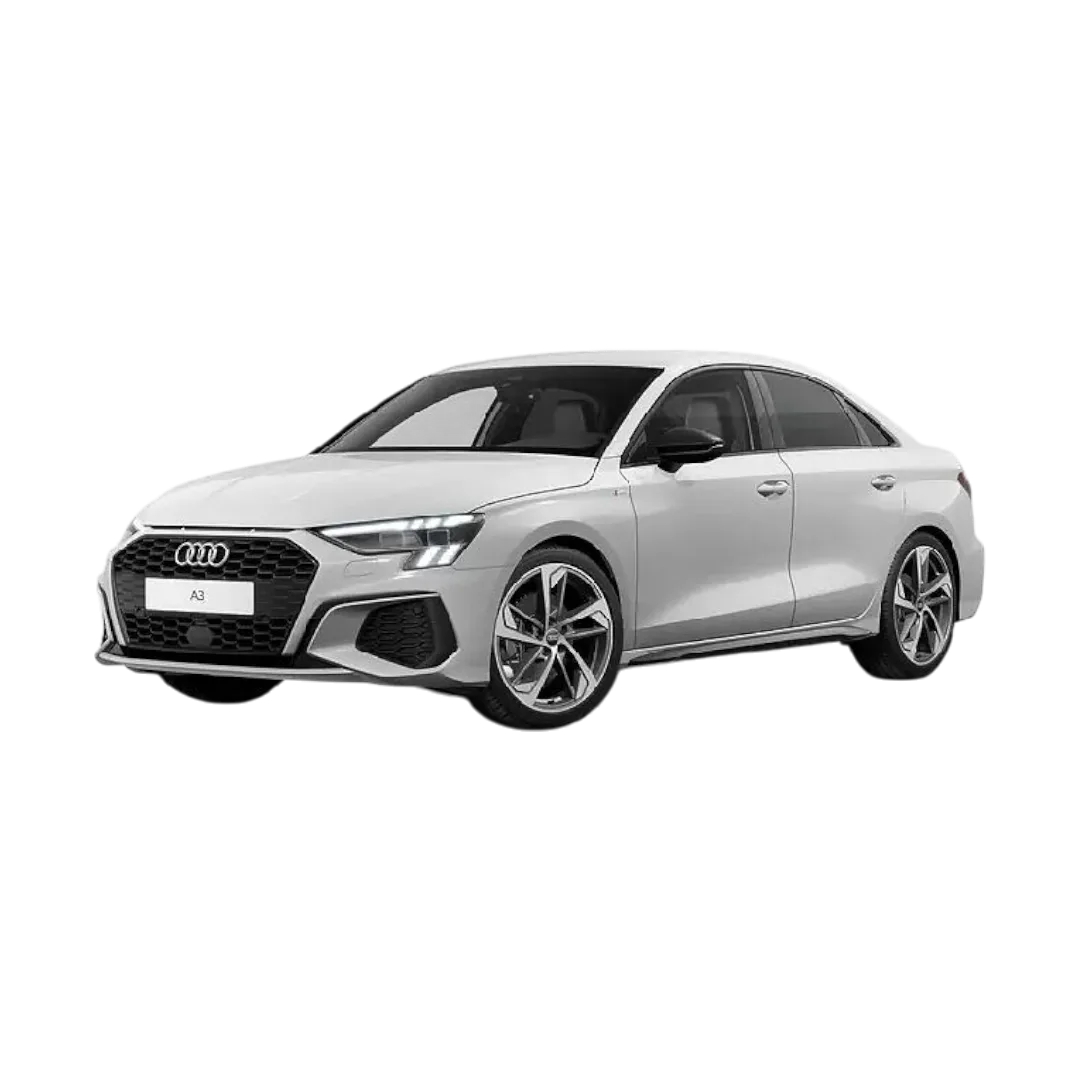 Audi A3
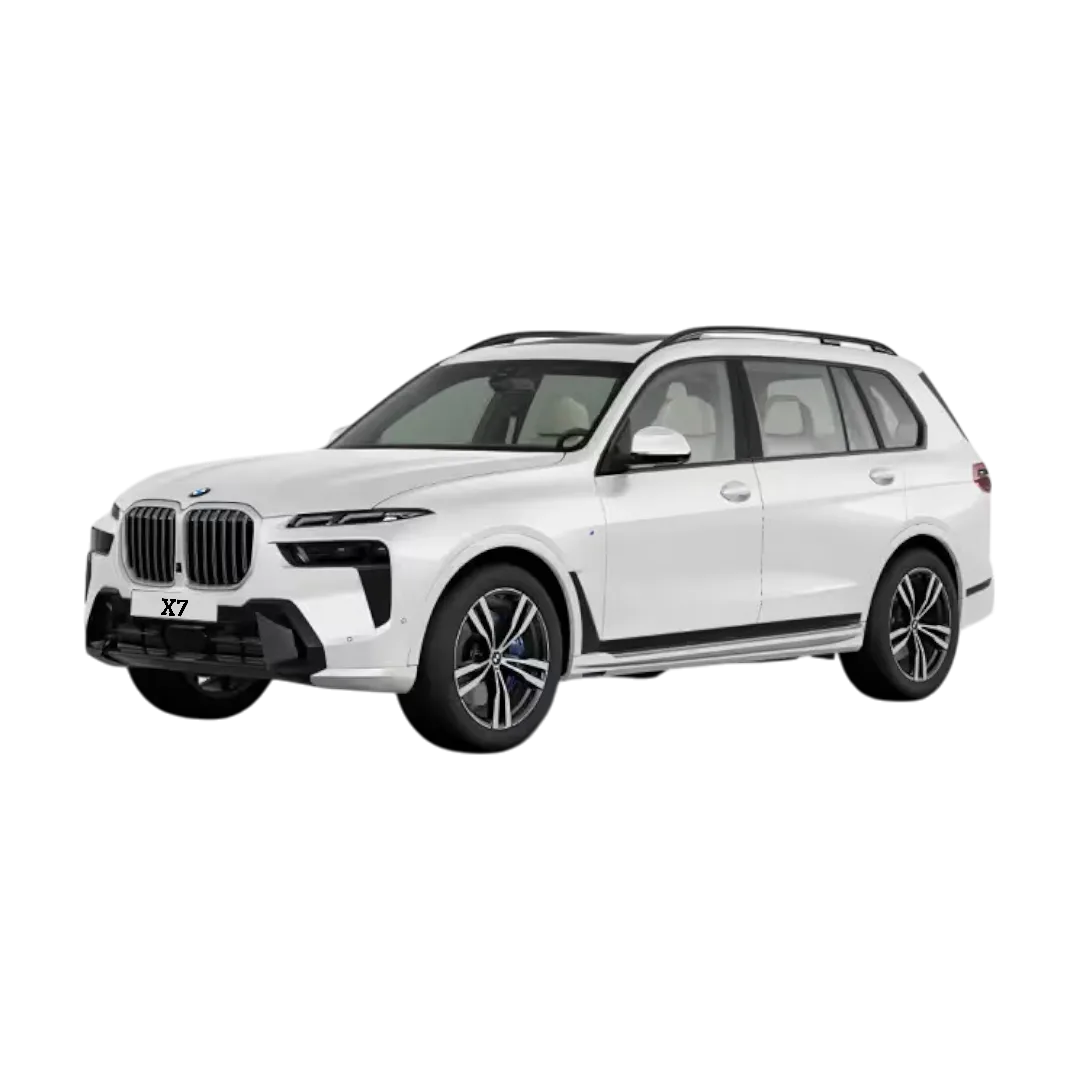 BMW X7
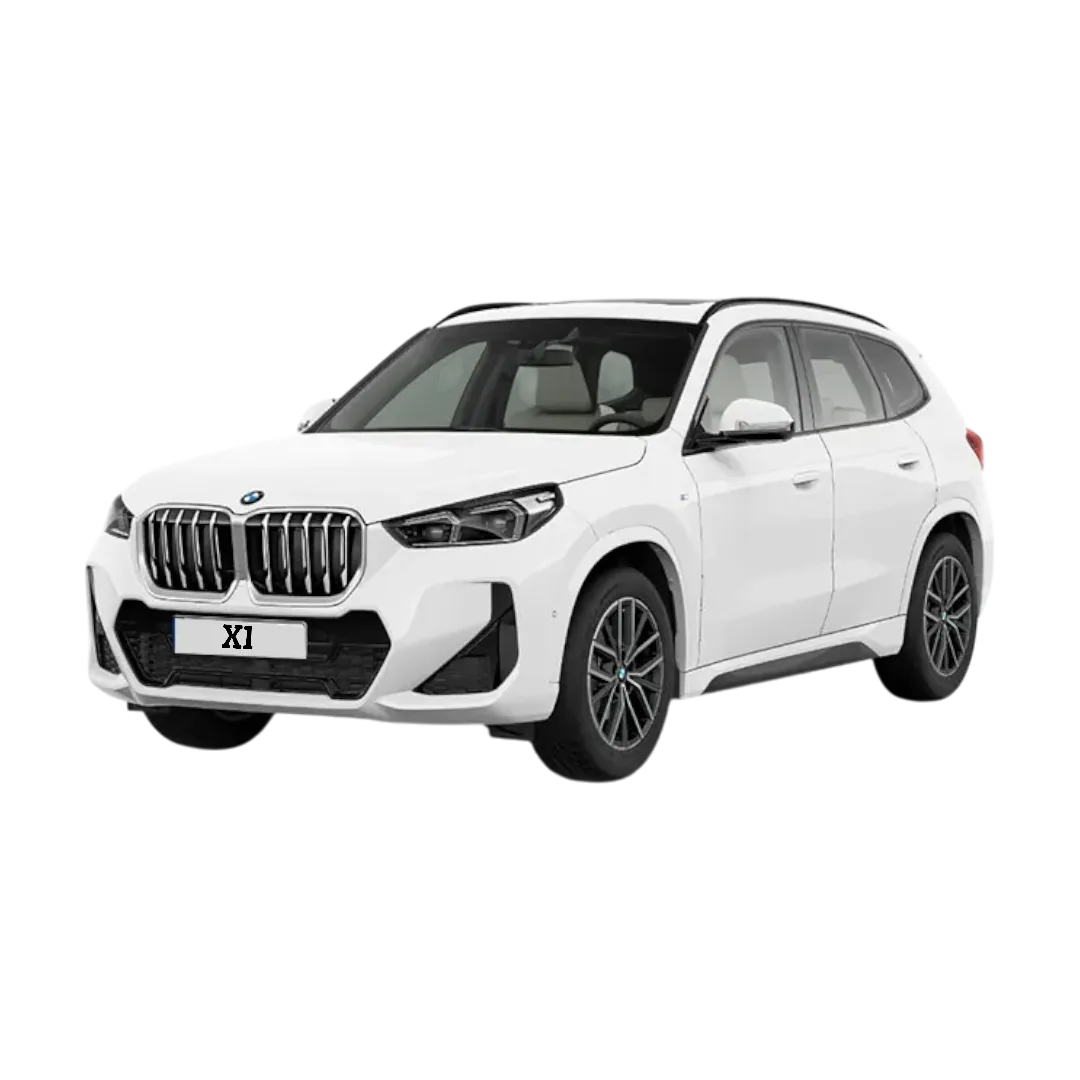 BMW X1
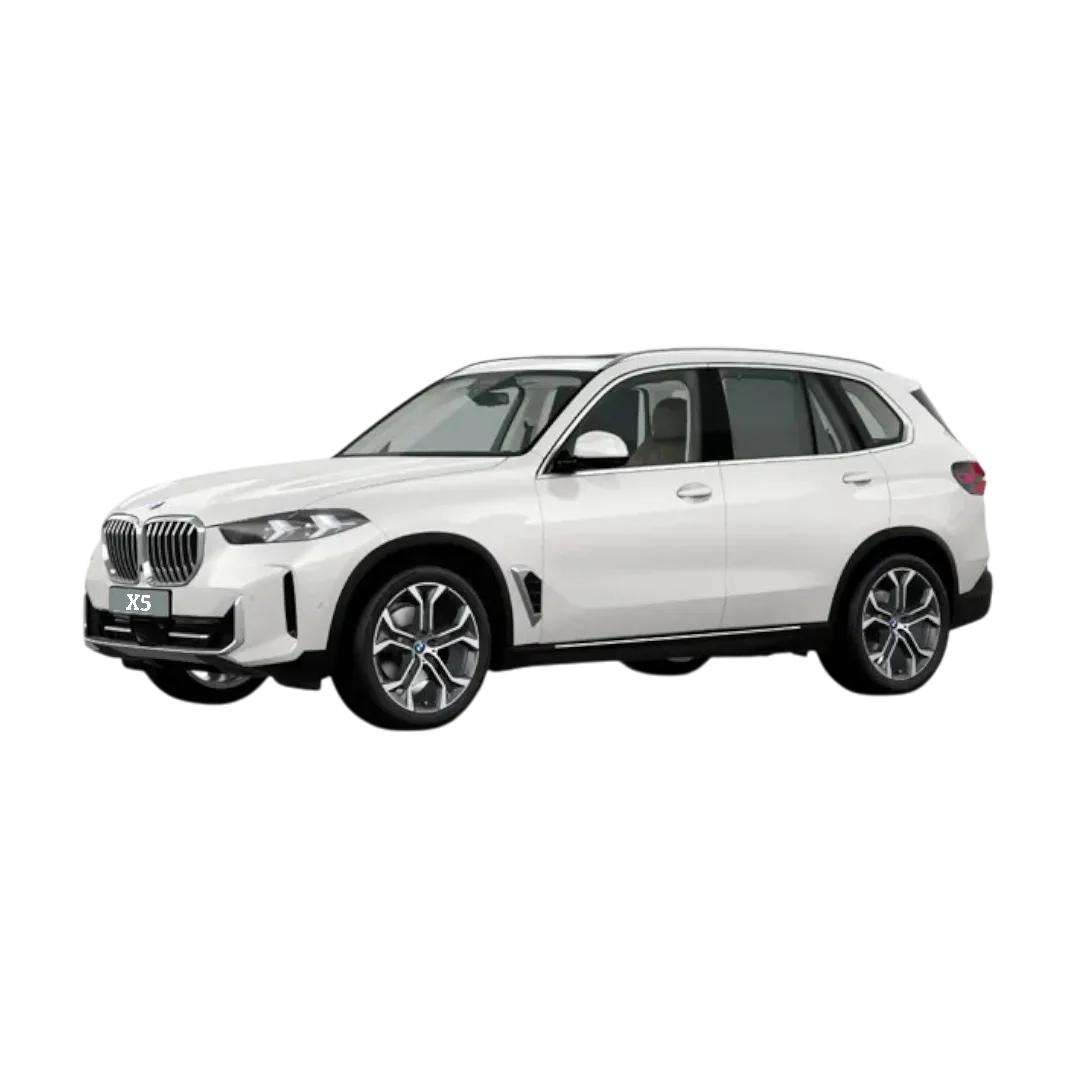 BMW X5
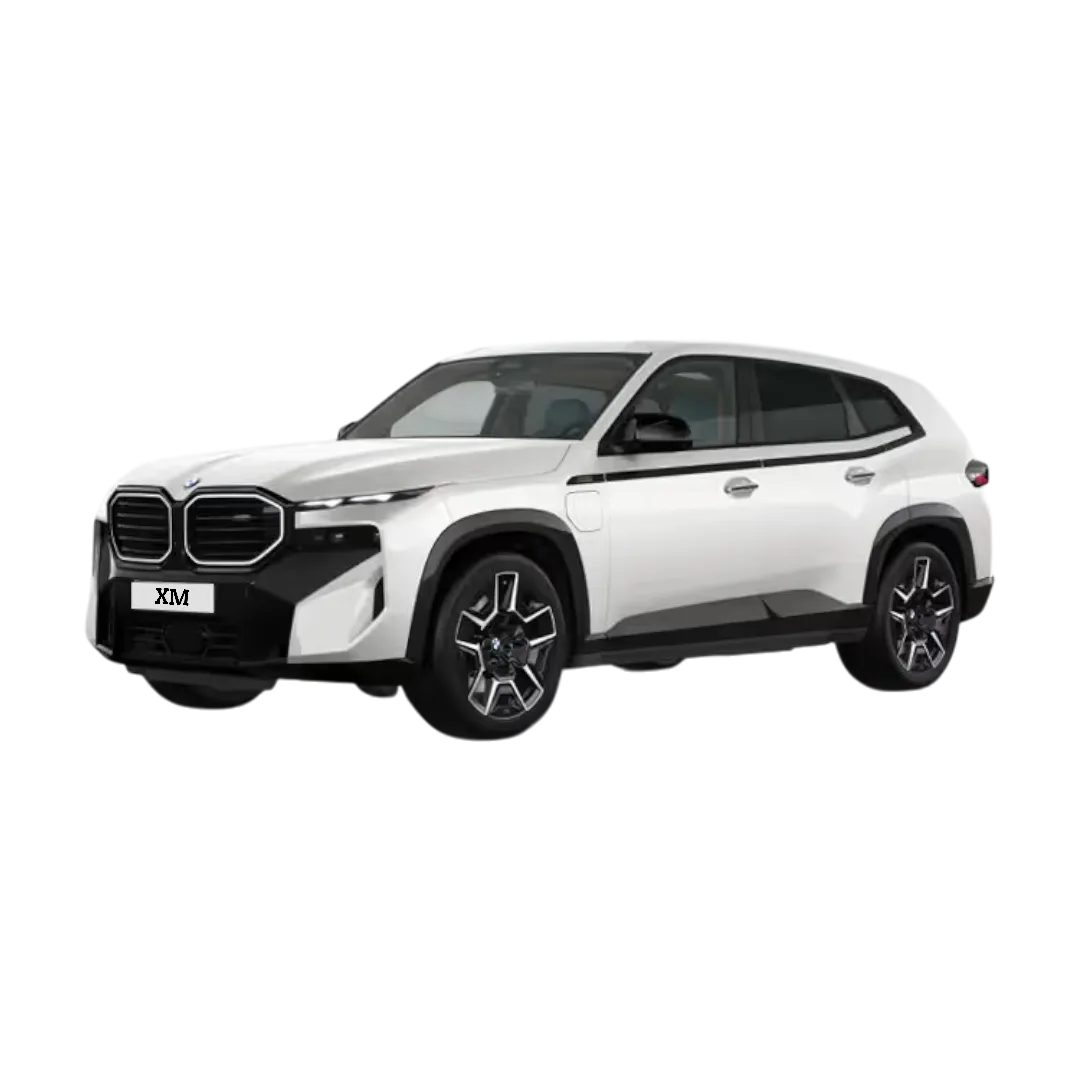 BMW XM
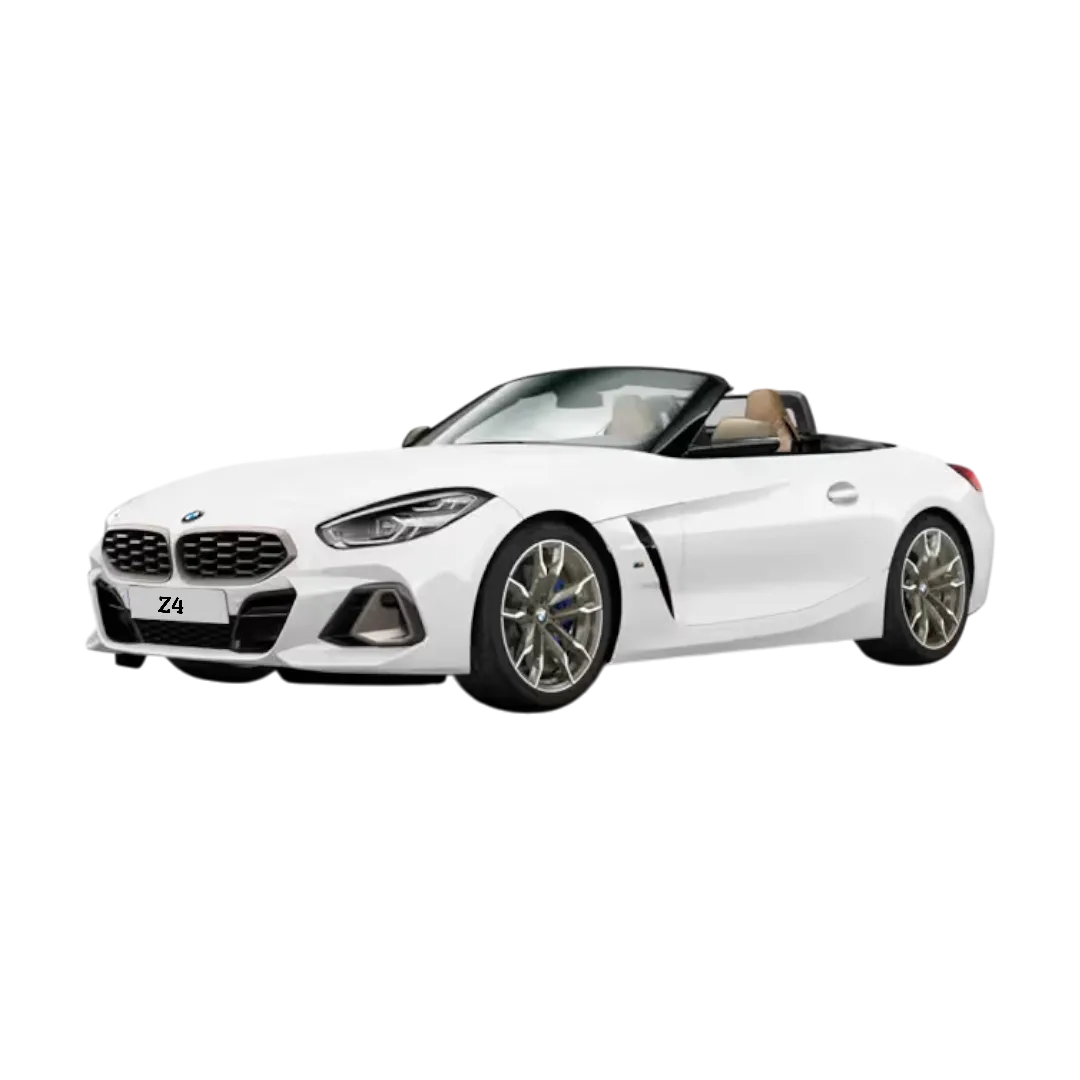 BMW Z4
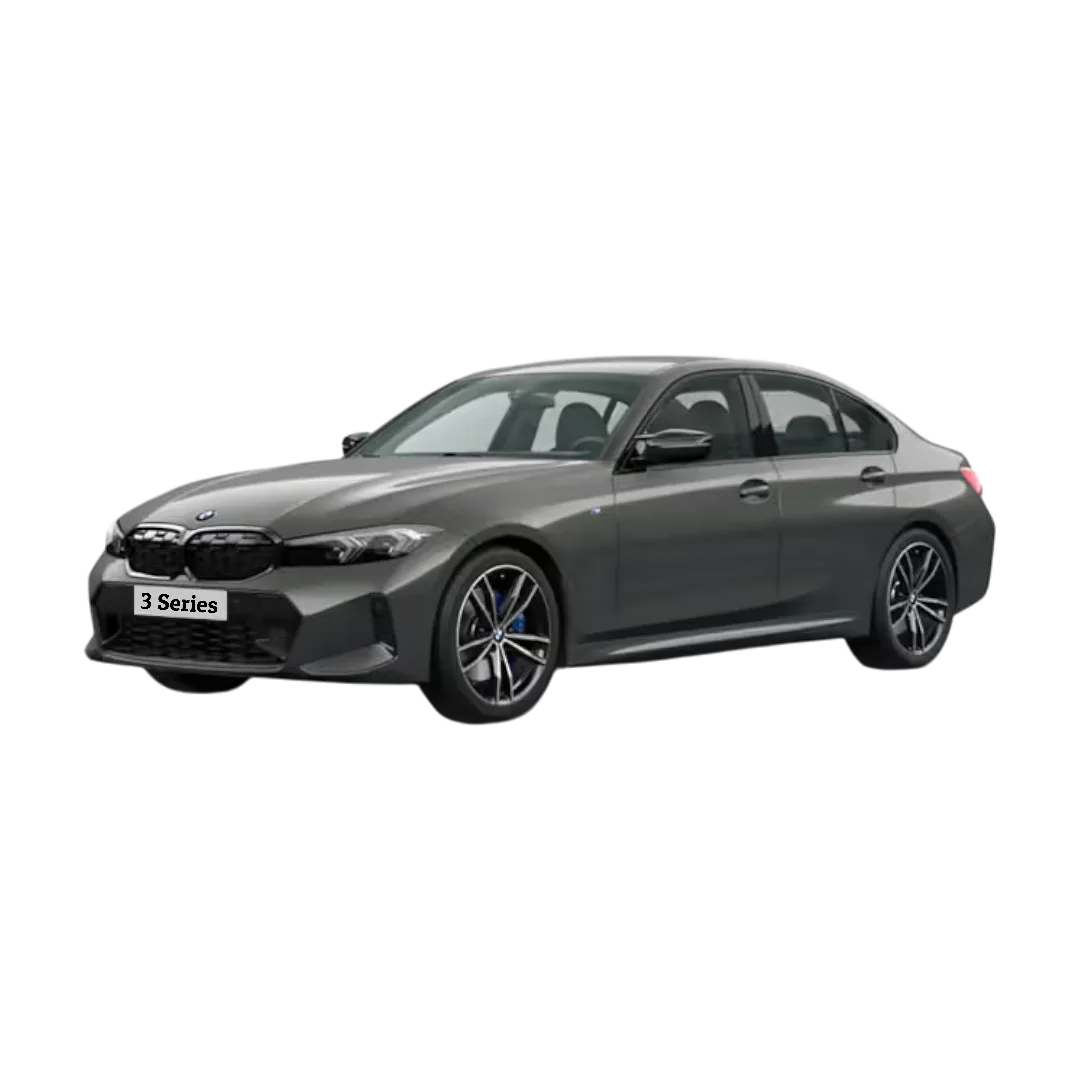 3 Series
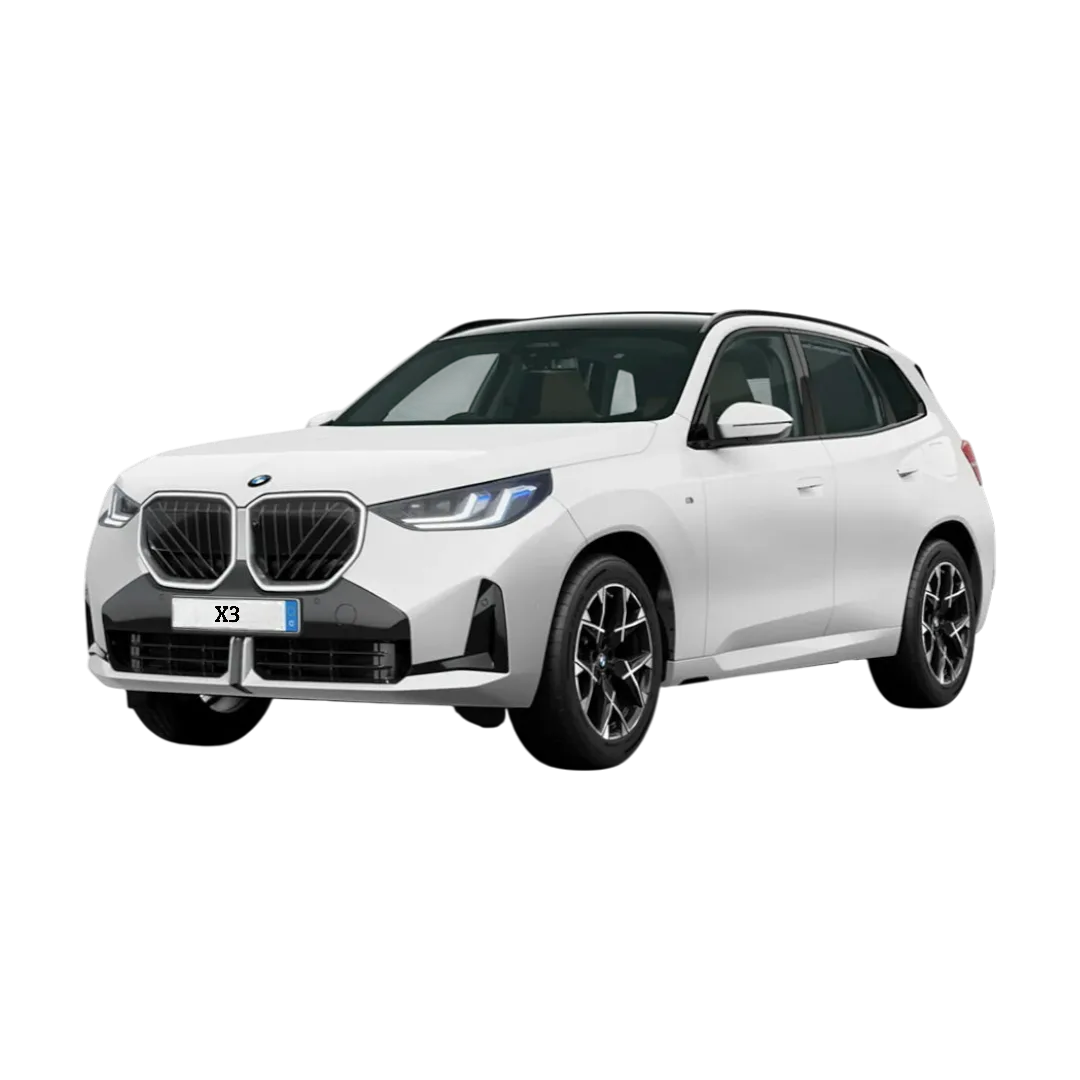 BMW X3
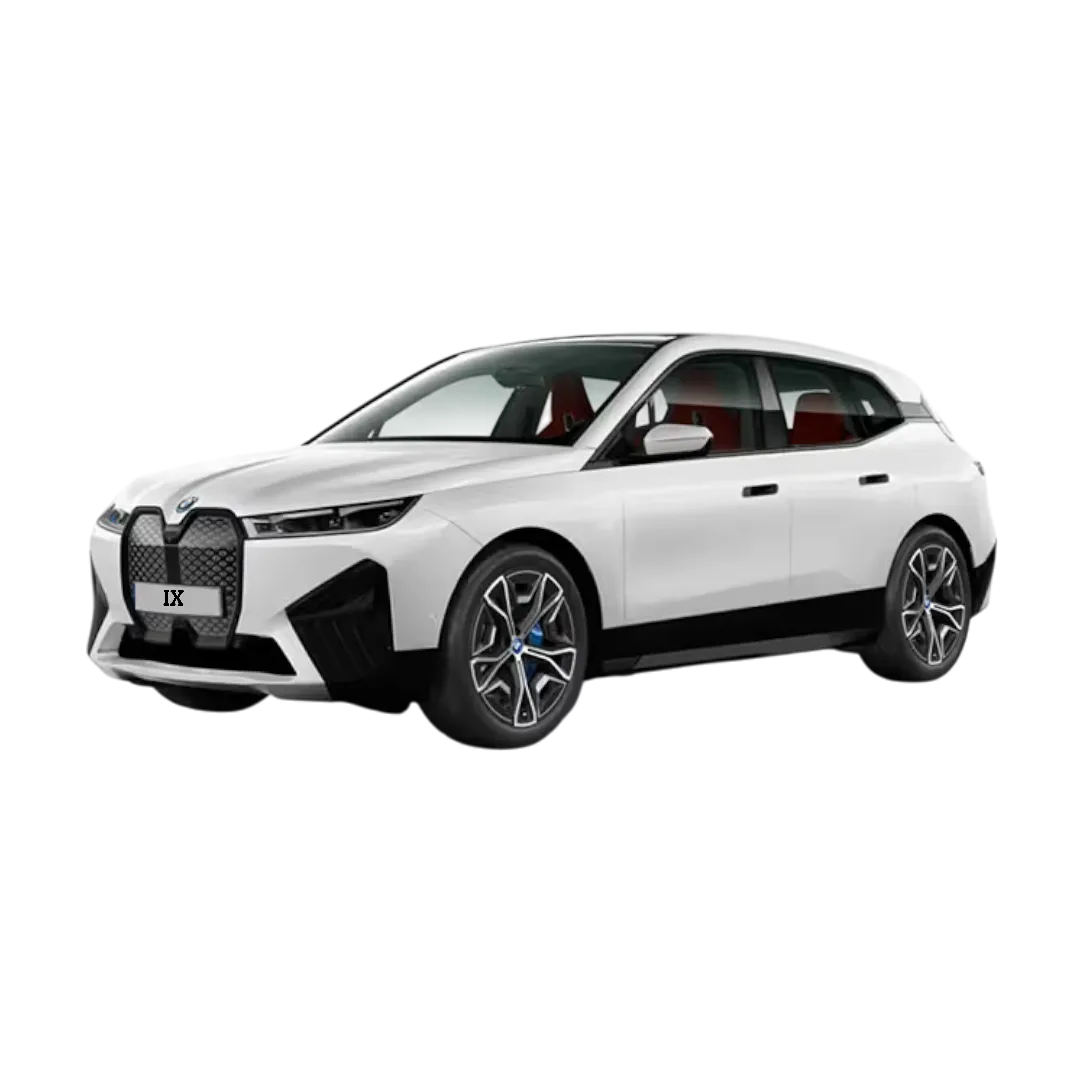 BMW iX
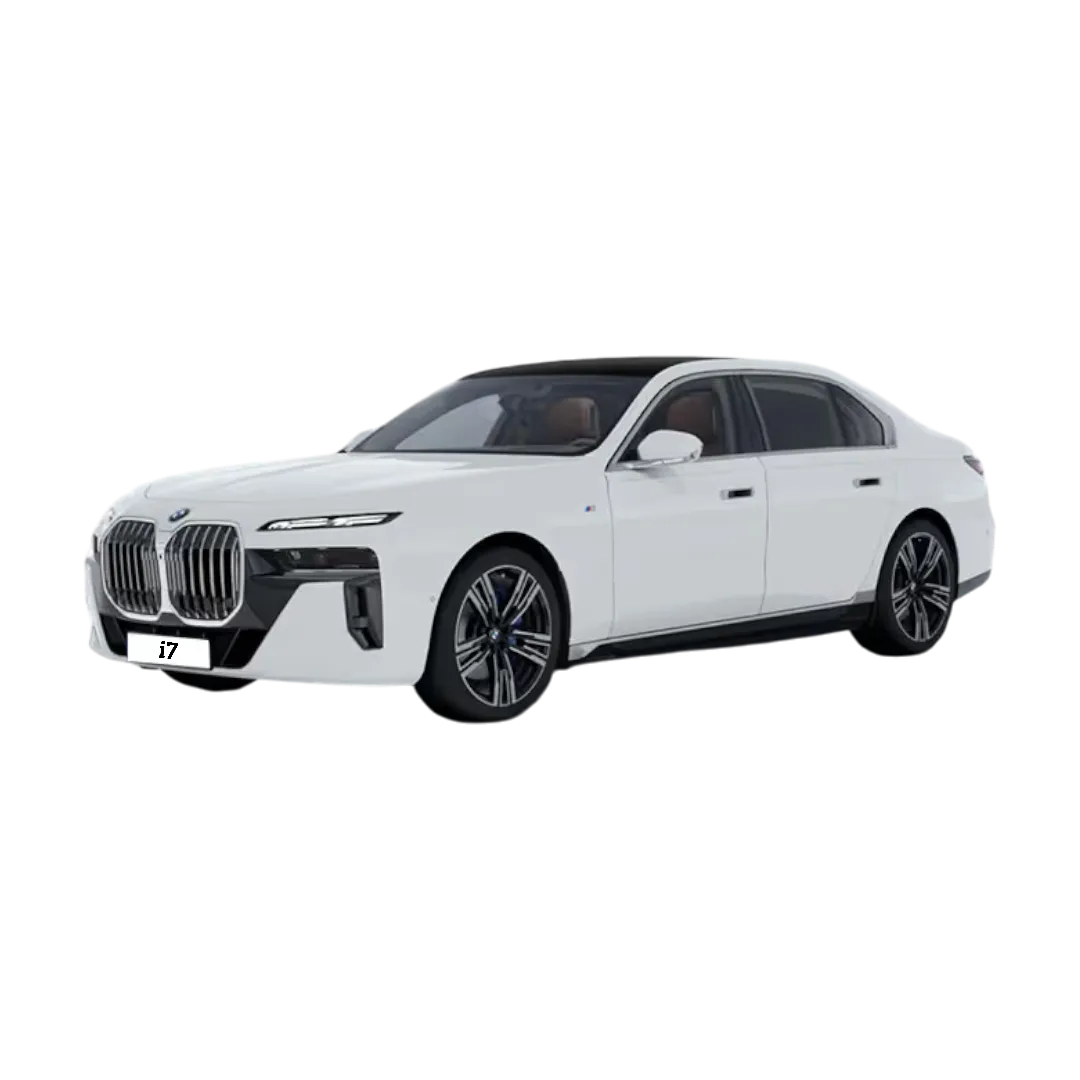 BMW i7
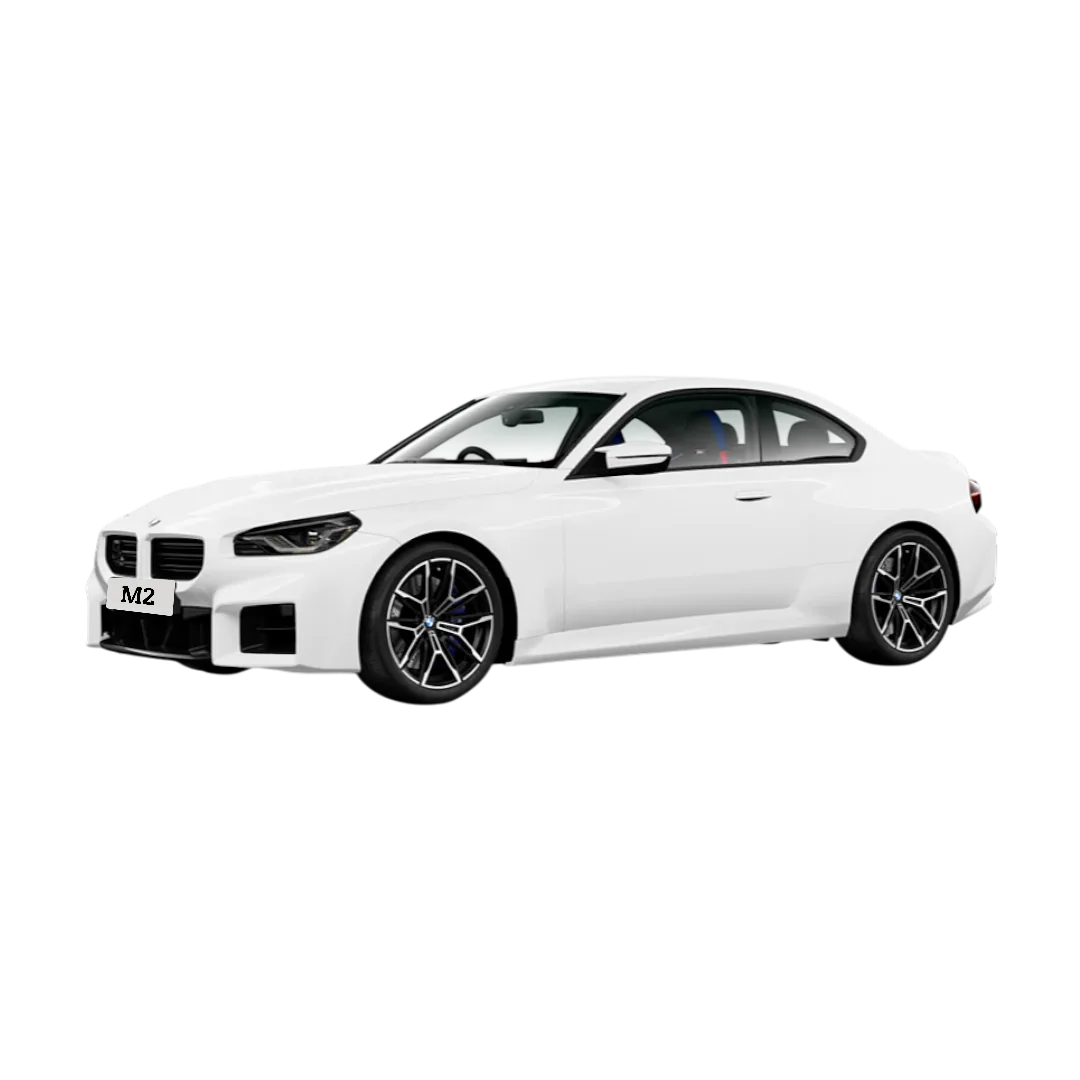 BMW M2
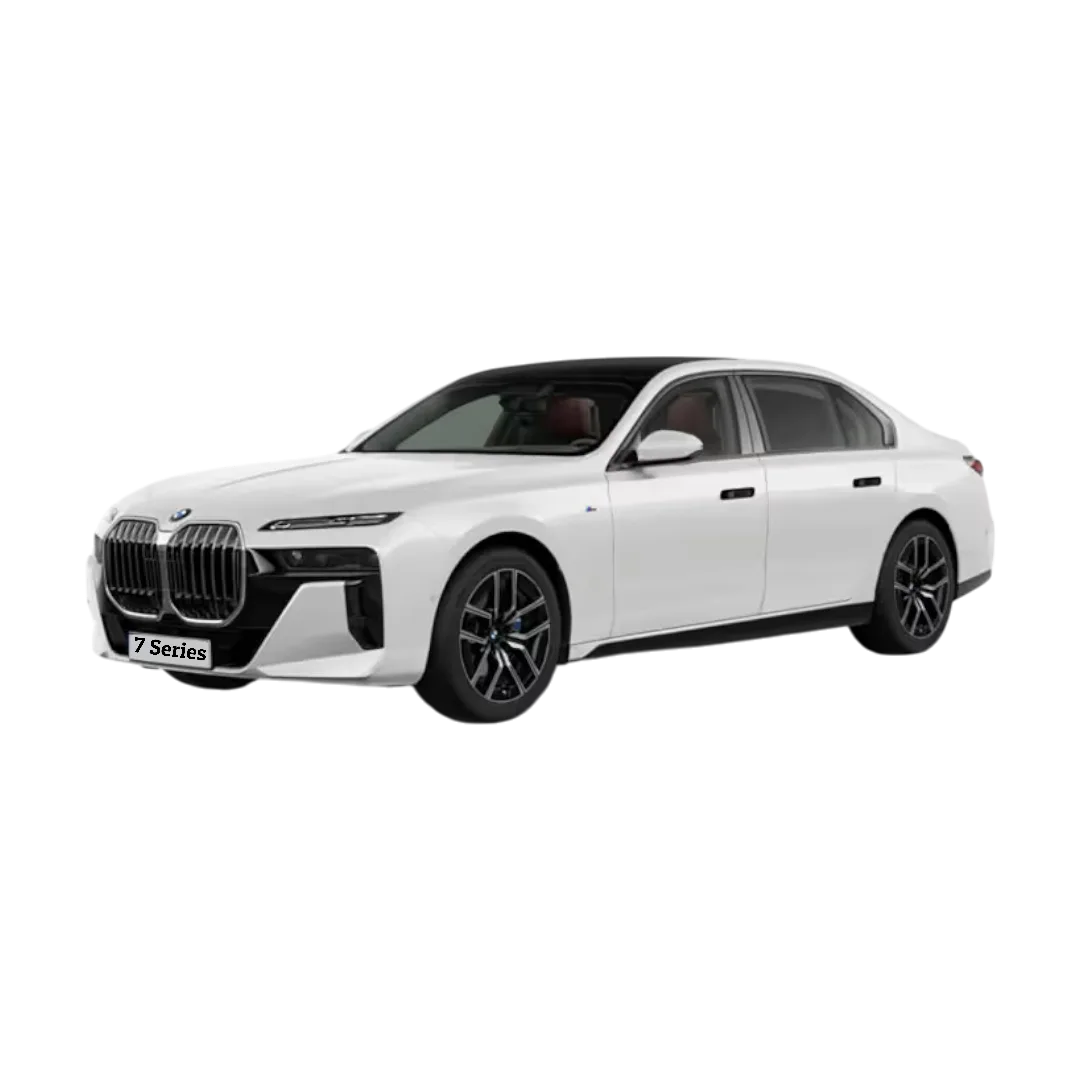 7 Series
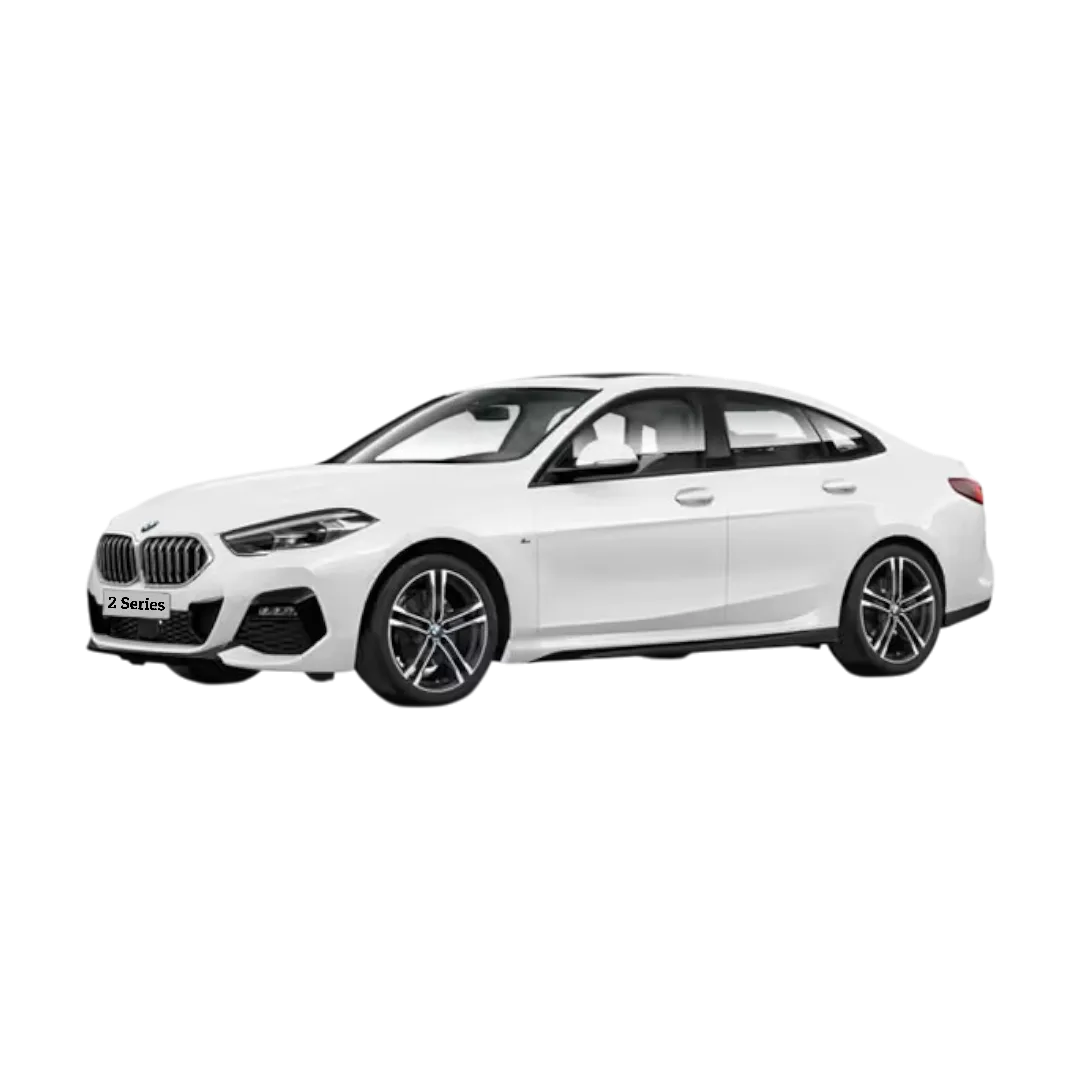 2 Series
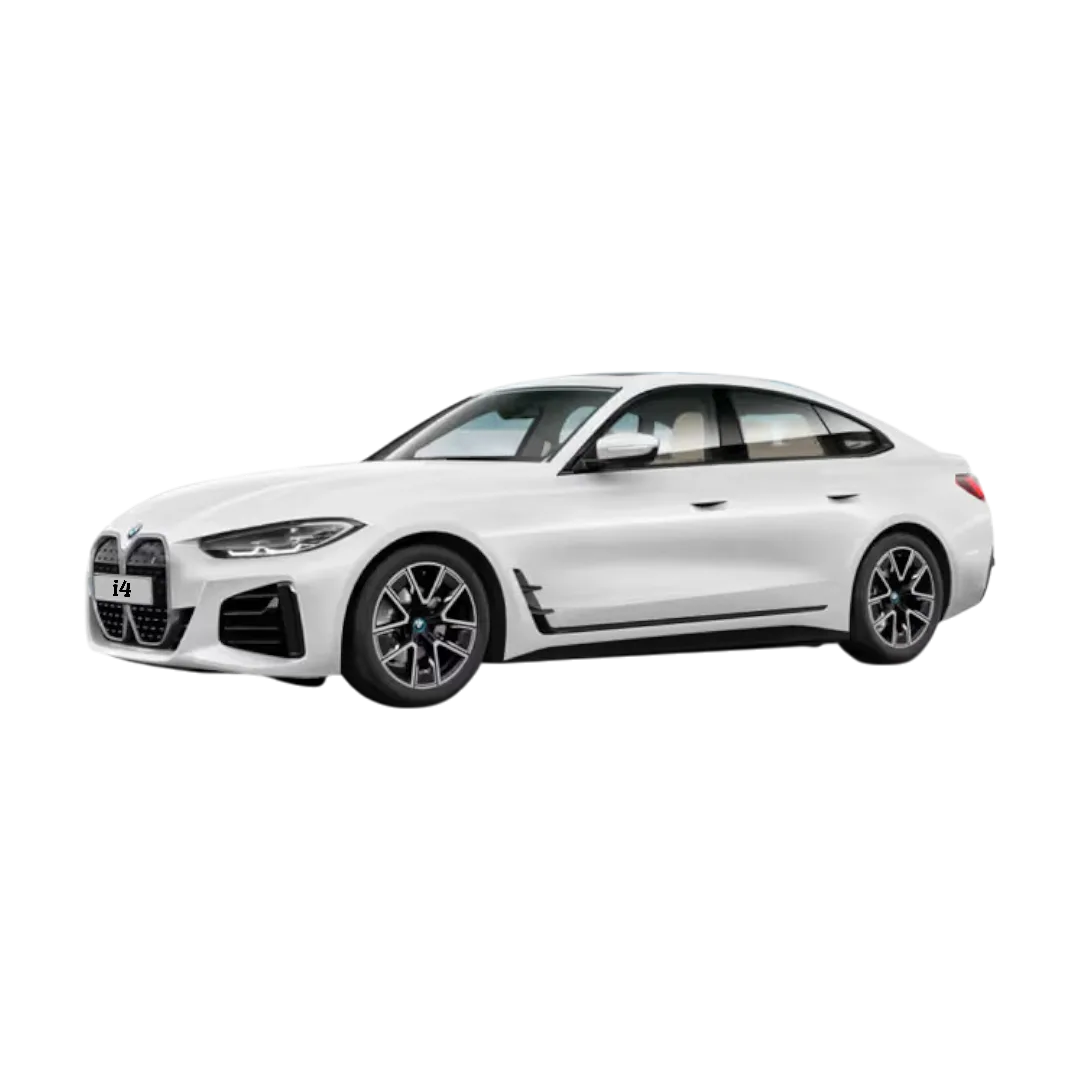 BMW i4
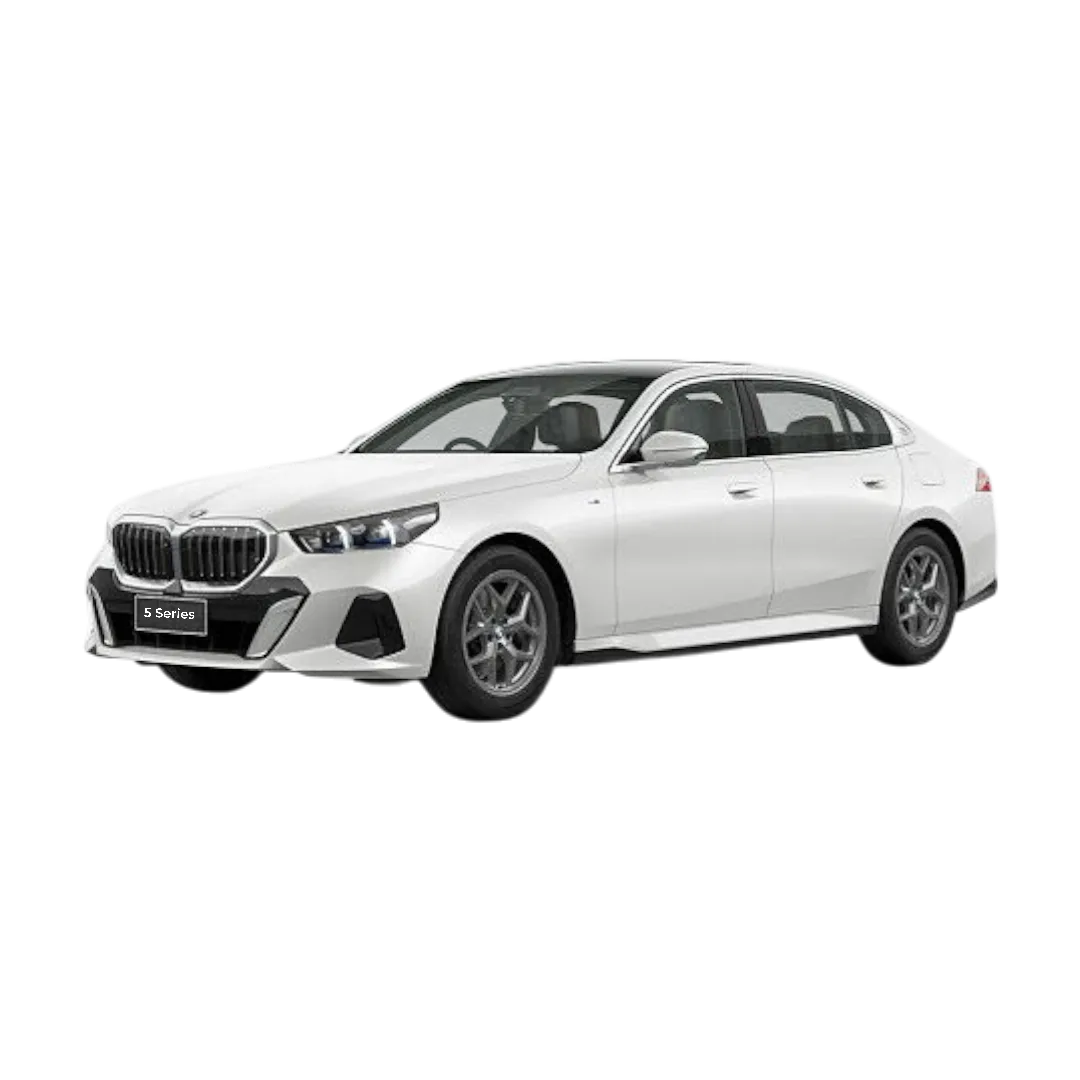 5 Series
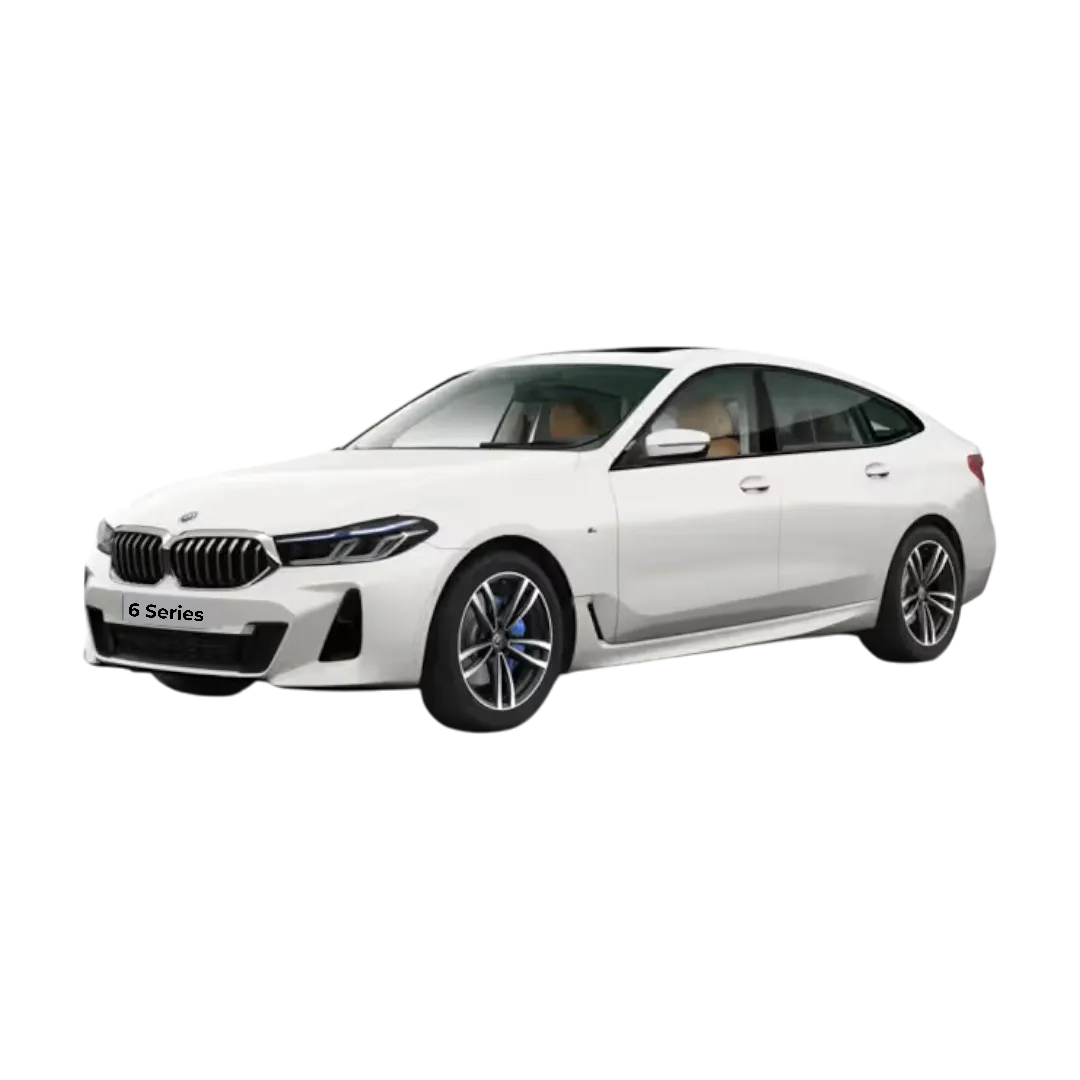 6 Series
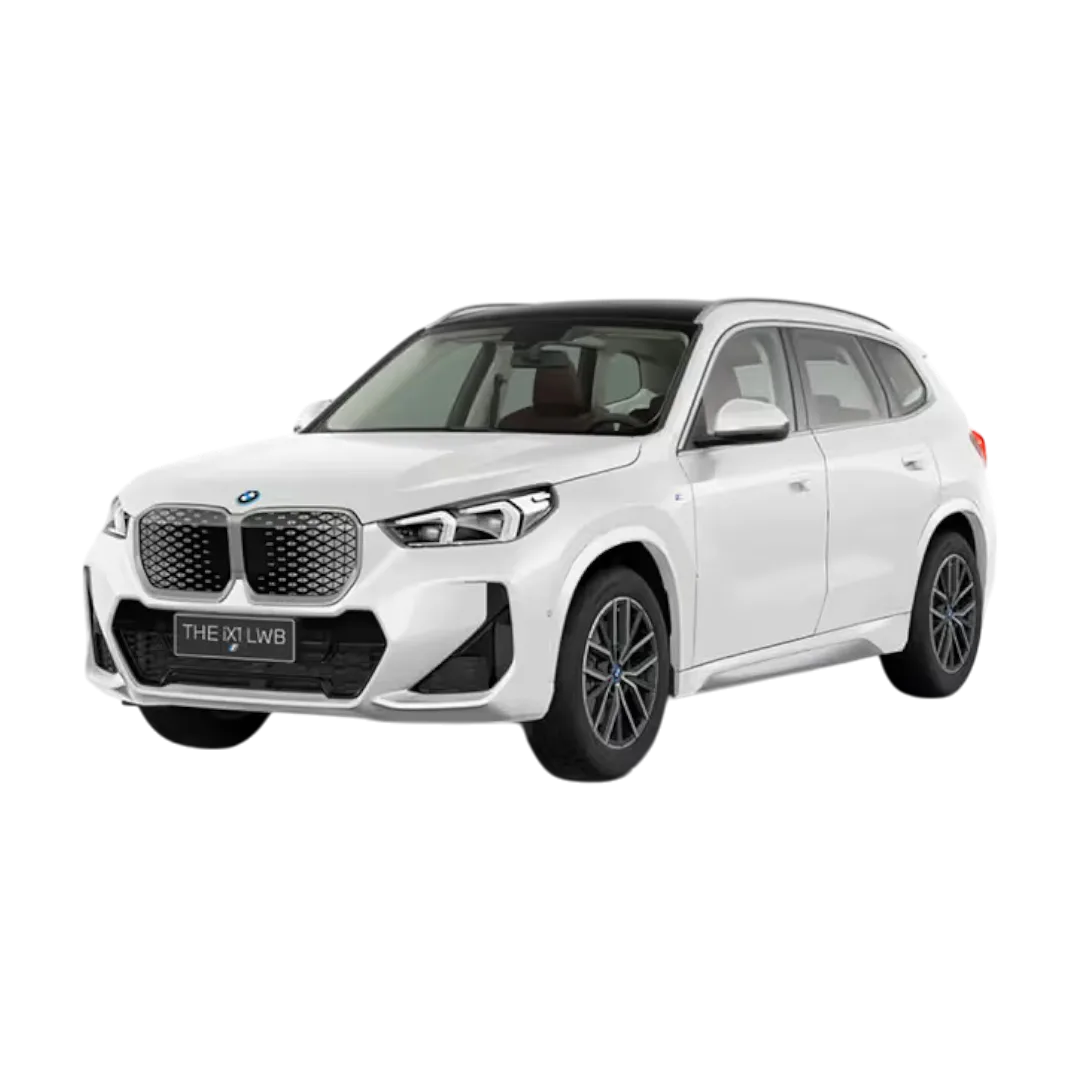 BMW ix1
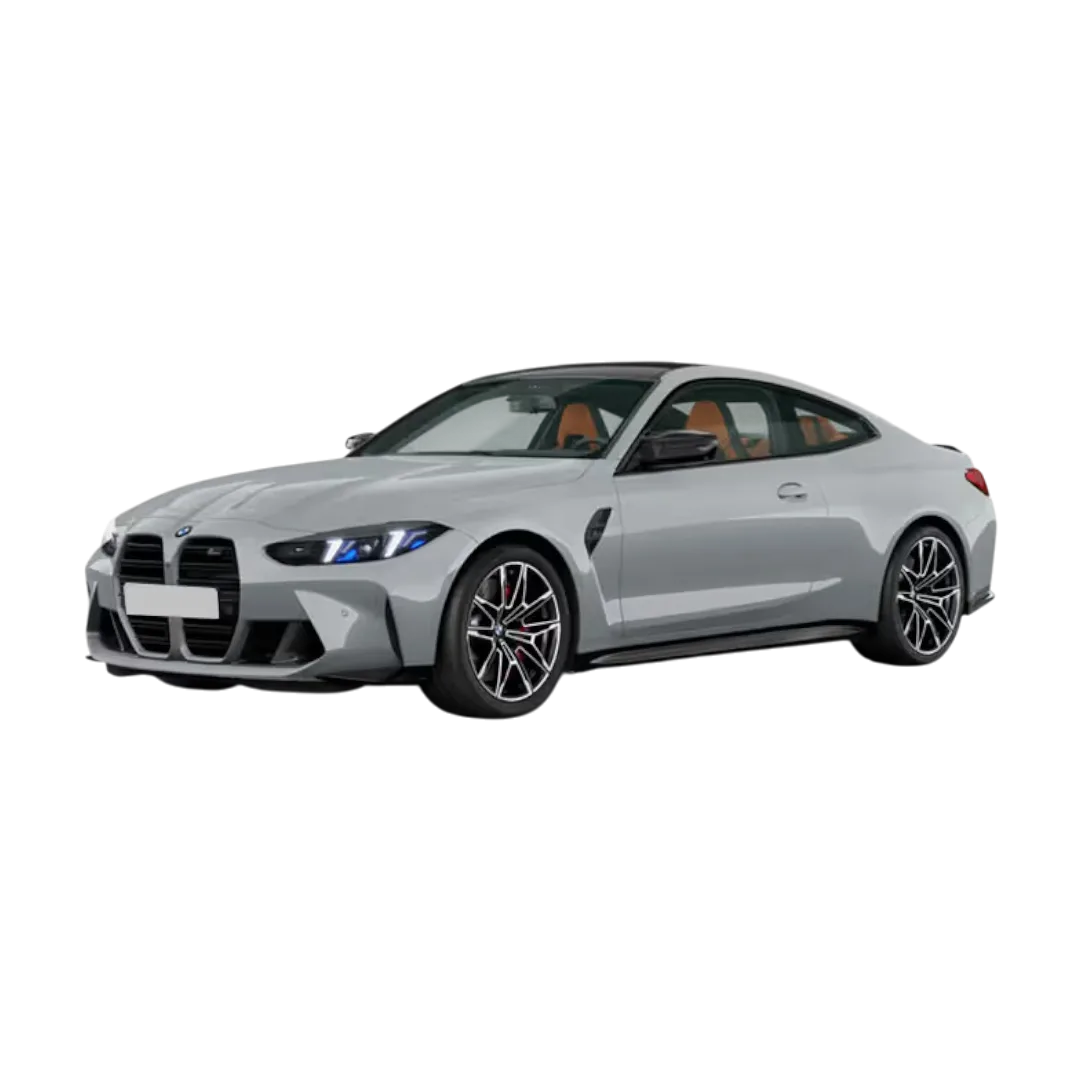 M4 Competition
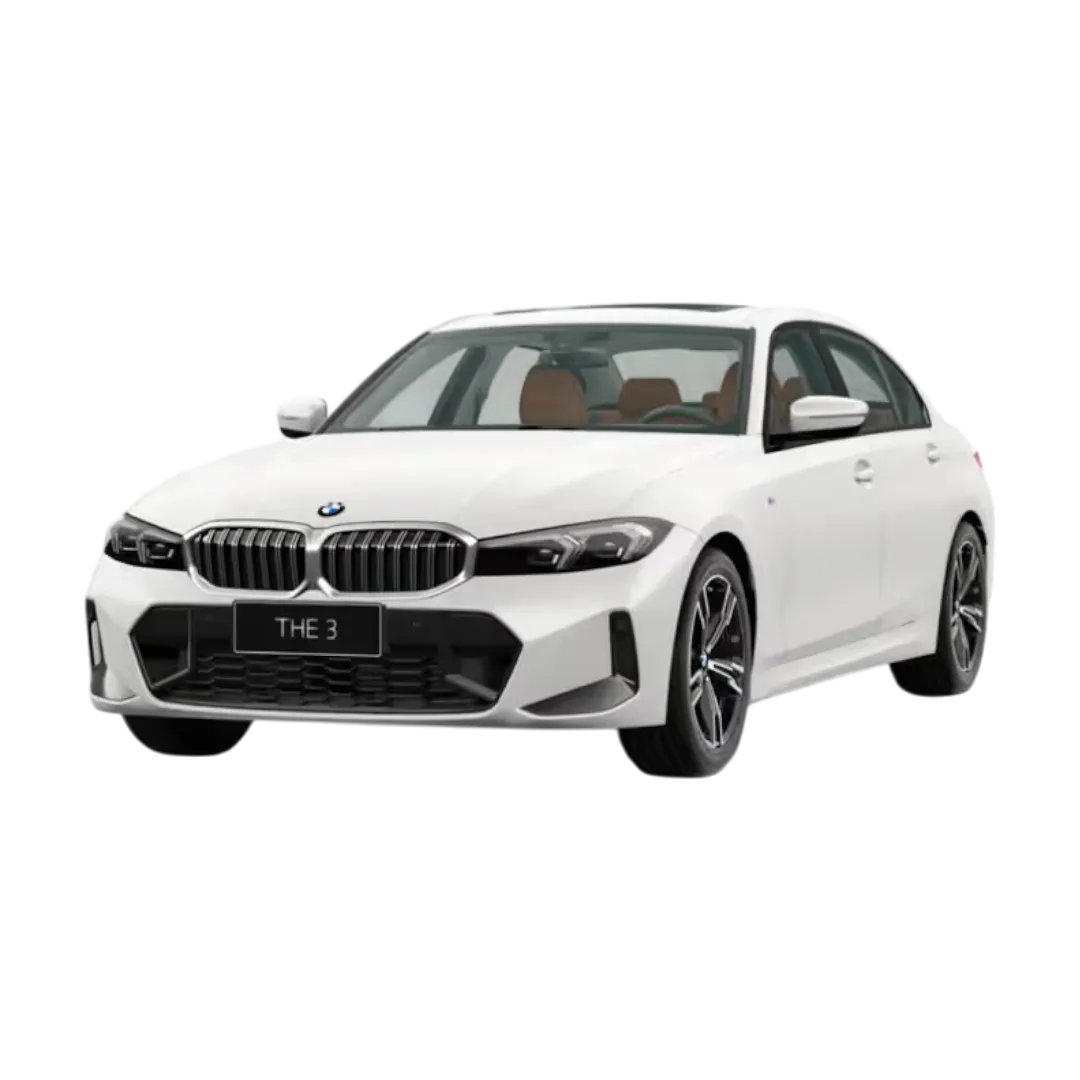 3 Series Gran Limousine
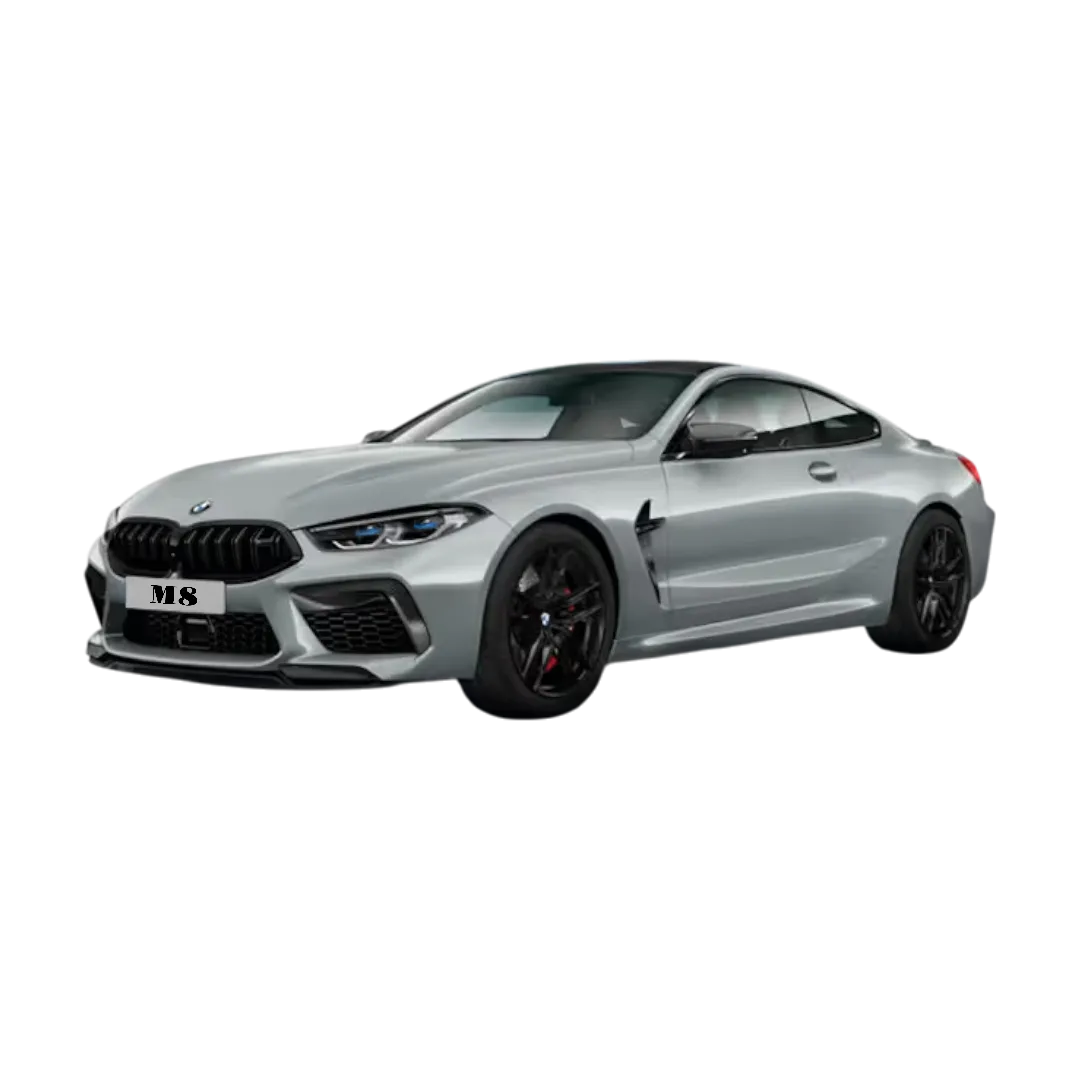 M8 Coupe
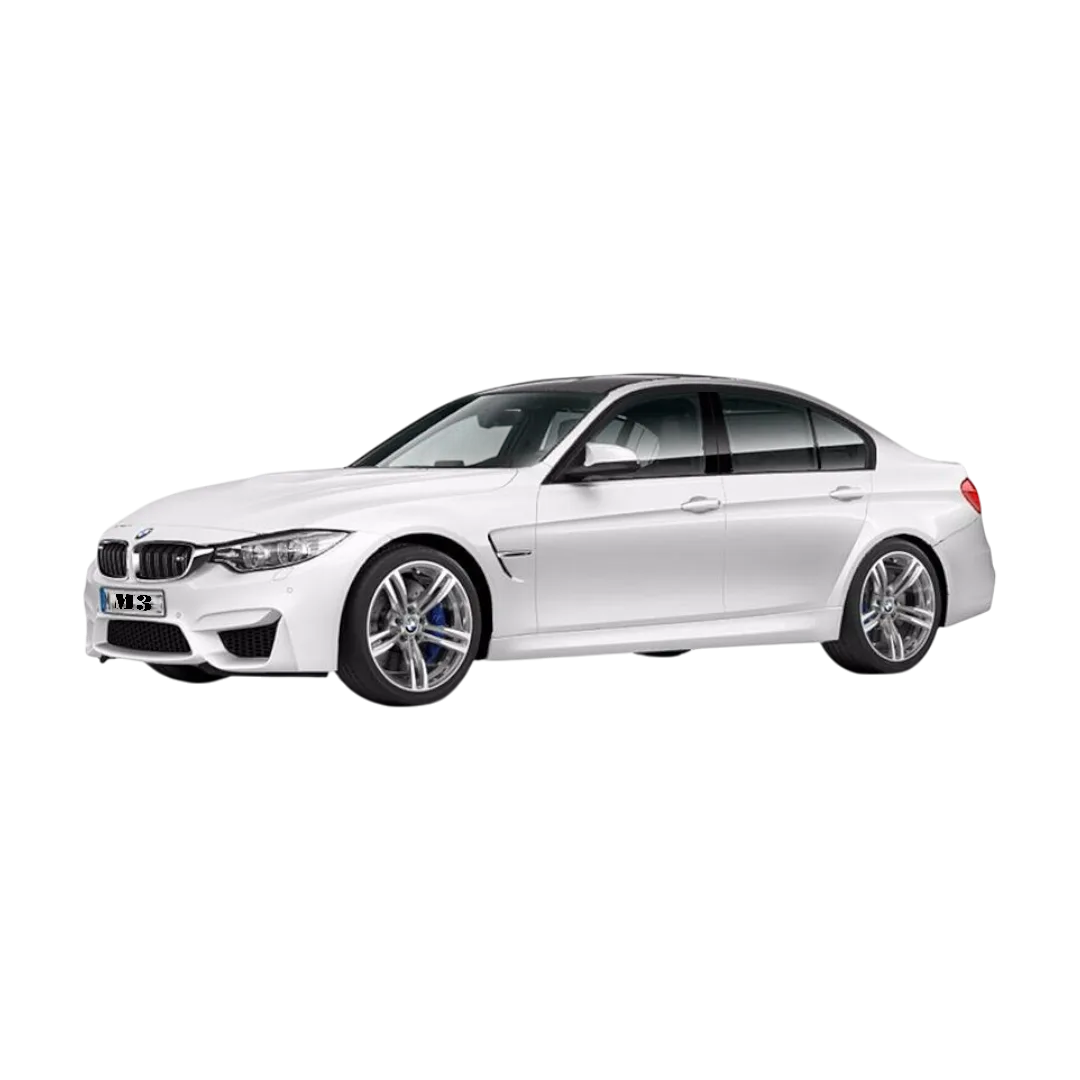 BMW M3
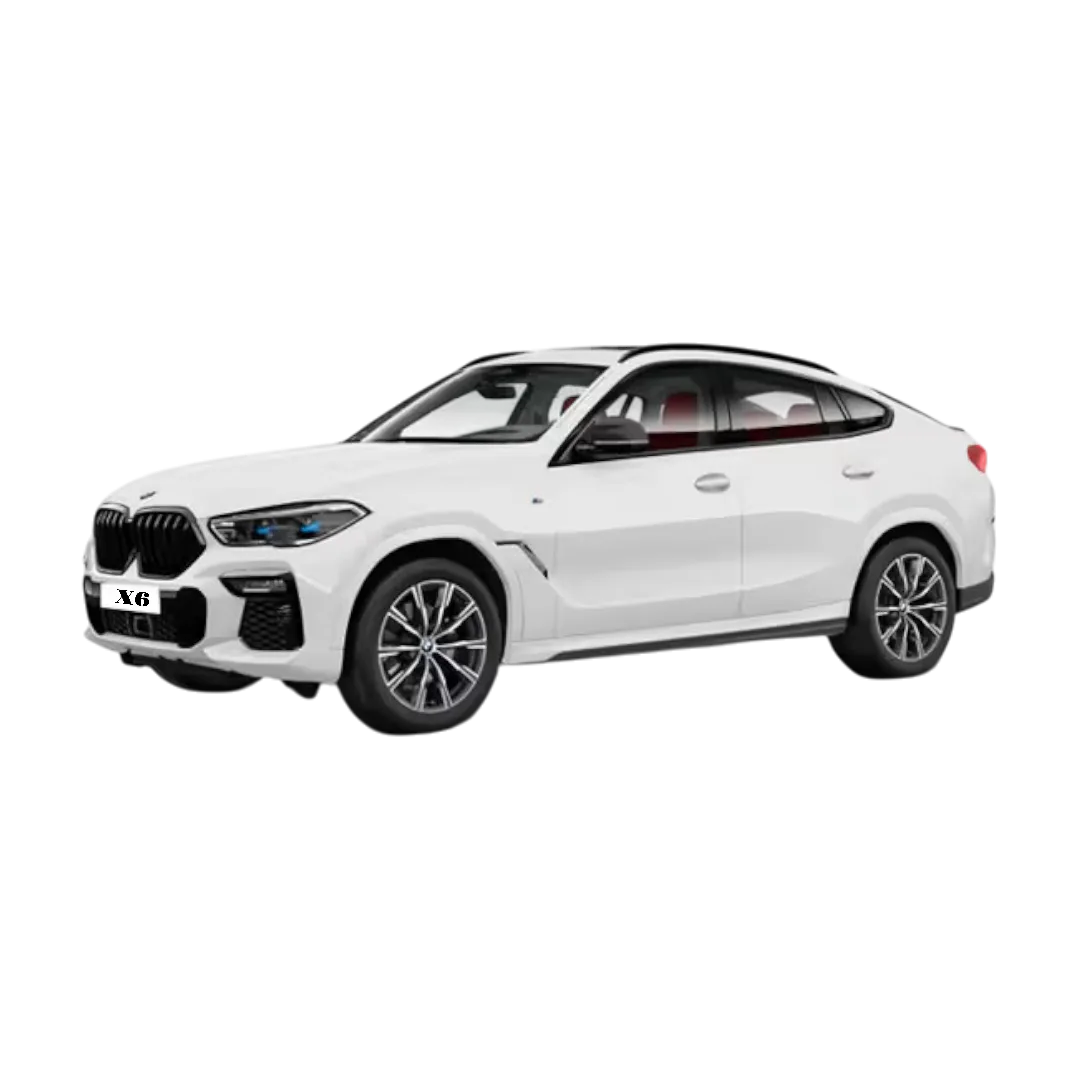 BMW X6
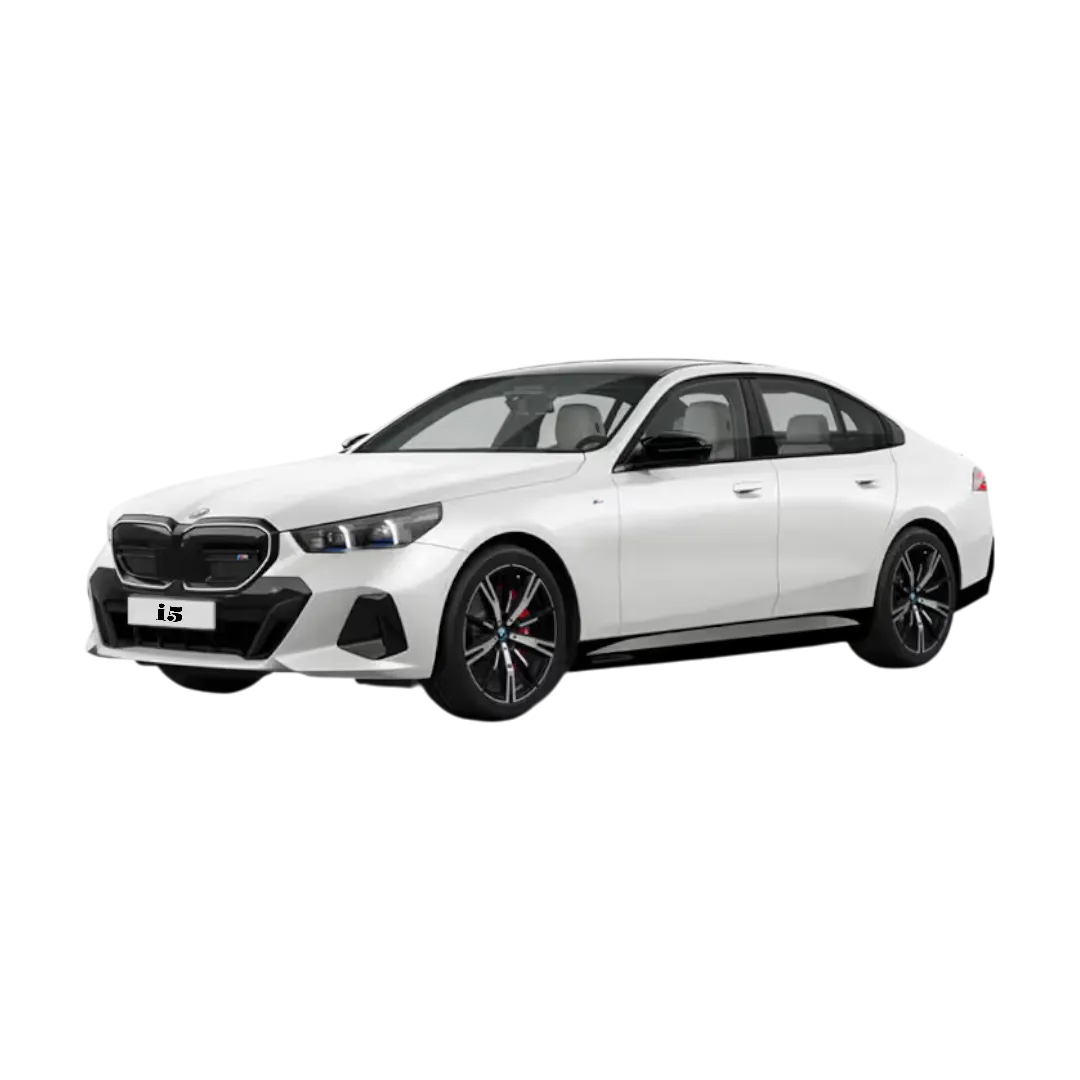 BMW i5
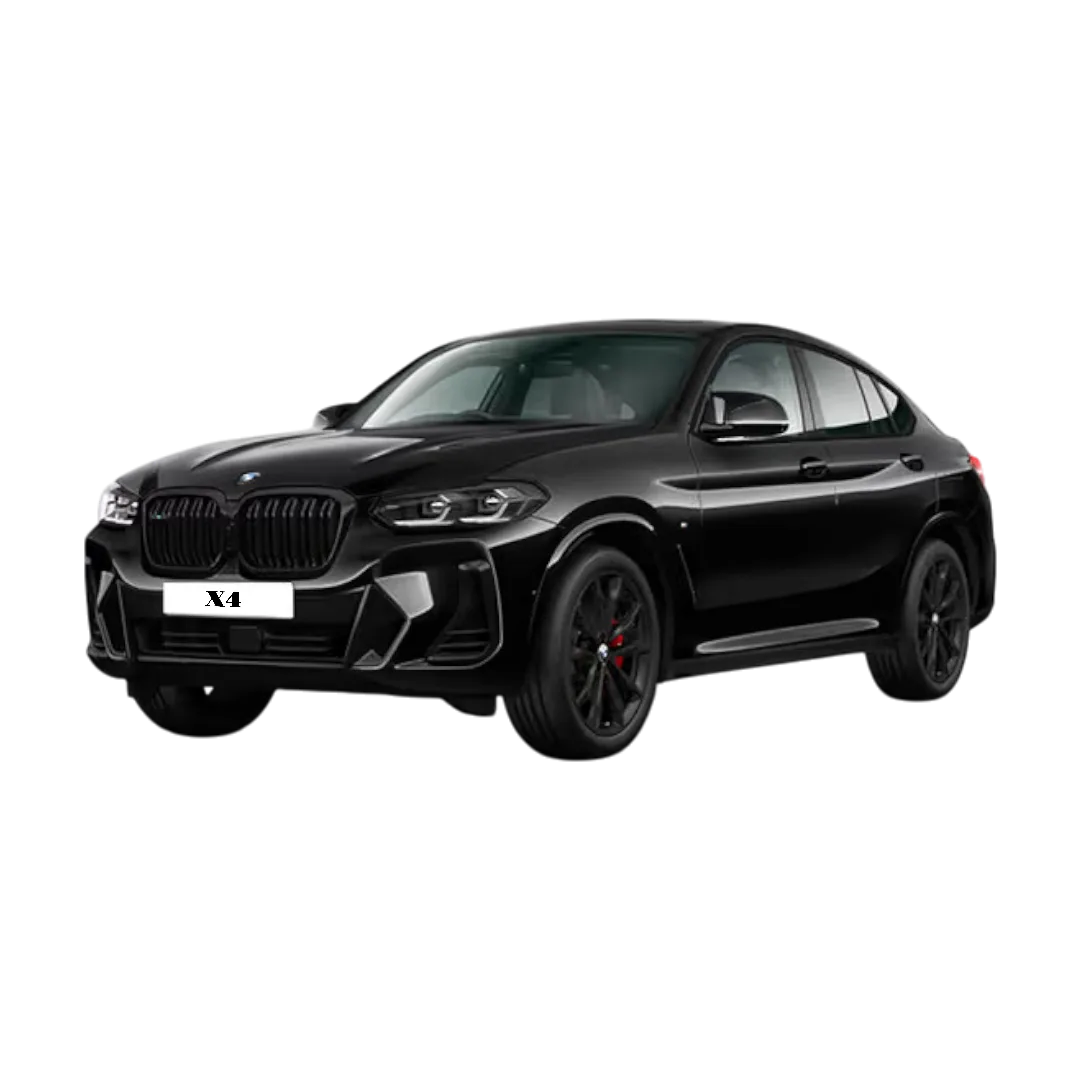 BMW X4
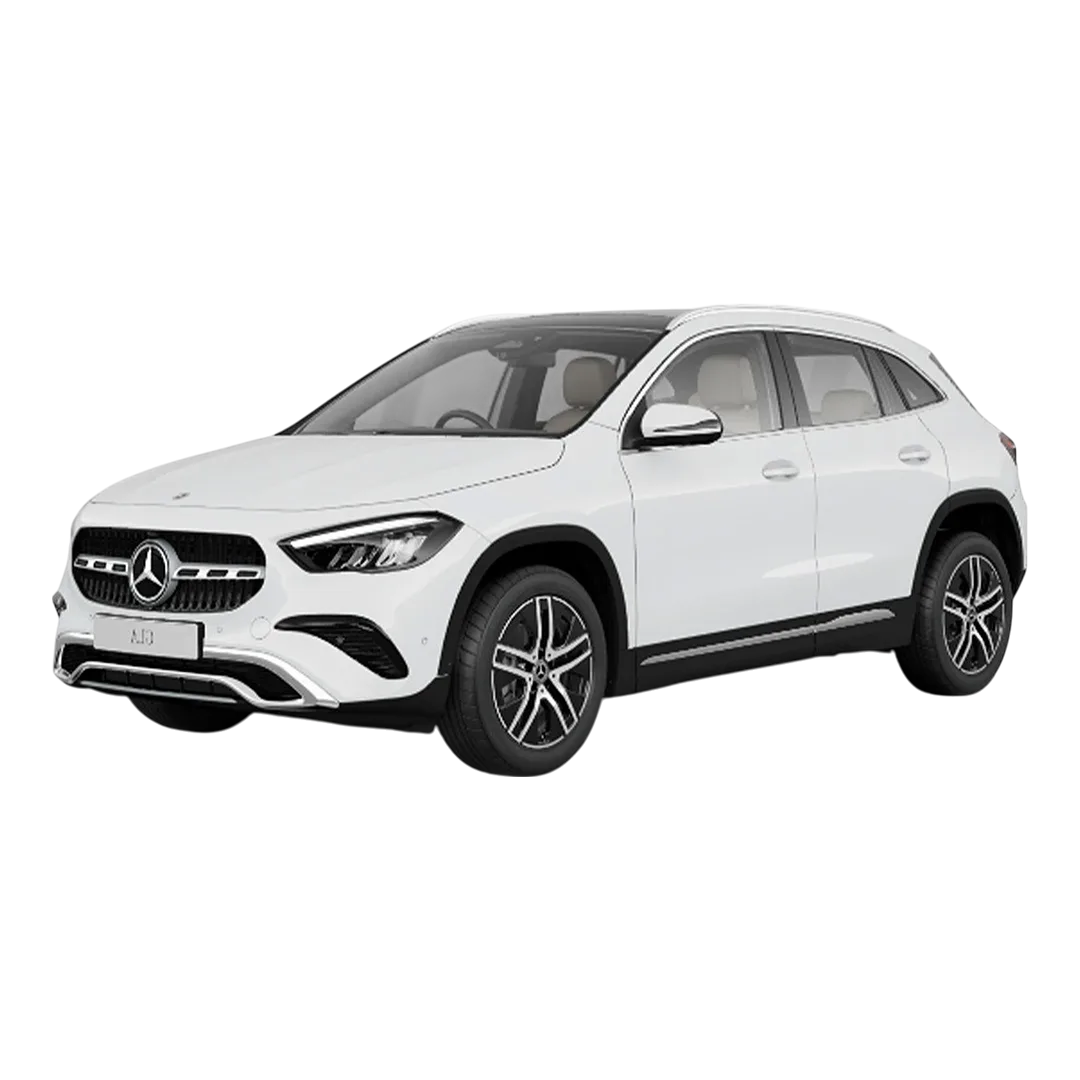 Mercedes Benz GLA
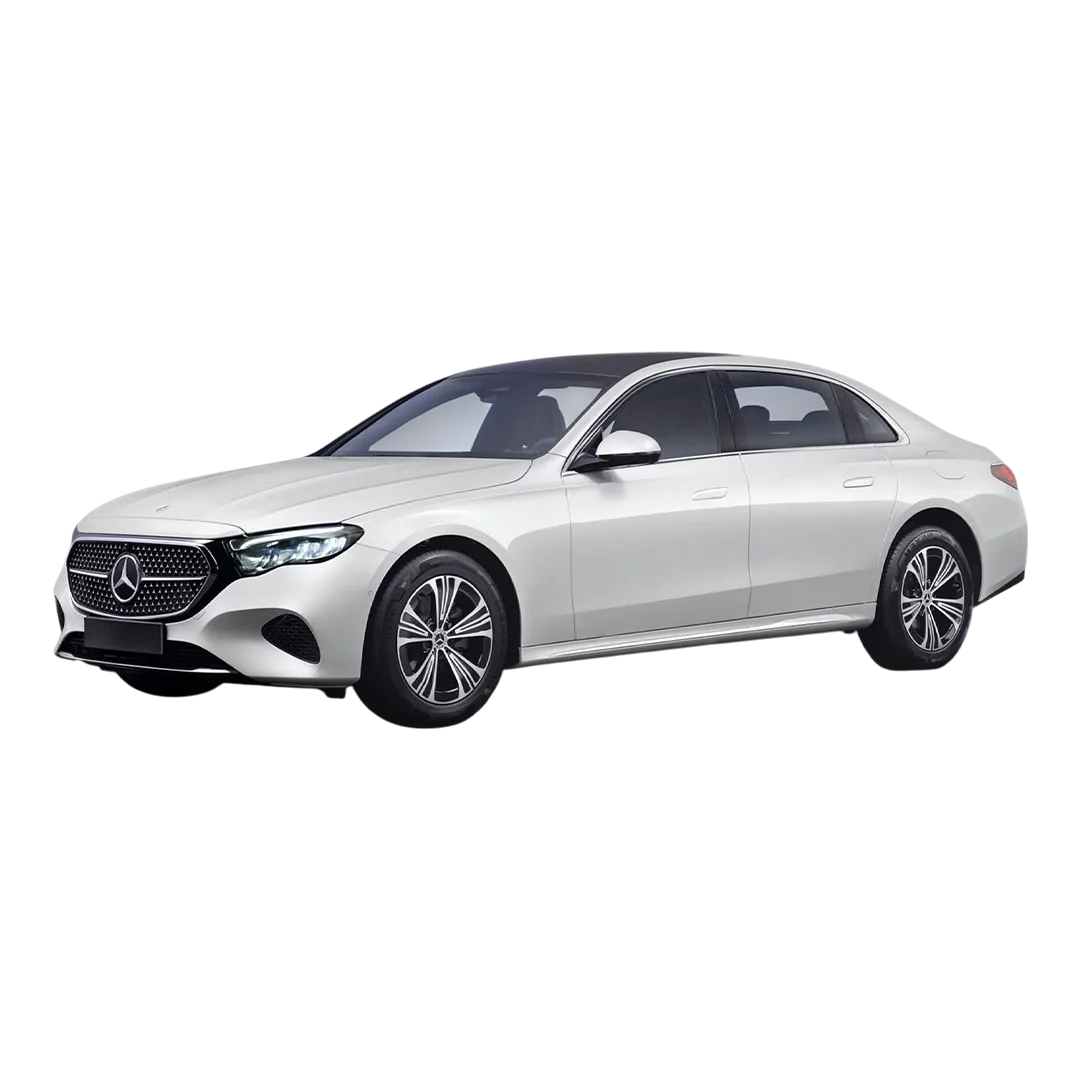 Mercedes E-Class
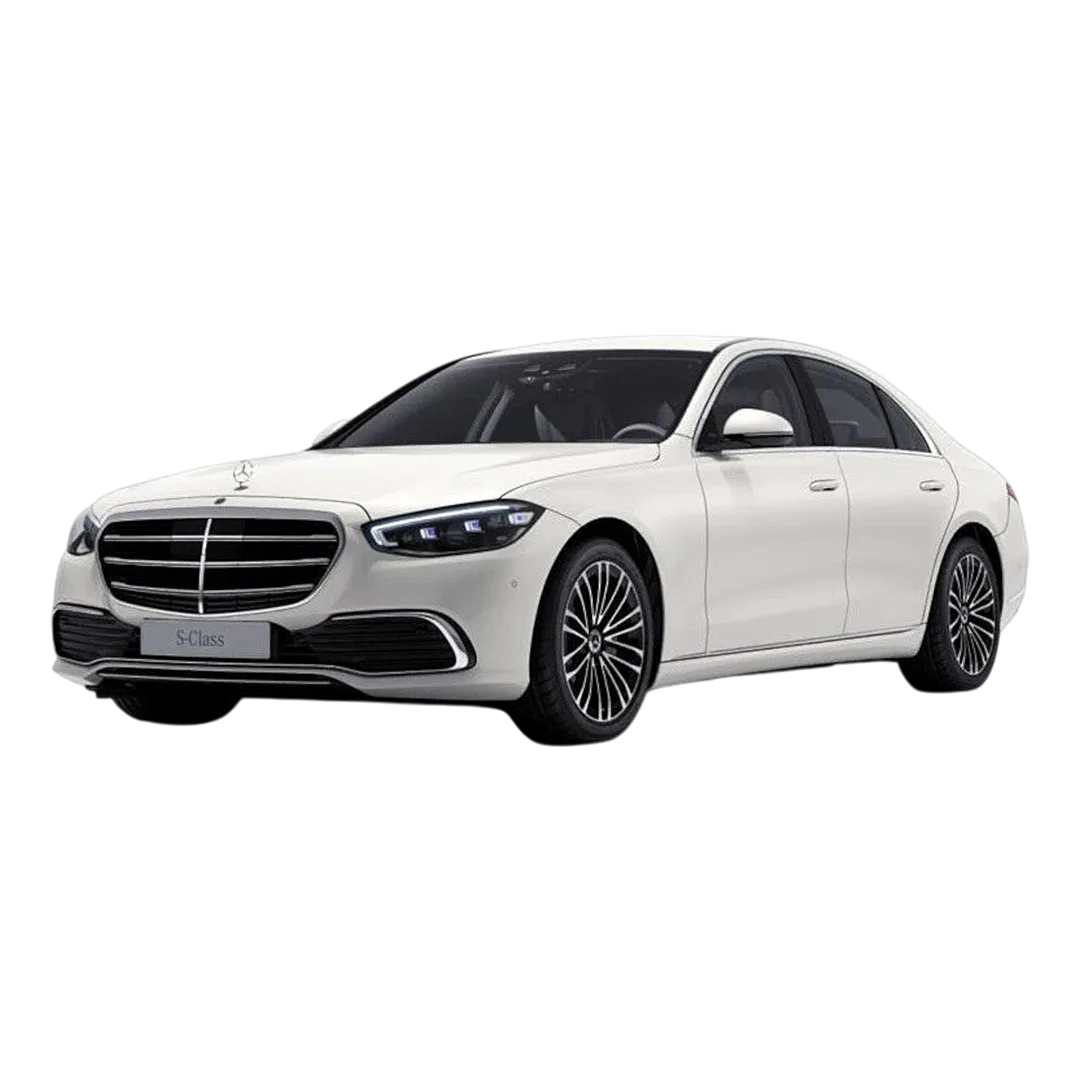 Mercedes S-Class
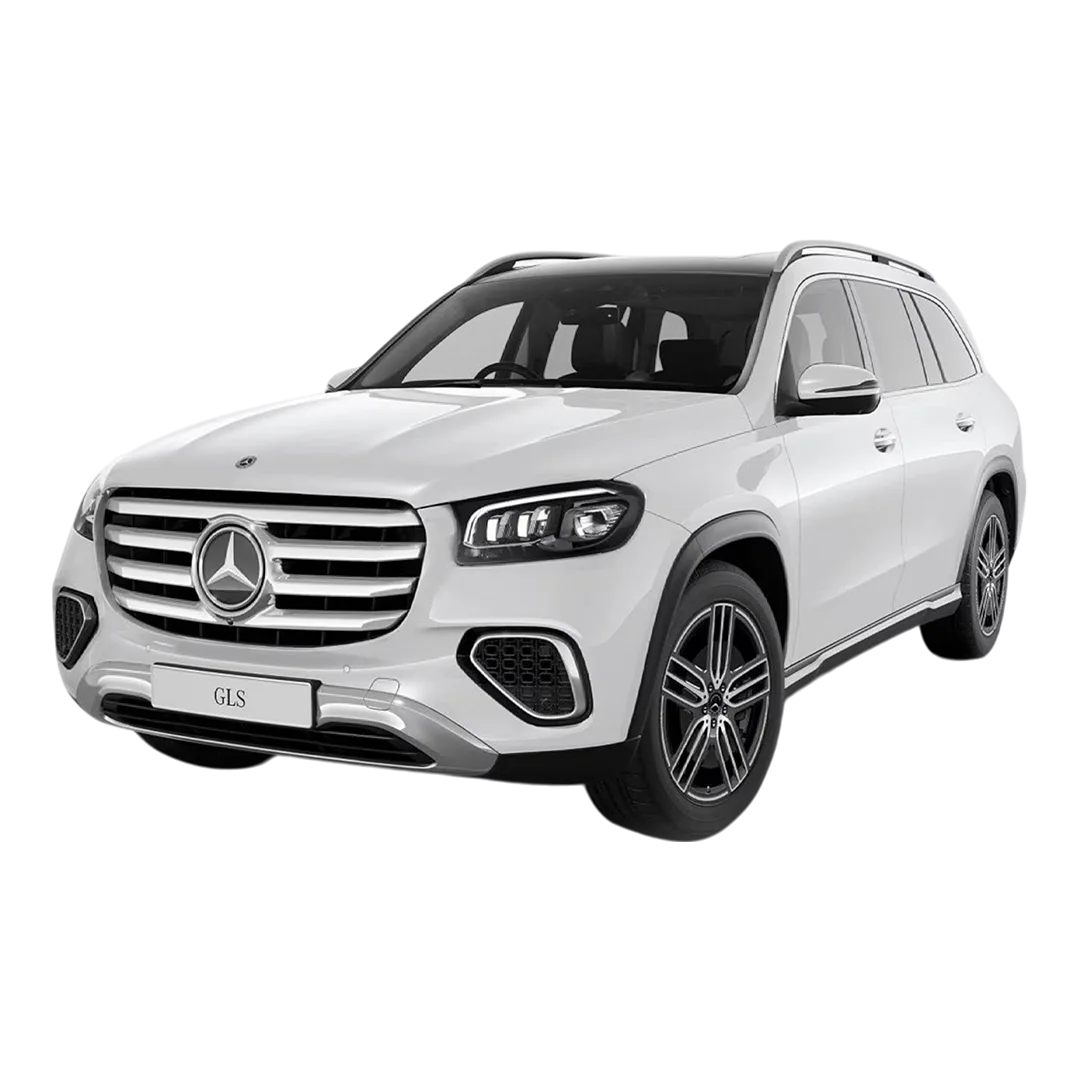 Mercedes Benz GLS
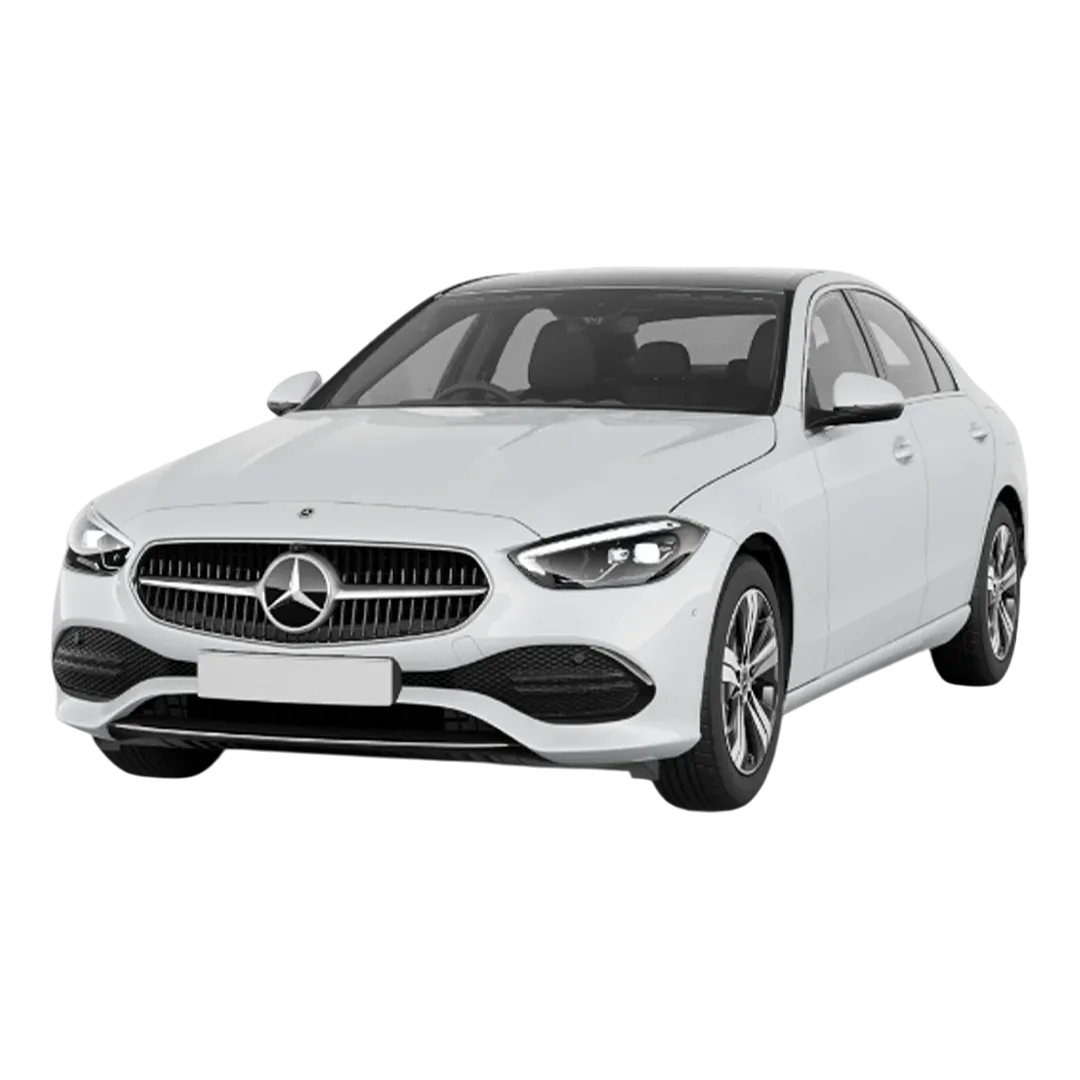 Mercedes Benz C-Class
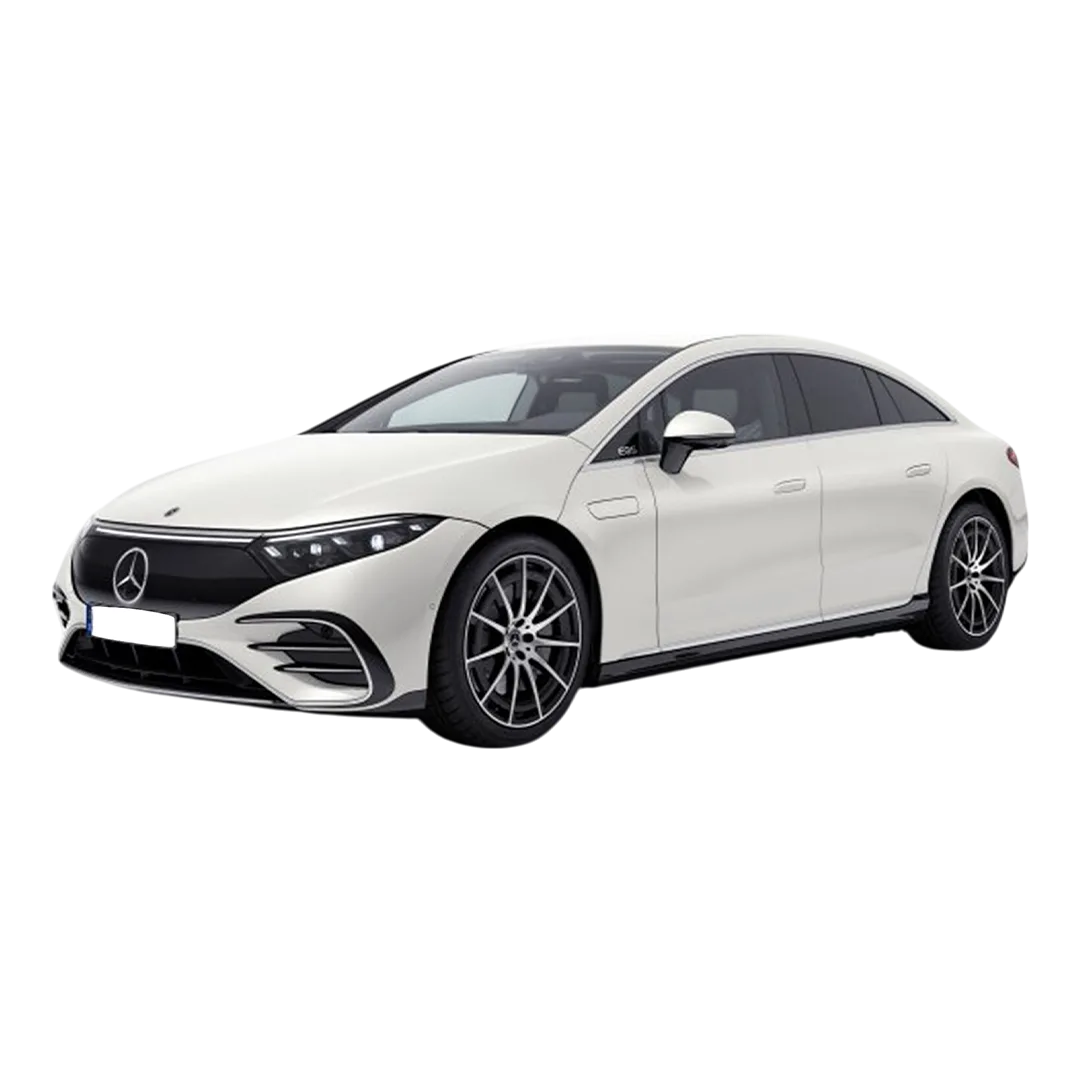 Mercedes Benz EQS
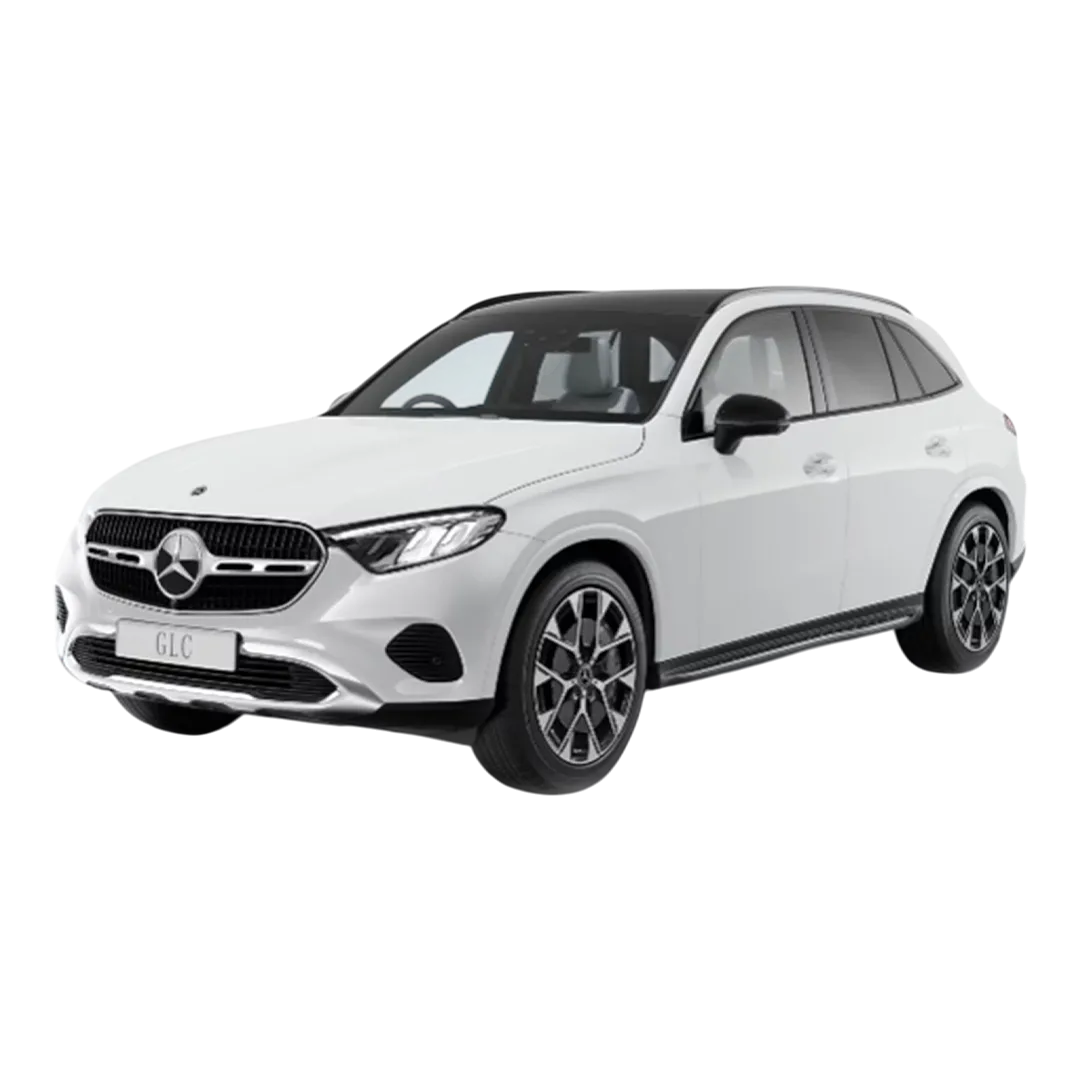 Mercedes Benz GLC
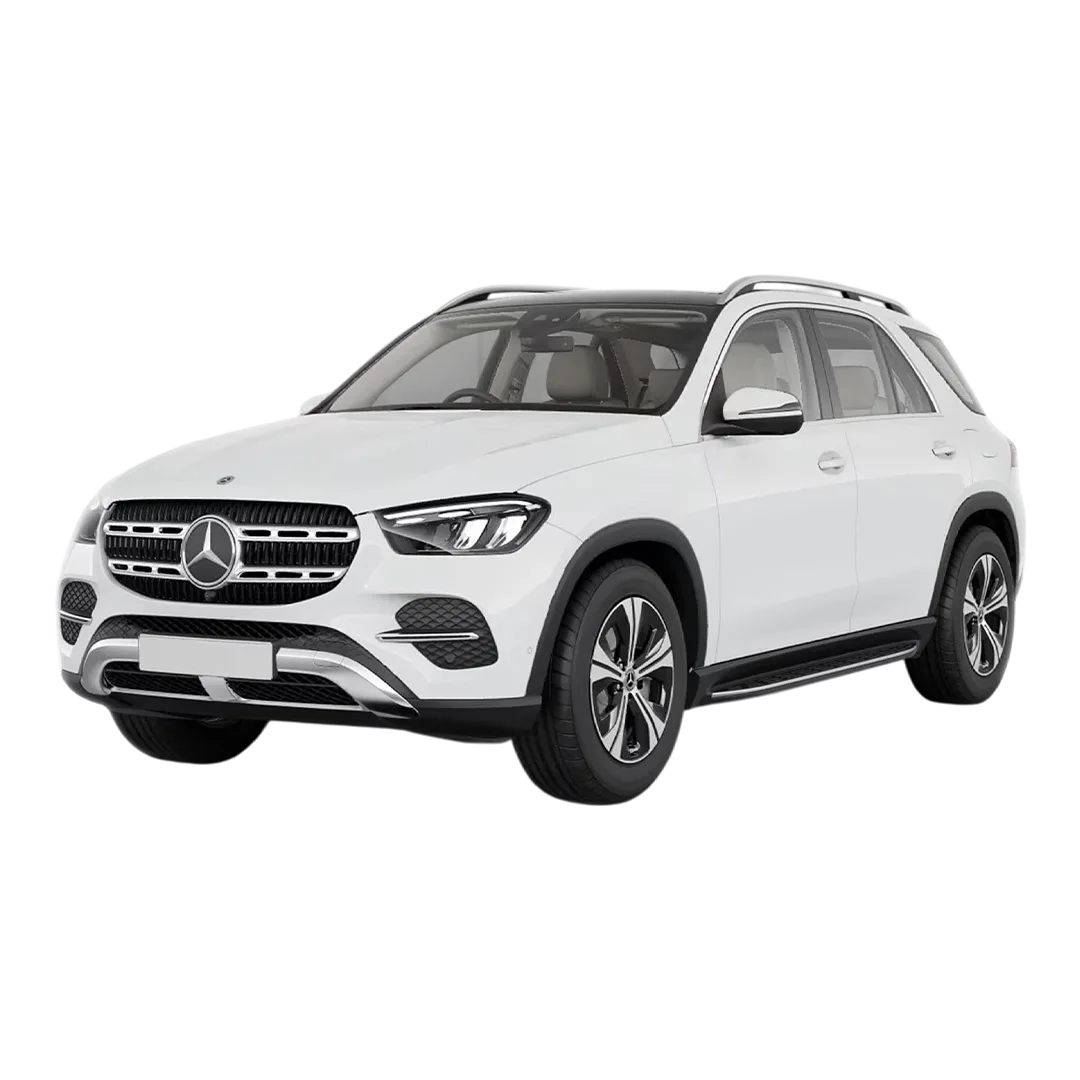 Mercedes Benz GLE
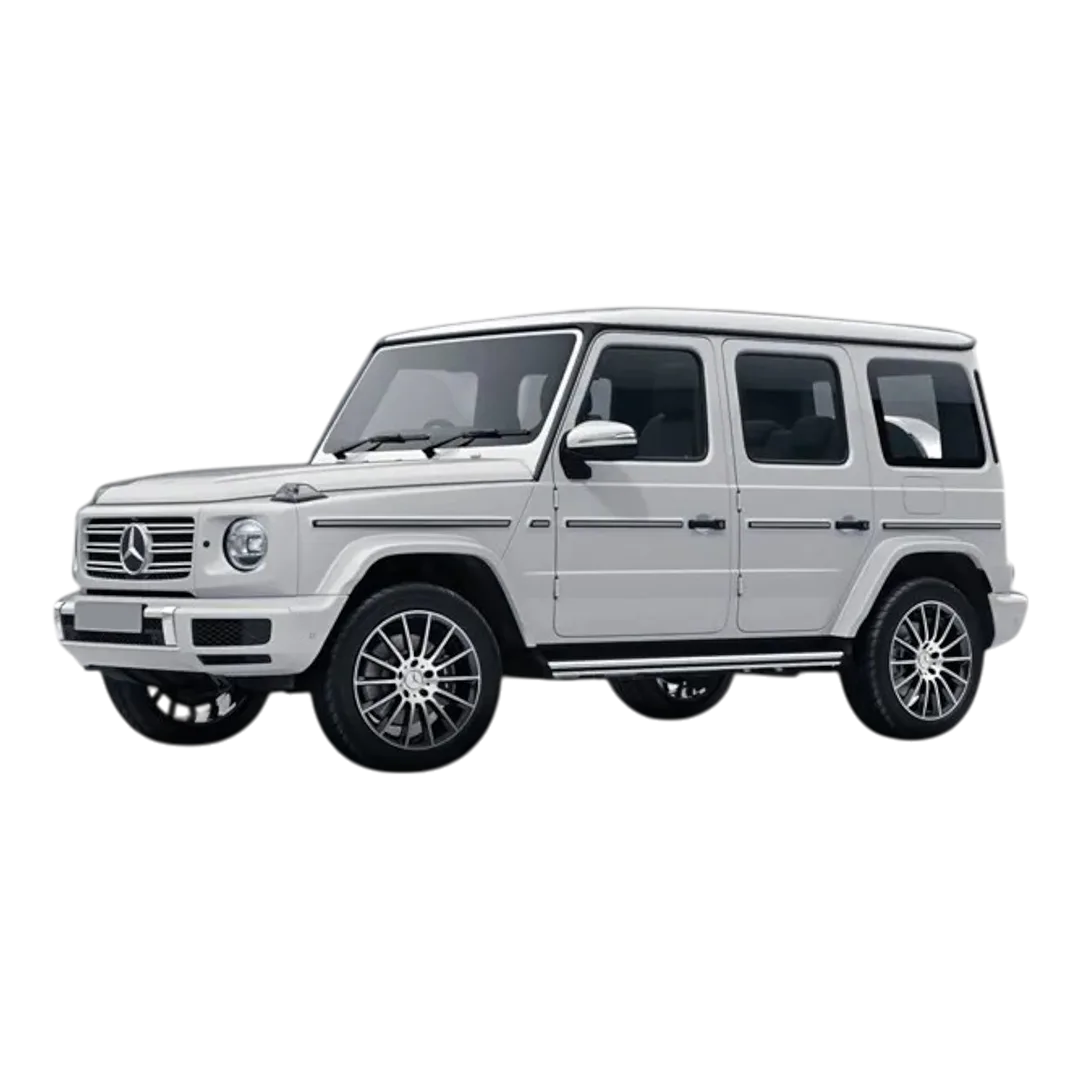 Mercedes Benz G-Class
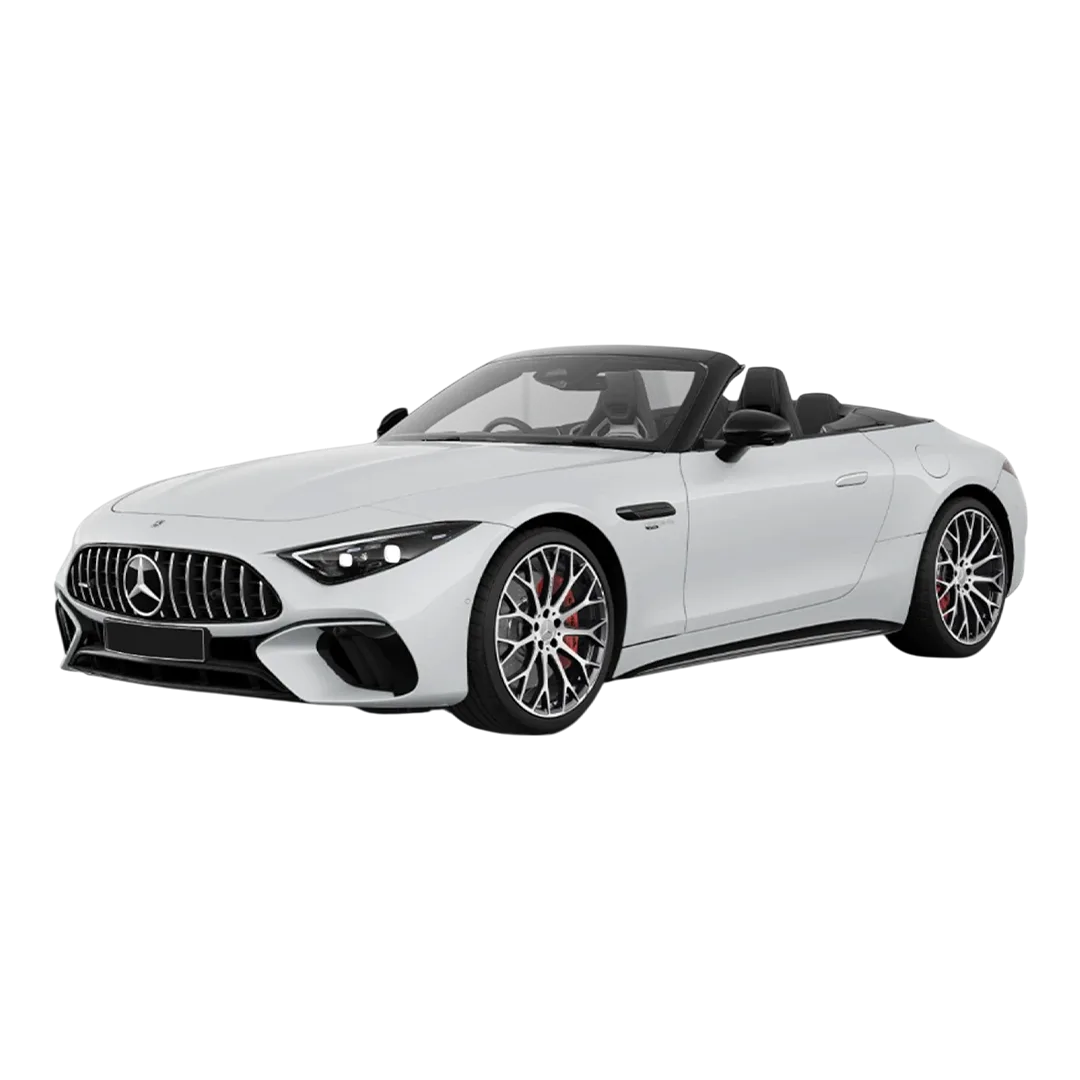 Mercedes Benz AMG SL
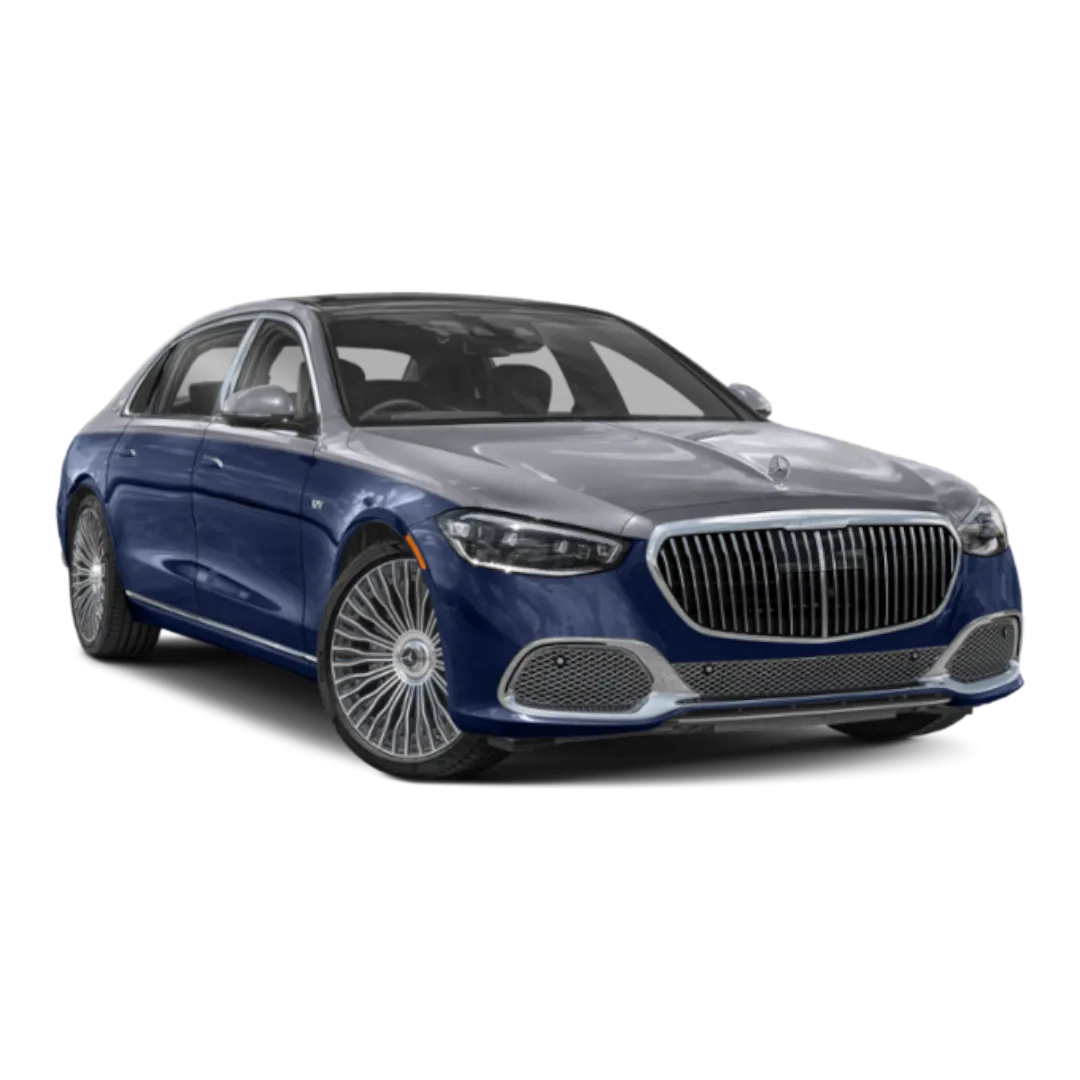 Mercedes Benz MAYBACH S- Class
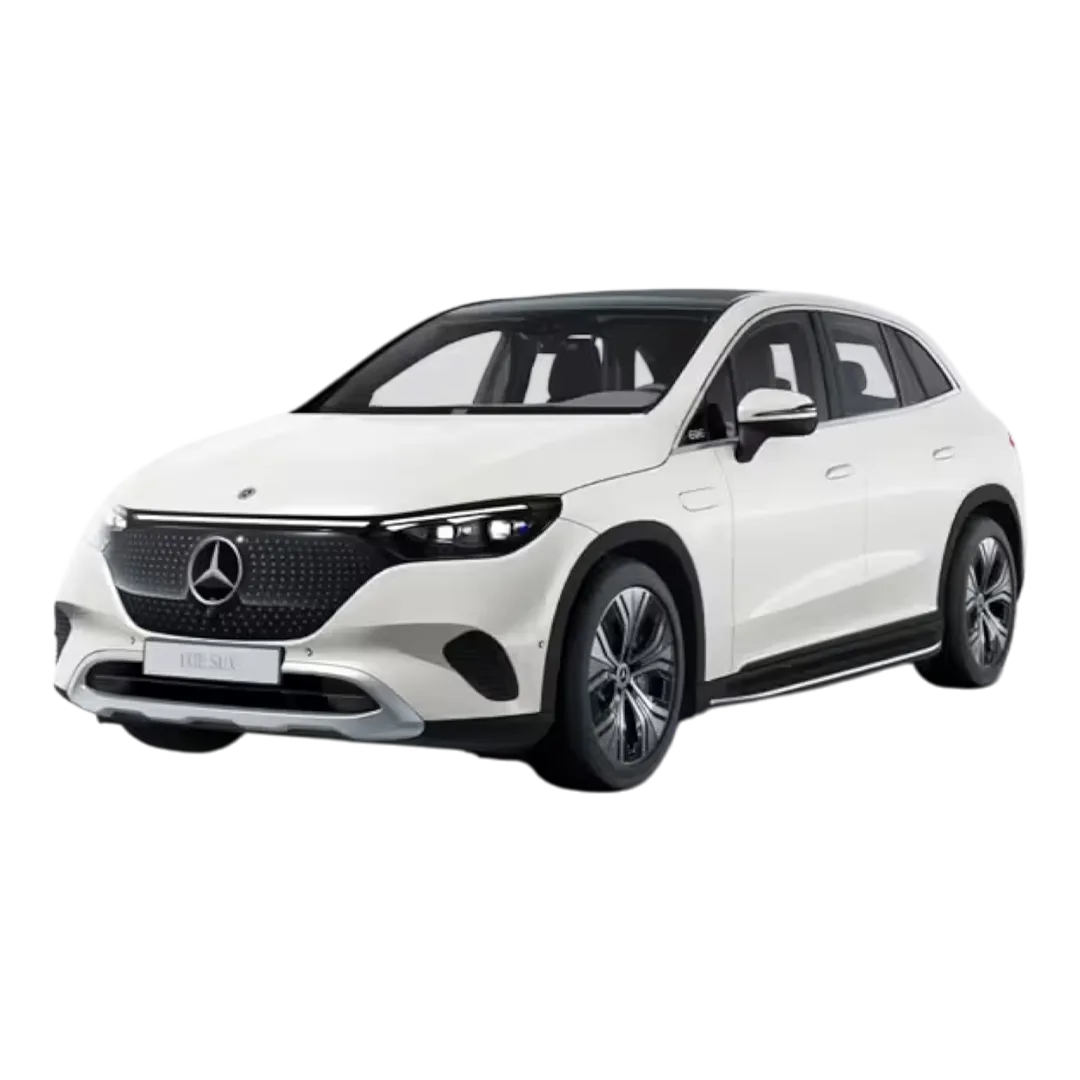 Mercedes Benz EQE-SUV
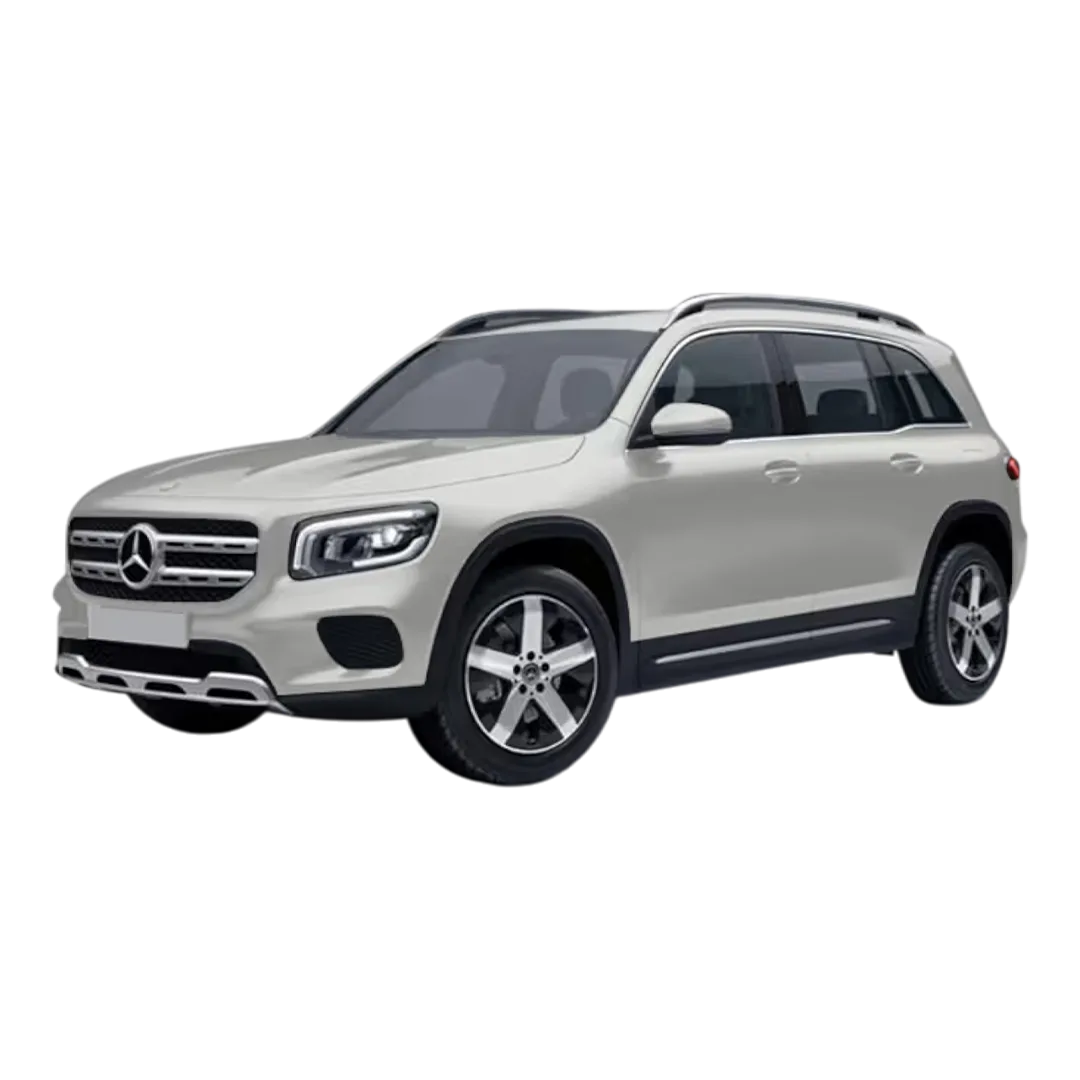 Mercedes Benz GLB
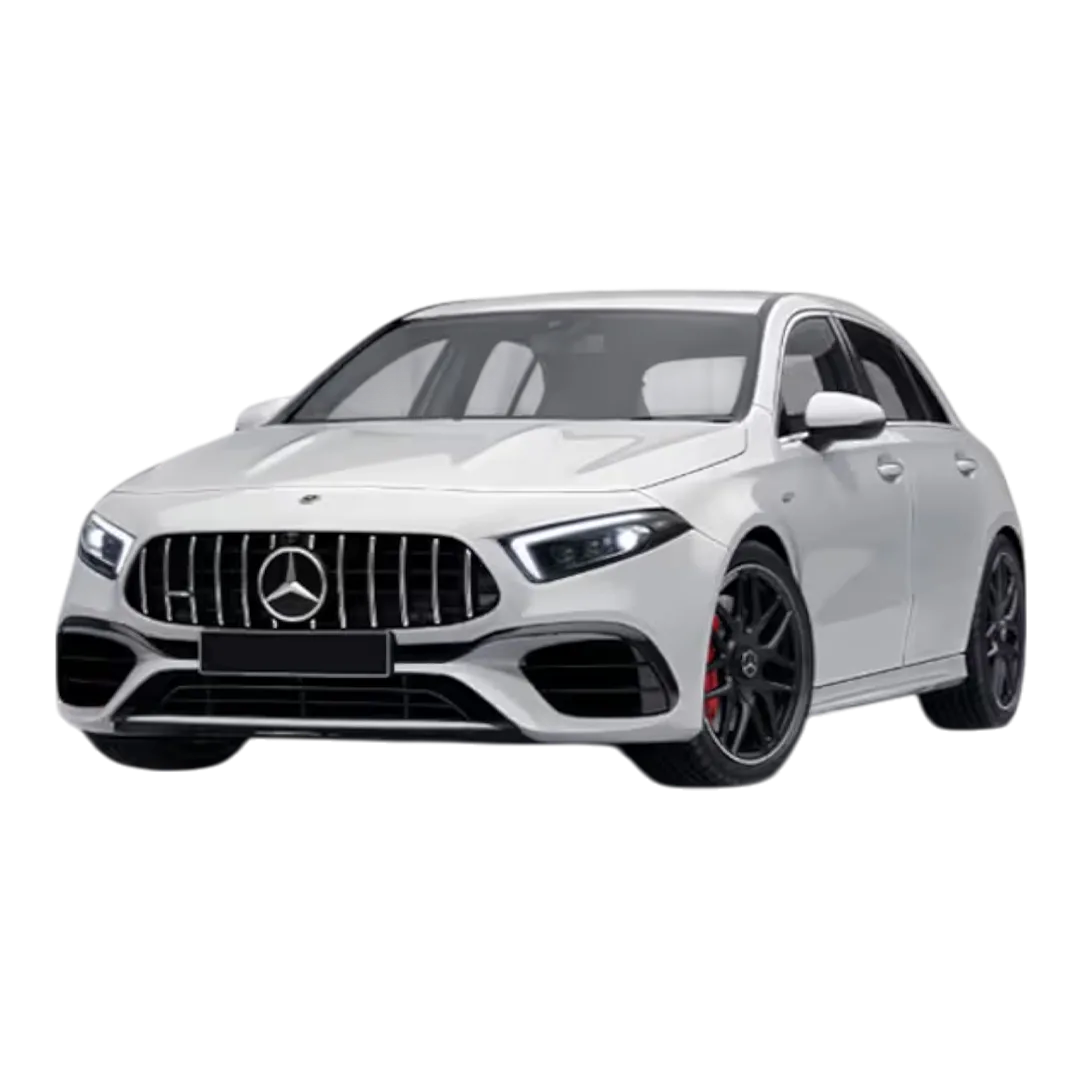 Mercedes Benz AMG A 45 S
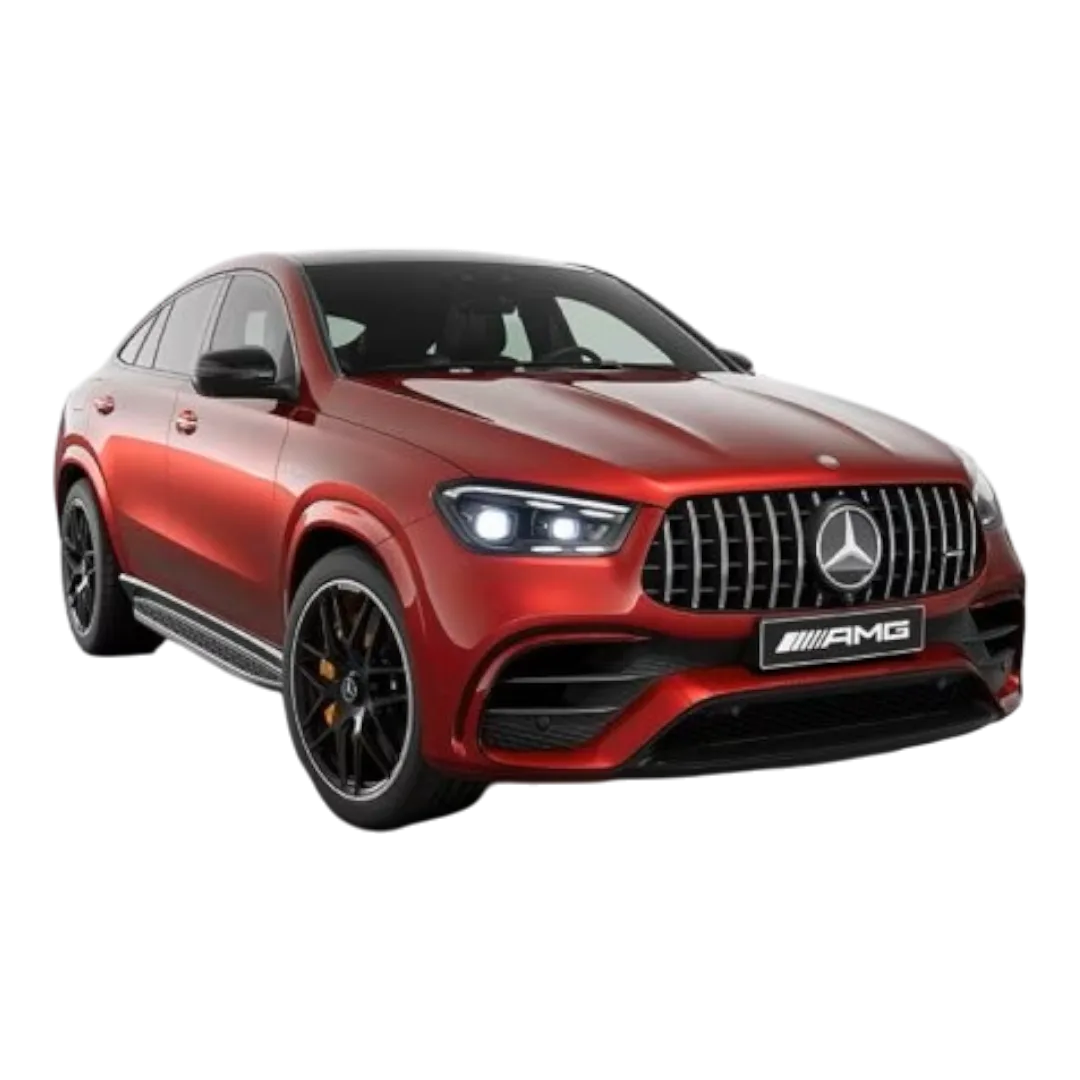 Mercedes Benz AMG GLE S3
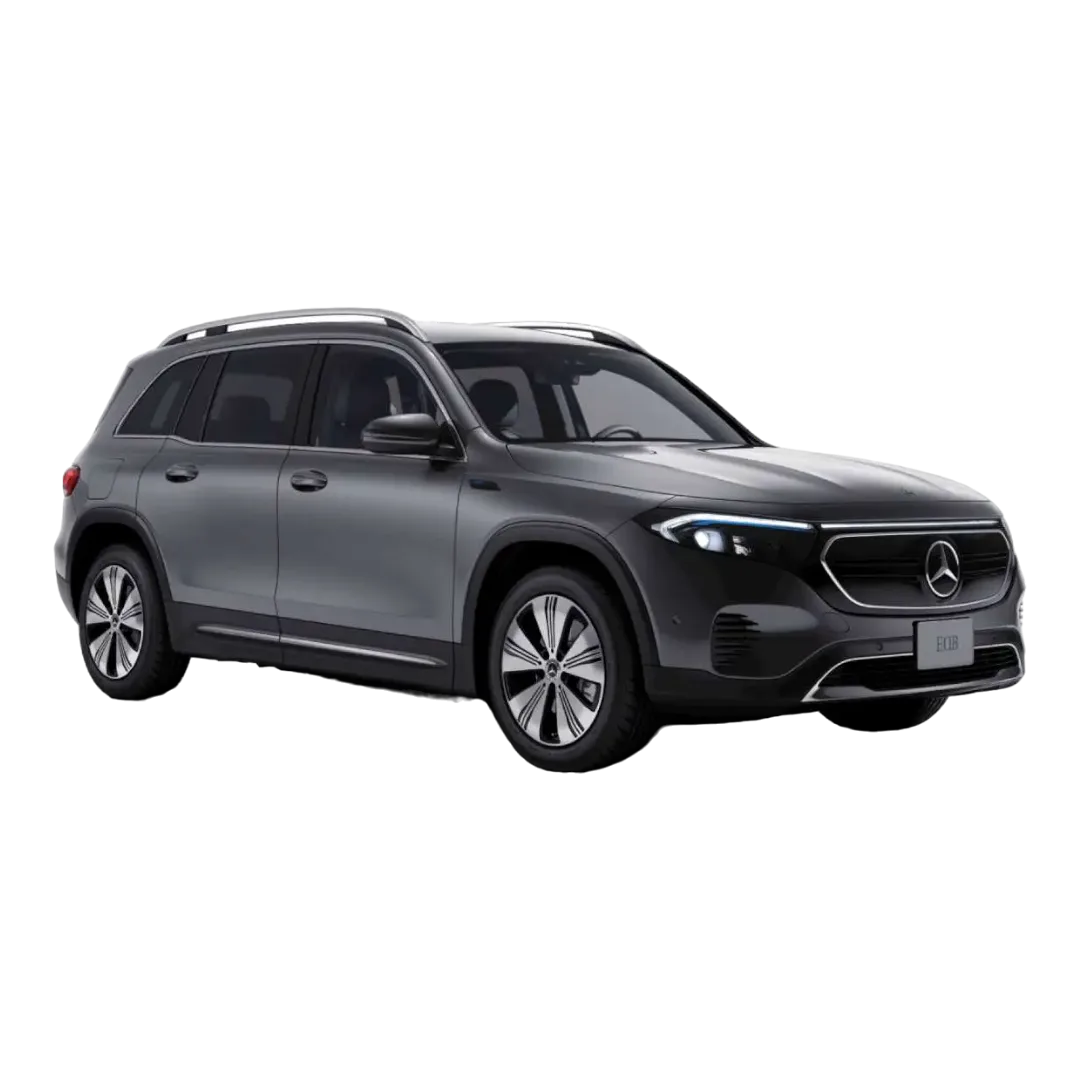 Mercedes Benz EQB
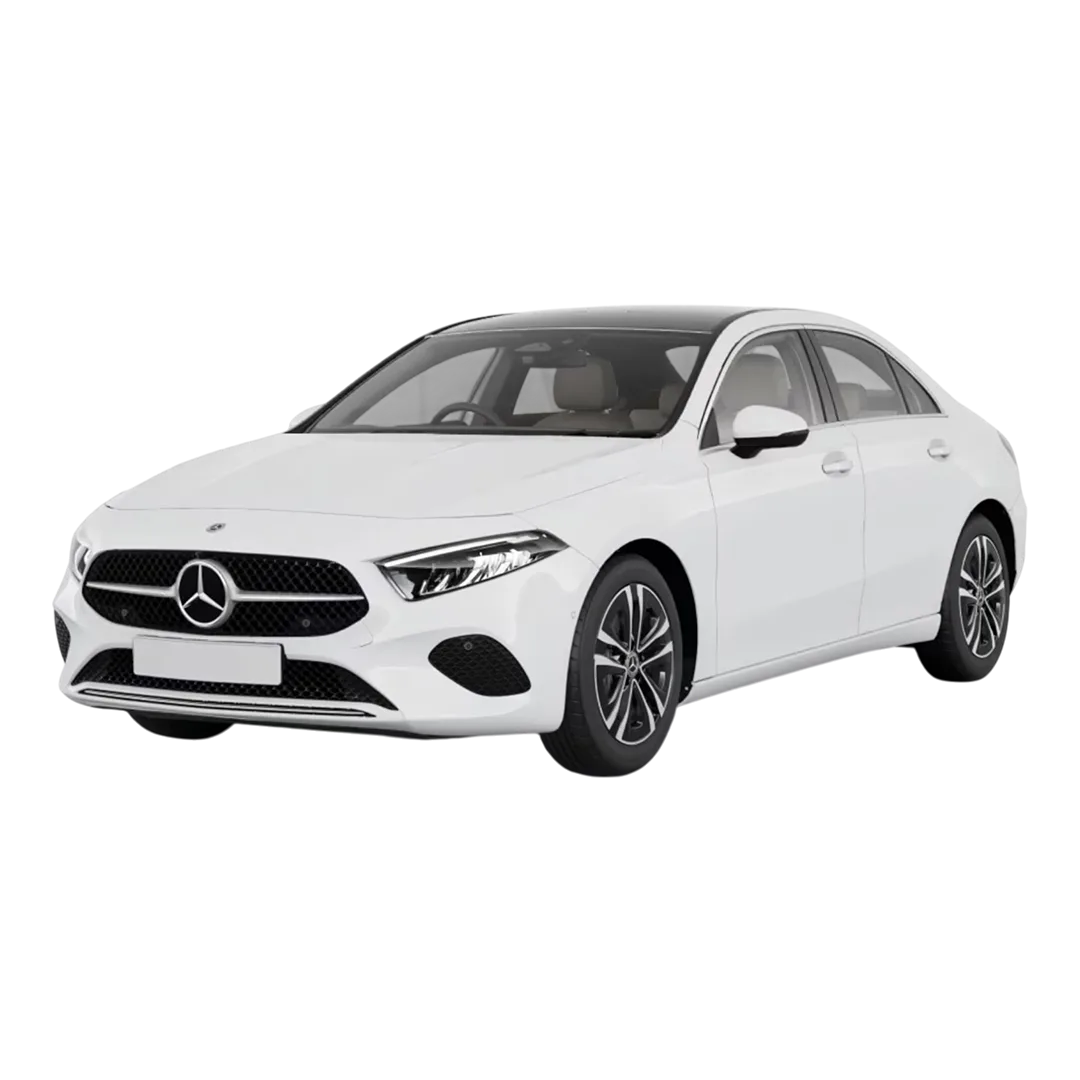 Mercedes Benz A Class limousine
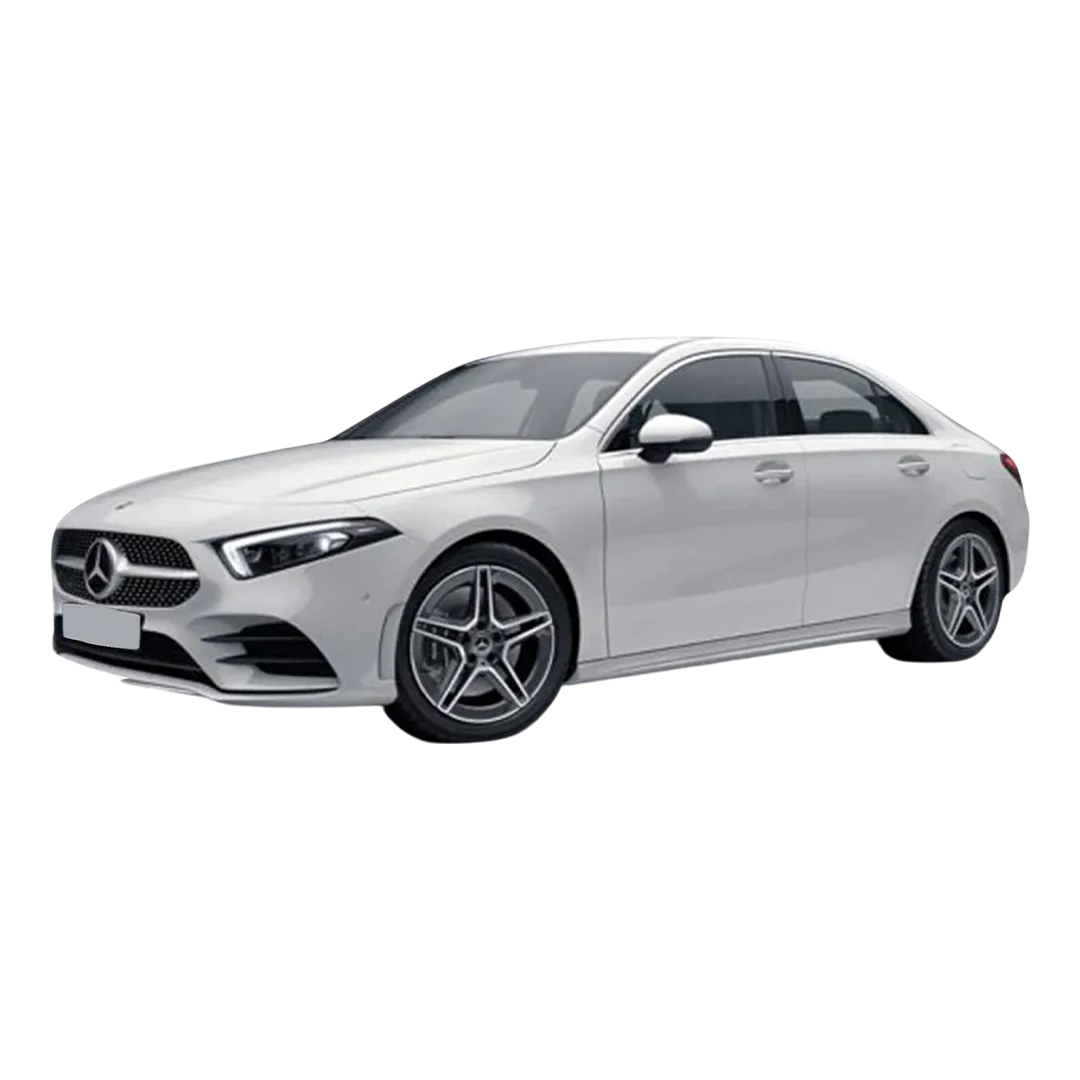 Mercedes Benz AMG A 35
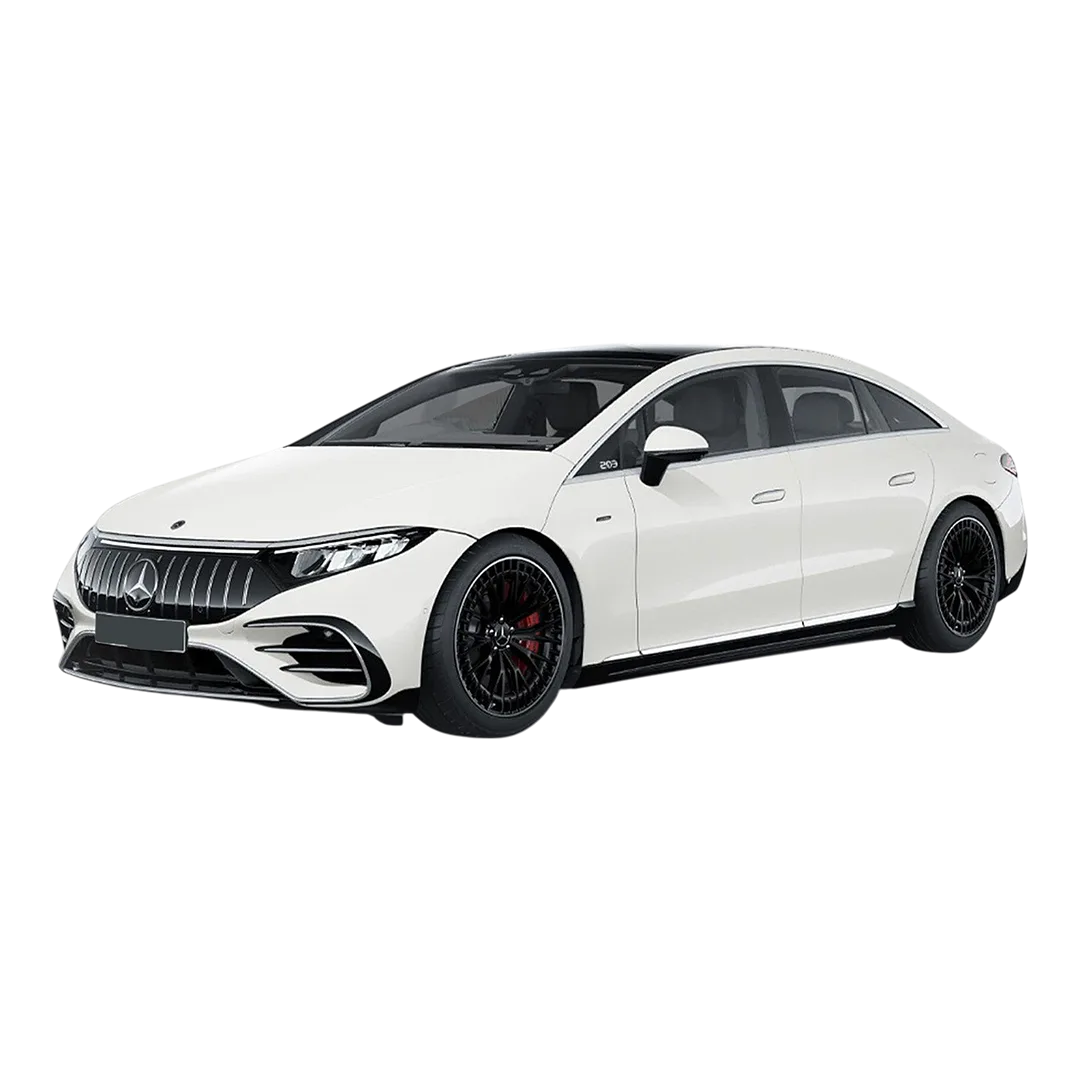 Mercedes-Benz AMG EQS
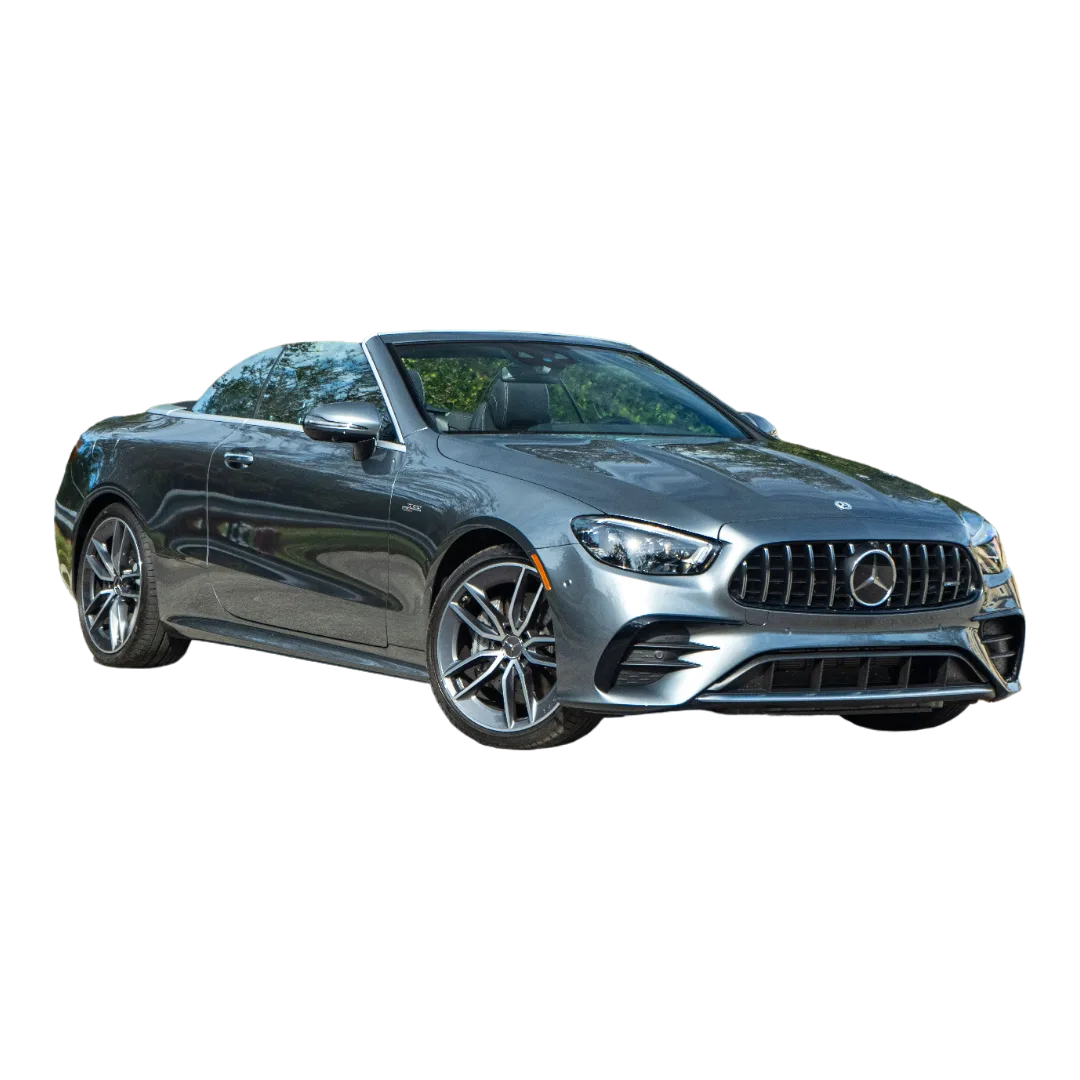 Mercedes-Benz AMG E 53 Cabriolet
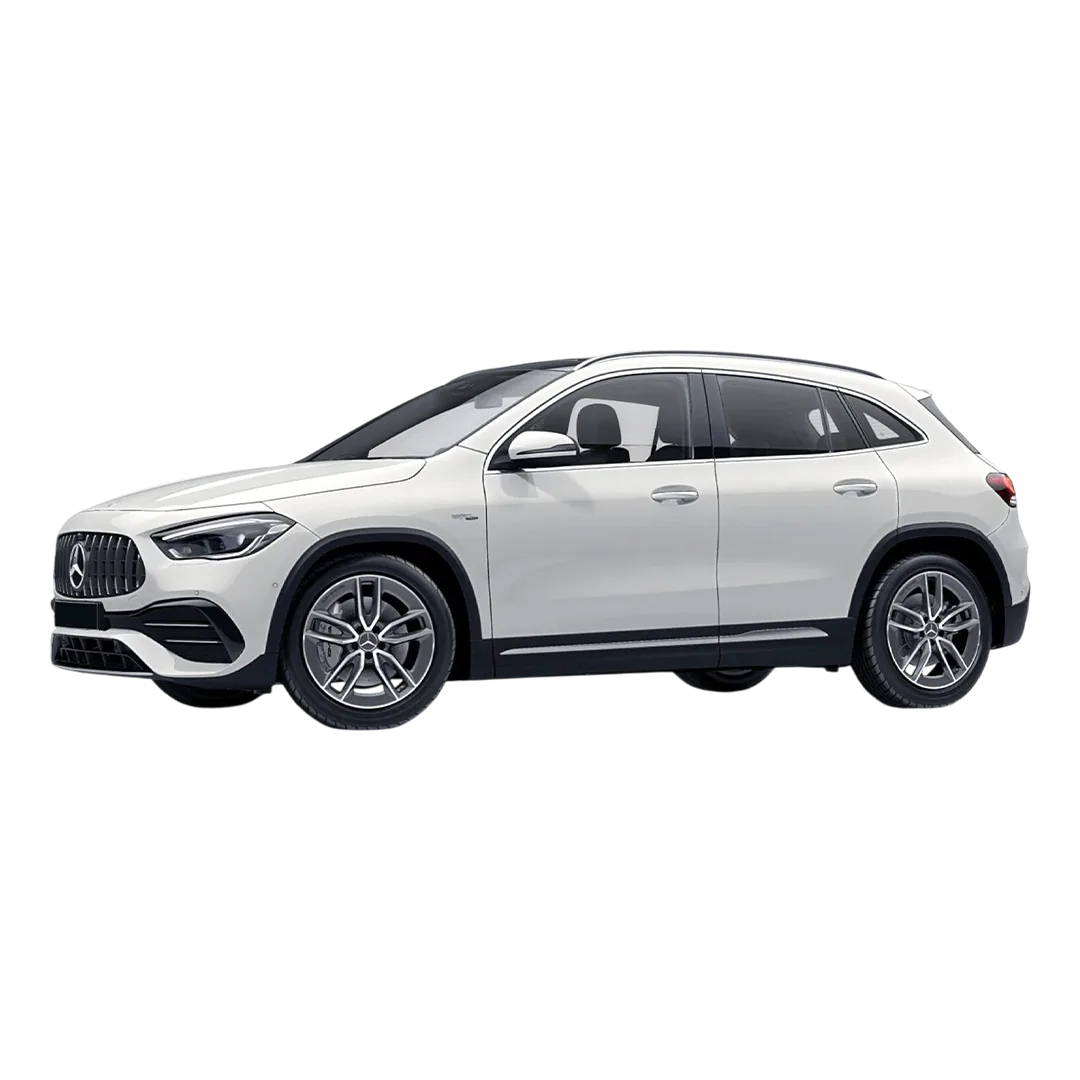 Mercedes-Benz AMG GLA 35
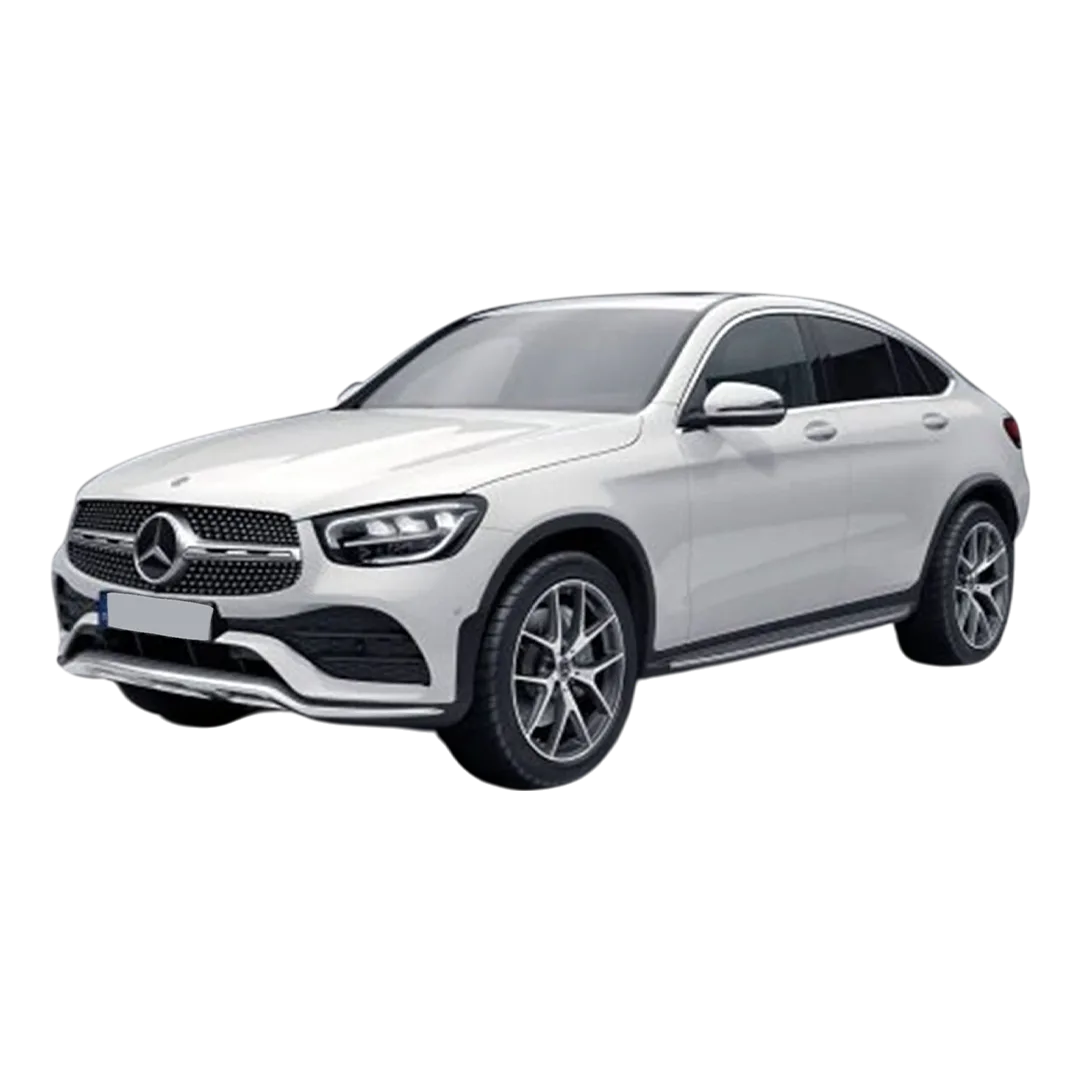 Mercedes-Benz GLC Coupe 2023
 Mercedes M-Class
R-Class
Mercedes M-Class
R-Class
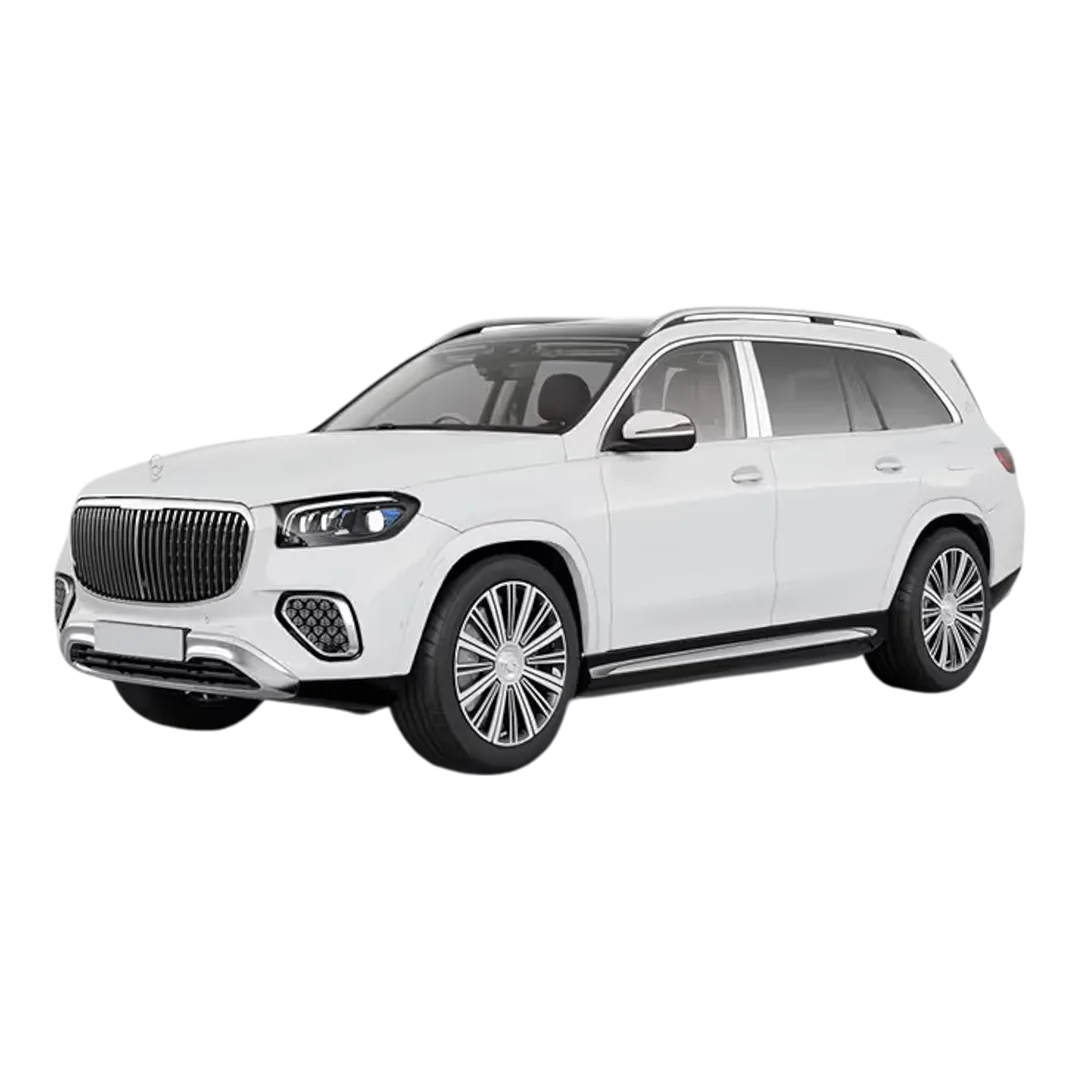 GLS 600
GLS 400
GLS 350
GLE 300
GLS 600
GLS 400
GLS 350
GLE 300
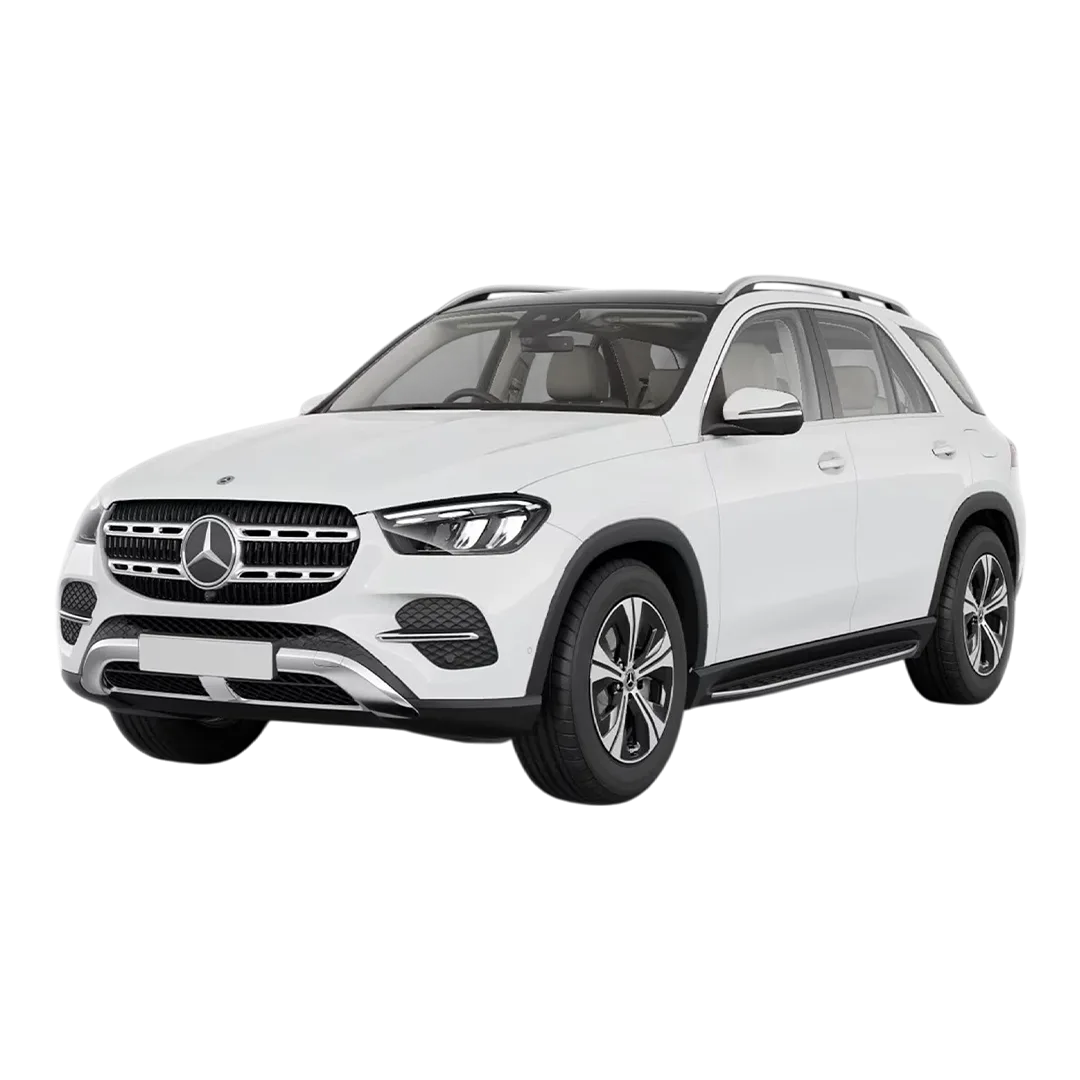 GLE 400
GLE 250D
GLE 400
GLE 250D
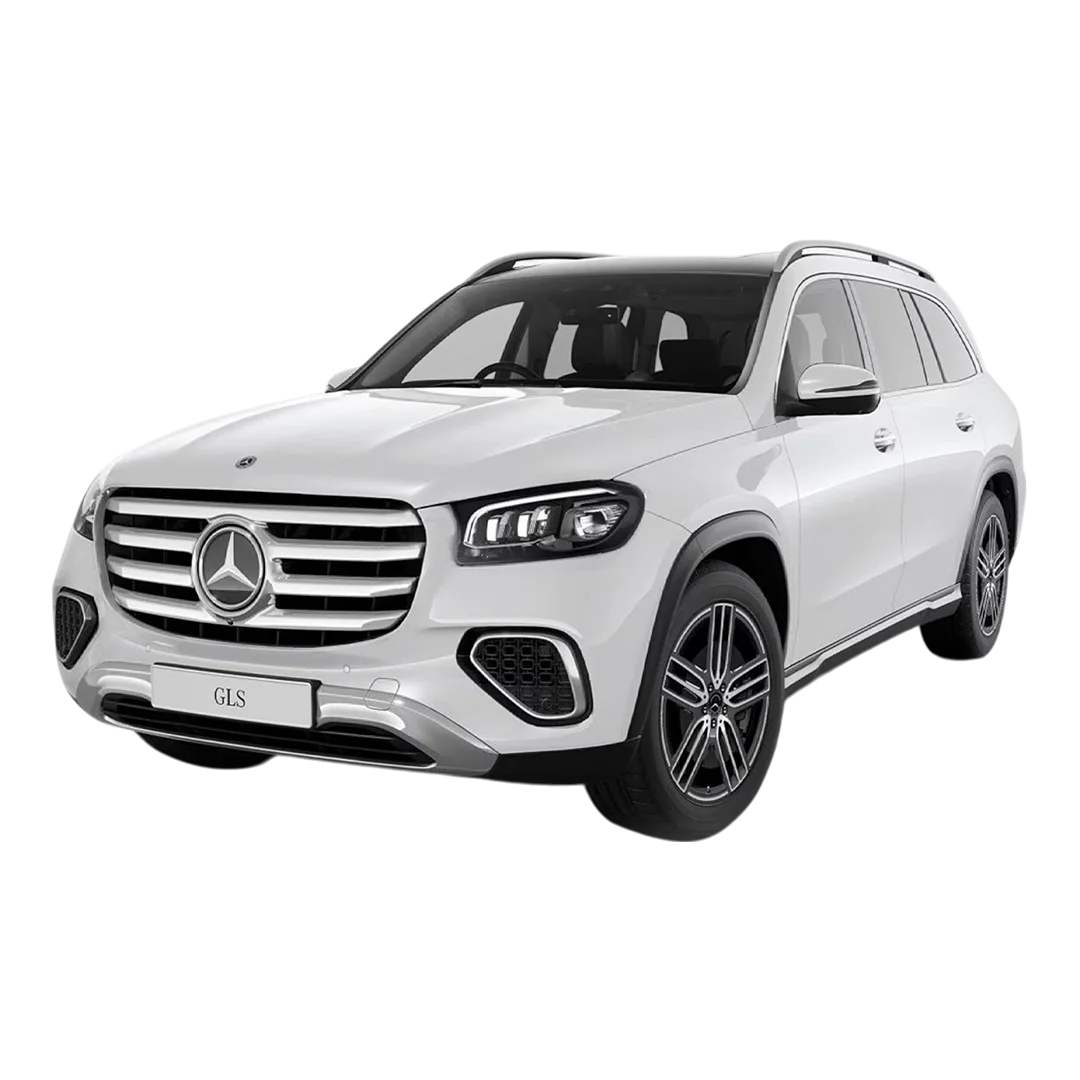 GLC 220D
GLC 300
GLC 220D
GLC 300
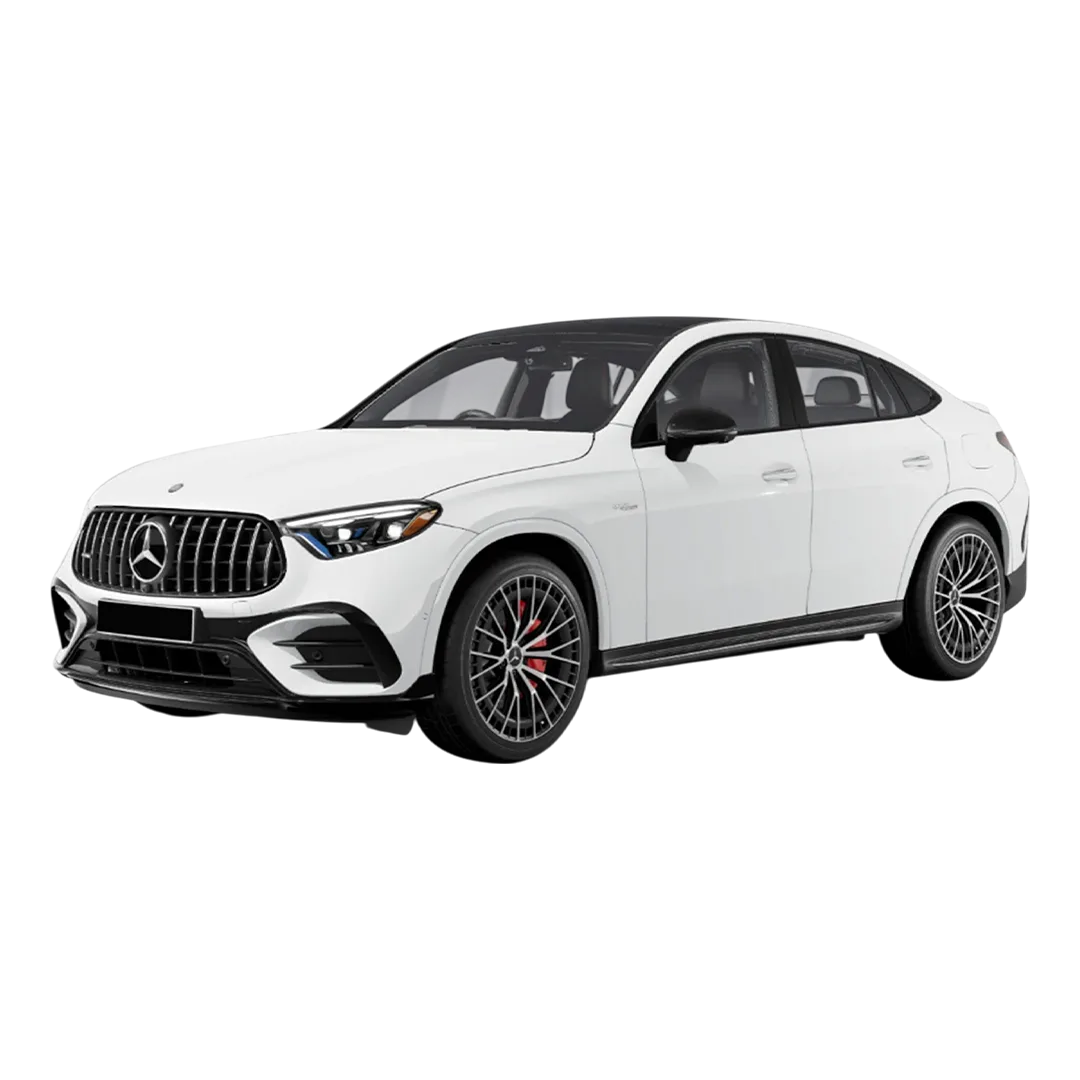 GLC 43 Coupe
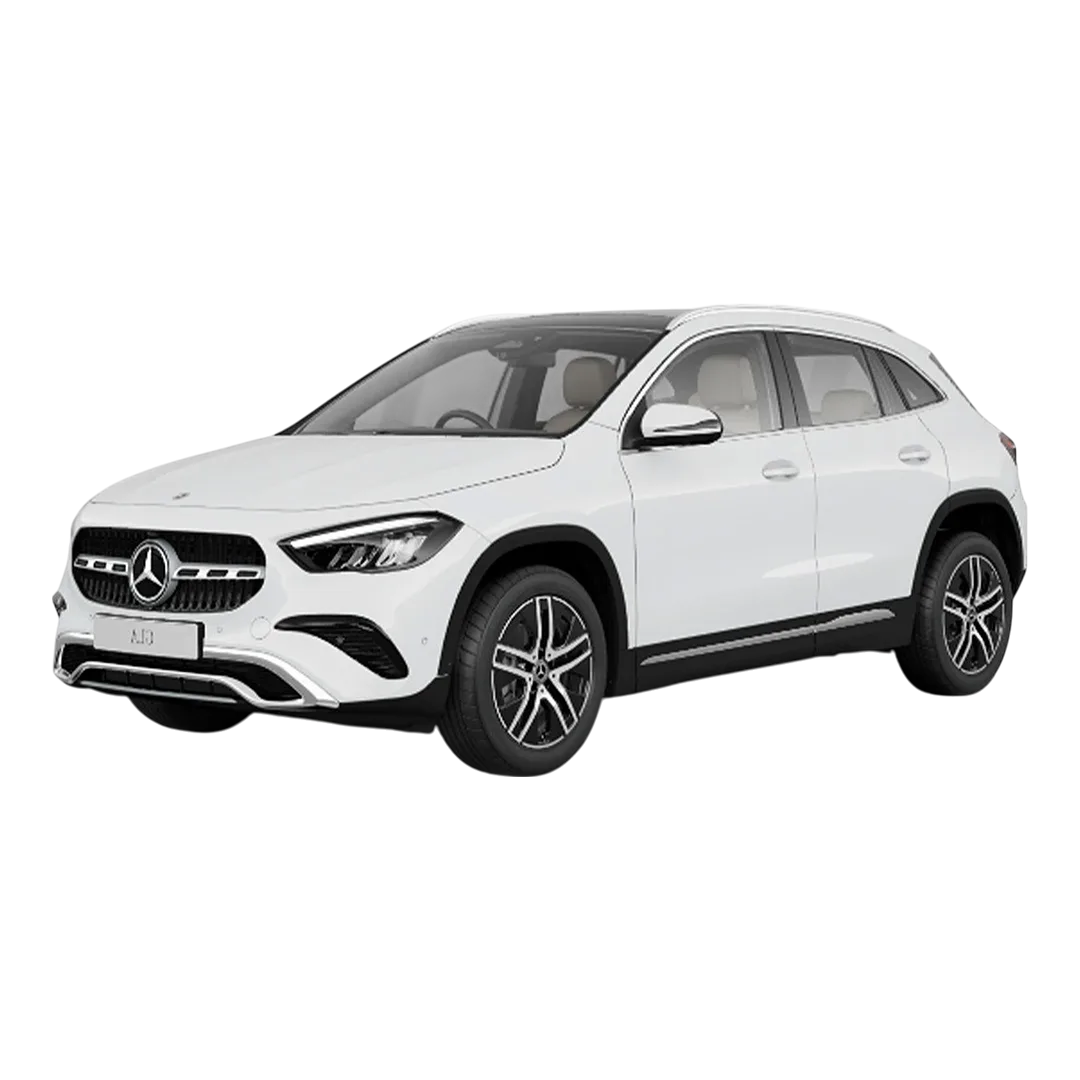 GLA 220d
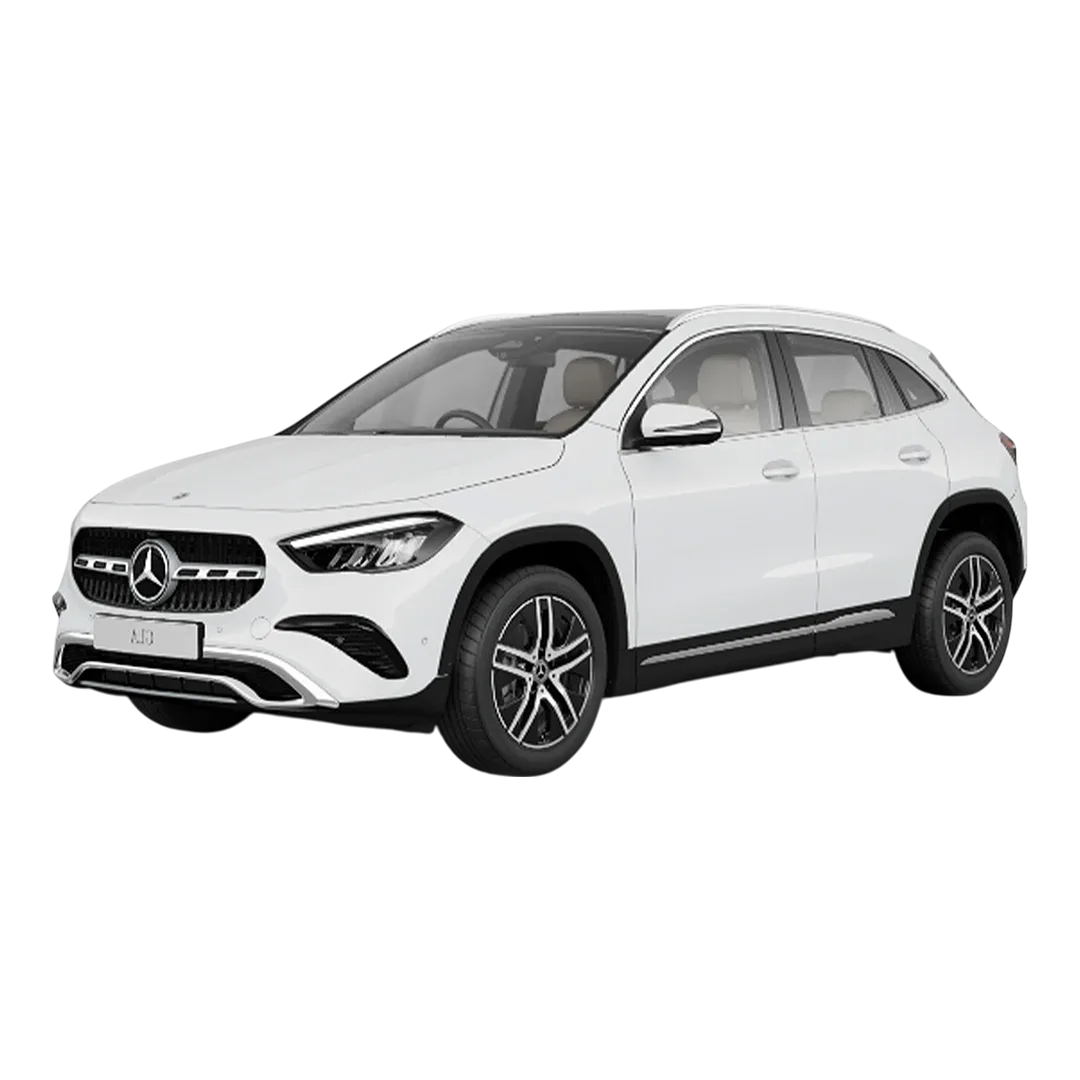 GLA-Class 200D
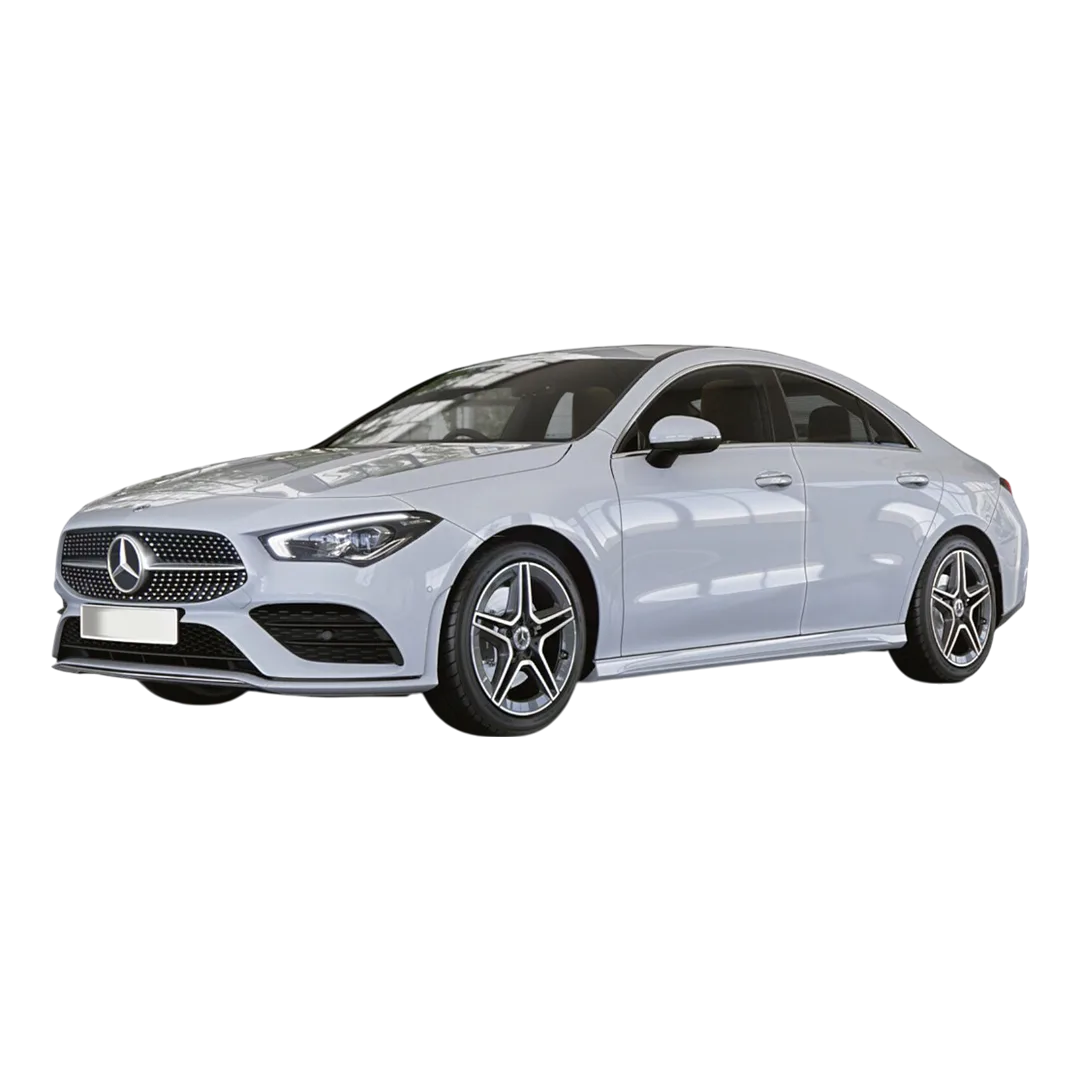 CLA 200
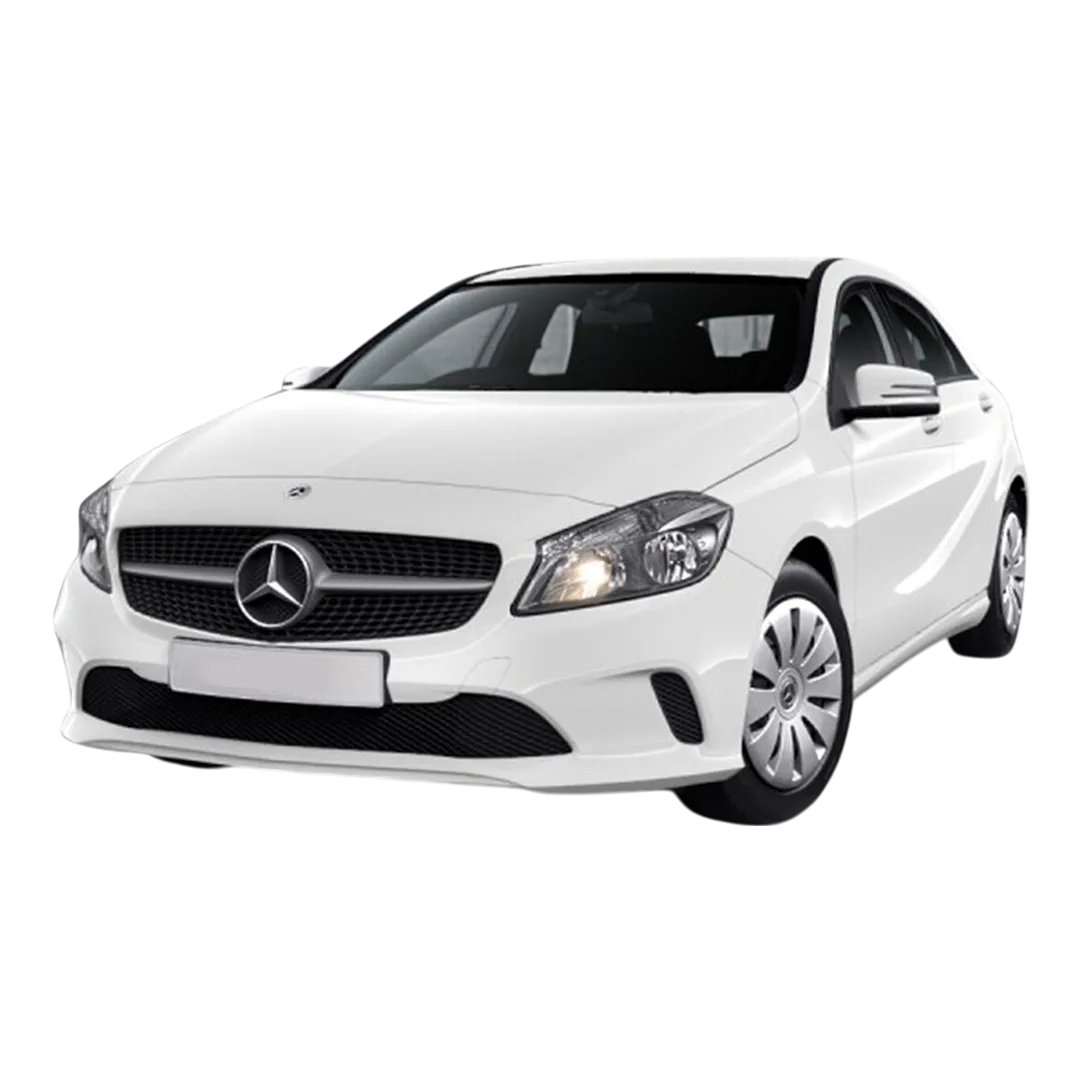 Benz A-Class A 180
M-Class ML 250
M-Class ML 350
Benz A-Class A 180
M-Class ML 250
M-Class ML 350
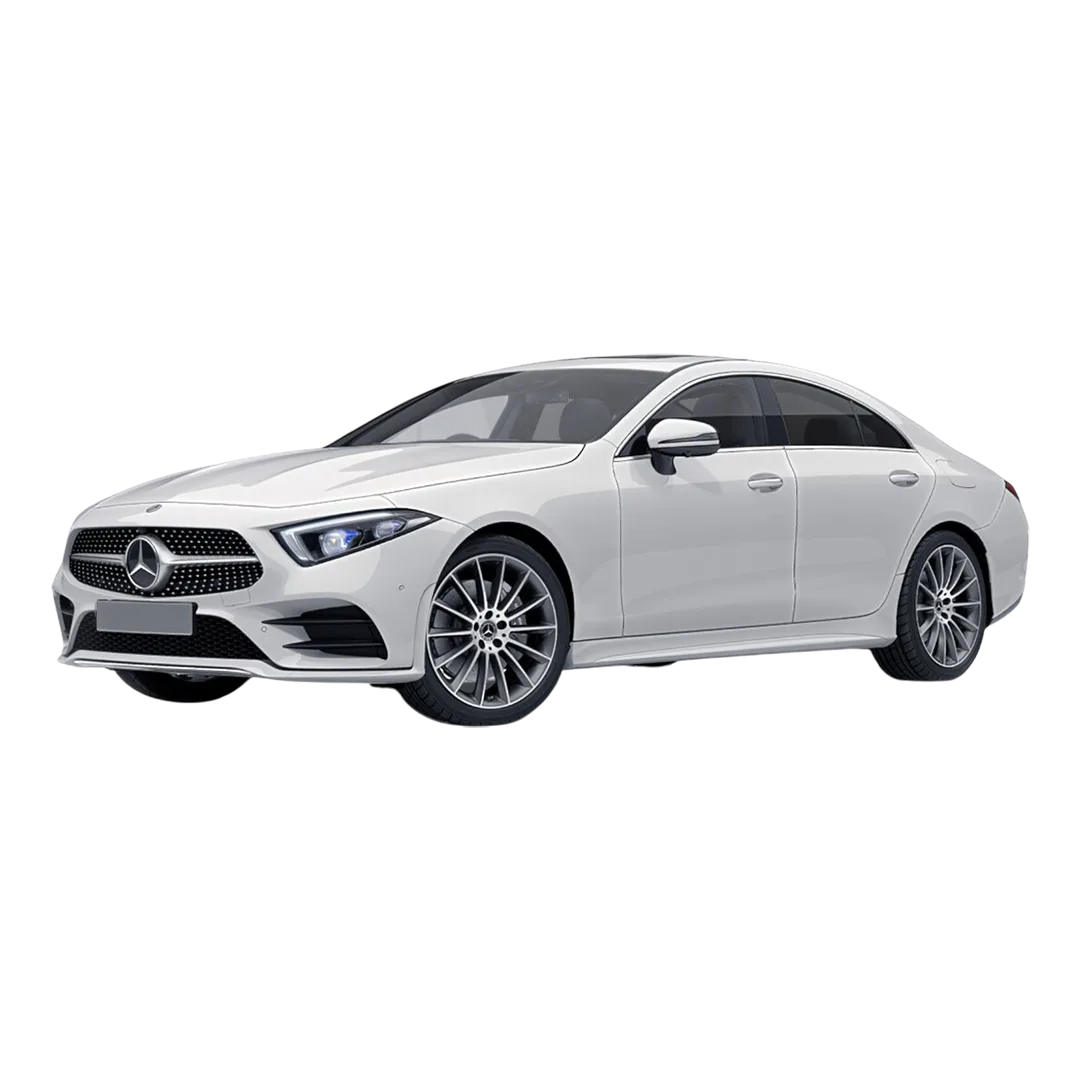 Benz CLS 300
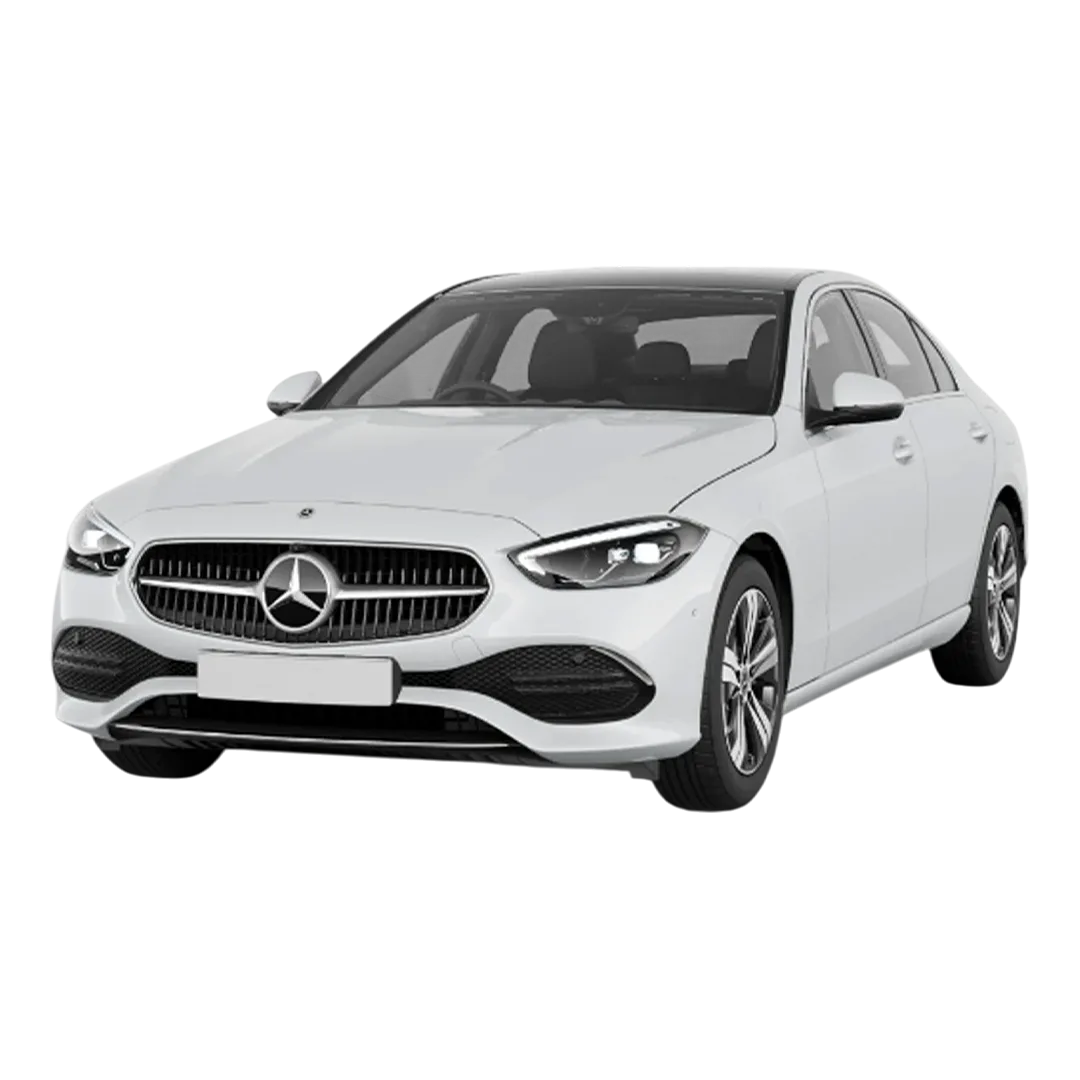 C-Class C250
C-Class C220
C-Class C200
C-Class C250
C-Class C220
C-Class C200
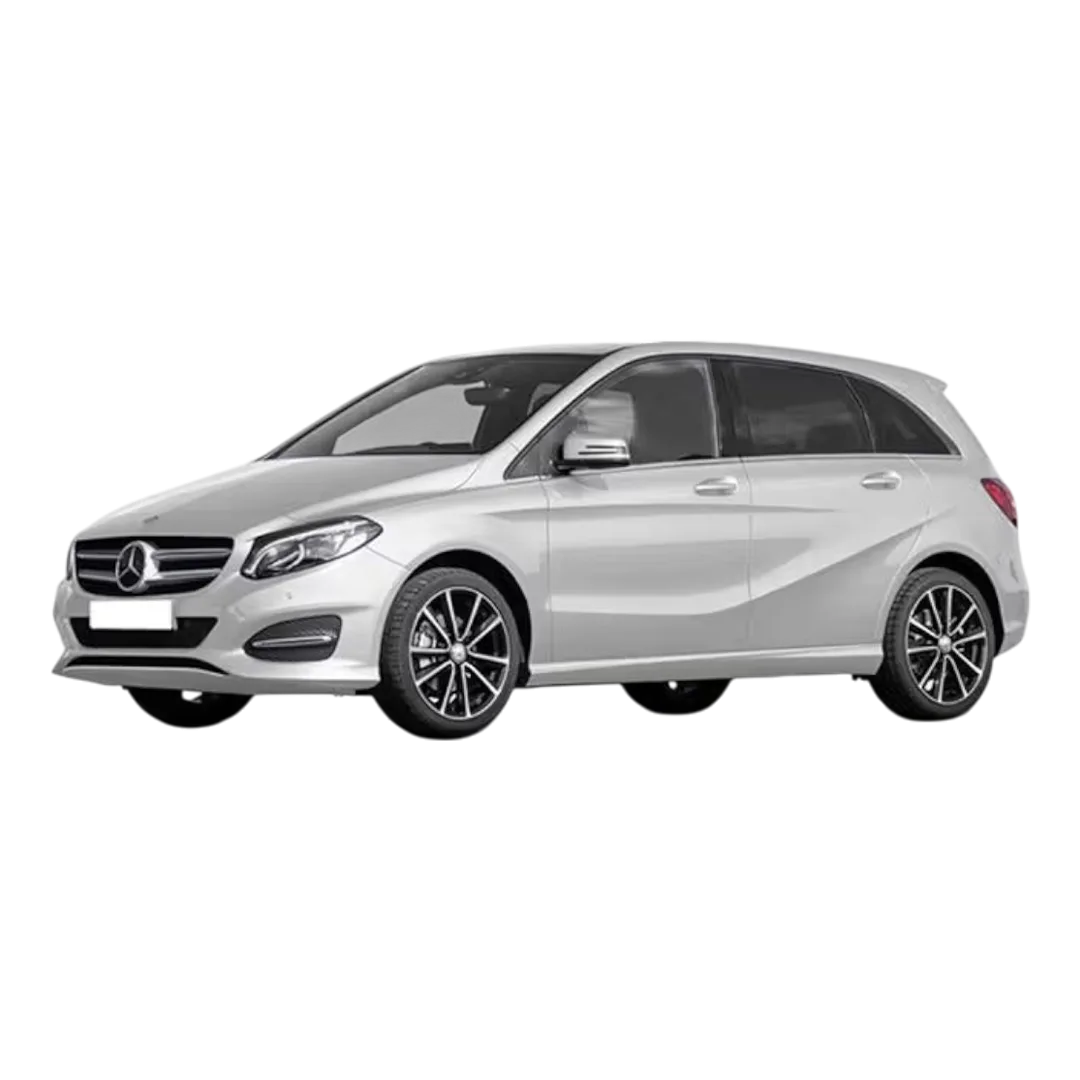 Benz B - Class
Benz A - 200
Benz B - Class
Benz A - 200

When buying car accessories online, one doubt always stays in mind. Will this product actually fit my car or not. Creckk App solves this problem with its Suggested Fit feature. Suggested Fit in Creckk App is designed specifically for Indian cars, models and variants. It uses car details to show accessories that are compatible with your vehicle. Instead of guessing, you get guided suggestions that reduce wrong purchases and returns.
Many users hesitate while shopping for car accessories because fitment mistakes are common. Suggested Fit in Creckk App removes this hesitation. Once you select your car details, the app filters products that match your car. This builds trust and confidence. This feature is designed for Indian car owners who want clarity before purchasing accessories.
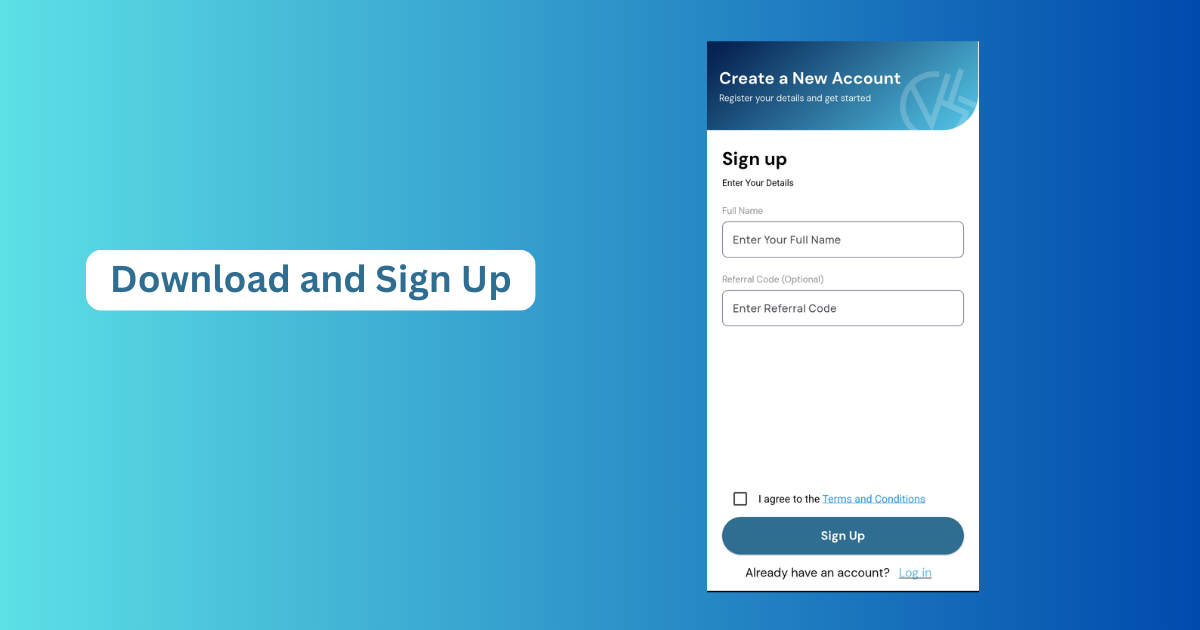
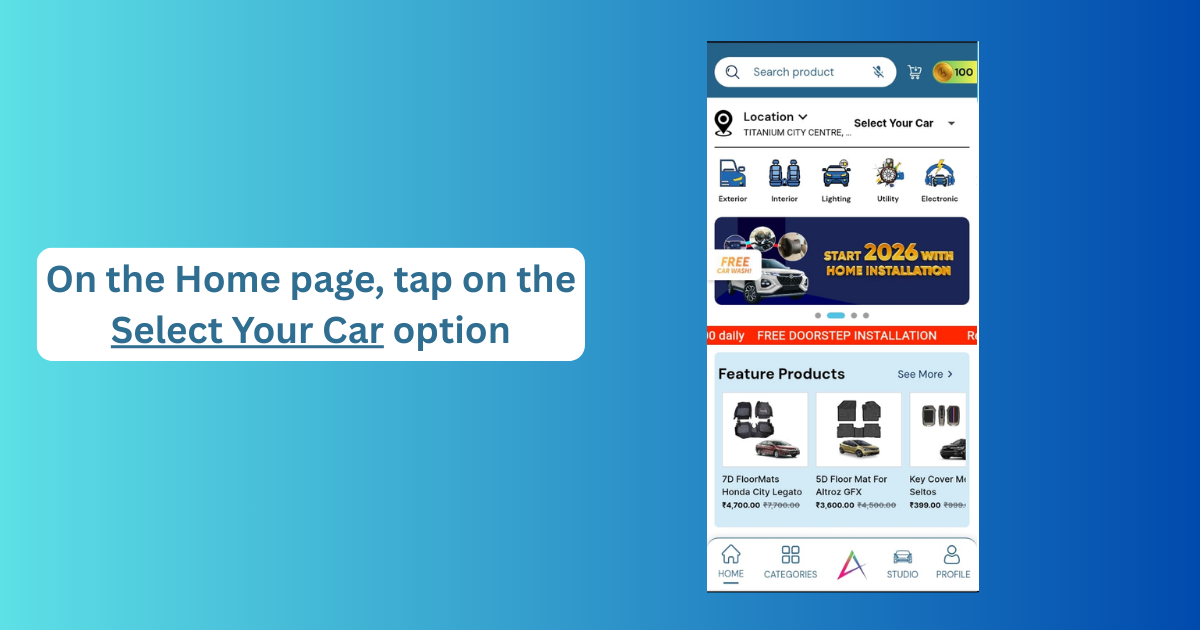
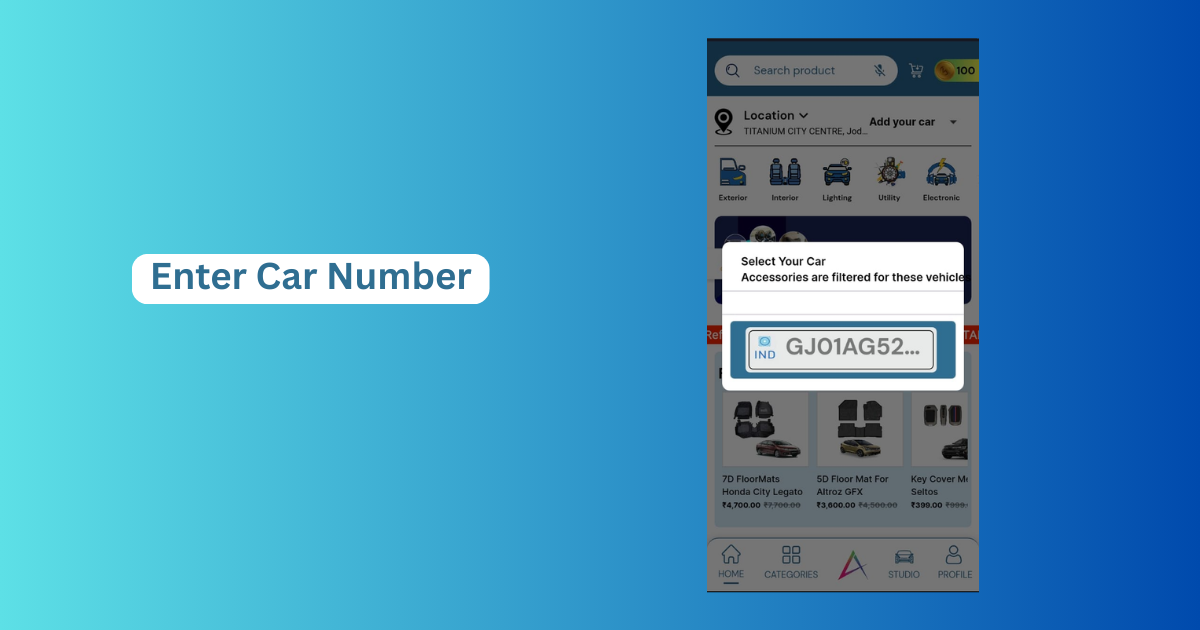
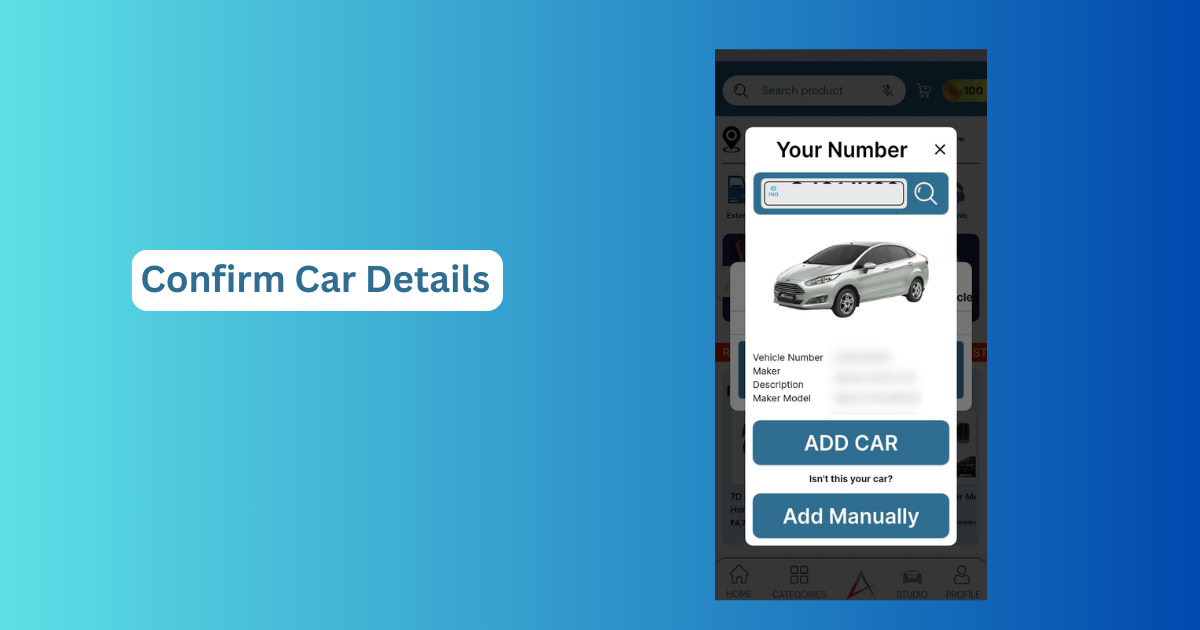
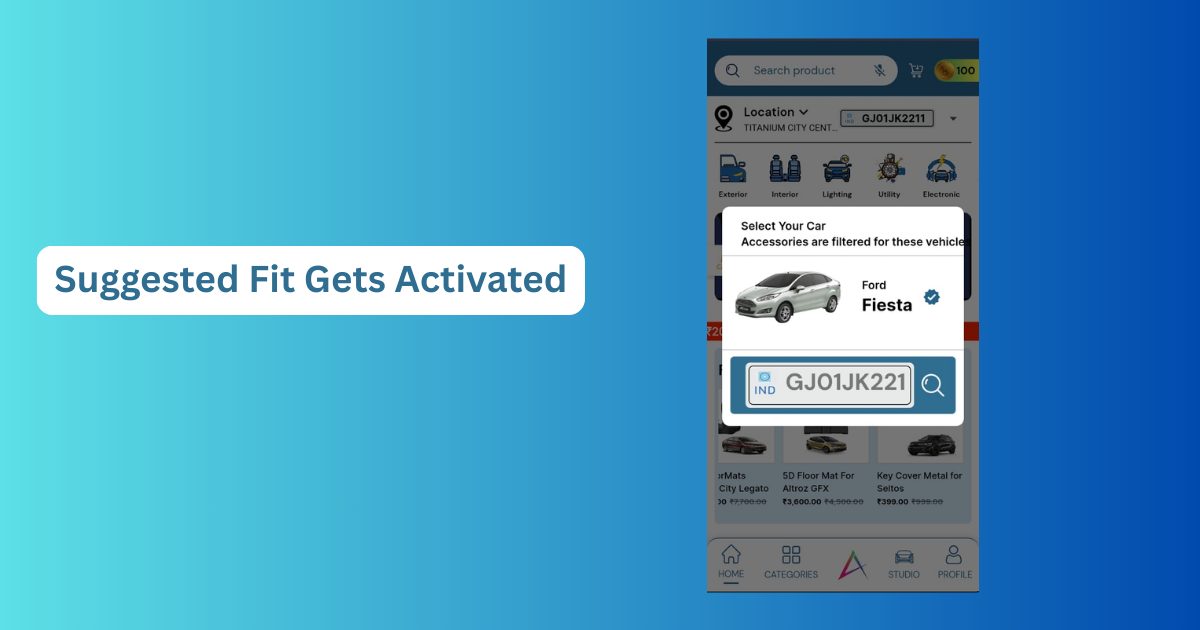
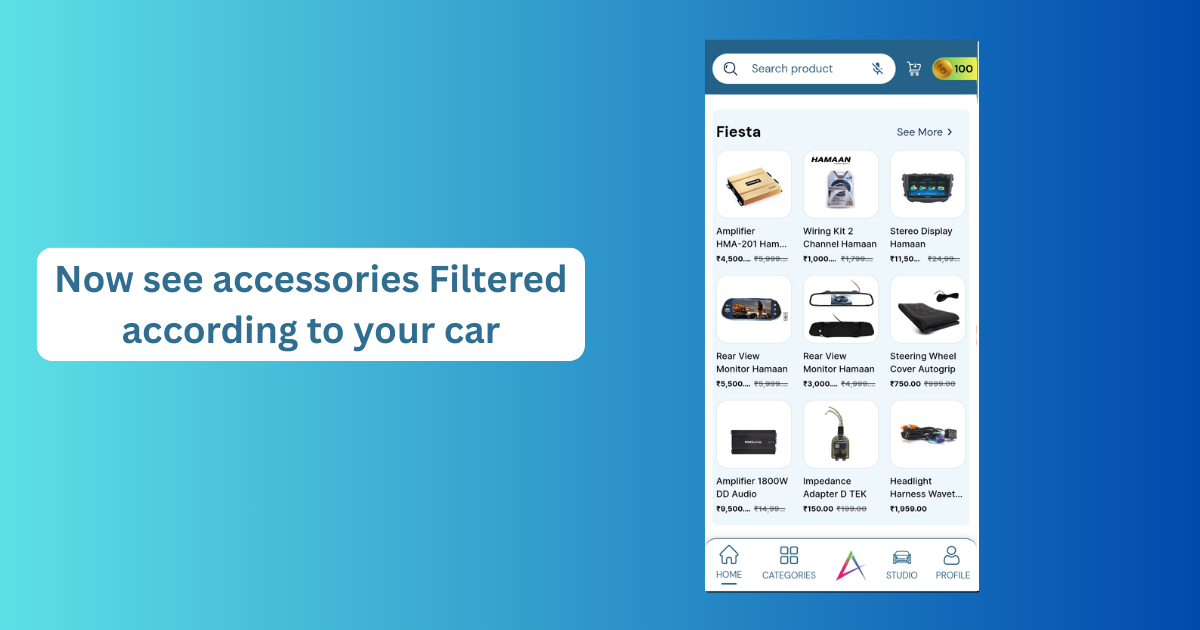
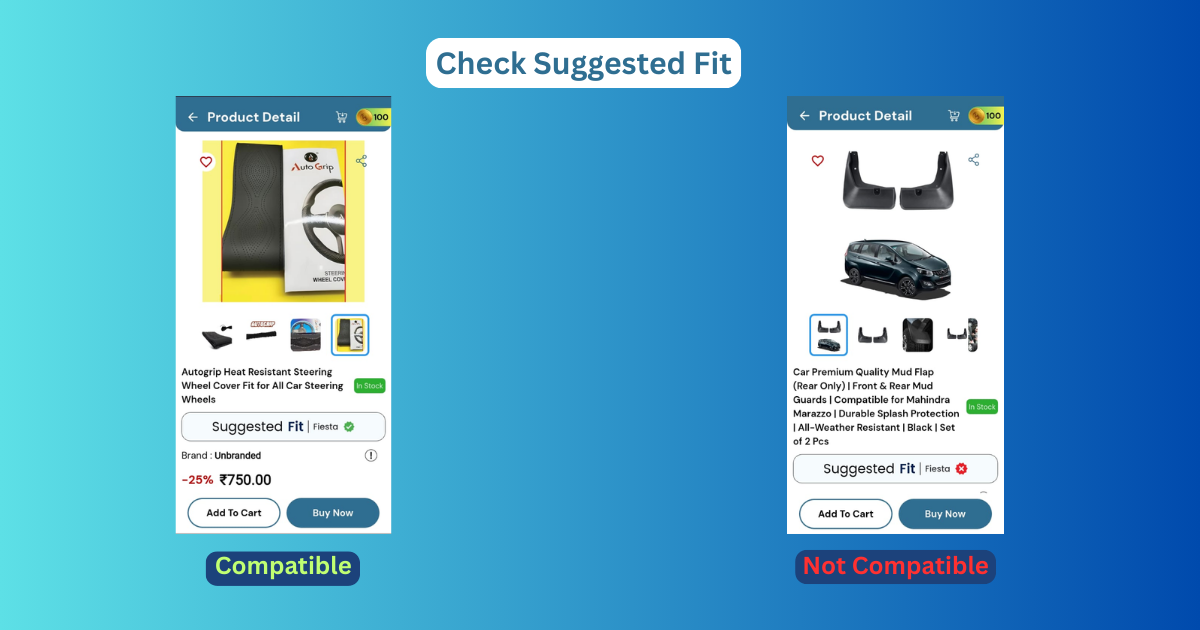
Suggested Fit in Creckk App improves the buying experience by making it more personal. You are not browsing random products anymore. You are exploring accessories that actually suit your car. Suggested Fit in Creckk App reduces return requests, installation issues and customer dissatisfaction. From a user perspective, it feels more controlled and reliable, especially for first time buyers.
From a business perspective, Suggested Fit helps Creckk:
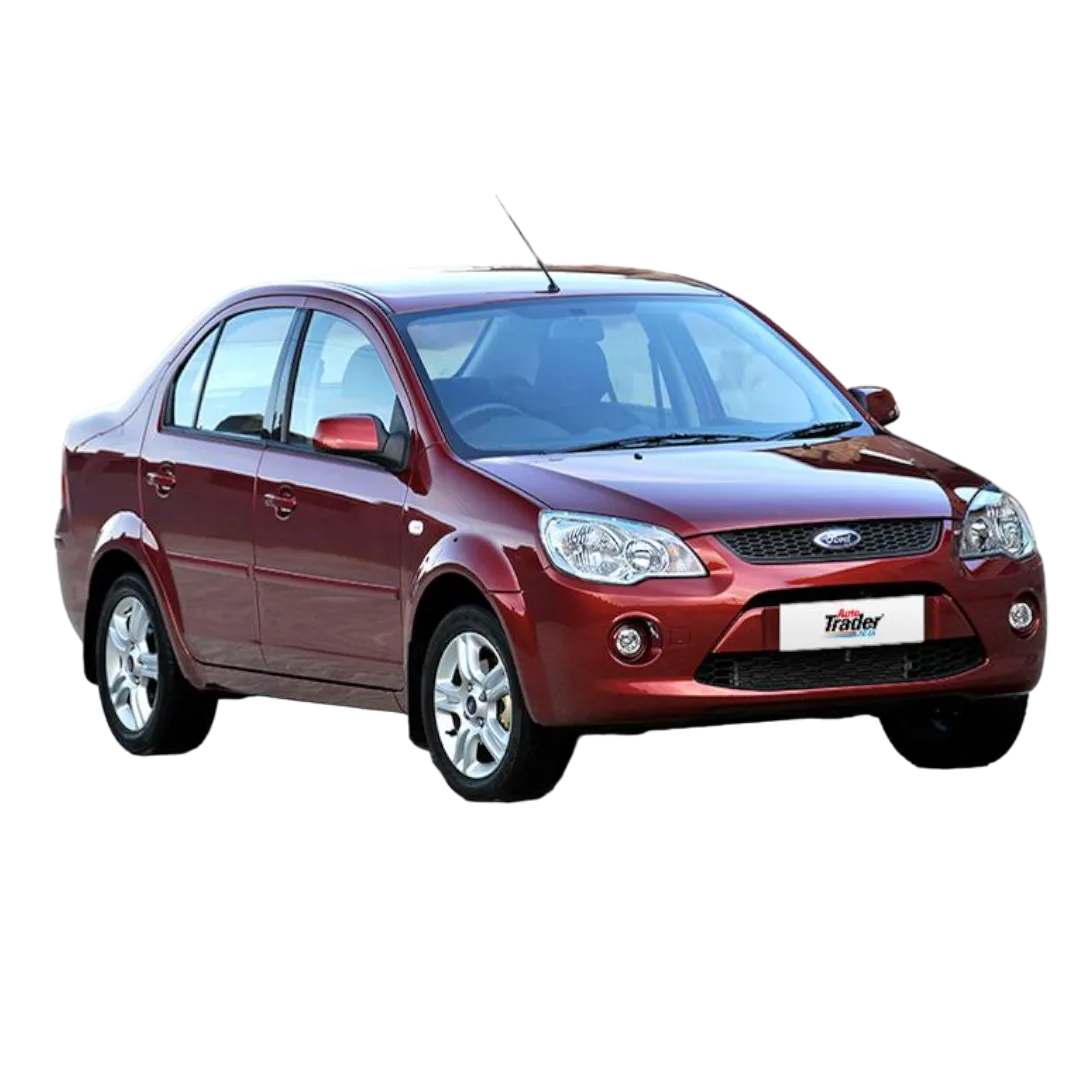
Suppose you own a Ford Fiesta and want to buy a Car Dashcam or wiring kit. Without Suggested Fit in Creckk App, you might order the wrong size. With Suggested Fit enabled, the app shows only Fiesta compatible products. This experimental approach helps users learn by doing rather than assuming.
Suggested Fit in Creckk App is built using verified product data and car compatibility details. While no system is perfect, Creckk regularly updates fitment information based on expert input and user feedback.
Always double check your car variant and year before selecting Suggested Fit in Creckk App. Small differences can affect compatibility. If unsure, compare product descriptions or contact Creckk support. This cautious approach ensures maximum benefit from Suggested Fit in Creckk App.
What is Suggested Fit in Creckk App
Suggested Fit in Creckk App is a feature that recommends car accessories based on your specific car model and variant.
How do I activate Suggested Fit in Creckk App
You activate Suggested Fit by selecting your car details inside the Creckk App.
It works automatically after that.
Is Suggested Fit in Creckk App free to use
Yes, Suggested Fit in Creckk App is completely free for all users.
Does Suggested Fit in Creckk App reduce wrong orders
Yes, it significantly reduces wrong orders by showing only compatible products.
Can I change my car details later in Suggested Fit
Yes, you can update or change your car details anytime in the Creckk App.